

Overview: The Need for Versioning
Without versioning, any deletion or replacement of a file in S3 is permanent. Imagine an S3 bucket with five files: file1, file2, file3, file4, and file5. If file1 is deleted, it is removed permanently and cannot be recovered later. Likewise, uploading a file with a name that already exists (e.g., file5.txt) will overwrite the existing file.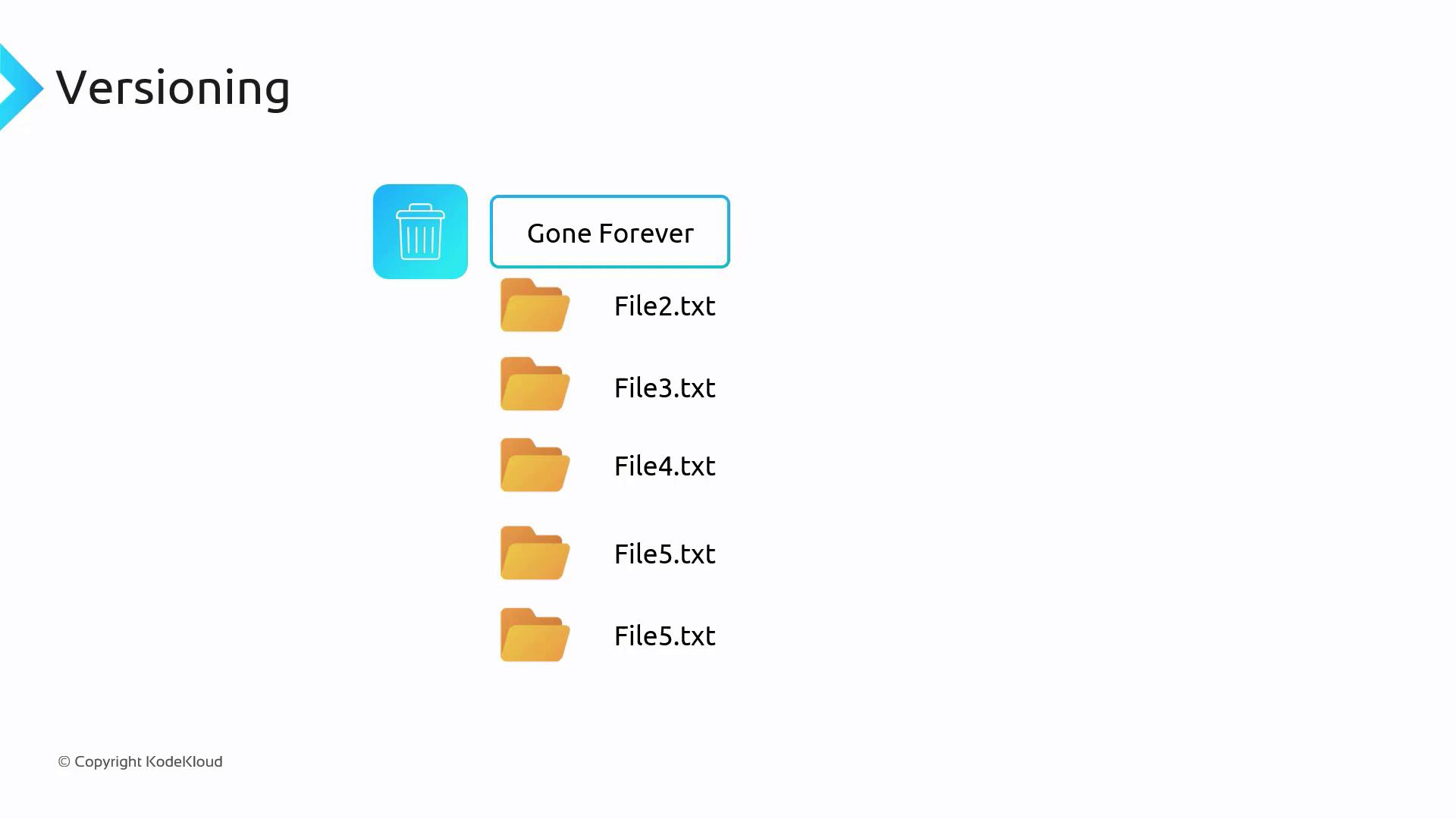
Enabling Versioning at the Bucket Level
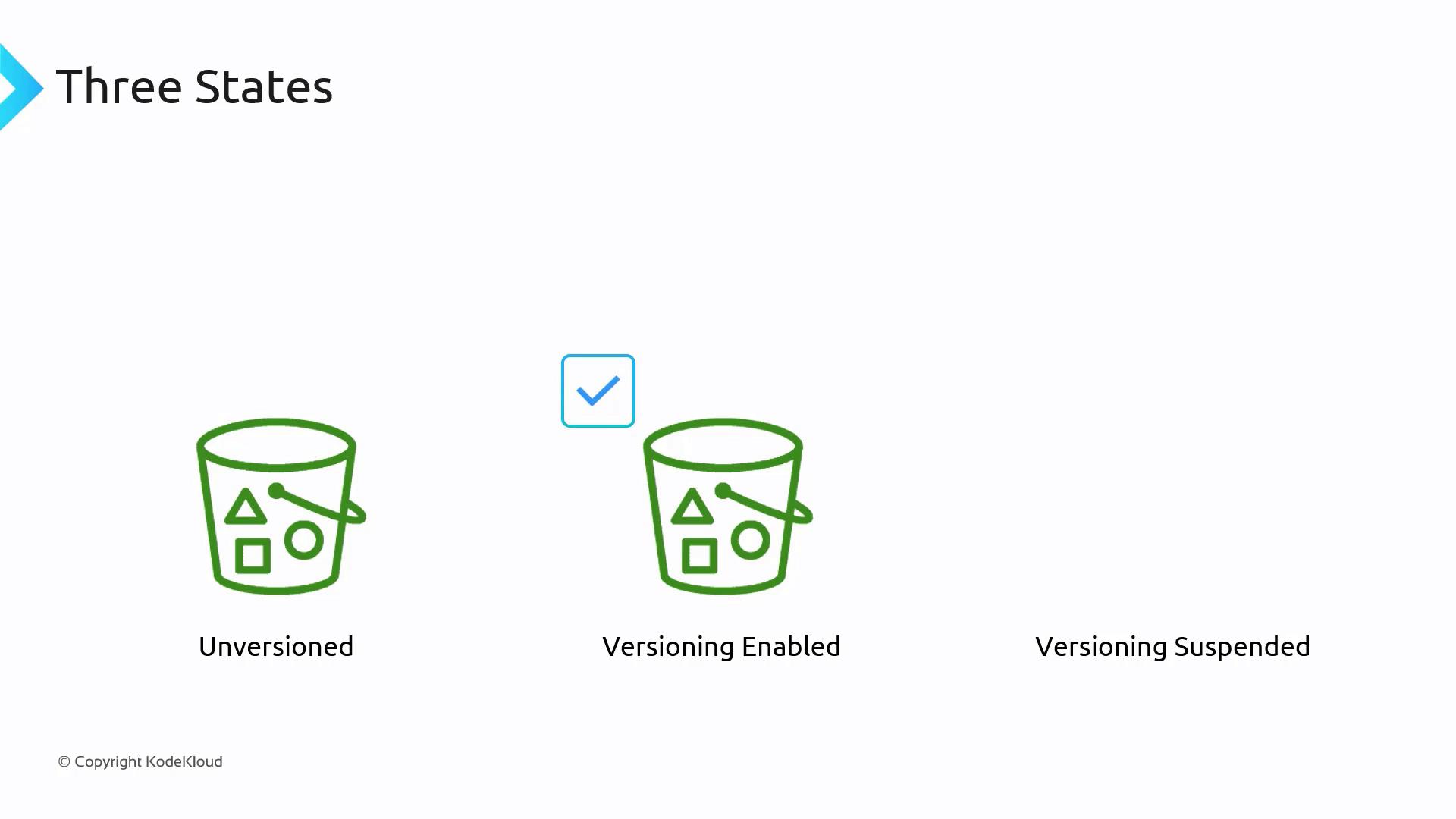
Versioning must be enabled at the bucket level – it cannot be applied to individual objects. When enabled, a bucket can be in one of three states:- Unversioned: Versioning is disabled (default state).
- Versioning Enabled: New uploads are assigned a unique version ID.
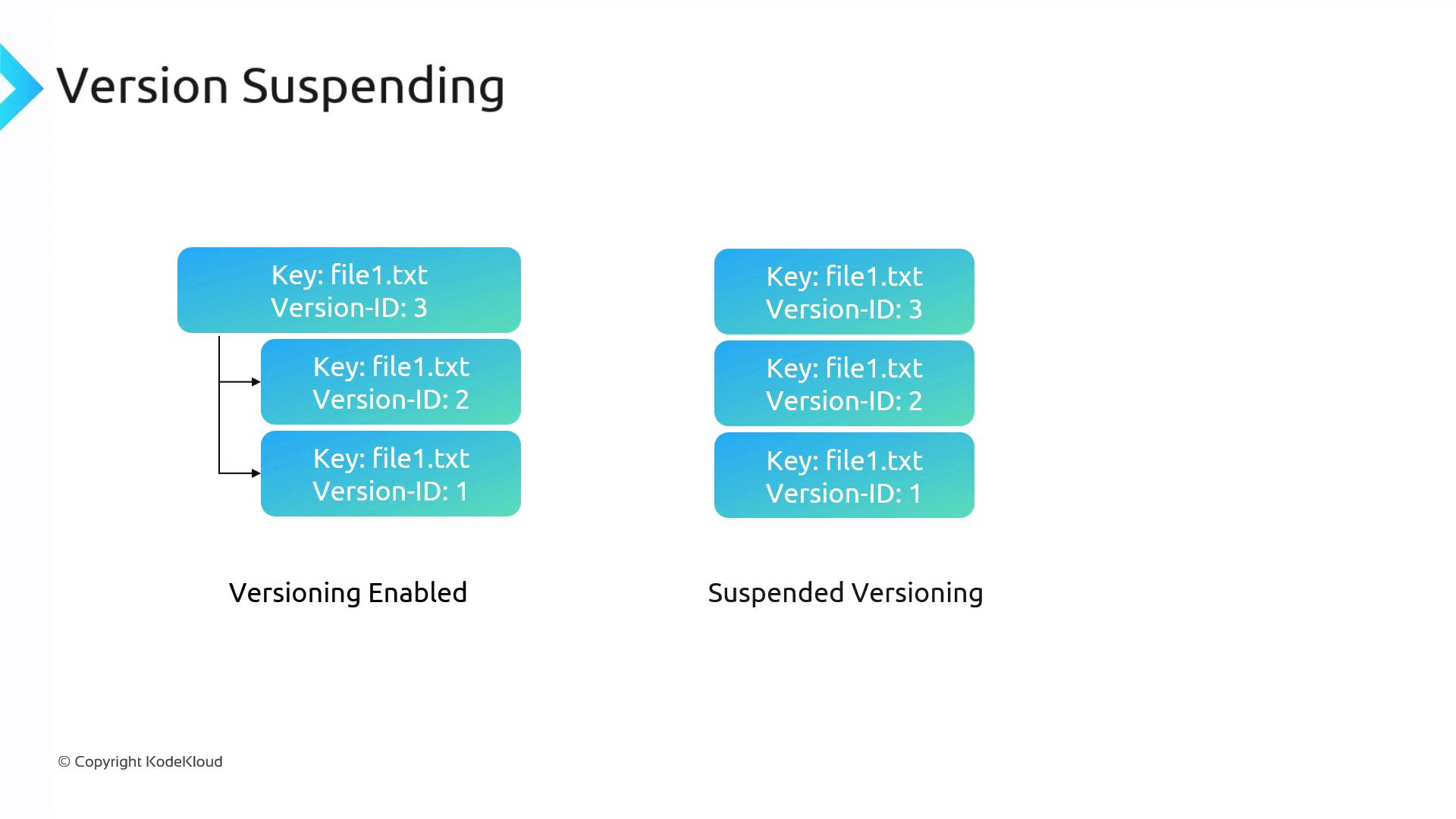
- Versioning Suspended: Existing versions are maintained, but new uploads receive a null version ID, effectively working like an unversioned bucket.
Once versioning is enabled, a bucket cannot be switched back to an unversioned state; you can only suspend it. In suspended mode, new uploads receive a null version ID and replace the current object without creating a new version.
How Versioning Works Under the Hood
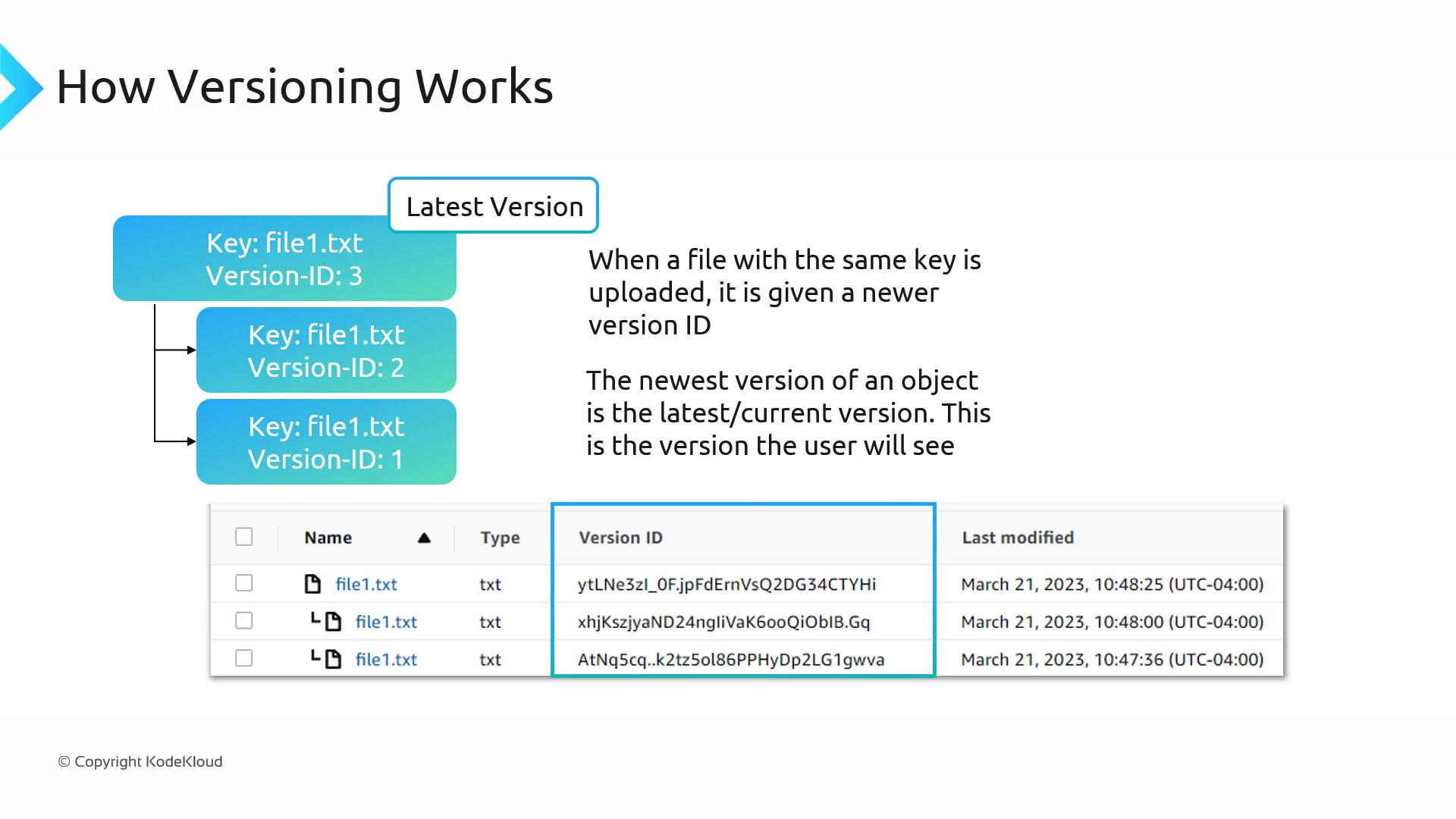
When versioning is activated, each uploaded object receives a unique version ID. Consider the following example:- Initial Upload: When you first upload an object (e.g., file1.txt), it is assigned a version ID. While the documentation might use a placeholder like “1,” actual version IDs are unique, lengthy strings.
- Subsequent Uploads: Uploading an object with an existing key creates a new version with its own unique version ID (for example, “2”, then “3”, and so on).
- Latest Version: The most recent version (e.g., version ID “3”) is treated as the active version. If you request file1.txt without specifying a version ID, S3 returns this latest version.
Deleting Objects with Versioning
When deleting an object without specifying a version ID, S3 inserts a special delete marker. This marker acts as a pointer to hide previous versions without permanently erasing the original data. To recover an object, you can remove the delete marker via the S3 console, restoring access to the most recent non-deleted version. If you delete a specific object by including its version ID, that particular version is permanently removed, and the next available version becomes the current one.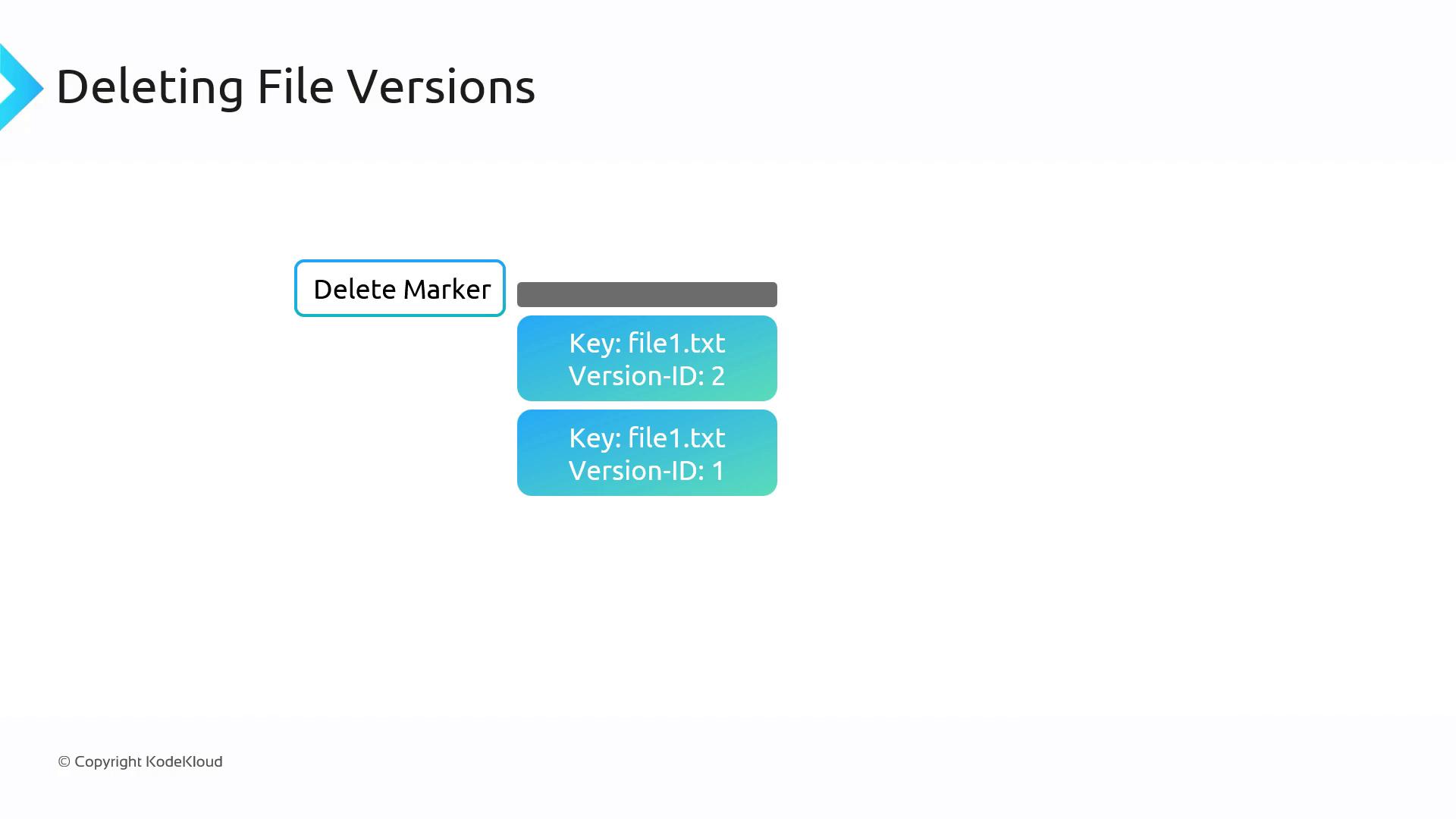
Versioning Suspension
Suspending versioning stops new uploads from receiving unique version IDs while keeping all existing versions intact. In this state:- All existing versions remain available.
- New uploads will have a null version ID, and they will override the visible object without creating a new version.
To remove older versions once versioning is suspended, you must manually delete them.
MFA Delete: An Extra Layer of Security
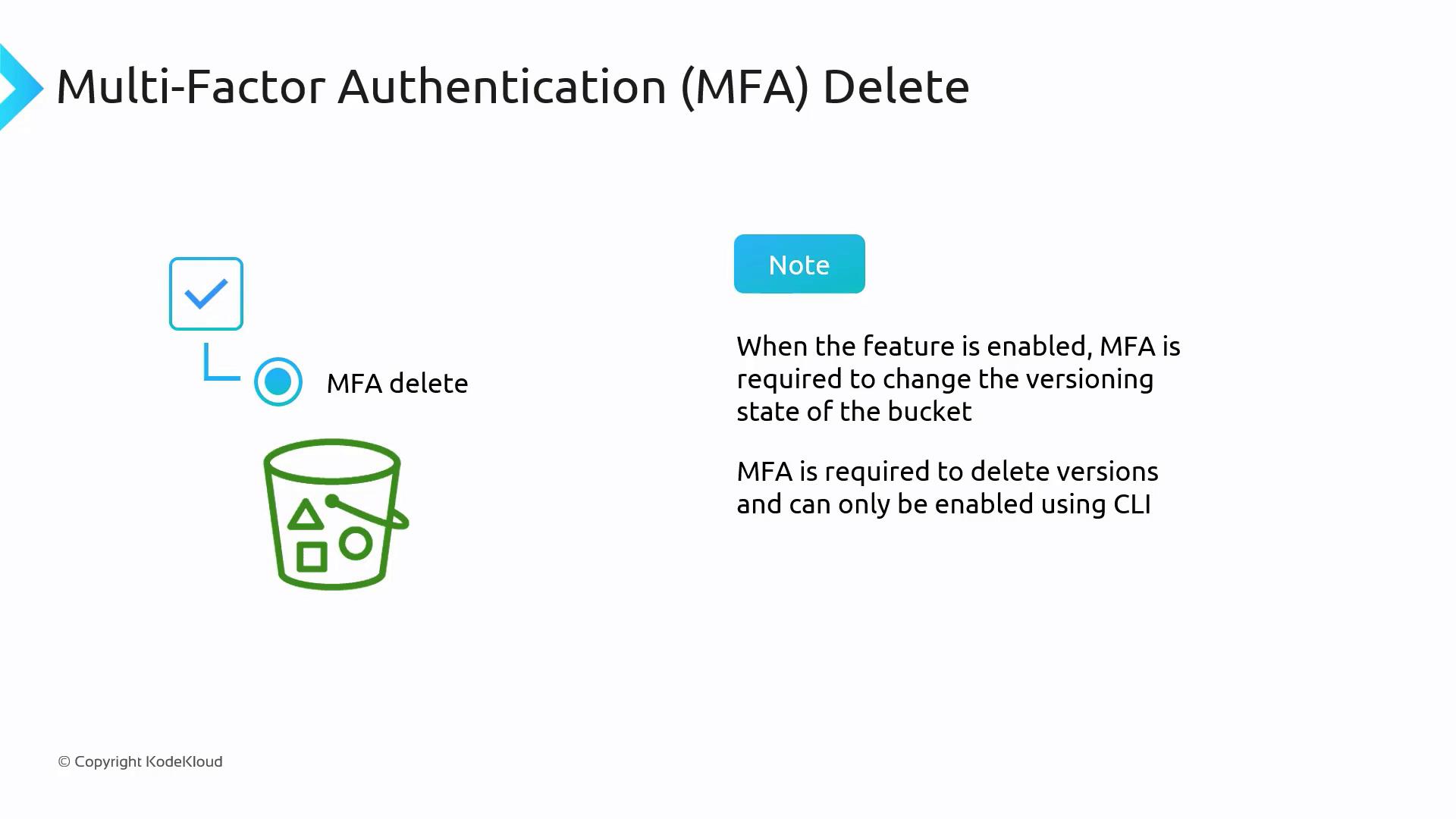
Multi-Factor Authentication (MFA) delete provides an additional layer of protection by requiring MFA verification for sensitive actions related to versioning. With MFA delete enabled:- Changing the bucket’s versioning state needs MFA verification.
- Deleting a specific version also requires MFA confirmation.
Impact on Storage Pricing
Every version of an object stored in an S3 bucket incurs storage charges. For example, if file1.txt has a 10 GB version and another 15 GB version, you will be billed for a total of 25 GB. Managing multiple versions of large files can lead to increased storage costs.Summary
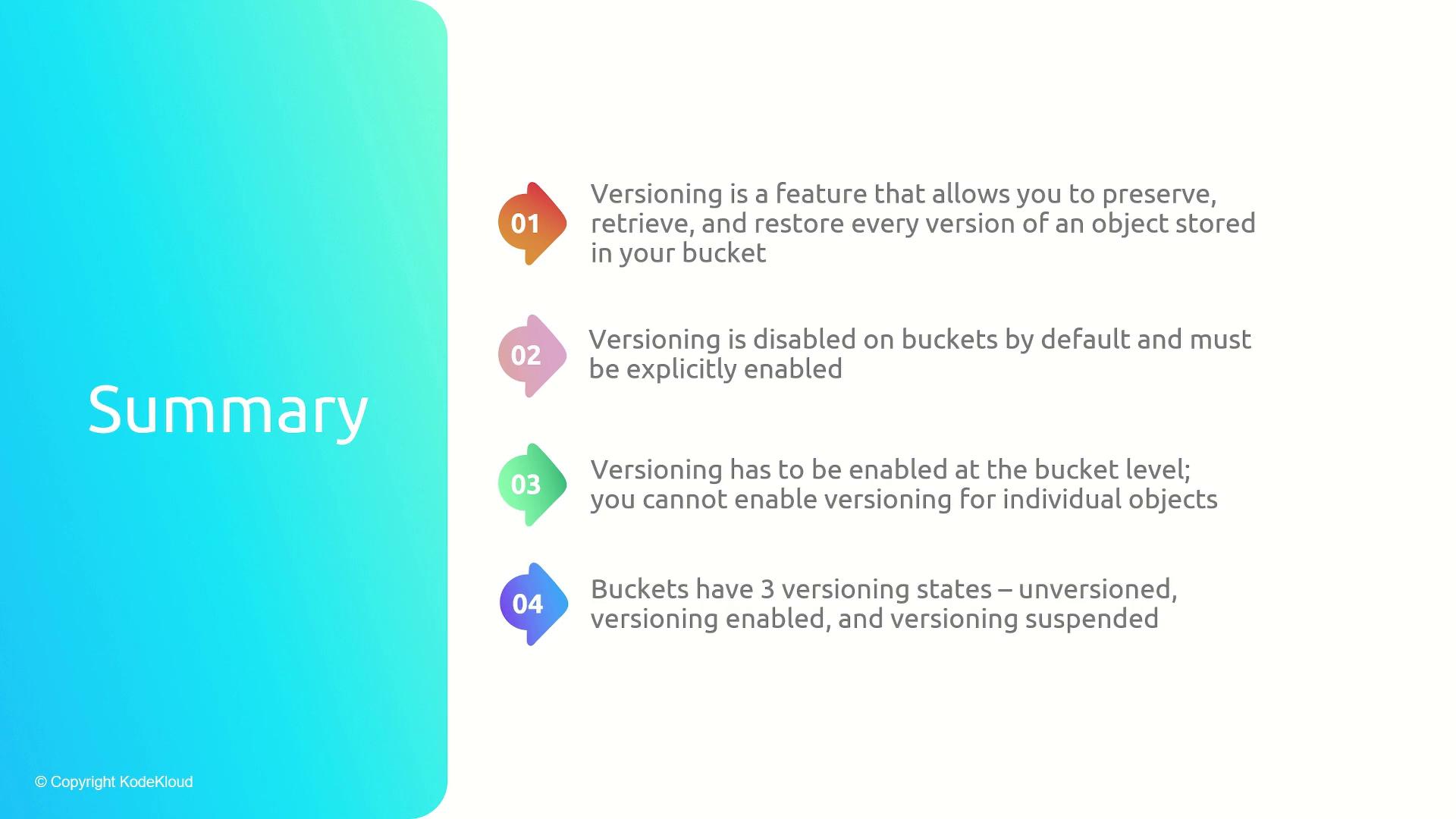
Amazon S3 versioning provides robust data protection by preserving every version of your objects. Here are the key takeaways:- Versioning is activated at the bucket level rather than the object level.
- Buckets start as unversioned, but you can enable or suspend versioning.
- Once enabled, versioning cannot be completely disabled but may be suspended.
- Deleting objects without specifying a version ID adds a delete marker, while specifying a version ID permanently deletes that version.
- MFA delete adds extra security, ensuring that critical changes require multi-factor authentication.
- Storing multiple versions increases storage costs—monitor your usage carefully.
For further reading on Amazon S3 and its features, consider exploring the AWS Documentation and Amazon S3 FAQs.