

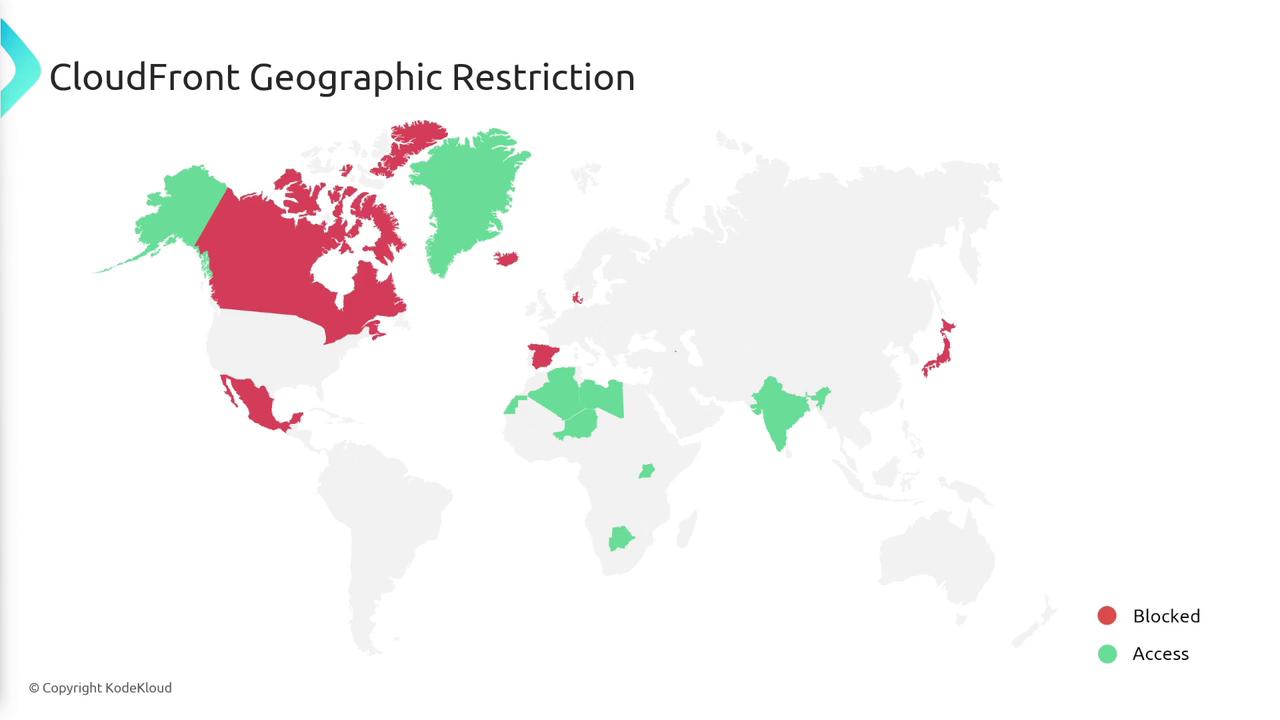
Configuring Geographic Restrictions
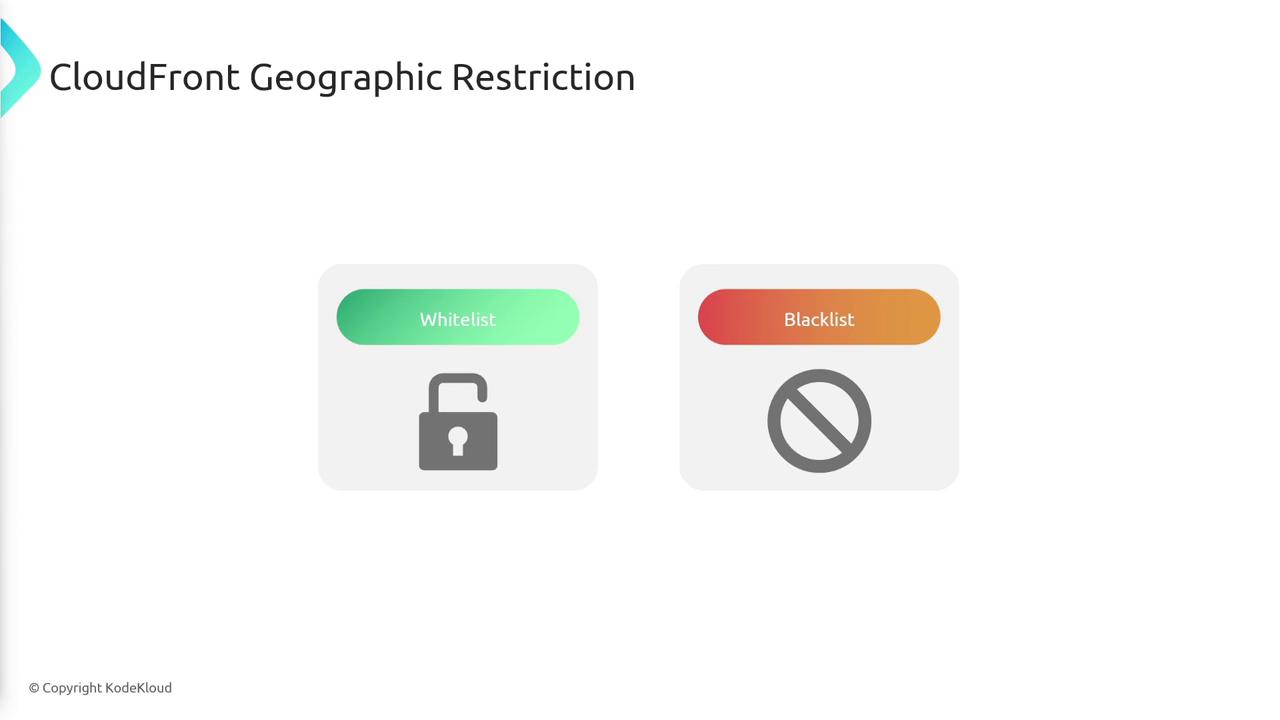
There are two main methods to configure geographic restrictions in CloudFront:- Whitelist: Allows access only to users from the specified countries. All other locations are blocked.
- Blacklist: Permits access by default to all countries except those defined in the blacklist.
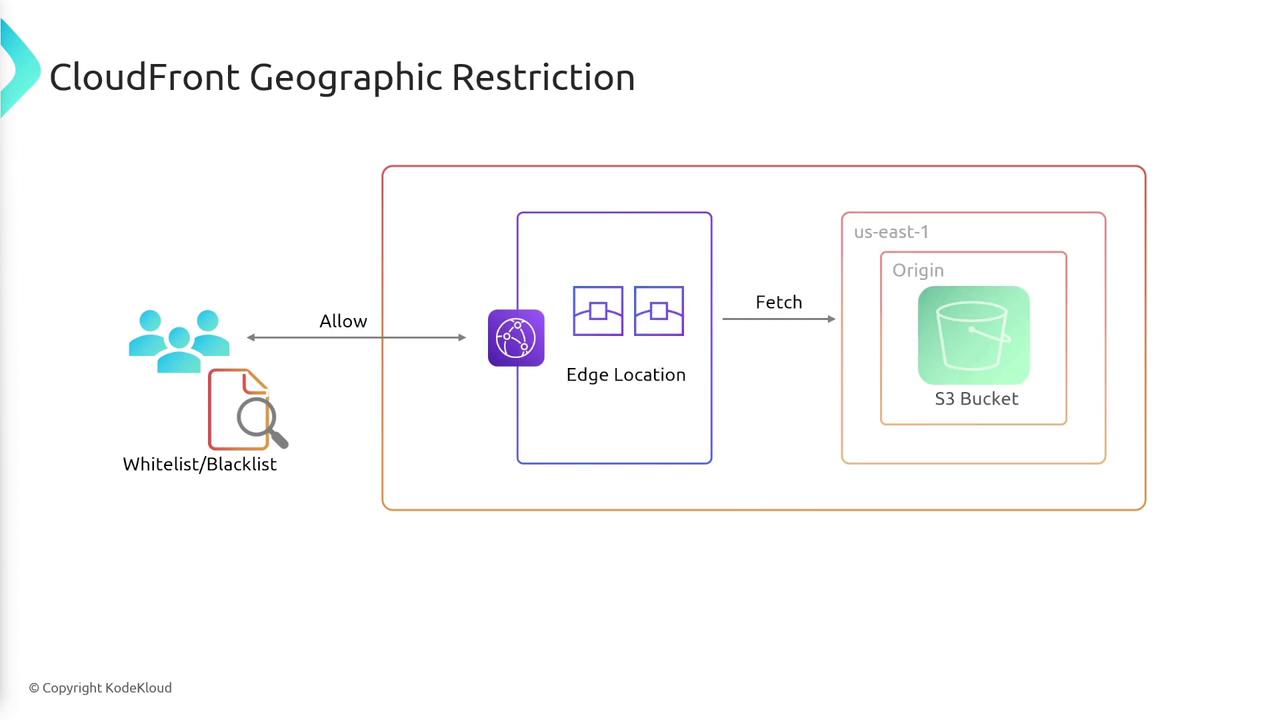
When a user makes a request, CloudFront checks the relevant whitelist or blacklist to determine if the request should be processed. If the user’s geographic location is permitted, the request is forwarded to the origin (such as an S3 bucket via an edge location) and the content is returned.
Improper configuration of your whitelist or blacklist rules may inadvertently block legitimate users. Always verify your geographic settings to ensure that your content is accessible to the intended audience.
Summary
CloudFront geographic restrictions enhance your content distribution strategy by enabling you to:| Restriction Type | Description | Benefit |
|---|---|---|
| Whitelist | Only allow specified countries | Greater security for sensitive regions |
| Blacklist | Block selected countries while allowing all others by default | Broader reach with targeted restrictions |