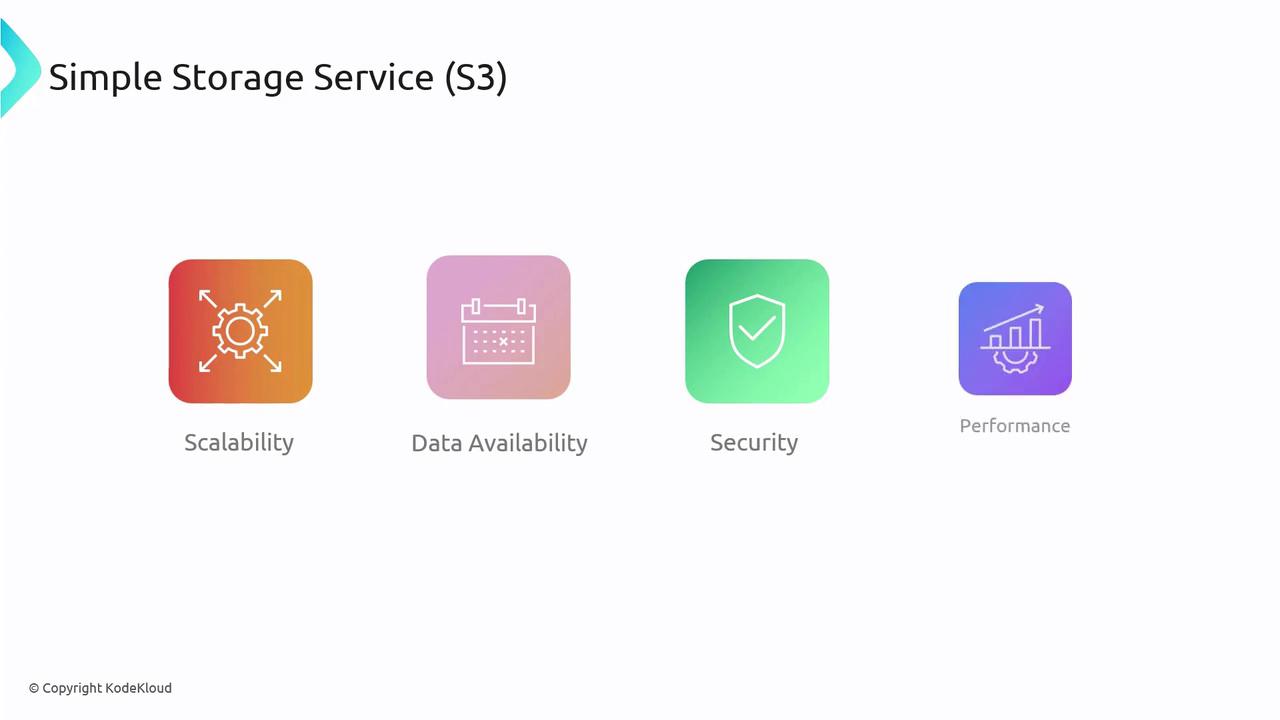
This article explores the basics of Amazon S3, an object storage solution known for scalability, data availability, security, and performance within the AWS ecosystem.
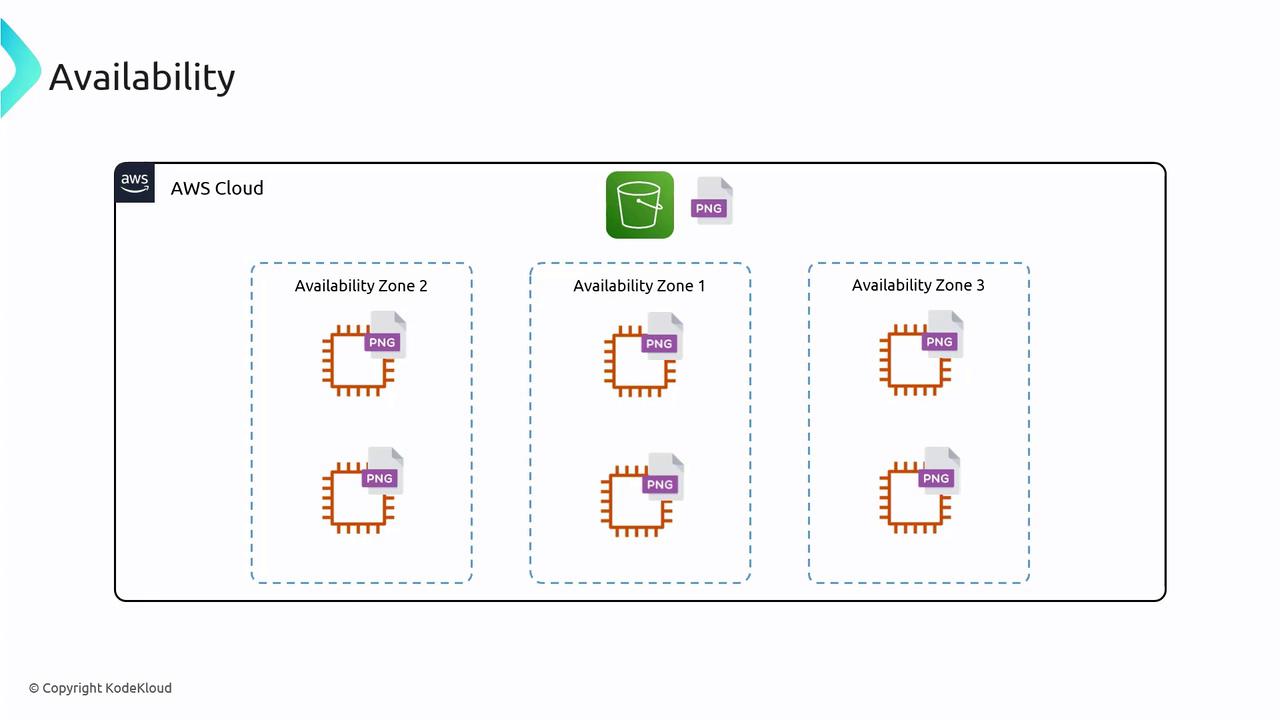
In this article, we explore the basics of Amazon S3 (Simple Storage Service), an object storage solution renowned for its scalability, data availability, security, and performance. Amazon S3 is designed to store files in the cloud, much like Dropbox or Google Drive, but with the robust integration capabilities available through the AWS ecosystem.
Because S3 is part of AWS, it works seamlessly with services like EC2, Lambda, and IAM. This integration provides you with robust control over who can access, modify, or delete your files.
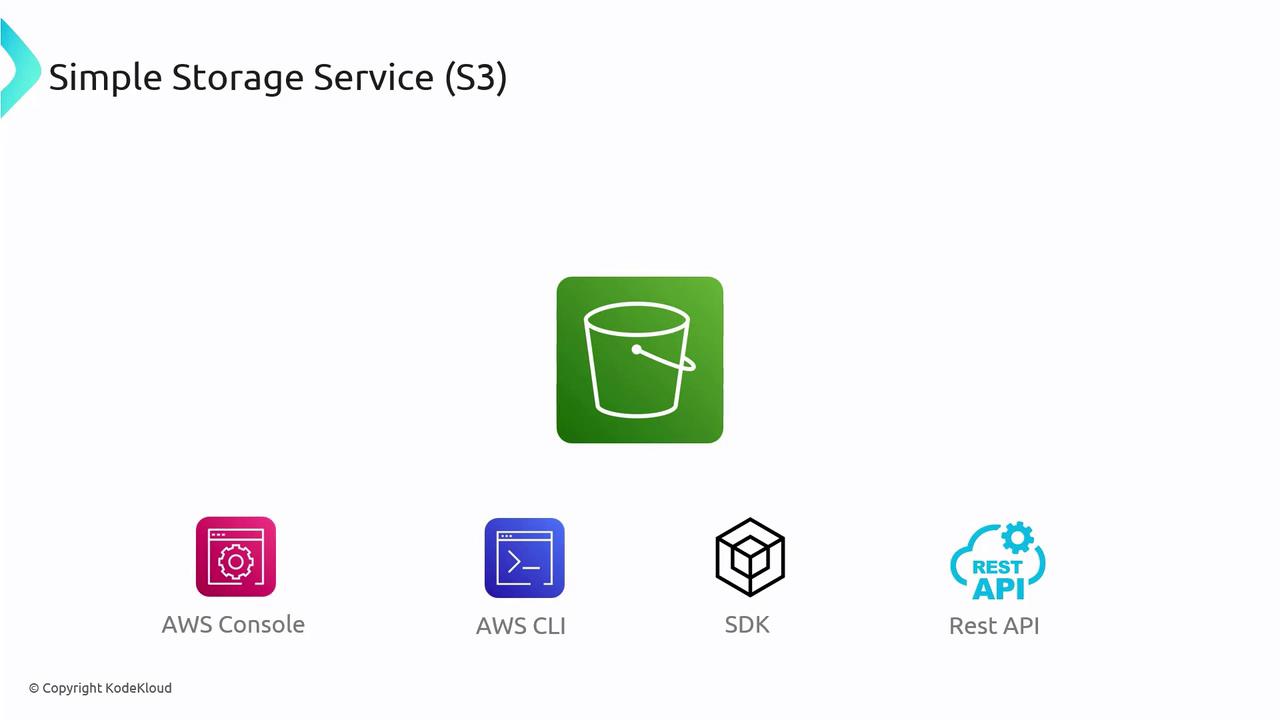
S3 can be accessed using different methods, including the AWS Management Console, AWS CLI, AWS SDKs, and the REST API.
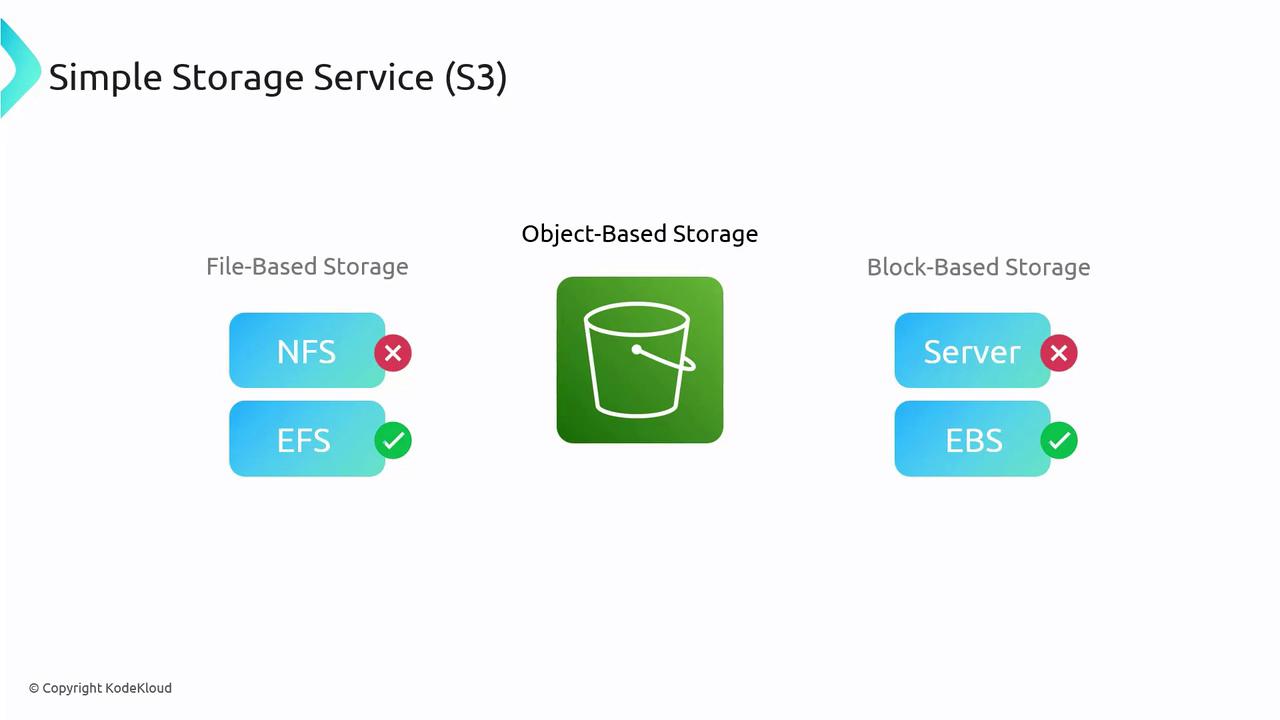
Amazon S3 is built as an object-based storage system, which differentiates it from traditional file-based storage (like NFS) or block-based storage. Here’s what makes S3 unique:
Entire objects (or files) are stored as discrete units.
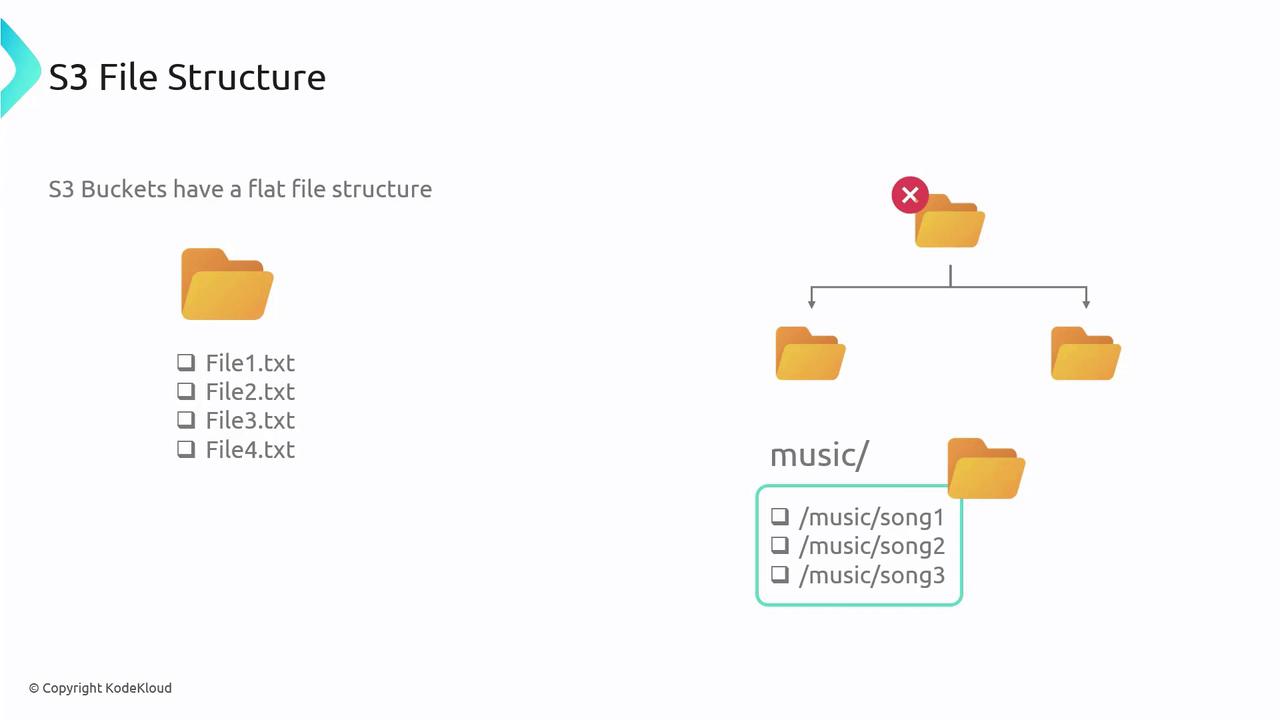
S3 uses a flat structure instead of a hierarchical file system—even though the AWS Console may display a folder-like view using prefixes (e.g., “music/song1”).
For traditional file or block storage needs, consider other AWS storage options tailored for those use cases.
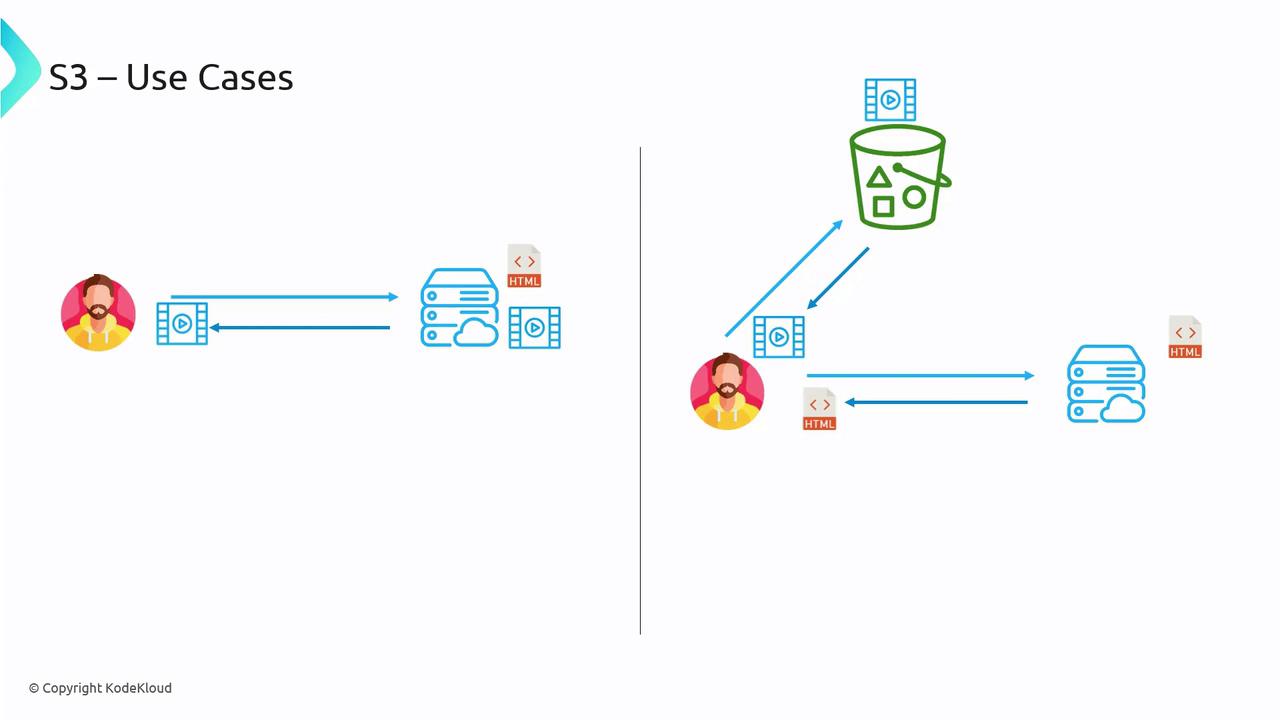
Imagine a website where the web server hosts HTML, CSS, and JavaScript files. For sites with vast media libraries—such as YouTube or Netflix—storing media files on the same server is impractical. Instead, S3 can be used to offload media storage, reducing server load and optimizing performance.When a user accesses a webpage:
The web server serves the HTML file.
The HTML includes URLs pointing to media stored on S3.
This architecture leverages S3’s strengths while keeping the web server focused on serving dynamic content.
Buckets in S3 are containers for your objects (files). Key points about buckets:
They function similarly to folders.
You can create multiple buckets within an AWS account, often organized by application, environment, or purpose (e.g., separate buckets for logs and media).
Bucket names must be globally unique since they are incorporated into public URLs.
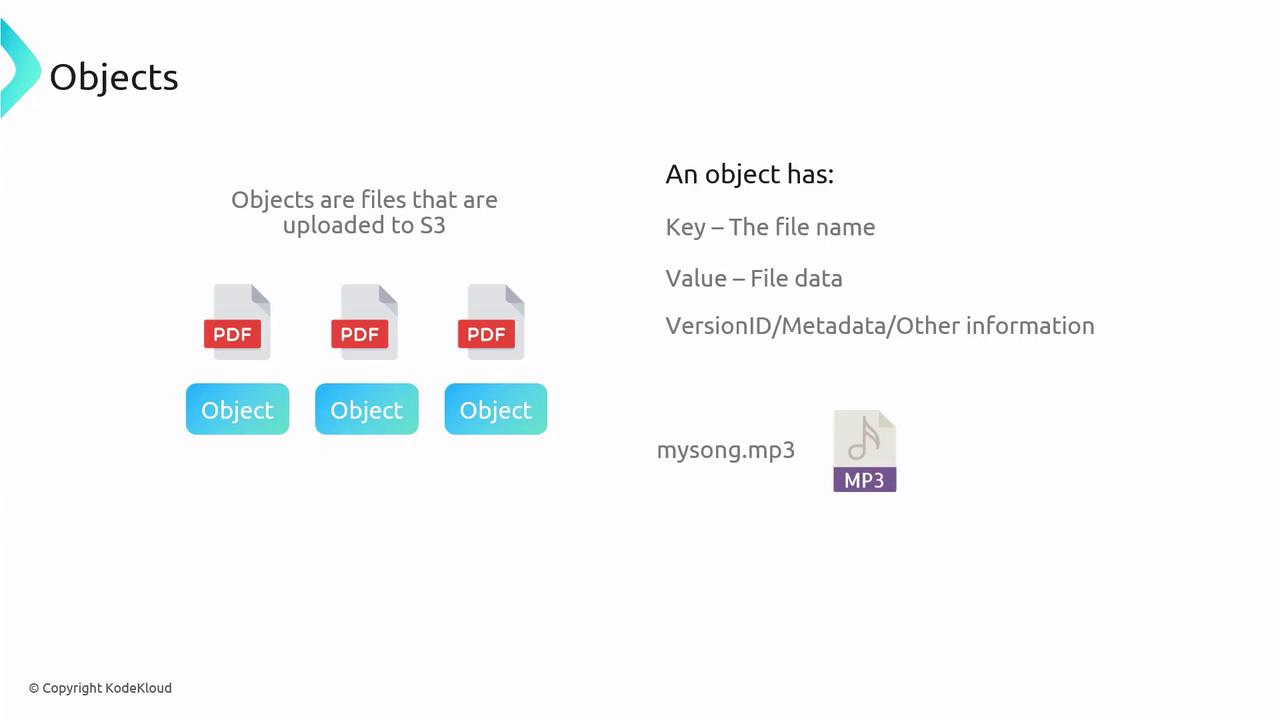
Objects refer to the individual files stored within buckets. Each object comprises:
A key: the name assigned to the file.
A value: the actual content of the file.
Additional metadata: for example, version IDs and descriptive details when versioning is enabled.
Although the AWS Console may display a folder-like structure (e.g., “music”), remember that S3 operates on a flat file system. The appearance of directories is achieved by using prefixes in the object keys (e.g., “music/song1”, “music/song2”).
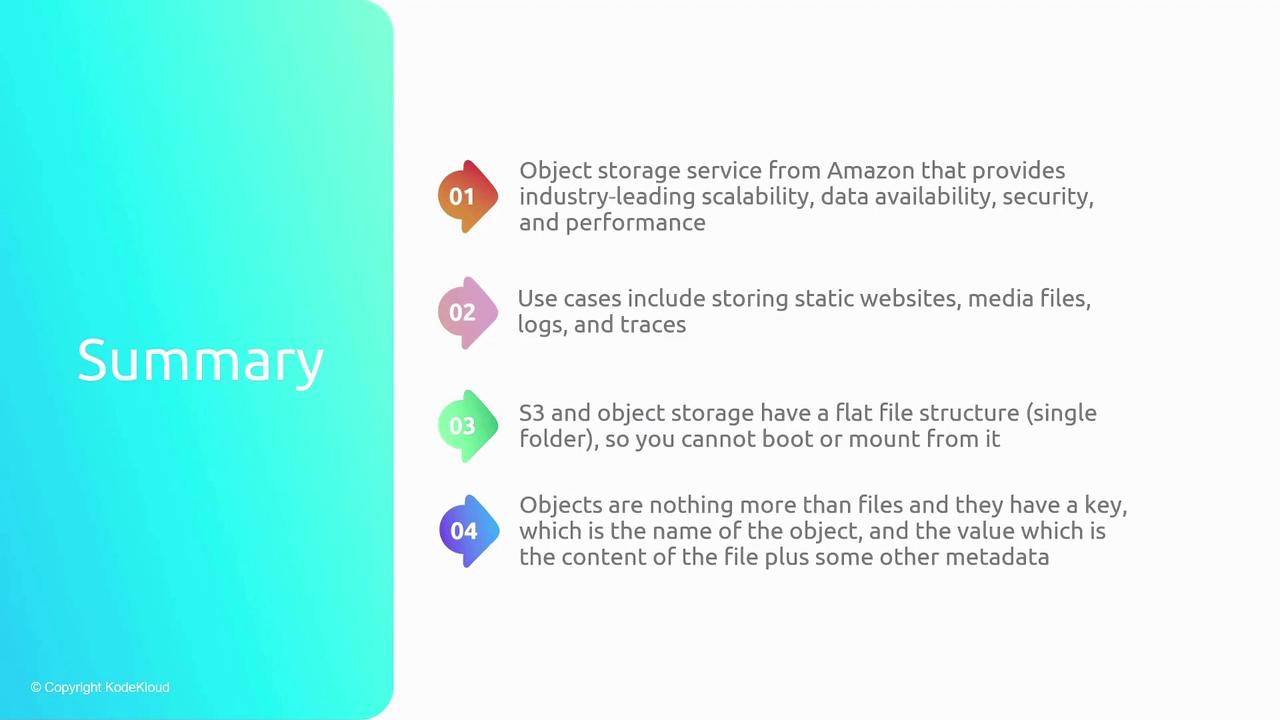
Amazon S3 is a powerful object storage service that offers:
High scalability, ensuring your storage grows with your needs.
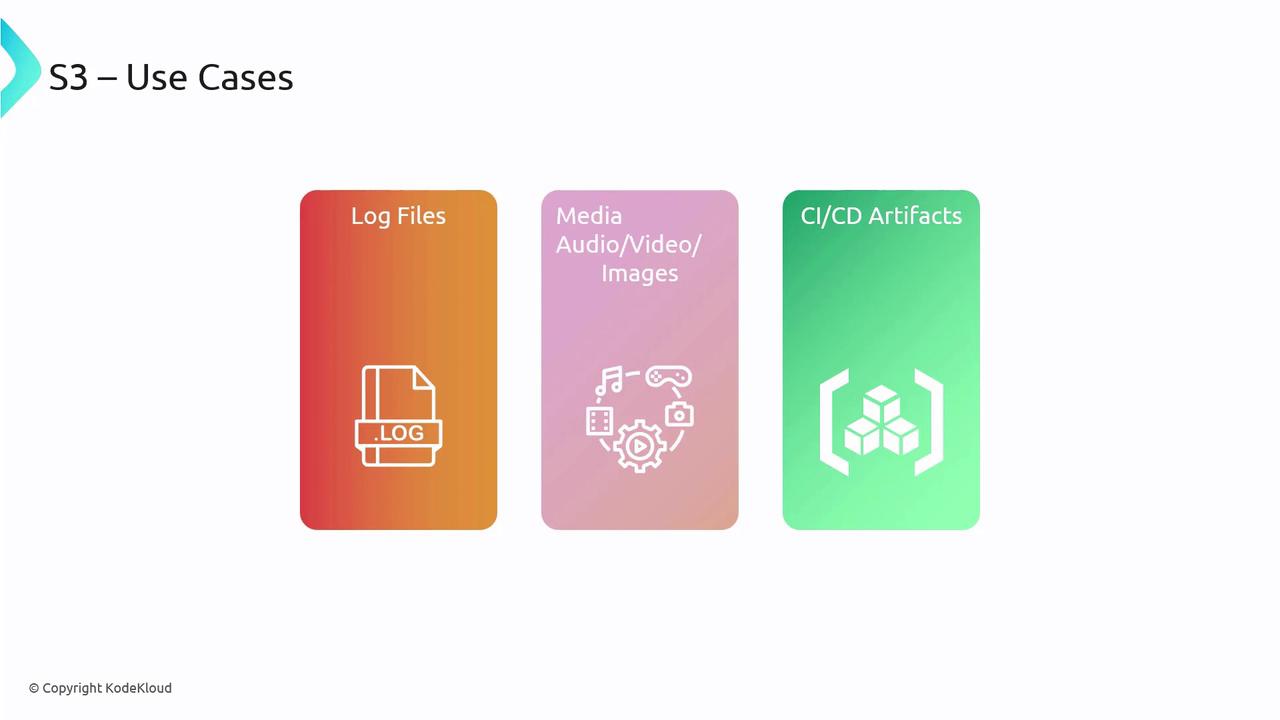
Durable and secure storage options for media files, logs, CI/CD artifacts, and static website assets.
A flat file structure with buckets serving as containers, where each object’s uniqueness is determined by its key.
S3 uses a flat file structure; it does not support traditional directory hierarchies.
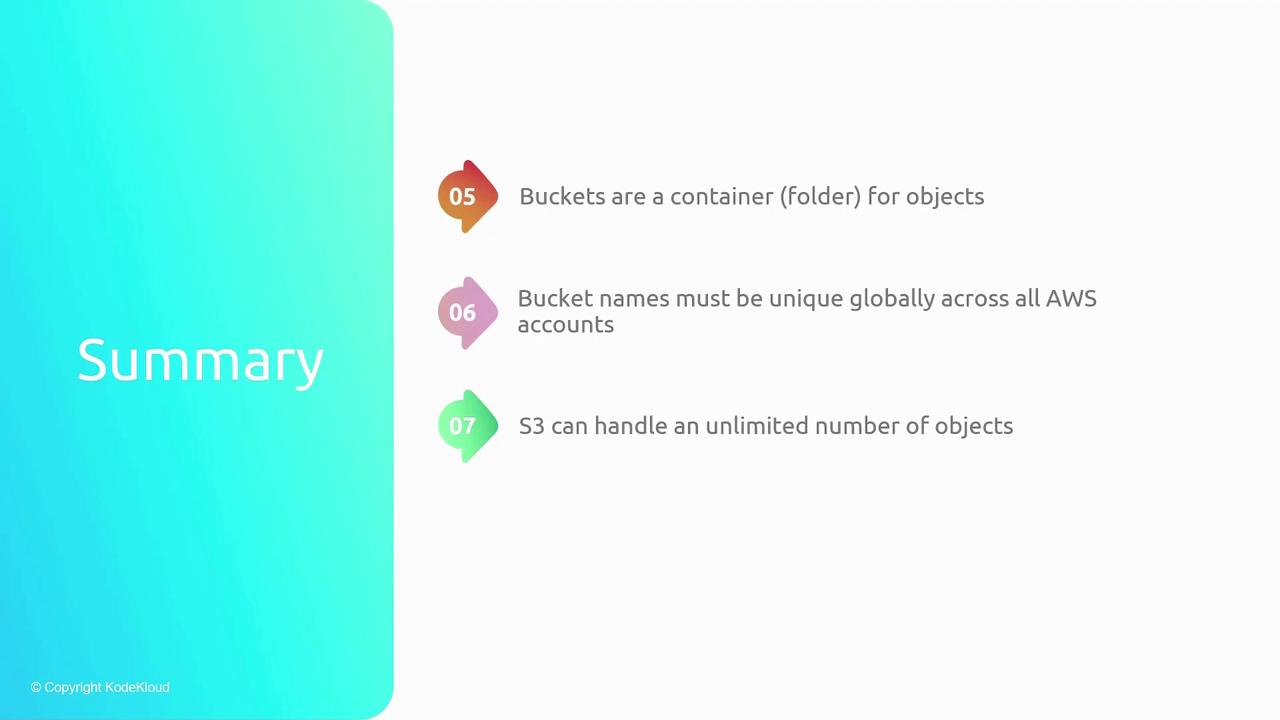
Buckets must have globally unique names.
Objects in S3 may include metadata along with their key and value.
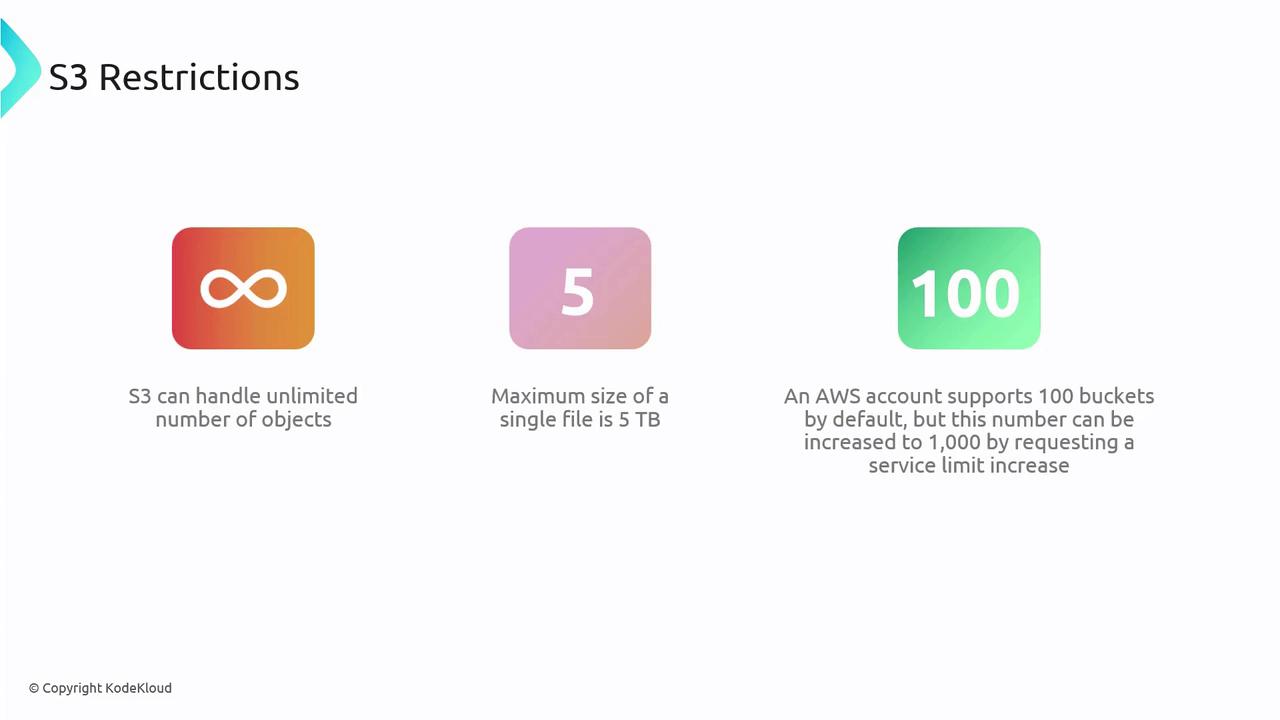
S3 allows unlimited object storage with each file sized up to 5 TB, and the default bucket limit of 100 can be increased.
Additionally, S3 supports multi-part uploads, allowing you to partition large files into smaller segments for a more efficient upload process.This concludes our comprehensive overview of Amazon S3. With its emphasis on simplicity, scalability, and security, S3 is a critical component for many AWS-driven solutions.