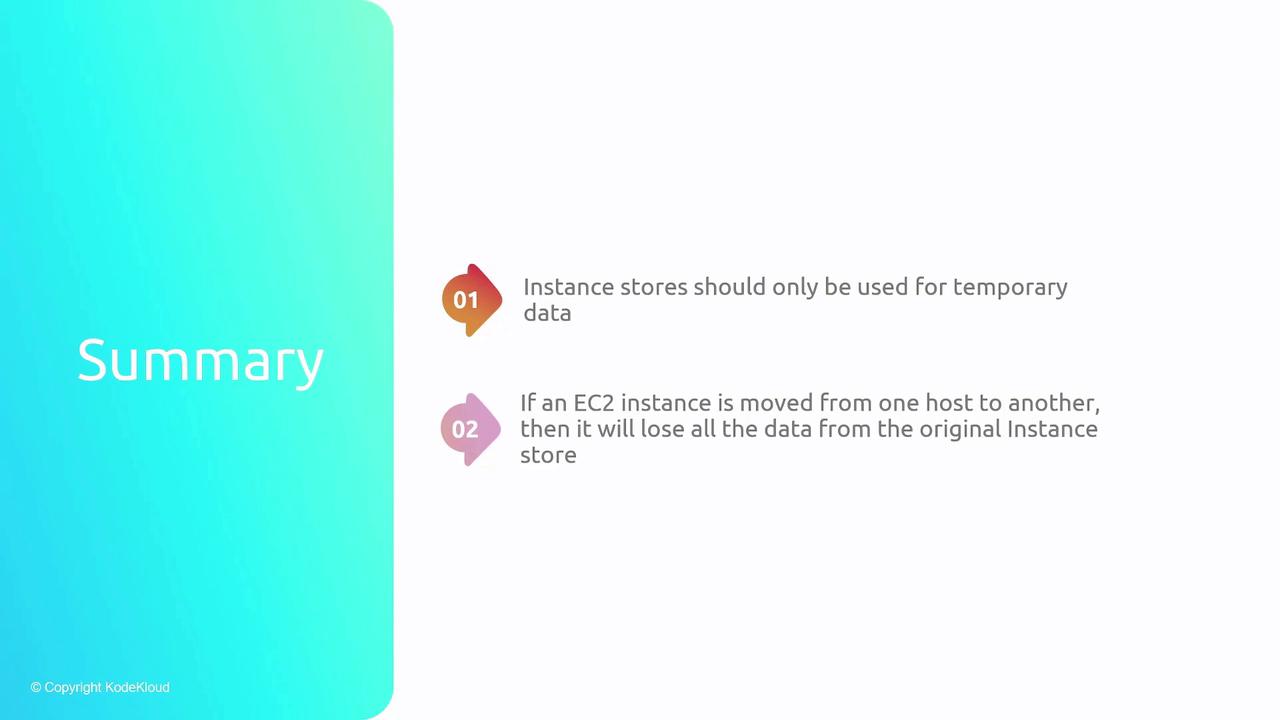
Instance storage is best suited for temporary data or frequently changing data, such as cache files and scratch data.
How Instance Storage Works
Different EC2 instance types may include instance stores, which are directly linked to the host’s physical disks. When an instance is rebooted on the same physical host, it continues to access the same instance store. However, if the EC2 instance migrates to a different host, the associated instance store changes, and any data stored on the previous host will be lost. Consider the following architecture:- Multiple EC2 instances run on a single host machine.
- Each instance has its own attached instance store that is physically integrated with the host.
- If an instance is restarted on a new host, it receives a new instance store that does not contain the data from the former host.
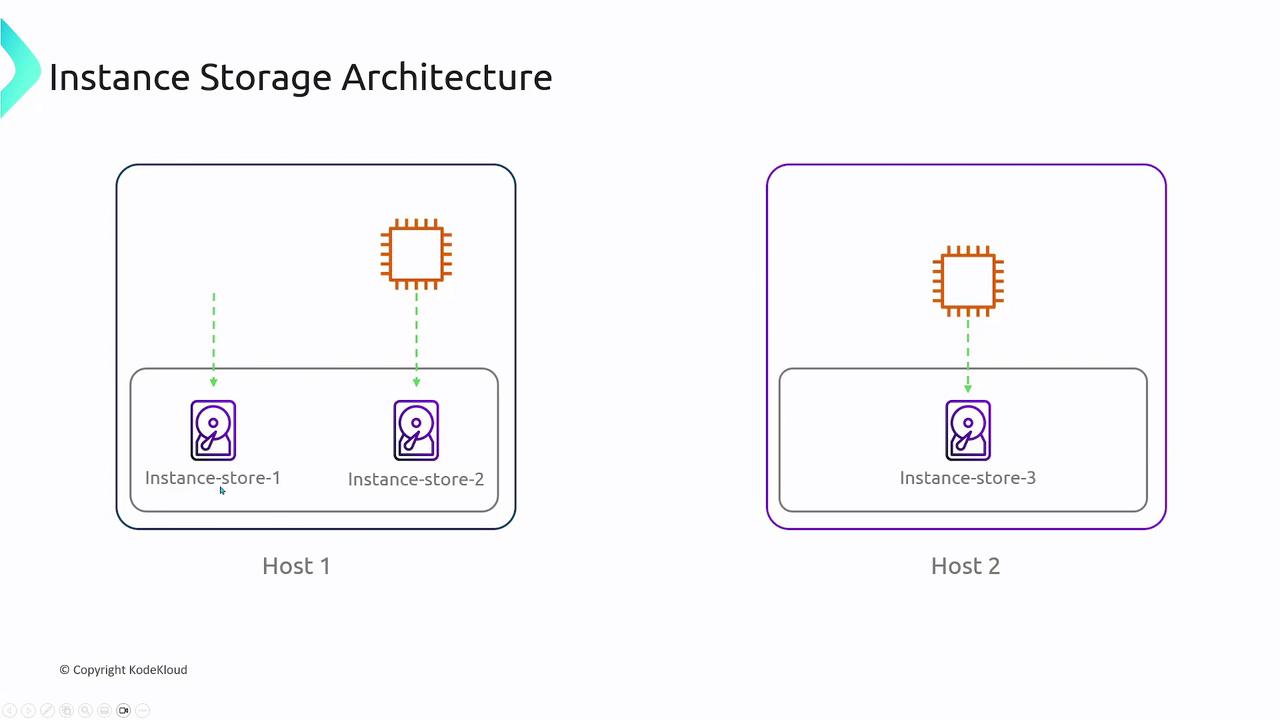
When an EC2 instance is moved to a different physical host (for example, during a shutdown and restart), the data on the original instance store is lost. Always ensure that critical data is stored in persistent storage solutions, not in instance stores.
When to Use Instance Storage
Use instance storage only for data that is temporary or can be regenerated. Its advantages include:- Low-latency access due to direct attachment.
- Ideal usage for scratch data, caches, and ephemeral data storage.