How NAT Gateway Works
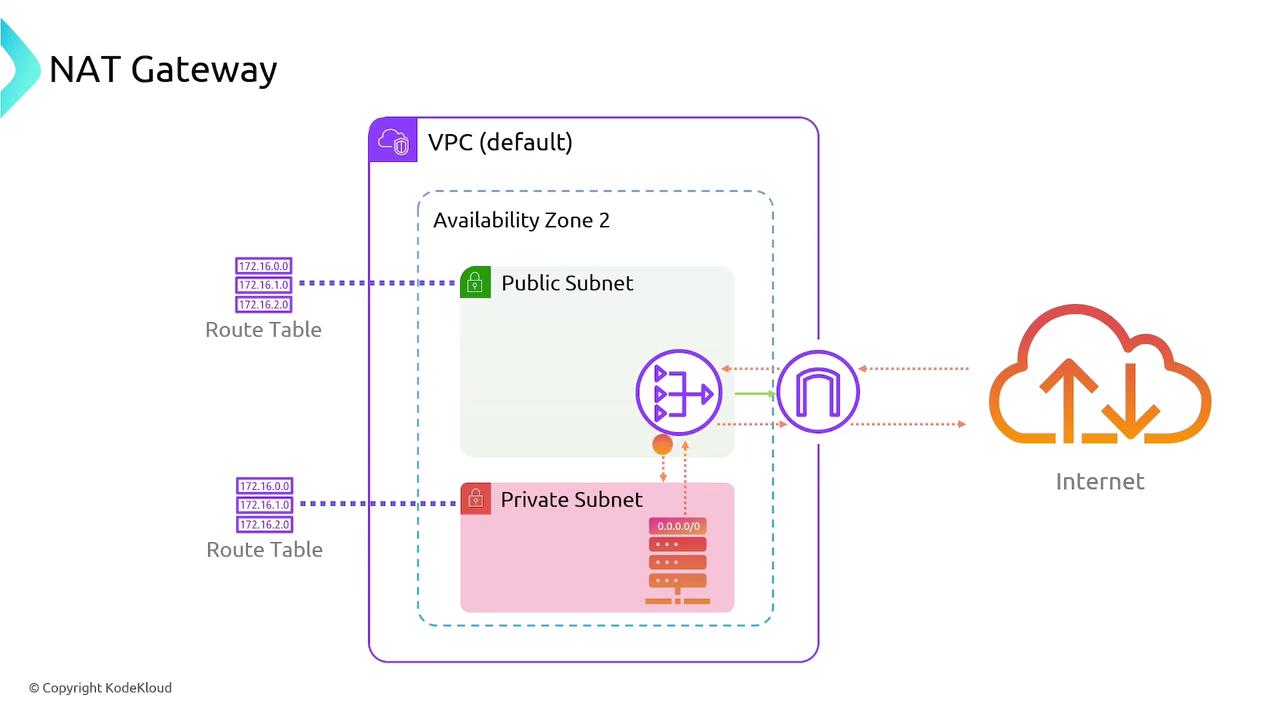
To deploy a NAT gateway, follow these steps:- Configure an Internet Gateway: Attach an Internet Gateway to your VPC.
- Create a Public Subnet: Set up a public subnet with a default route that points to the Internet Gateway.
- Deploy the NAT Gateway: Launch the NAT gateway within the public subnet. Think of it as a dedicated server with a public IP that relays outbound traffic from your private subnets to the internet.
NAT gateways are not stand-alone solutions. They require the presence of an Internet Gateway to facilitate internet access.
Deployment Considerations and AWS Management
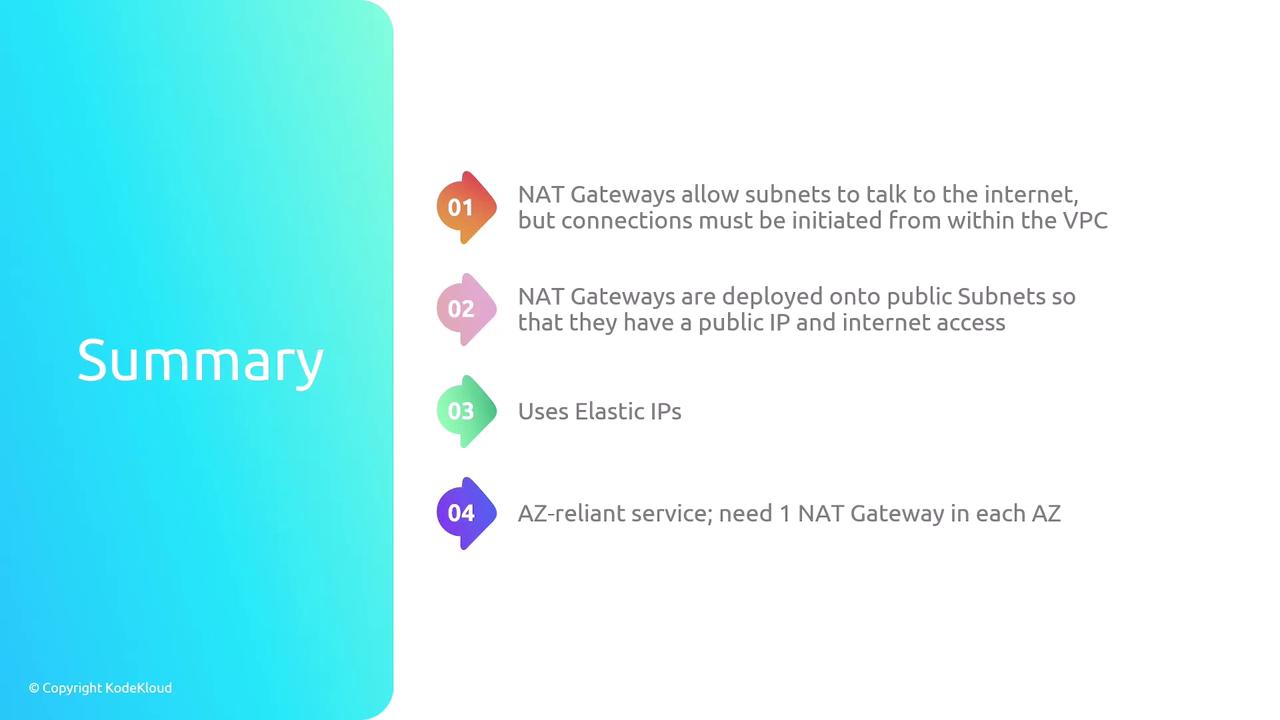
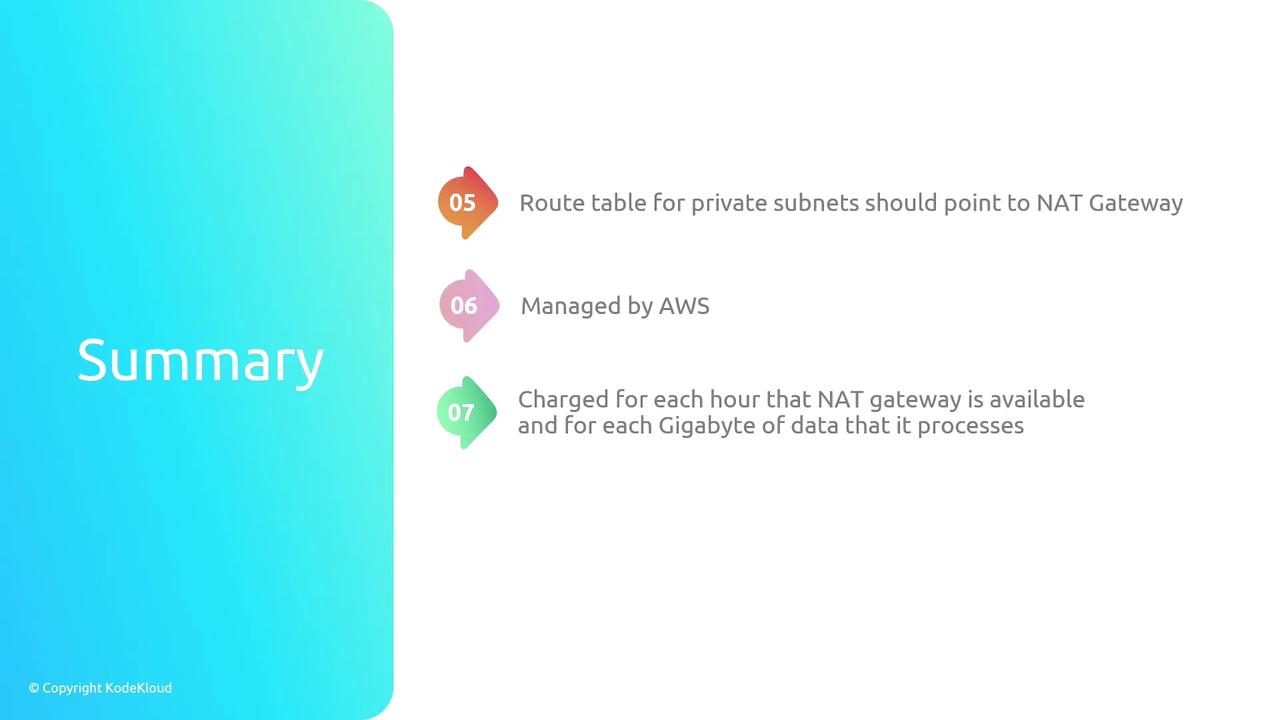
NAT gateways are a managed AWS service. Once deployed along with the necessary routing configurations, AWS handles scaling and maintenance. A key detail is that billing for NAT gateways is determined by the duration of operation (per hour) and the amount of data processed (per GB). Another important consideration is availability. Unlike Internet Gateways, NAT gateways are tied to a specific availability zone through their subnet. If an availability zone fails, the associated NAT gateway will become unavailable. To enhance redundancy, it is recommended to deploy NAT gateways across multiple availability zones with the appropriate routing configuration.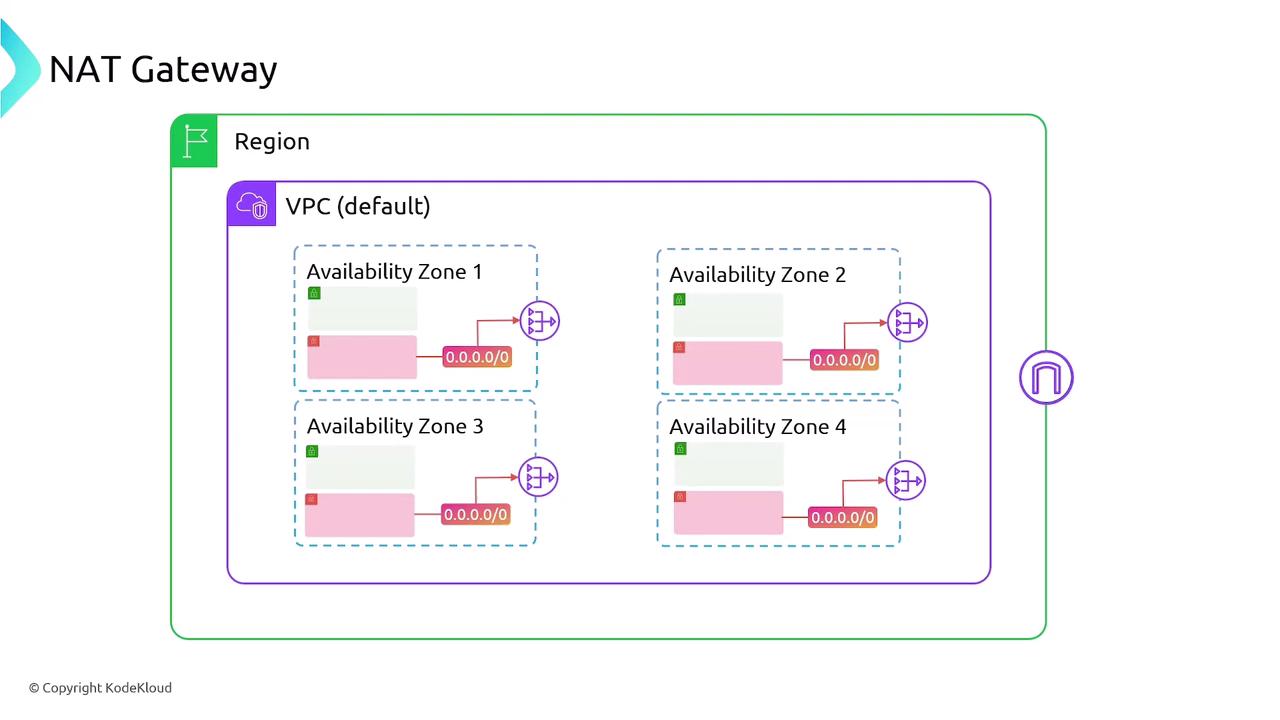
Summary of NAT Gateway Features
NAT gateways enable secure outbound internet access for private subnets by allowing only outbound-initiated connections. They are deployed in public subnets and require an Internet Gateway. With support for Elastic IPs, NAT gateways automatically scale (supporting up to 5 Gbps, and even up to 100 Gbps when necessary) and are fully managed by AWS. For optimal resilience, deploy one NAT gateway per availability zone or use multiple zones. The private subnet’s route table should include a default route that directs traffic to the NAT gateway in the public subnet. Once set up, AWS ensures that the NAT gateway scales based on traffic demands while handling all underlying maintenance.