Learn to manage Lambda function versions using API Gateway stages and stage variables for an e-commerce application.
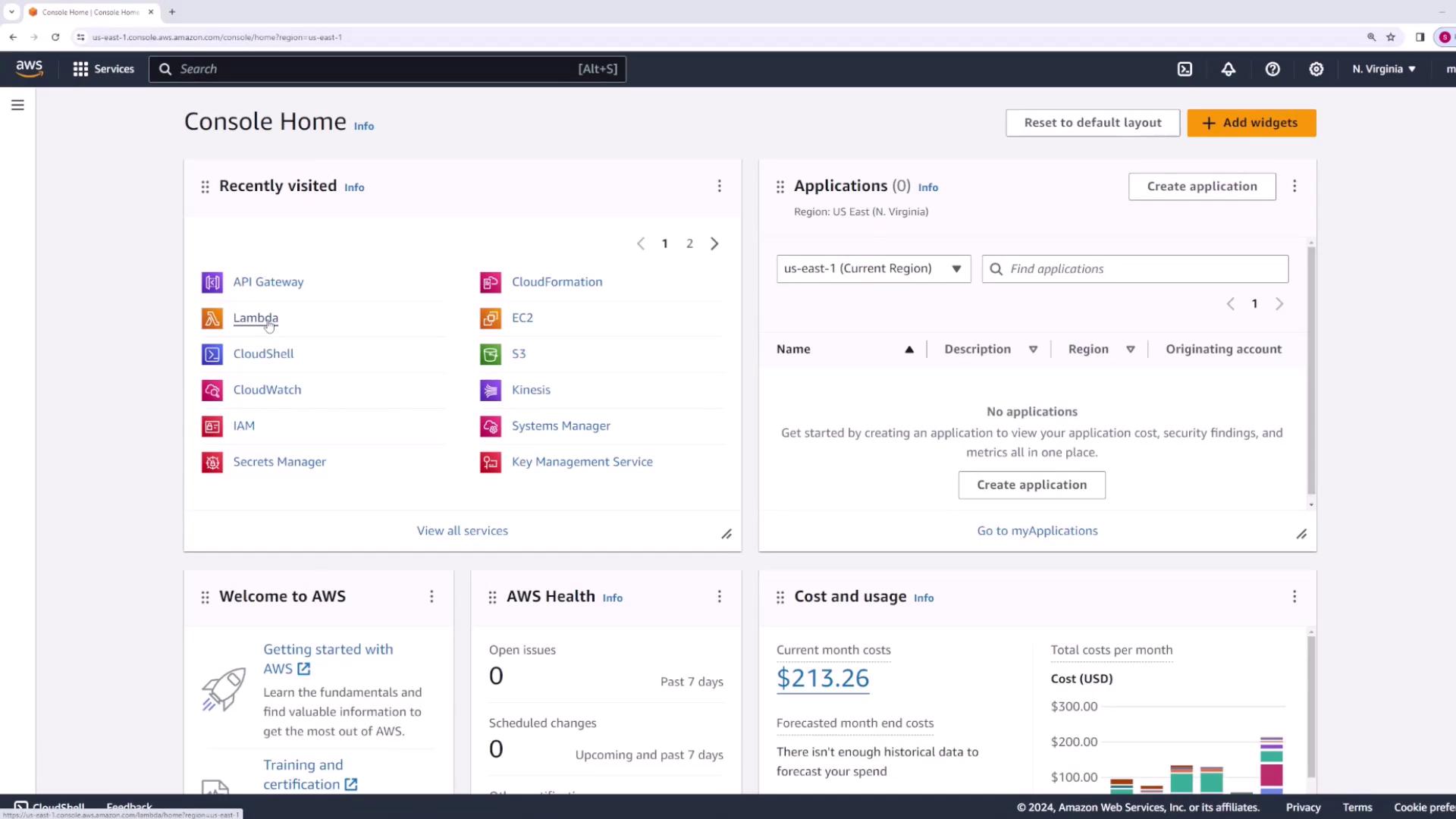
In this lesson, you’ll learn how to use API Gateway stages and stage variables to manage different Lambda function versions. We will begin by creating a Lambda function that serves as an API for an e-commerce application, and then integrate it with API Gateway.
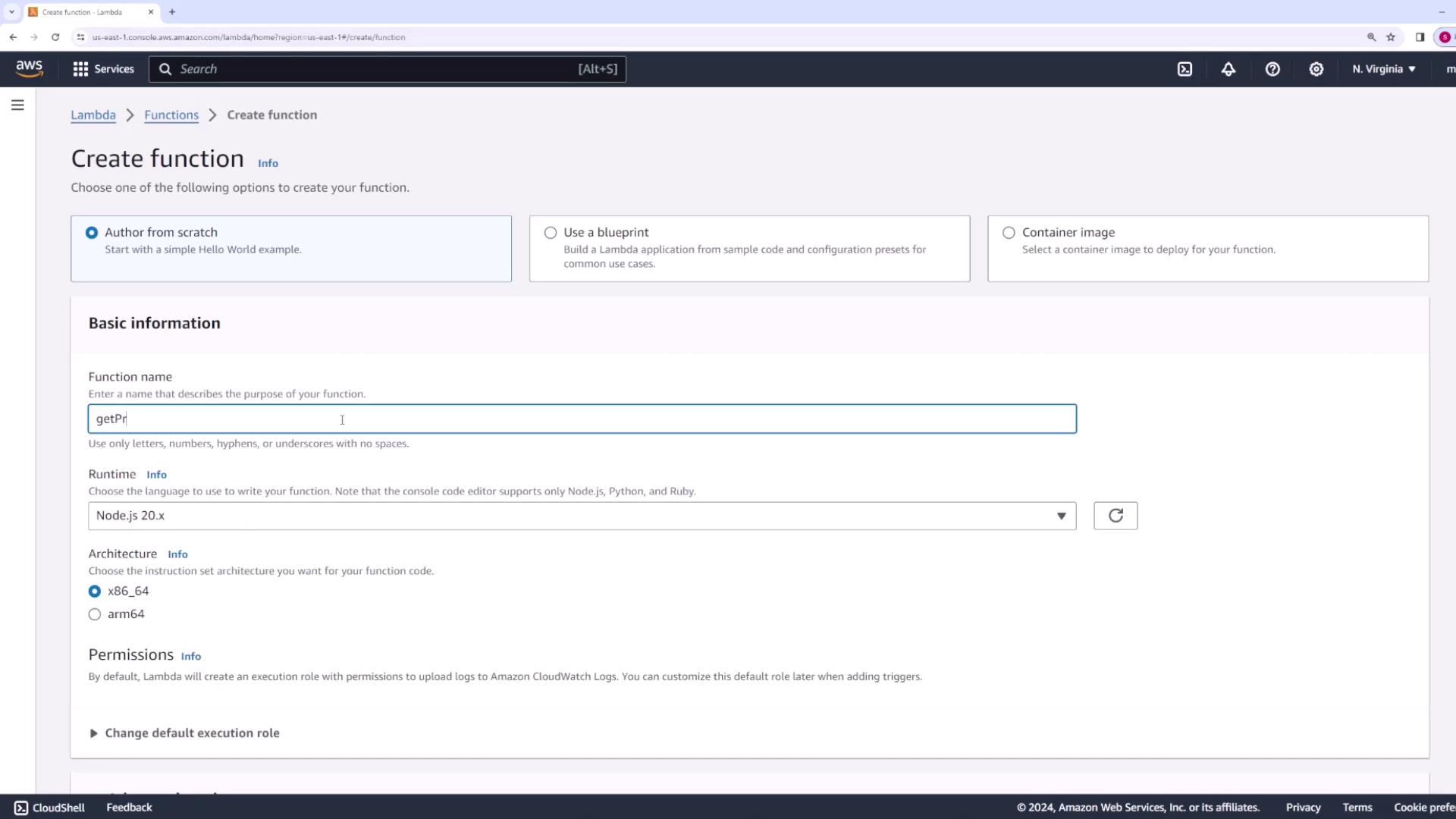
Next, create a new Lambda function. For this example, the function will return a list of products for an e-commerce website. Name the function something like “get products.”
Use the following code as the initial version (version one) of the function:
Copy
Ask AI
export const handler = async (event, context) => { const response = { body: "Here is a list of all products", }; return response;};
Add a comment indicating that this is version one of your function, then deploy and test the changes. A sample test output might be:
Copy
Ask AI
{ "body": "Here is a list of all products }"}
If you test again, you could see something like:
Copy
Ask AI
Response{ "body": "Here is a list of all products \"%"}Function LogsSTART RequestId: f64eab30-2c13-457a-b269-eeb69cc12b32 Version: $LATESTEND RequestId: f64eab30-2c13-457a-b269-eeb69cc12b32REPORT RequestId: f64eab30-2c13-457a-b269-eeb69cc12b32 Duration: 143.16 ms Billed Duration: 144 ms Memory Size: 128 MB Max Memory Used: 65 MB
Once the function displays version one correctly, publish it as version one.You will now simulate code changes over time by publishing two additional function versions.
Now that your Lambda function has multiple versions and aliases, configure API Gateway as follows:
Open the AWS Management Console, search for API Gateway, and access it in a new tab.
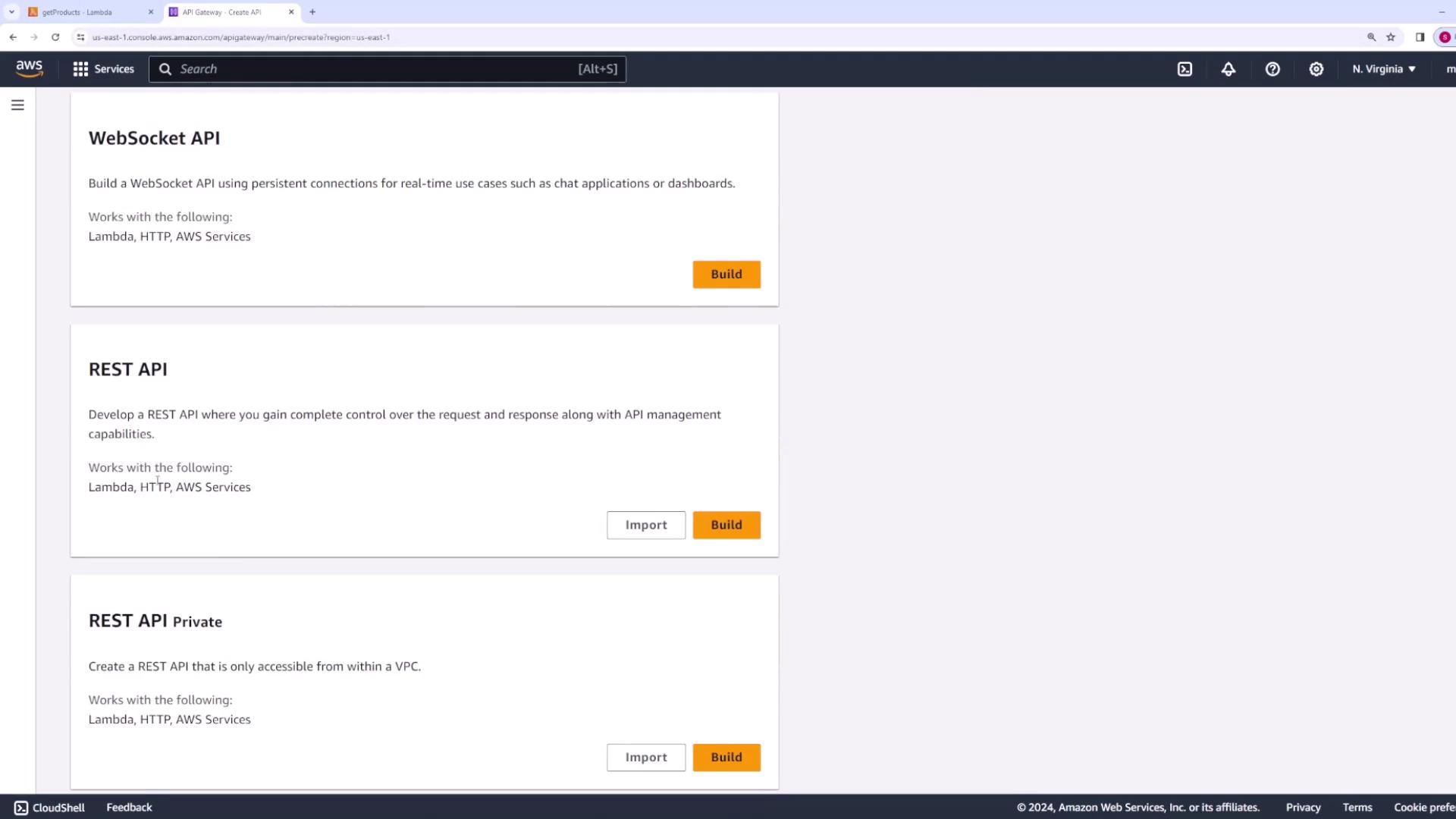
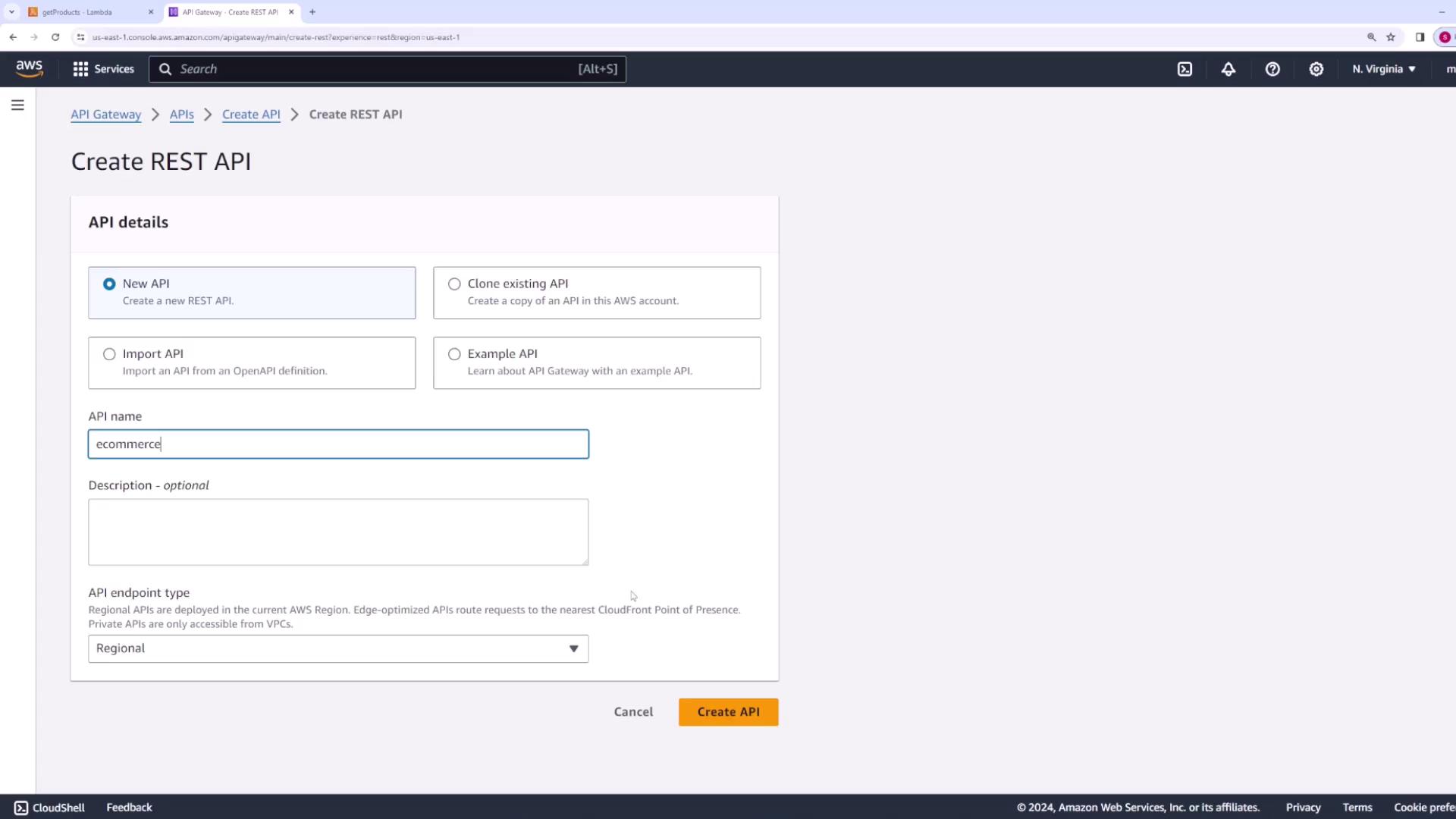
Create a new REST API – for example, name it “eCommerce.”
Create a resource named products.
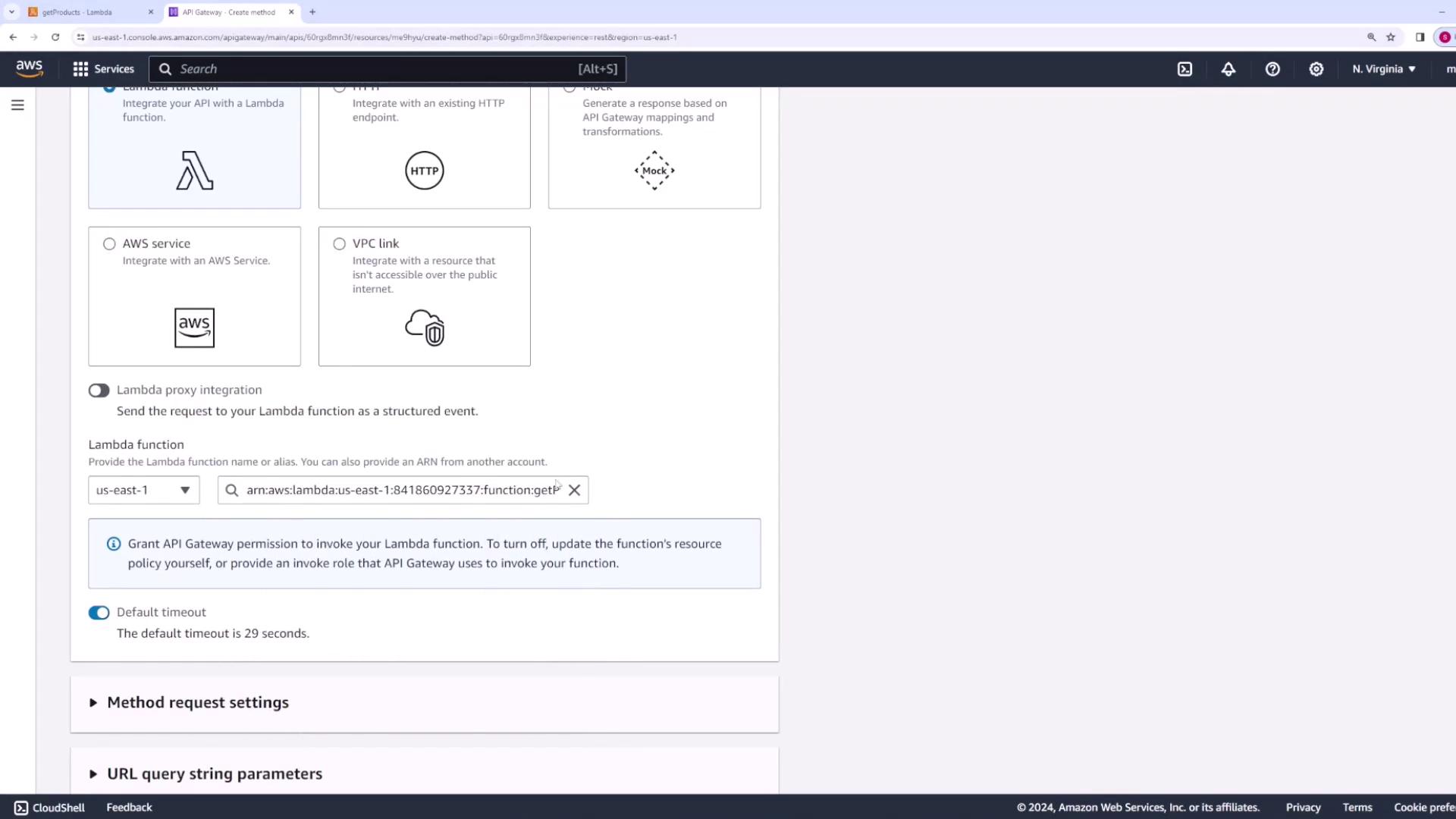
Under the products resource, add a GET method and select Lambda function as the integration type.
Select the “getProducts” Lambda function. By default, API Gateway will use the latest version of the function.
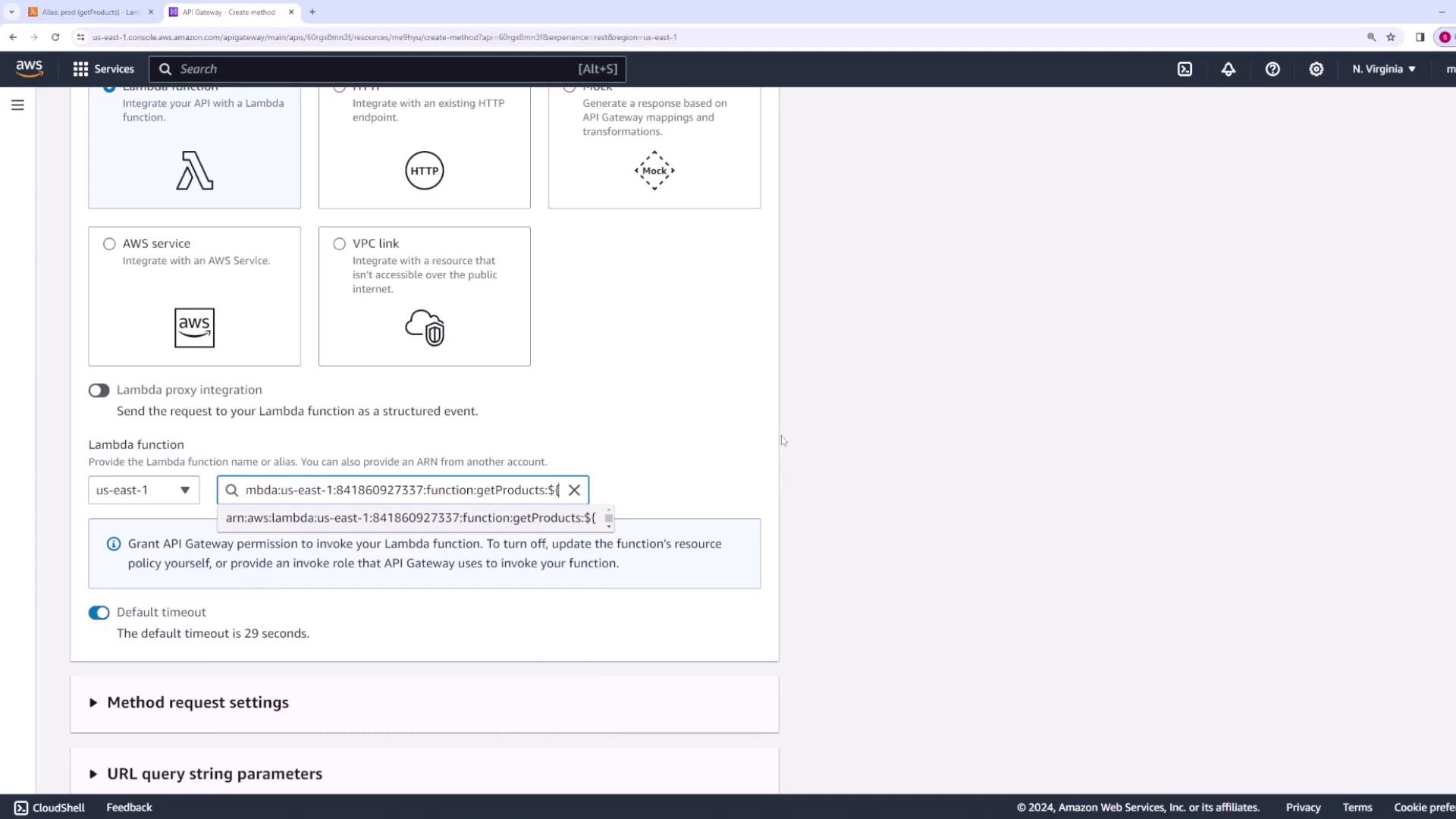
If you need to invoke a specific version via an alias—for example, using the prod alias—you can modify the function ARN manually. The prod alias ARN contains the suffix “:prod”, ensuring API Gateway calls the intended version.To keep the integration flexible, instead of hardcoding a specific version, use stage variables. In the function integration configuration, append the following ARN:
To grant API Gateway permission to invoke your Lambda function, execute the following AWS CLI command. Replace the stage variable reference with the actual alias as needed (e.g., dev):
You can run these commands on your local machine (with the AWS CLI installed) or directly within AWS CloudShell.After updating the permissions, verify in the Lambda console that each alias has the appropriate API Gateway invocation permissions.
With Lambda permissions in place, return to API Gateway to complete the GET method configuration. Test the method by setting the stage variable ENV. For example, setting ENV to prod should return:
Copy
Ask AI
{ "body": "Here is a list of all products v1"}
Switching the stage variable to dev or staging should return version three and version two, respectively.
Deploy your API by creating stages for each environment:
Create a new stage for the dev environment:
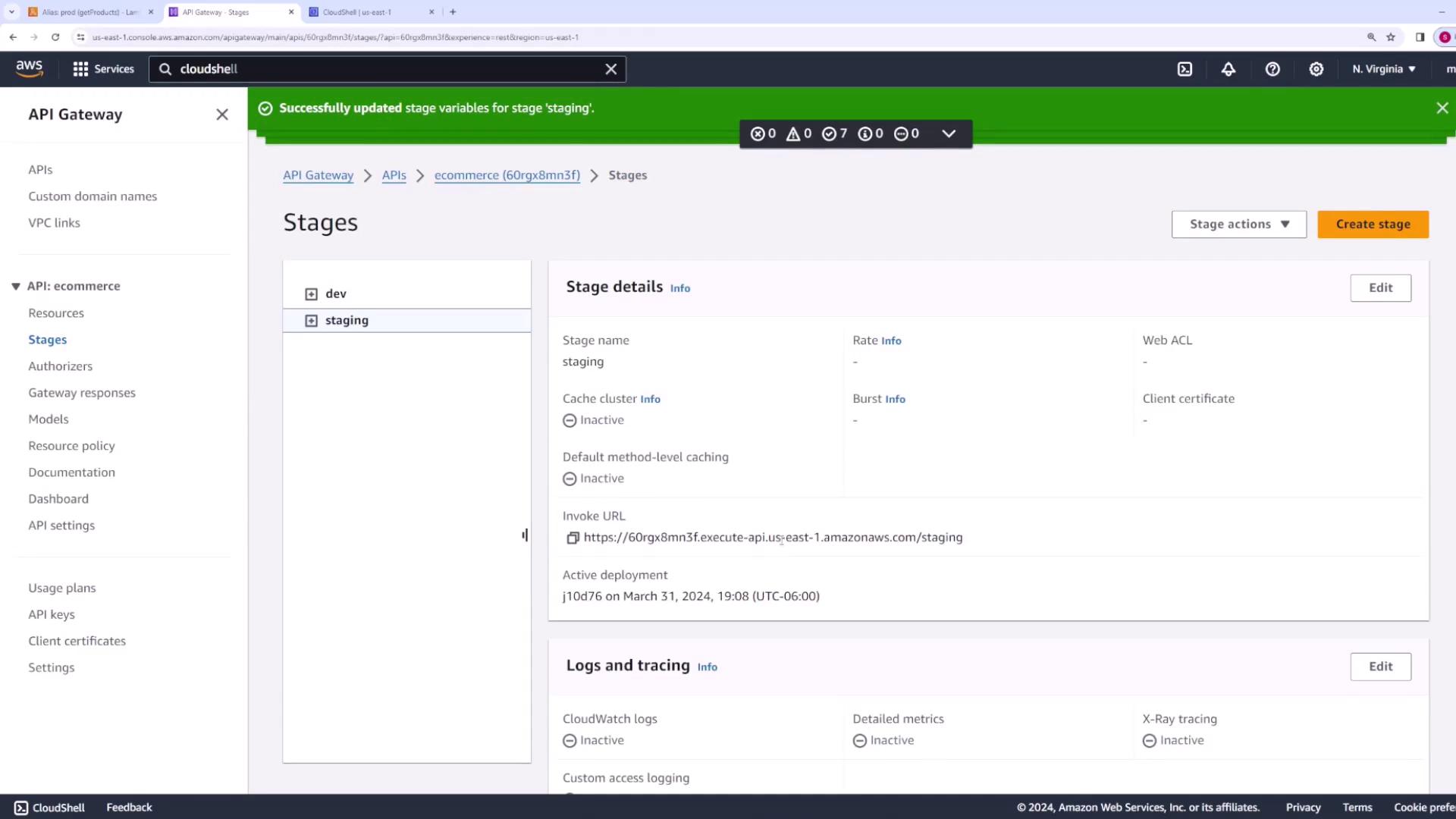
In the stage editor, set a stage variable with the key ENV and the value dev.
Create another stage called staging, and set the stage variable ENV to staging.
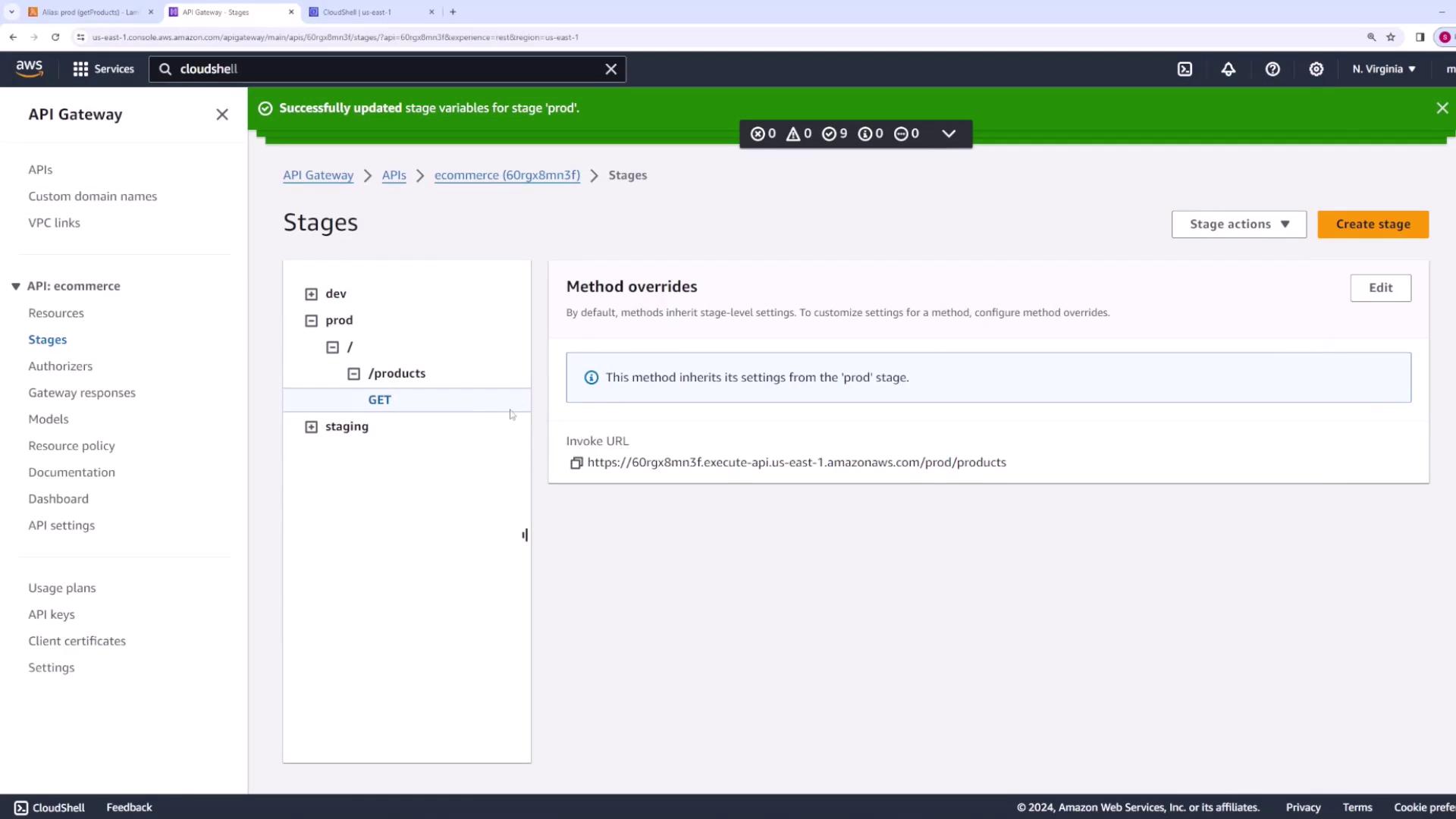
Finally, create a production stage and set its stage variable ENV to prod.
After deploying, test each environment by modifying the URL path (e.g., /prod, /staging, or /dev). For instance, the prod stage URL should return the version one response.
When you test, you should see the following responses:
prod returns “Here is a list of all products v1”
staging returns “Here is a list of all products v2”
dev returns “Here is a list of all products v3”
A sample response might be:
Copy
Ask AI
{ "body": "Here is a list of all products v2"}
This concludes our lesson on configuring stages and stage variables in API Gateway to manage multiple versions of your Lambda functions. Enjoy the streamlined deployment process for your e-commerce API!