

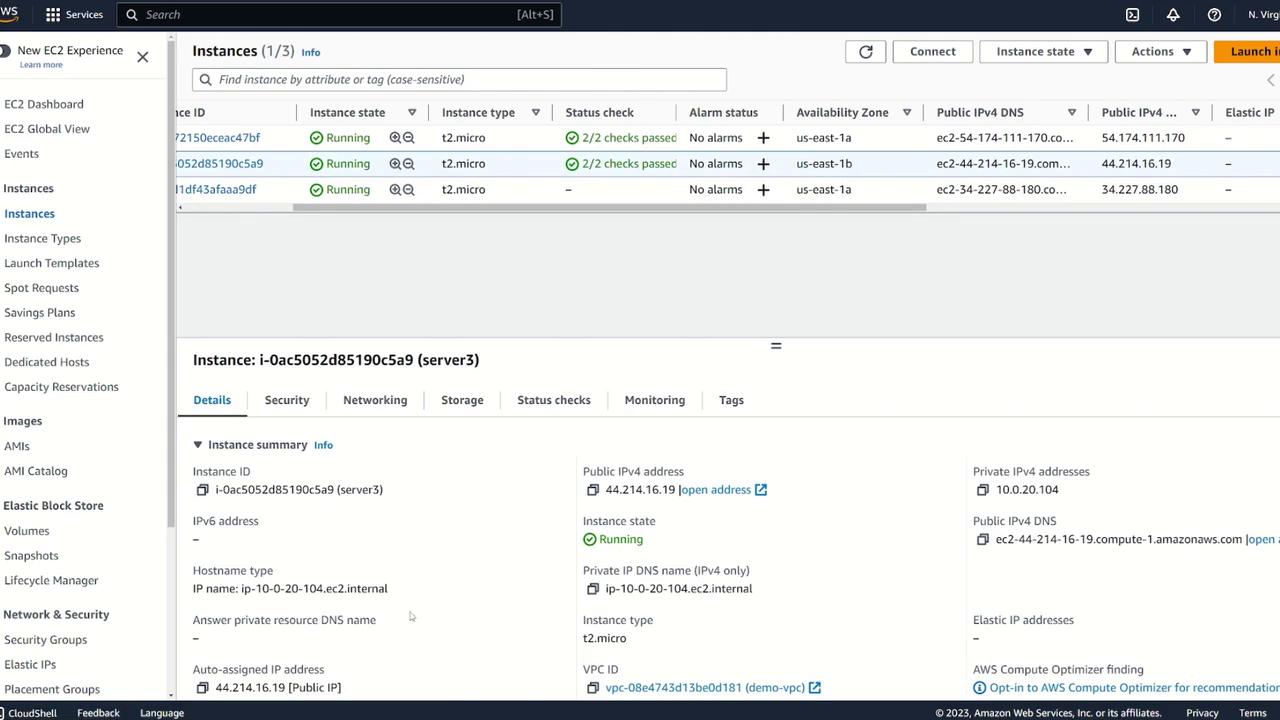
1. Unmounting the EBS Volume
Before detaching the EBS volume from its current instance, you must unmount it. Run the following command on your instance to unmount the volume (note that the correct command is “umount” rather than “unmount”):/dev/xvdf (formatted with XFS) is ready for detachment:
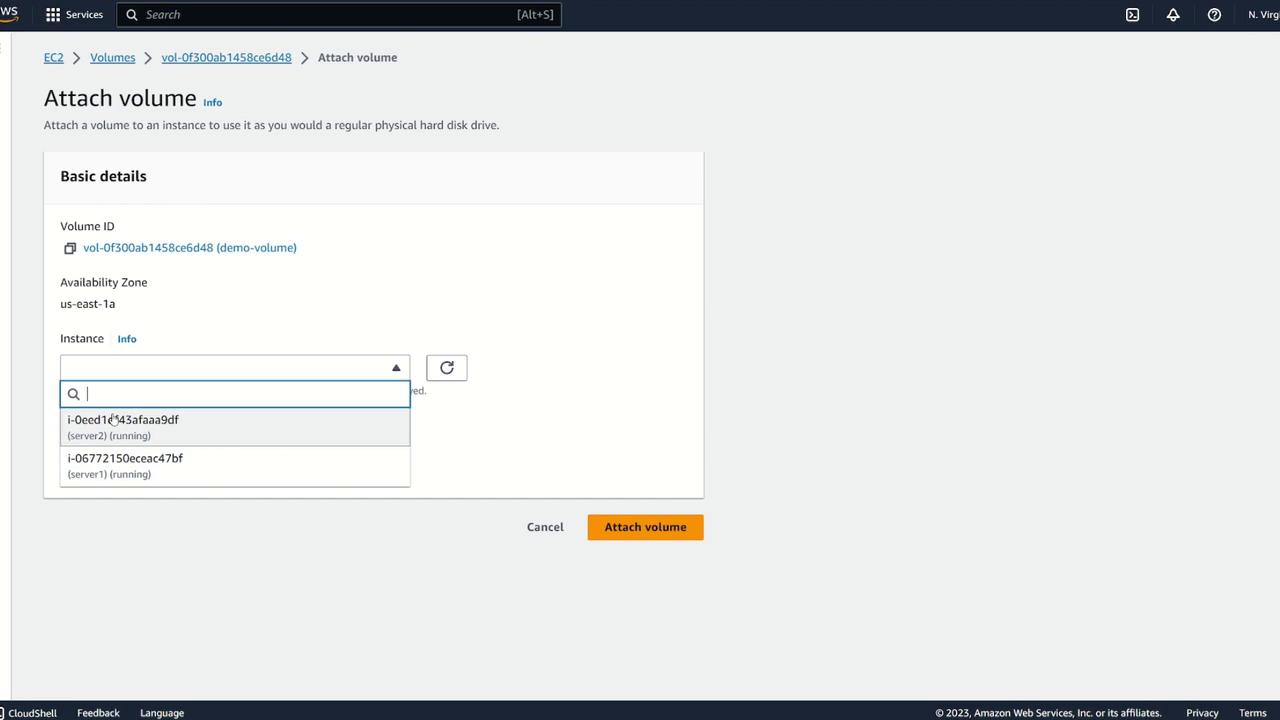
2. Creating a Snapshot and Moving to a New Availability Zone
To move the volume to a different Availability Zone, create a snapshot:- Select the volume.
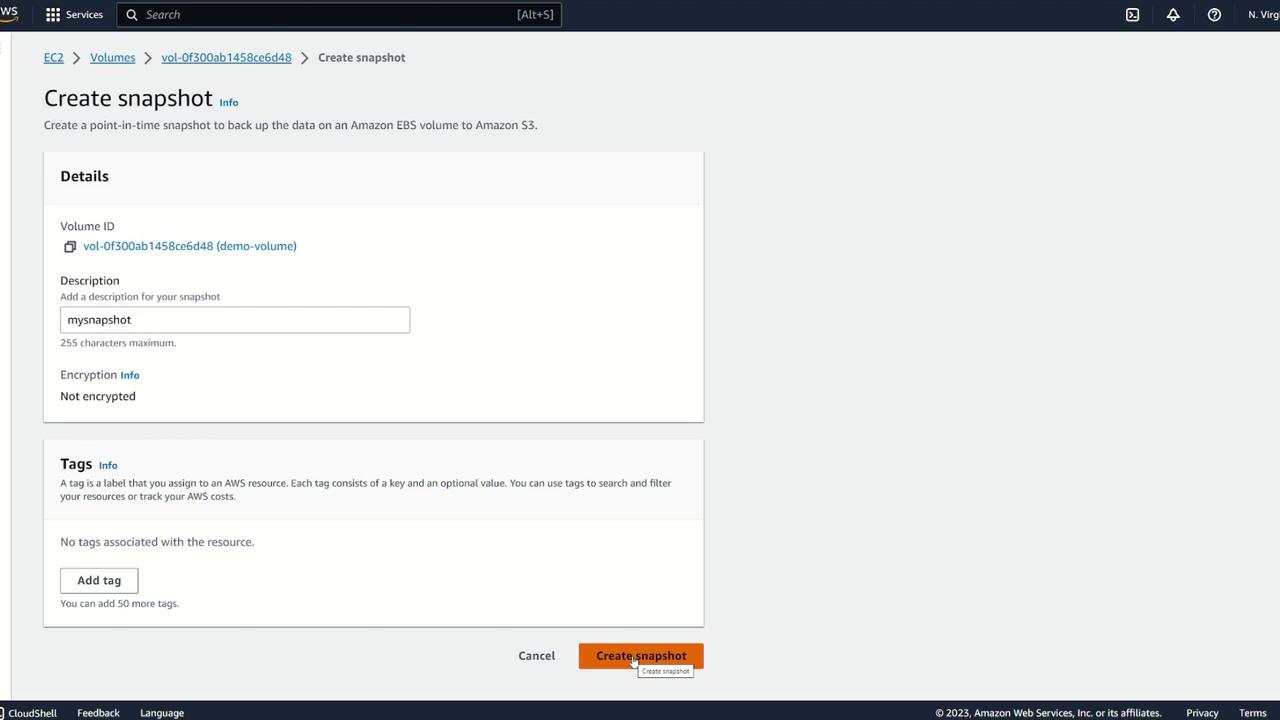
- Choose Create Snapshot.
- Optionally, provide a description (e.g., “my snapshot”) and review the snapshot details.
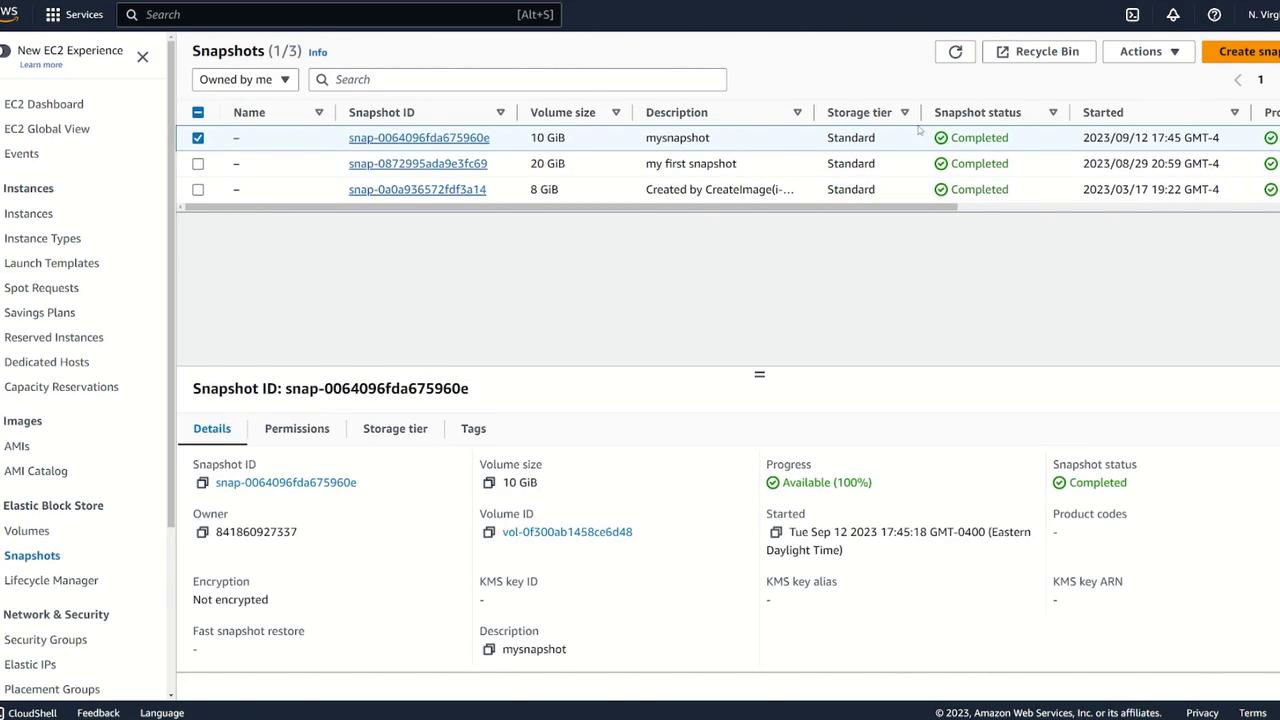
- Select the snapshot.
- Click on Actions and choose Create Volume from Snapshot.
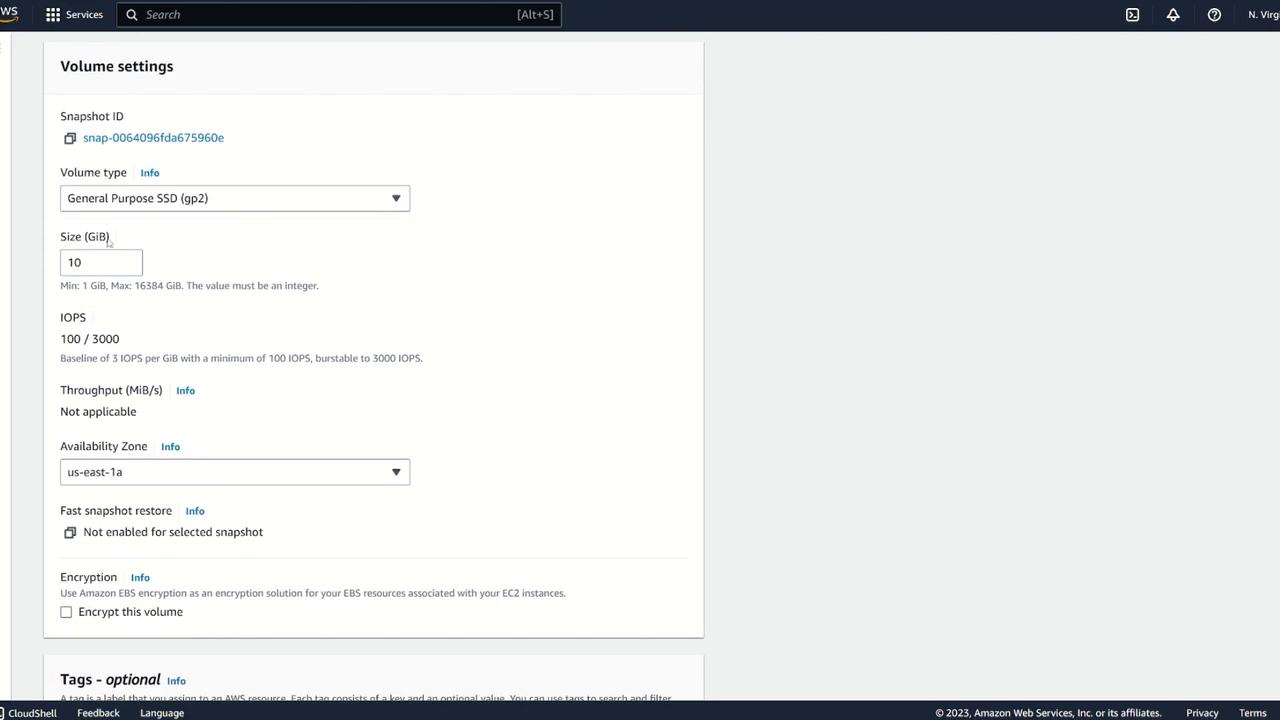
- Adjust specifications (volume type or size) if necessary, ensuring the Availability Zone is set to us-east-1b.
- Optionally, add a tag such as Name: EBS clone.
- Create the new volume.
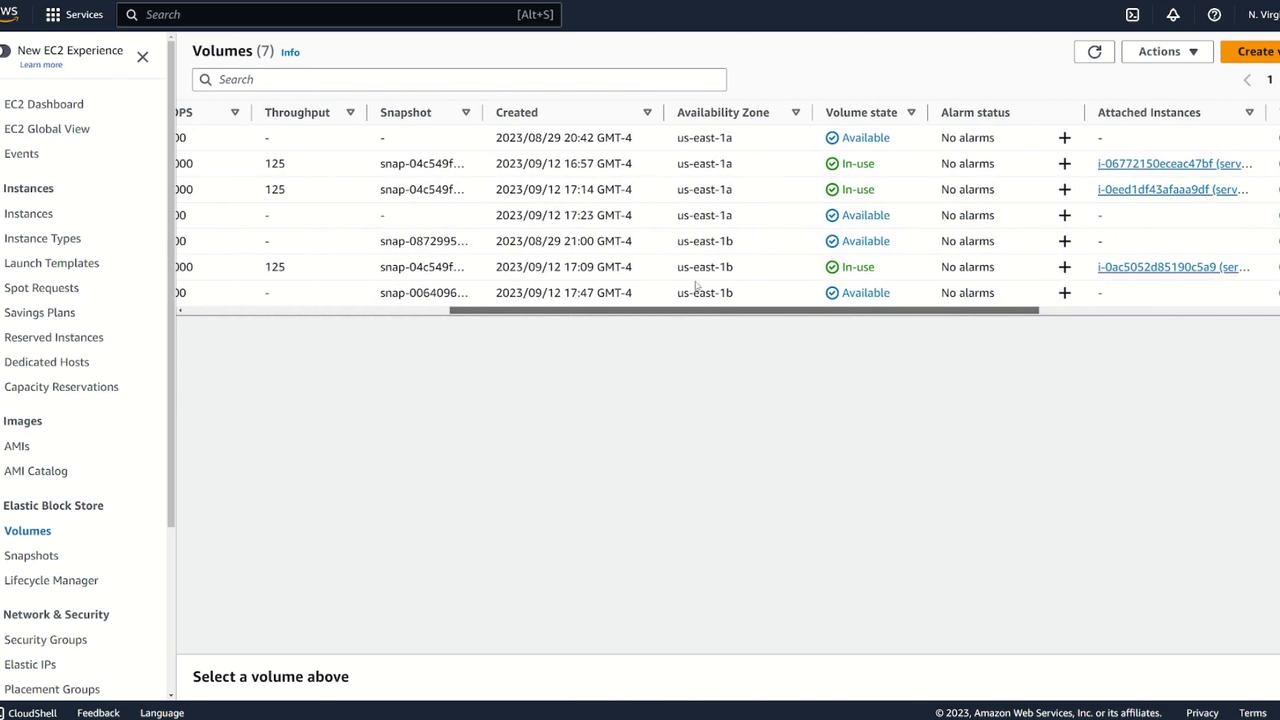
- Select the cloned volume.
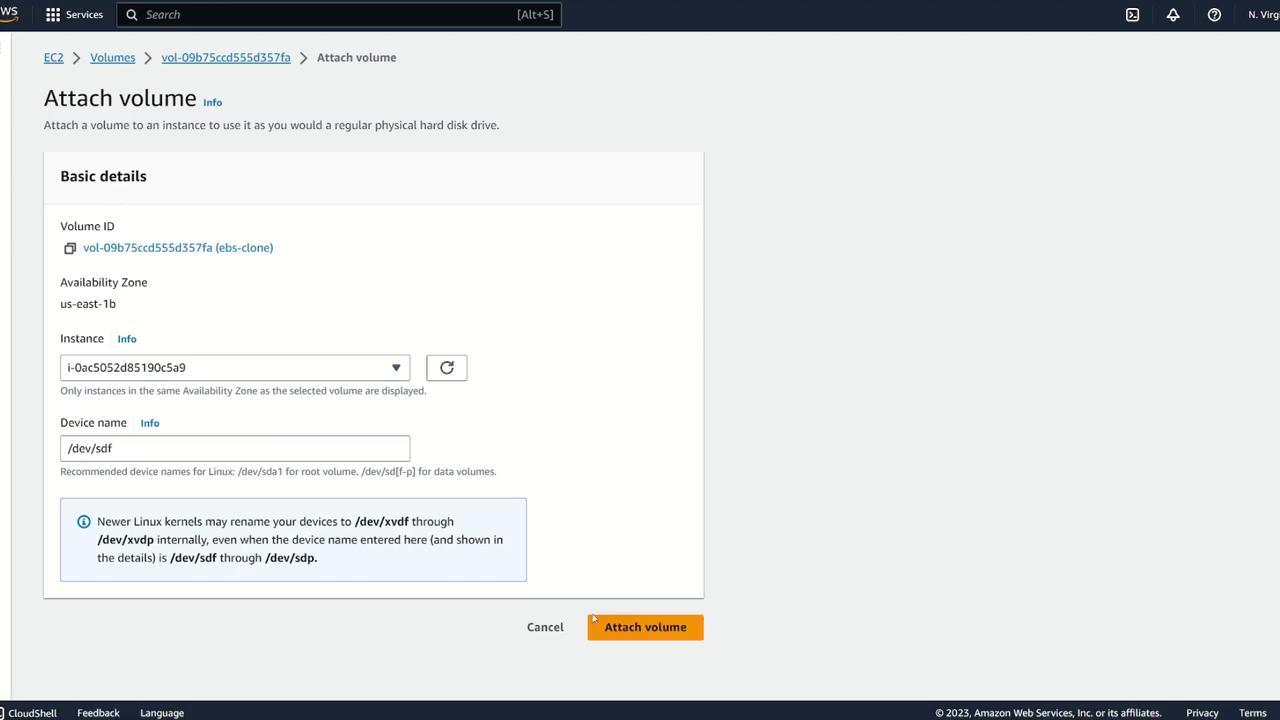
- Go to Actions > Attach Volume.
- Attach the volume to Server Three.
3. Verifying the Cloned Volume on Server Three
Log in to Server Three and verify that the block device is attached by running:/dev/xvdf should be visible. To confirm the file system, use:
demo.txt confirms that the original data is available:
4. Moving the EBS Volume Across Regions
If your goal is to attach the same block storage to an EC2 instance in a different region (for example, from Northern Virginia to Ohio), you cannot directly create a volume from a snapshot in another region. Instead, copy the snapshot to the target region by following these steps:- In your snapshots view, locate and select the desired snapshot.
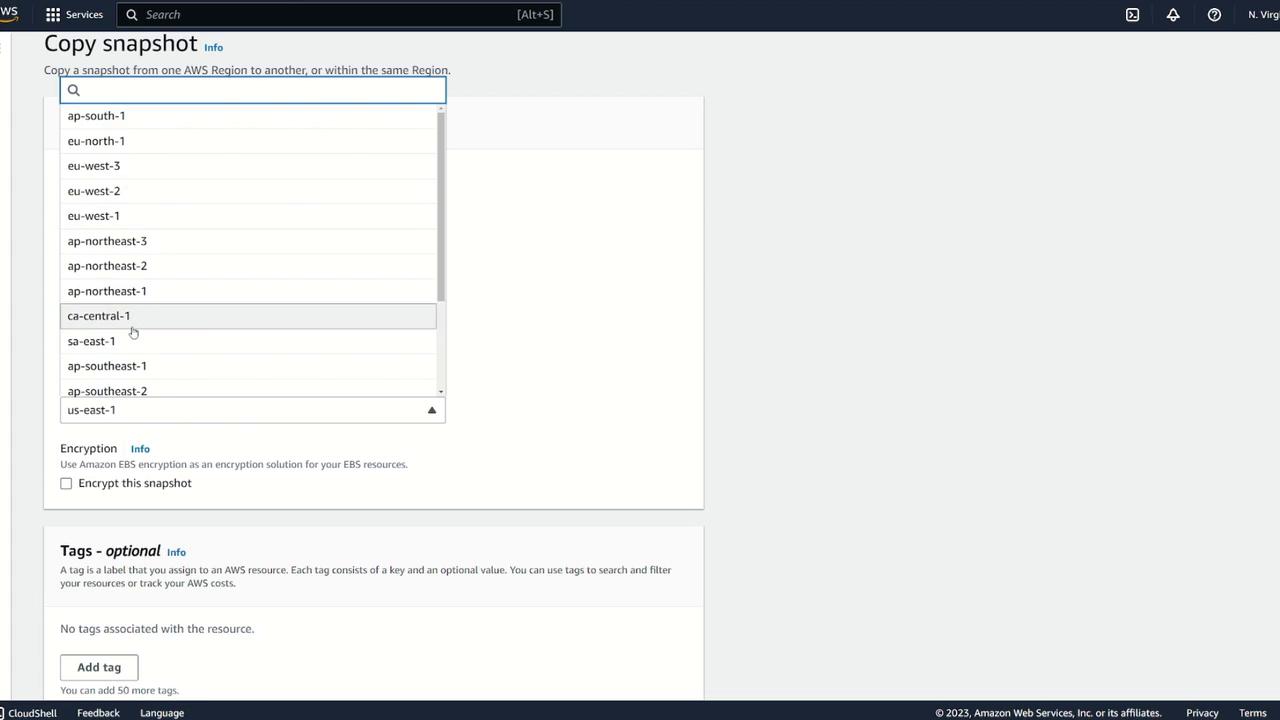
- Click Copy Snapshot.
- Provide a description (e.g., “copy of my snapshot”) and choose the destination region (for example, US East 2 for Ohio).
- Complete the copy process.
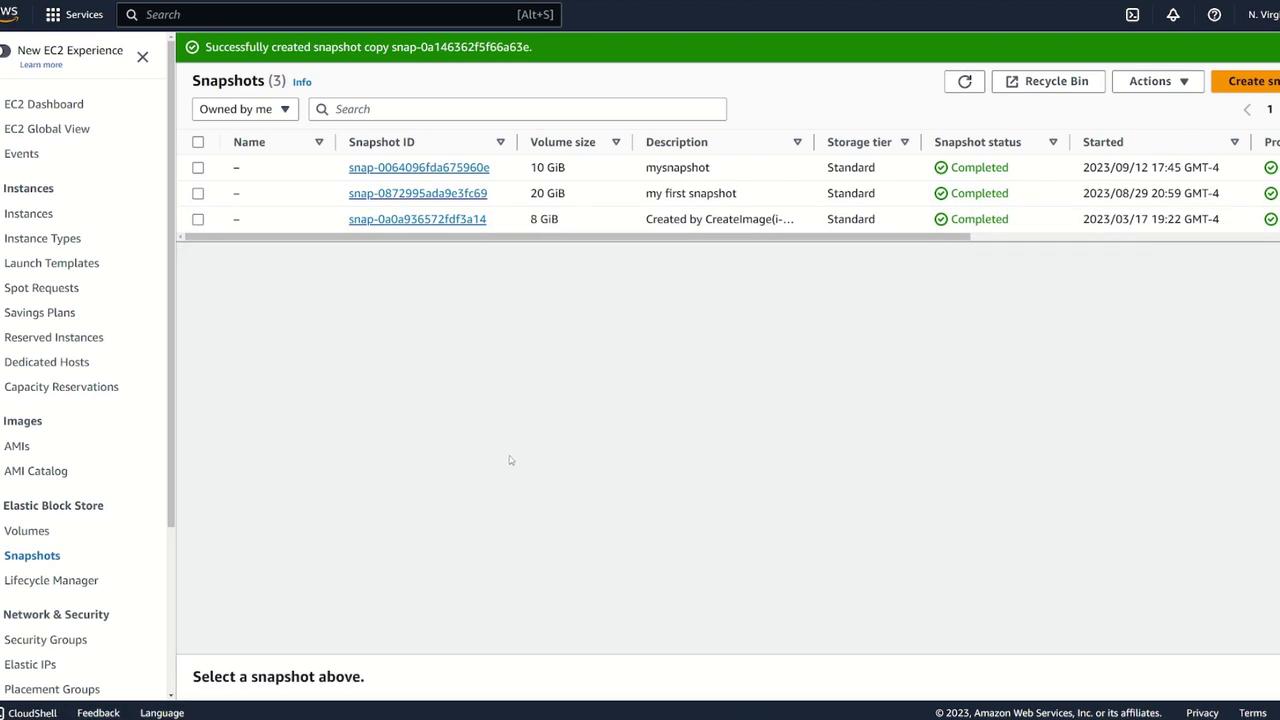
- Selecting the copied snapshot.
- Choosing Create Volume from Snapshot.
- Setting the Availability Zone (for example, us-east-2a).
- Once created, attach the new volume to Server Four.
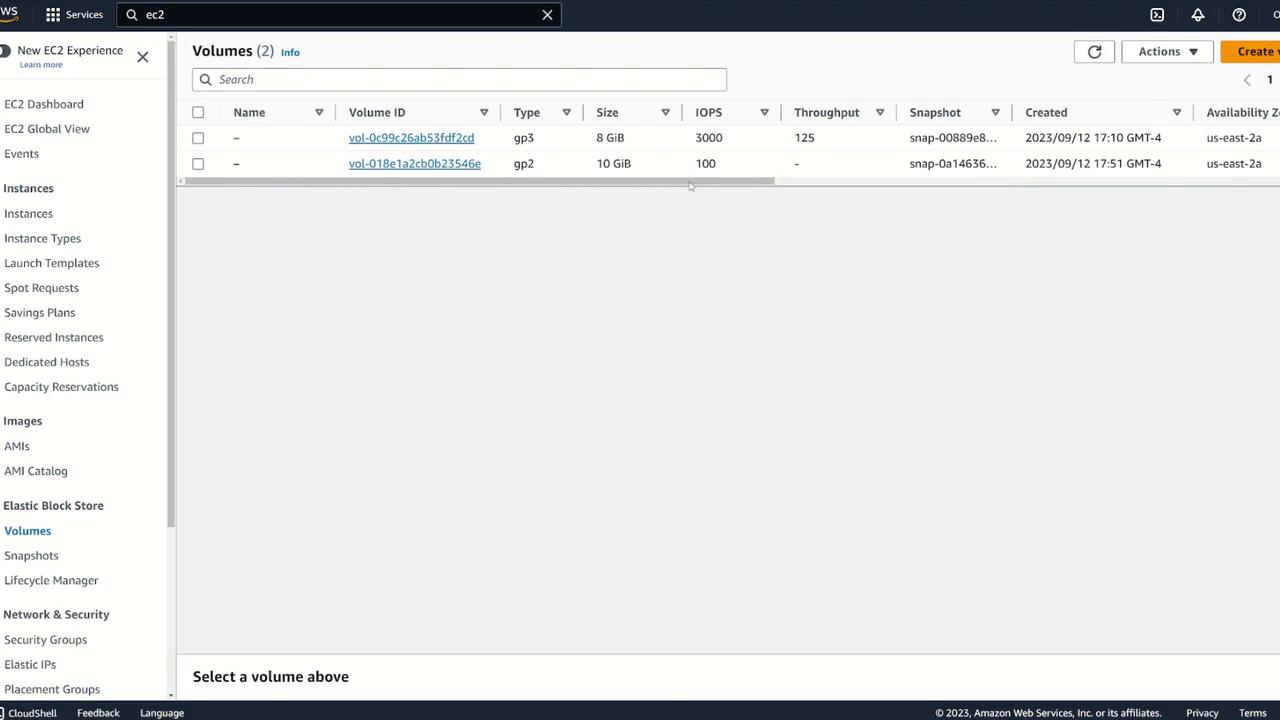
5. Verifying the Volume on Server Four
After attaching the volume to Server Four, verify its status and data integrity by opening a terminal on Server Four and executing the following commands:demo.txt file should display:
This guide demonstrates:
- How to move an EBS volume between instances in the same Availability Zone.
- How to create a snapshot and use it to transfer data to an instance in a different Availability Zone.
- How to copy a snapshot across regions and create a volume from it.