

Overview
For this demonstration, Firefox is set up to log into three AWS accounts simultaneously:- Administrator Account (Blue): Full permissions.
- User One Account (Green)
- User Two Account (Purple)
Configuring the Trust Policy
The trust policy for the “EC2 S3 Access” role is defined as follows:Assigning the Role to an EC2 Instance
Next, using either User One or User Two, navigate to the EC2 dashboard and select an instance (for example, a web app instance). Follow these steps to assign the role:- Choose the instance.
- Click on Actions.
- Select Security.
- Click Modify IAM Role.
- Search for “EC2 S3 Access” and assign it to the instance.
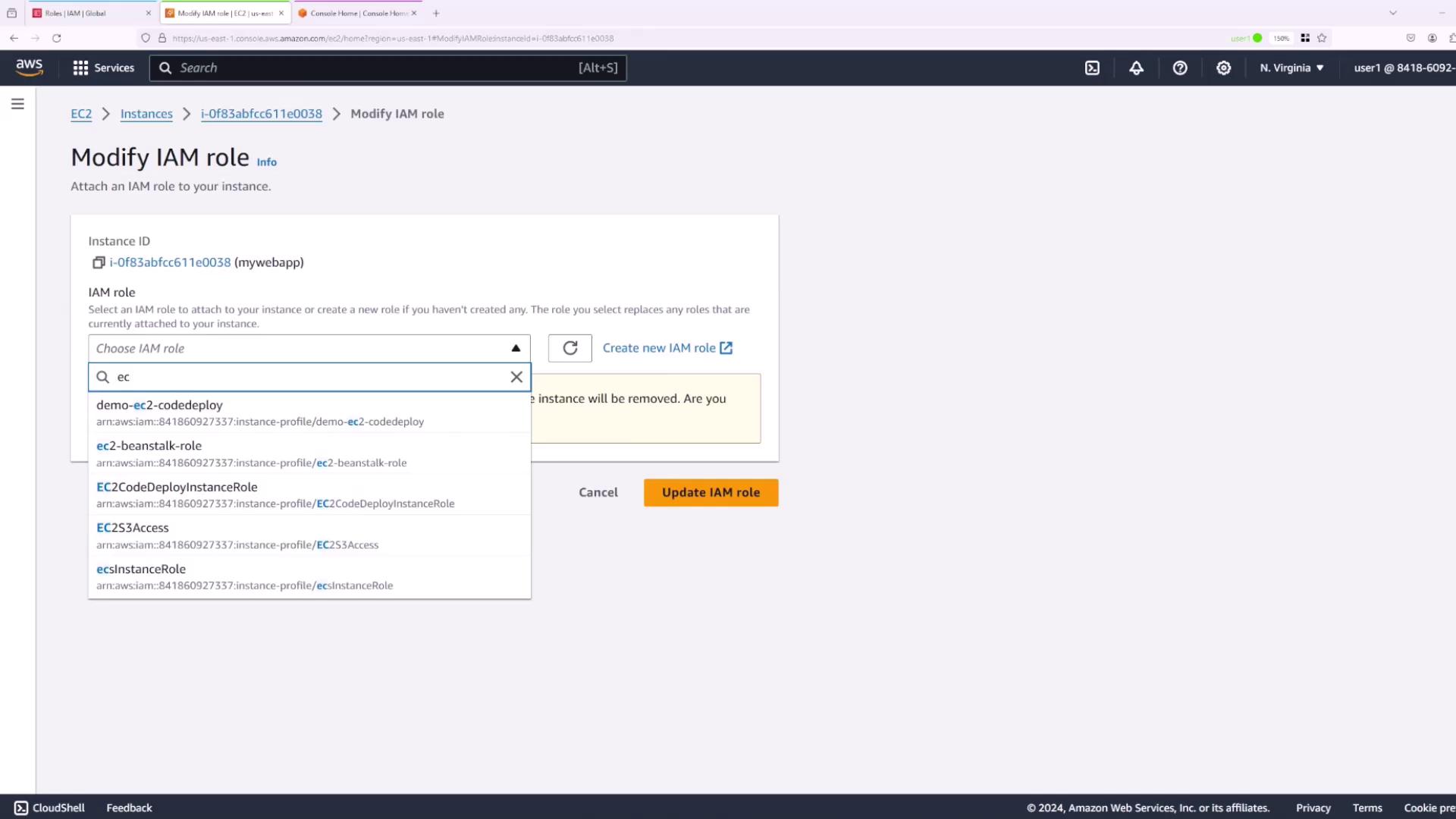
When attempting this operation with User One, an error message appears stating that they are not authorized to perform the operation. This clearly demonstrates the necessity of having the proper IAM PassRole permission during role assignment.
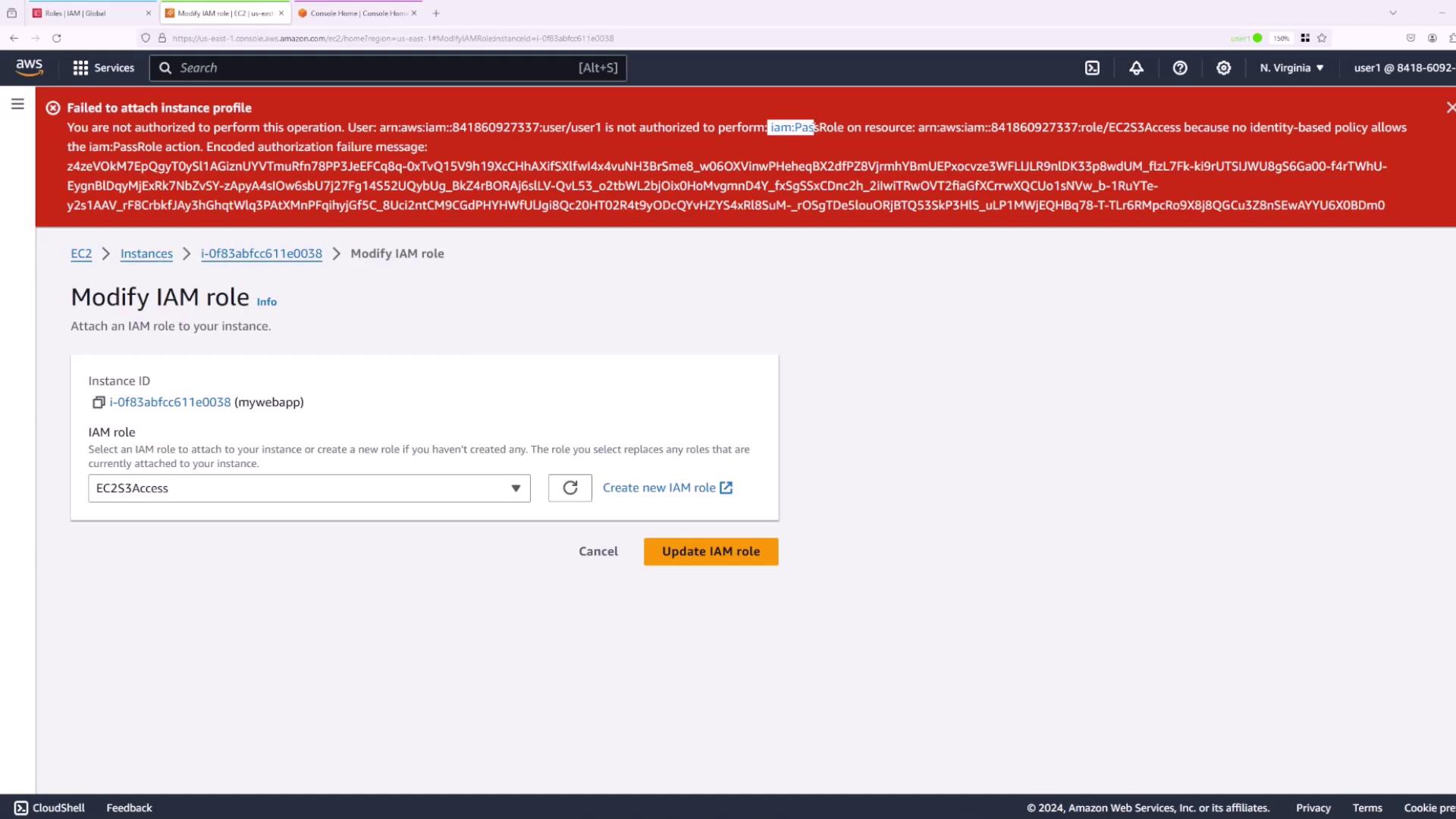
Granting IAM PassRole Permission to a User
To resolve permission issues for User Two, the IAM PassRole permission must be explicitly assigned. The inline policy below grants User Two permission to pass the EC2 S3 Access role (in addition to theiam:GetRole action, although only iam:PassRole is required):
- Log in as the Administrator.
- Navigate to the IAM console and select User Two.
- Click on Add permissions and choose Create inline policy.
- Switch to the JSON tab and paste the above policy.
- Provide a name for the policy (e.g., pass role EC2 S3 access) and create it.
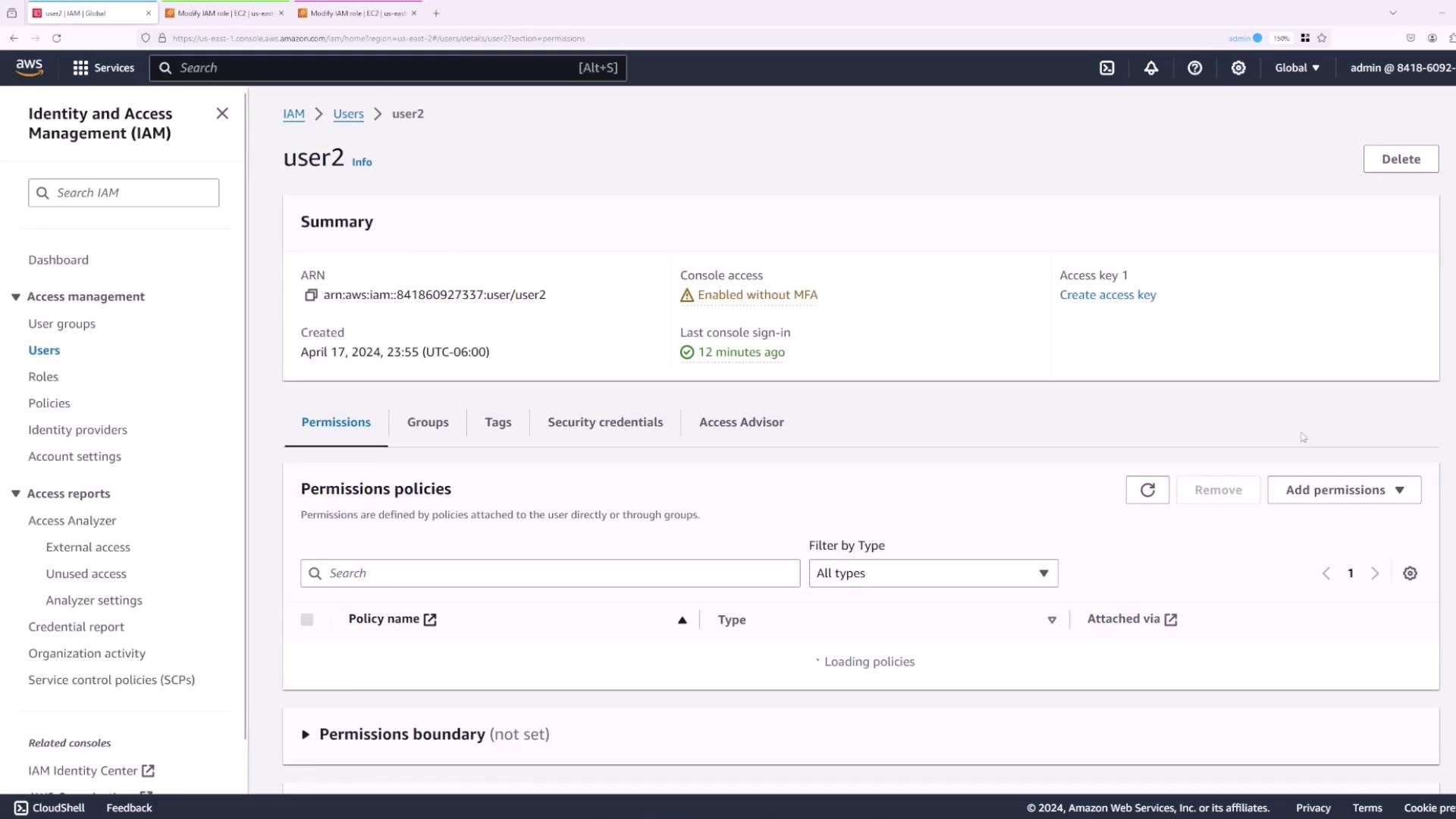
Testing the Configuration
After assigning the policy, test the configuration with these steps:- Log in as User One and attempt to modify the IAM role for an EC2 instance. The error should persist since User One does not have the required permissions.
- Log in as User Two and try again. When modifying the IAM role and selecting “EC2 S3 Access”, the operation should now succeed.
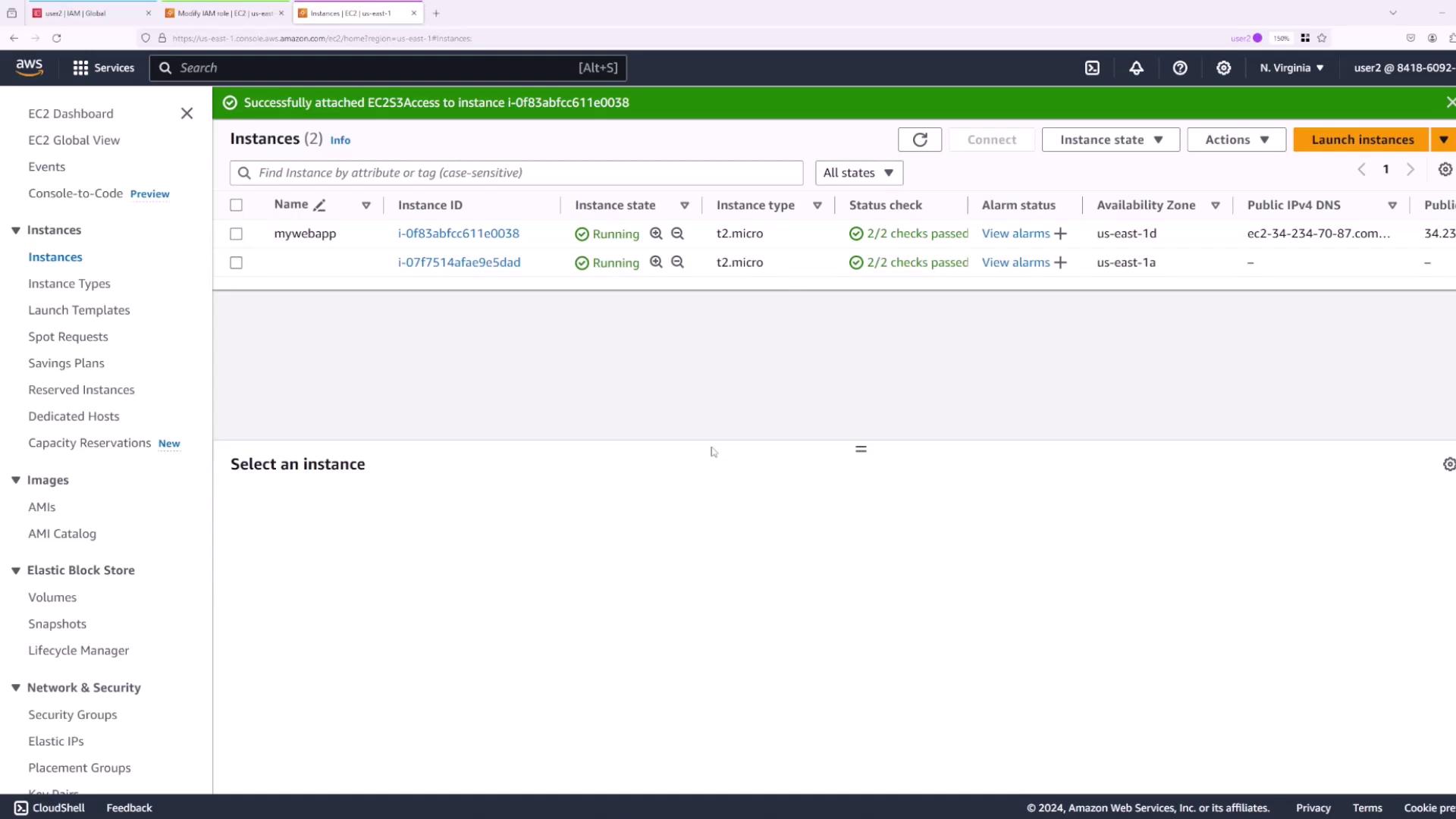
Summary
To enable a user to assign a role to an AWS service, ensure that the specific IAM PassRole permission is granted for that role. For clarity, here is the complete inline policy again:Configuring the IAM PassRole permission correctly is crucial for enabling AWS services to operate securely and efficiently. Always ensure that only the required permissions are granted to reduce potential security risks.