Architecture Overview
At the heart of the system is the Kinesis Data Stream acting as a conduit for data. Applications using the Kinesis Client Library (KCL), IoT devices, or other SDK-enabled producers send records into the stream. Consumers—ranging from AWS Lambda functions and SDK-based applications to ECS tasks—read and process the records. Notably, records can be retained for up to 365 days.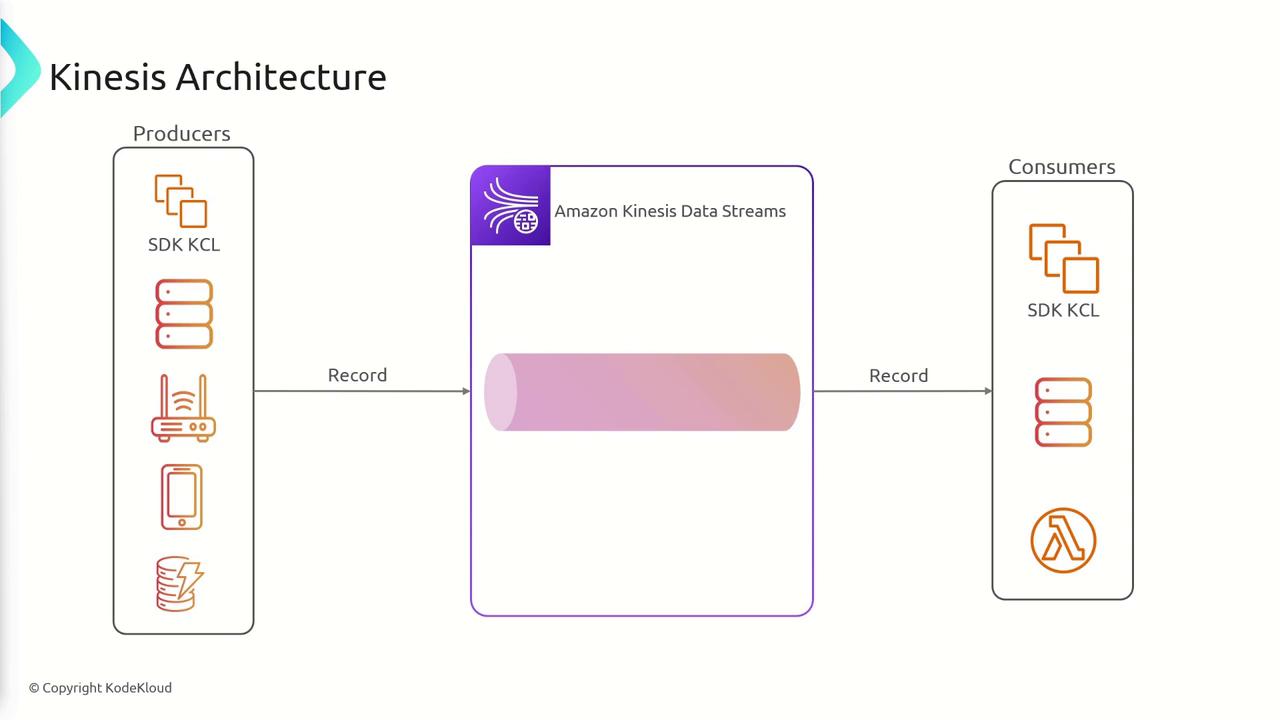
-
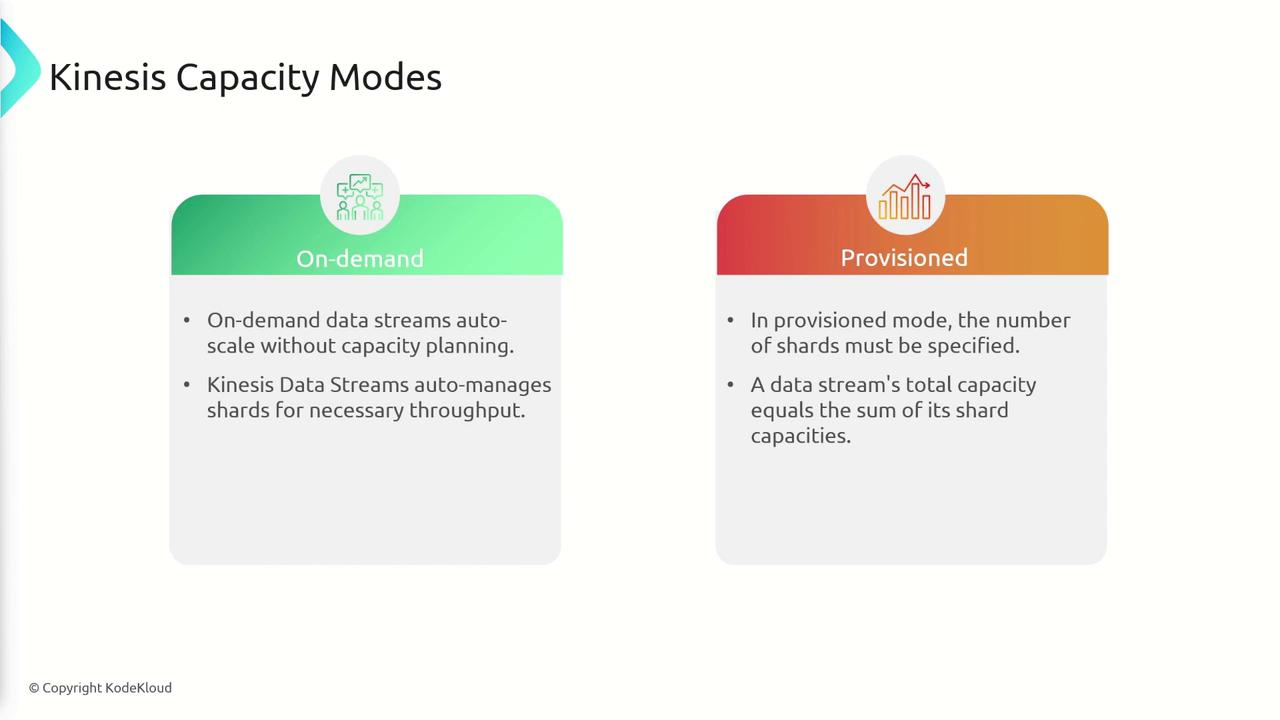
On-Demand Mode:
With no requirement for capacity planning, Kinesis automatically scales to meet demand without needing manual shard management. -
Provisioned Mode:
Here, you explicitly set the number of shards. The stream’s overall capacity is the sum of its individual shard capacities. You may adjust the shard count based on your changing data volumes.
Data Flow: Producers and Consumers
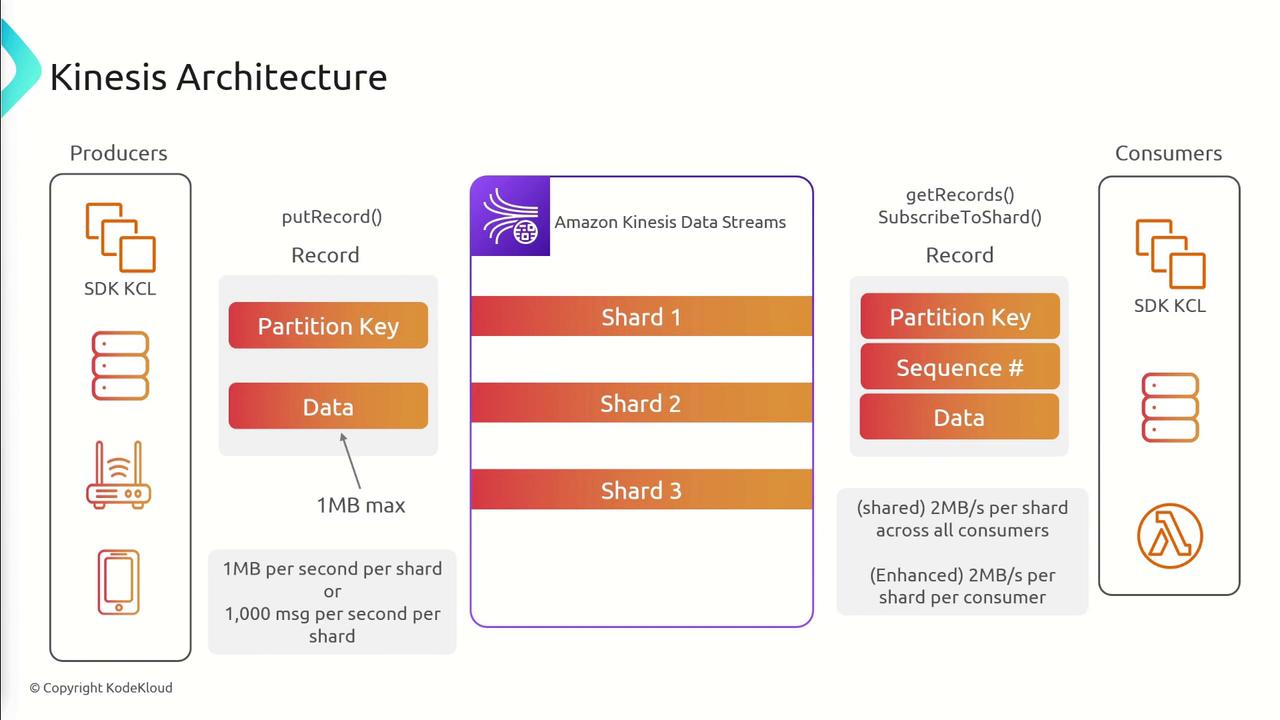
Data flows into the Kinesis stream in the following sequence:- Producers send records using the PutRecord API.
- Each record includes a partition key along with up to 1 MB of data. The partition key is hashed to determine which shard receives the record.
- A shard’s throughput is limited to 1 MB per second or 1,000 messages per second.
- Consumers retrieve records via the GetRecords API (classic pull-based model) or use the SubscribeToShard API (enhanced push-based model).
- In the shared (classic fan-out) mode, all consumers share a total throughput of 2 MB per shard.
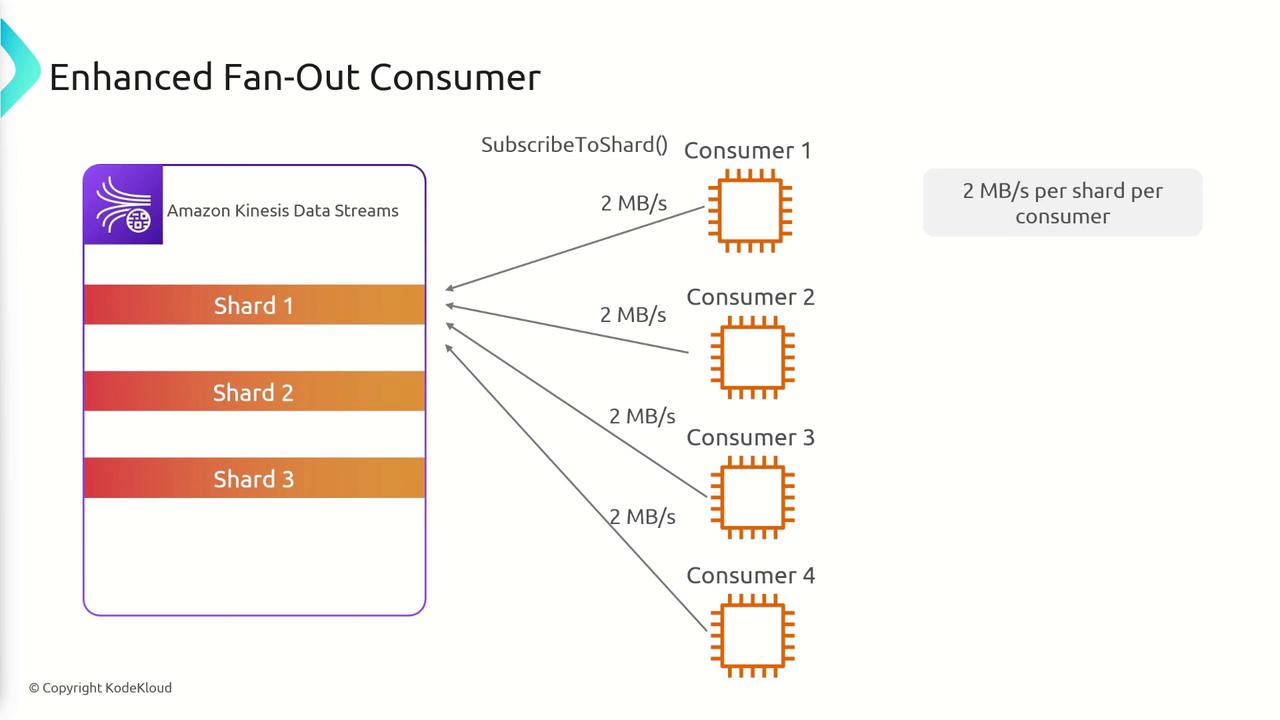
- With enhanced fan-out, every consumer gets an individual throughput of 2 MB per shard, providing improved scalability.
Partition Keys and Shard Distribution
When multiple devices (e.g., cameras) transmit telemetry or video data, each device’s identifier can serve as an effective partition key. For instance, in a data stream with three shards:- A camera with an ID of 120 might be directed to shard one.
- A camera with an ID of 320 could end up on shard one or two, depending on the hash.
- A camera with an ID of 550 might be routed to shard three.
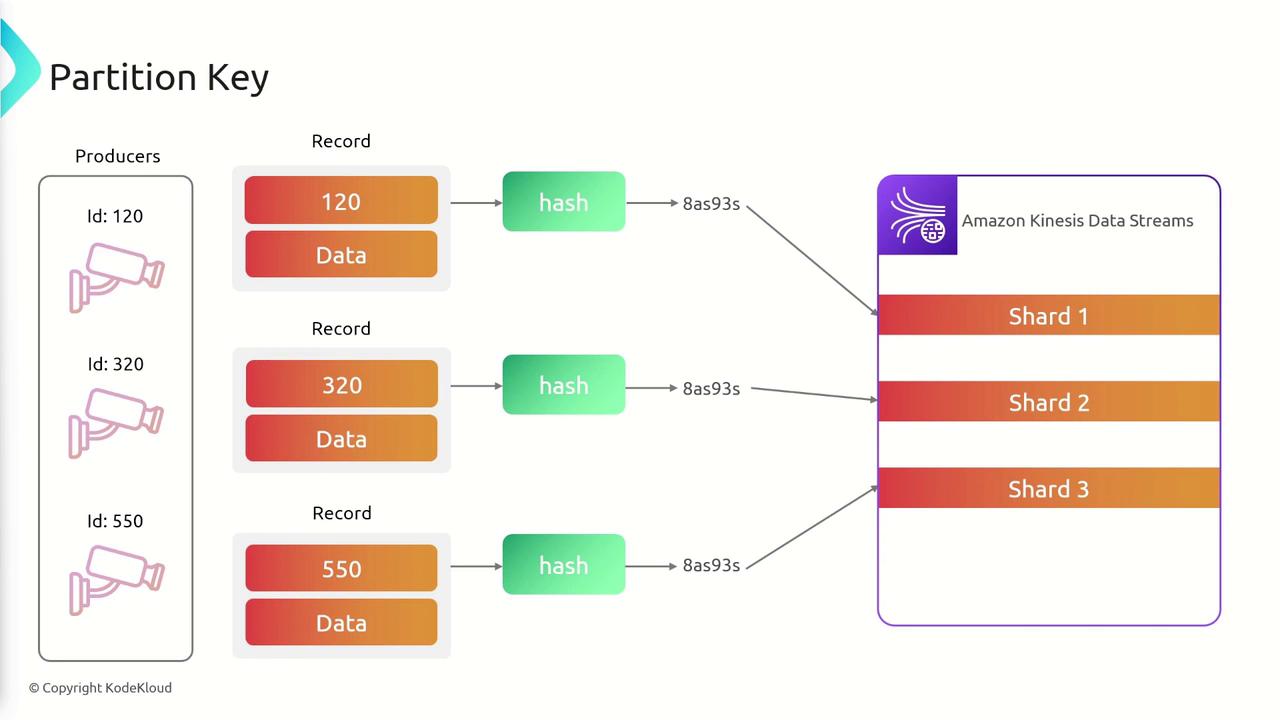
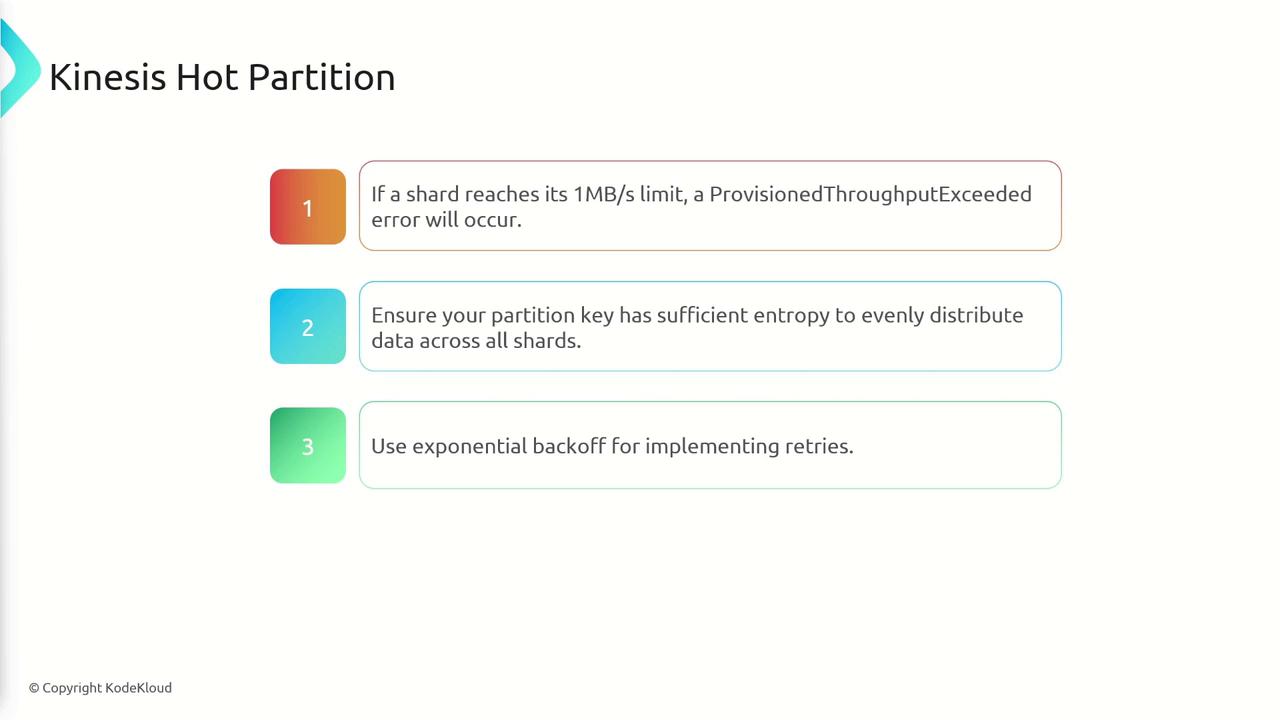
Choose partition keys that evenly distribute data across shards to avoid hot partitions.
- Use exponential backoff for retries.
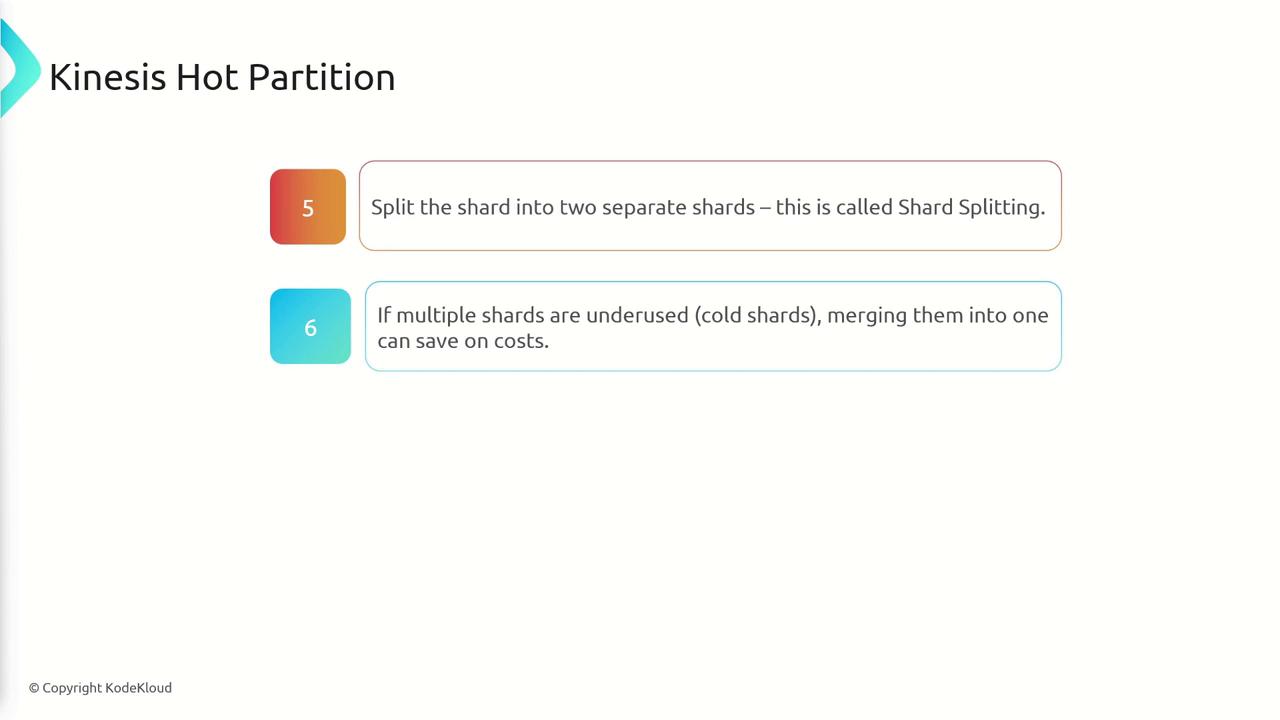
- Split an overburdened shard.
- Merge underutilized shards to optimize cost.
Consuming Data: Classic vs. Enhanced Fan-Out
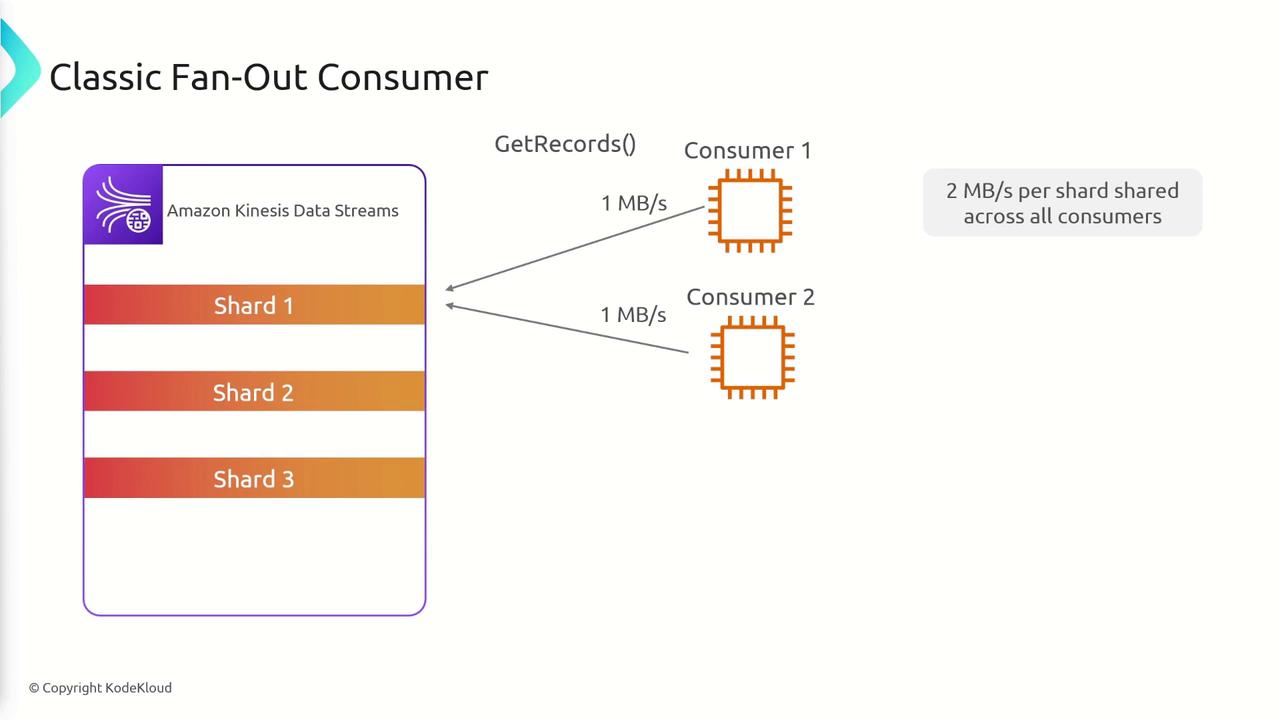
Consumers of Kinesis Data Streams can operate in two distinct modes:- Classic Fan-Out (Shared Mode):
In this mode, all consumers share the available throughput of 2 MB/s per shard. For example, two consumers on a shard may each get up to 1 MB/s if both are active, and the total bandwidth is divided as more consumers join.
- Enhanced Fan-Out:
Each consumer receives an exclusive throughput of 2 MB/s per shard. This is enabled by the SubscribeToShard API, allowing each consumer to process data at a high rate regardless of how many consumers are attached.
The Kinesis Client Library (KCL)
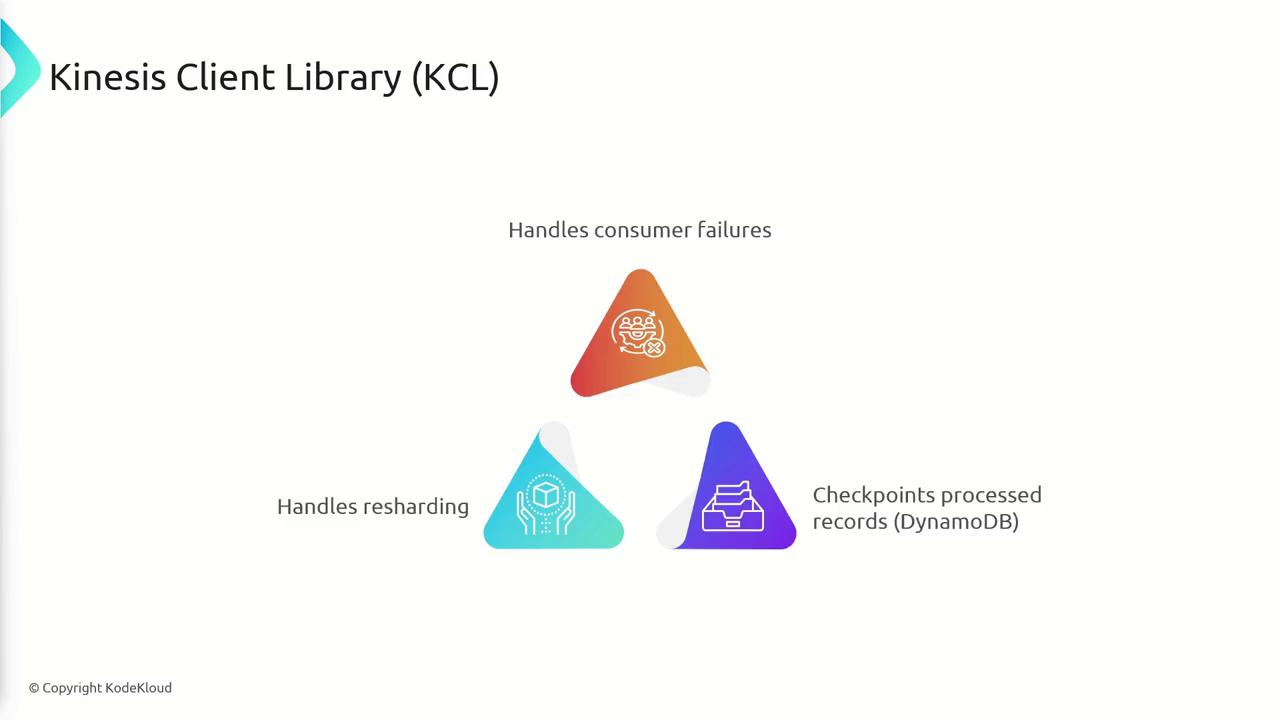
The Kinesis Client Library (KCL) simplifies the development of consumers by abstracting common tasks such as:- Automatic recovery from consumer failures.
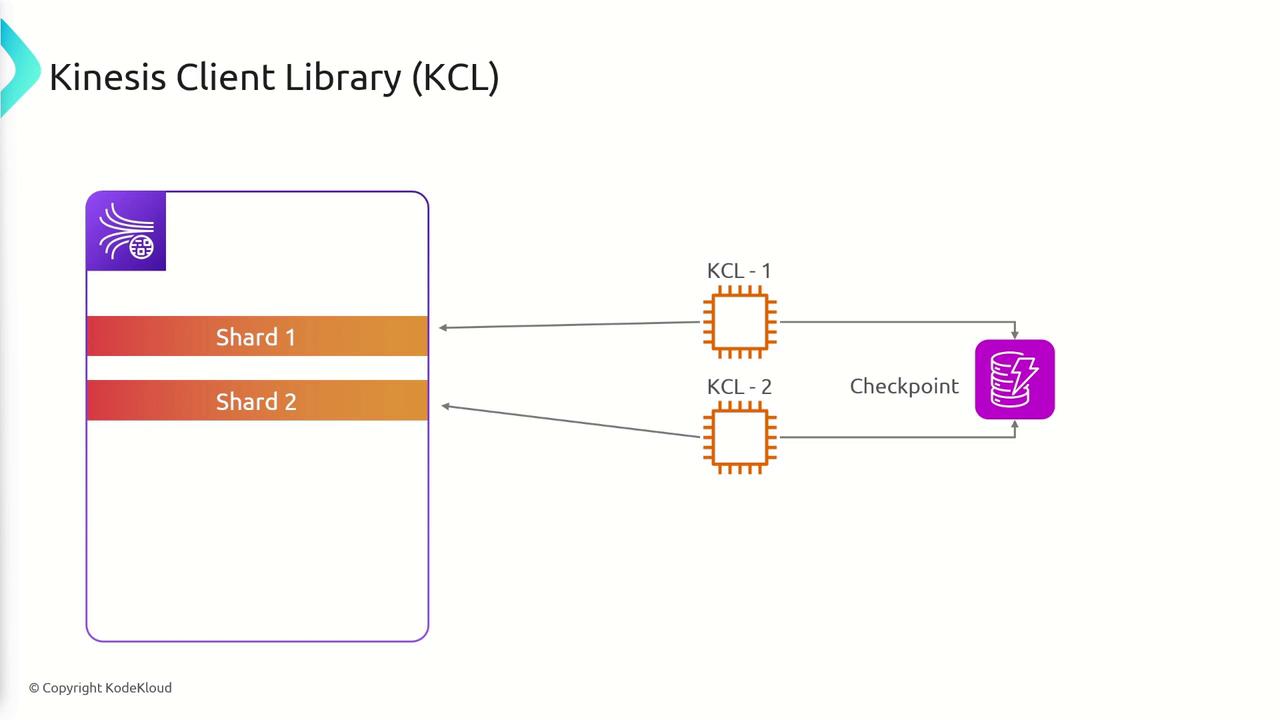
- Checkpointing to track progress using DynamoDB.
- Supporting resharding events to ensure smooth data consumption.
- With 2 shards, you can run a maximum of 2 KCL instances.
- With 7 shards, you are limited to 7 instances.
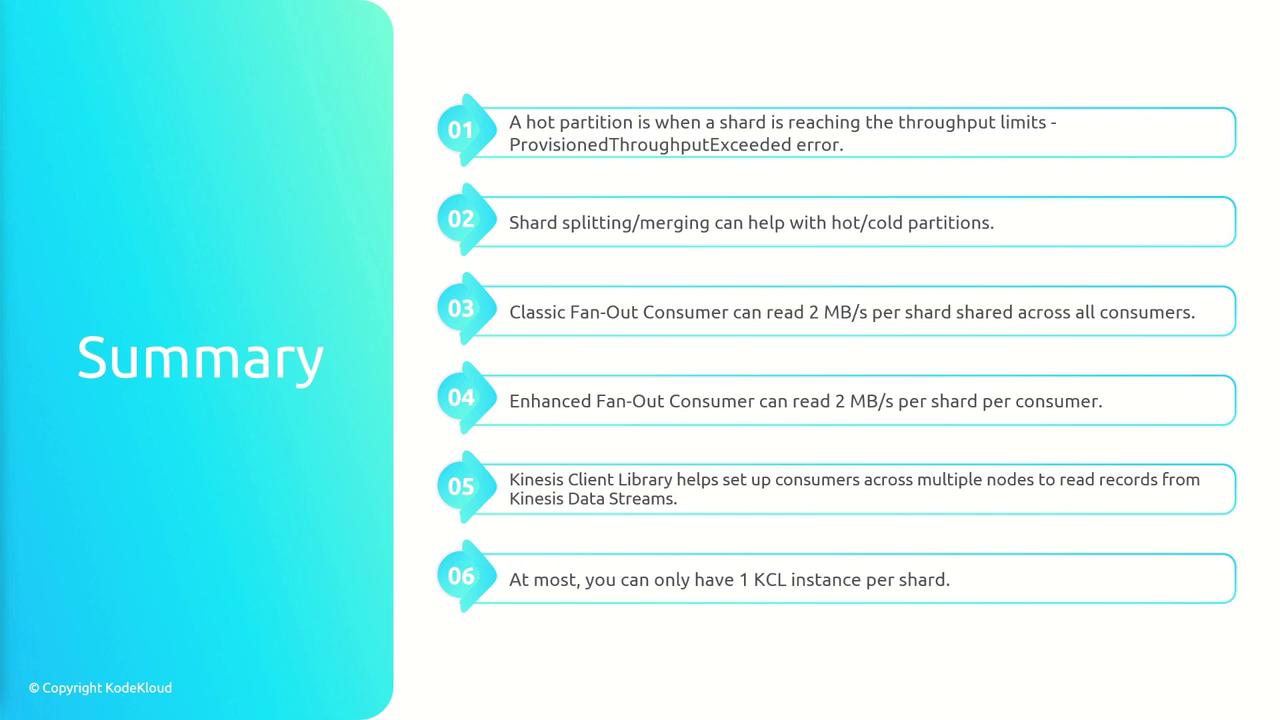
Summary
Amazon Kinesis Data Streams enables real-time data ingestion, processing, and analysis, making it an ideal solution for log aggregation, real-time metrics, and IoT telemetry applications. Key takeaways include:- Producers send records using the PutRecord API, with records containing partition keys and up to 1 MB of data.
- Each shard supports a throughput of 1 MB/s or 1,000 messages/s.
- Proper selection and management of partition keys are vital to avoid hot partitions.
- Hot partitions can be mitigated through exponential backoff, shard splitting, or merging underutilized shards.
- In classic fan-out mode, consumers share a 2 MB/s throughput per shard, whereas enhanced fan-out mode allocates 2 MB/s per consumer per shard.
- The Kinesis Client Library automates consumer management, checkpointing, and resharding, with a one-instance-per-shard limitation.