Git Fundamentals and Workflow
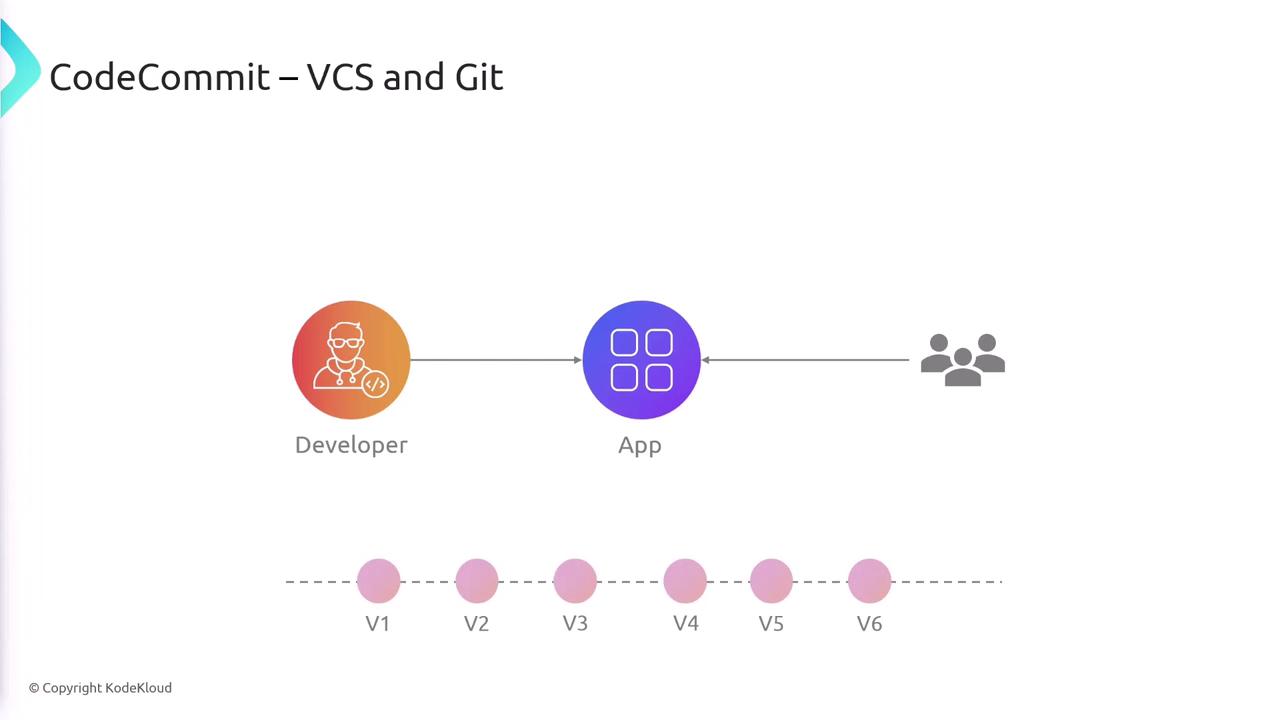
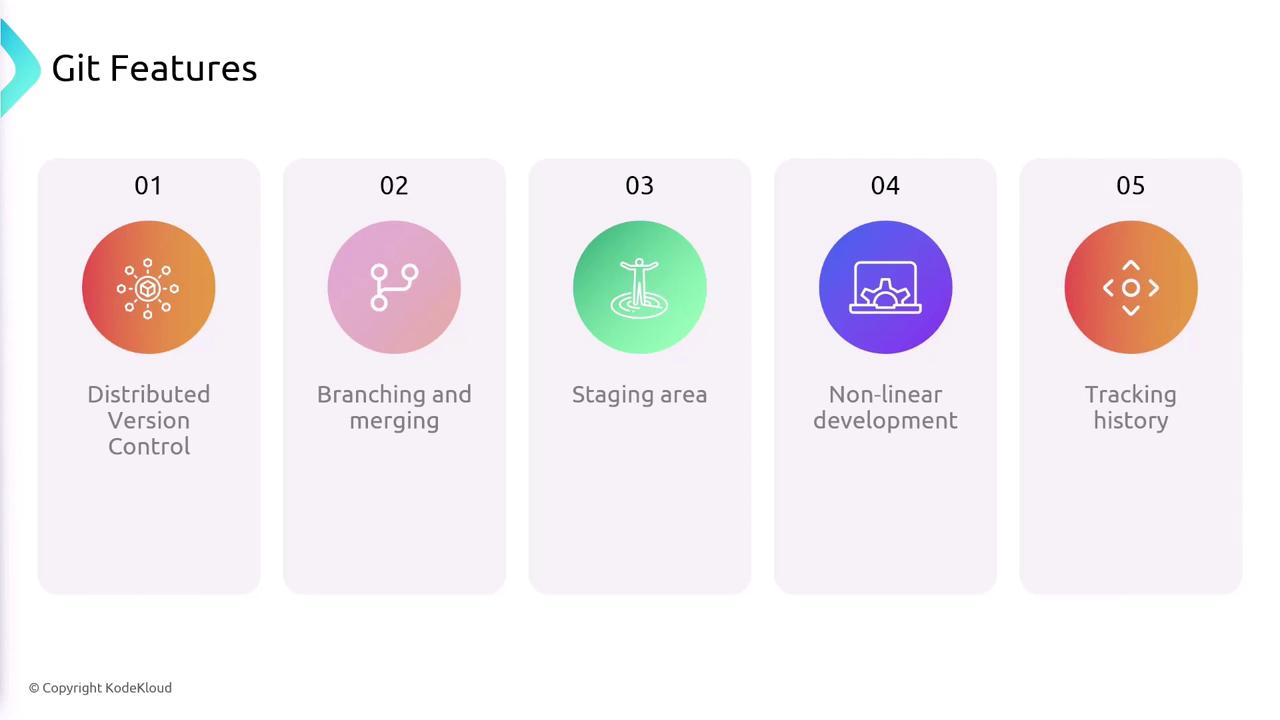
Before diving deeper into AWS CodeCommit, it is essential to understand some key Git concepts that form the foundation of modern version control:- Complete Project History: Each developer maintains a full copy of the project history, ensuring offline work capability and robust backup.
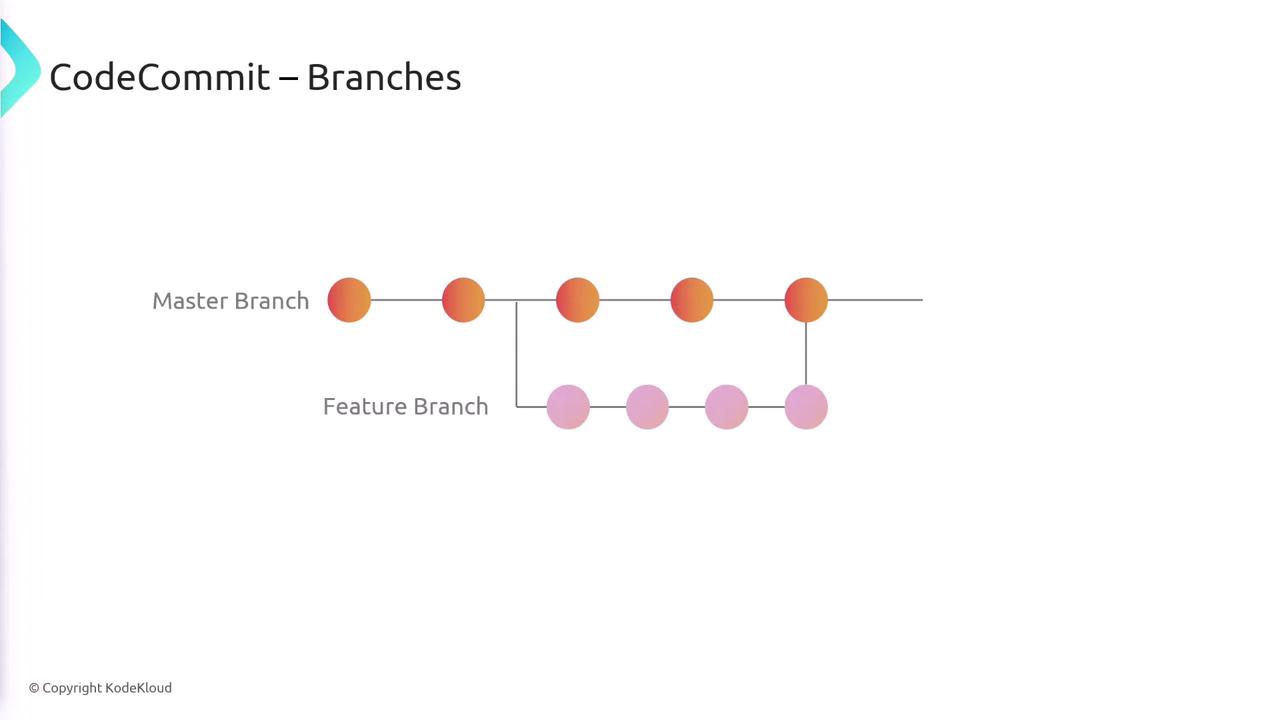
- Lightweight Branching: Git’s branching model facilitates experimentation and parallel development.
- Efficient Merging: Integrating new features or bug fixes is straightforward with Git’s efficient merge strategy.
- Staging Area (Index): This area provides an opportunity to review and modify changes before committing, keeping your commit history clean.
- Non-linear Development: Git supports multiple development workflows, maintaining detailed metadata such as authorship, timestamps, and commit messages.
Git Workflow Overview
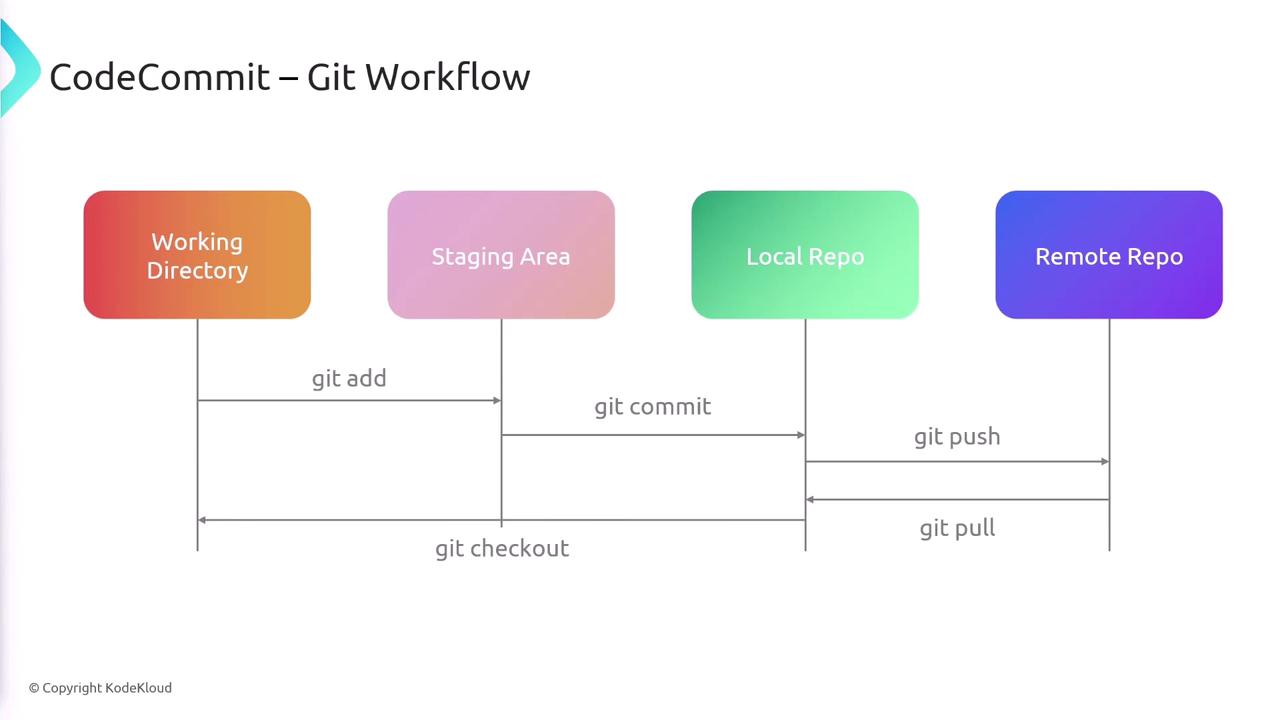
Understanding the Git workflow is crucial for interacting effectively with CodeCommit. The typical workflow comprises the following stages:-
Working Directory:
This is your local copy of the project where you make changes to the code. -
Staging Area (Index):
After editing files, you use the commandgit addto move the changes into the staging area. This step prepares your modifications for a commit. -
Local Repository:
Withgit commit, the staged changes are recorded in your local repository, capturing a snapshot of your project history. -
Remote Repository:
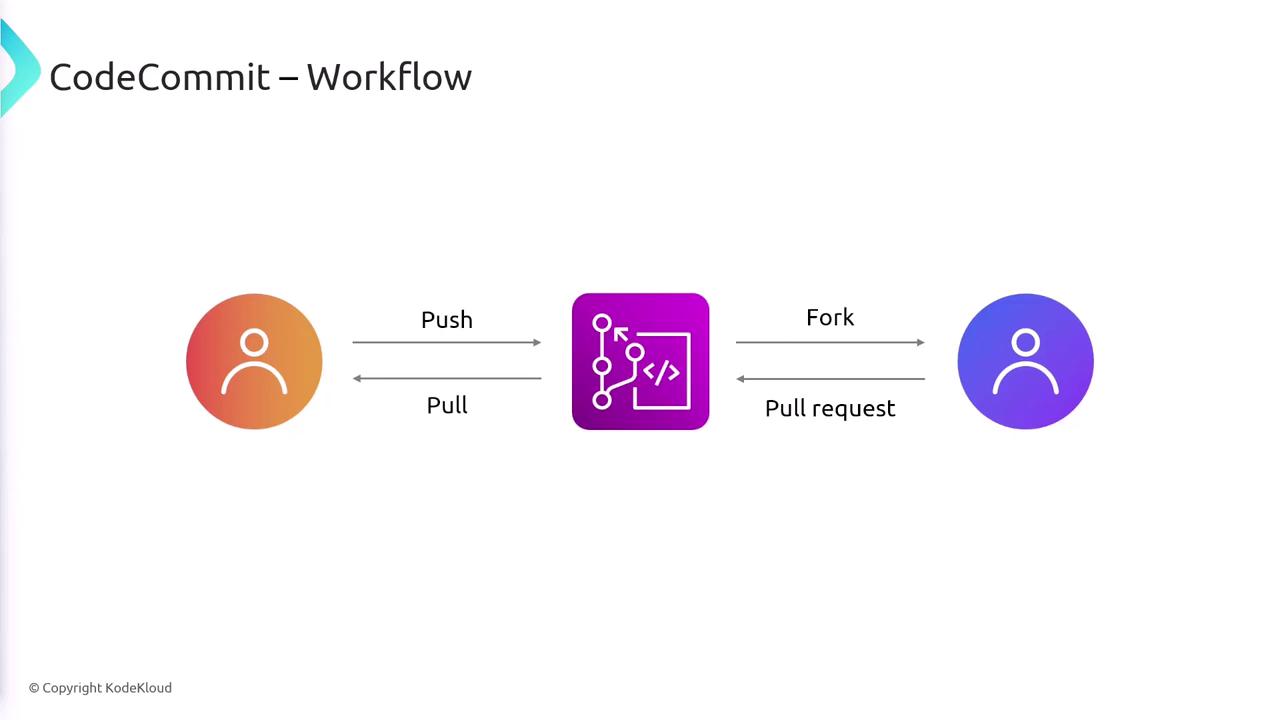
Finally, usinggit push, you update the centralized repository—be it AWS CodeCommit, GitHub, Bitbucket, or GitLab—with your committed changes.
git pullto fetch changes from the remote repository.git checkoutto switch between branches or revert to a specific state in your working directory.
AWS CodeCommit Overview
AWS CodeCommit is a Git-based repository service crafted for secure and scalable code collaboration:- It performs similarly to other Git repository services but offers deep integration with AWS services.
- CodeCommit supports all standard Git functionalities including branching, commits, tagging, and pull requests.
- Developers enjoy their familiar Git workflows without needing to adapt to new tooling.
Key Features of AWS CodeCommit
AWS CodeCommit offers a range of features designed to facilitate efficient and secure source control management:-
Fully Managed Service:
AWS takes care of hosting, maintenance, scaling, and backups, freeing you from the overhead of managing dedicated source control servers. -
Git Compatibility:
Enjoy the full functionality of Git without altering your existing workflows. -
Collaboration Tools:
Features such as pull requests, code reviews, and inline comments enhance team collaboration and maintain code quality. -
Seamless AWS Integration:
CodeCommit integrates with AWS services like CodeBuild, CodePipeline, CloudWatch, and IAM, making it ideal for creating automated CI/CD pipelines. -
High Durability:
With repositories stored across multiple data centers, your code remains resilient against data loss. -
Unlimited Repository Size:
CodeCommit is designed to handle large codebases without imposing repository size limits.
Integration with AWS IAM
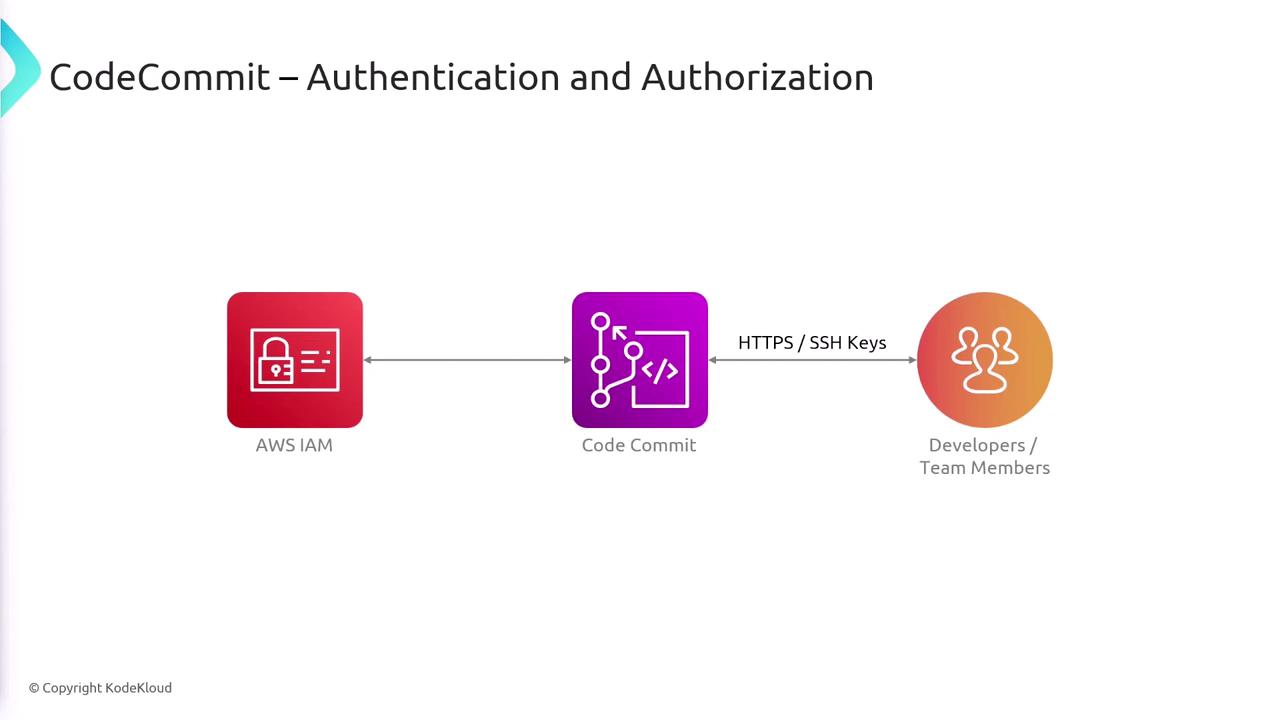
Authentication and authorization in CodeCommit are managed via AWS Identity and Access Management (IAM). Users can authenticate using HTTPS or SSH keys, with IAM enforcing the appropriate permissions for each action.Integrating CodeCommit with AWS IAM not only enhances security by restricting access based on permissions but also simplifies user management across the AWS ecosystem.
Summary
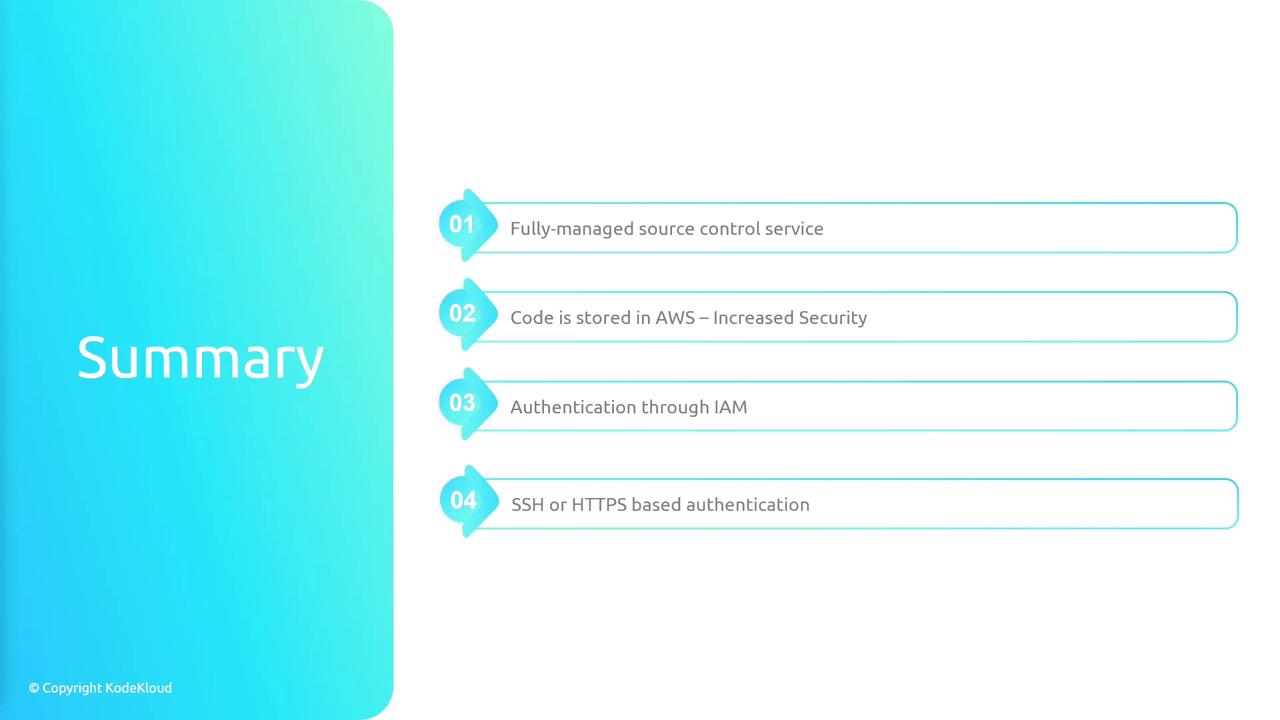
In summary, AWS CodeCommit provides a fully managed source control solution that offers the following benefits:- A secure, centralized Git repository for effective code collaboration.
- Seamless integration with AWS services, enhancing overall security and performance.
- Familiar Git workflows that facilitate branching, committing, tagging, and pull requests.
- Robust authentication and authorization through AWS IAM, supporting both SSH and HTTPS protocols.