

Switching Environments and Upgrading Code
Currently, you are working in the production environment. To begin testing changes, switch to your development environment by navigating to your application and selecting the corresponding environment. In the development environment, after making code changes, click Upload and Deploy to deploy a new version. You will be prompted to upload a zip file and assign a label. Note that the exact behavior during deployment depends on your environment configuration. Below is an image of the AWS Elastic Beanstalk dashboard for an environment named “My-webapp-dev,” which is running Node.js 20 on Amazon Linux and is in a healthy state.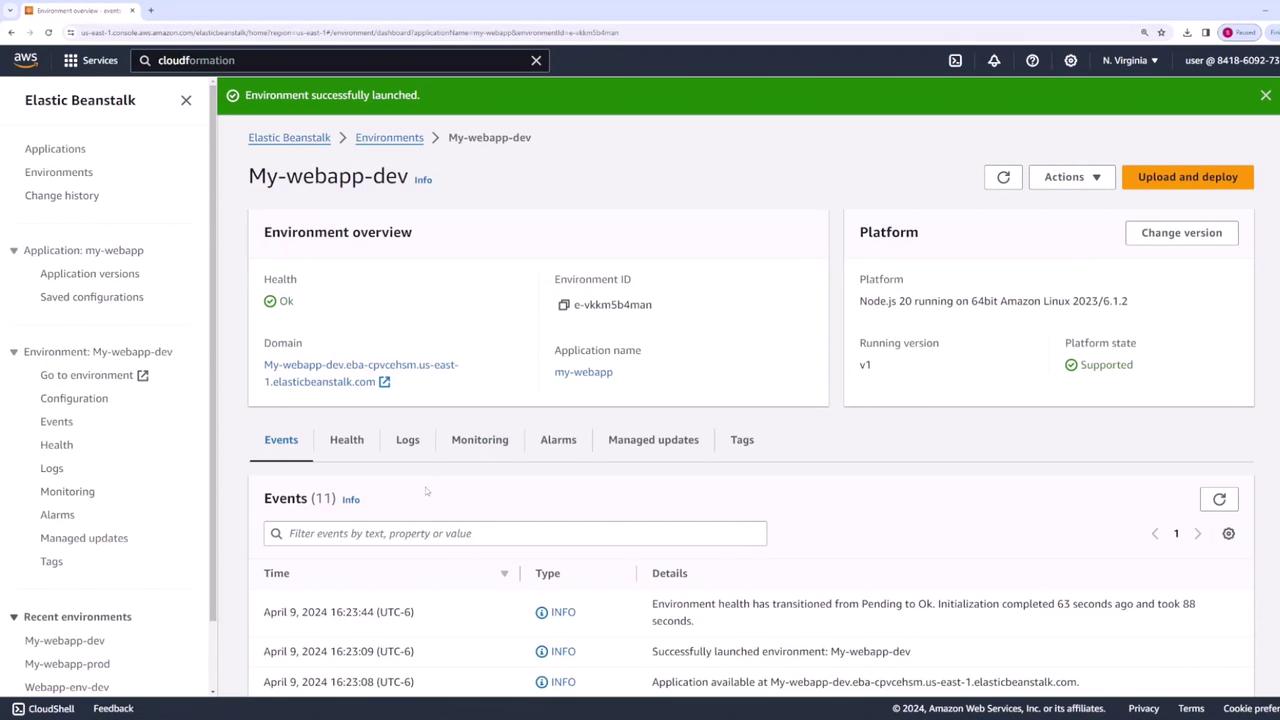
Viewing and Editing Deployment Configuration
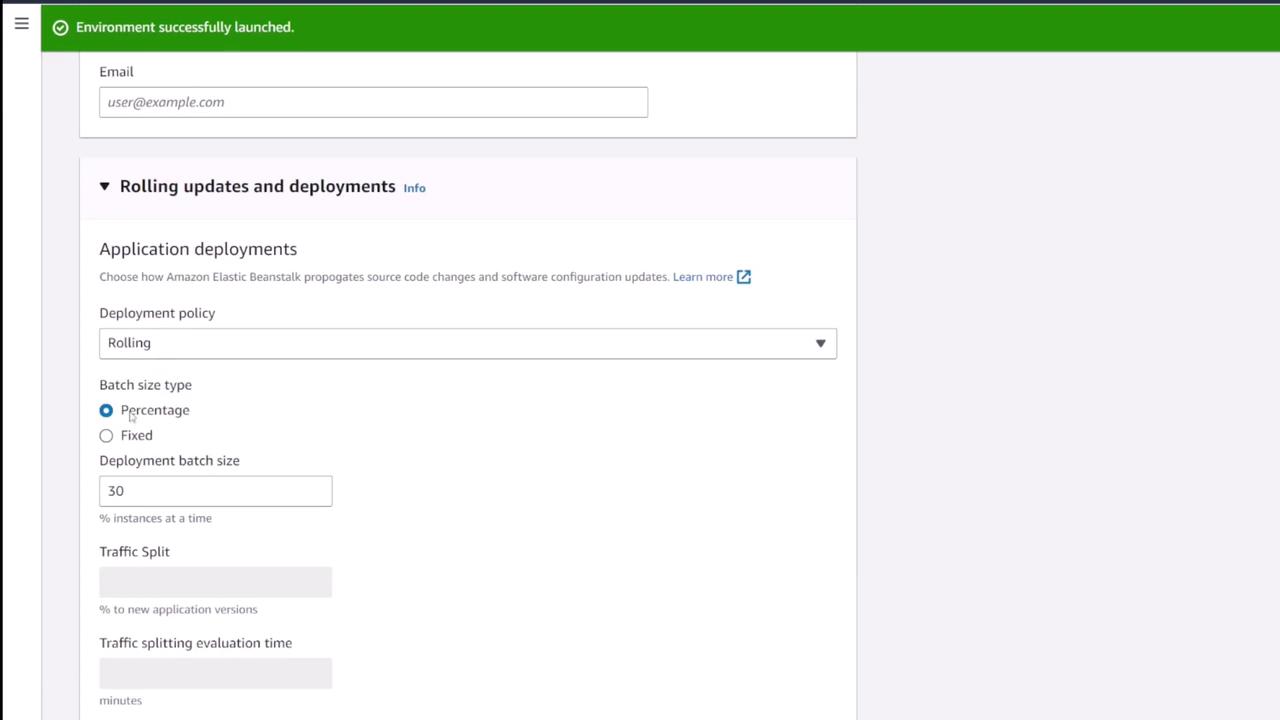
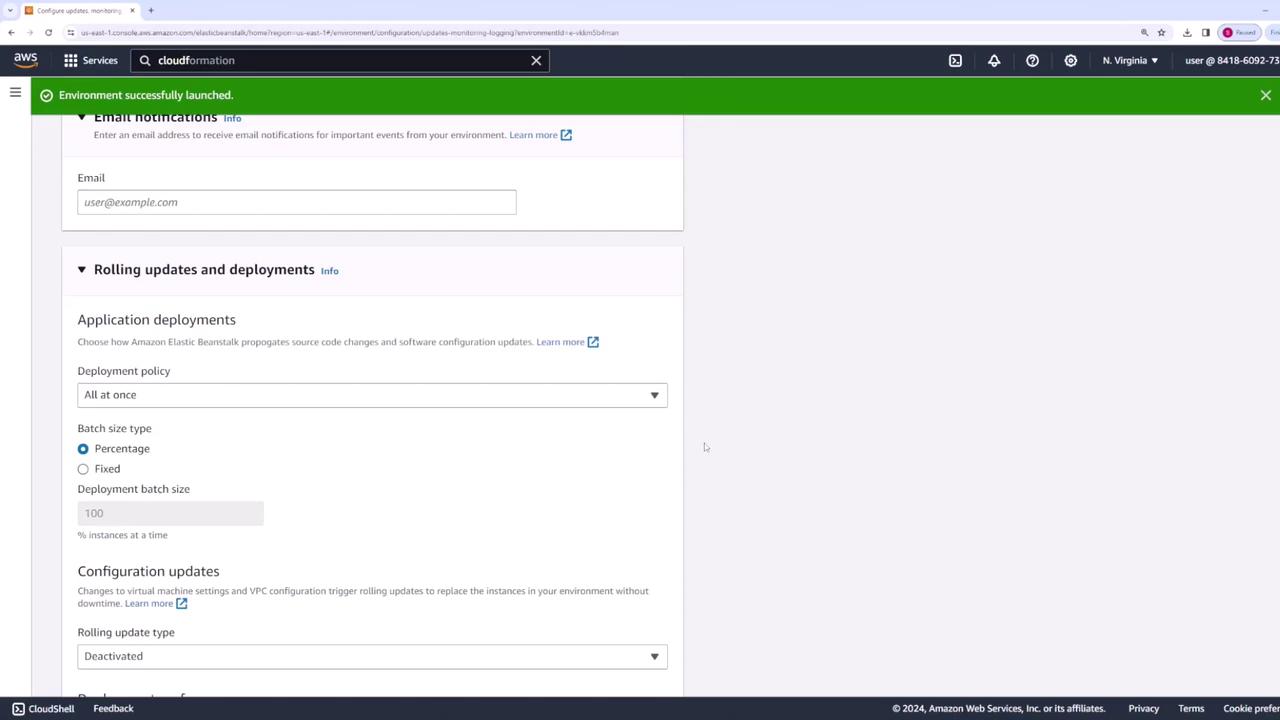
To review and adjust how Elastic Beanstalk updates your environment, go to the Updates, Monitoring, and Logging section in your development environment and click Edit. Under Rolling Updates and Deployment, you can select from several deployment policies. For instance, with a single instance in development, your choices might be limited (e.g., “all at once” or a basic version of “immutable”). To access additional options, switch to the production environment, where multiple instances enable more deployment strategies. In the production environment, scroll to the Updates, Monitoring, and Logging section and click Edit. When you open the deployment policy drop-down menu, you’ll see the following options:- Rolling Updates
Updates a subset of instances at a time. For example, if you set a 30% update rate on a four-instance setup, Elastic Beanstalk updates one instance at a time to minimize downtime.
-
All at Once
Updates every instance simultaneously. Although fast, this method may cause a service disruption since all instances are updated at the same time. This approach is typically reserved for non-production environments. -
Rolling with Additional Batch
Similar to rolling updates, this method temporarily launches an extra instance, ensuring that the overall active capacity remains constant during deployment. This may result in additional costs due to the extra instance. -
Immutable Deployments
Launches a parallel set of instances that match your existing instance count. Once the new instances are running and verified, traffic is shifted over to them, allowing for a quick rollback if issues arise. -
Traffic Splitting
Gradually routes a percentage of traffic to the new version. Only after confirming the update’s stability does Elastic Beanstalk shift all traffic to the new version.
Deploying a New Application Version
After updating your deployment configuration, it’s time to deploy a new application version to the production environment. Start by modifying your code locally. For example, consider a Node.js application with an HTTP server setup: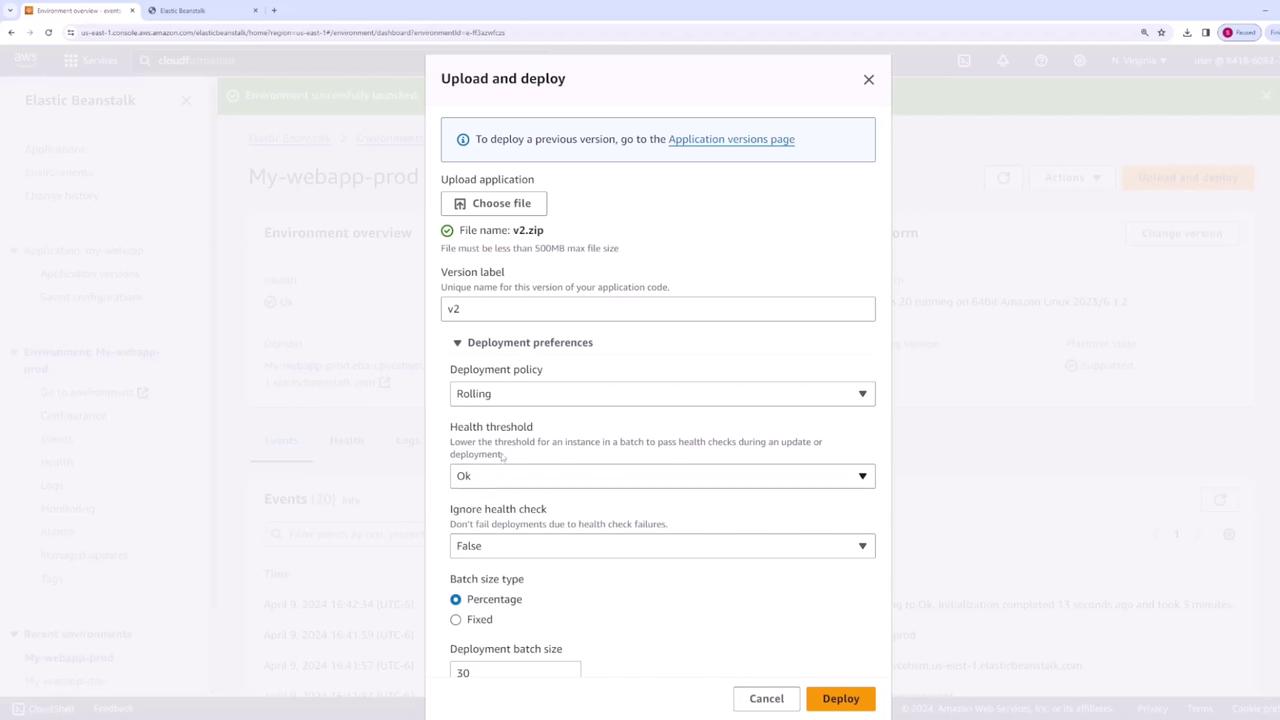
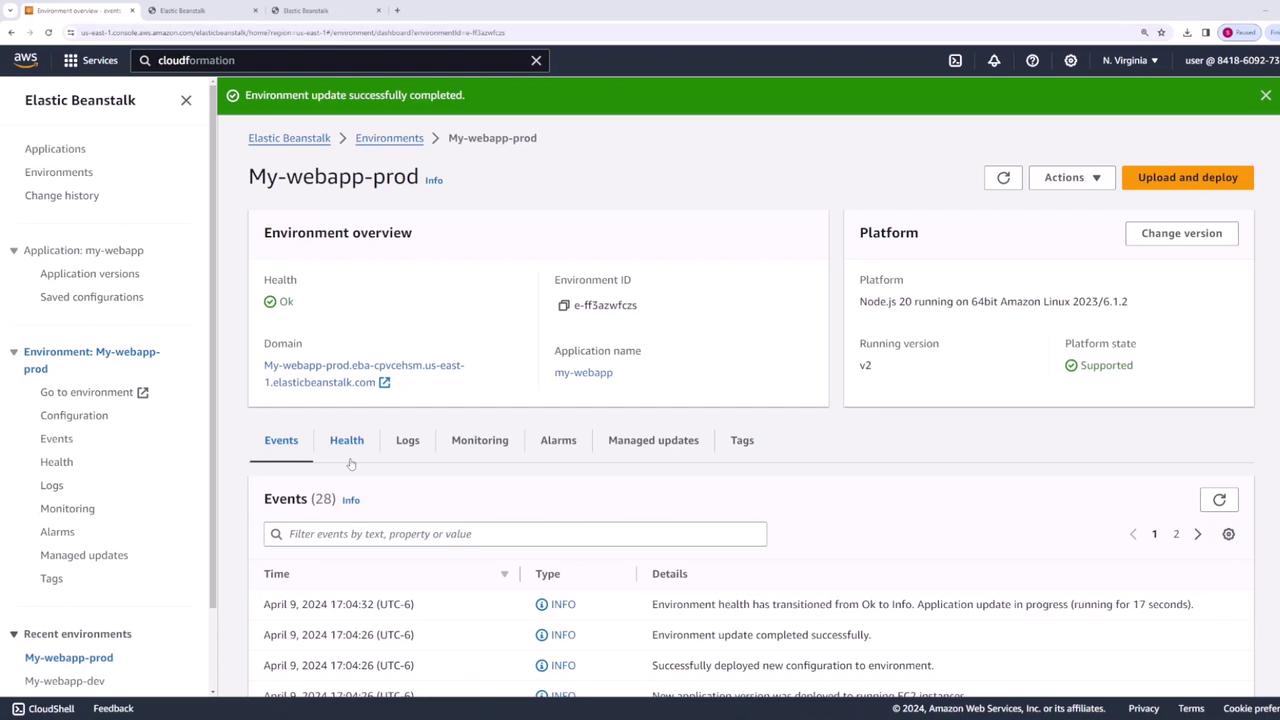
Managing Multiple Environments and Additional Deployment Actions
Switching back to your development environment, you’ll notice it continues running version one. This illustrates that production and development environments are managed independently.Other Available Actions
-
Restart All App Servers
Restart all servers if required. - Swap Environment Domains
This feature allows you to deploy a new version in a separate environment and then swap the domain. For example, after deploying a new version (e.g., “prod v3”) in a secondary environment, you can swap the domain with the current production environment, ensuring a seamless transition for users.
- Rollback to a Previous Version
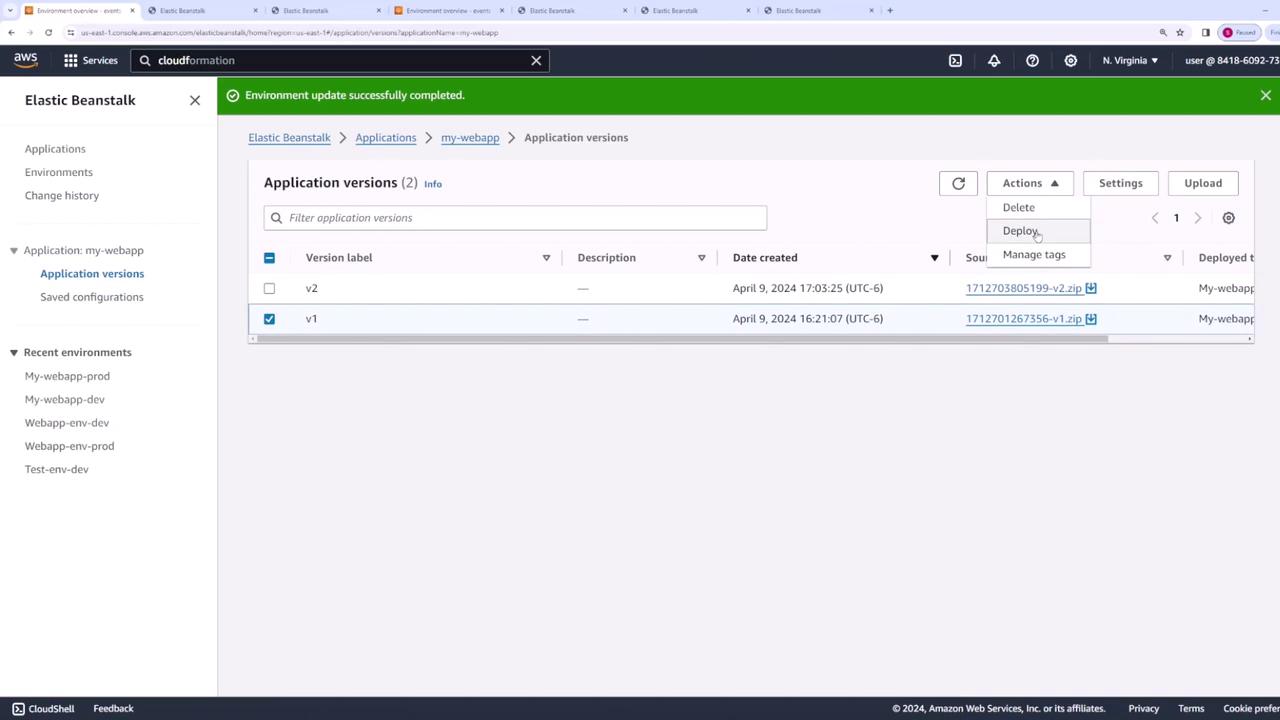
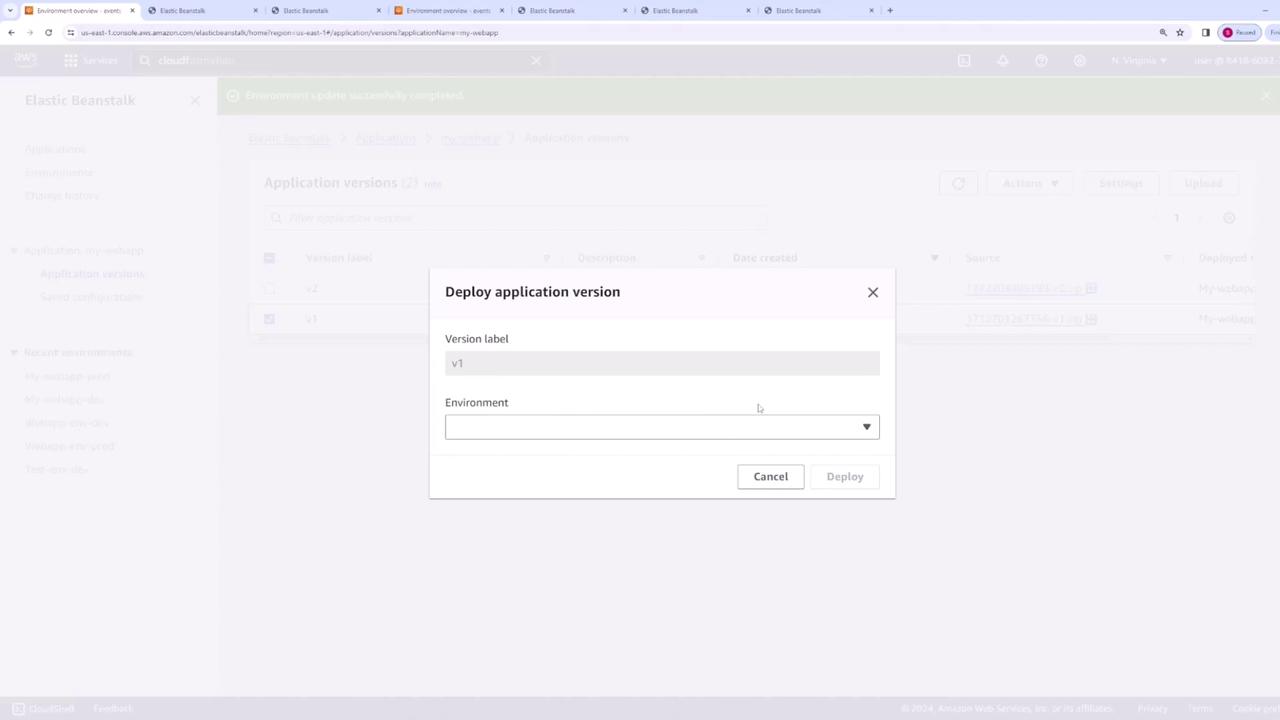
If necessary, you can revert the production environment to a prior application version. To do so, click Upload and Deploy in the production environment and select the desired earlier version from the Application Versions page.
Summary
In this lesson, you learned how to:- Switch between production and development environments.
- Configure various deployment methods, including Rolling Updates, All at Once, Rolling with Additional Batch, Immutable Deployments, and Traffic Splitting.
- Deploy a new application version by updating your code and uploading a new zip file.
- Leverage features such as environment domain swapping and rollback to manage releases effectively.