This article explores Internet Gateways and their role in providing internet connectivity to VPC subnets.
In this article, we explore the concept of an Internet Gateway and its pivotal role in providing internet connectivity to your VPC subnets.By default, when you create a subnet, it is classified as a private subnet. Devices in these subnets lack direct access to the internet, and external networks cannot initiate connections to them. To enable internet connectivity, you need to convert a private subnet into a public subnet by associating it with an Internet Gateway.
An Internet Gateway is a horizontally scaled, redundant, and highly available component attached to your VPC. It is region resilient, spanning all Availability Zones within that region. Without an Internet Gateway, all subnets in a VPC remain private.
A VPC can have at most one Internet Gateway attached.
An Internet Gateway can only be attached to one VPC at a time.
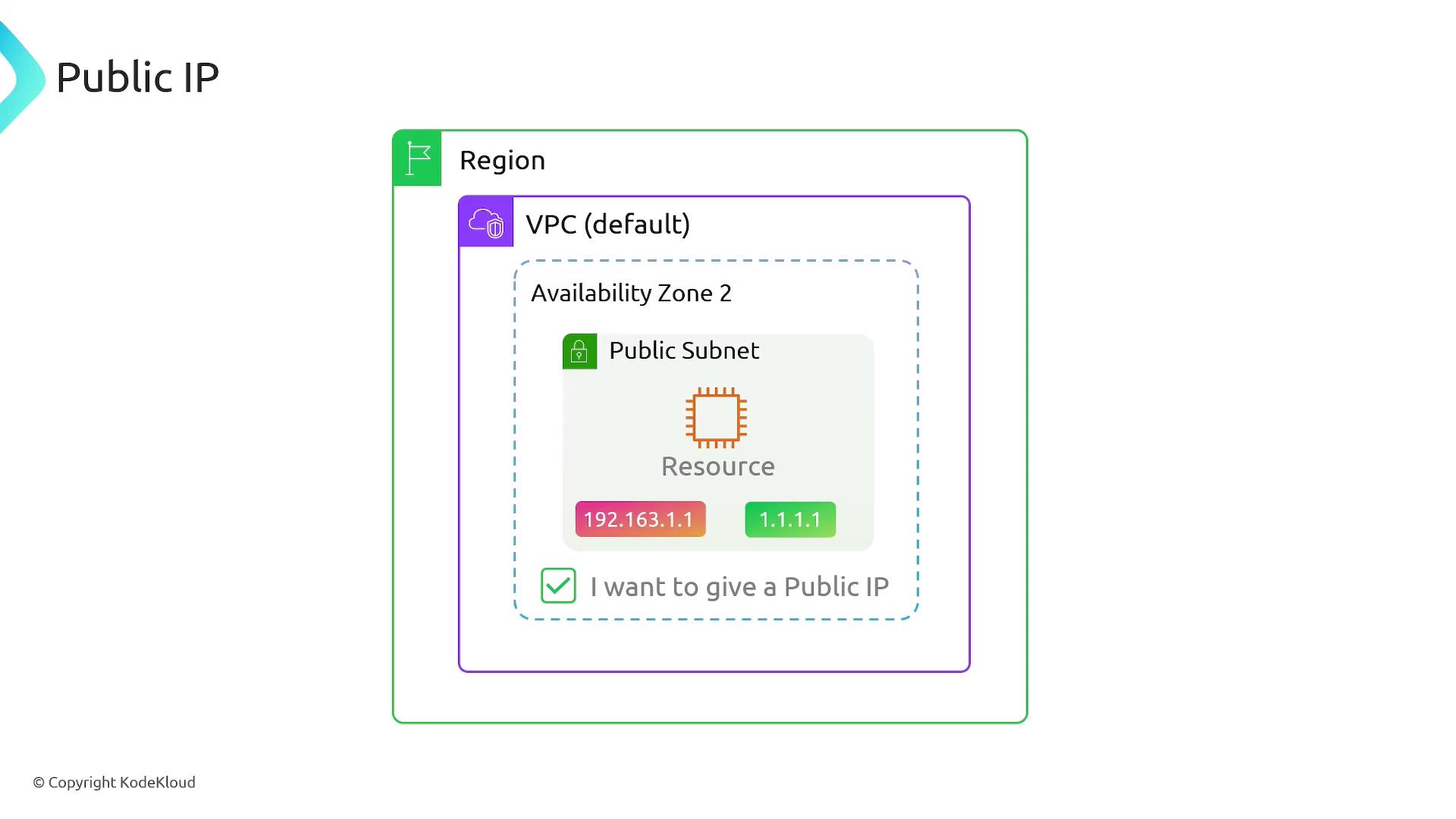
The default route in the custom route table acts as a catch-all. When a packet does not match any other specific route, it is forwarded to the Internet Gateway, which then handles the traffic to and from the internet.After the public subnet is associated with the custom route table, resources launched in that subnet gain internet access. However, by default, resources deployed in a public subnet are assigned only a private IP address. To allow external communication, you must enable auto-assignment of a public IP address. This way, a public IP is mapped to the resource’s private IP.The following diagram illustrates this network setup:
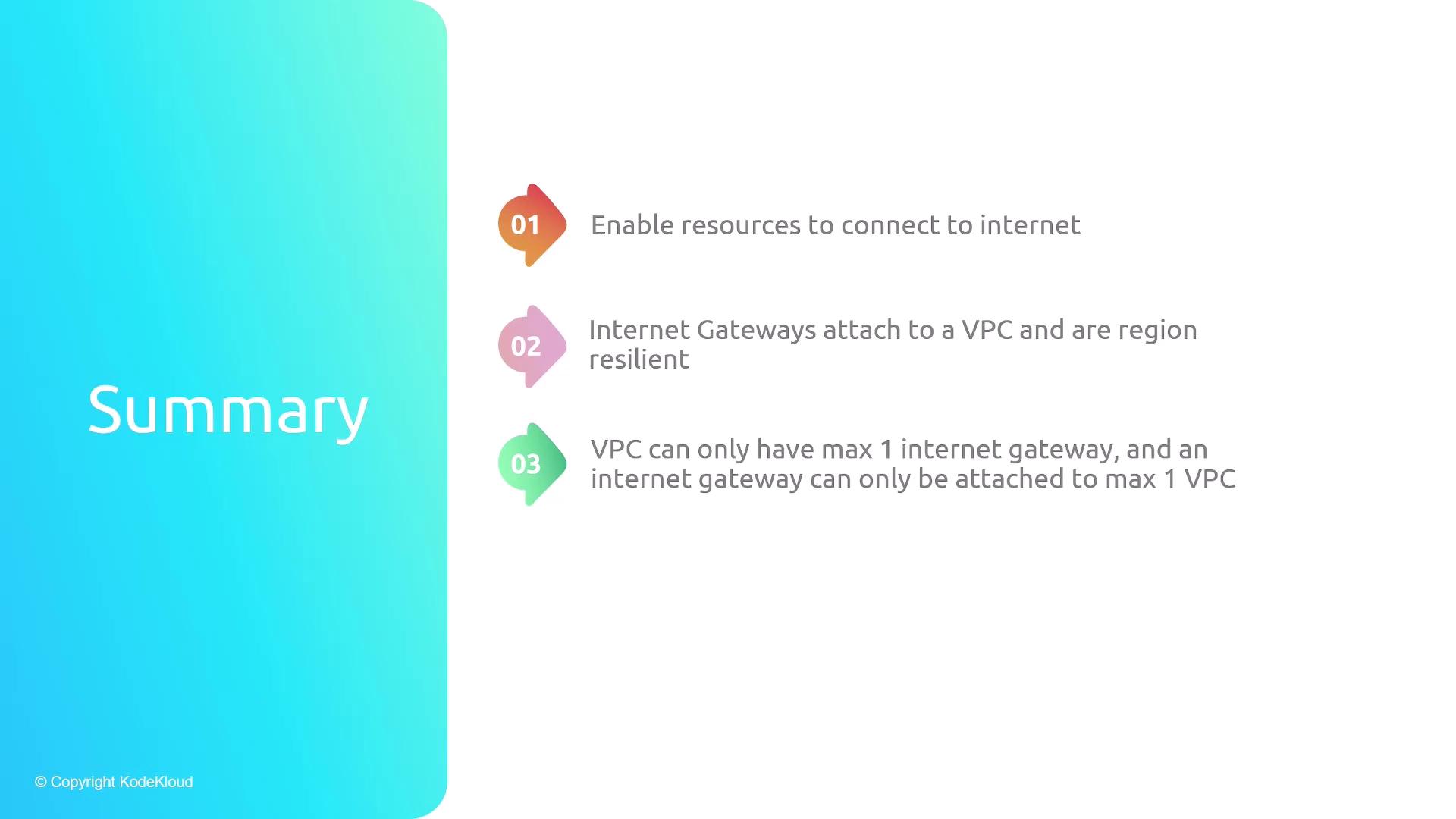
Internet Gateways are essential for enabling internet connectivity for resources within a VPC. Here’s a quick overview:
Internet Gateways provide the necessary connectivity for VPC resources to access the internet.
They are attached to VPCs (with a maximum of one per VPC) and operate seamlessly across all Availability Zones in a region.
Converting a private subnet into a public subnet requires creating and attaching an Internet Gateway, configuring a custom route table with a default route pointing to it, and associating the subnet with that route table.
By following these steps, you can successfully configure your public subnets and ensure that your resources maintain robust and secure communication with the internet.