This article explores IAM permissions for Lambda functions and how resource policies control access for external service invocations.
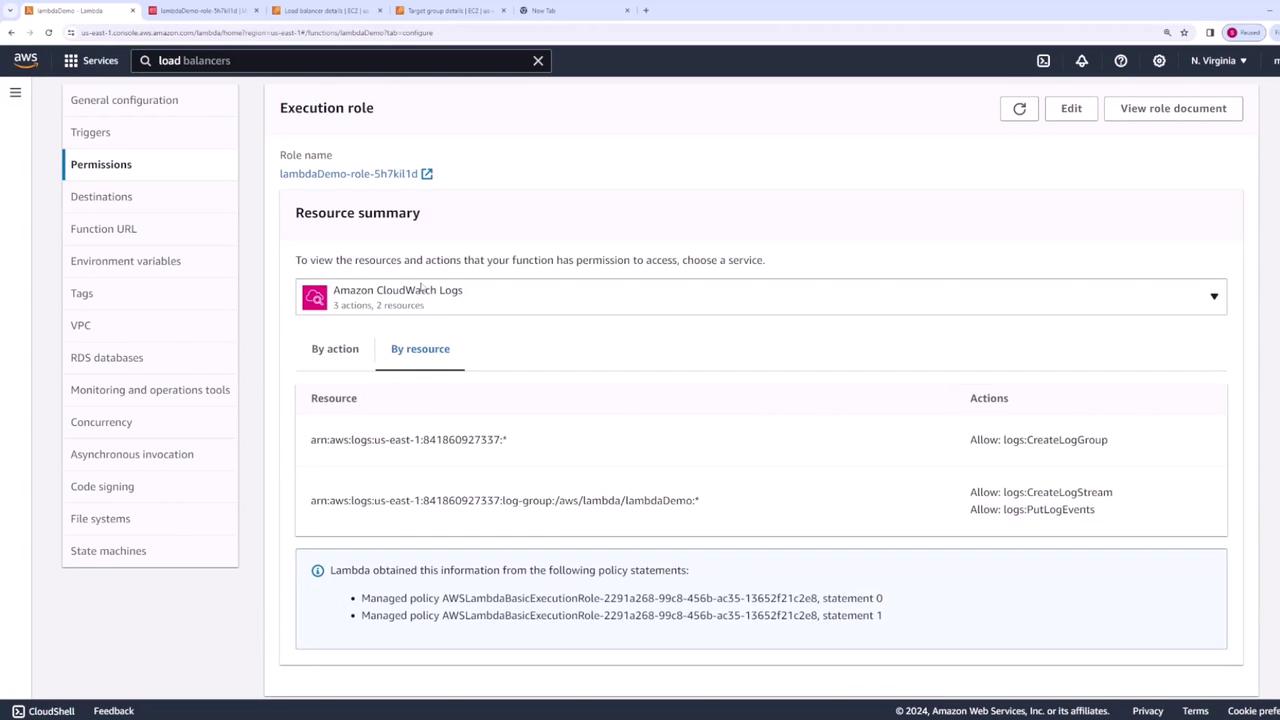
In this lesson, we explore IAM permissions for Lambda functions and how resource policies control access when external services invoke your Lambda function.When you create a Lambda function, AWS automatically creates an execution role for it. This execution role is an IAM role that your Lambda function uses when interacting with other AWS services. If your Lambda function performs operations such as writing logs to CloudWatch, you must grant the necessary permissions on its execution role.
For example, the default policy attached to a Lambda function allows it to create a log group in CloudWatch, establish a log stream, and put log events into CloudWatch. Ensure that your execution role has all the necessary permissions for your intended operations.
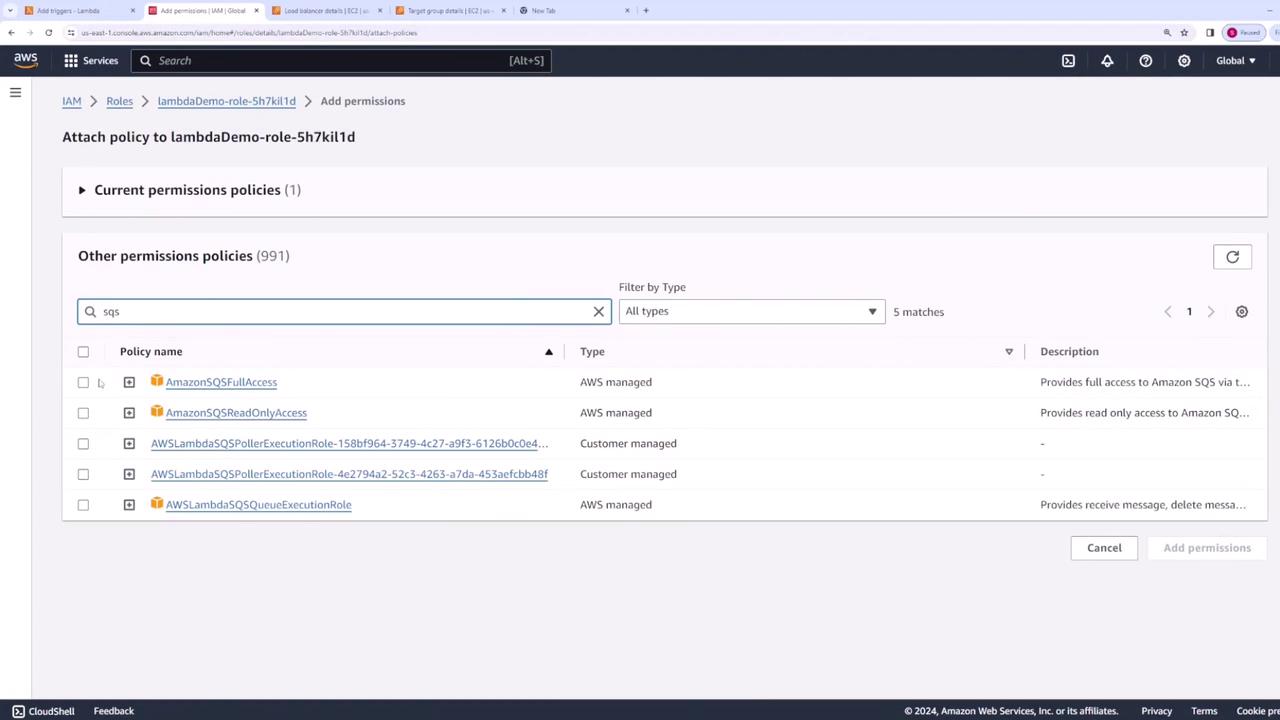
If your Lambda function needs to access additional services—such as retrieving an image from S3—you must update its execution role’s policies accordingly. To grant additional permissions, like S3 full access, you would attach the appropriate policy via IAM.Here’s another sample policy demonstrating similar logging permissions:
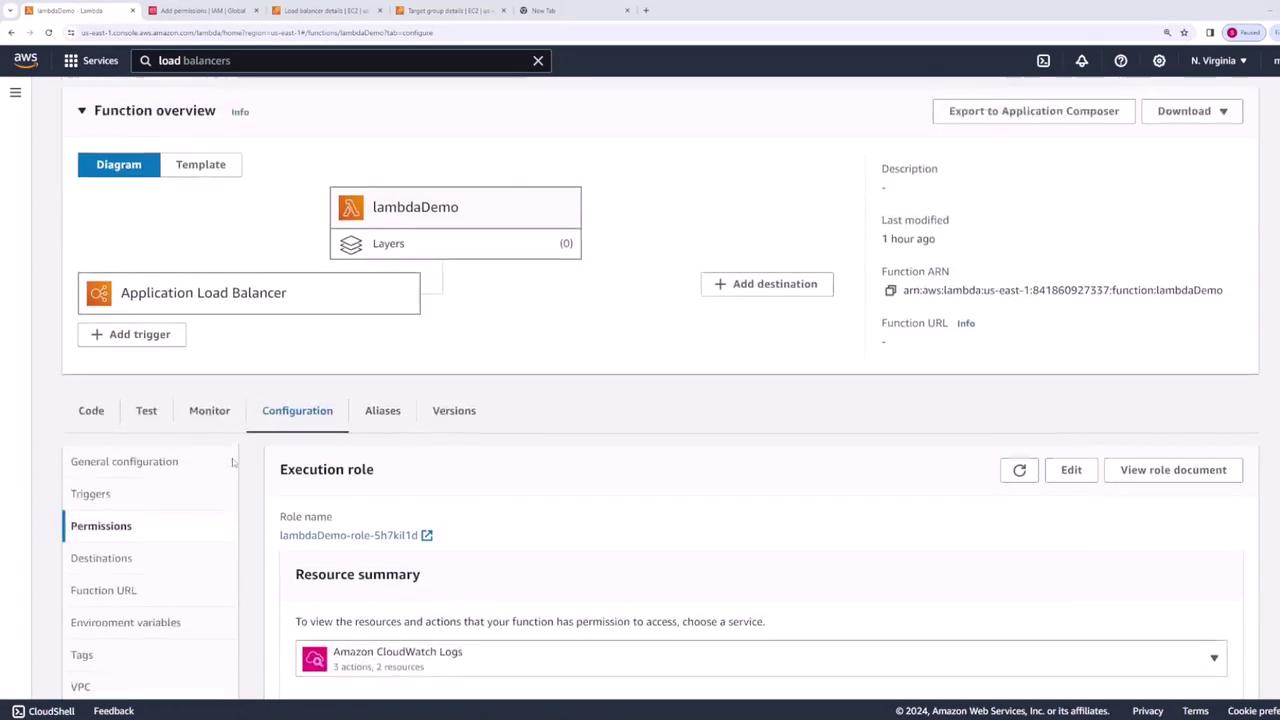
Resource-based policies determine who is allowed to invoke your Lambda function. They are distinct from the IAM policies attached to the execution role. These policies control which services or AWS accounts can directly call your Lambda function.For example, if you want a load balancer to trigger your Lambda function, you would configure a resource policy. Initially, no resource policy exists if no external service is invoking your function. Once you add a trigger (e.g., a load balancer), AWS automatically creates the necessary resource policy.
After you create a load balancer (e.g., “demo-lb-lambda”), select default settings, and associate your Lambda function with a target group, refresh your Lambda configuration to see the newly added resource policy entry.Consider the following policy, which permits the Elastic Load Balancing service to invoke the Lambda function:
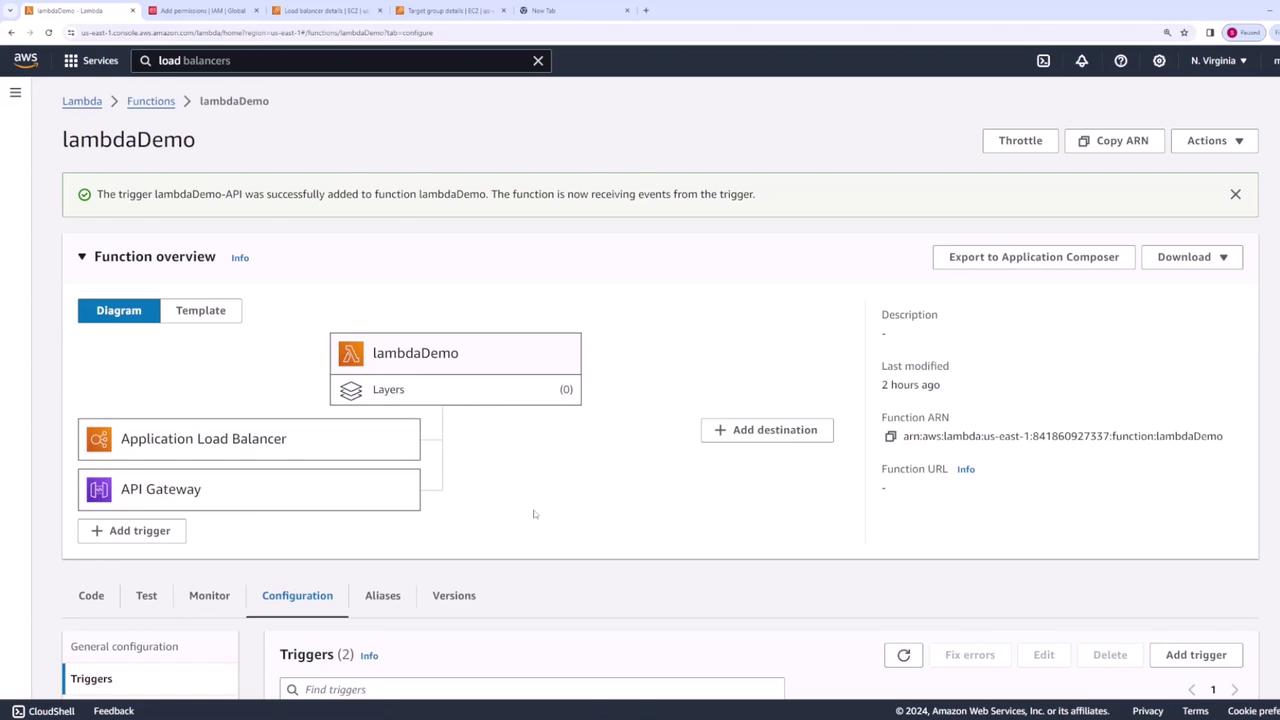
When you add an API Gateway trigger that integrates with your Lambda function, AWS creates a corresponding resource policy entry. The following example illustrates how API Gateway is authorized to invoke the Lambda function:
Similarly, when you configure S3 to trigger your Lambda function (for example, upon object creation), a corresponding resource policy is automatically added. Consider the example below:
A key point to note is that SQS interacts differently with Lambda. Instead of invoking the Lambda function directly, Lambda polls the SQS queue for messages. If the Lambda execution role lacks necessary permissions, you might encounter an error stating, “The provided execution role does not have permissions to receive messages on SQS.”To resolve this, update your Lambda function’s execution role to include the necessary permissions for receiving messages from SQS—either by granting full SQS access or by specifying the required permissions. Once updated, the SQS trigger should function correctly, and you can confirm the changes via the Permissions tab in the Lambda console.
When your Lambda function interacts with AWS services (e.g., polling an SQS queue or accessing S3), ensure its execution role is configured with the required IAM permissions.
When external services need to invoke your Lambda function (such as API Gateway, Application Load Balancer, or S3 event notifications), AWS automatically applies a resource-based policy to specify who can call the function.