Learn to encrypt large files using AWS KMS envelope encryption, generating data keys for secure file handling and decryption.
In this lesson, you’ll learn how to encrypt large files using AWS KMS envelope encryption. By leveraging envelope encryption, AWS KMS generates a data key from a primary KMS key that encrypts files of any size. Although we will use a sample file named “db-creds,” the same steps apply to larger files.
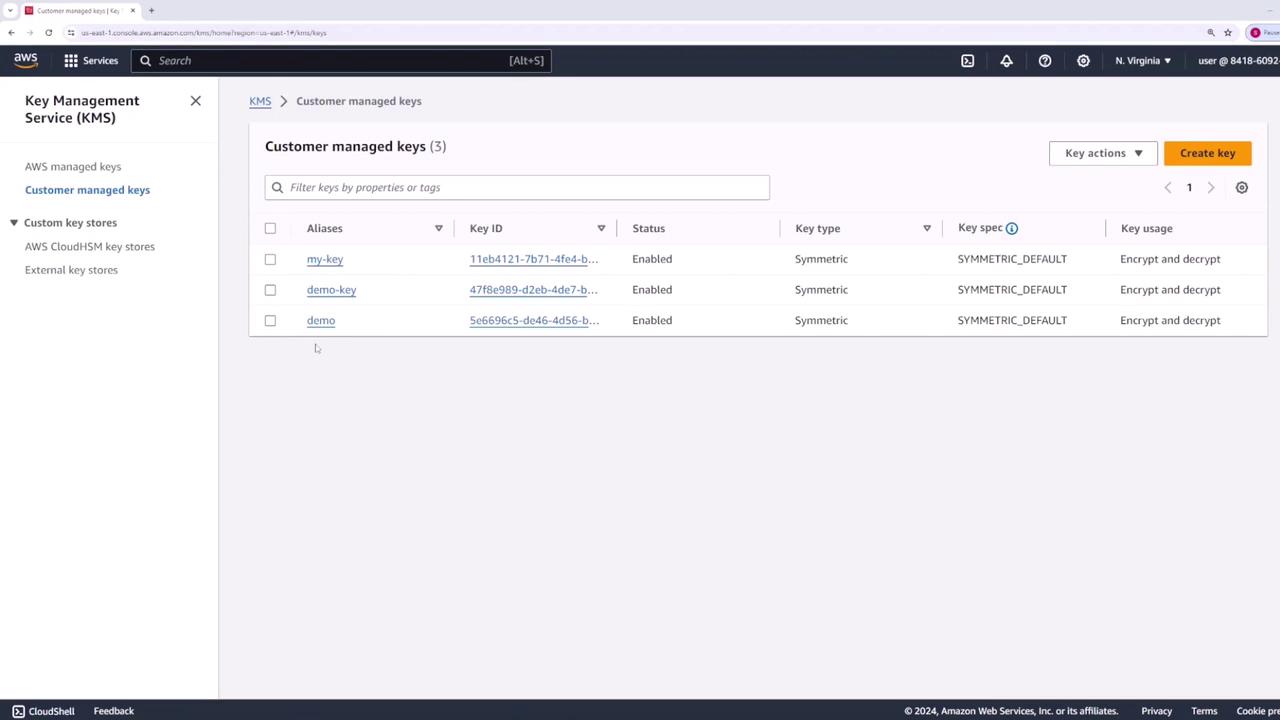
A KMS key (for example, one named “demo”) can directly encrypt or decrypt data up to 4 KB. To handle larger files, we generate a data key through our KMS key. This data key is provided in two forms:
The plaintext key, used by OpenSSL for file encryption.
The encrypted key, stored securely for later decryption.
To generate a data key, run the following command:
Envelope encryption requires you to store both the encrypted data and the corresponding encrypted data key. When decryption is necessary, AWS KMS can be used to extract the plaintext key from the encrypted key. Then, OpenSSL uses this plaintext key to restore your original data. This method ensures the data key is never stored in plaintext for an extended period, enhancing your overall security.
By following this workflow, you effectively safeguard your sensitive data while leveraging the robust encryption capabilities offered by AWS KMS and OpenSSL.
That concludes our walkthrough on AWS KMS envelope encryption. Happy encrypting!