Learn to configure AWS Lambda destinations for managing asynchronous invocation outcomes, routing successful events and errors to separate Amazon SQS queues.
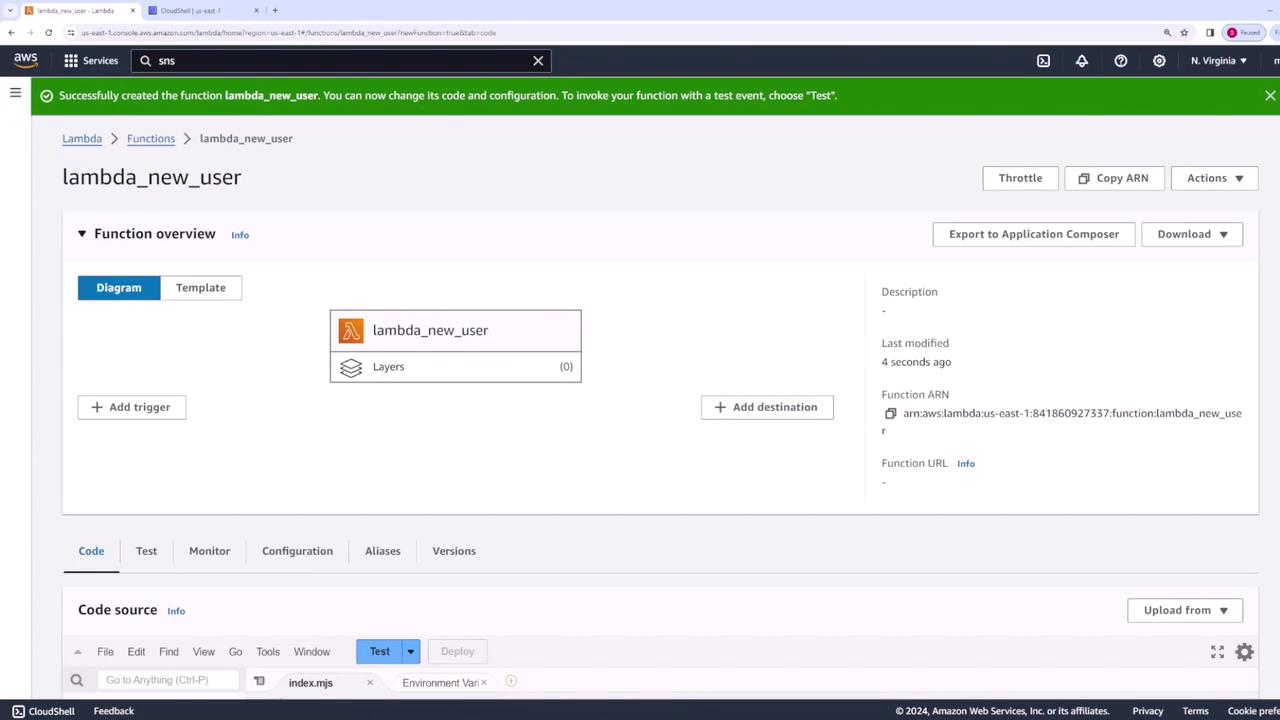
In this lesson, you’ll learn how to configure AWS Lambda destinations to manage the outcome of asynchronous invocations. We’ll create a Lambda function that processes new user registrations and routes successful events and errors to separate Amazon SQS queues.
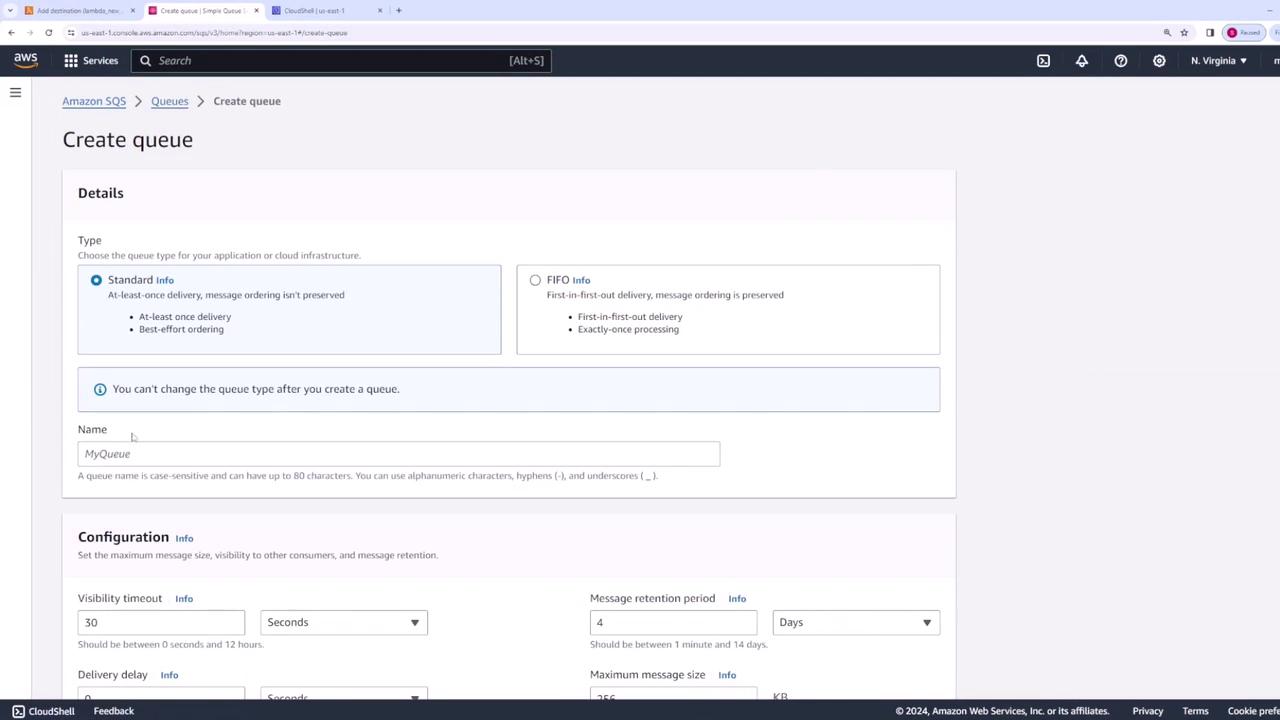
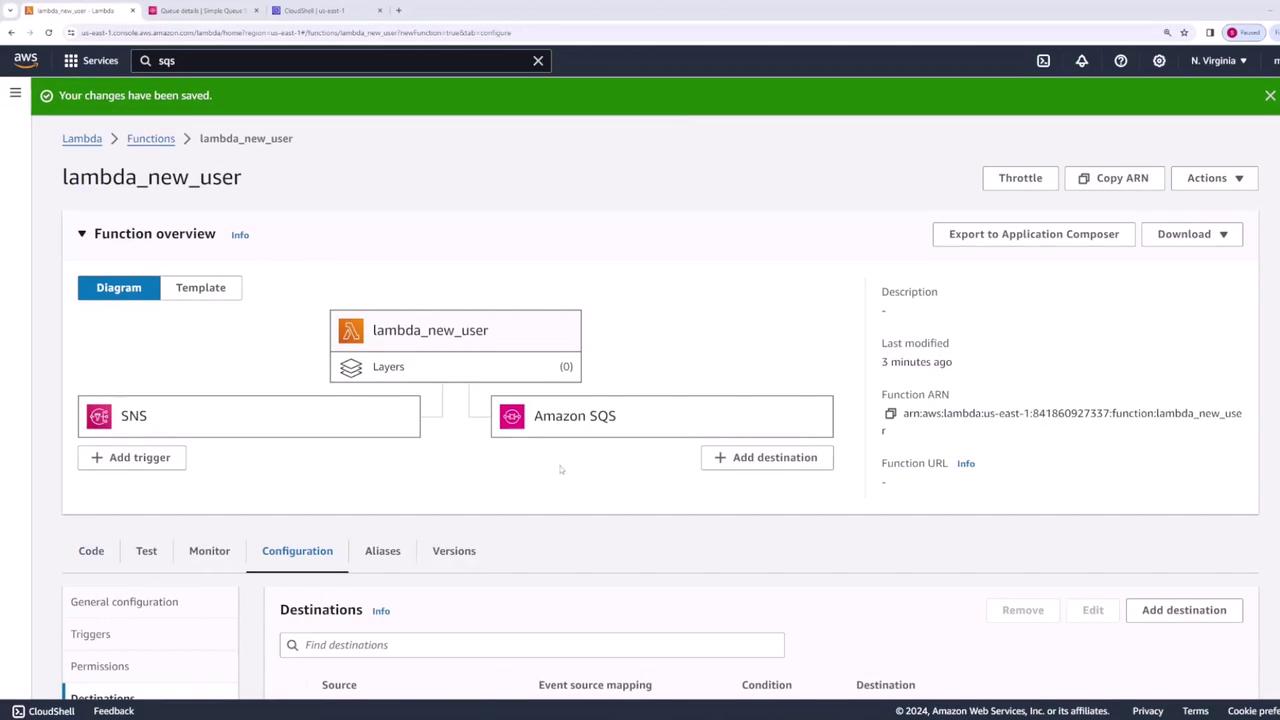
Set up asynchronous invocation destinations for your Lambda function to handle both successful and failed events. In this example, you’ll configure two Amazon SQS queues:
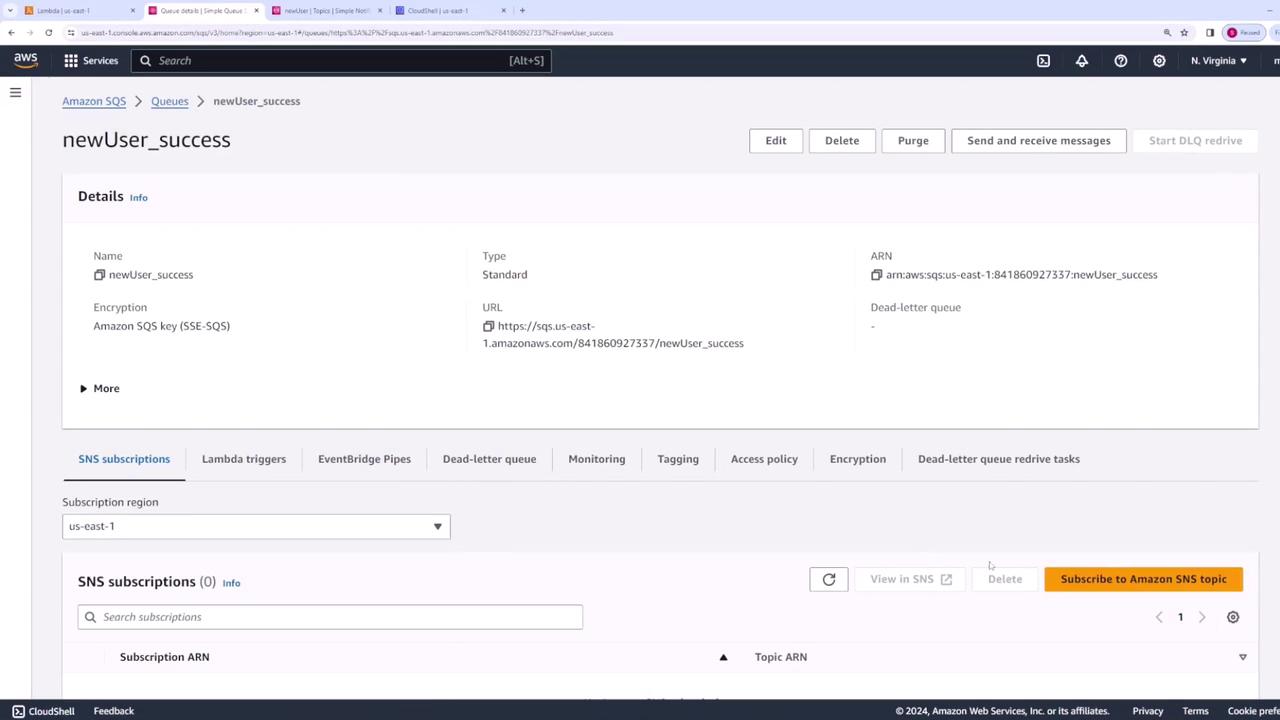
One for successful invocations (e.g., “new_user_success”).
One for failed invocations (e.g., “new_user_failure”).
Create the two SQS queues.
In the Lambda function configuration, under the destinations section (for asynchronous invocations, not event source mapping), set the destination for an on-failure event using the failure SQS queue.
Similarly, configure the destination for an on-success event using the success SQS queue.
Alternatively, you can configure these settings using the AWS CLI if preferred.
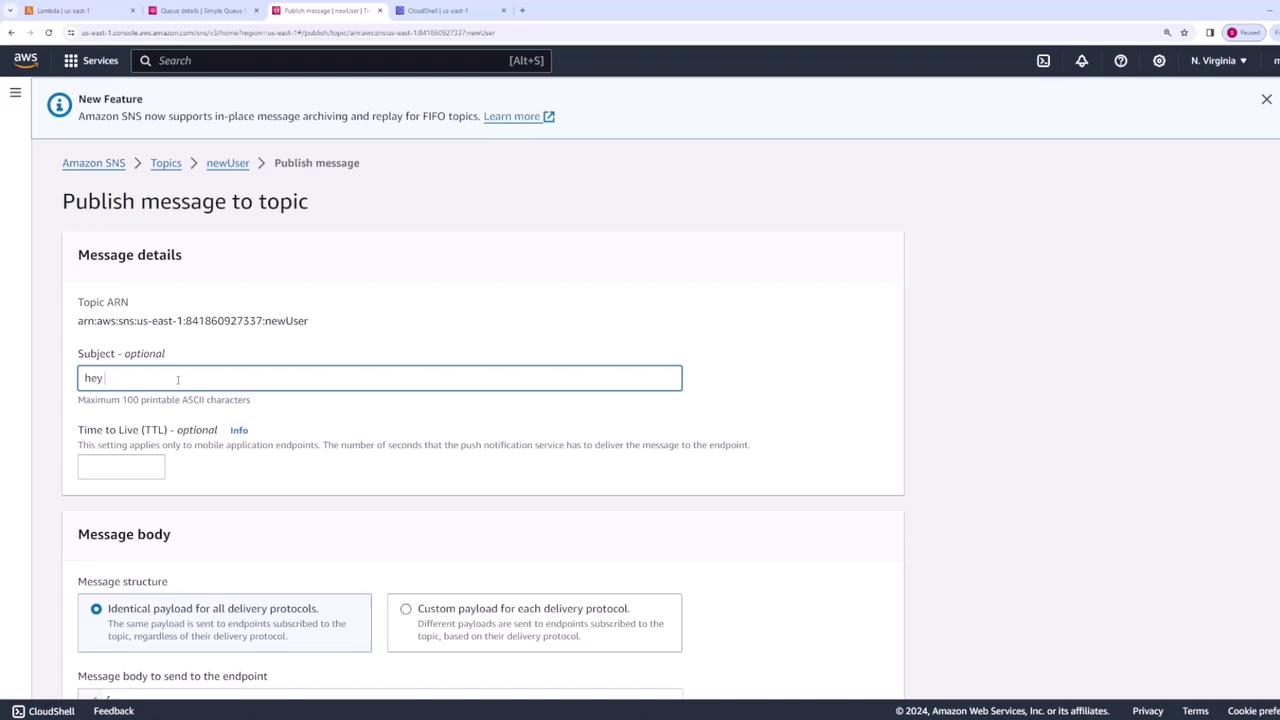
Publish a message, for example using “user one” as the username, with an optional message like “new user registered.”
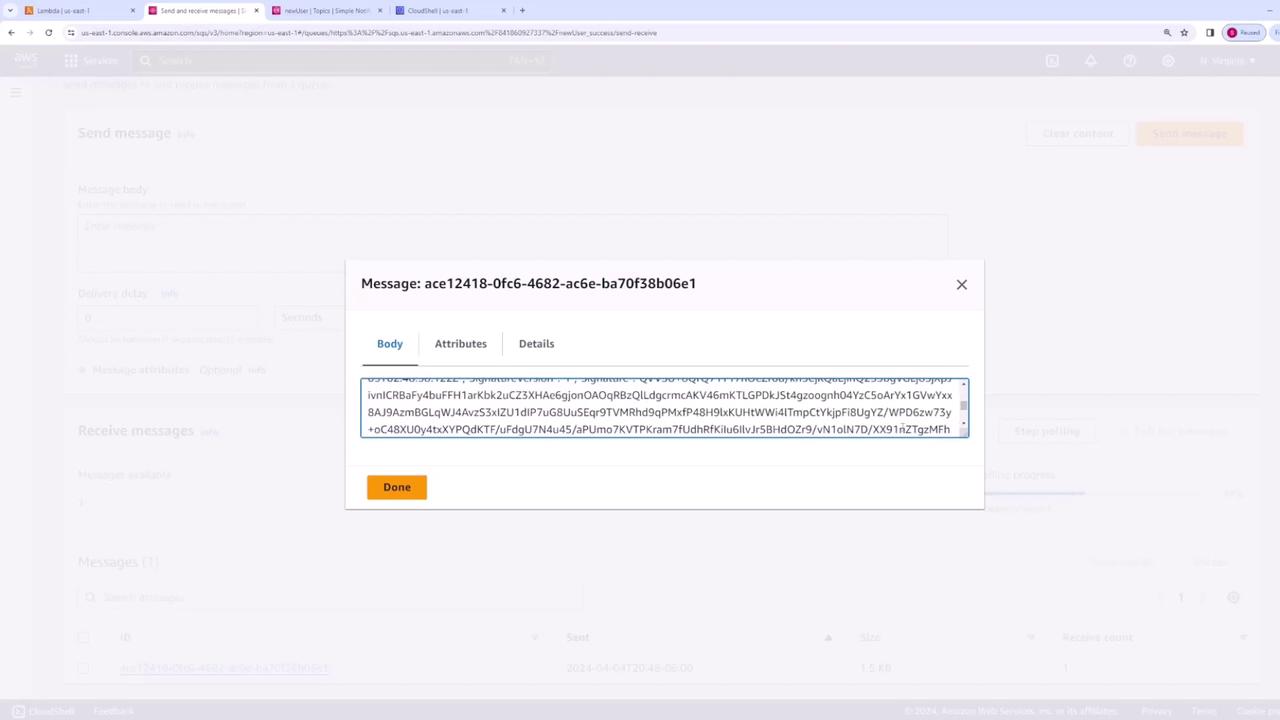
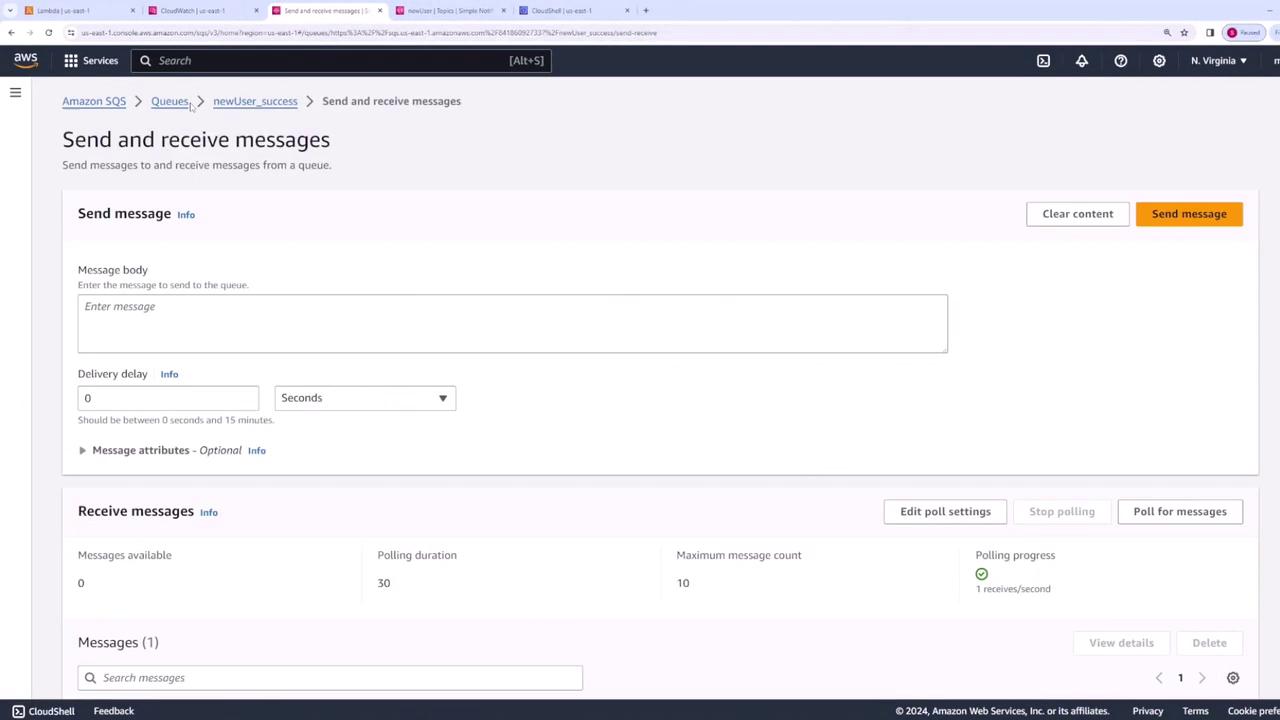
After publishing the message, the Lambda function processes the event and sends a message to the success SQS queue. Verify that the success queue contains a message similar to:
Next, update your Lambda function to simulate an error. Modify the code to throw an error, allowing you to test the on-failure destination configuration:
Copy
Ask AI
export const handler = async (event) => { console.log(event); // Simulate an error in processing. throw new Error('something went wrong'); // The response below will not be returned. return { statusCode: 200, body: JSON.stringify('New User Registered'), };};
Deploy this updated code. Then publish a new message to the SNS topic (for example, using “user two” as the username). The Lambda function will fail and trigger asynchronous retry behavior. After two retry attempts, the event is sent to the failure SQS queue.Check CloudWatch logs for error details. A sample error log might look like this:
Copy
Ask AI
{ "errorType": "Error", "errorMessage": "something went wrong", "stack": [ "Error: something went wrong", " at Runtime.handler (file:///var/task/index.mjs:4:19)", " at Runtime.handleOneConstreaming (file:///var/runtime/index.mjs:1173:29)" ]}
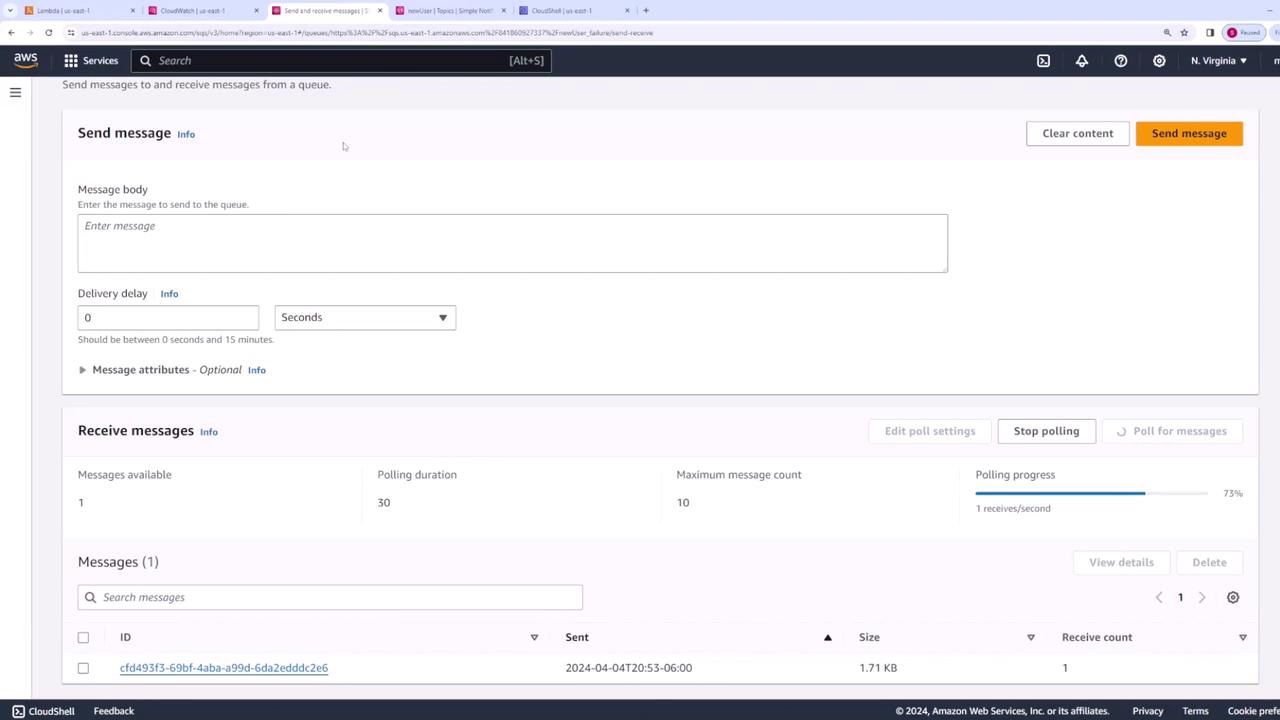
Once verified, navigate to the SQS failure queue.
Poll the failure queue to view the failed message. An example message might include:
In this lesson, you configured AWS Lambda destinations to manage asynchronous invocations effectively. By directing successful events to one SQS queue and routing errors to another, you can enhance the robustness of your serverless architecture and streamline the monitoring process. Whether you’re processing new user registrations or capturing errors, these techniques help ensure that your system remains reliable and responsive during variable workloads.