Overview
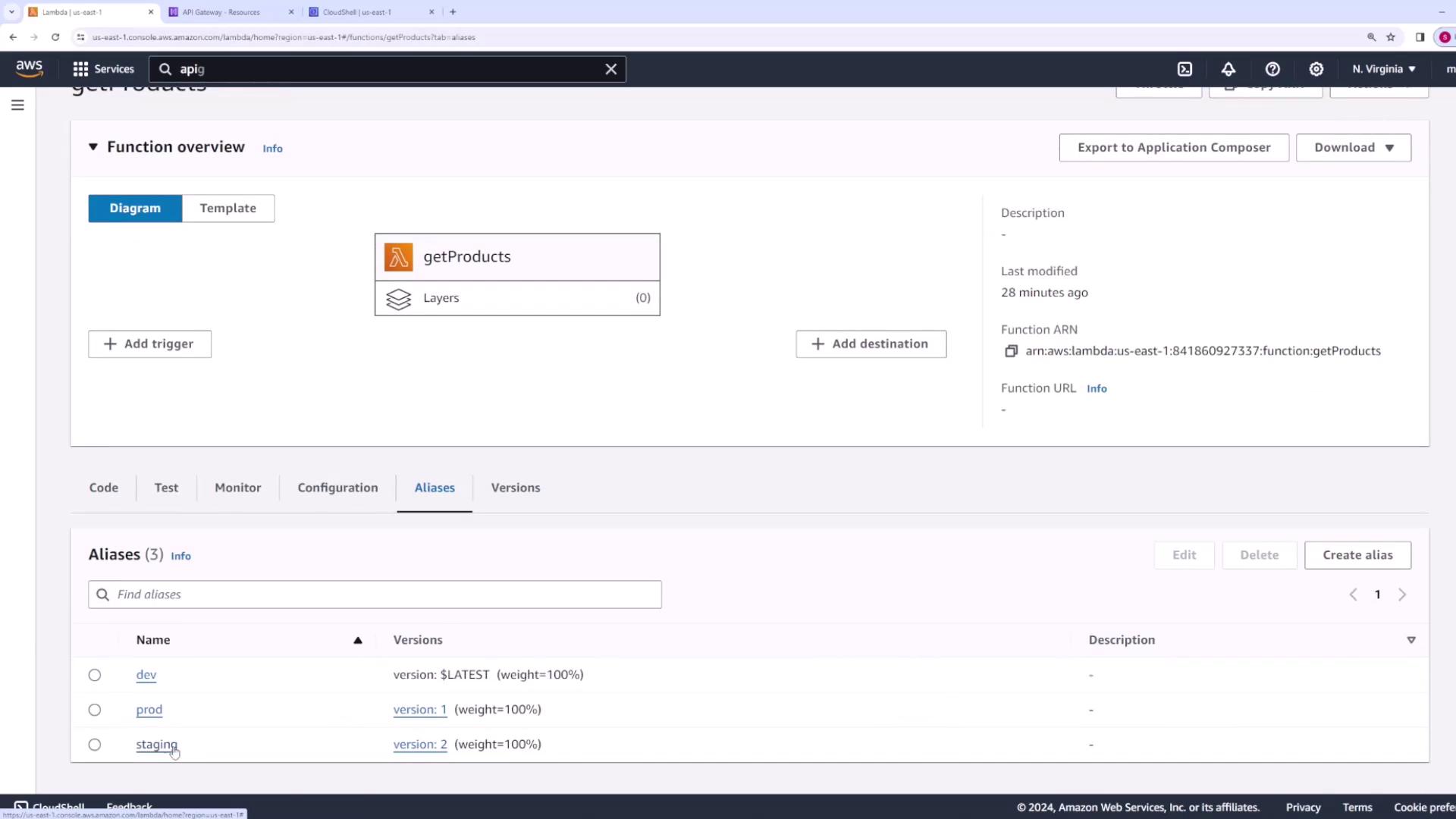
We start with a Lambda function named “getProducts” that has three versions:- Version v1: Aliased as “prod”
- Version v2: Aliased as “staging”
- Version v3: Aliased as “dev”
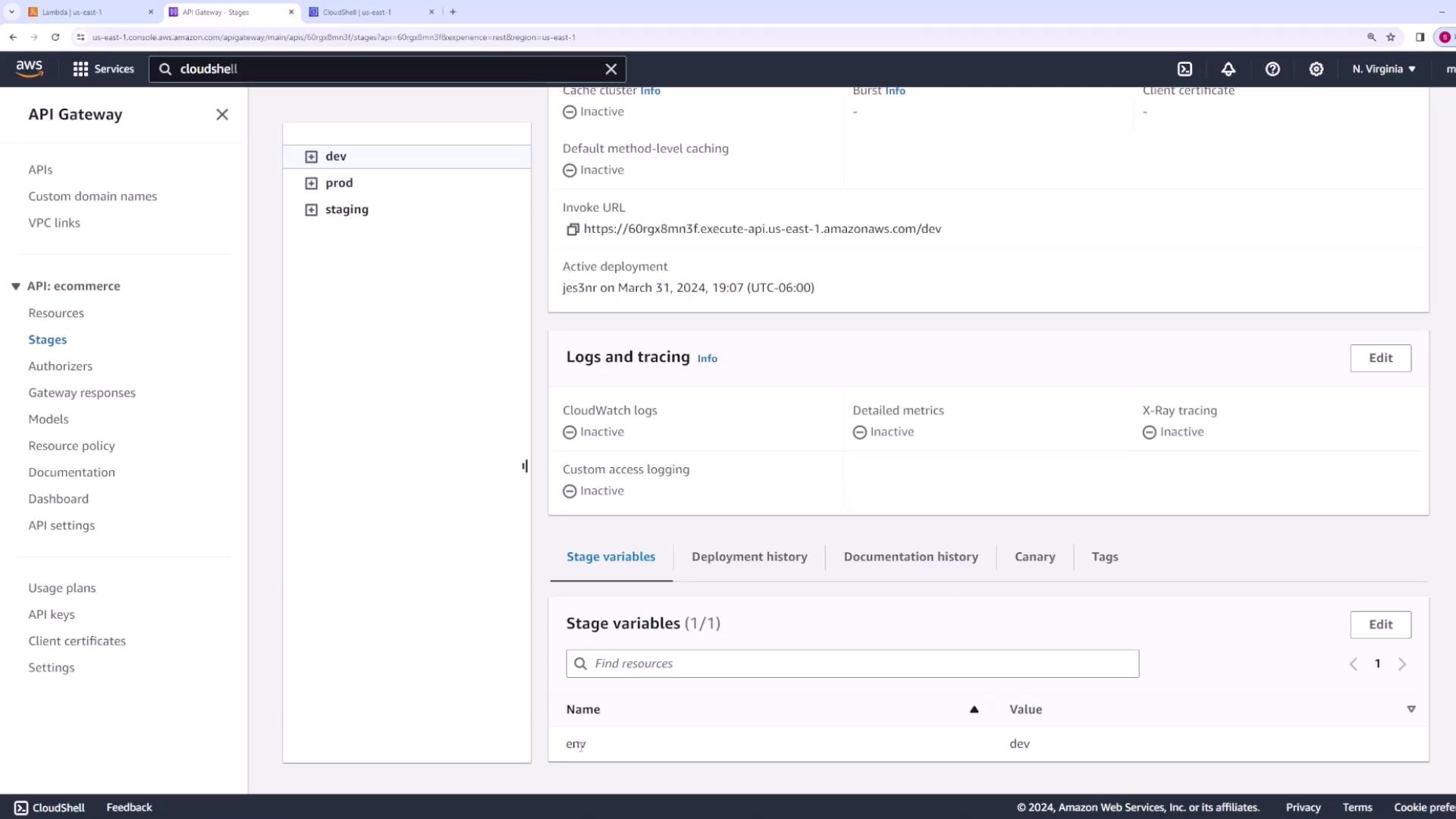
/products resource is configured with a GET method. There are three stages (dev, prod, and staging), and each stage uses a stage variable to determine which Lambda alias to invoke. For example:
- The dev stage uses the alias “dev” (version v3).
- The prod stage uses the alias “prod” (version v1).
- The staging stage uses the alias “staging” (version v2).
Testing the Production Environment
Let’s verify the production environment first. Since the prod stage points to the “prod” alias, invoking the API returns:Initiating a Canary Deployment
Suppose you want to upgrade the prod environment to version v2 (currently associated with the staging alias) without disrupting all users. You can perform a canary deployment to gradually shift the traffic.-
Configure Canary Settings:
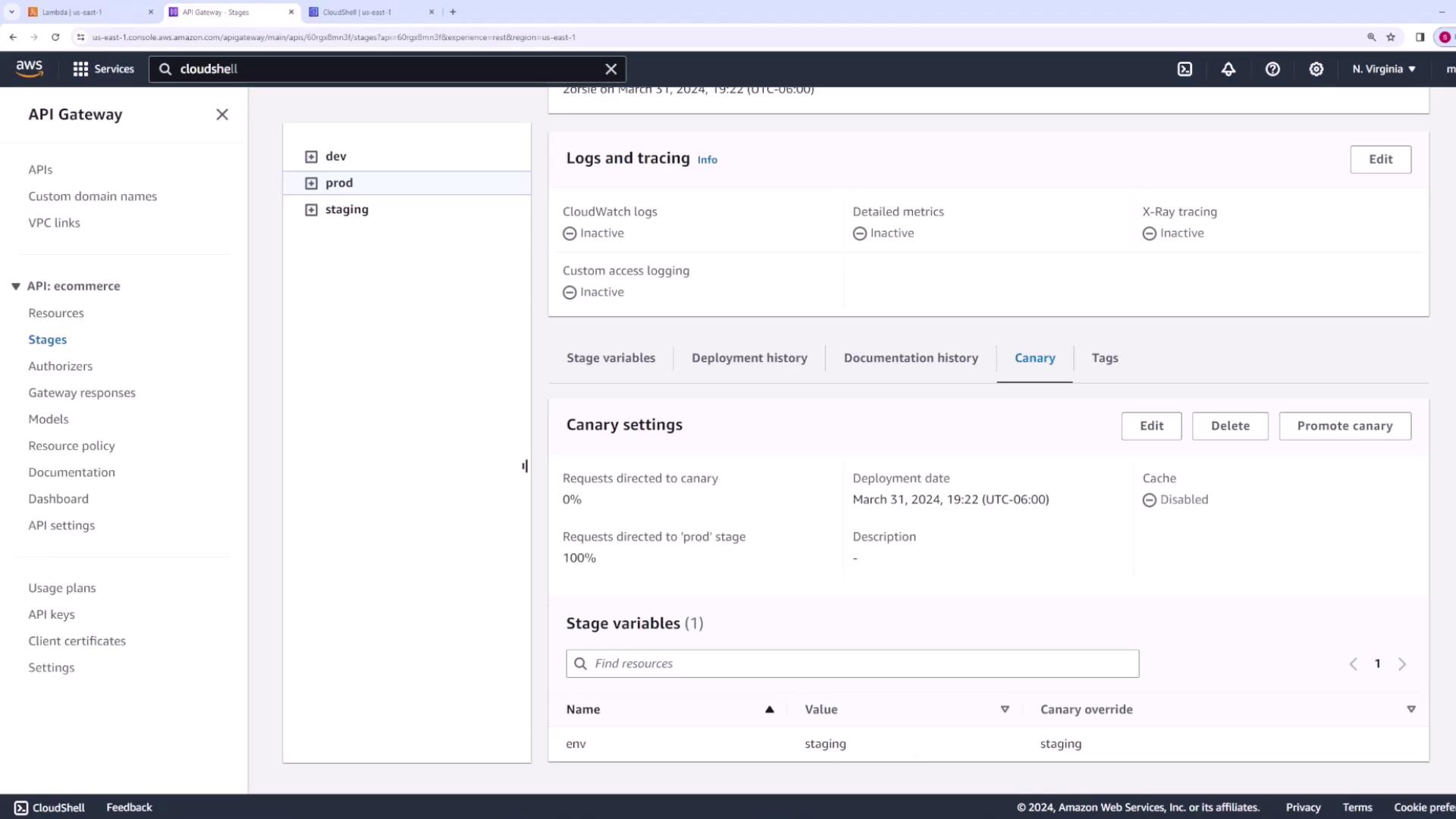
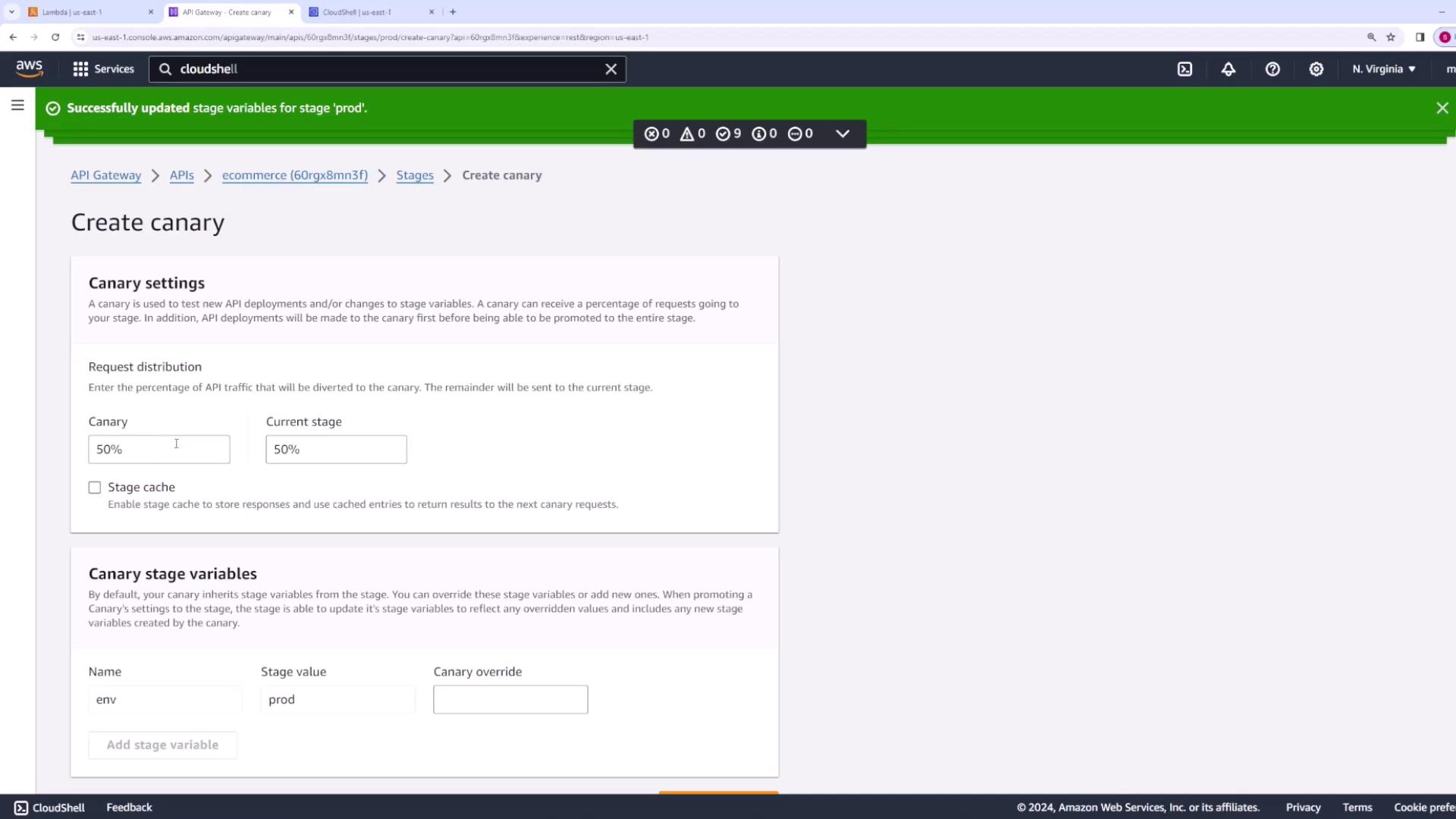
Navigate to the prod stage in API Gateway and enable the canary deployment configuration. Specify the percentage of traffic to route to the newer version; for this demo, we set it to 50%. This configuration directs half of the requests to the new version (v2) while the other half continue being served by the original prod version (v1). -
Adjust Stage Variables:
In the canary settings page, override the default stage variable so that it points to the “staging” alias (version v2). Click “create canary” to apply the changes. -
Deploy the API:
Return to the API configuration and deploy the changes. Although no direct modifications to the API integration are made, deploying the API triggers the canary configuration.
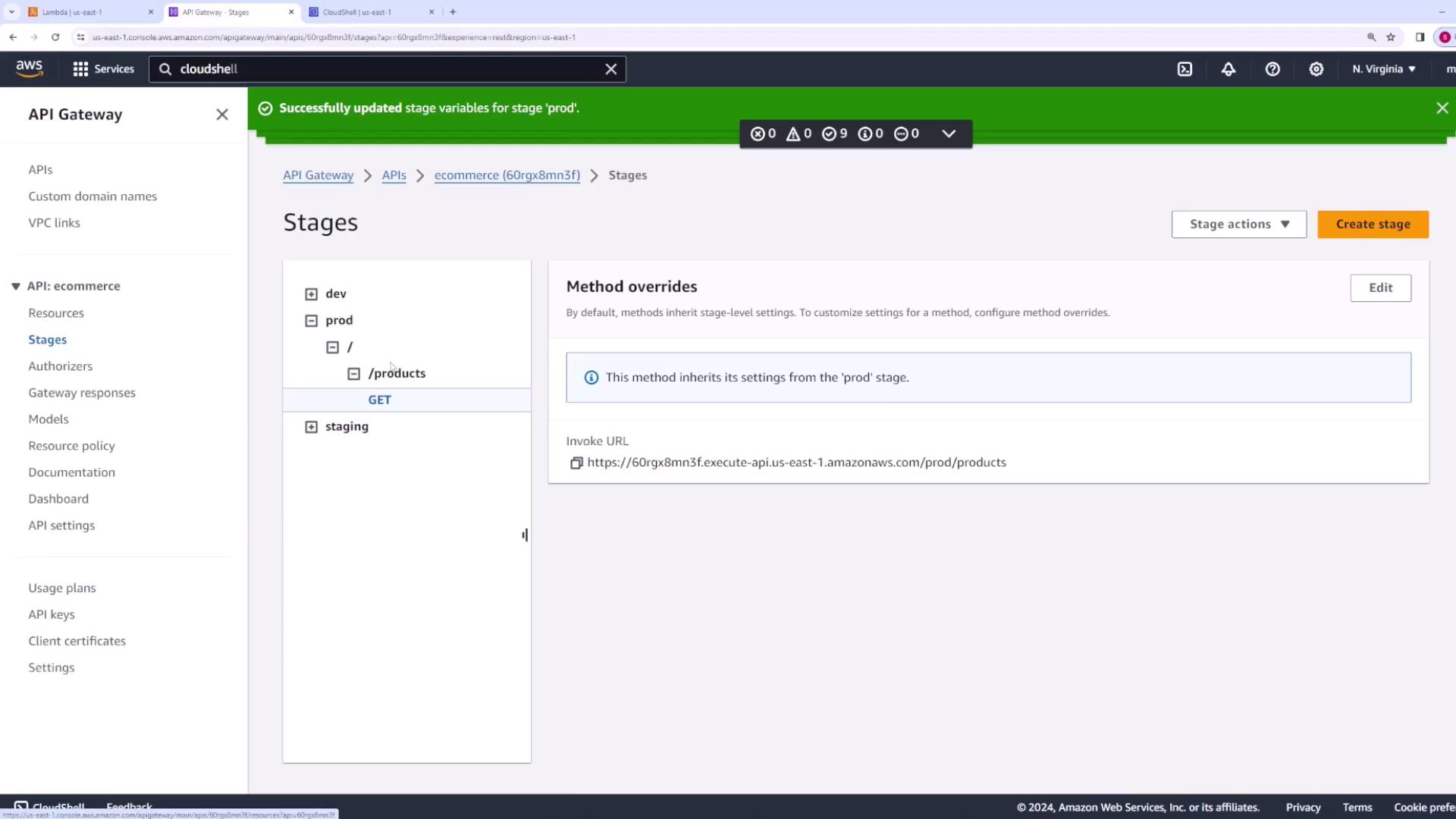
Deploying the API, even without integration changes, ensures the canary settings are active and traffic distribution is updated.
Testing the Canary Deployment
After deployment, allow some time for the changes to propagate. When testing the API, you should observe mixed responses:-
Approximately 50% of requests are handled by version v1:
-
The remaining 50% of requests are served by version v2:
Promoting the Canary Deployment
Once you confirm that version v2 is functioning correctly and meeting performance expectations, you can promote the canary to make it the default for the prod stage. Follow these steps:- Navigate back to the prod stage.
- Access the canary section and select “promote canary.”
- Leave the configuration options as default and confirm the promotion.