

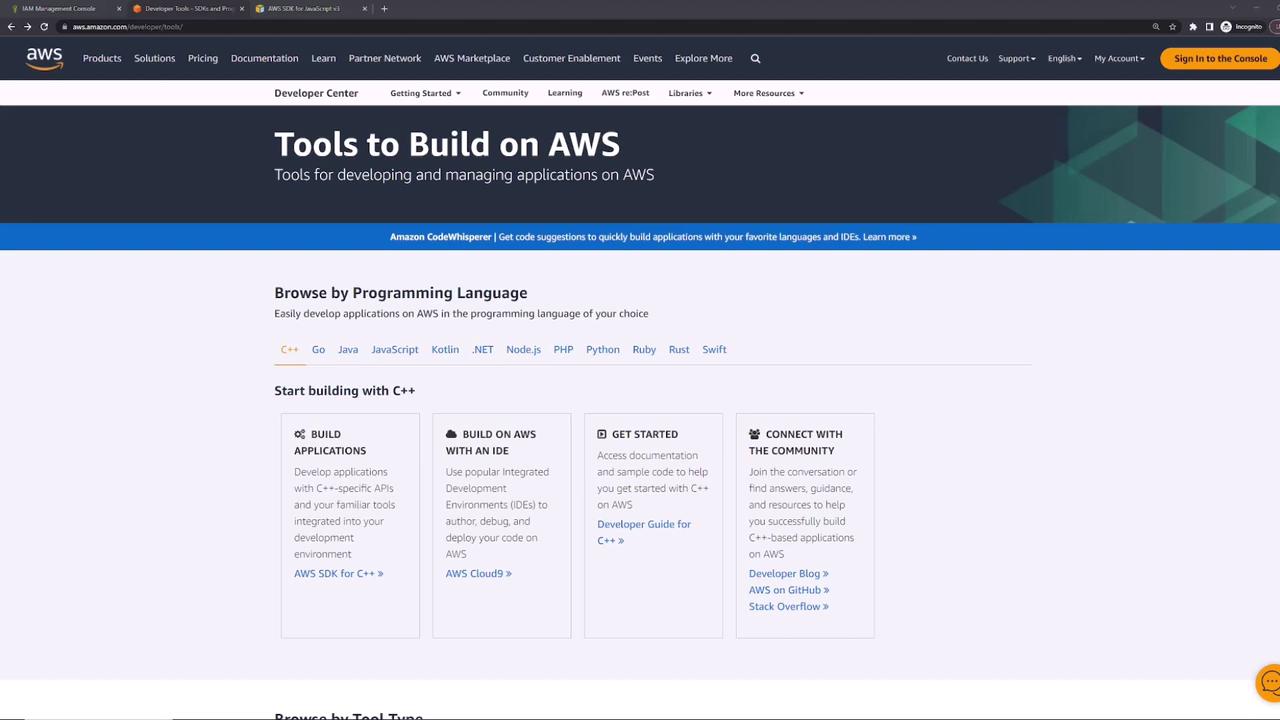
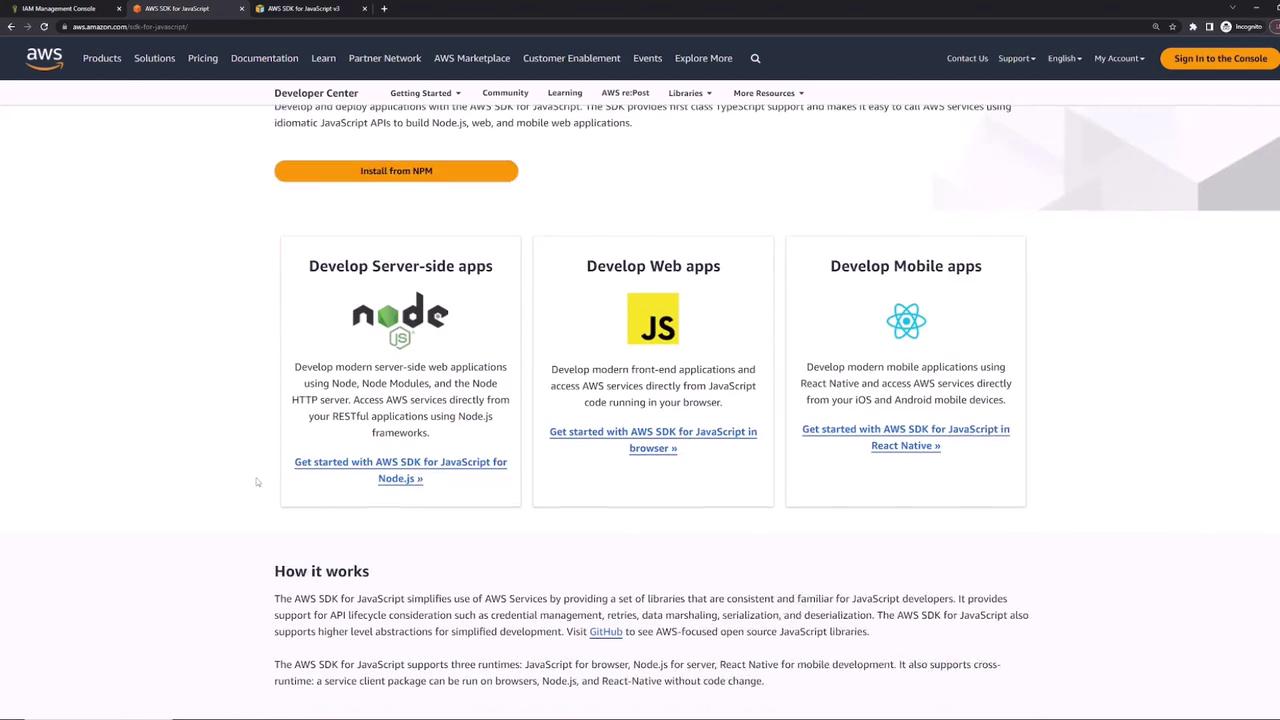
Before you begin, ensure that you have Node.js installed on your development environment. For detailed setup instructions, refer to the official AWS SDK documentation.
Setting Up the SDK
For JavaScript (Node.js), third-party libraries are installed using npm. To work with Amazon S3, execute the following command in your terminal: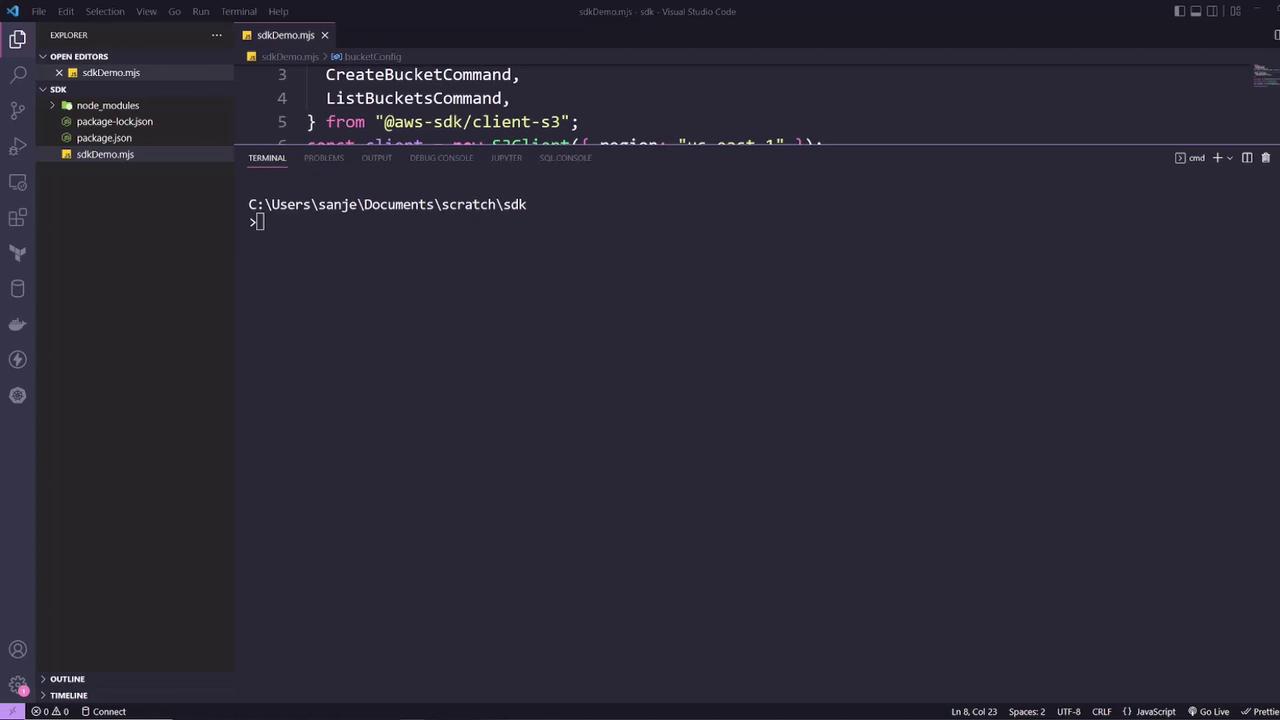
Creating and Listing S3 Buckets
The first step in using the AWS SDK is to import the required methods or objects from the library. In this Node.js example, we import the S3 client along with the commands needed to create and list S3 buckets. (Note that for other programming languages, the library installation and syntax might differ; for example, Python uses pip instead of npm.) Below is a consolidated code example that imports the S3 client, creates a bucket with specific configuration parameters, and then lists all available S3 buckets:Running the Application
After setting up your code (for example, saving it assdkDemo.mjs), run the application using Node.js. The terminal output should confirm that the bucket was created and list all existing buckets. A sample terminal output might resemble the following: