

options directive to fine-tune your Jenkins Declarative Pipeline. You can apply options globally (pipeline level) or locally (per stage), enabling features like timestamps, retries, and build concurrency control.
Inspecting Available Options
Before configuring your pipeline, explore all supported options in the official Jenkins Pipeline Syntax documentation.Refer to the Pipeline Syntax documentation for an up-to-date list of directives you can use.
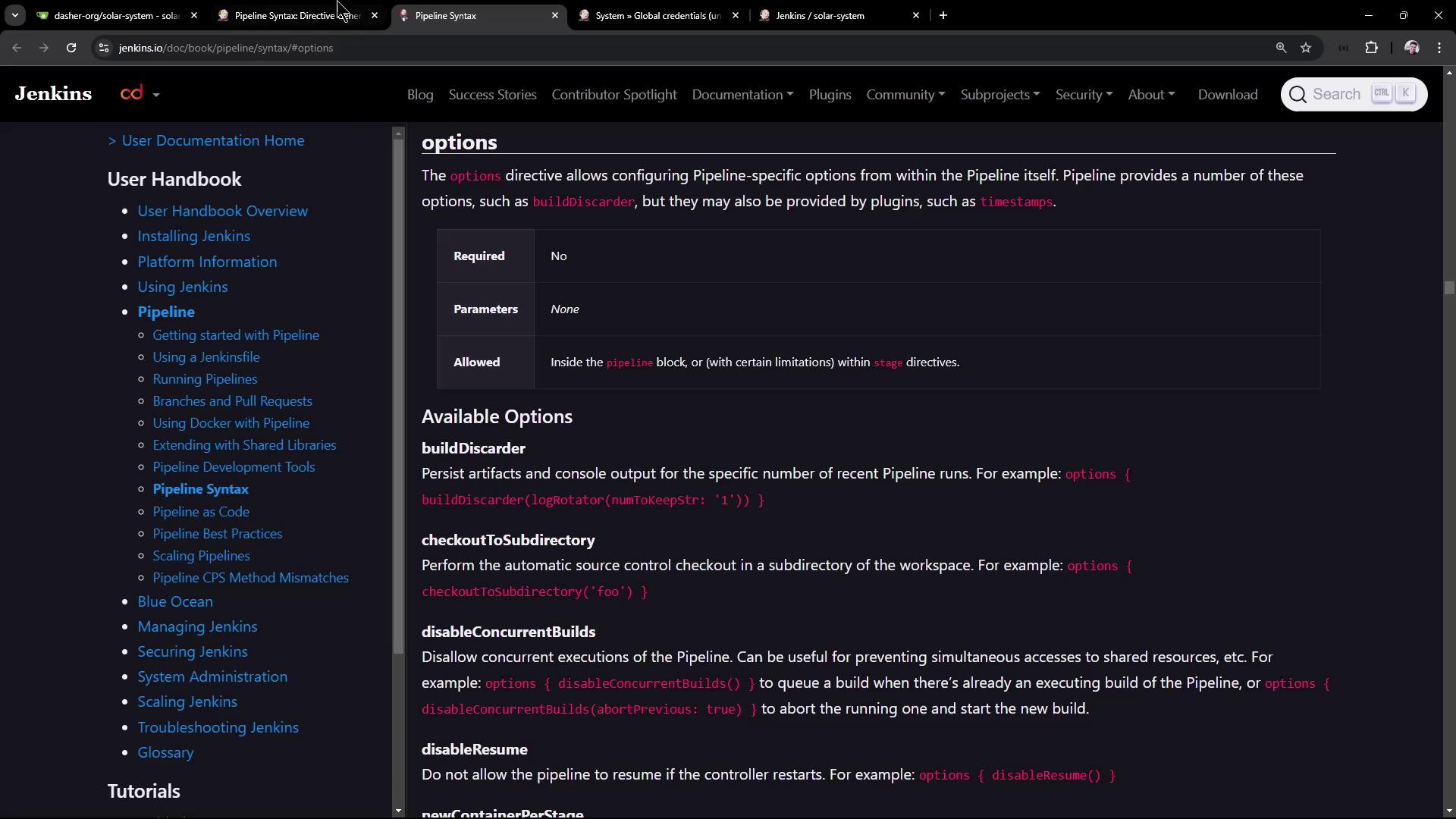
Adding Timestamps to a Stage
Including timestamps in your console log helps you measure step durations and troubleshoot performance issues. To enable timestamps for a specific stage:Retrying a Stage on Failure
When interacting with external systems (e.g., databases or APIs), transient failures can occur. Useretry(count) to automatically rerun the stage upon failure:
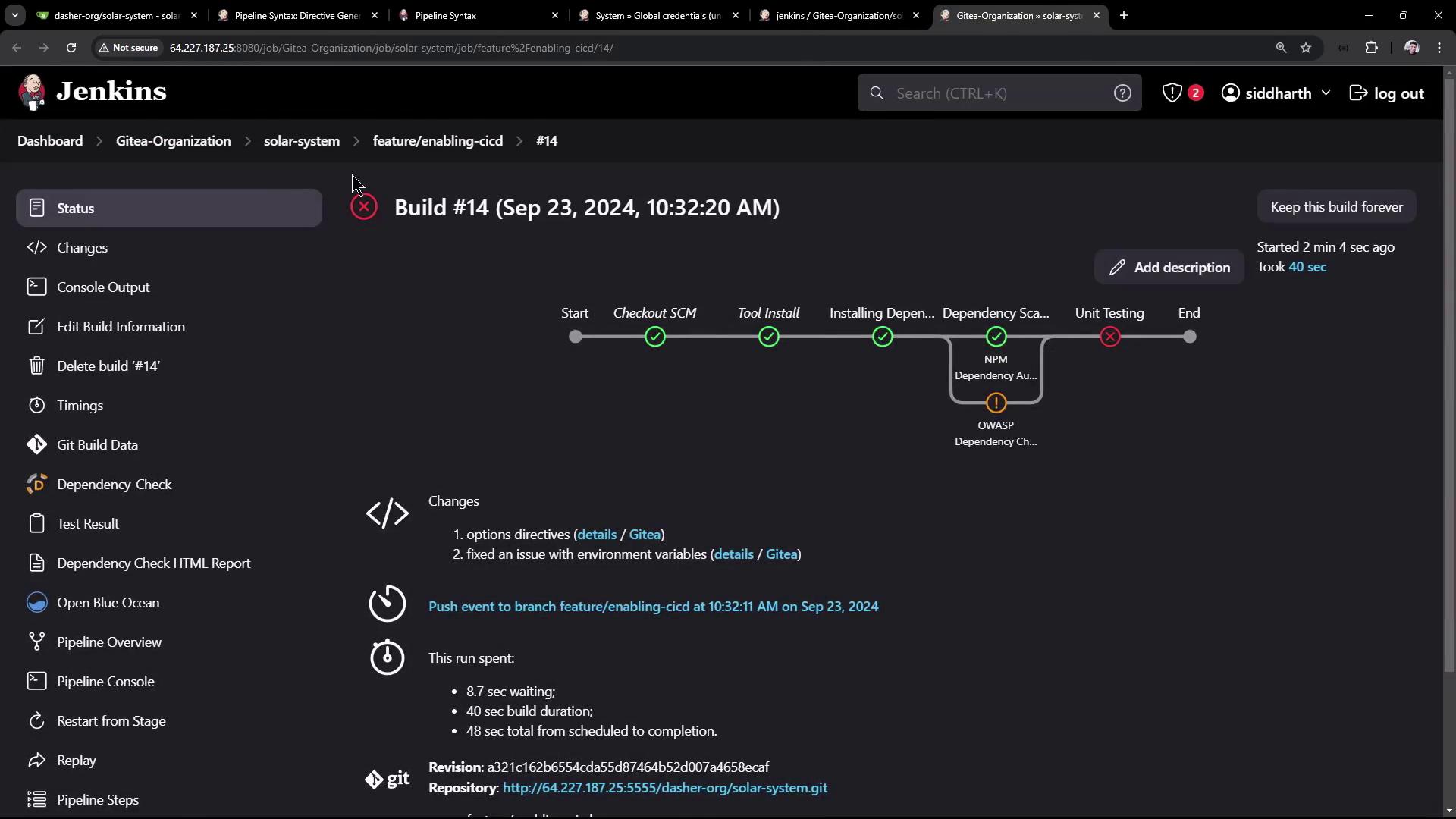
MONGO_URI is missing, Jenkins reports:
retry(2), Jenkins will attempt the stage up to two additional times before failing.
Disabling Resume and Concurrent Builds
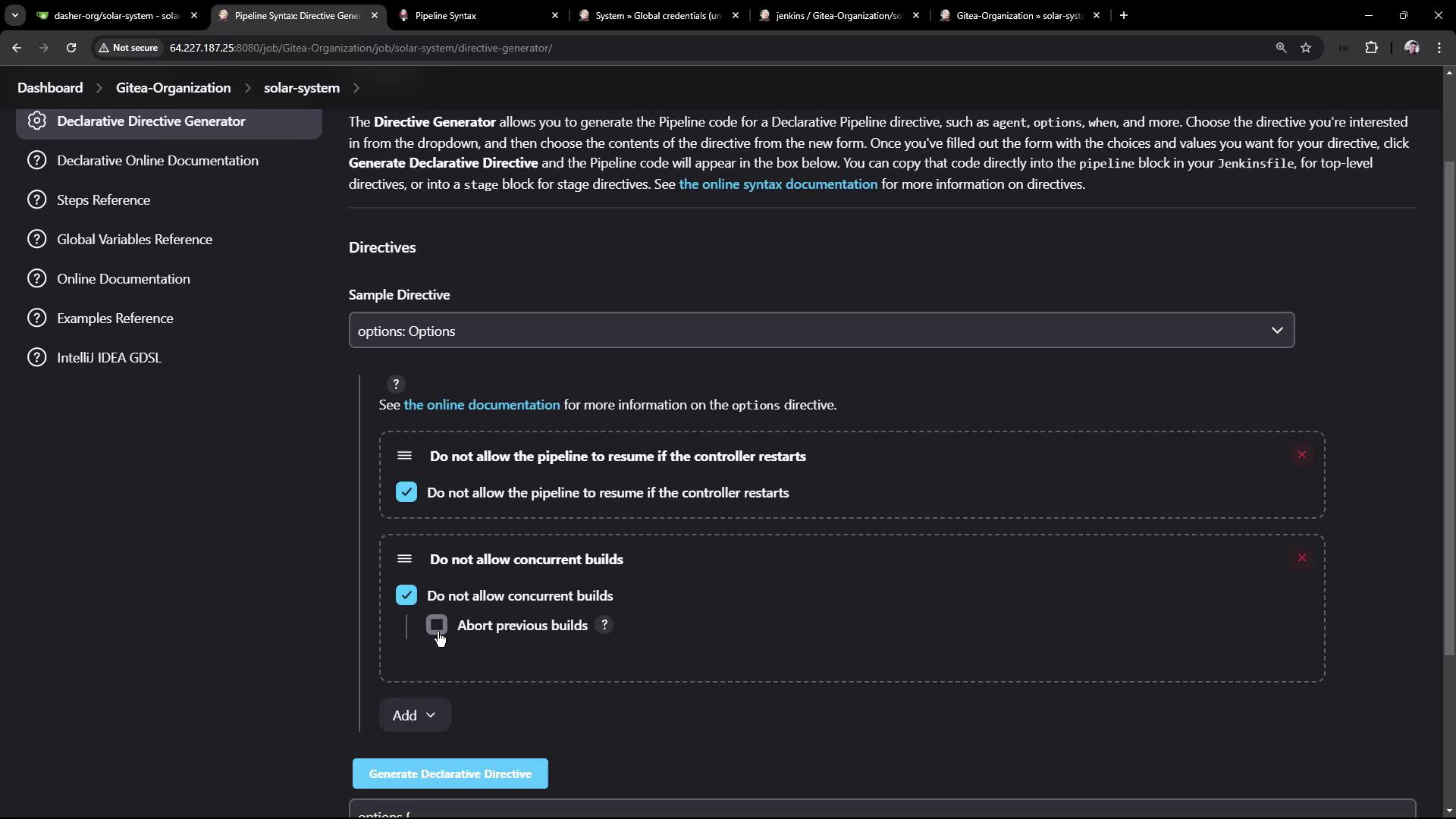
At the pipeline level, you can:- Prevent resume after a restart using
disableResume(). - Abort previous builds when a new one starts using
disableConcurrentBuilds(abortPrevious: true).
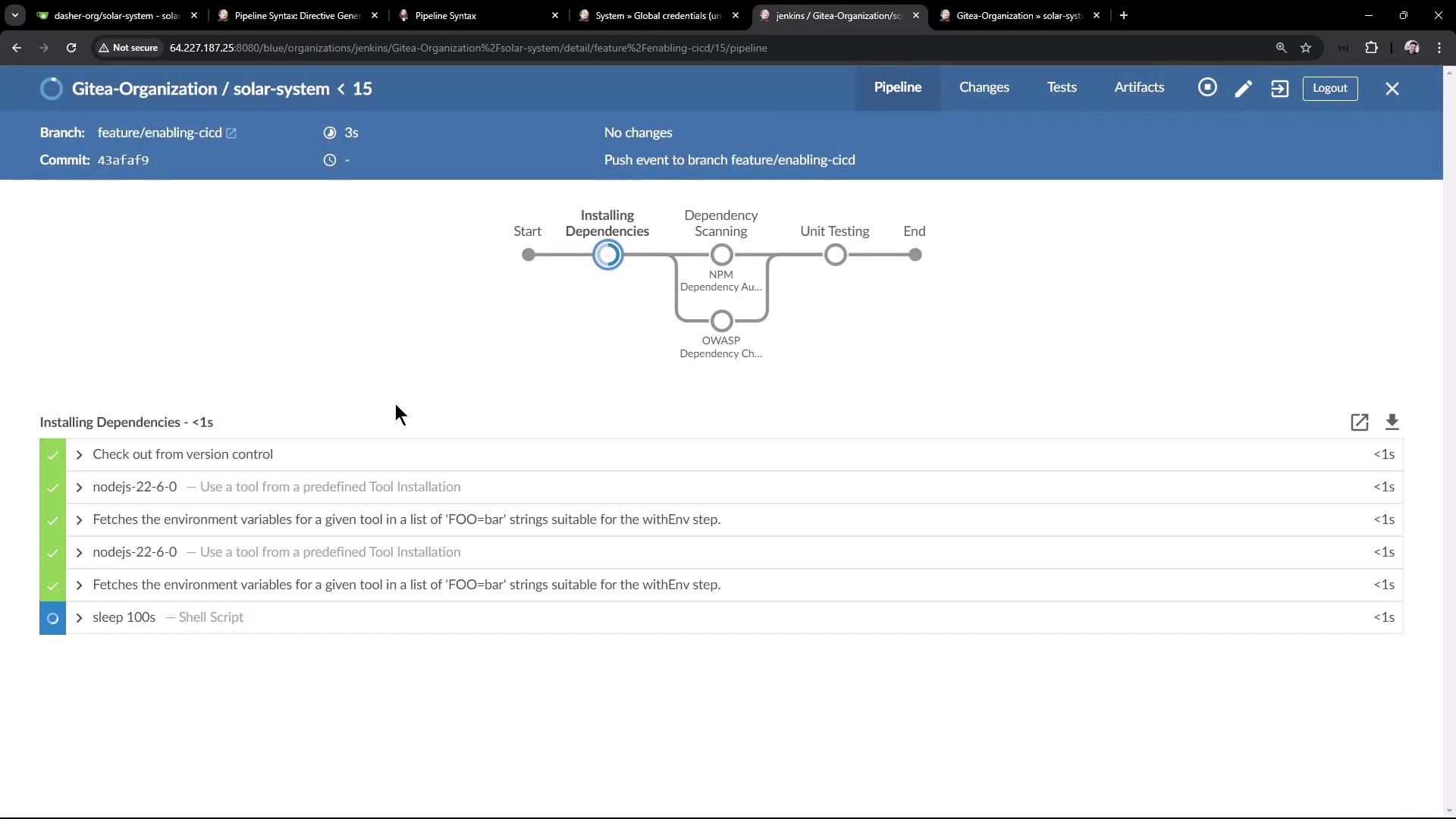
sleep 100s step, the previous build is aborted:
Using
disableResume() will remove the ability to resume pipeline execution after a Jenkins restart. Use it only if you have idempotent stages or external state management.Summary of Pipeline Options
| Option | Scope | Description | Example |
|---|---|---|---|
timestamps() | Stage | Prefixes each log line with a timestamp. | options { timestamps() } |
retry(count) | Stage | Retries a failing stage up to count times. | options { retry(2) } |
disableResume() | Pipeline | Disables pipeline continuation after a Jenkins restart. | options { disableResume() } |
disableConcurrentBuilds(...) | Pipeline | Prevents concurrent runs; can abort previous builds when triggered. | options { disableConcurrentBuilds(abortPrevious: true) } |