

Current Pipeline Status
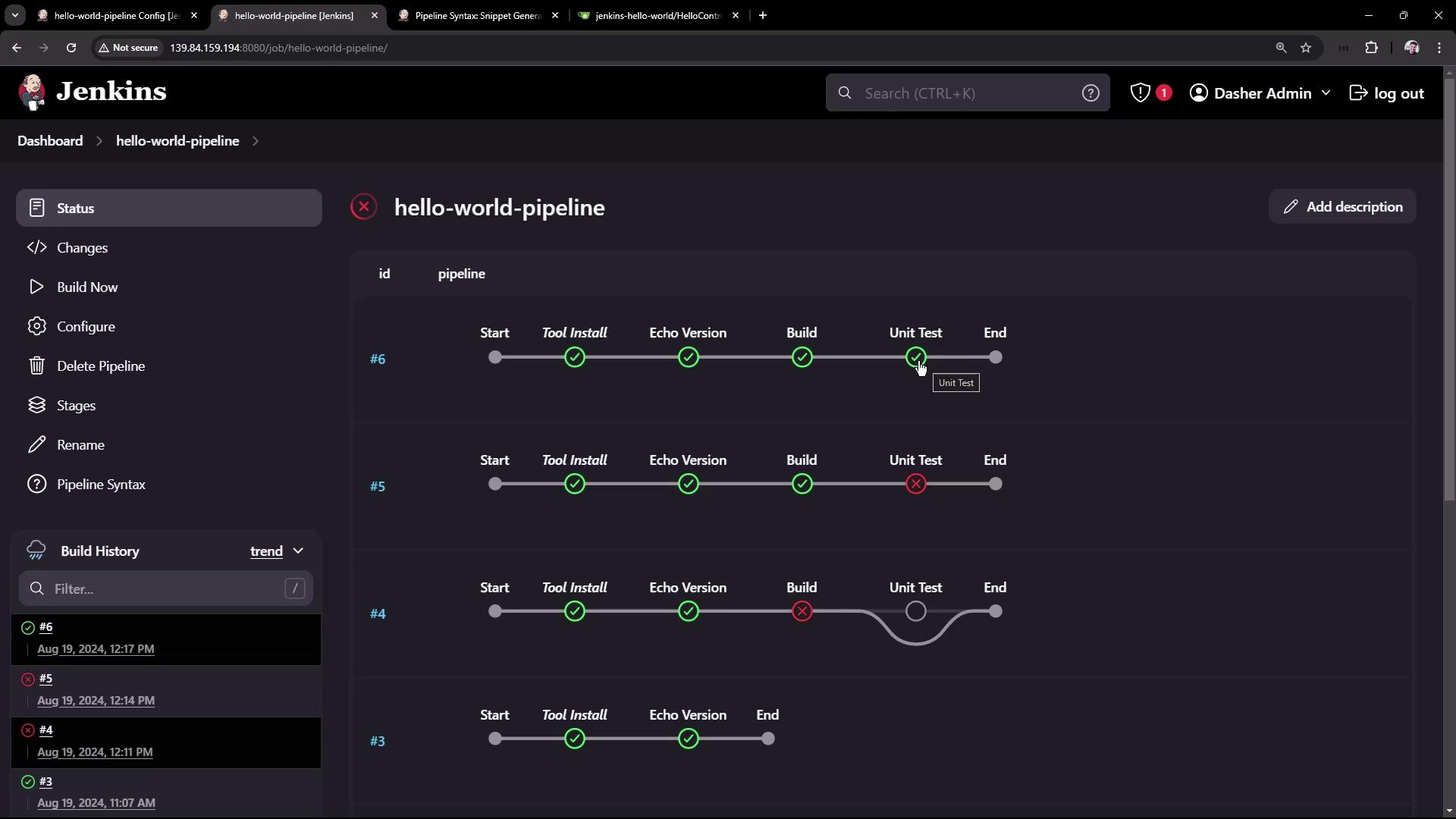
Below is the current pipeline, which installs Maven and echoes its version: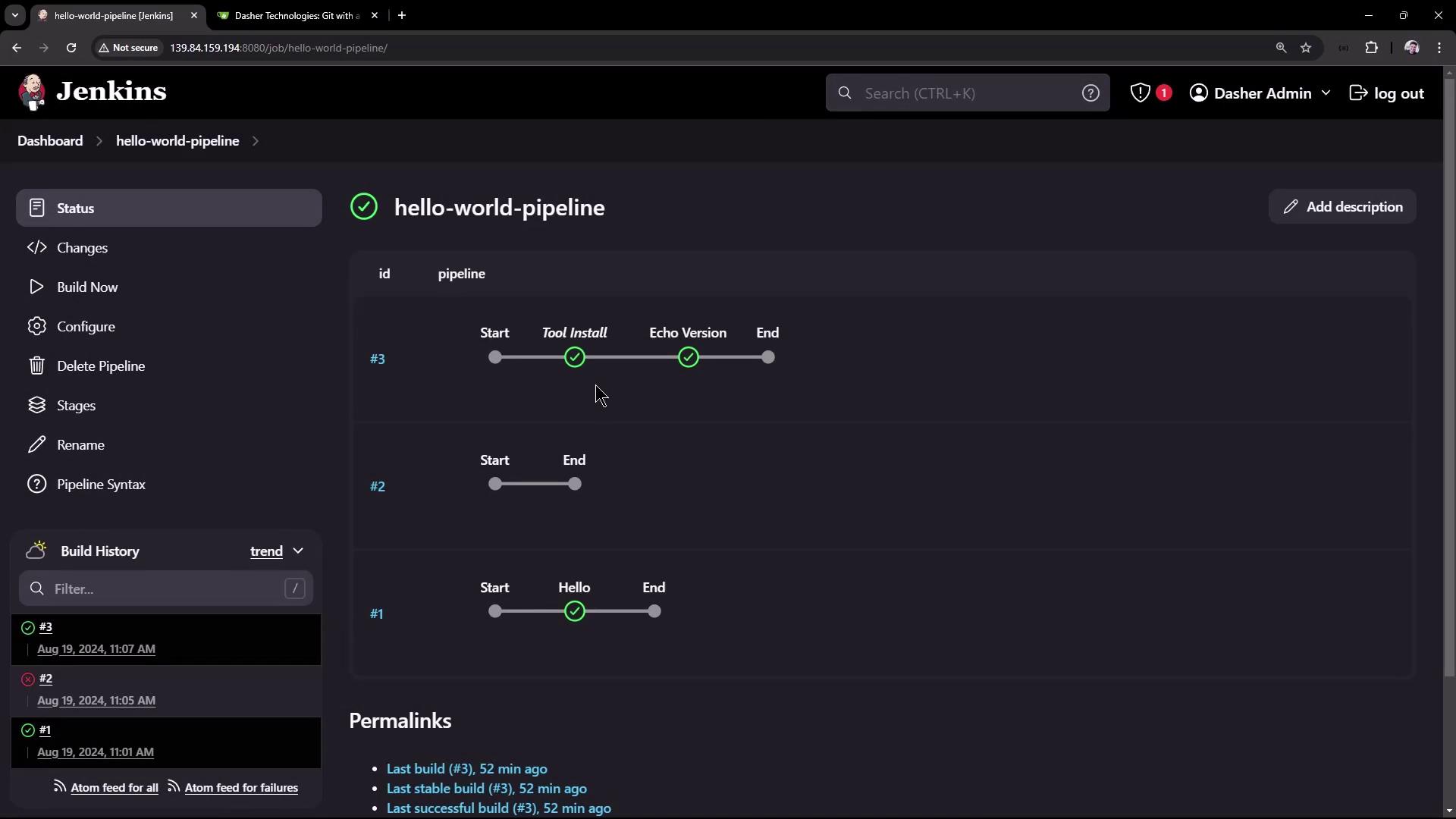
Application Repository
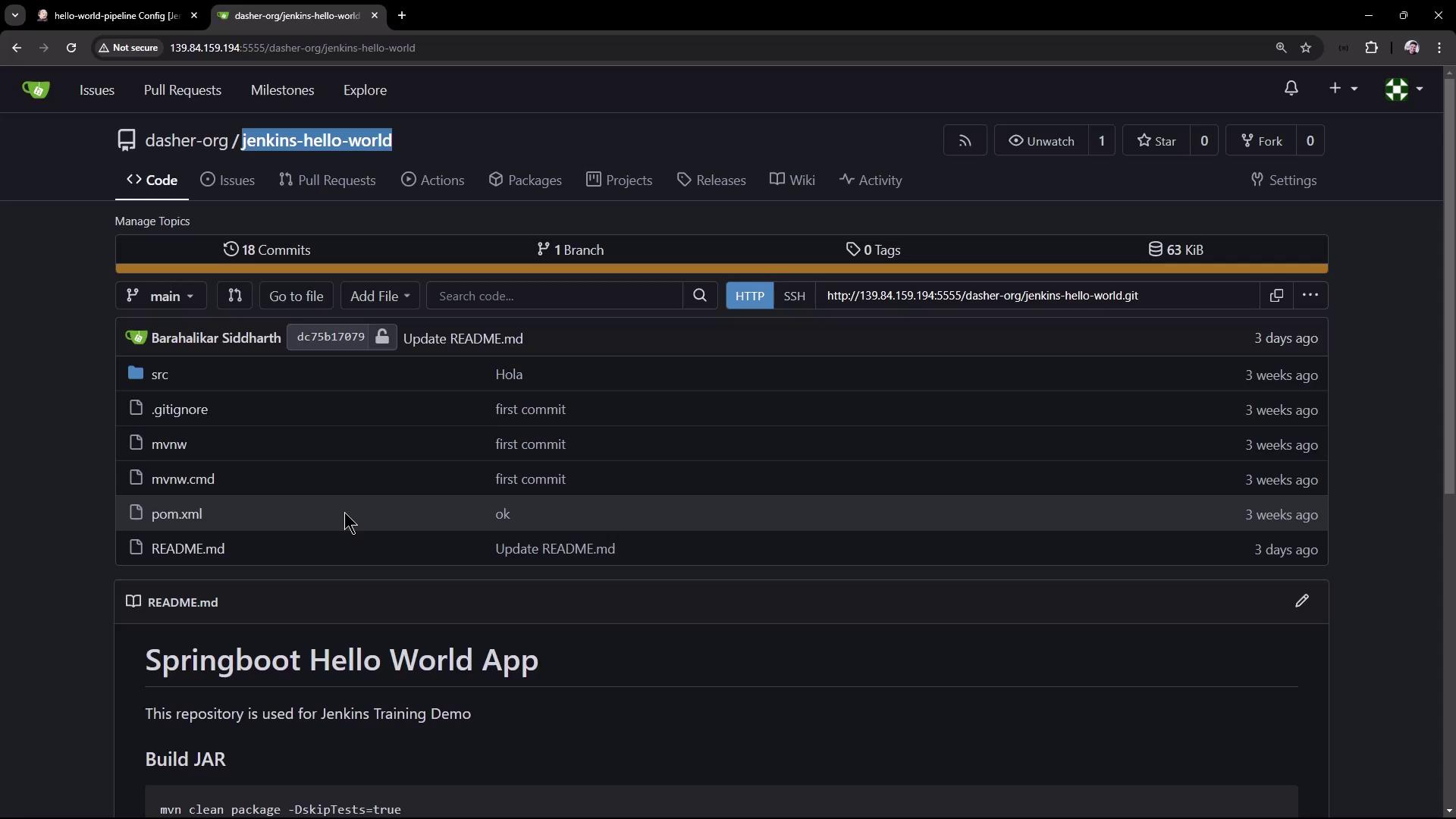
Our sample Spring Boot “Hello World” application resides in thejenkins-hello-world repository. It uses Maven to build a JAR and includes six JUnit test cases (five passing, one failing).
Defining the Pipeline
Create or update aJenkinsfile at the root of your project with the following content:
Pipeline Stages Overview
| Stage | Purpose | Command |
|---|---|---|
| Echo Version | Verify Maven installation | mvn -version |
| Build | Compile and package the application | mvn clean package -DskipTests=true |
| Unit Test | Execute JUnit tests | mvn test |
First Run: Checkout Failure
On the initial run, the pipeline fails at the Build stage because the default branch ismain, not master:
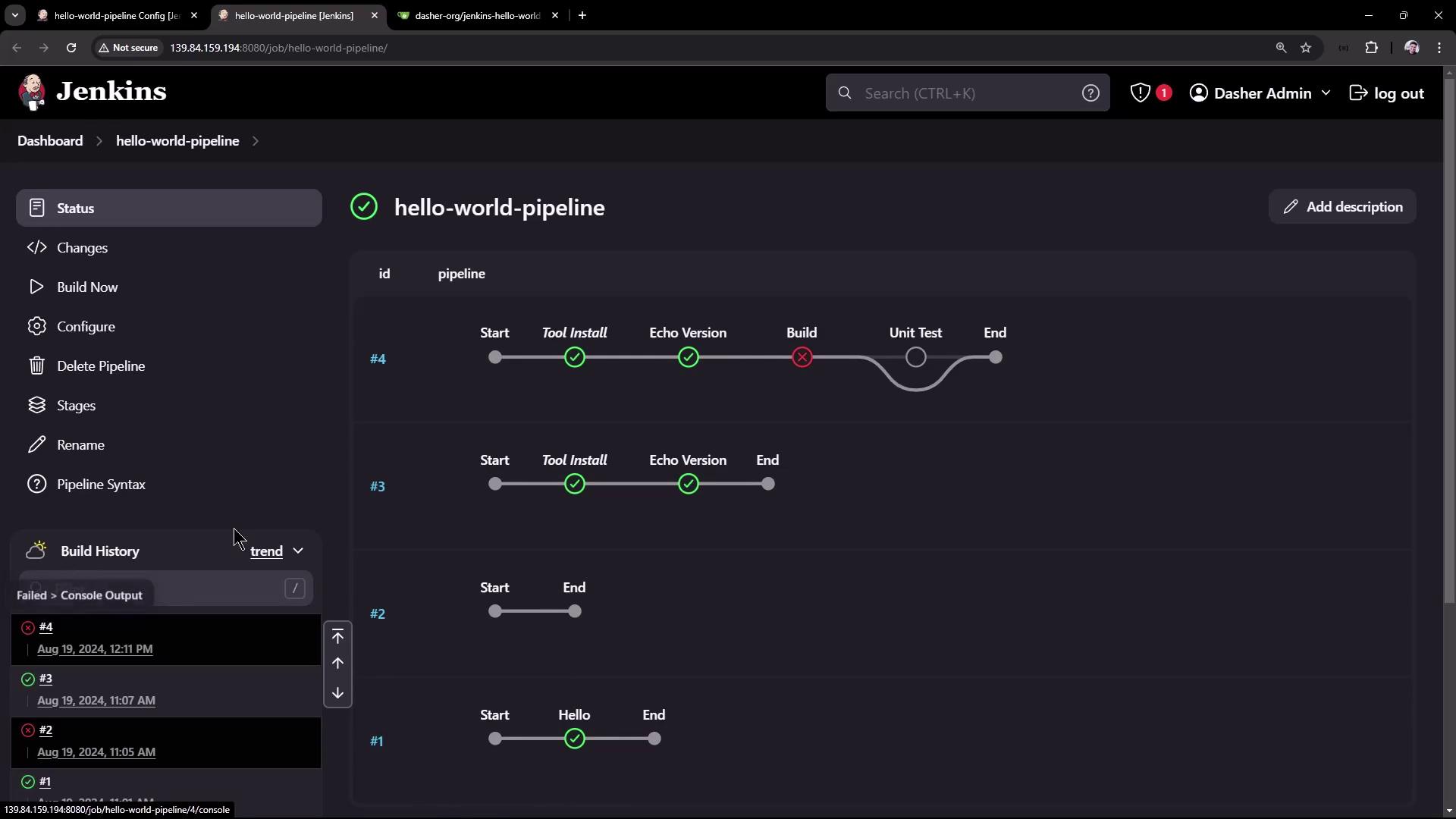
Ensure your
git step points to the correct branch (main in this repository) to avoid checkout errors.Specifying the Correct Branch
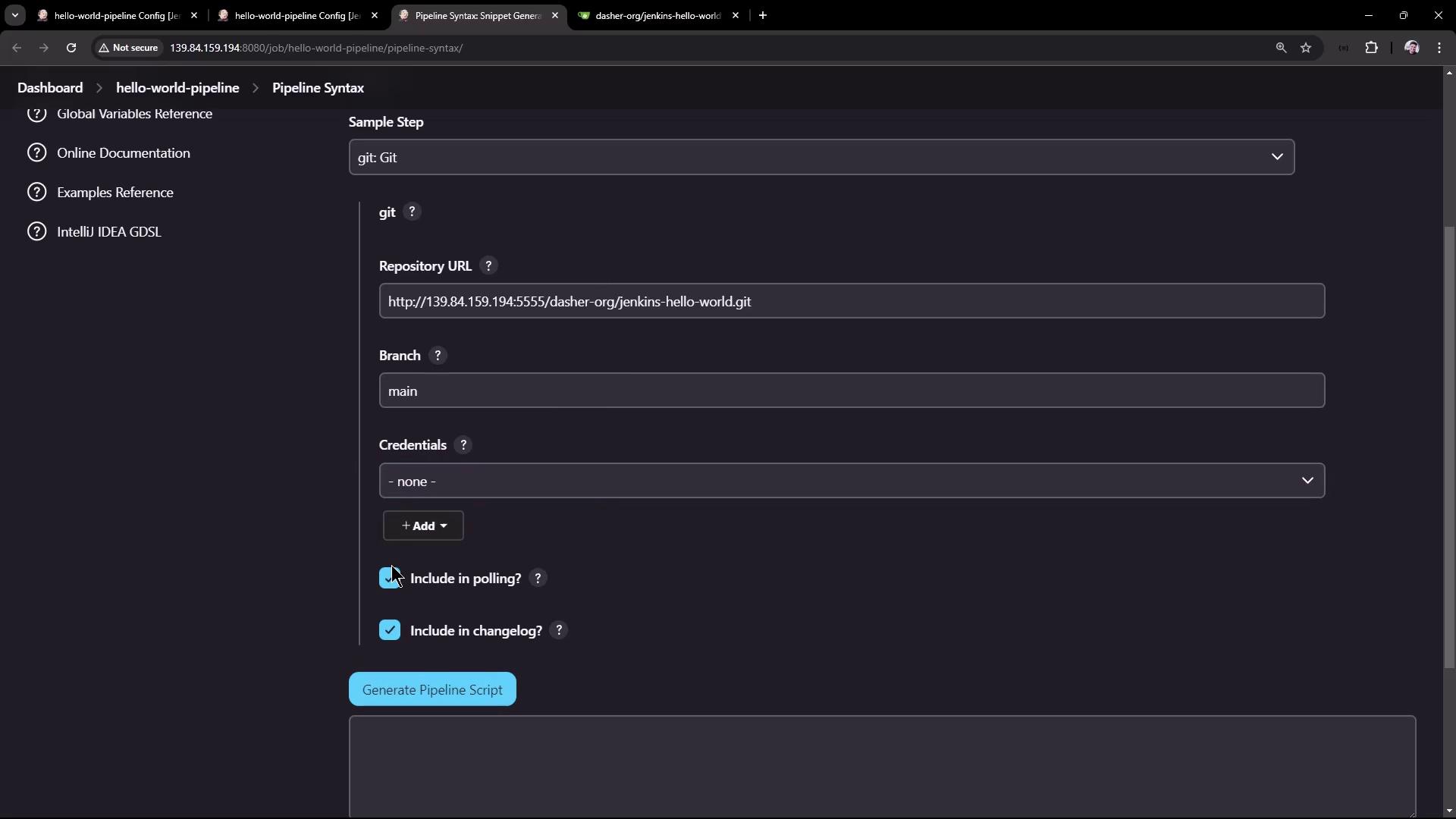
Use the Jenkins Snippet Generator to craft a branch-specificgit checkout:
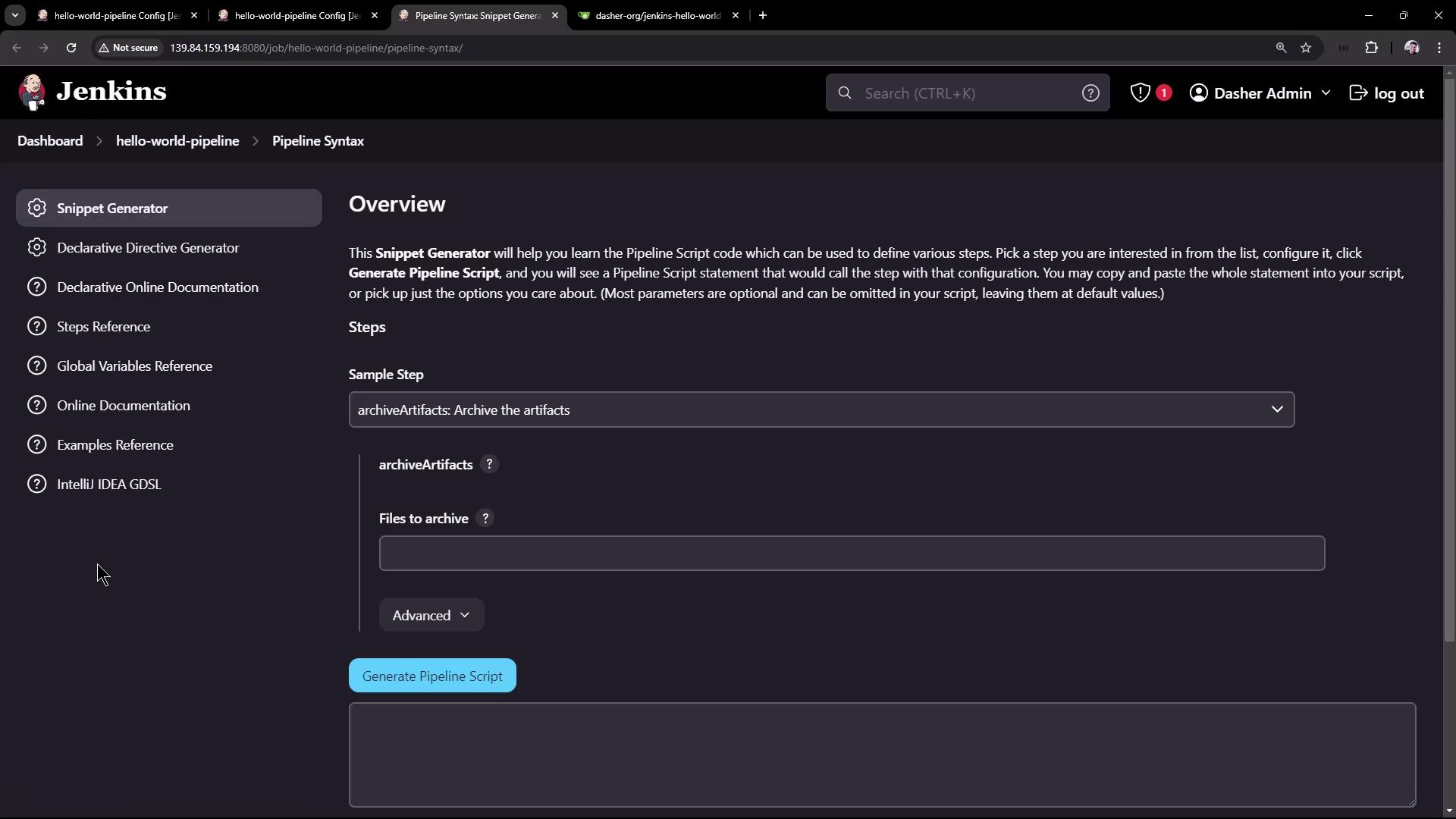
- Select Git.
- Enter your repository URL.
- Set Branch to
main. - Click Generate Pipeline Script.
Jenkinsfile:
Fixing the Unit Test
Update the assertion inHelloControllerTests.java to match the controller’s greeting:
Application Overview
Controller (src/main/java/com/kodekloud/hello_demo/HelloController.java):
src/main/resources/application.properties):
For better collaboration, commit your
Jenkinsfile directly into the repository so pipeline changes are tracked alongside your application code.Next Steps
With this pipeline, you’ve automated:- Tool installation and version verification
- Source checkout (branch
main) - Maven clean package (skipping tests)
- JUnit test execution