

apt installation and launch Jenkins directly from its WAR file. This approach gives you full control over JVM options, ports, and context paths—ideal for testing or side-by-side instances.
1. Inspecting the Apt-Installed Jenkins Service
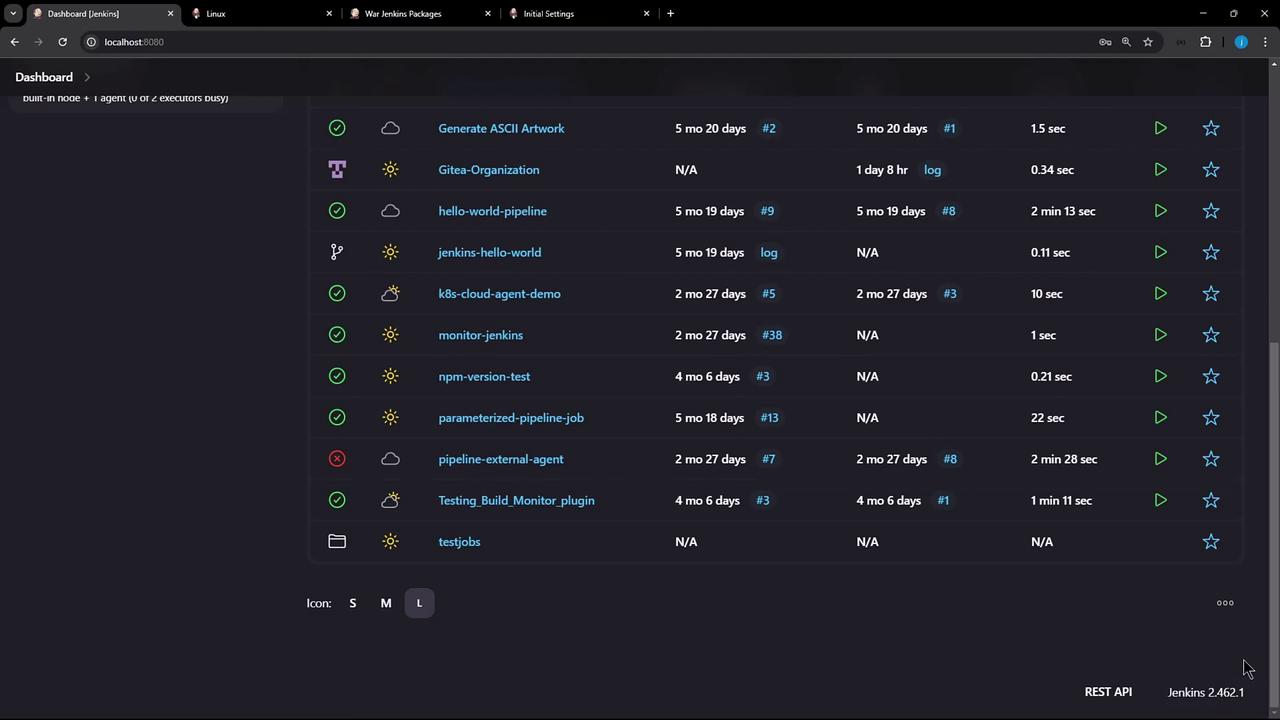
Start by confirming the existing Jenkins process managed viaapt:
- A 1 GB heap (
-Xms1G -Xmx1G) - The WAR file at
/usr/share/java/jenkins.war - Webroot under
/var/cache/jenkins/war - HTTP bound to port 8080
2. Downloading a Specific Jenkins WAR Version
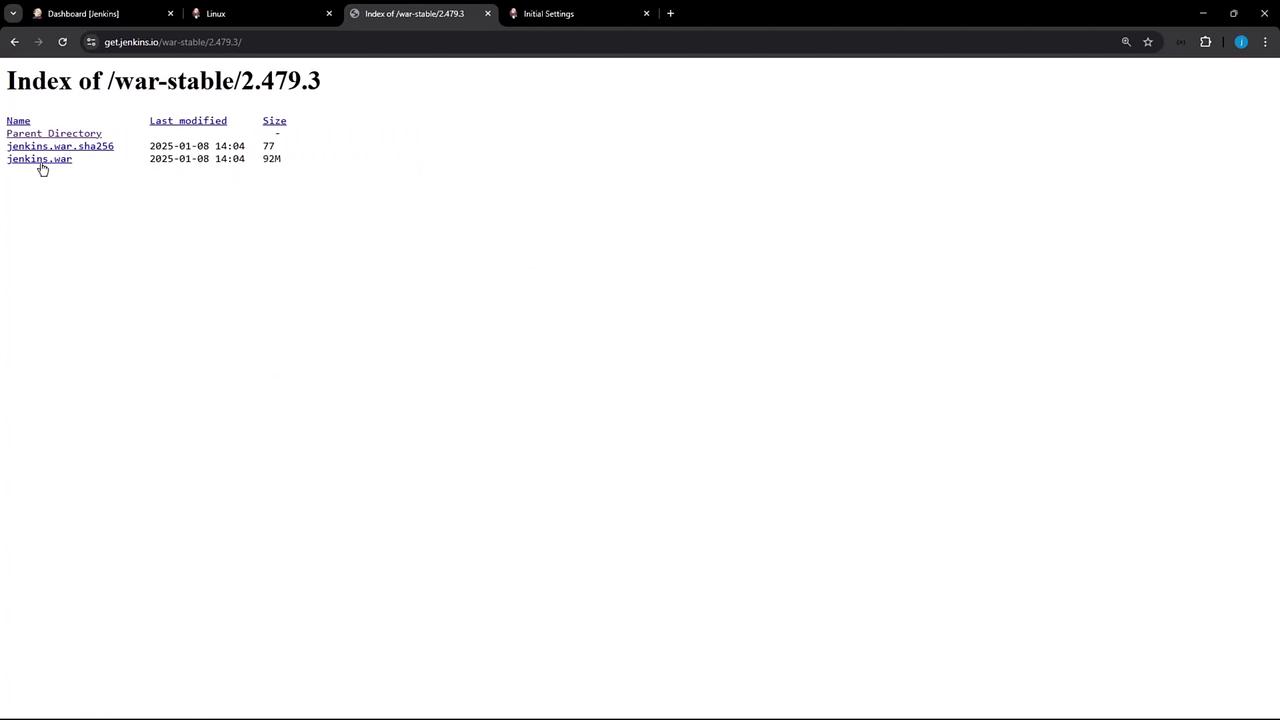
To try a newer release, browse the Jenkins WAR directory and choose 2.479.3 (released Jan 1, 2025):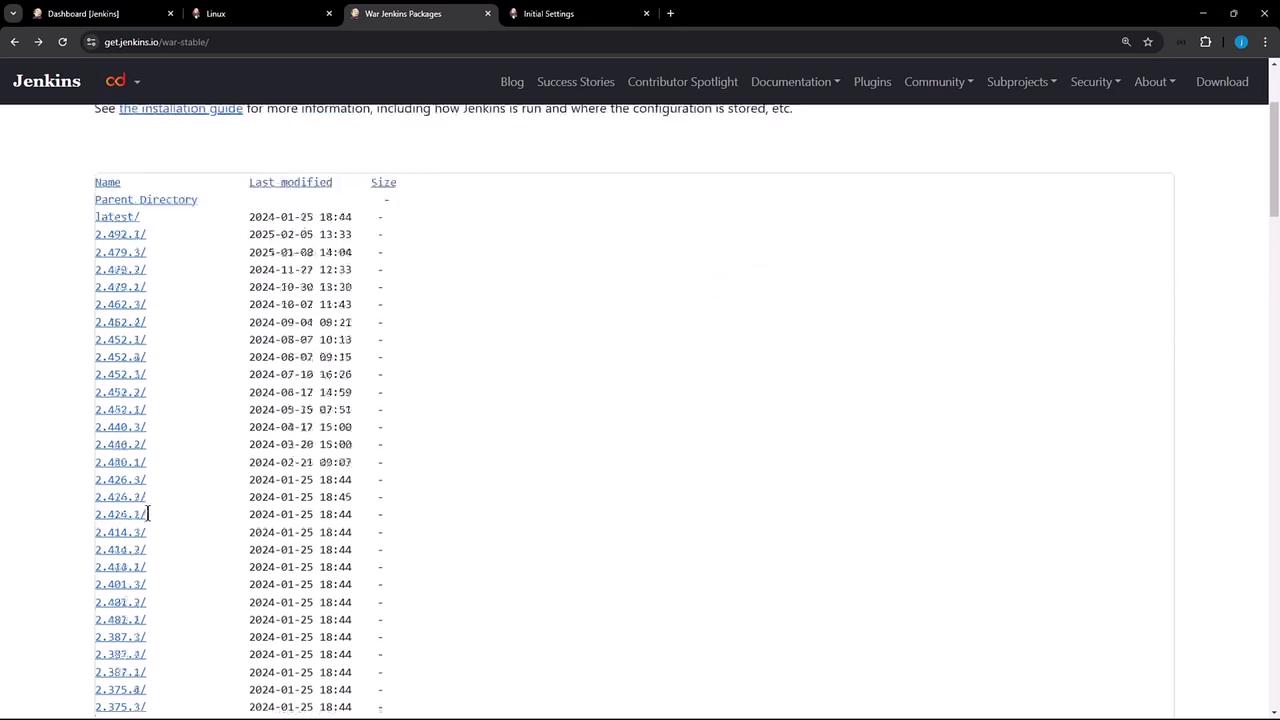
3. Launching Jenkins with Custom Parameters
By default,java -jar jenkins.war binds to port 8080—which conflicts with the apt-installed service. Override this with:
Save the generated password. You can always retrieve it later from
/root/.jenkins/secrets/initialAdminPassword.4. Unlocking Jenkins and Installing Plugins
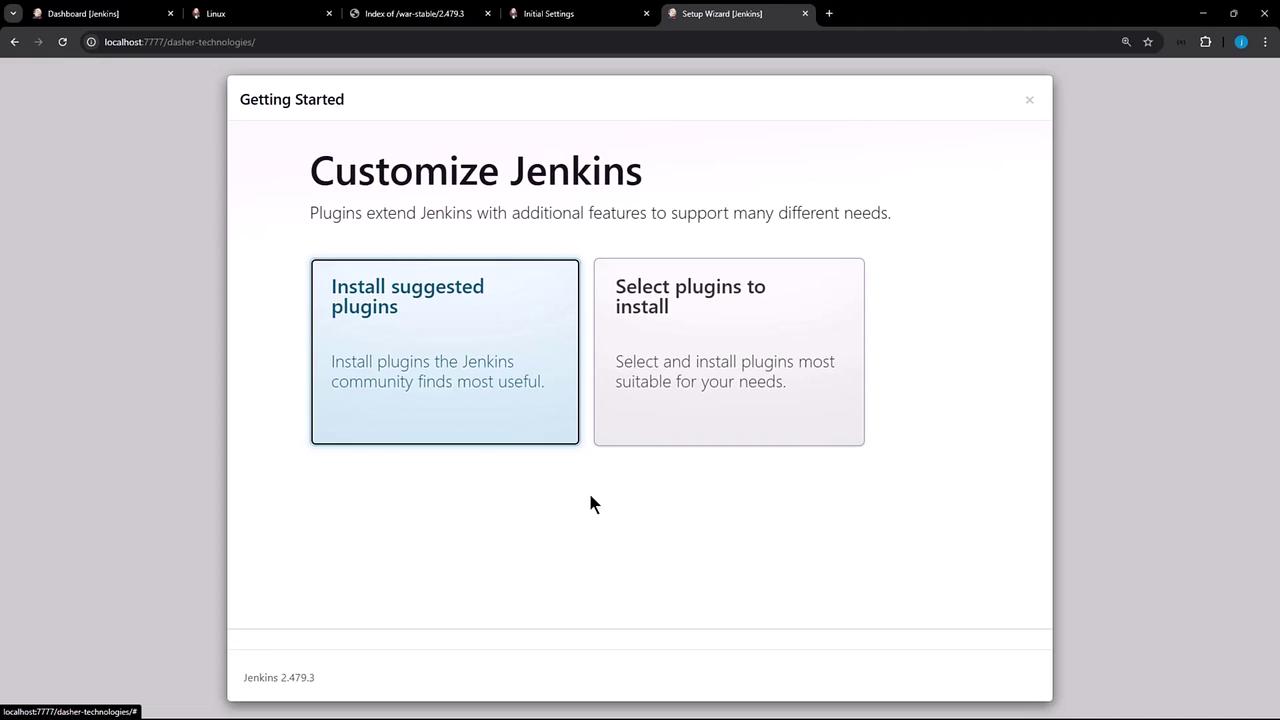
Open your browser at:- Install Suggested Plugins
- Select Plugins to customize your install
5. Common Startup Options
Jenkins supports various JVM and server flags. Below are frequently used HTTP/HTTPS settings:| Option | Description | Example |
|---|---|---|
--httpPort=<port> | Bind HTTP server to this port | --httpPort=7777 |
--httpListenAddress=<addr> | Set HTTP bind address | --httpListenAddress=0.0.0.0 |
--httpsPort=<port> | Enable HTTPS on this port (use -1 to disable) | --httpsPort=8443 |
--httpsListenAddress=<addr> | Set HTTPS bind address | --httpsListenAddress=0.0.0.0 |
--prefix=<context-path> | Specify the URL prefix (context path) | --prefix=/custom-path |
--sessionTimeout=<minutes> | Define session timeout in minutes | --sessionTimeout=30 |
--httpsKeyStore=<path> | Path to your Java keystore for HTTPS | /path/to/keystore |
--httpsKeyStorePassword= | Password for the HTTPS keystore | YourPassword |
6. Verifying Multiple Jenkins Instances
In another terminal, confirm both theapt-installed and standalone WAR instances are running:
- Port 8080 via
apt - Port 7777 with custom context
/dasher-technologies