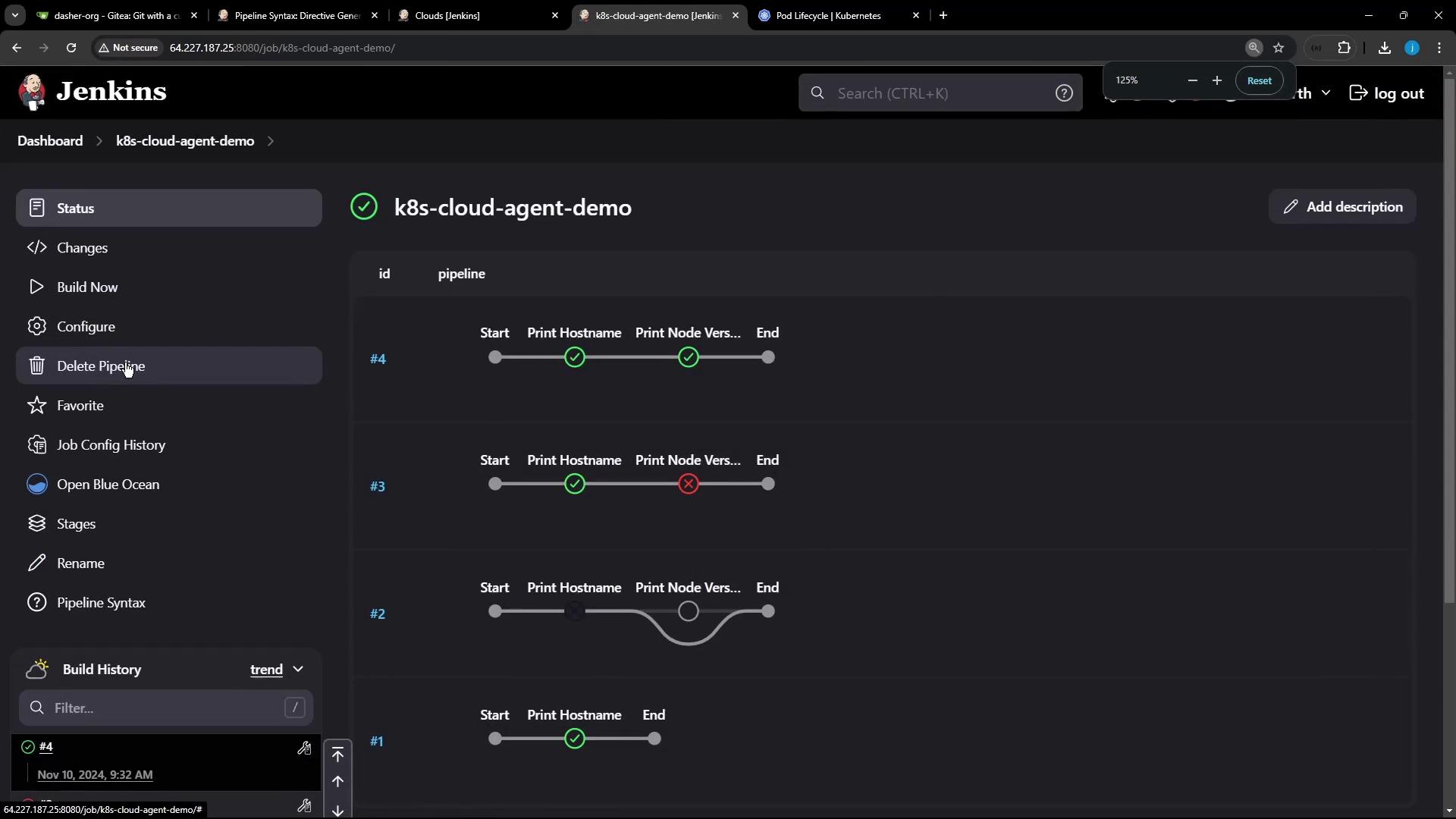
This demo illustrates file sharing between containers in a Kubernetes Pod using a Jenkins pipeline.
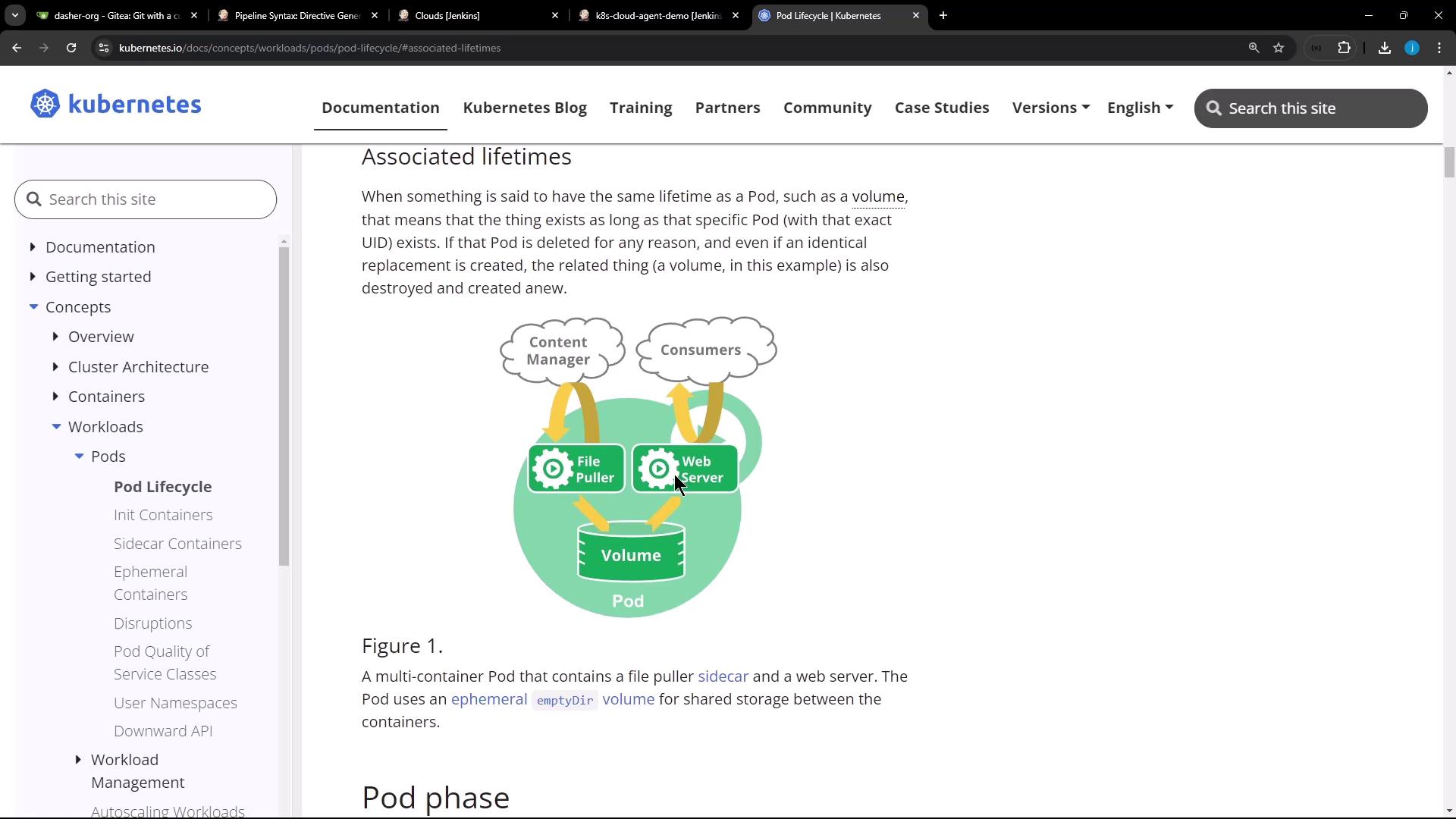
In Kubernetes, all containers in the same Pod share the same filesystem volume. This demo shows how one Jenkins pipeline stage writes a file in an Ubuntu container, and a subsequent stage reads it in a Node.js container—both running side by side in the same Pod.
A Jenkins server with the [Kubernetes Plugin][] and [Blue Ocean][] installed.
A connected Kubernetes cluster configured as a cloud agent.
The following Jenkinsfile defines two stages: one running on Ubuntu, the other in a Node.js sidecar. They share the workspace via an emptyDir volume.
Copy
Ask AI
pipeline { agent any stages { stage('Write File in Ubuntu') { steps { // On the default Ubuntu container sh 'hostname' sh 'echo important_UBUNTU_data > ubuntu-${BUILD_ID}.txt' sh 'ls -ltr ubuntu-${BUILD_ID}.txt' sh 'sleep 60s' // keep the Pod alive briefly } } stage('Read File in Node.js') { steps { container('node-container') { sh 'node -v' sh 'npm -v' // List and display the same file sh 'ls -ltr ubuntu-${BUILD_ID}.txt' sh 'cat ubuntu-${BUILD_ID}.txt' } } } }}
When this pipeline runs, Jenkins dynamically provisions a Pod with two containers—ubuntu-container (default) and node-container (sidecar)—sharing an emptyDir workspace volume.
Under the hood, the Pod specification looks like this: