

About Jenkins Version
Before logging in, you can verify the exact Jenkins release and view its dependencies:- On the login page, click the Jenkins icon in the bottom-right corner.
- The About Jenkins dialog displays your version (e.g., 2.462.1), open-source capabilities, and a list of Mavenized dependencies with license links.
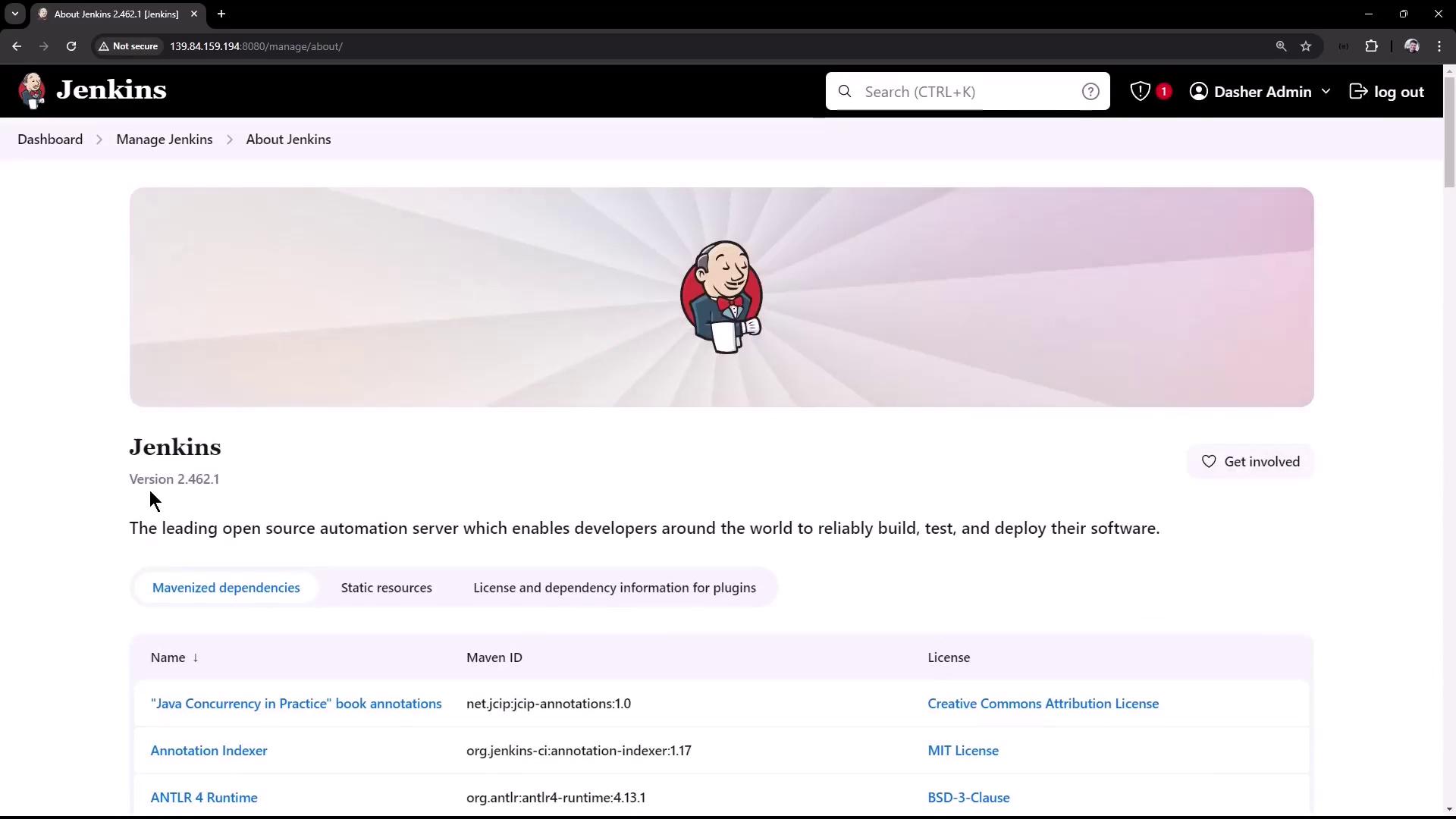
Each dependency link takes you to more information about the library’s purpose and license. This helps you stay compliant with open-source requirements.
Jenkins Login
Authenticate with your configured credentials on the default login screen: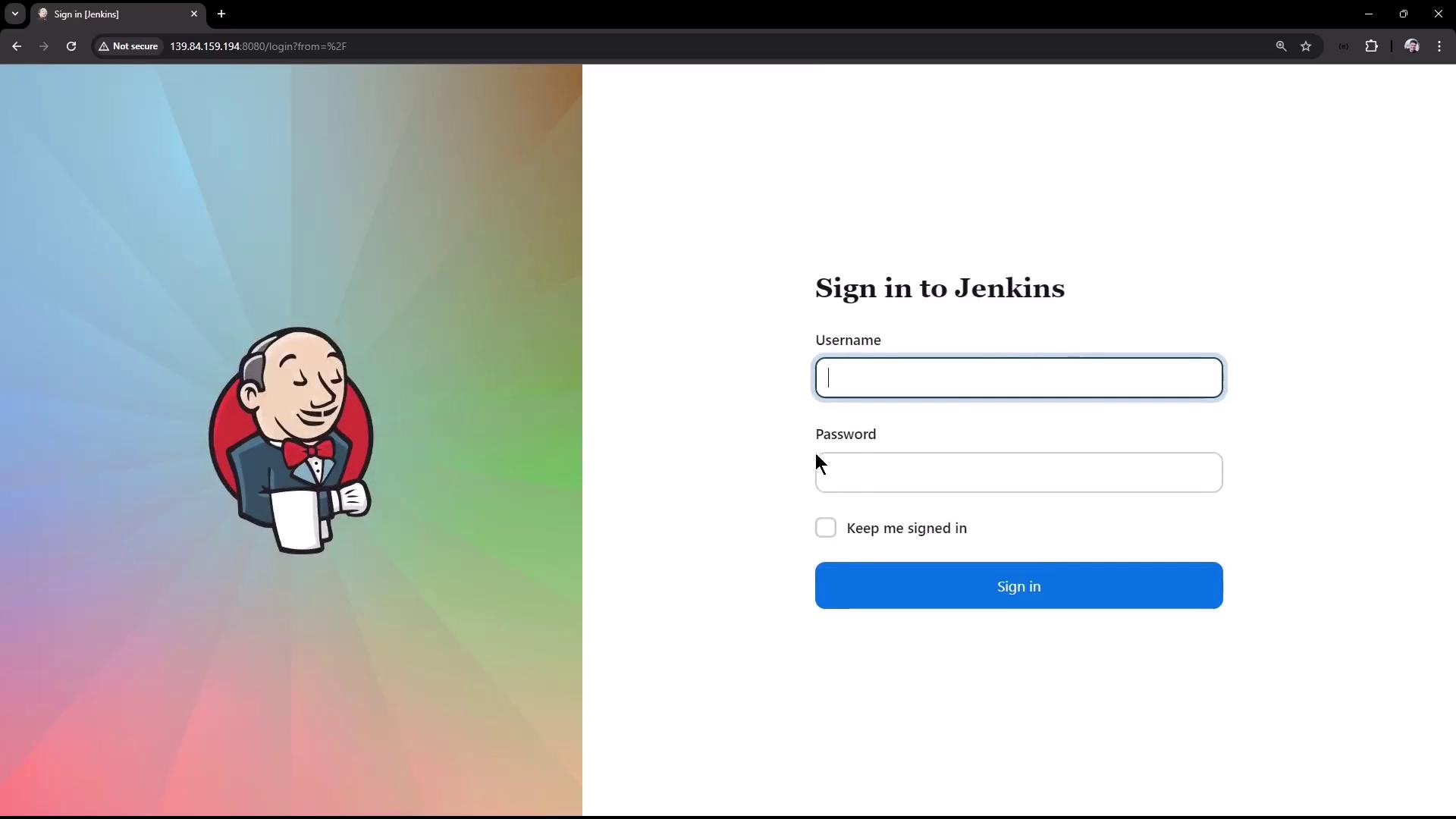
- Enter your Username and Password.
- Click Sign in to access the Jenkins dashboard.
Dashboard & Manage Jenkins
Once logged in, you land on the Jenkins dashboard. To adjust system-wide settings:- Click Manage Jenkins in the left-hand menu.
- Review any security warnings at the top (for example, running the master and build node together).
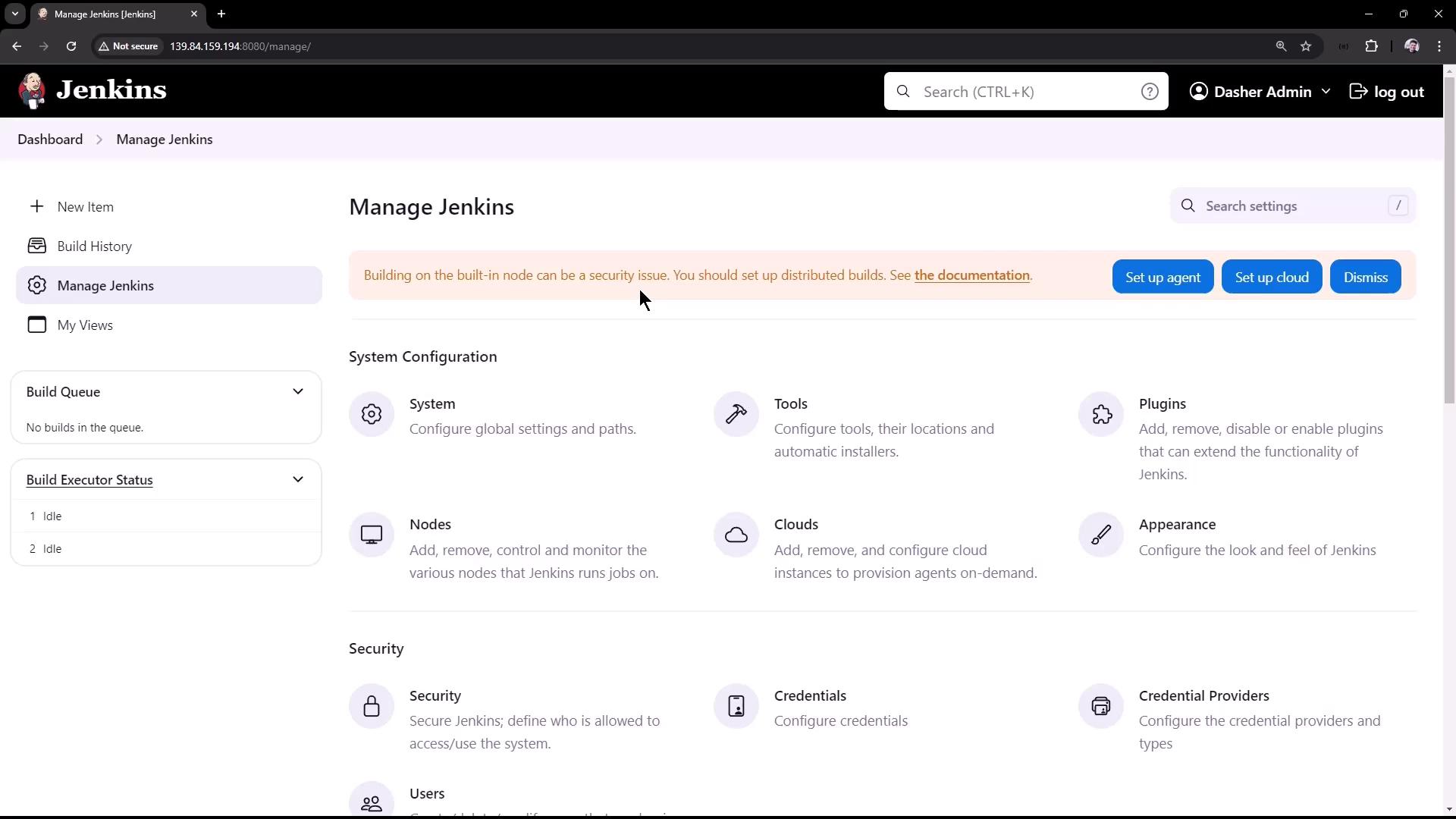
Running both the master and build node on the same server is not recommended for production workloads. Consider separating build agents to improve security and reliability.
Manage Jenkins: Configuration Categories
| Category | Description |
|---|---|
| System Configuration | Home directory, executors, labels, URLs, admin email, global message |
| Security | Configure authentication, authorization, and access control |
| System Information | JVM properties, environment variables, and system details |
| Troubleshooting | Logs, system logs, and diagnostic tools |
| Tools | Global tool installations (e.g., JDK, Maven, Git) |
| Actions | Reload configuration, safe restart, script console |
Additional sections appear here when you install plugins (e.g., Credentials, Global Pipeline Libraries).
System Configuration
Under System Configuration, you can set critical system parameters:- Jenkins Home Directory
- Global System Message
- Number of Executors (parallel build slots)
- Agent Labels
- Jenkins URL
- System Admin E-mail Address
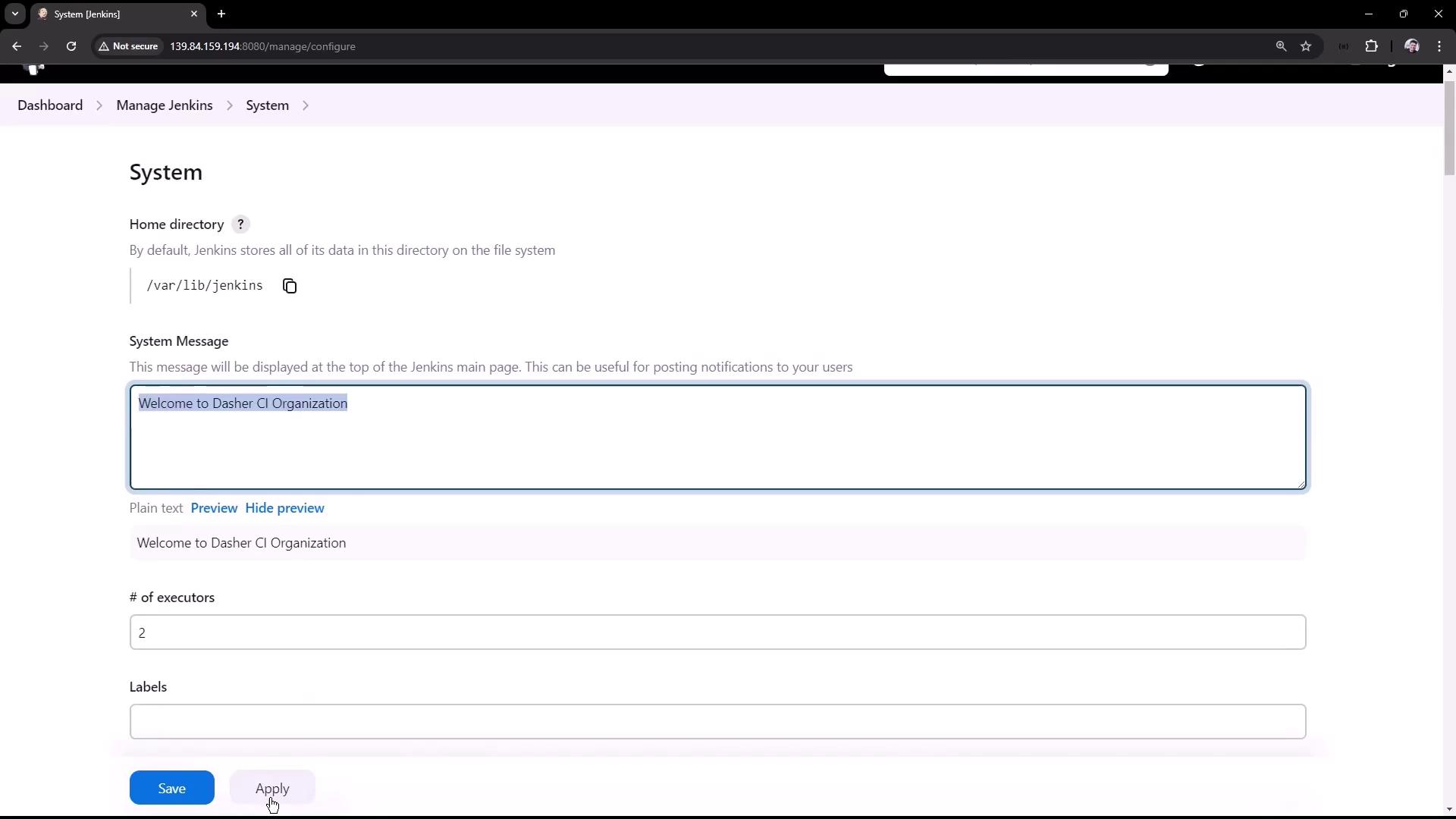
Use the Global System Message to broadcast maintenance windows or announcements directly on the dashboard.
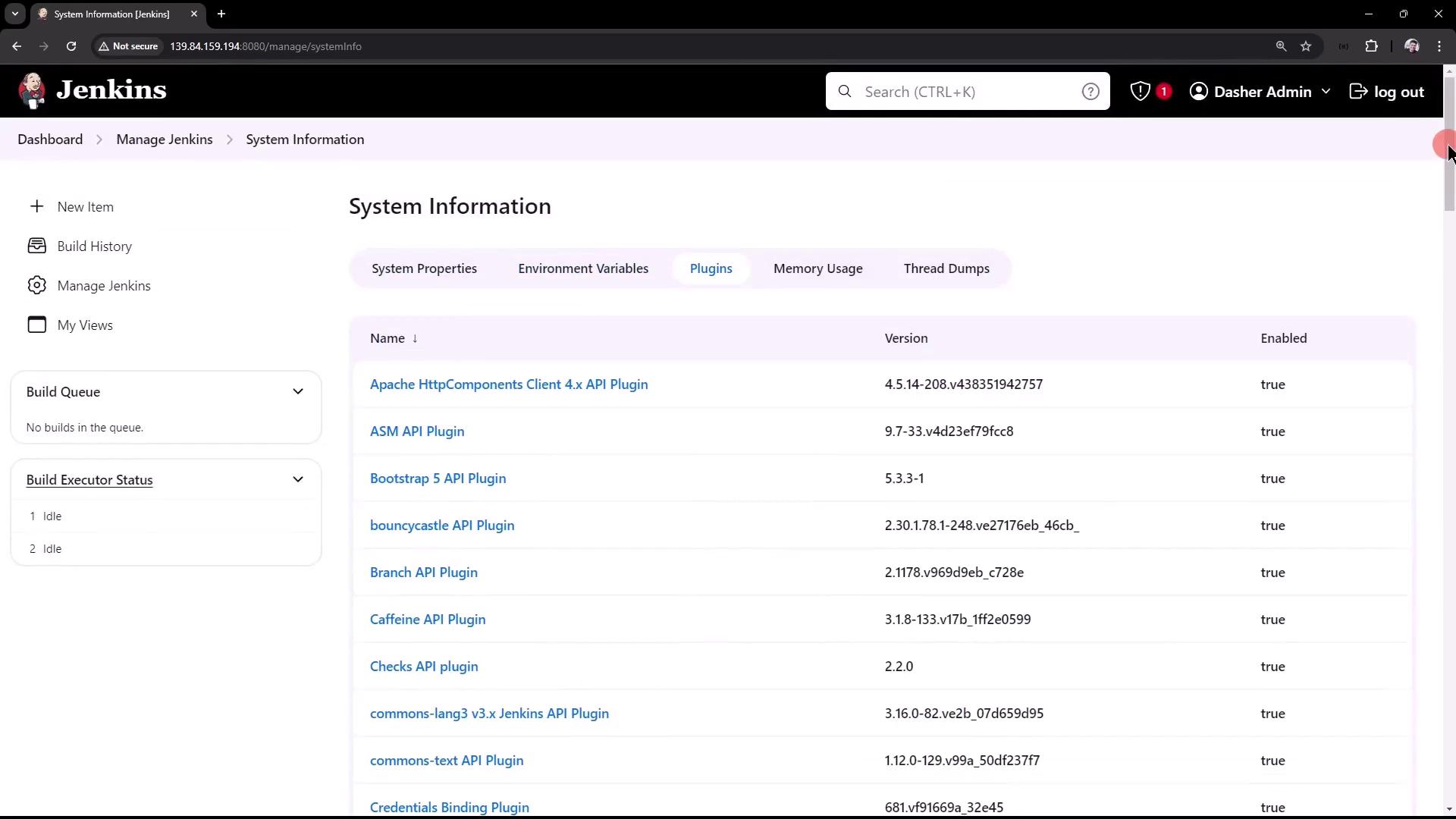
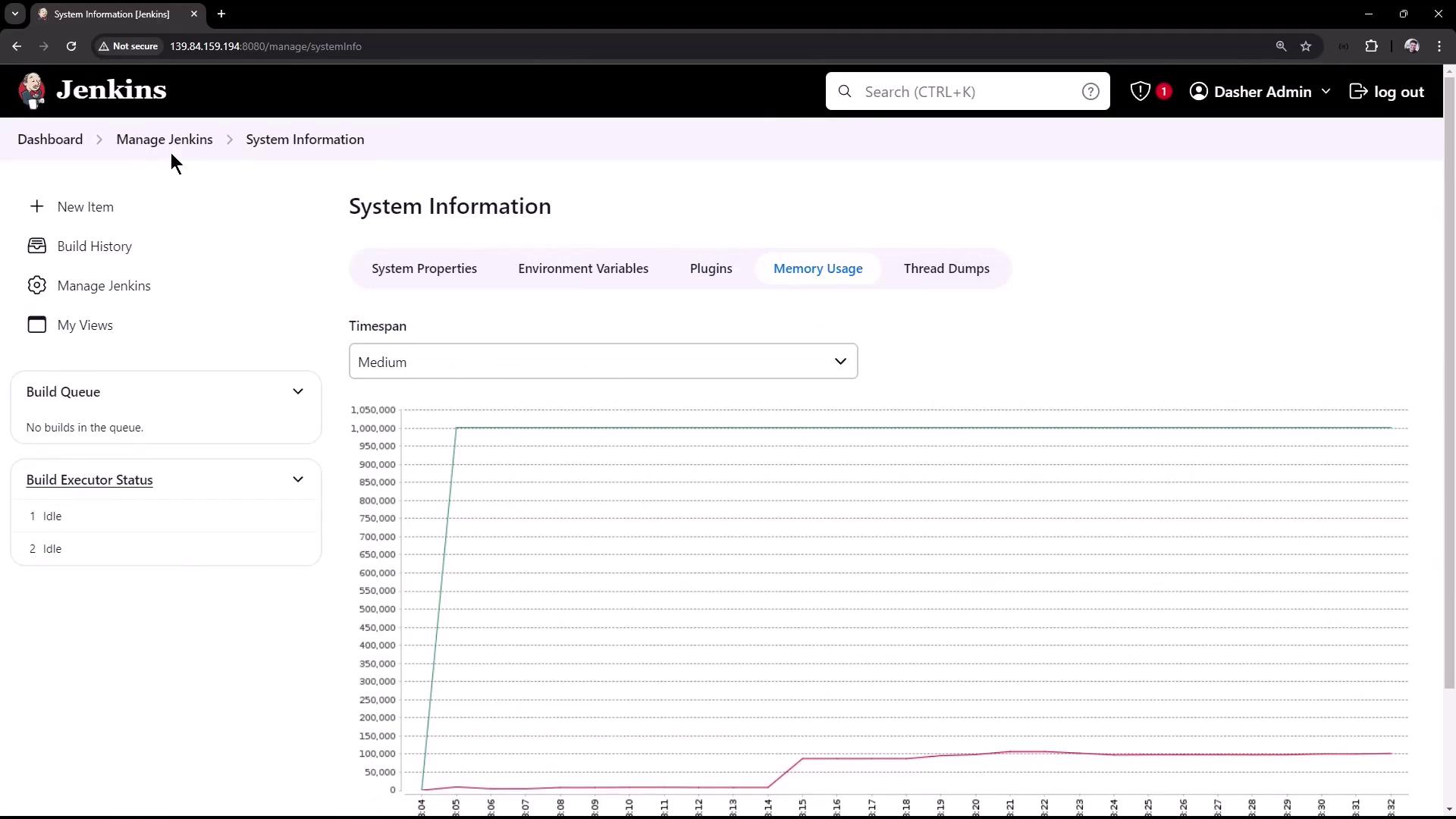
System Information & Plugins
System Information
- View JVM properties, environment variables, and classpath entries.
- Inspect memory usage, file descriptors, and real-time performance graphs.
Plugin Manager
- Review installed plugins, versions, and enable/disable status.
- Common plugins include Pipeline, Parameterized Trigger, Git, and Blue Ocean.
System Logs
Quickly troubleshoot by viewing logs in the UI:- Navigate to Manage Jenkins > System Log.
- Or, on the server use
journalctlor inspect$JENKINS_HOME/logs/jenkins.log.
Appearance & Themes
Customize the look and feel with plugins such as Dark Theme:- Install Dark Theme.
- Select Manage Jenkins > Configure Global Security (or similar).
- Enable Dark Theme and additional options (e.g., pipeline graphs on job pages).
- Click Save.