

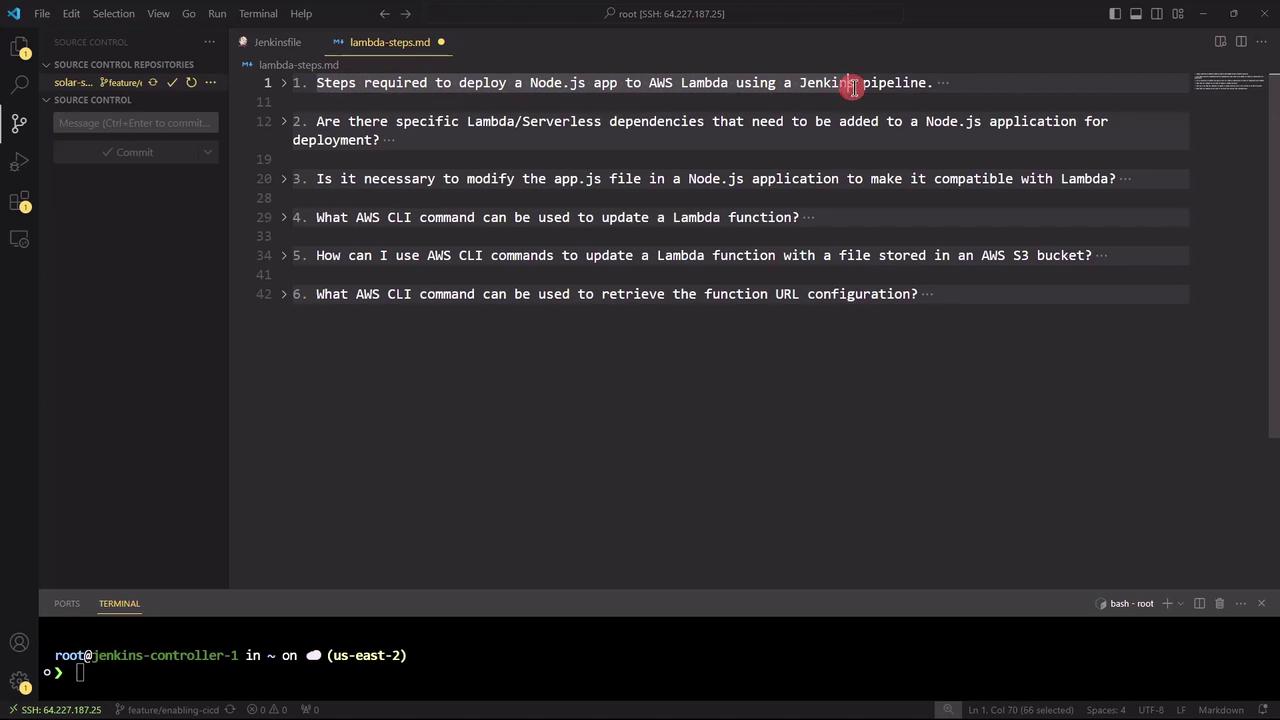
1. What are the steps required to deploy a Node.js application to AWS Lambda using a Jenkins pipeline?
-
Configure AWS and Jenkins
- Ensure AWS CLI is installed and credentials are set:
aws configure - Install Jenkins plugins: Git, NodeJS, AWS Lambda, Pipeline
- Ensure AWS CLI is installed and credentials are set:
-
Install Dependencies
-
Run Tests (if applicable)
-
Package the Application
-
Deploy to Lambda
-
Define Jenkins Pipeline (Jenkinsfile)
Ensure that your Jenkins
aws-creds credential has the necessary IAM permissions to create and update Lambda functions.| Stage | Description | Command |
|---|---|---|
| Checkout | Clone the Git repository | git clone https://repo-url.git |
| Install | Install Node.js dependencies | npm install |
| Test | Run unit and integration tests | npm test |
| Package | Archive the application code and dependencies | zip -r my-node-app.zip index.js node_modules |
| Deploy | Update AWS Lambda function code | aws lambda update-function-code --function-name my-node-app --zip-file fileb://my-node-app.zip --publish |
2. Are there any specific Lambda or serverless dependencies to add?
To adapt Express for Lambda’s event-driven model, install these packages:The
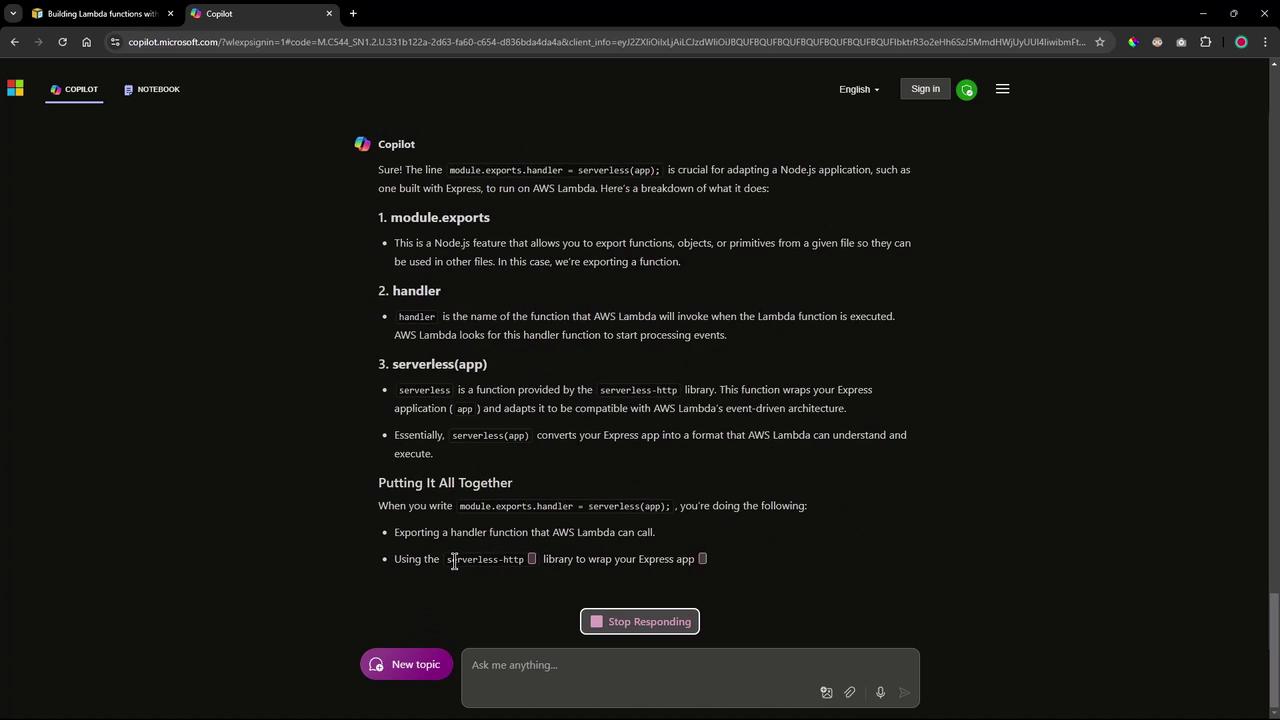
serverless-http library wraps your Express application into a handler function that AWS Lambda can invoke.3. Do we need to modify the application code (app.js) for AWS Lambda?
Yes. Wrap your Express app using serverless-http and export the handler:
4. What is the AWS CLI command to update a Lambda function’s code?
If your function already exists, run:5. How can we retrieve the Function URL configuration via AWS CLI?
To fetch the function URL settings after deployment:With these steps, you now have a clear roadmap:
- Integrate
serverless-httpinto your Node.js app and export a Lambda handler. - Zip your application code and dependencies.
- Use AWS CLI commands within a Jenkins pipeline to deploy and update your Lambda function.
- Retrieve and test the Function URL configuration with a simple CLI call.