This guide explores using the newContainerPerStage option in Jenkins Declarative Pipeline for isolated container environments.
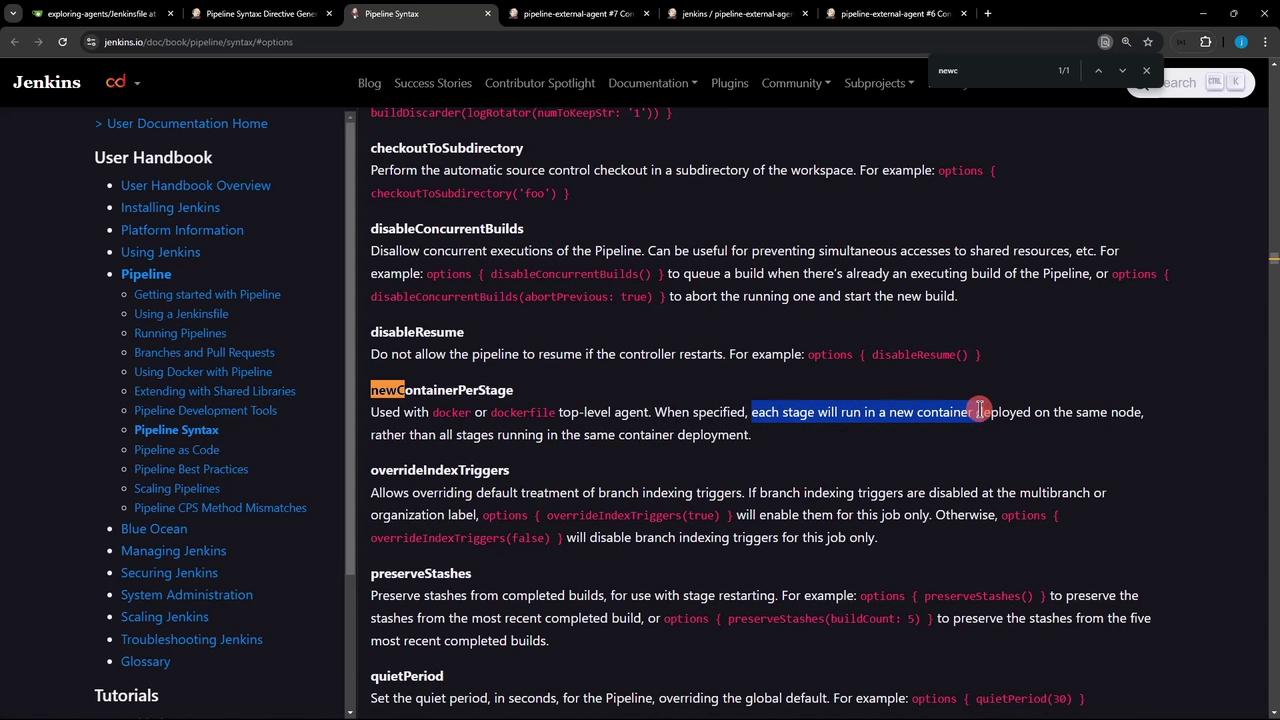
In this guide, we’ll explore how to leverage the newContainerPerStage() option to control container lifecycle in a Jenkins Declarative Pipeline. By default, a top-level dockerfile agent builds one container and reuses it across all stages. With newContainerPerStage(), each stage runs in its own fresh container—ensuring clean, isolated environments.
To enforce a clean container per stage (and thus no shared workspace), enable the newContainerPerStage() pipeline option:
Copy
Ask AI
pipeline { agent { dockerfile { filename 'Dockerfile.cowsay' } } options { newContainerPerStage() } stages { stage('Stage-1') { steps { echo "Stage-1: create file" sh 'echo $((RANDOM)) > /tmp/imp-file-$BUILD_ID' sh 'ls -l /tmp/imp-file-$BUILD_ID' sh 'cat /tmp/imp-file-$BUILD_ID' } } stage('Stage-2') { steps { echo "Stage-2: cannot access file from Stage-1" sh 'ls -l /tmp/imp-file-$BUILD_ID' sh 'cat /tmp/imp-file-$BUILD_ID' } } }}
With newContainerPerStage(), each stage builds its own image and launches a separate container. Files created in one stage will not be available in subsequent stages.
For detailed syntax, refer to the Jenkins Pipeline options section.