Prerequisites
- A Jenkins account or organization with pipelines to migrate
- A Jenkins personal API token with read or admin permissions
- Docker installed (required by the importer)
- GitHub CLI (
gh) installed and authenticated
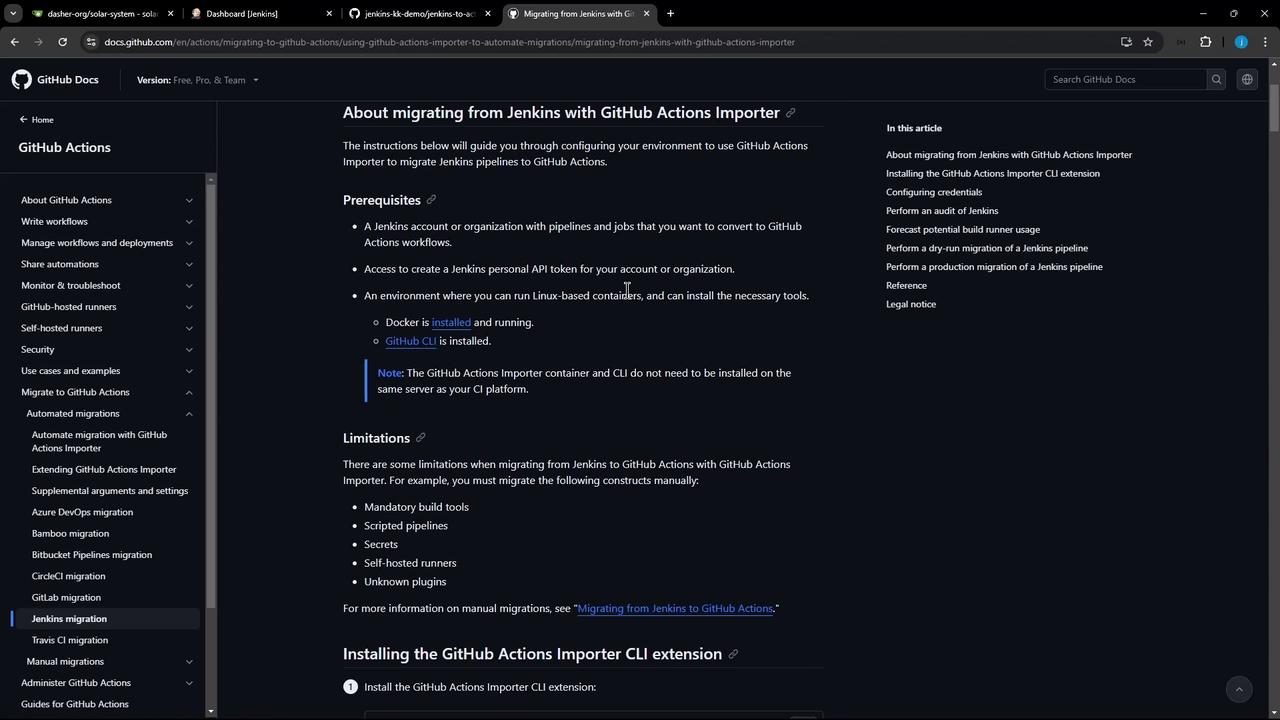
Some features cannot be migrated automatically:
| Limitation | Impact |
|---|---|
| Scripted pipelines | Not supported—only declarative syntax |
| Secrets & unknown plugins | Must be recreated or handled manually |
1. Install GitHub CLI & Importer Extension
On Ubuntu, add the GitHub CLI repository and install:2. Authenticate with GitHub
Log in to GitHub via the CLI: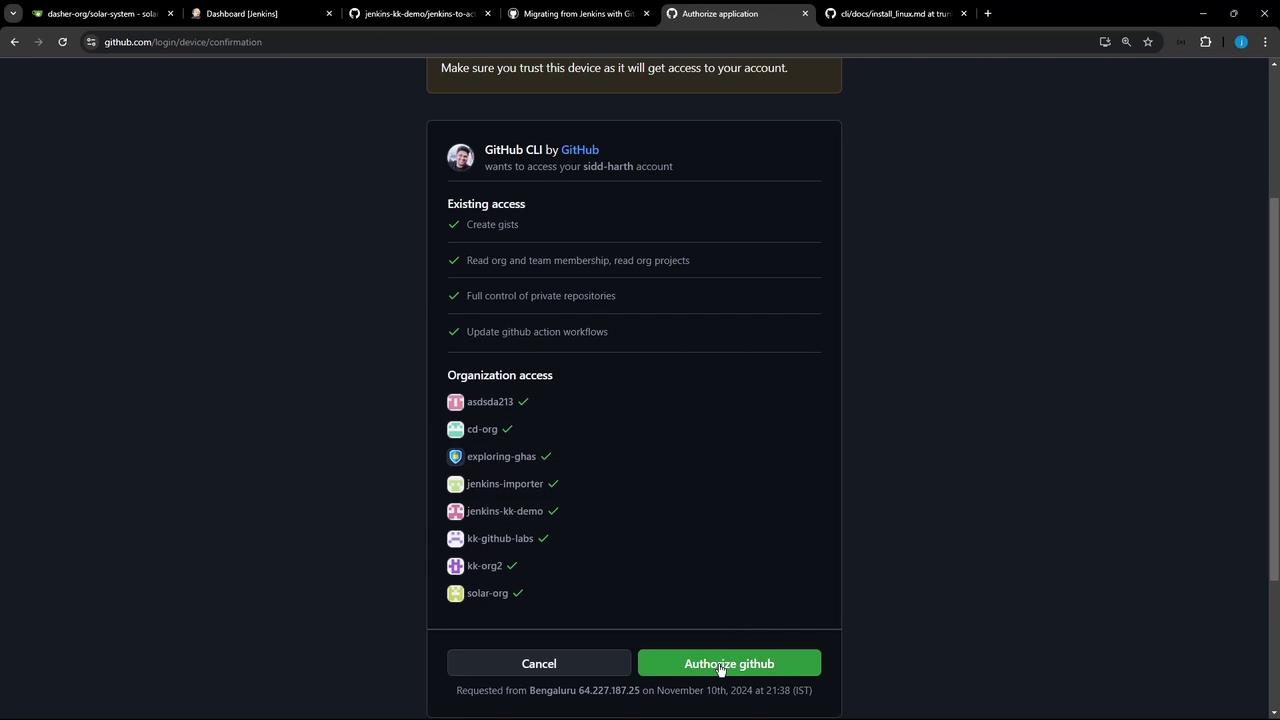
3. Configure Importer Credentials
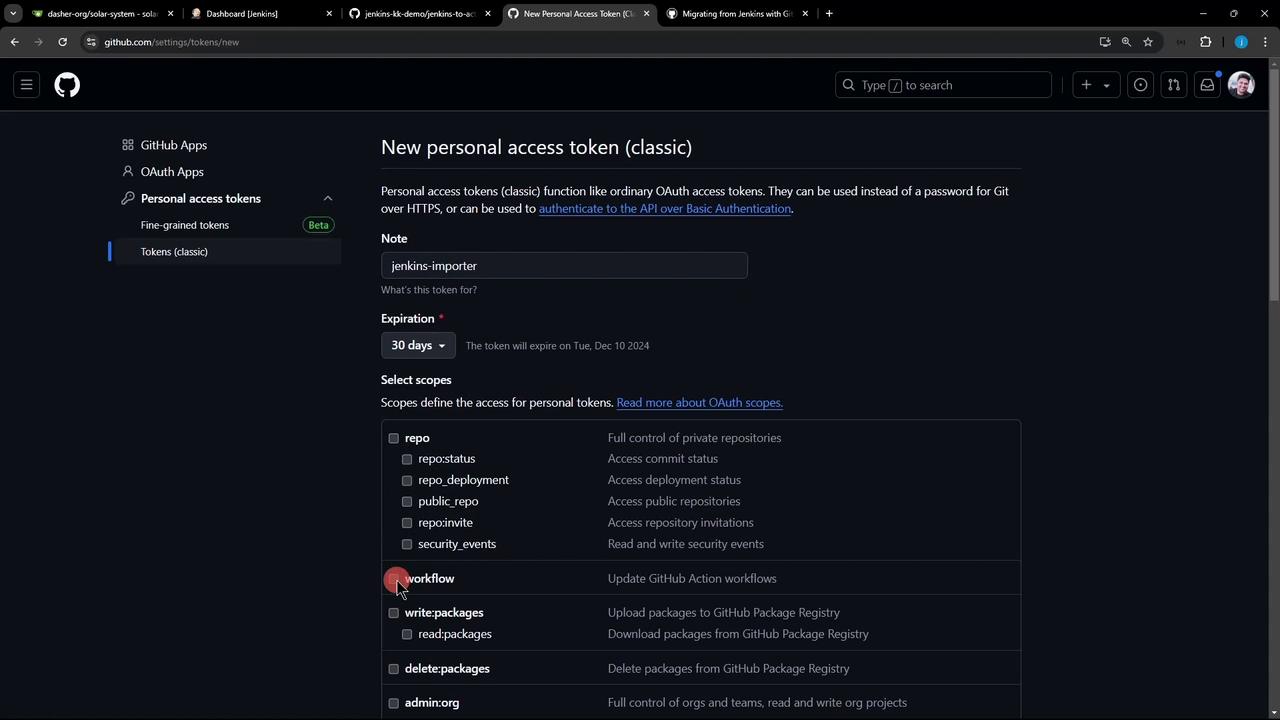
You need two tokens:- GitHub Personal Access Token (classic)
- Scopes:
repo,workflow - Create under Settings → Developer settings → Personal access tokens → Tokens (classic)
- Scopes:
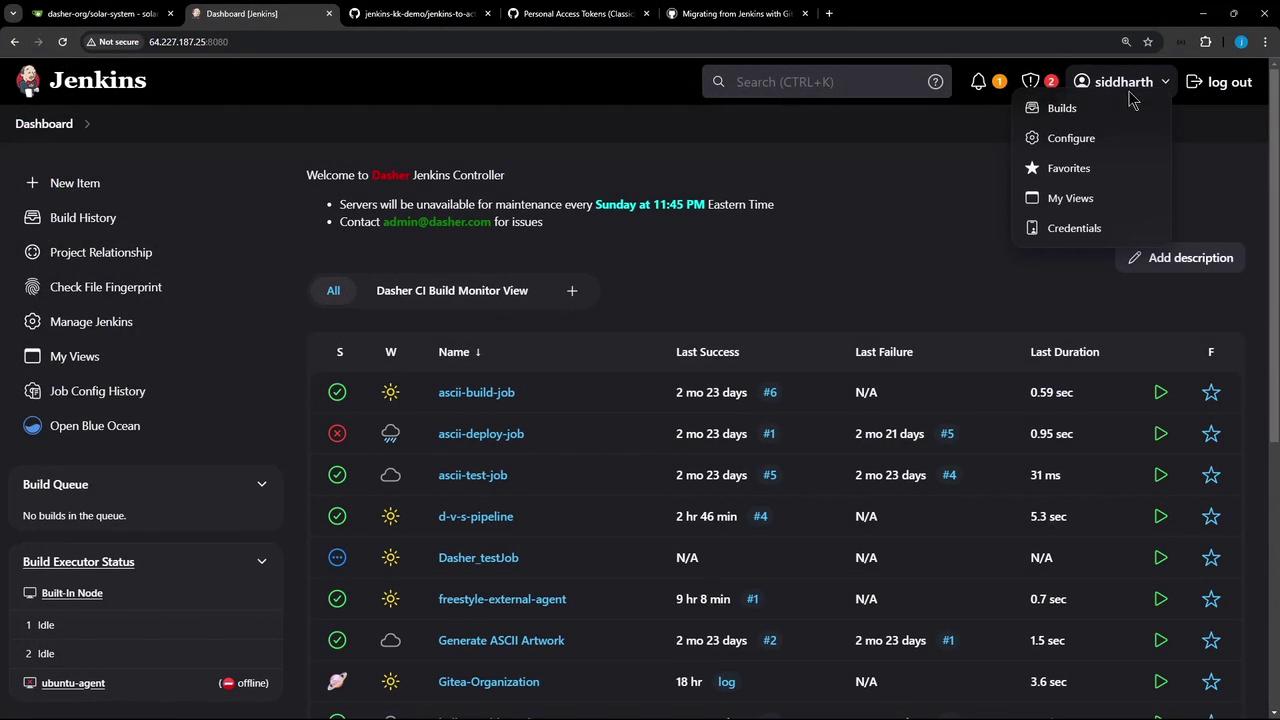
- Jenkins API Token
- Go to People → [your user] → Configure → API Token
- Copy it before leaving the page
- Choose Jenkins
- Enter your GitHub token & base URL (
https://github.com) - Enter your Jenkins token, username & base URL (e.g.
http://64.227.187.25:8080/)
4. Update the Importer
Keep the extension up to date:5. Audit & Forecast (Optional)
Review your Jenkins jobs before migration: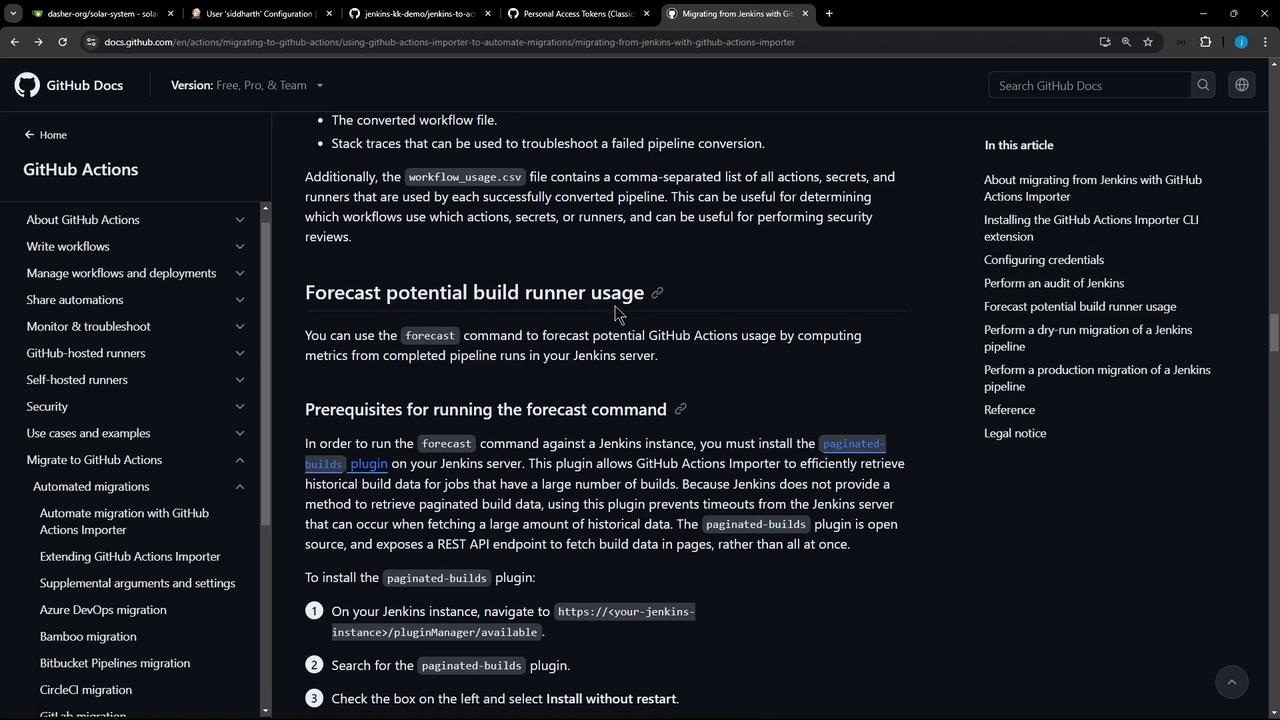
6. Dry Run a Jenkins Job
Locate your full Jenkins job URL: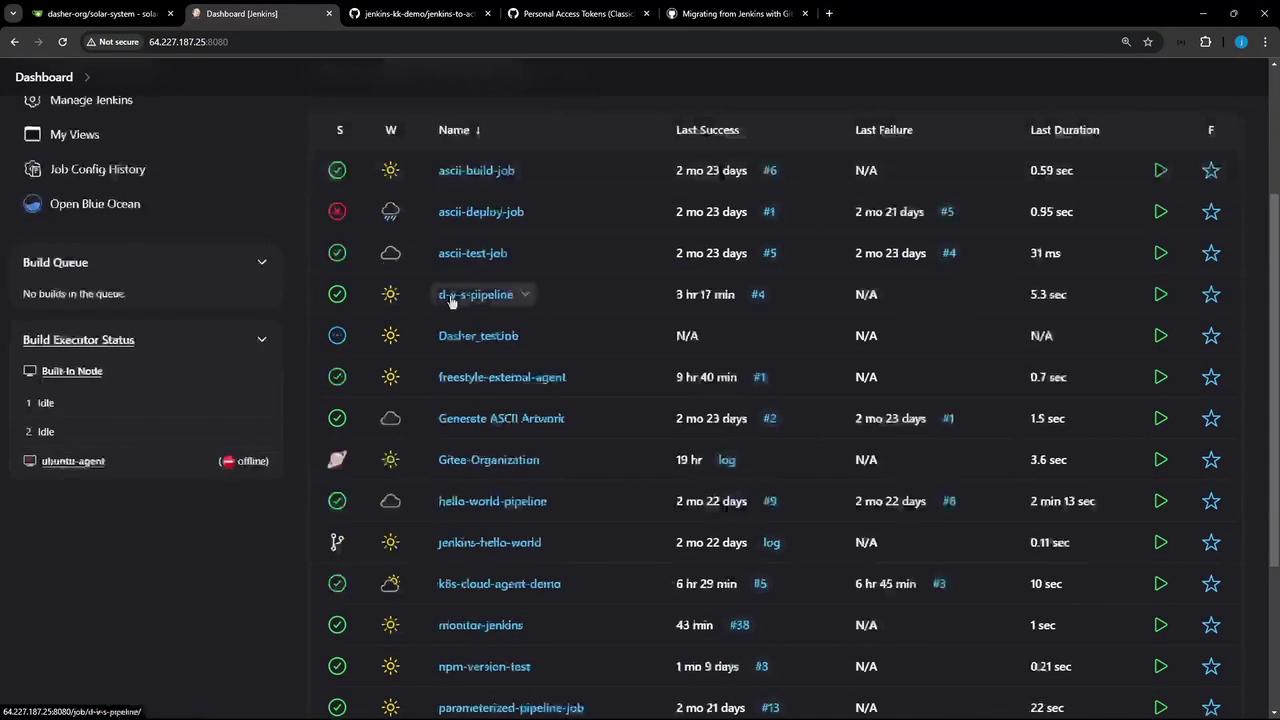
7. Migrate to GitHub Actions
Prepare your target repository (e.g.,jenkins-to-actions):
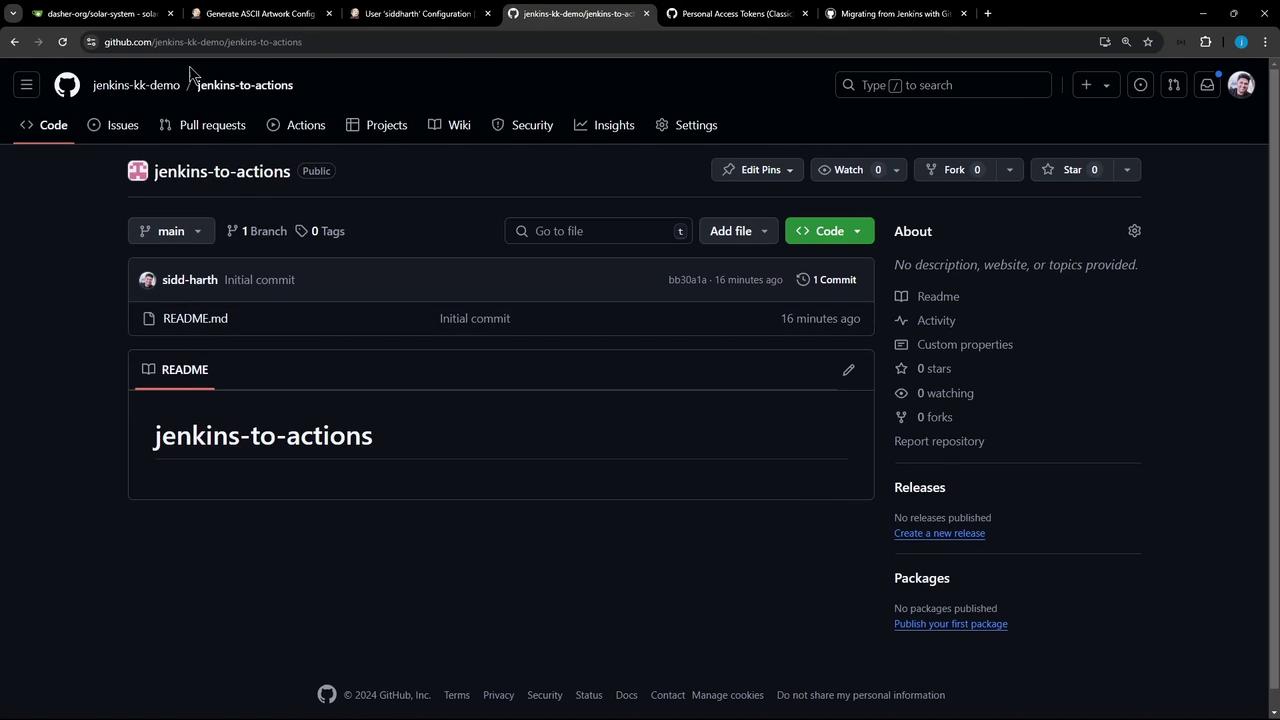
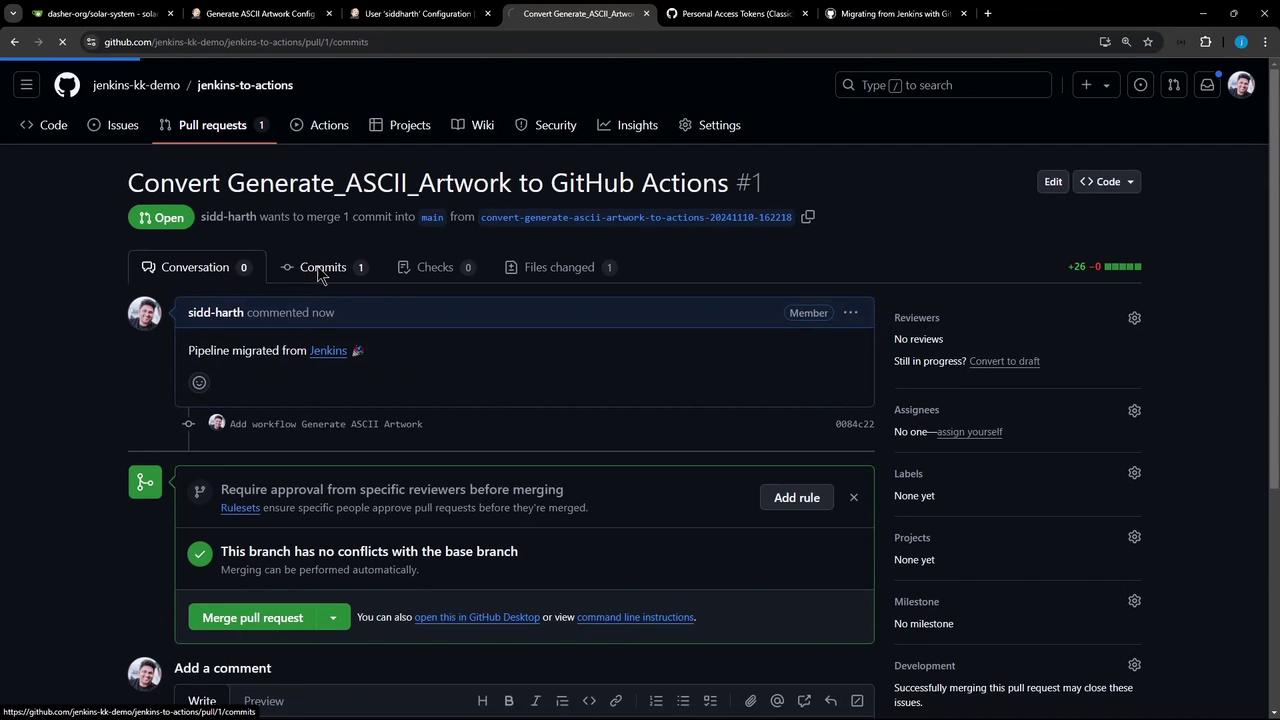
.github/workflows/generate_ascii_artwork.yml:
8. Run the Workflow
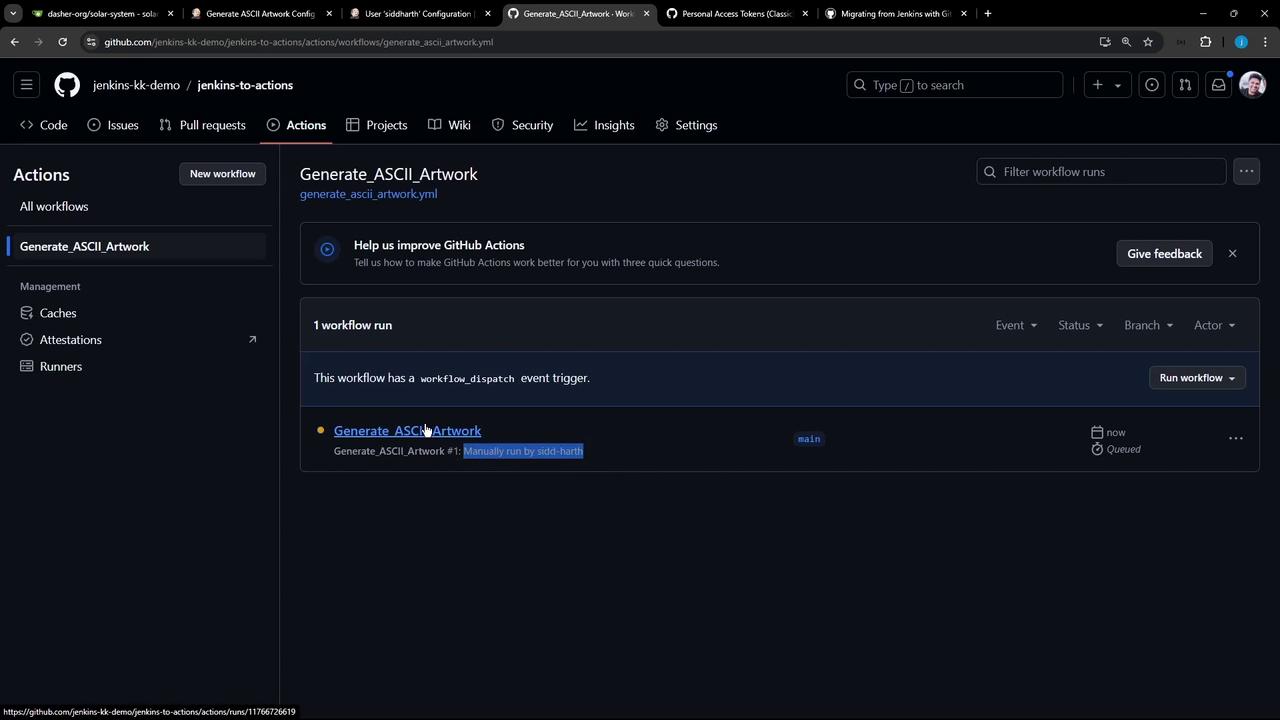
Trigger the workflow manually or push tomain: