

Overview of Workflow
| Stage | Job Name | Purpose |
|---|---|---|
| Build | ASCII Build Job | Fetches advice JSON from ADVICESLIP API |
| Test | ASCII Test Job | Validates that the advice message has > 5 words |
1. Create the Build Job
- From the Jenkins dashboard, click New Item, enter ASCII Build Job, and select Freestyle project.
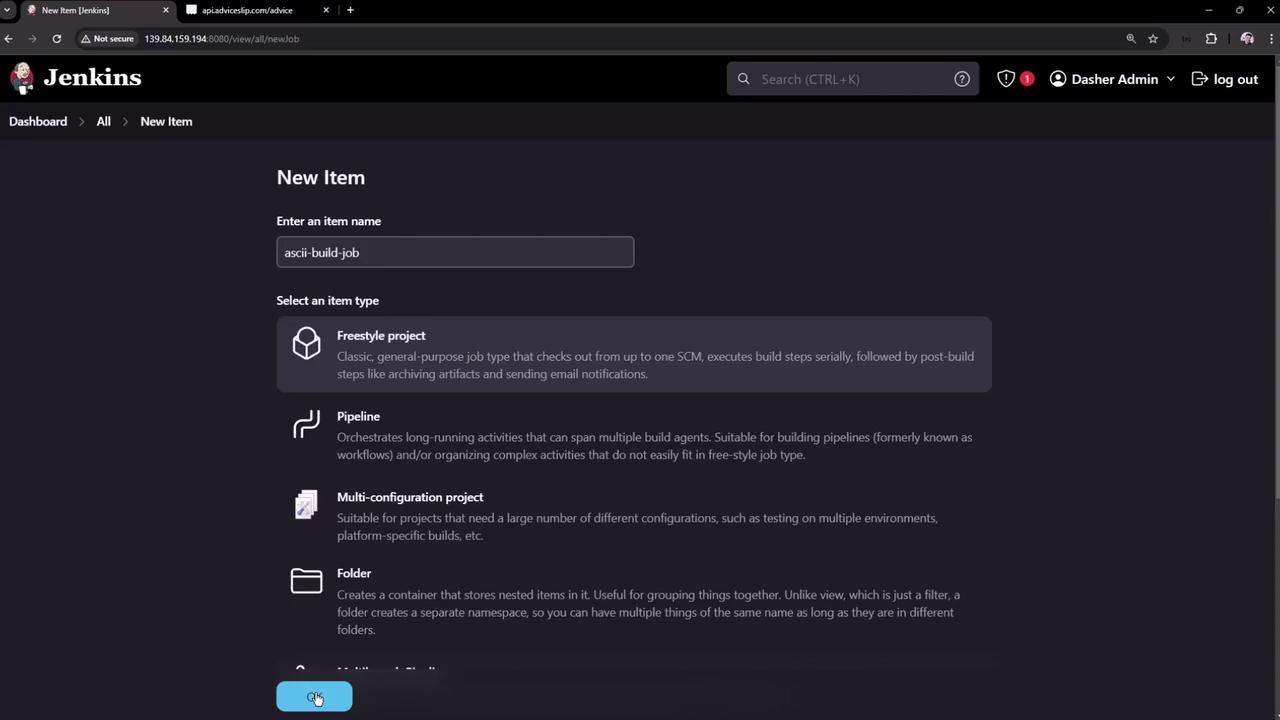
-
In the job’s Build section, add an Execute shell step with:
- Save and click Build Now. A successful build shows up on the dashboard:
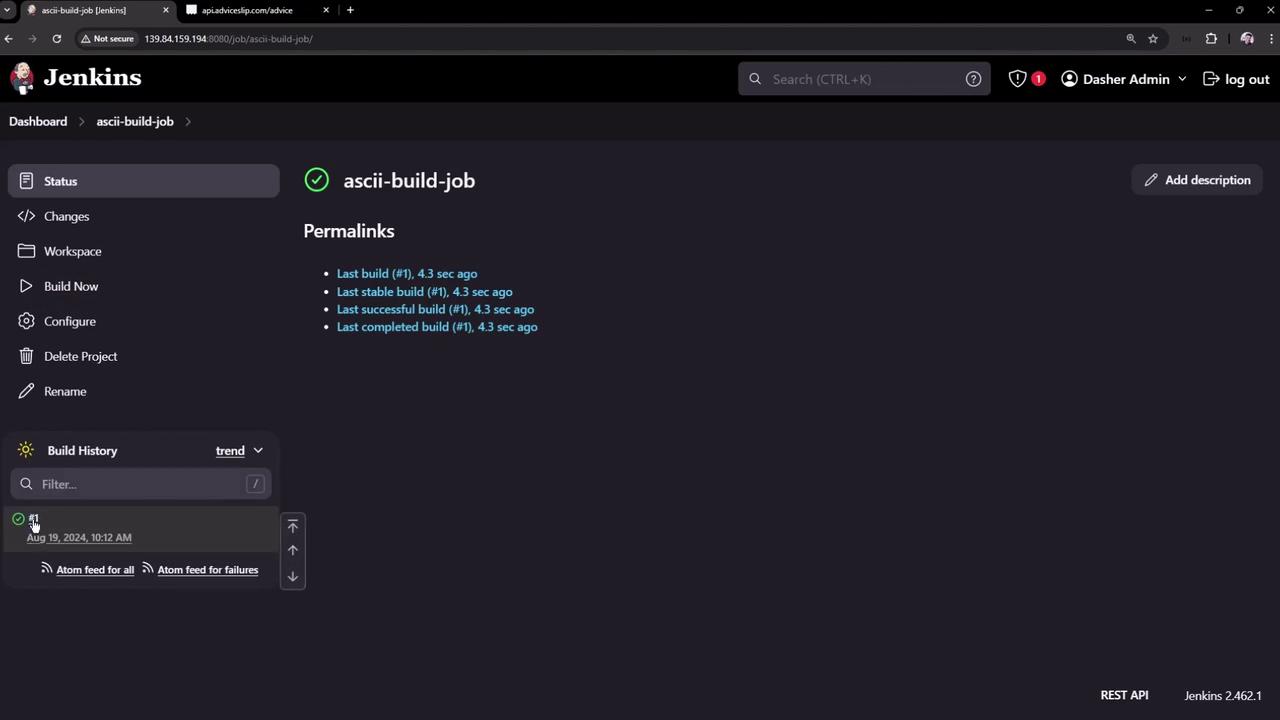
-
Inspect the workspace to confirm
advice.jsonexists. Example content:
2. Create the Test Job
- Go back to New Item, name it ASCII Test Job, and choose Freestyle project.
-
In Build → Execute shell, add:
-
Save the job. (Currently it will fail if run alone, since
advice.jsonis missing.)
3. Chain Jobs with Post-build Actions
Configure ASCII Build Job to trigger ASCII Test Job:- Open ASCII Build Job → Configure.
- Scroll to Post-build Actions and choose Build other projects.
- Enter
ASCII Test Joband select Trigger only if build is stable.
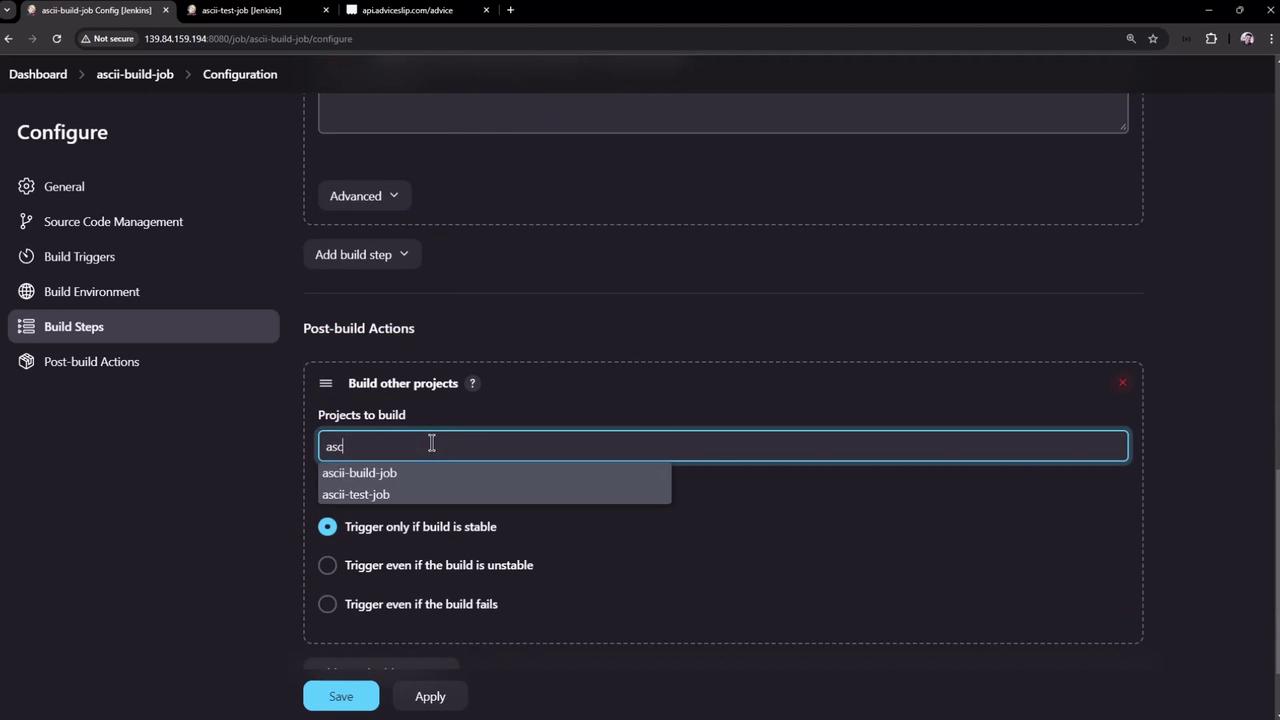
- Save and rebuild ASCII Build Job. Now the dashboard shows the downstream Test job:

4. Diagnose Test Failure
If ASCII Test Job fails, open its dashboard:
advice.json lives only in the Build job’s workspace.
To share artifacts between upstream and downstream Freestyle Projects, install and use the Copy Artifact Plugin. It lets you pull files like
advice.json into the Test job’s workspace before running tests.