

What Is GitHub Actions?
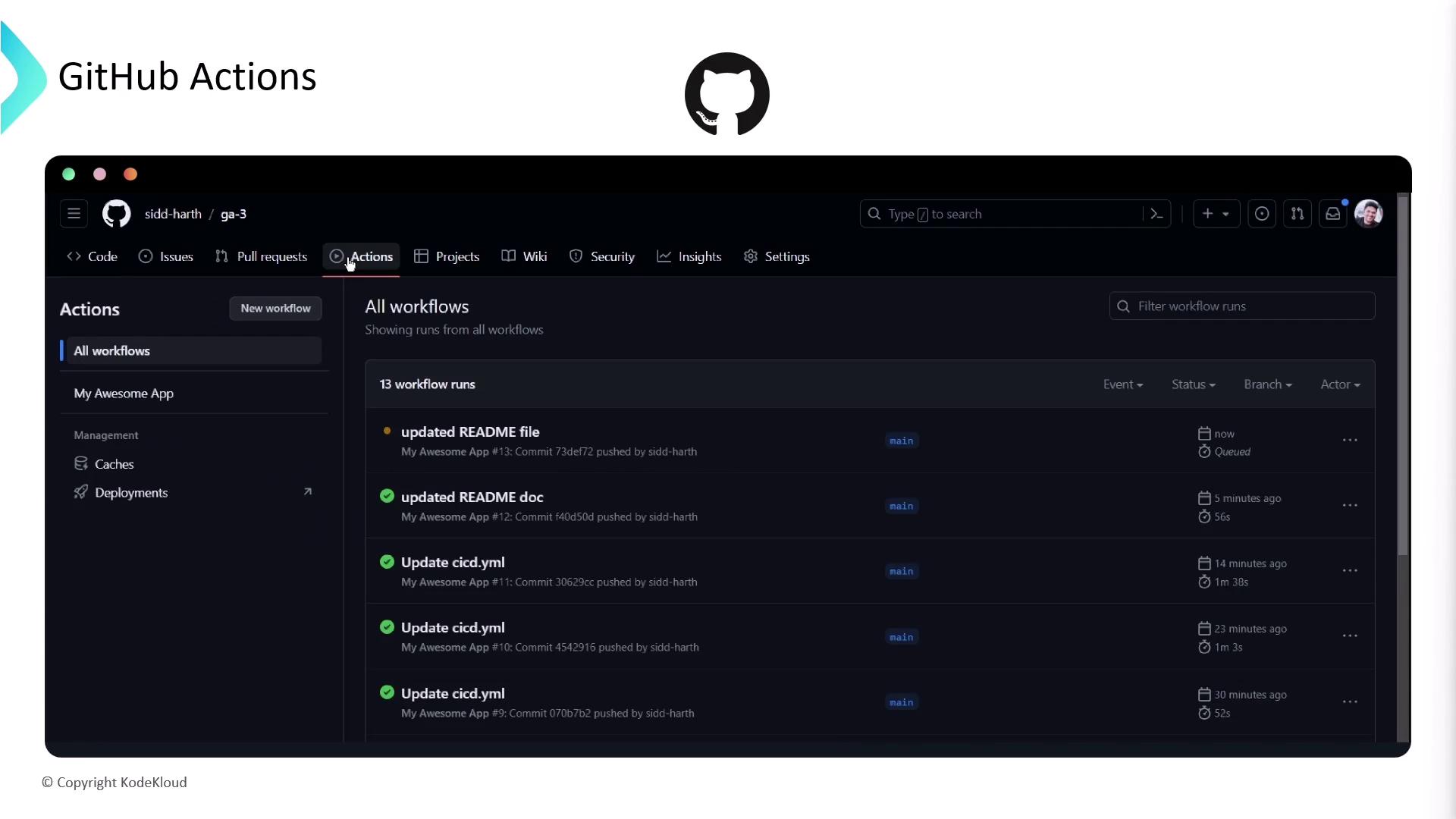
GitHub Actions lets you create workflows—collections of jobs and steps—that run in response to repository events likepush, pull_request, schedule, and more.
Beyond CI/CD: Repository Automation
While GitHub Actions shines for CI/CD—building, packaging, and deploying code—it also responds to many repository events, such as issues, pull requests, releases, and registry packages: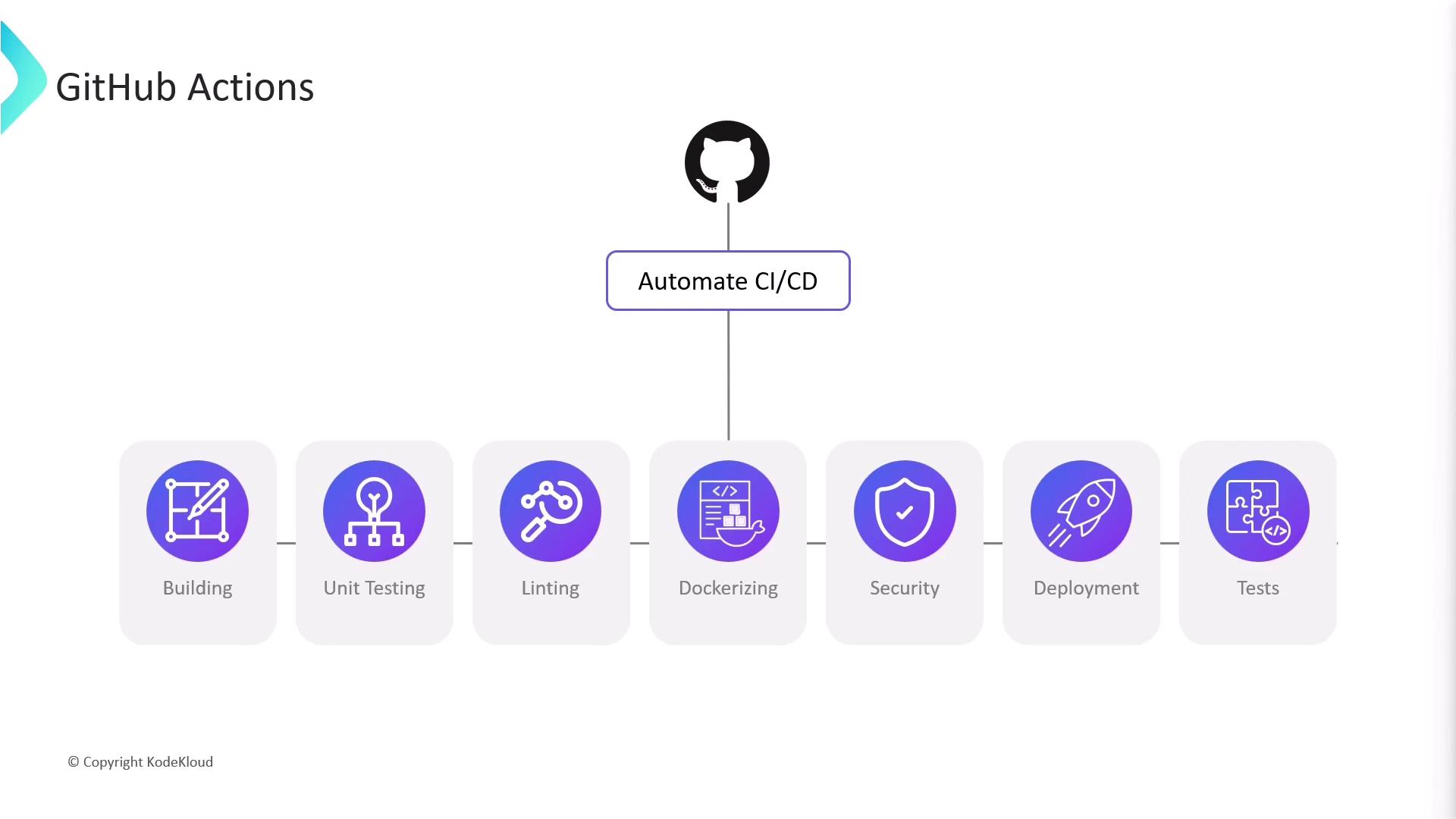
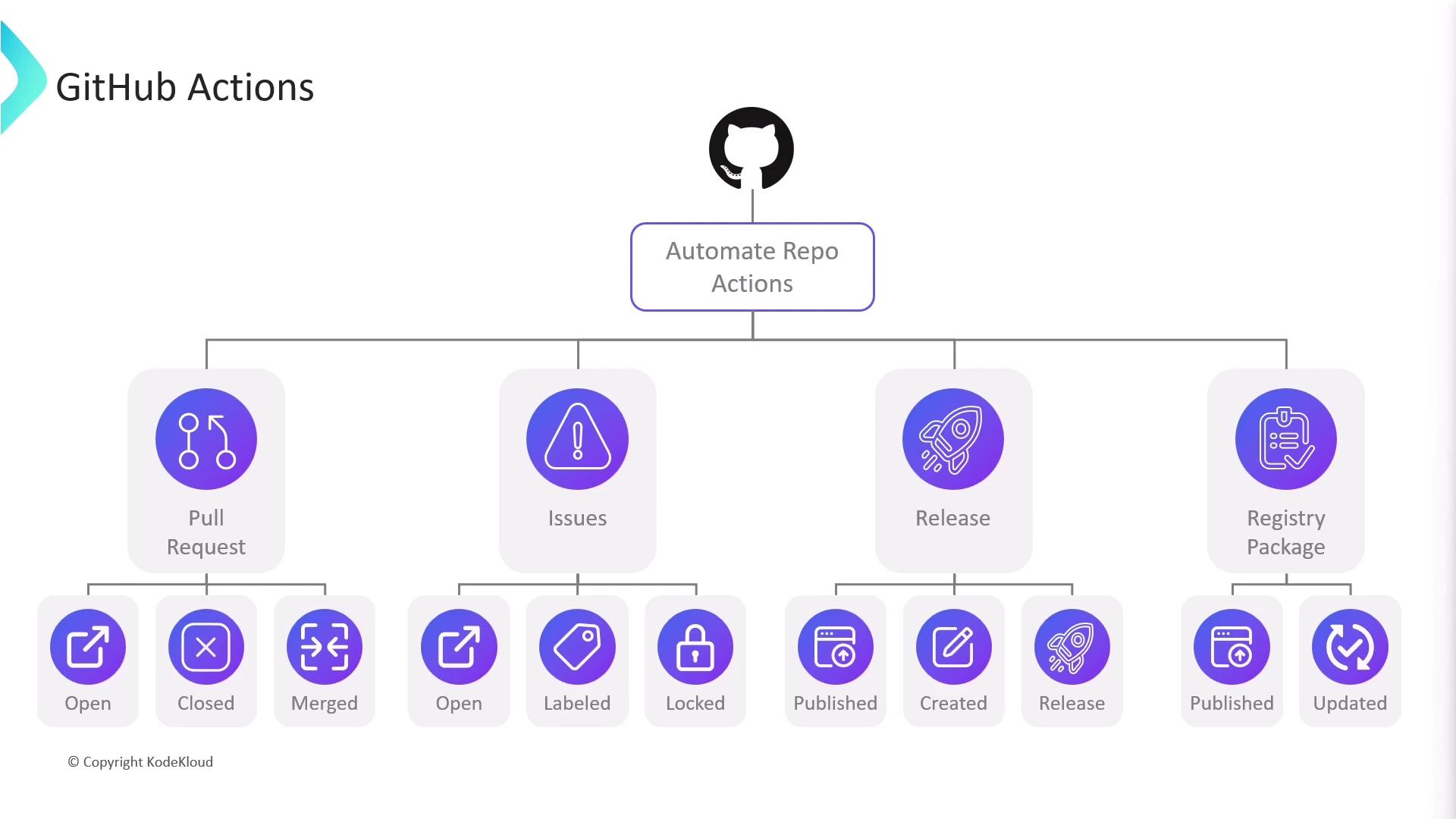
- Post a welcome comment
- Apply labels based on modified files
- Assign reviewers or assignees
opened, labeled), releases (published), and package registry events.
Core Concepts
Workflows
A workflow is defined by a YAML file in your repository’s.github/workflows/ directory. You can have multiple workflows, each triggered by different events:
Workflow files must reside under
.github/workflows/ with a .yml or .yaml extension.Jobs and Steps
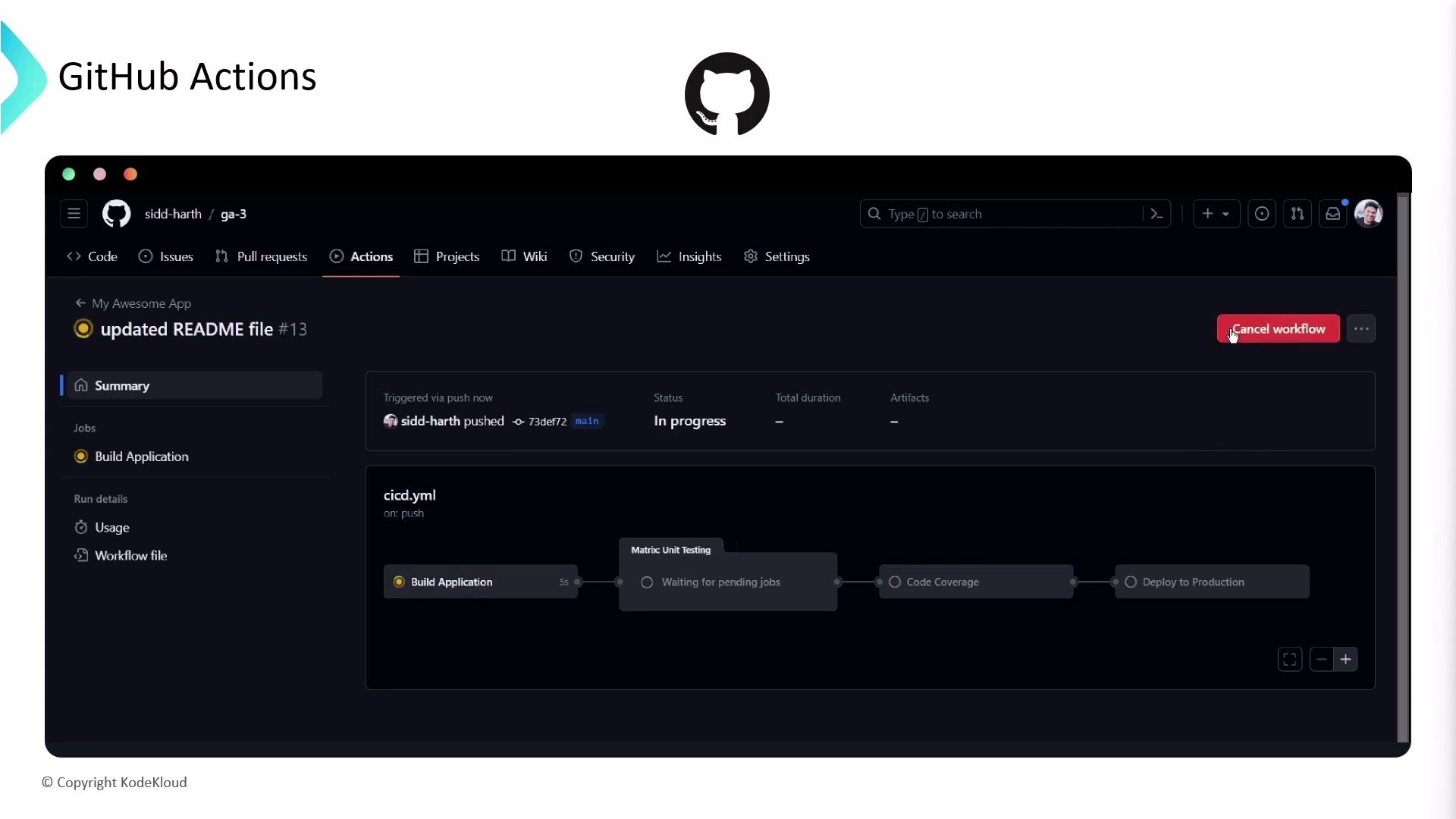
A workflow runs one or more jobs, each made up of sequential steps. Jobs run on runners—either GitHub-hosted VMs or your own self-hosted machines.- The workflow triggers on
pushandpull_request. - A matrix strategy runs tests across multiple OS and Node.js versions.
- Each runner checks out code, installs Node.js, installs dependencies, and executes
npm test.
Hosted Runners
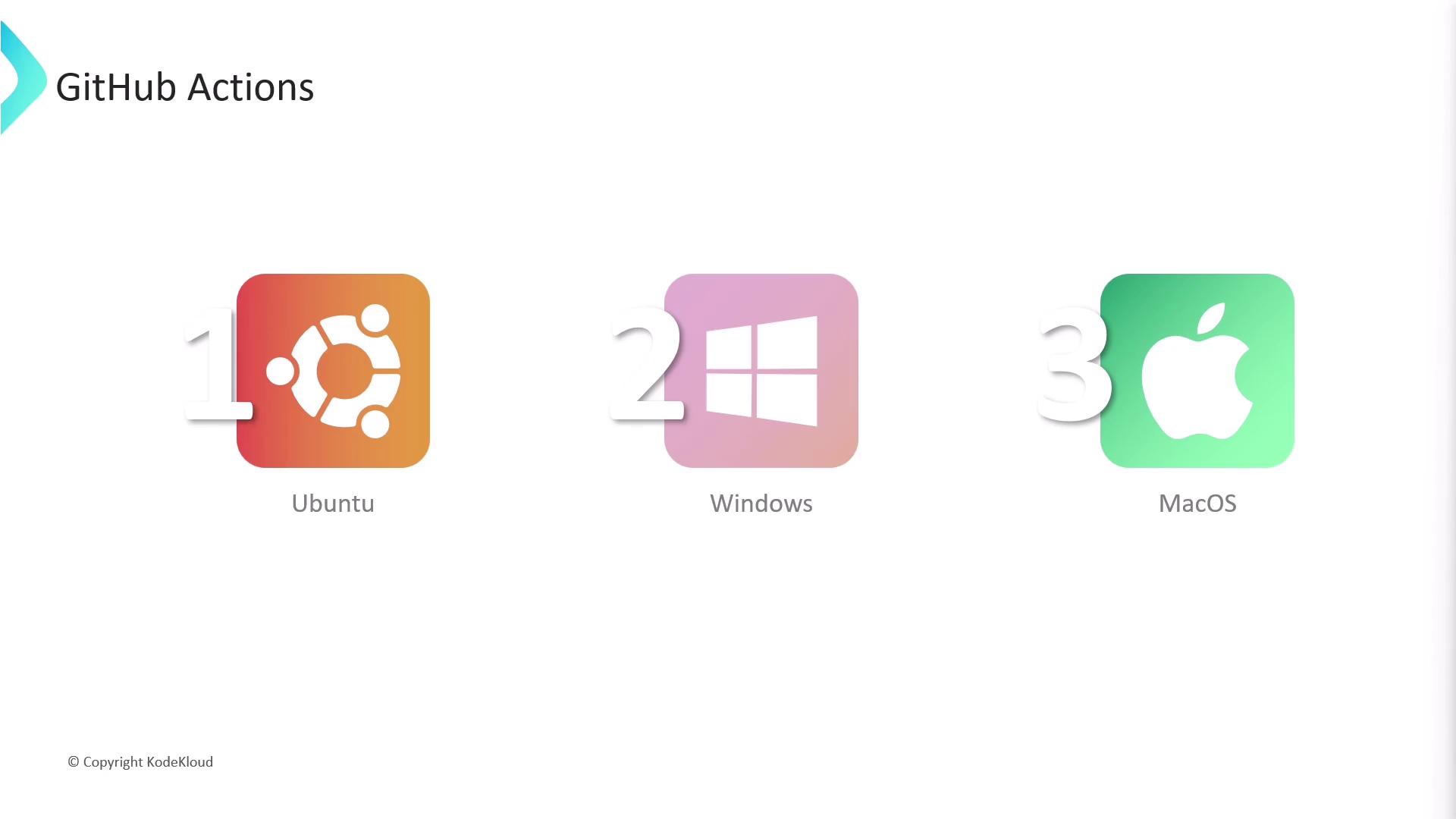
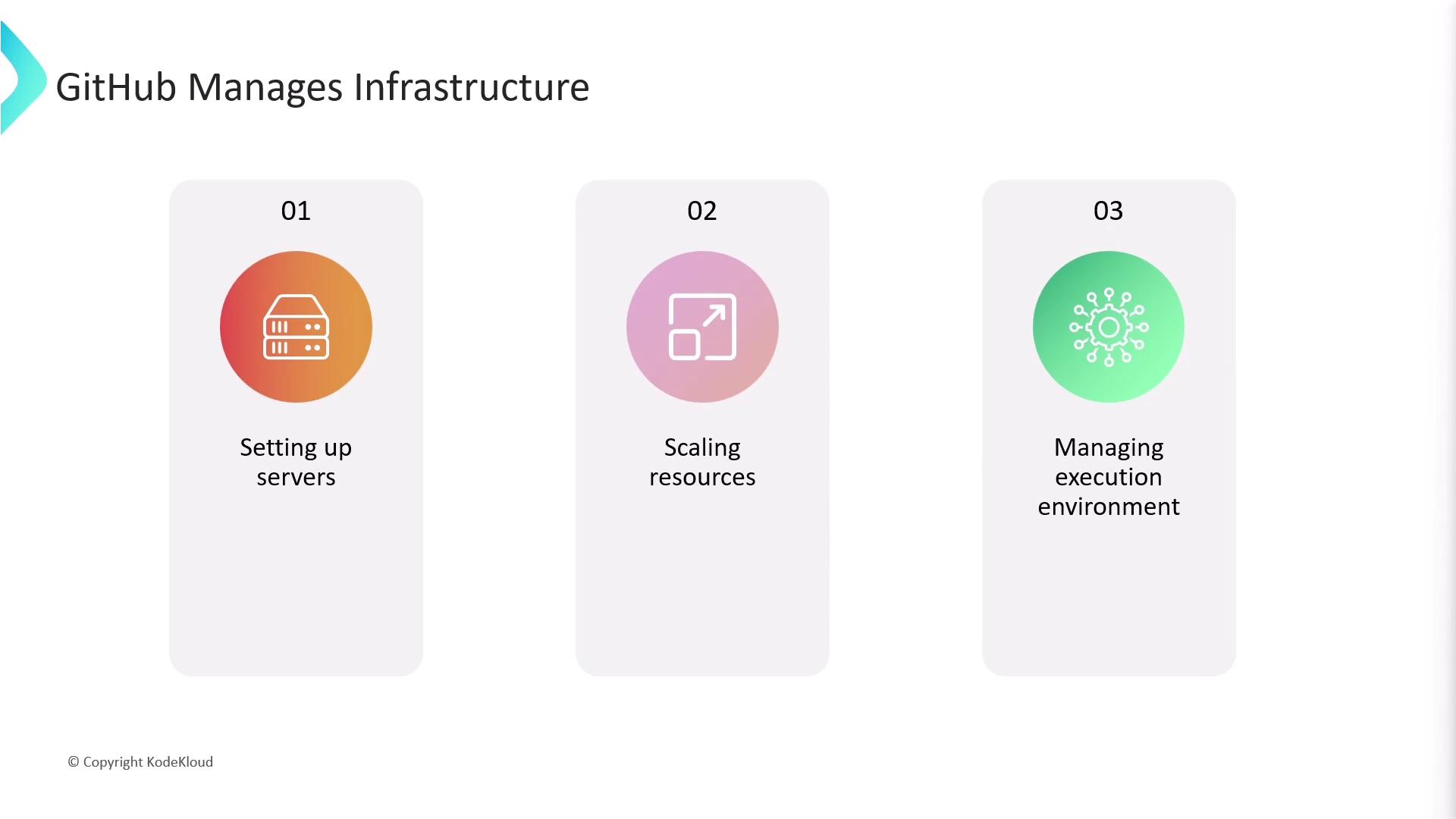
GitHub-managed runners are provisioned on-demand (Linux, Windows on Azure, and macOS on GitHub’s cloud). Each job gets a clean VM: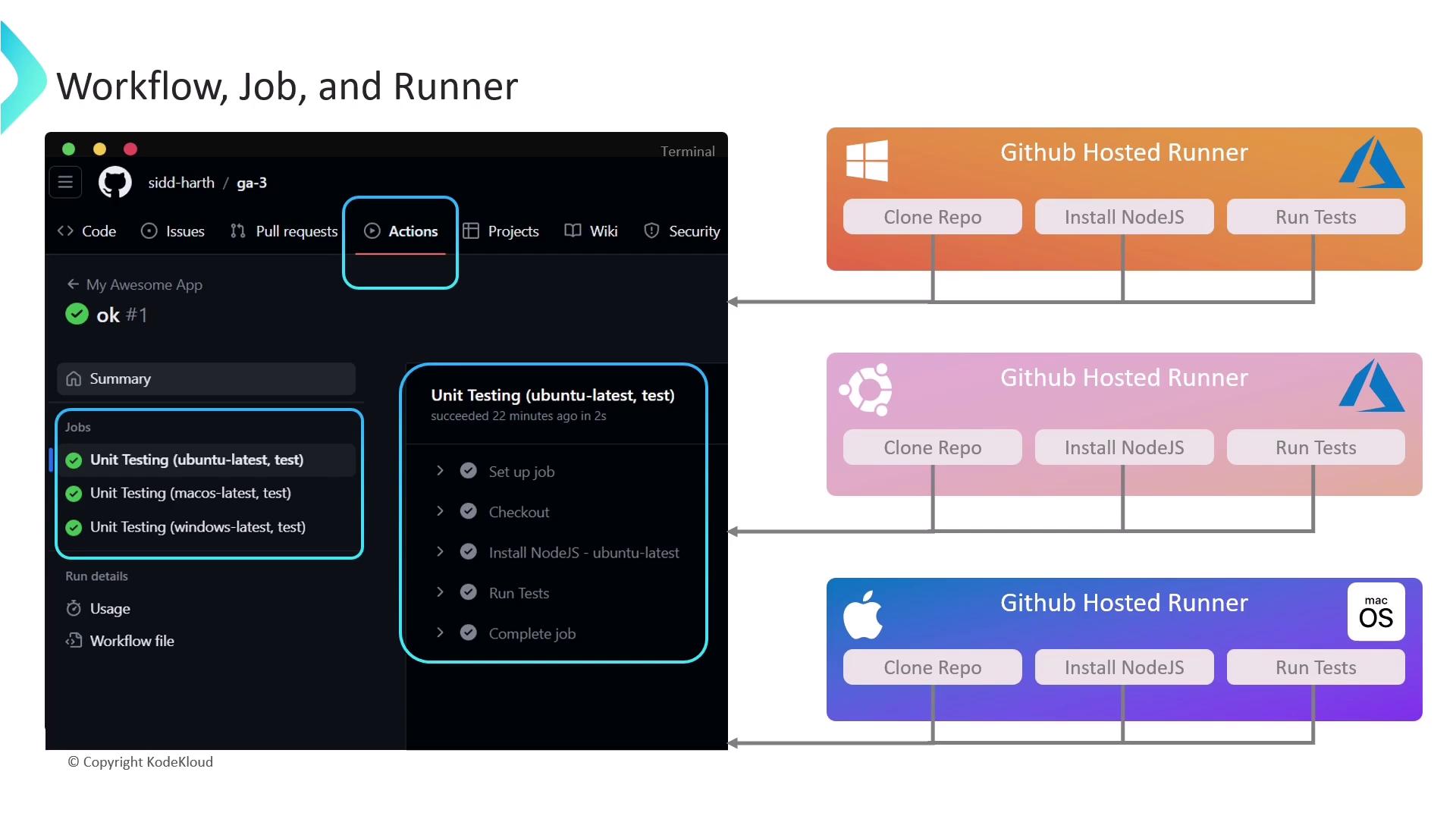
Runner Types: GitHub-Hosted vs. Self-Hosted
Self-hosted runners let you use your own hardware, install custom software, or target GPUs. Compare the two options:| Runner Type | Hosting | Customization | Cost Model | Managed By |
|---|---|---|---|---|
| GitHub-hosted | GitHub cloud (Azure/macOS) | Limited to preinstalled tools | Included in GitHub plan (usage limits apply) | GitHub |
| Self-hosted | Your servers or cloud | Full control | You bear infrastructure & maintenance | You |
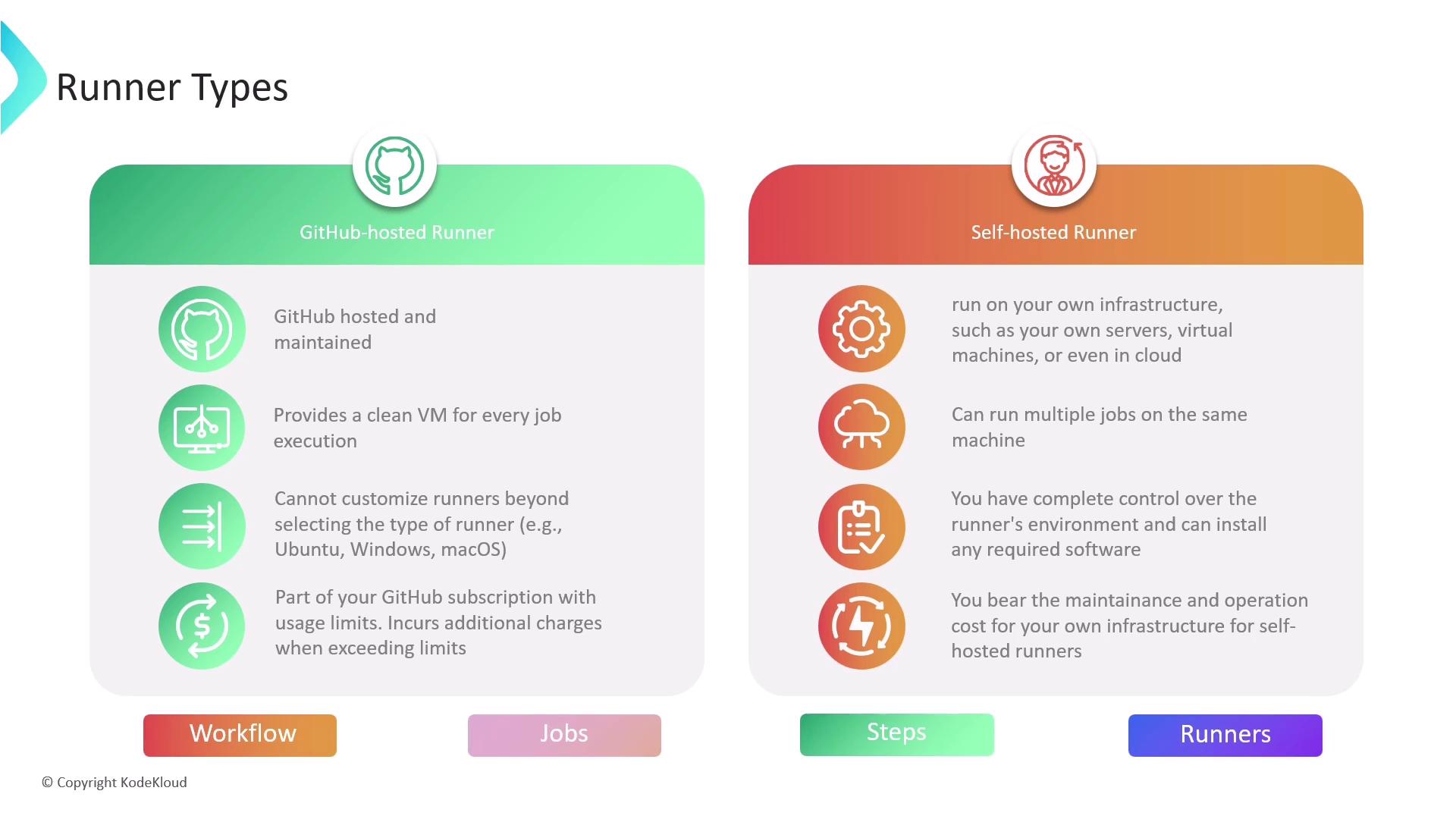
GitHub-hosted runners have usage quotas based on your plan. Monitor minutes and storage under Billing settings.
This article covered the essentials of GitHub Actions: defining workflows, splitting tasks into jobs and steps, leveraging matrix builds, and choosing the right runner. For more details, see the GitHub Actions documentation.