

System Requirements
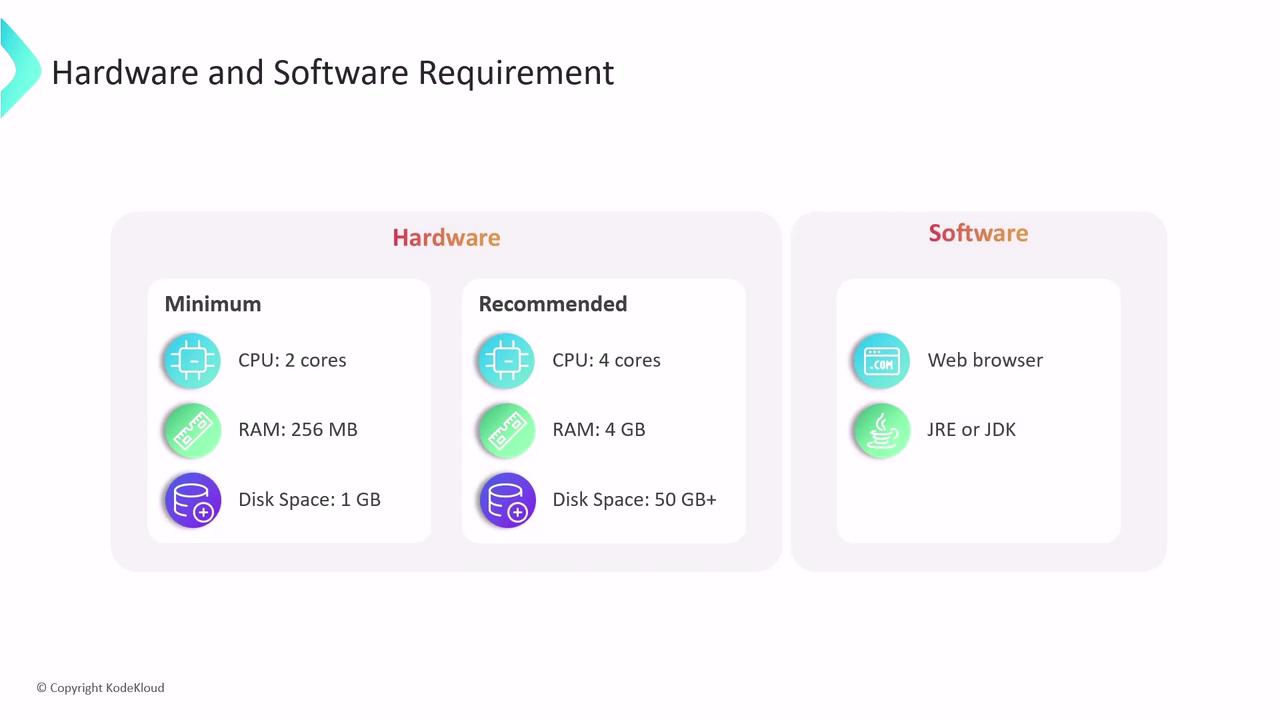
Determine the right hardware based on your pipeline complexity and concurrent job count.| Requirement Type | Minimum | Recommended (Small Teams) |
|---|---|---|
| CPU | 2 cores | 4 cores |
| RAM | 256 MB | 4 GB |
| Disk Space | 1 GB | 50 GB |
- Java Runtime Environment (JRE) to run Jenkins
- Java Development Kit (JDK) for plugin development and troubleshooting
- A modern web browser for the Jenkins UI
Installing the JDK in production enables advanced plugin development, debugging, and better compatibility.
Installation Methods
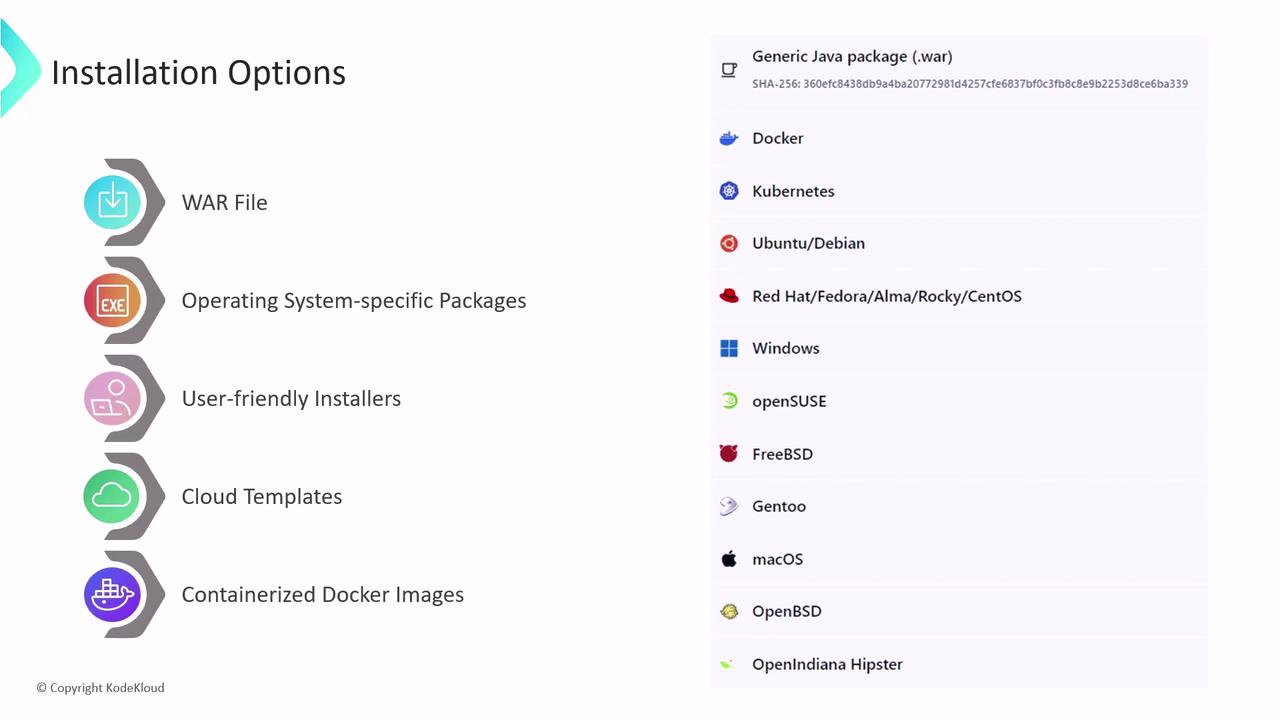
Choose the approach that best fits your environment and team skills:-
Generic WAR File
Download the standalonejenkins.warand launch:Works on any OS with a supported Java version. -
OS-Specific Packages
Use native packages for Debian, Ubuntu, CentOS, Red Hat, and others.Packages manage dependencies and integrate with system services. -
Graphical Installer
Available on Windows and macOS. Follows a simple wizard to set up Jenkins without command-line steps. -
Cloud Templates
Leverage preconfigured templates or managed services for rapid provisioning: -
Docker Container
Run Jenkins in a container for isolated, reproducible environments:
Locating and Managing JENKINS_HOME
All jobs, plugins, configurations, build logs, artifacts, and metadata reside in JENKINS_HOME.| Installation Method | Default JENKINS_HOME |
|---|---|
| WAR File | ~/.jenkins |
| Linux Package (DEB/RPM) | /var/lib/jenkins |
JENKINS_HOME environment variable before starting Jenkins:
Backing up
JENKINS_HOME is critical. Losing this directory will result in loss of all Jenkins configurations, plugins, and build history.