

Motivation and Use Case
Imagine you have an AWS account with a private S3 bucket. As an authenticated IAM user with the necessary permissions, you can retrieve or upload objects to that bucket. However, if you need to share a specific file with someone who does not have an AWS account, the bucket’s private settings prevent public access.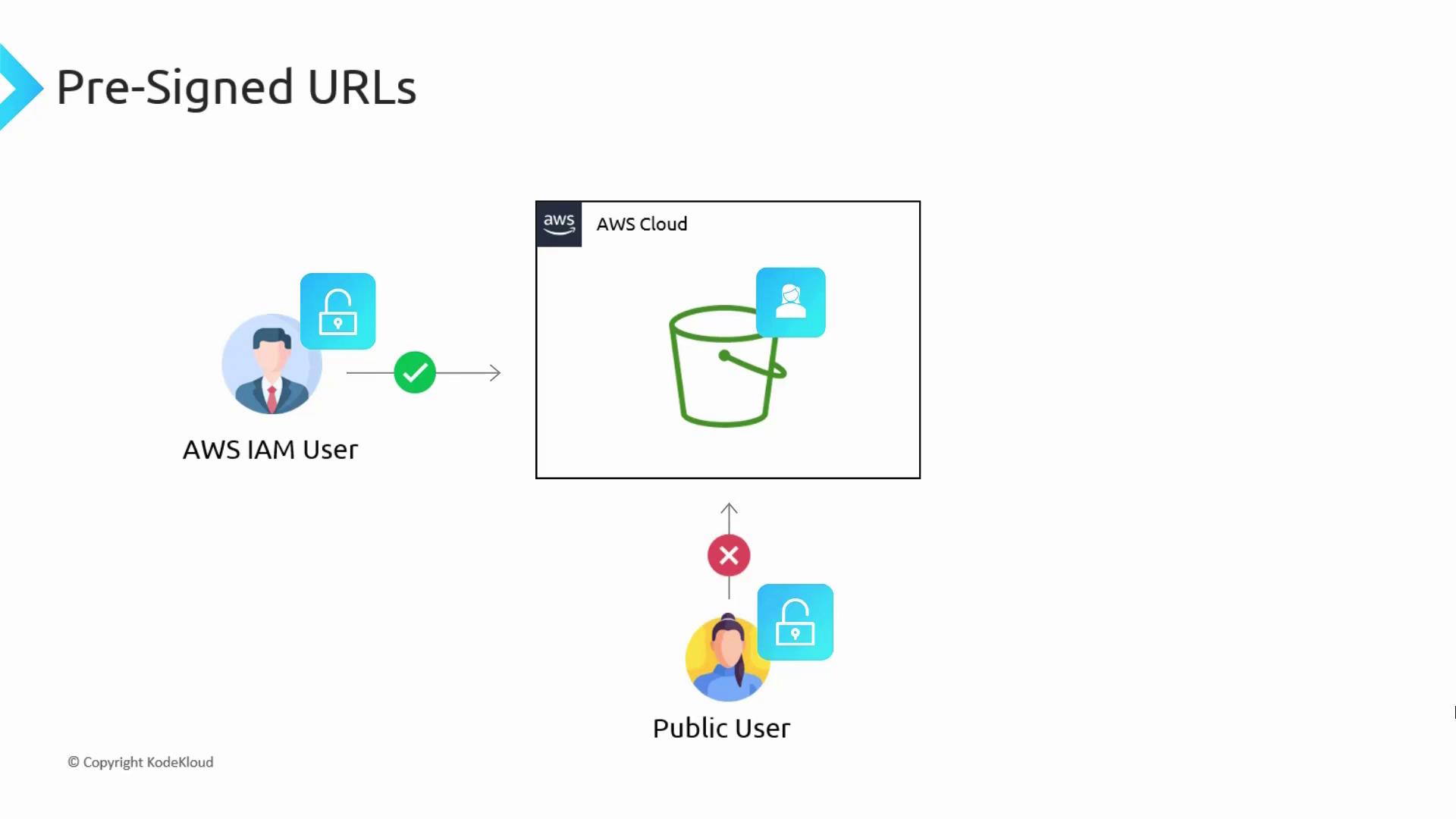
- Provide the public user with AWS account credentials. This approach is not scalable, particularly in an organizational context.
- Make the bucket public, which exposes all files to everyone—a clearly undesired outcome if you only wish to share select files.
How Pre-Signed URLs Work
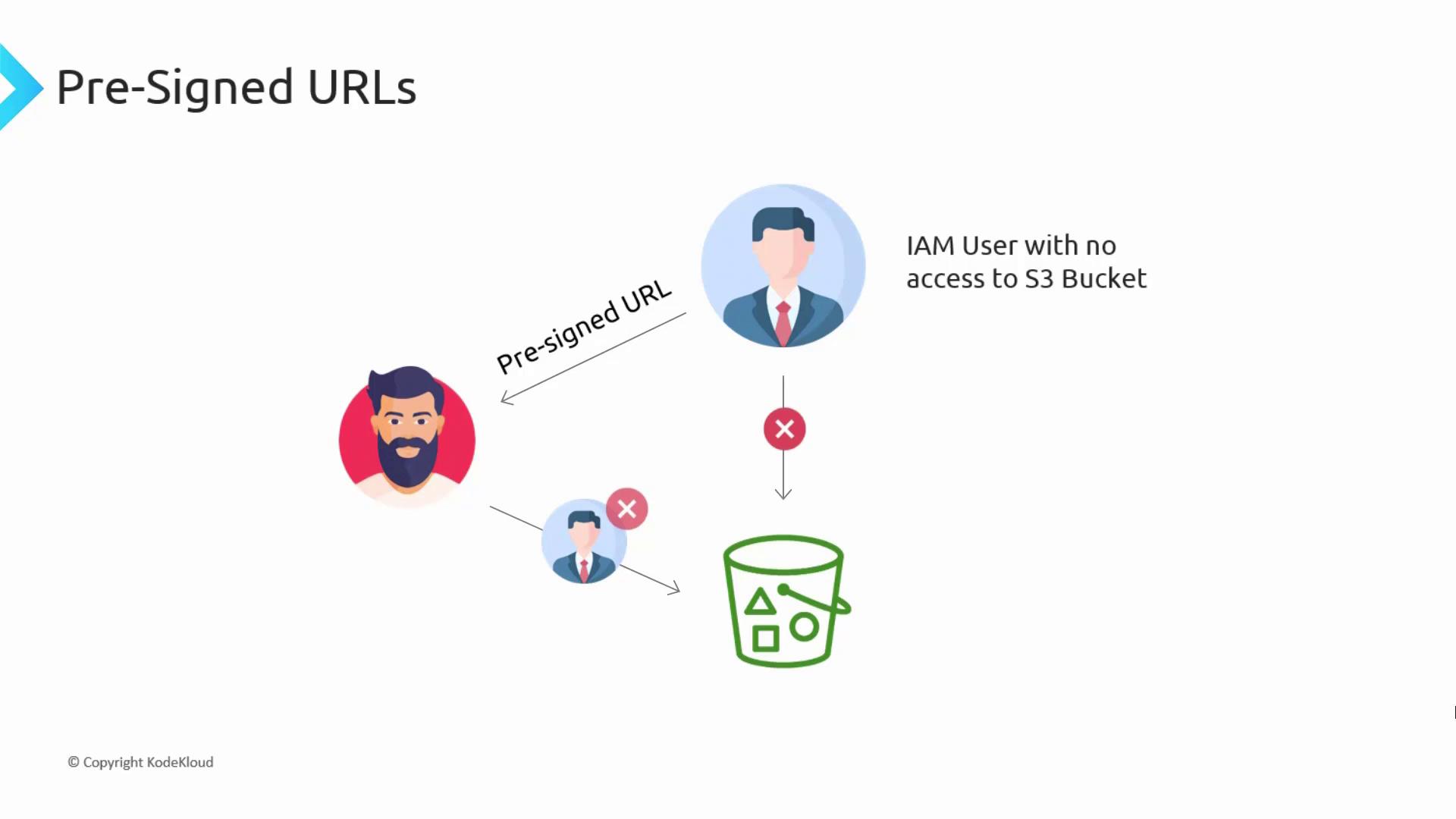
Even though your S3 bucket remains private, you as an authenticated IAM user can generate a pre-signed URL using an API call to S3. The URL incorporates your full credentials, making S3 believe the request is coming from you. Sharing this URL with a public user enables them to access the specific object without opening up your entire bucket.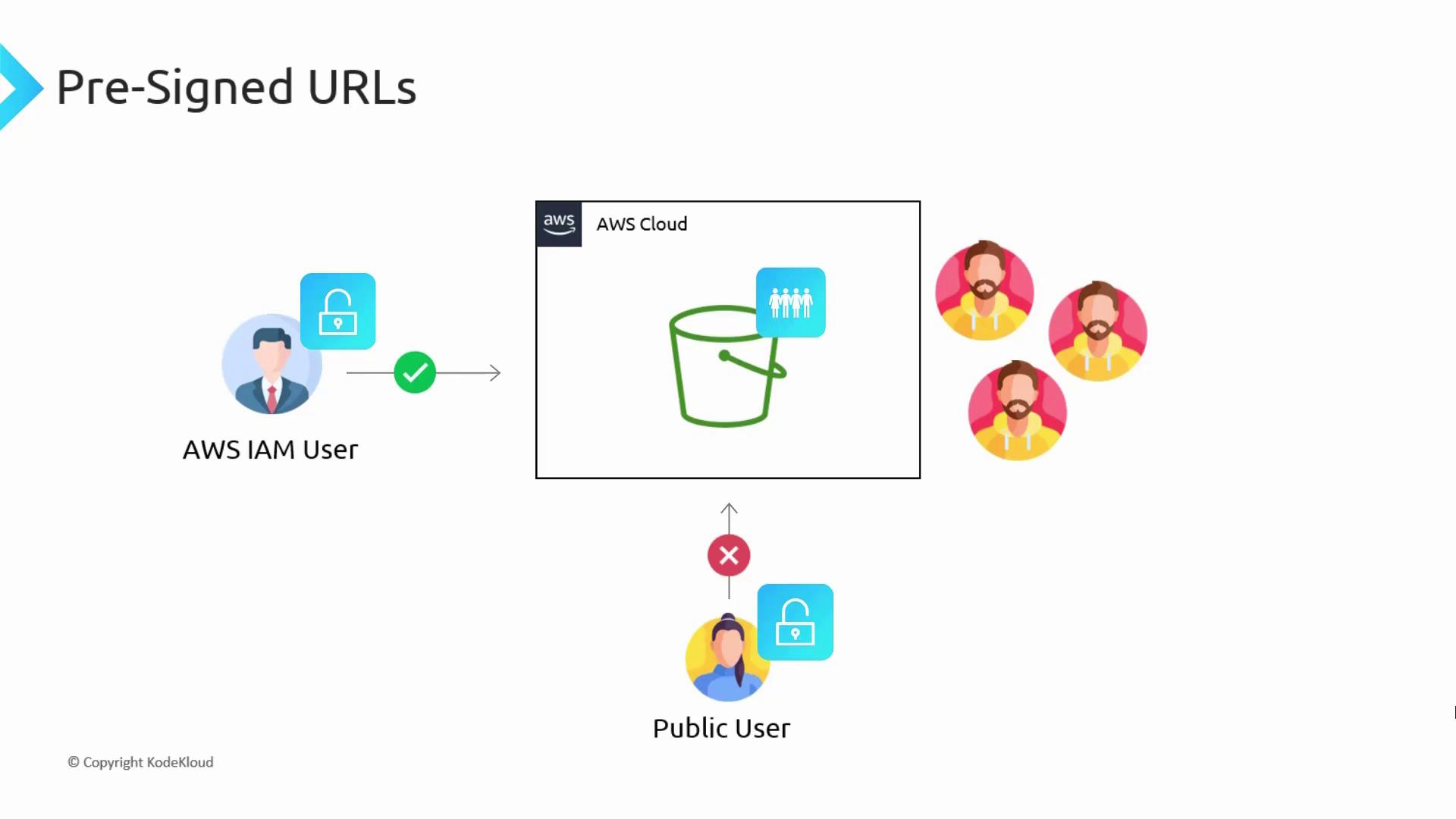
Only the holder of the pre-signed URL can access the specific content, based on the embedded credentials. Unintended access is prevented, ensuring secure sharing.
Real-World Use Case: Video Streaming
Consider a video hosting website similar to Netflix, where a vast library of videos is stored in an S3 bucket. Instead of hosting videos on a web server, you can significantly reduce server load and storage costs by leveraging S3. When a paying customer requests a video, the server generates a unique pre-signed URL for that particular video (for instance, tied to UserX) and returns it to the customer. S3 then processes the request using the permissions of UserX, enabling the video to be streamed directly. Conversely, non-paying or unauthenticated users cannot access these videos because they do not receive a valid pre-signed URL.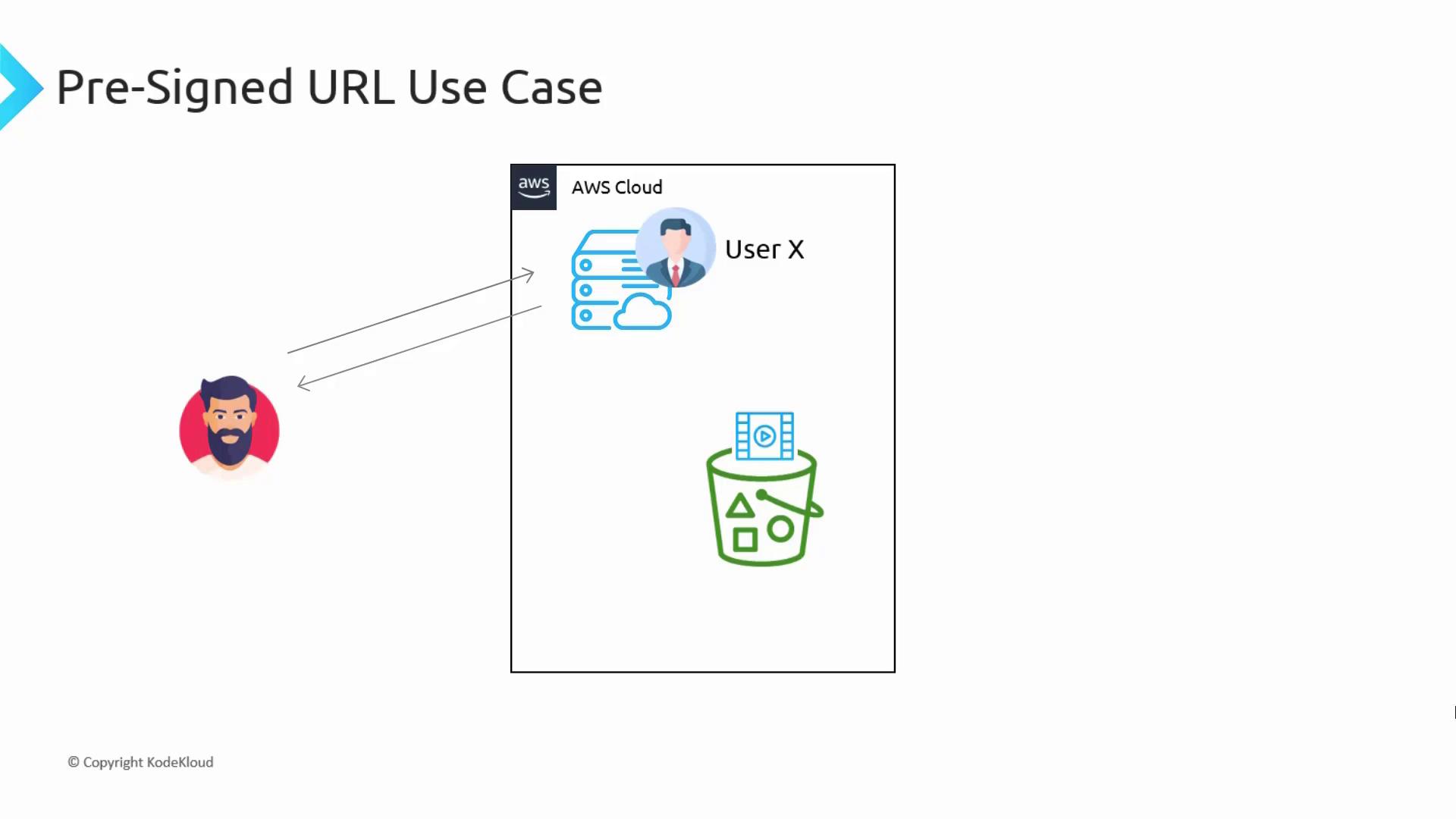
Pre-Signed URLs for Uploads
Pre-signed URLs are not limited to downloads; they are equally effective for uploads. For example, when users update their profile pictures on a website, traditionally the image would be sent to an API hosted on an EC2 instance, which then forwards the file to the S3 bucket, increasing backend load. Using a pre-signed URL, the workflow simplifies: once the API server generates and returns the URL, the user uploads the file directly to S3. This approach bypasses the backend server, thereby reducing load and improving performance.Expiration and Permissions
When creating a pre-signed URL, you must specify an expiration time to limit its validity. Typically, when using an IAM user’s credentials, the maximum expiration period is seven days. This duration can be adjusted based on the requirements of your application.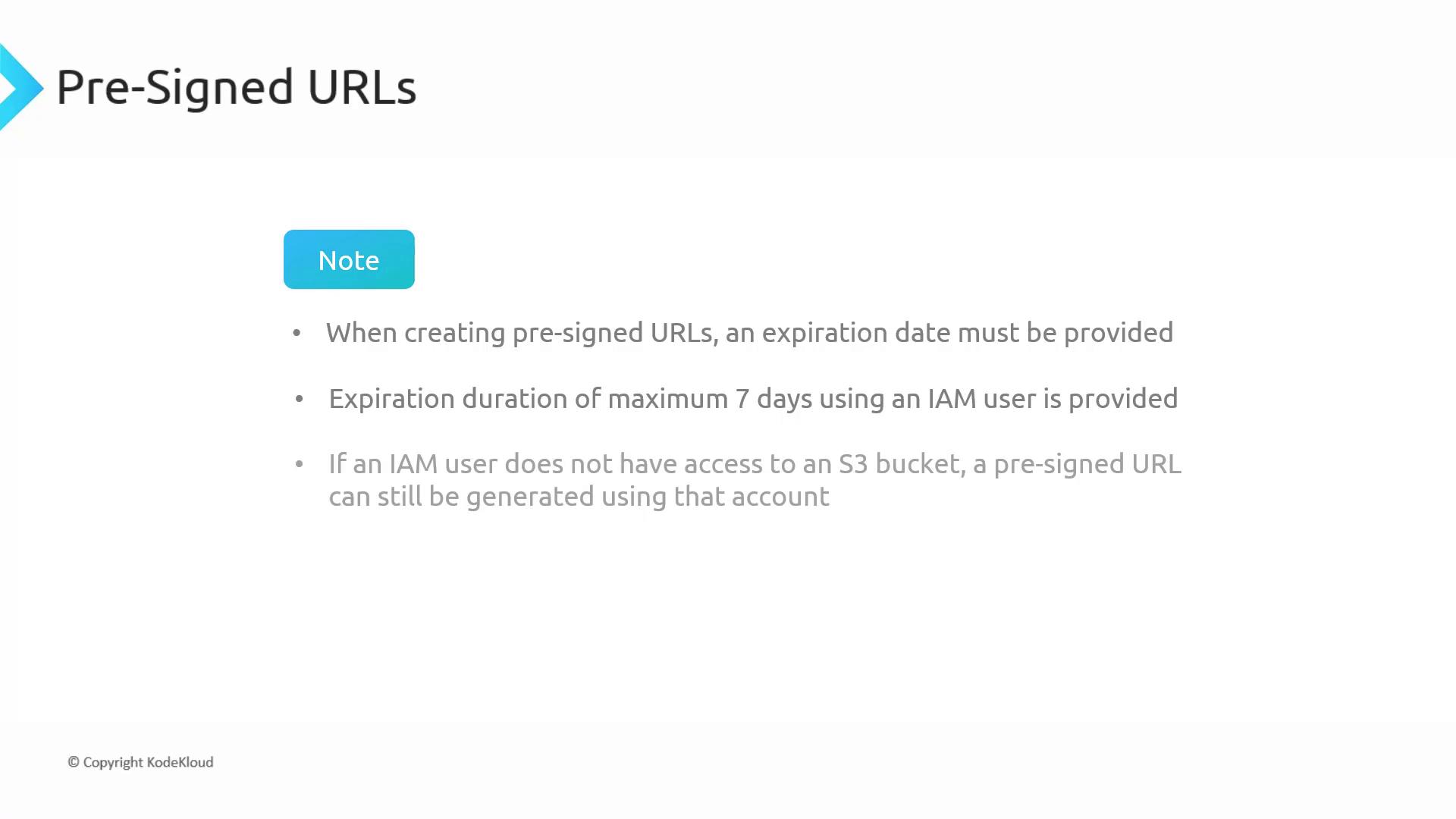
Remember, a pre-signed URL does not grant new permissions. It merely allows a request to be executed using the IAM user’s current permissions. If the user lacks access to a particular object, then any pre-signed URL they generate will also fail to access it.
Summary
Pre-signed URLs offer secure, time-limited access to objects within a private S3 bucket by embedding authentication credentials into the URL. When the URL is accessed, the request is executed using the permissions of the IAM user who originally generated it. If that user lacks access to a specific object, the URL will also be invalid for accessing that object.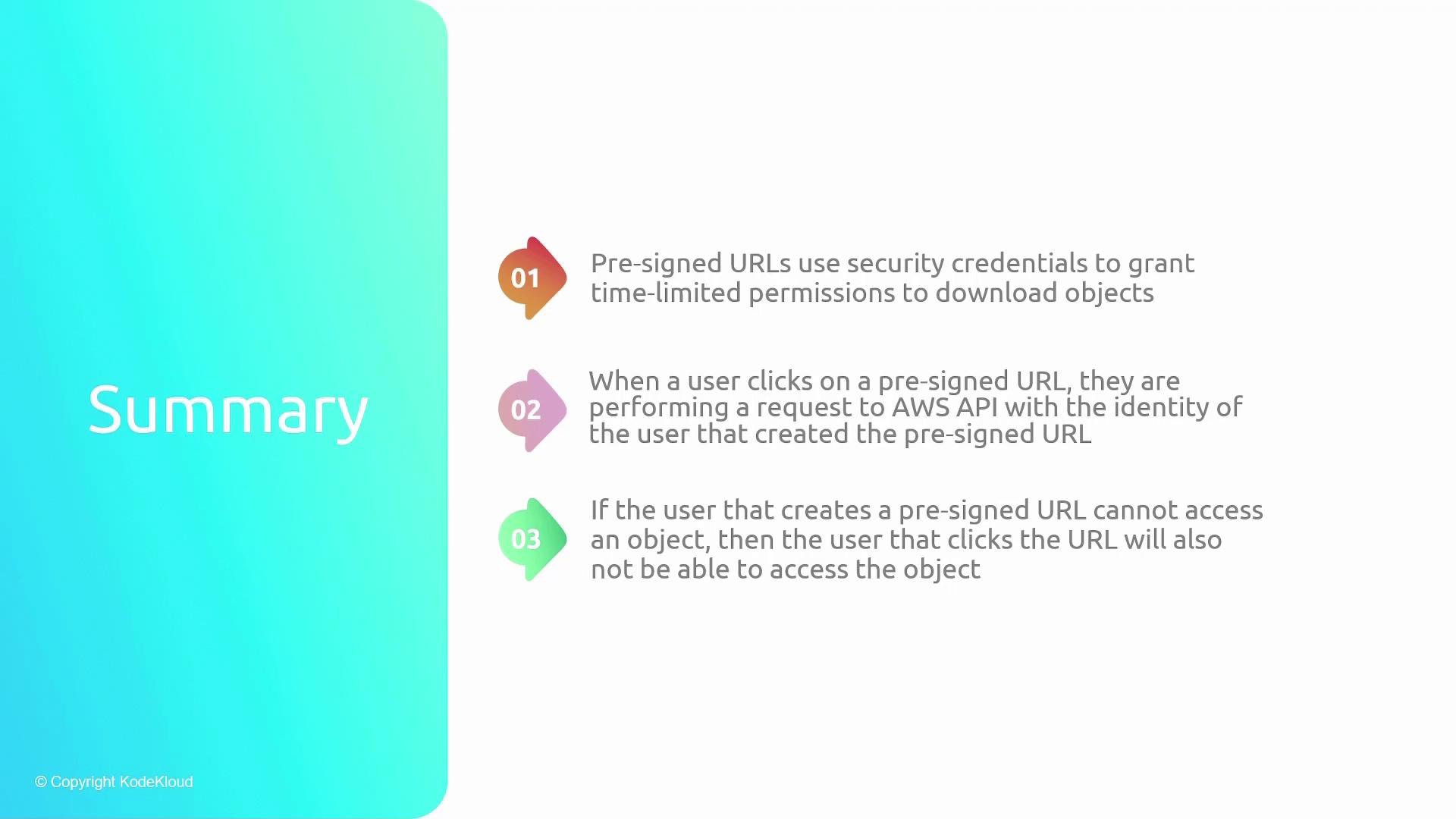
For further information on AWS S3 and related topics, consider exploring: