Learn to use the AWS CDK with Python to create and manage an S3 bucket, covering installation, configuration, deployment, and cleanup processes.
In this guide, you’ll learn how to use the AWS Cloud Development Kit (CDK) with Python to create and manage an S3 bucket. We’ll cover the entire process—from installing dependencies to deploying and cleaning up your AWS resources.─────────────────────────────
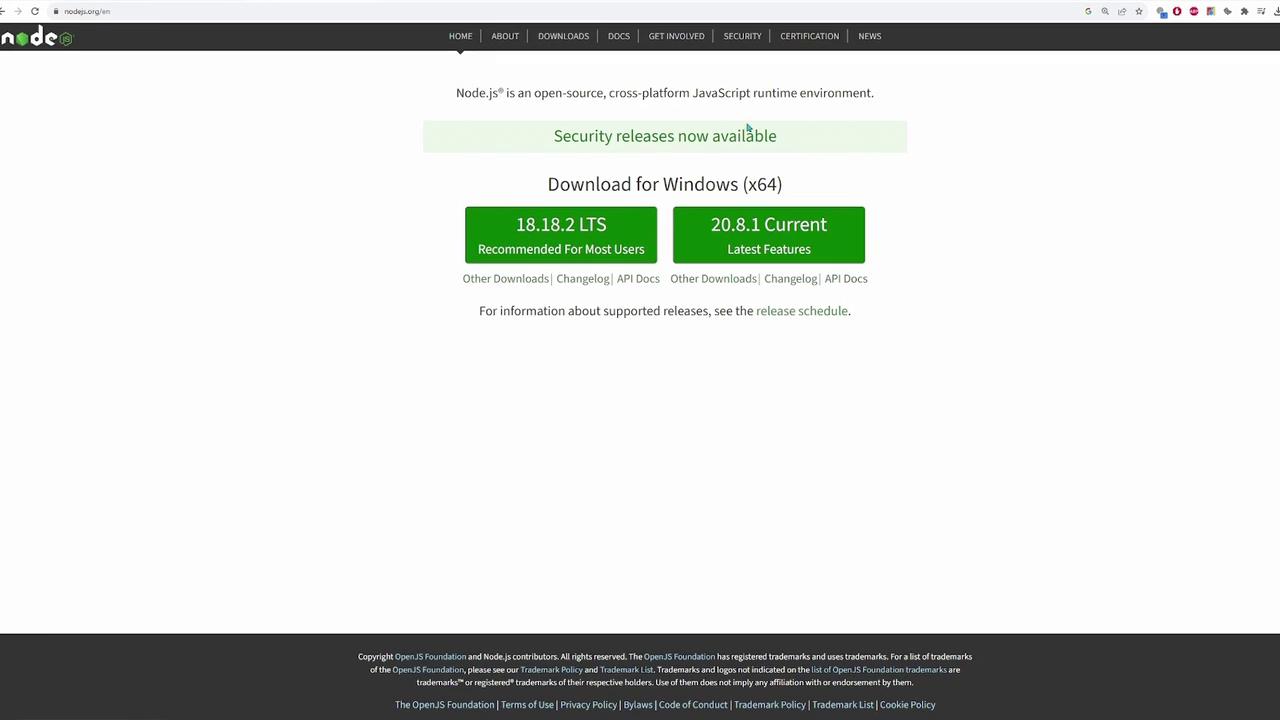
Before you begin, ensure that Node.js is installed on your machine. Node.js provides the JavaScript runtime required for the AWS CDK CLI, which is installed via npm. Download the appropriate installer for your operating system from the official Node.js website.
Once Node.js is installed, open your terminal or command prompt and run the following commands:
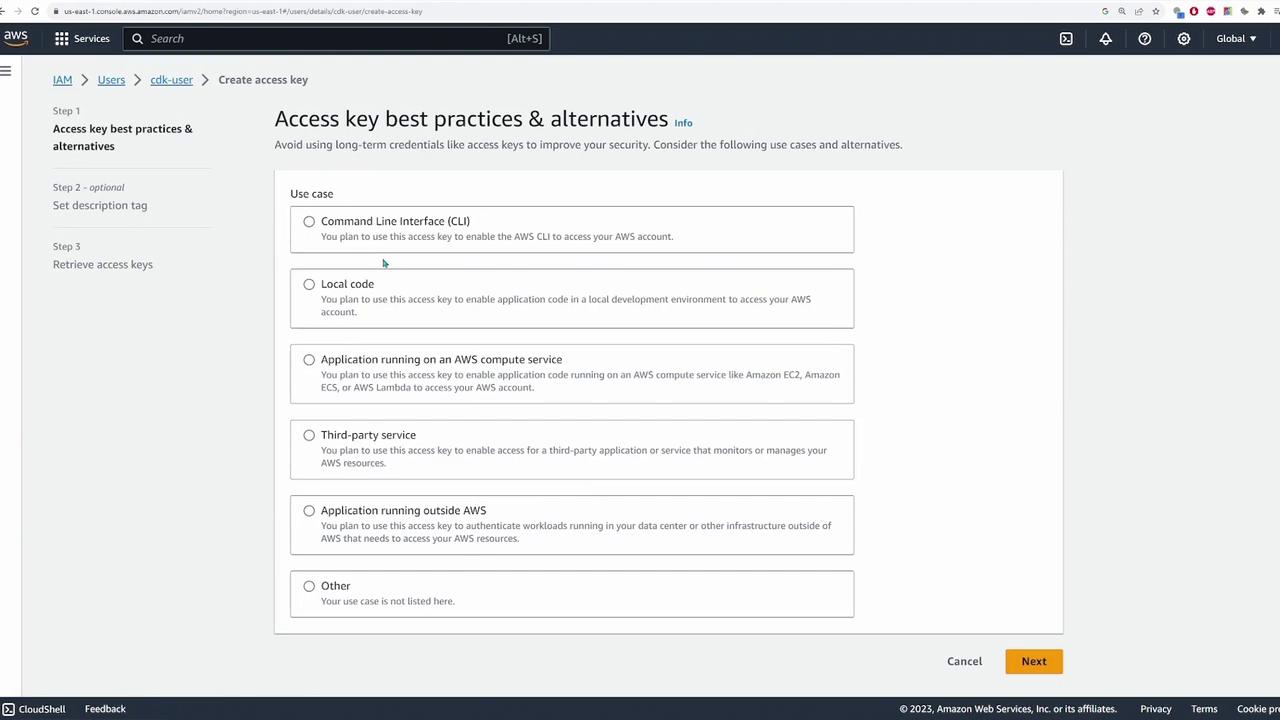
Before deploying your resources, configure your AWS CLI with the necessary credentials:
Copy
Ask AI
aws configure
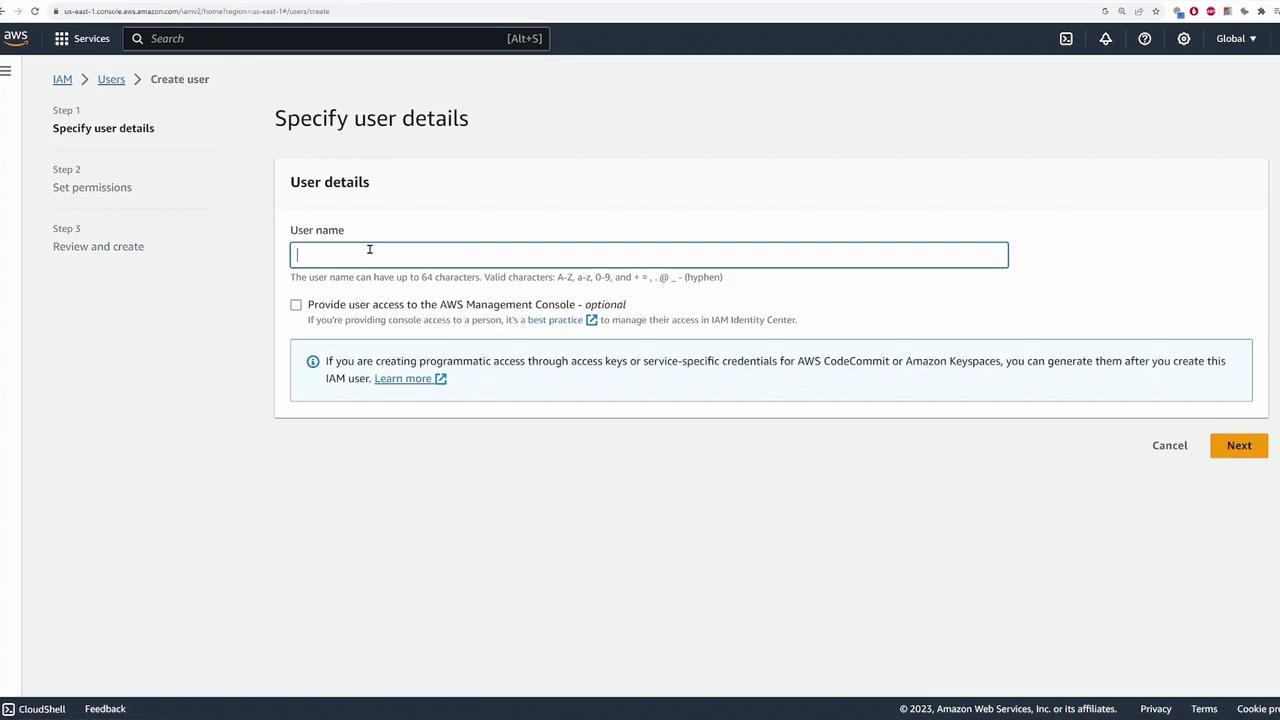
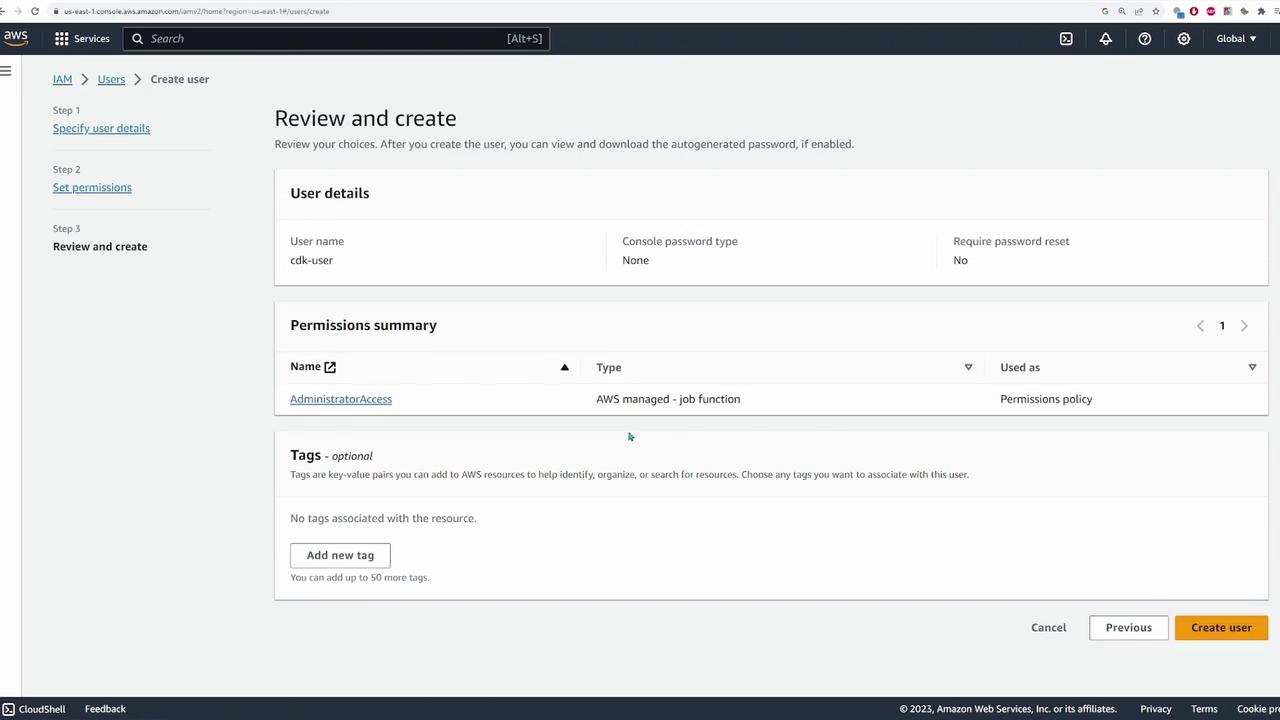
Enter your AWS Access Key ID and Secret Access Key when prompted. Although using full administrator access may be acceptable for demos, remember to follow the principle of least privilege in production environments.
After deploying, run cdk diff again to validate that no discrepancies exist between your configuration and what has been deployed:
Copy
Ask AI
cdk diff
A message indicating “There were no differences” confirms that your stack is synchronized.When your testing is complete, clean up your resources by executing:
Copy
Ask AI
cdk destroy
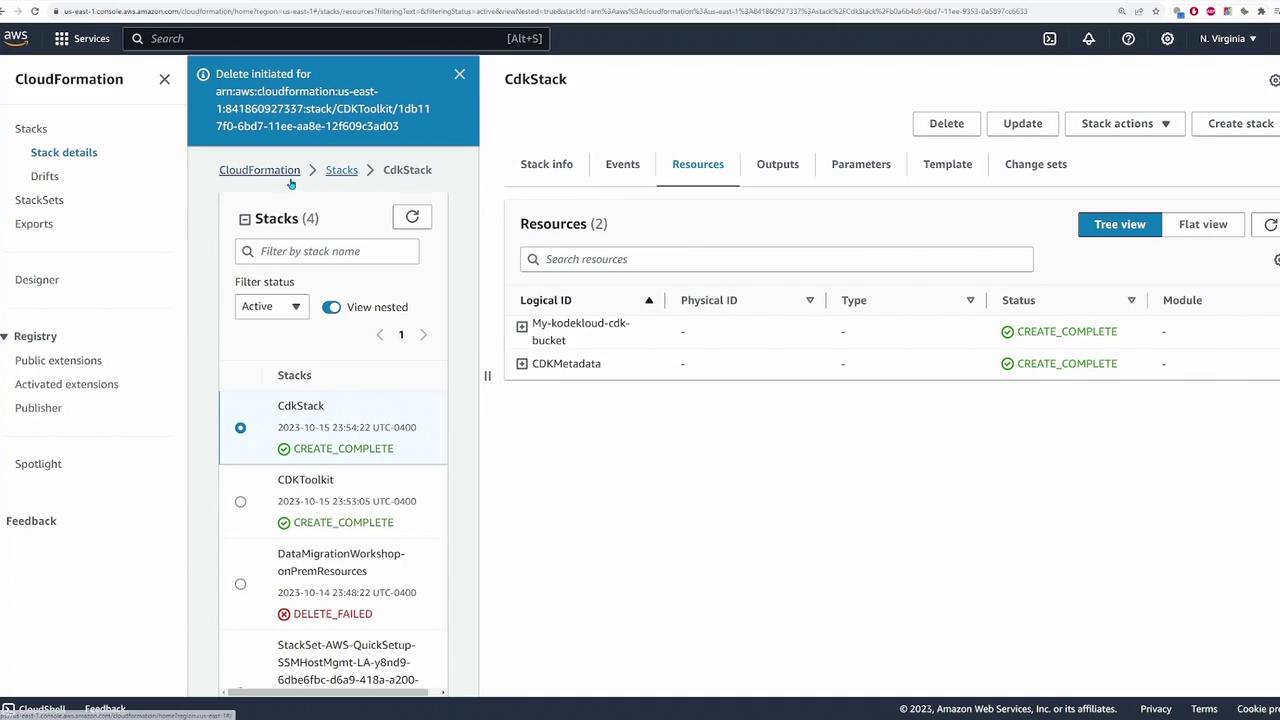
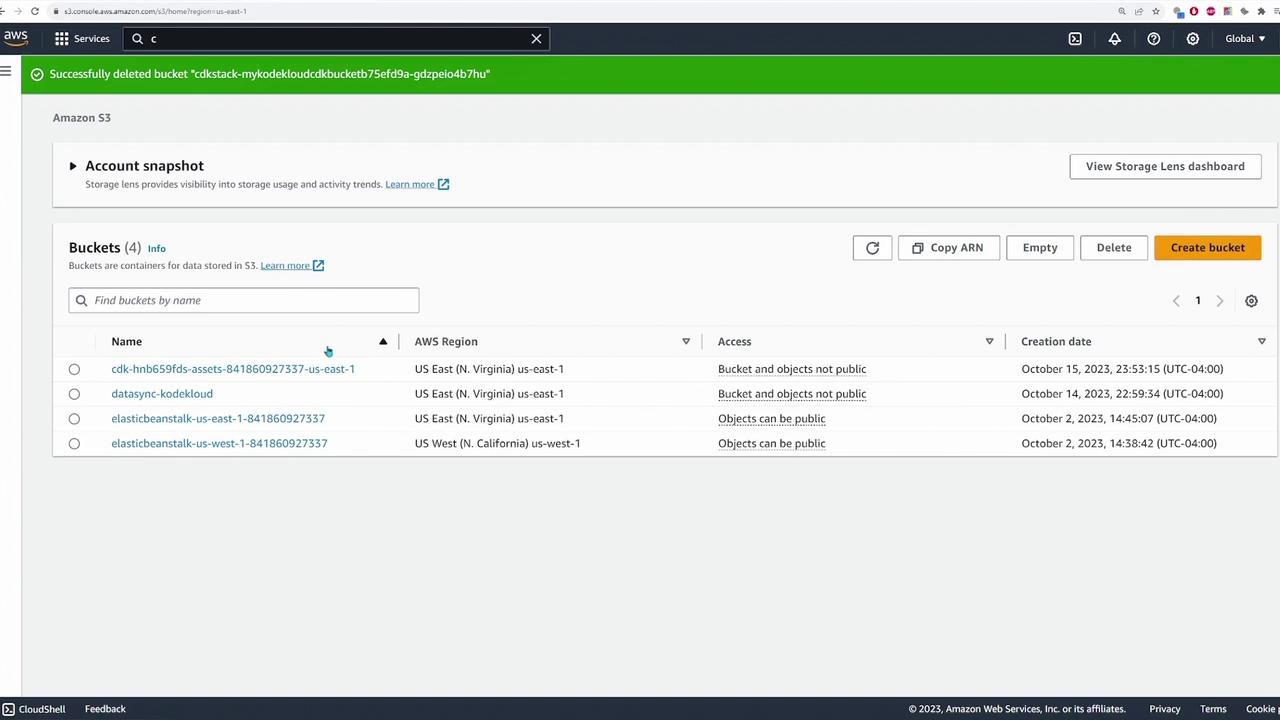
Confirm the deletion in the prompt. Finally, verify in the CloudFormation and S3 consoles that all resources have been removed.
In this tutorial, you’ve learned how to initialize an AWS CDK project with Python, set up an isolated virtual environment, configure an S3 bucket with KMS encryption, and deploy the stack using CloudFormation commands. The AWS CDK makes managing your infrastructure efficient by employing commands like synth, diff, deploy, and destroy.Happy coding, and see you in the next lesson!