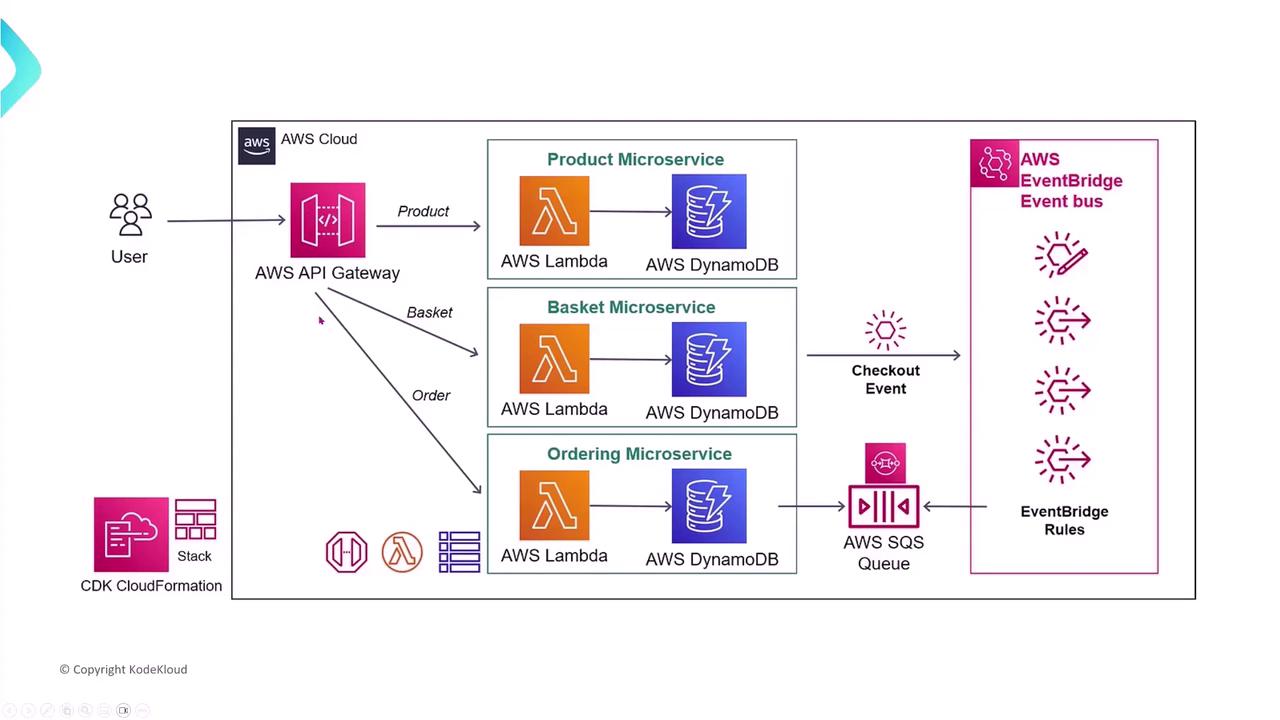
AWS Lambda simplifies deployment and management by handling much of the heavy lifting such as infrastructure management, allowing you to focus on your application’s business logic.
Lambda in Media Applications
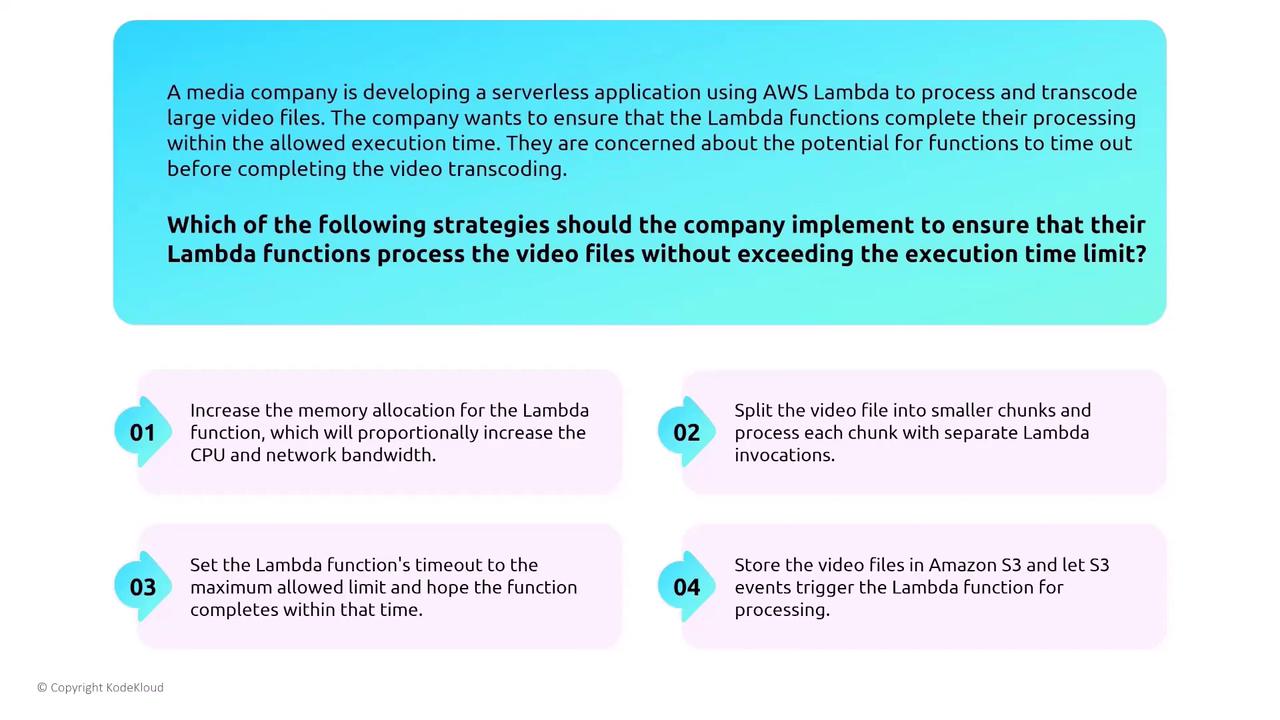
Consider a media company using Lambda to process and transcode large video files. One major challenge is ensuring that Lambda functions complete processing within the maximum execution time limit of 15 minutes (up from 5 minutes earlier). When facing the risk of transcoding jobs exceeding this limit, several strategies can be implemented:- Increase the Lambda memory allocation (which boosts CPU and memory but may not guarantee completion).
- Split the video file into smaller chunks, processing each chunk with a separate Lambda invocation.
- Set the Lambda function timeout to the maximum allowed limit and hope for timely completion (this is not advisable).
- Store video files in Amazon S3 and trigger processing via S3 events (useful but does not guarantee completion within 15 minutes).
AWS Lambda Shared Responsibility
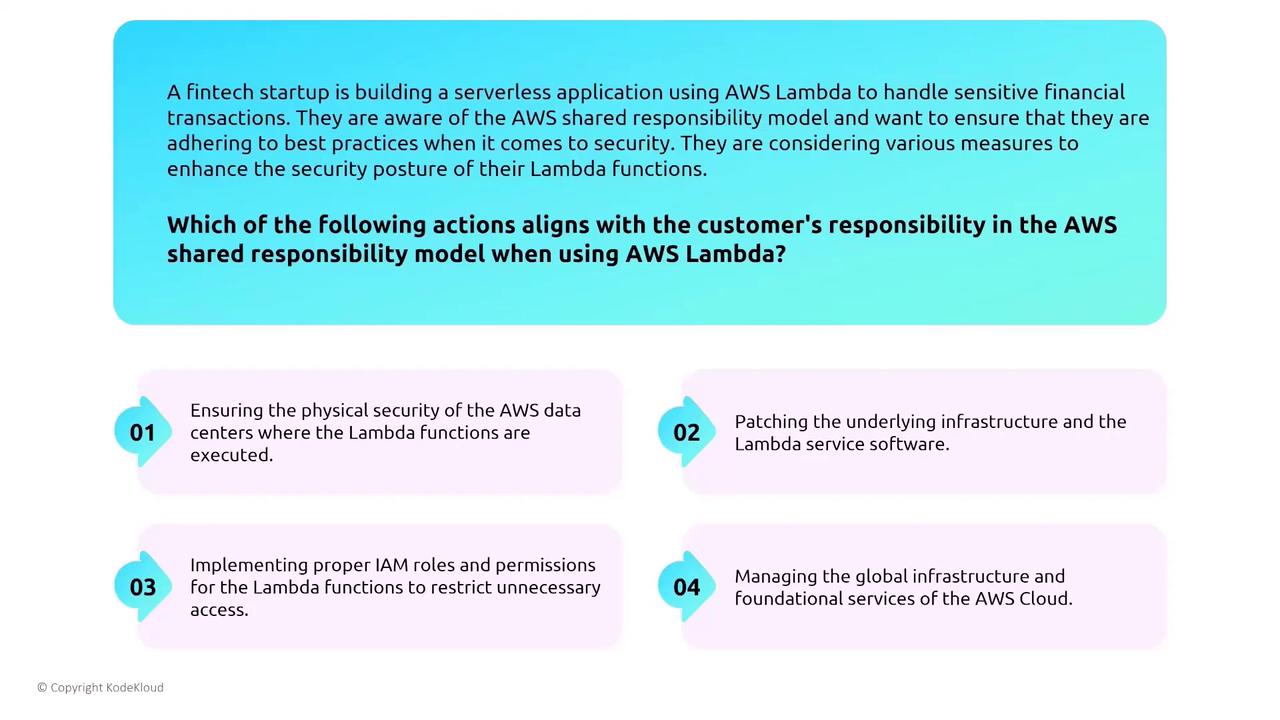
AWS Lambda is a highly managed service. Similar to other managed services, AWS minimizes the customer’s responsibilities regarding data encryption, integrity, authentication, application management, internet access, and monitoring/logging. The diagram below illustrates the shared responsibility model for Lambda: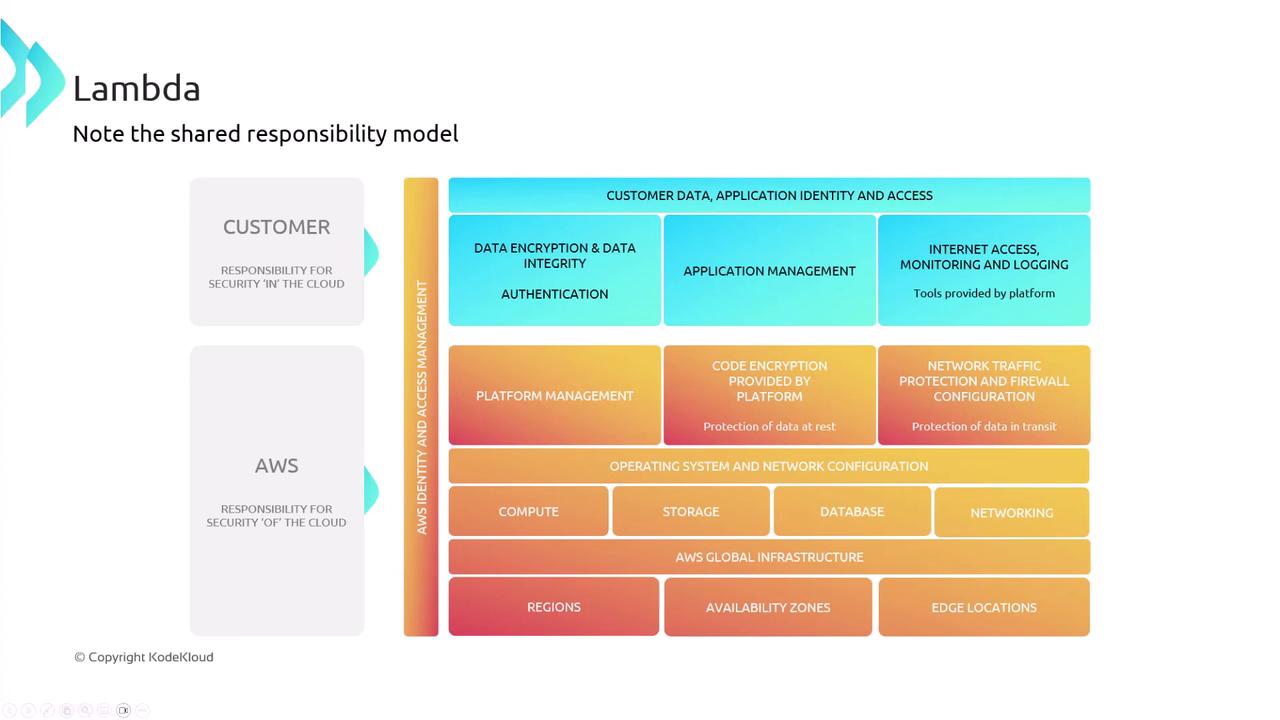
Best Practices for Environment Variables
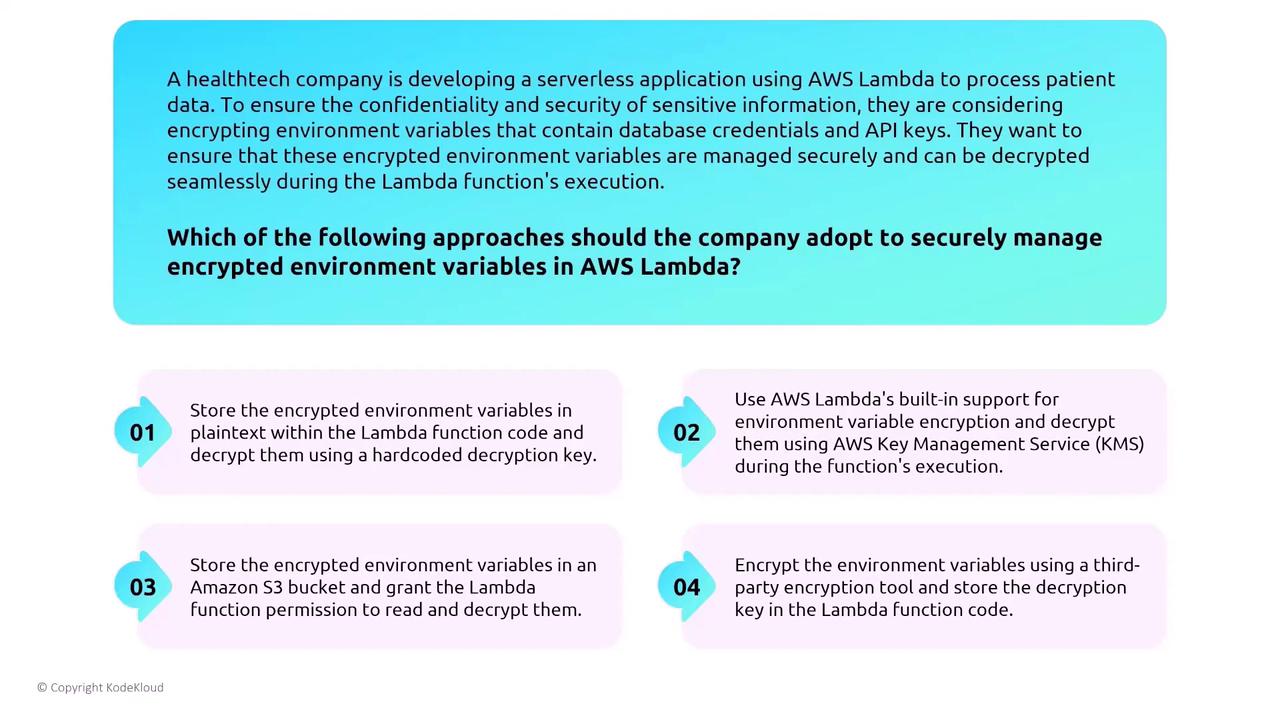
Lambda allows you to set environment variables (e.g., database host, database name) by default. However, it is best not to place sensitive information directly in these variables. Instead, consider using services like AWS Secrets Manager or the Systems Manager Parameter Store to securely retrieve sensitive data. Even though many databases now offer IAM integration—meaning permissions are defined in the Lambda runtime role—storing sensitive data directly in environment variables should be avoided.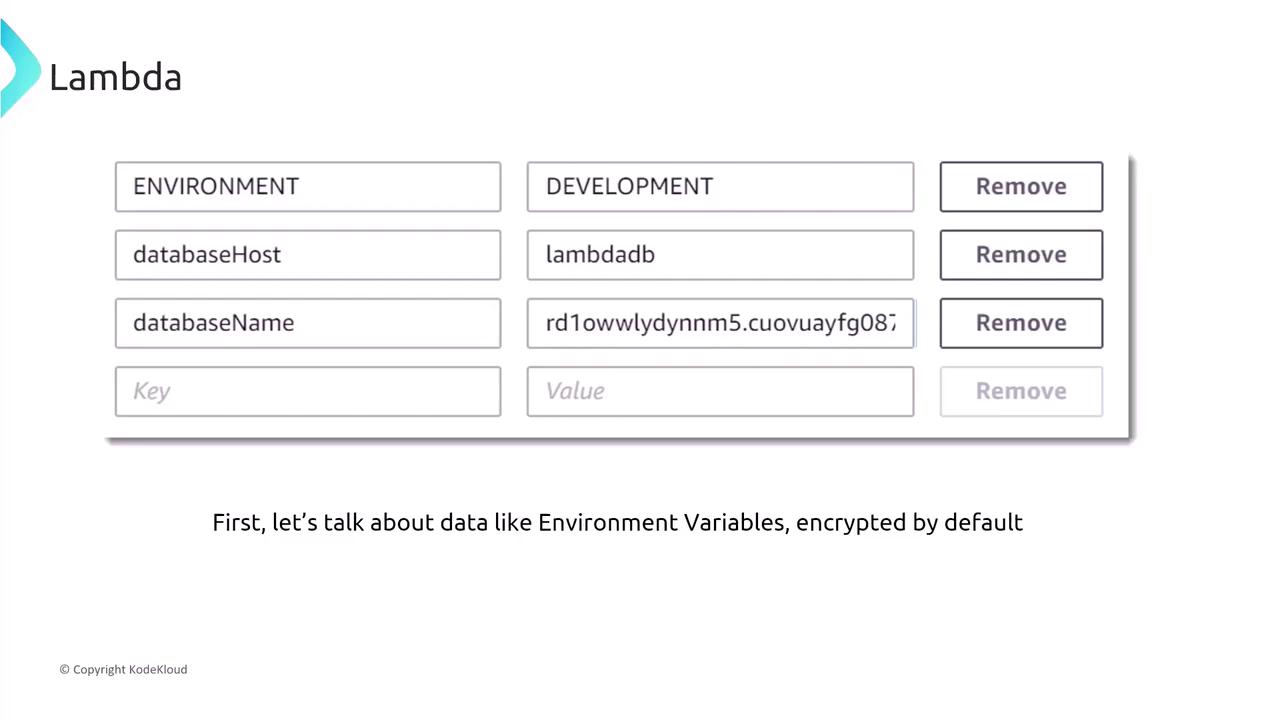
Securing Lambda Execution and Permissions
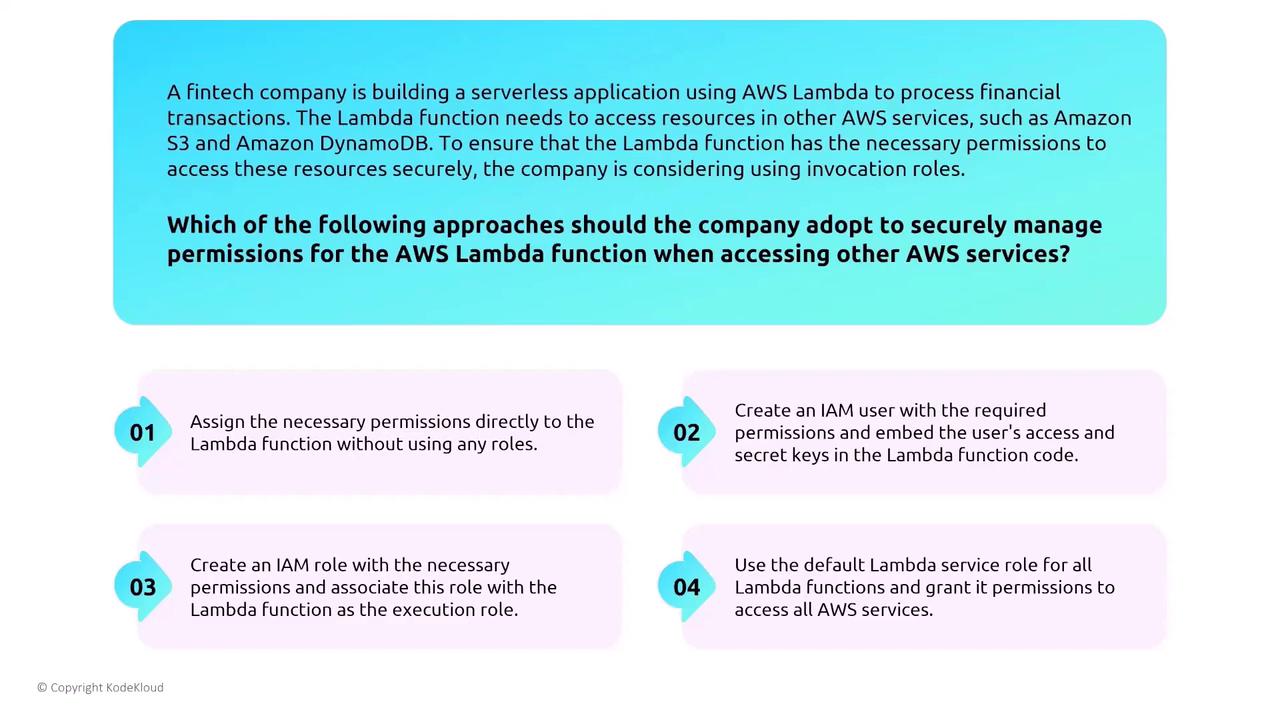
It is critical to assign minimal necessary permissions using IAM roles when configuring Lambda functions. Never embed access keys or credentials directly in your code. The recommended approach is to create a role with the least privileges required and associate it with your Lambda function. Enhance your Lambda’s security by enabling monitoring and logging with CloudWatch, CloudTrail, and X-Ray. The use of AWS X-Ray provides detailed tracing of individual components during function execution.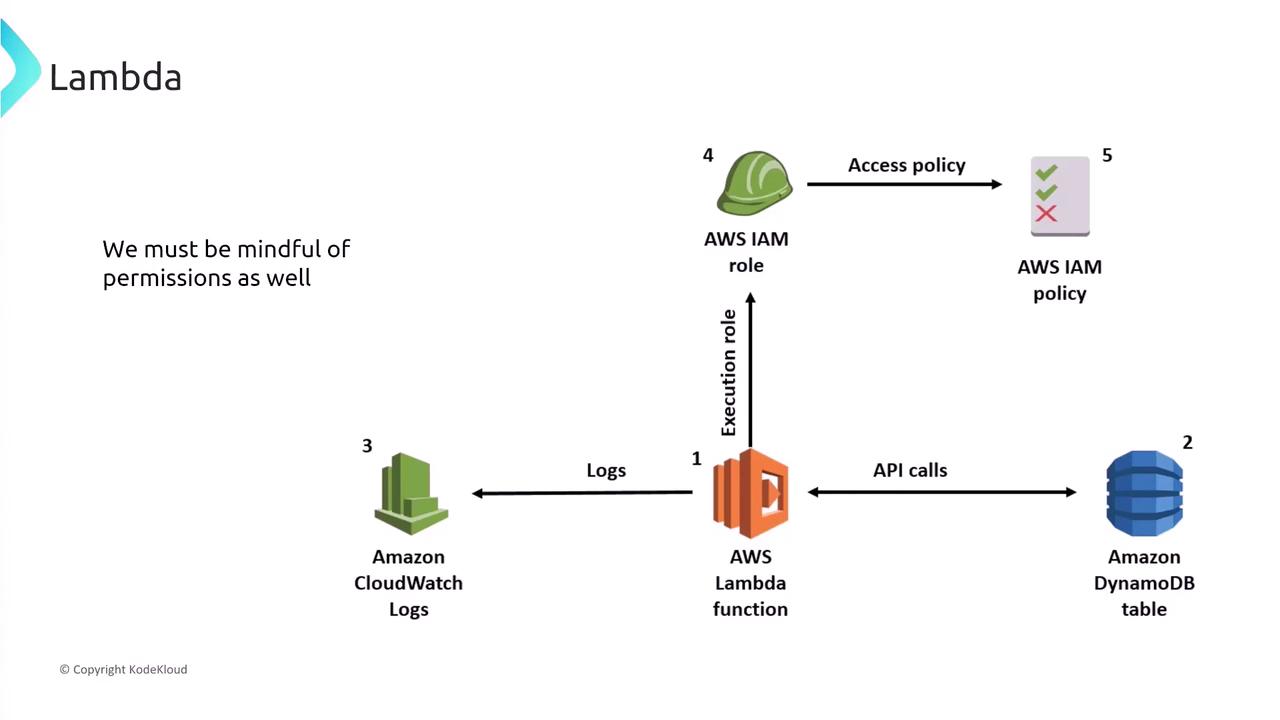
Leveraging AWS X-Ray and GuardDuty
Integrate AWS X-Ray with your Lambda functions by ensuring that the execution role has the permissions to send trace data. There is no need to manually embed the X-Ray SDK in your code—Lambda automatically handles much of the integration. This native capability offers an end-to-end view of your application’s performance and activity.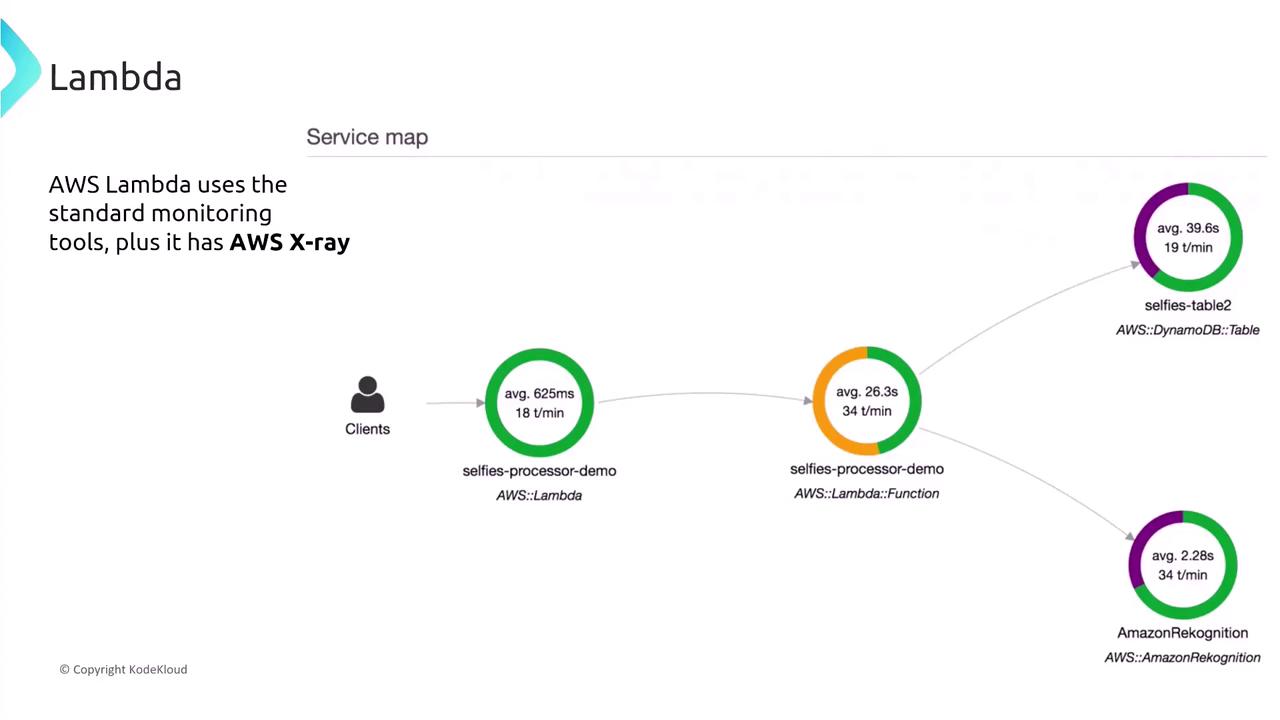

AWS Step Functions: Orchestration and Security
AWS Step Functions provide orchestration for workflows by coordinating multiple AWS services. Think of these as the modern evolution of the Simple Workflow Service (SWF). For example, a media company might utilize Step Functions to manage a video processing pipeline, where the state machine handles the sequence of tasks. When designing secure state machines, avoid storing sensitive data directly within the state machine. Instead, implement roles with fine-grained permissions for each state to ensure that only authorized services are accessed.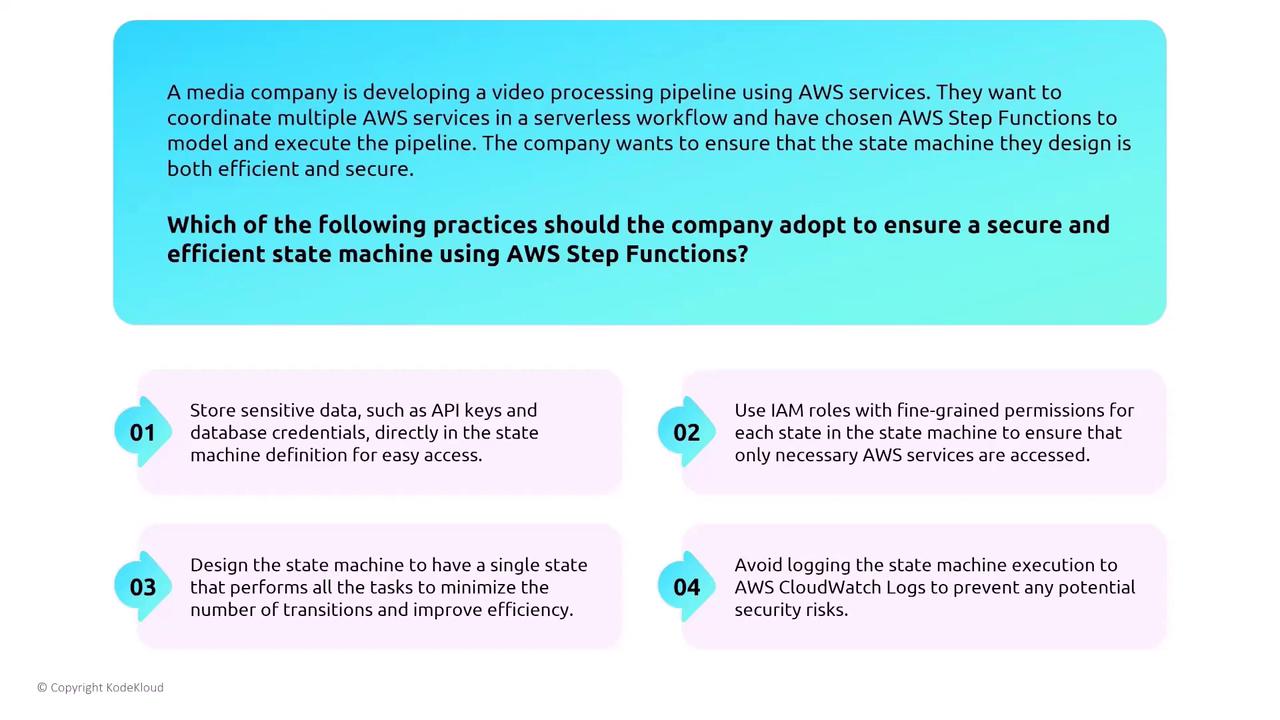
AWS Serverless Application Model (SAM)
The Serverless Application Model (SAM) simplifies the deployment and management of serverless resources. SAM leverages AWS IAM for permission management, and many security features—such as data encryption, logging, and monitoring—are inherited from AWS services. For example, a healthcare startup managing patient records via SAM should avoid embedding sensitive configuration data directly into SAM templates. Instead, use SAM’s support for fine-grained IAM permissions to secure each resource.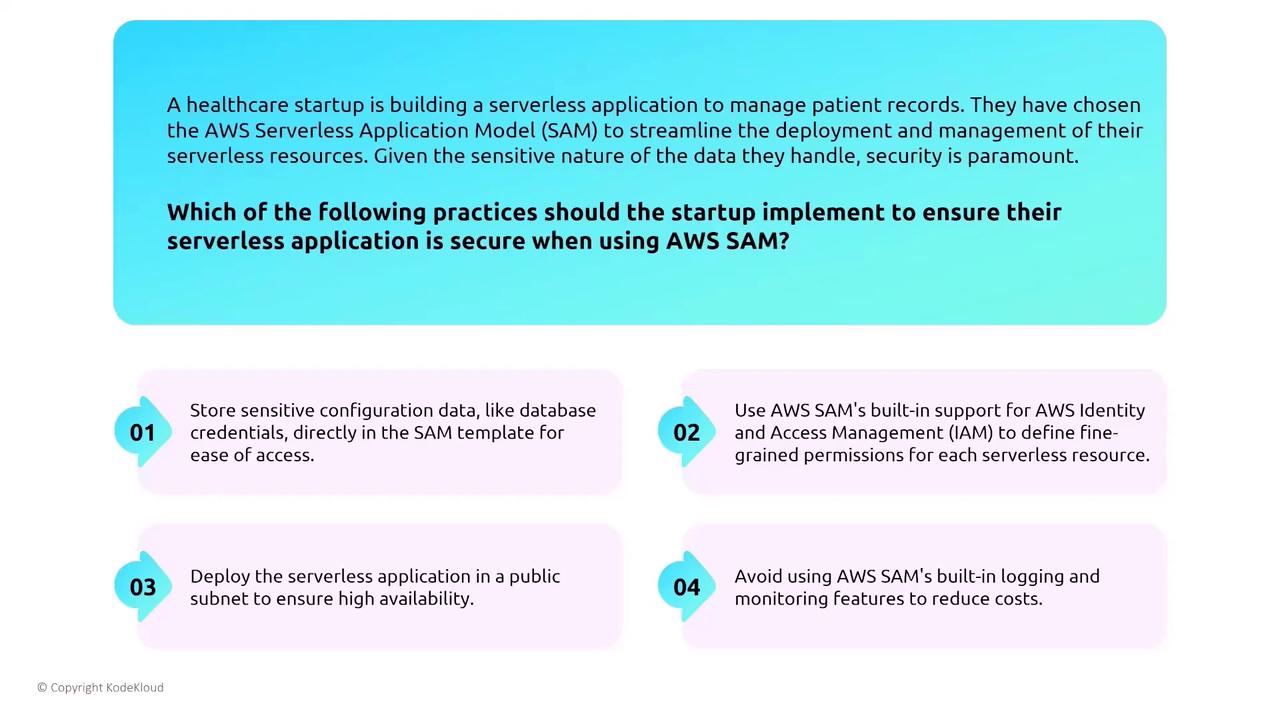
AWS Serverless Application Repository (SAR) and Logging
The Serverless Application Repository (SAR) serves as an image registry for serverless solution patterns. When deploying applications from SAR—especially in sensitive environments like healthcare—thoroughly review the source code, documentation, and associated permissions to ensure compliance with industry regulations. It is also crucial to log all activities for monitoring and auditing using CloudWatch, CloudTrail, and AWS Config.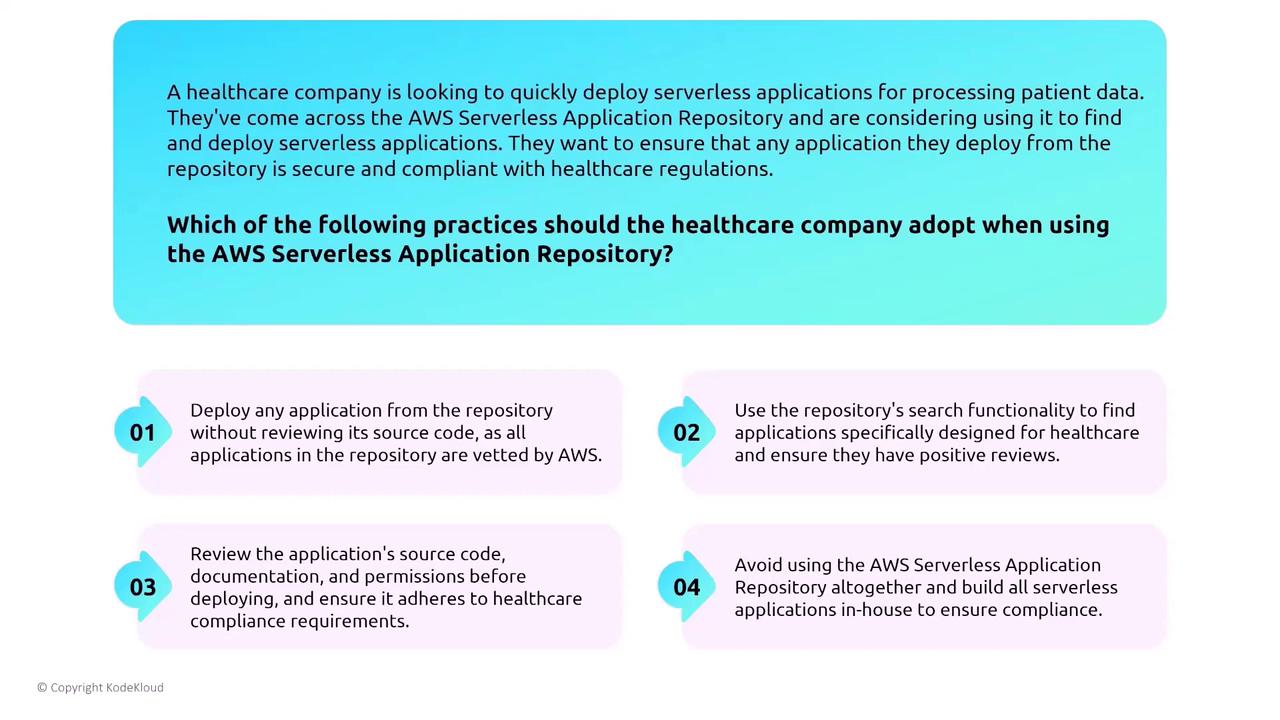
AWS Amplify: A Managed Deployment Option
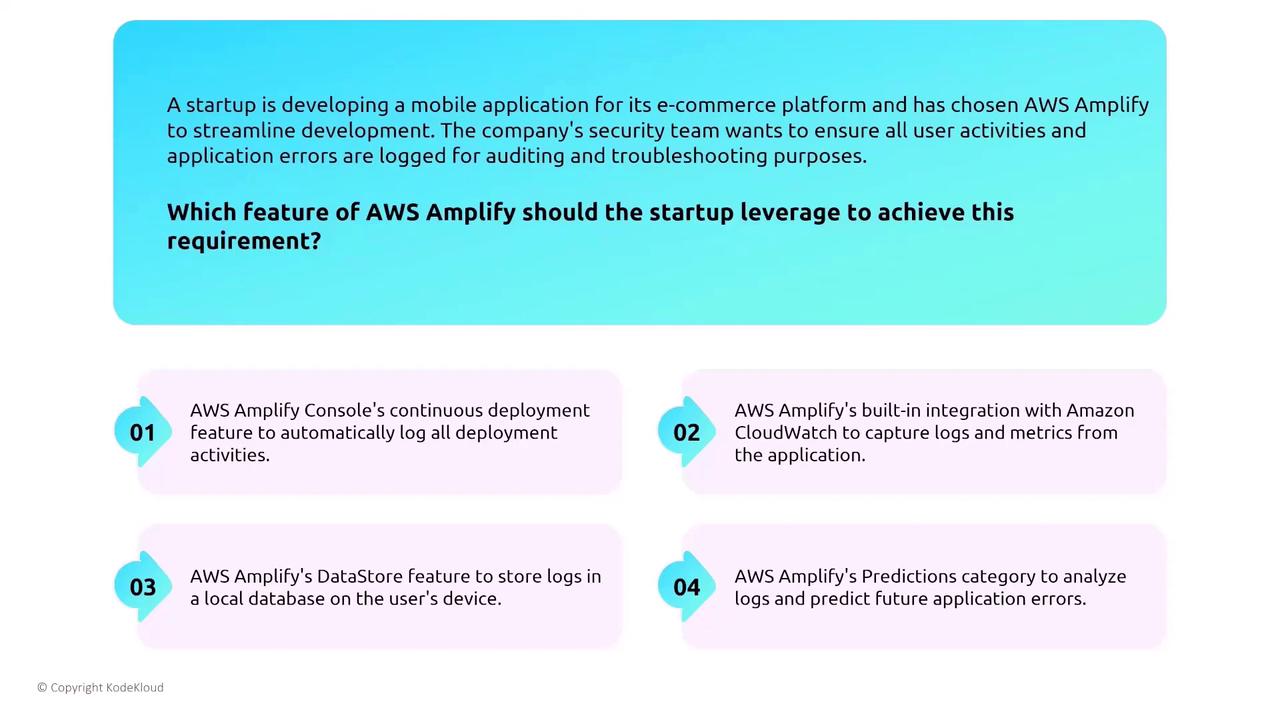
AWS Amplify offers a simplified deployment experience, especially for web and mobile applications backed by Lambda functions. Amplify automatically secures data both in transit and at rest, providing significant security advantages over self-managed systems. Additionally, its native integration with CloudWatch facilitates comprehensive logging of user activity and error metrics.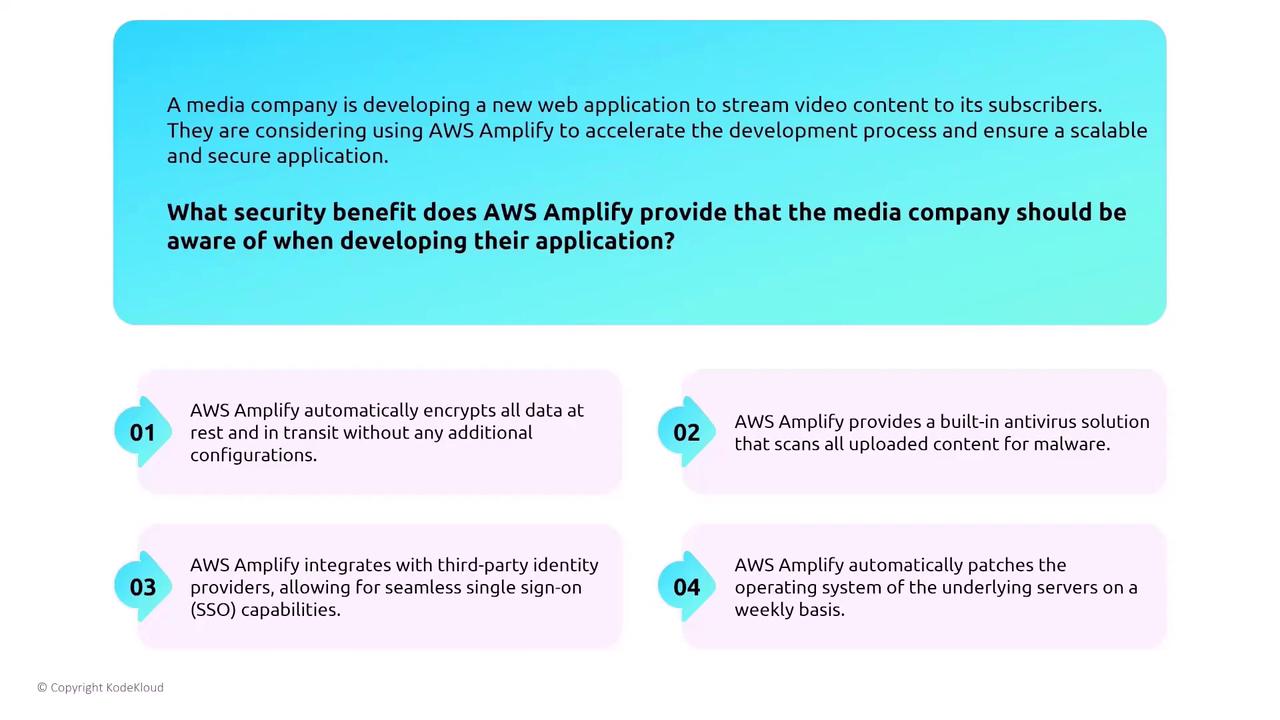
Hybrid Computing with AWS Outposts
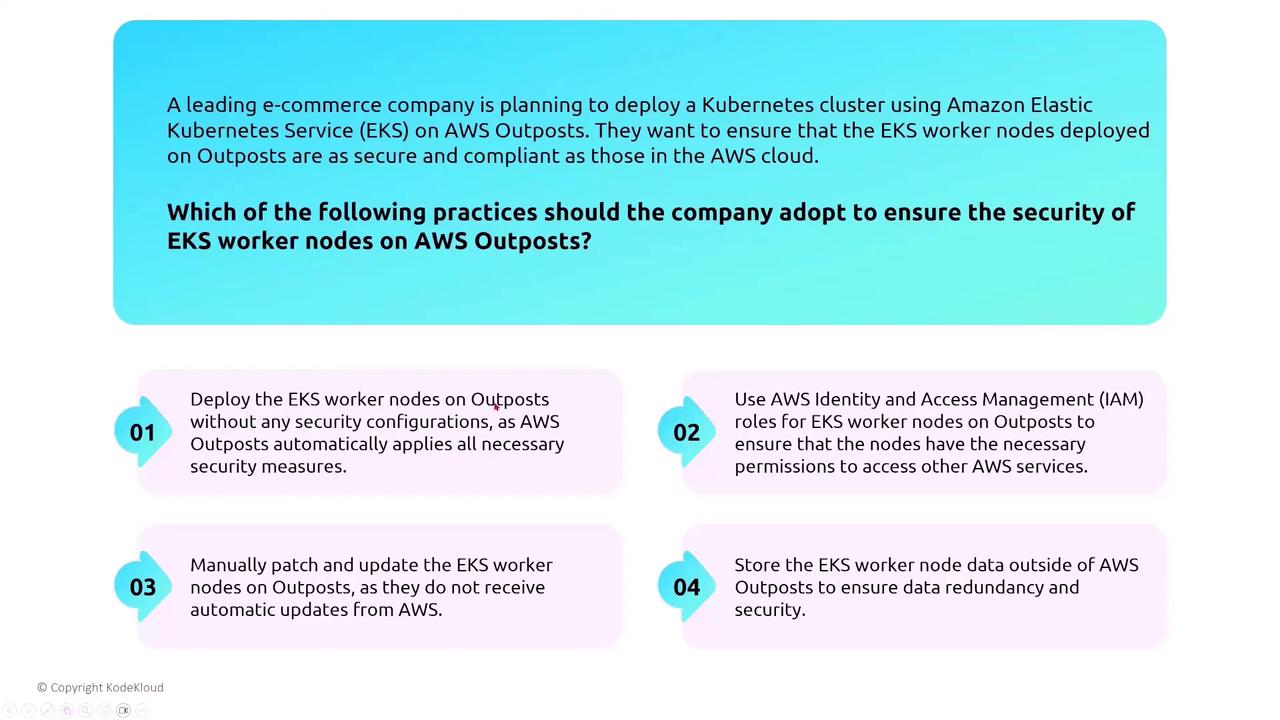
Hybrid computing integrates on-premises hardware with AWS services. AWS Outposts extends AWS infrastructure into your data center, allowing you to run AWS services locally while maintaining secure connectivity with the cloud through Direct Connect or VPN. Outposts requires connectivity for updates and configuration changes, ensuring continuous integration with AWS security tools. For instance, when deploying a Kubernetes cluster with Amazon EKS on Outposts, it is vital to use IAM for worker nodes, ensuring that the nodes only access necessary AWS services securely.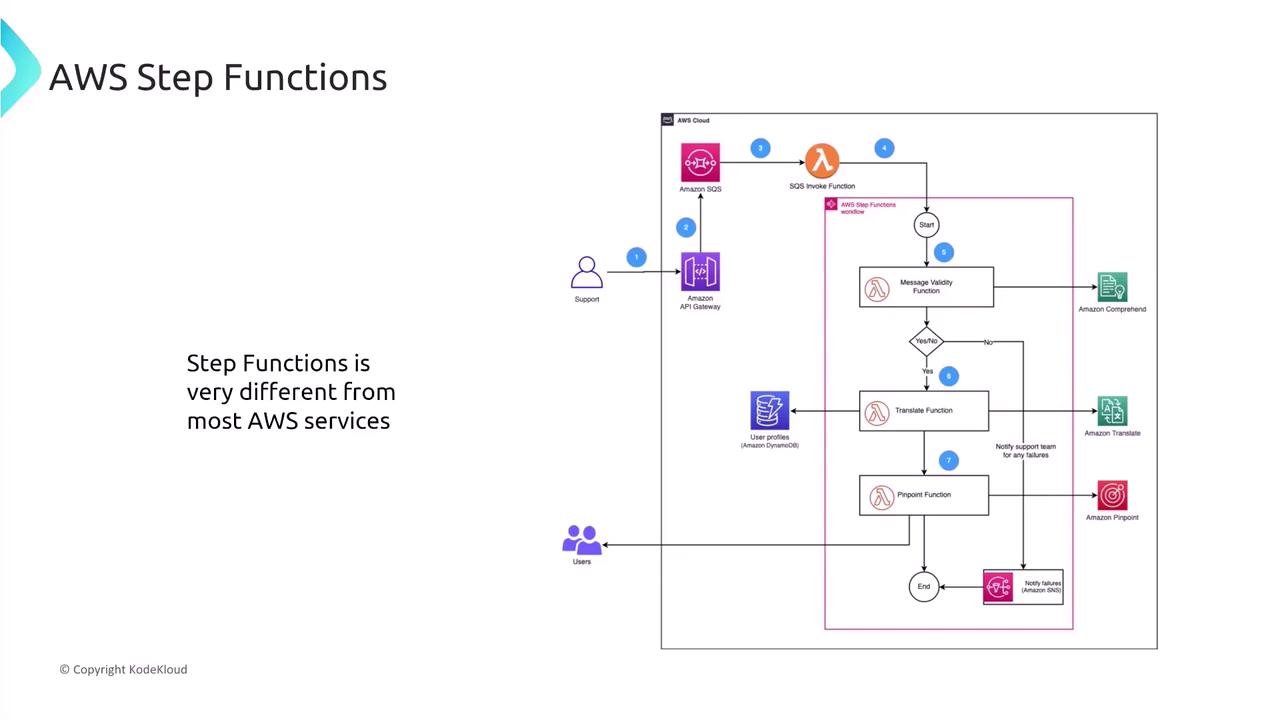
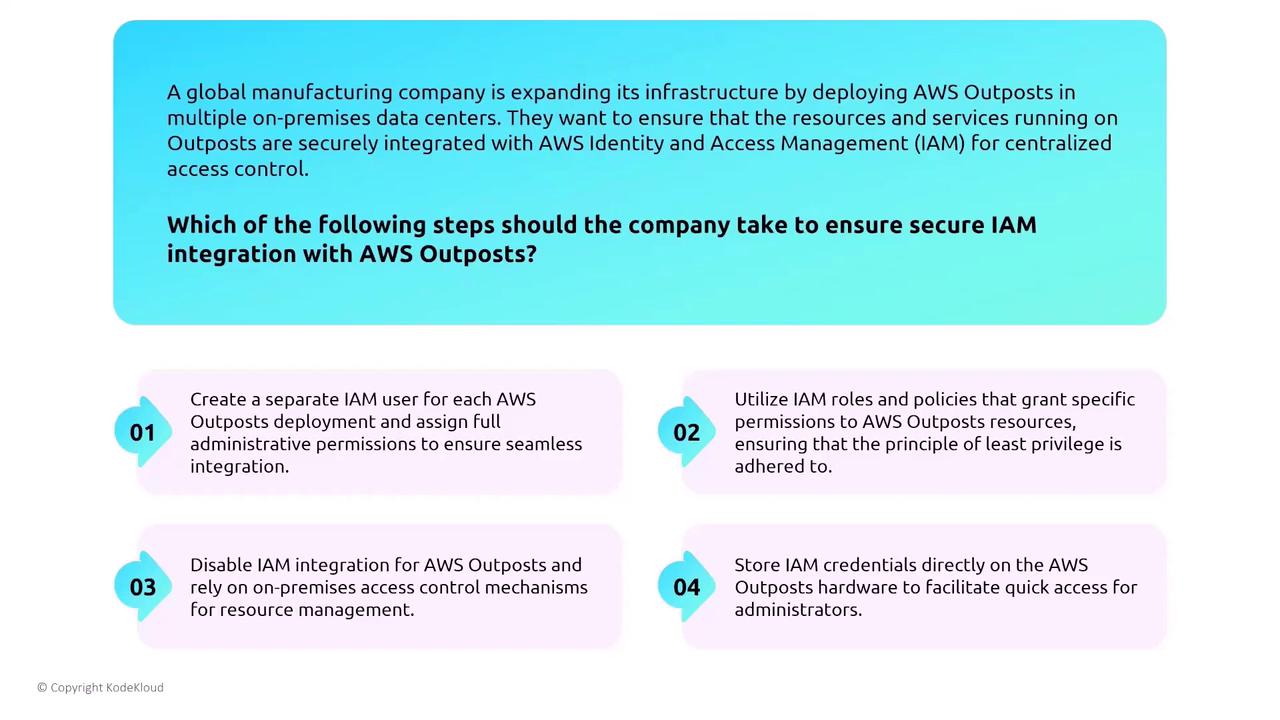
- Use IAM roles that grant least-privilege permissions.
- Avoid creating full administrative users.
- Prevent storing credentials on hardware.
ECS, EKS Anywhere, and Container Management
For organizations looking to extend container workloads on-premises, ECS and EKS Anywhere offer integrated solutions. These services allow deployment and management of containers in traditional data centers while maintaining AWS-level security and IAM integration. For example, a global retail company running containerized applications with ECS must ensure that the ECS Anywhere agent has proper permissions for secure communication with AWS.VMware Cloud on AWS
VMware Cloud on AWS is a unique solution where most security responsibilities are managed through VMware’s suite of tools (vRealize, vCenter, vSAN, and vSphere) rather than AWS-specific configurations. This approach benefits organizations by providing a familiar IT environment alongside AWS’s global infrastructure. For multinational companies migrating on-premises VMware environments to the cloud, the seamless integration between VMware tools and AWS services eliminates the need for major refactoring.AWS Snow Family
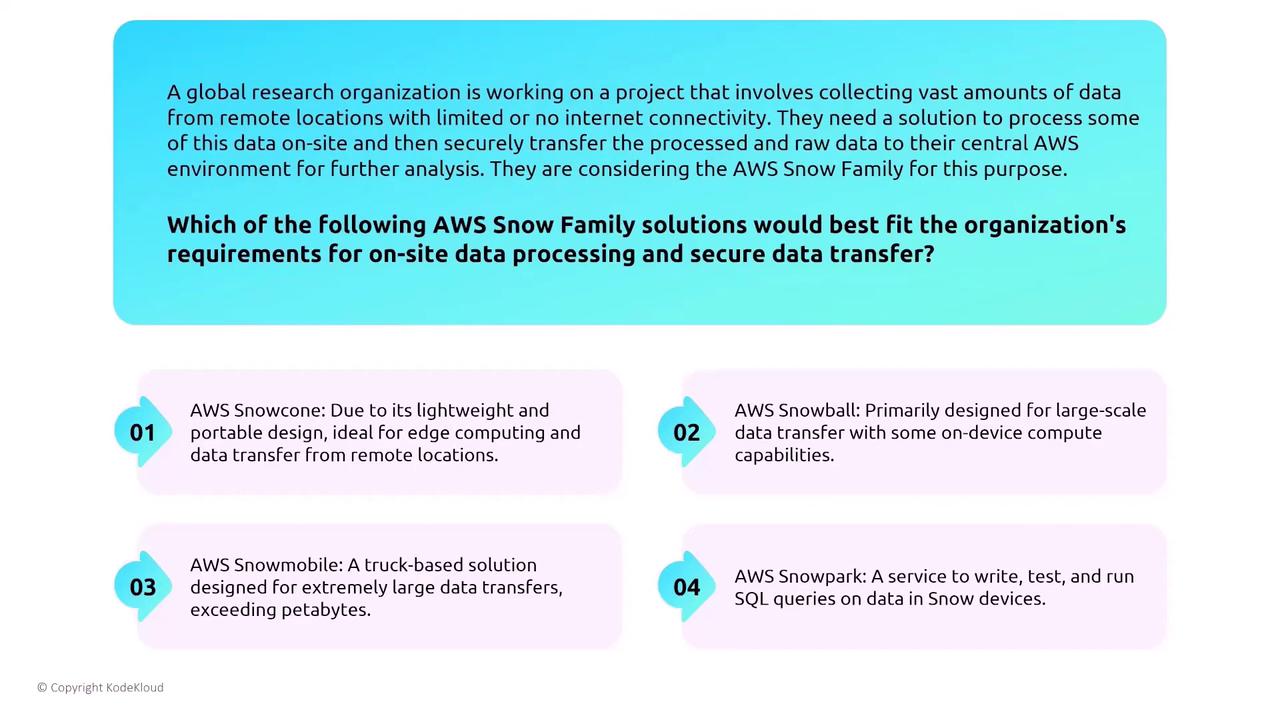
The AWS Snow Family, which includes devices like Snowcone and Snowball, offers hardened solutions for edge computing and temporary on-site data processing under limited connectivity conditions. Although these devices support compute functionalities similar to EC2, they only offer a subset of instance types. For a global research organization needing remote data processing, the compute version of the Snowball device is particularly well-suited for on-site processing and secure data transfer back to the cloud.