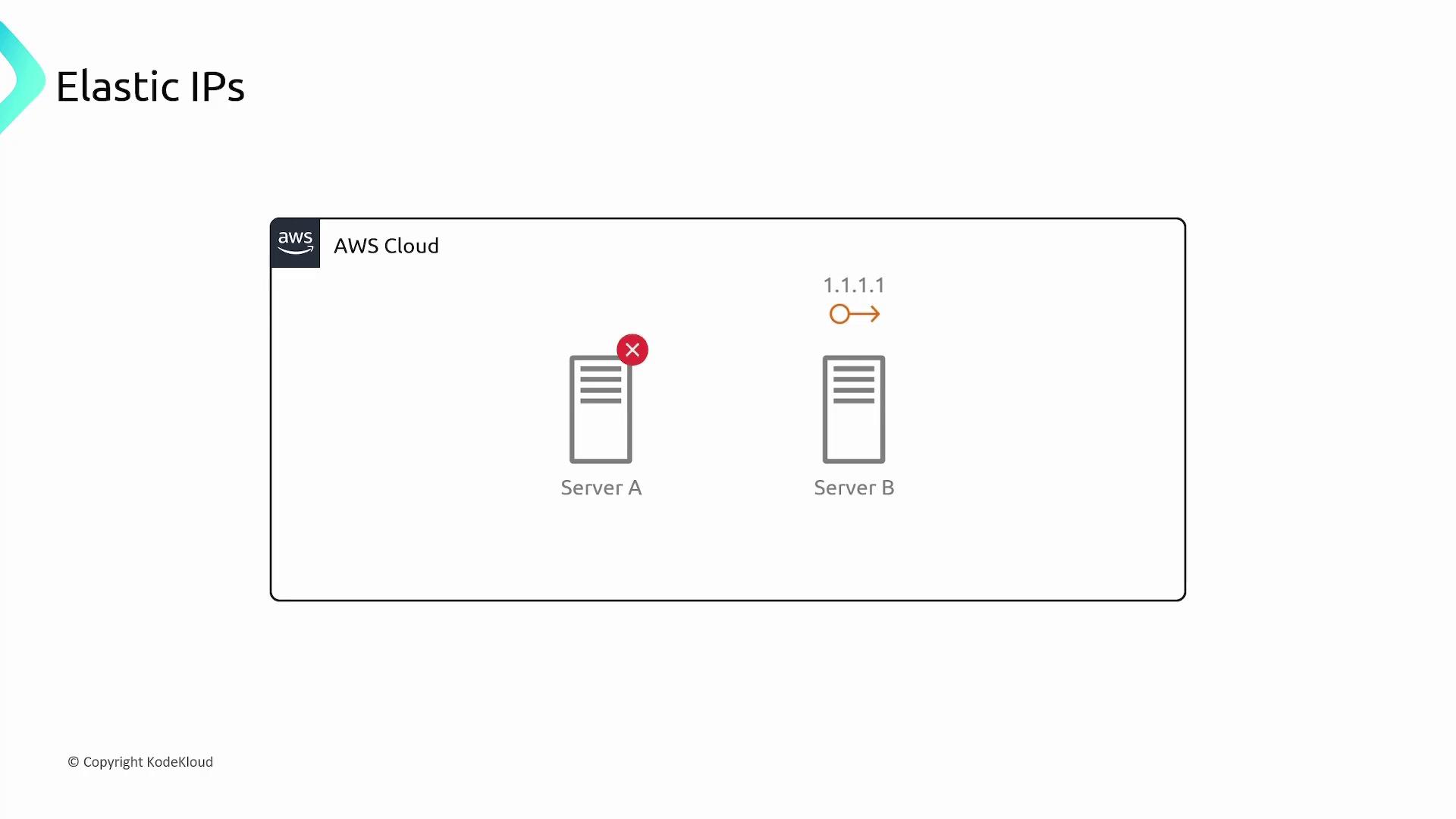
A static Elastic IP remains constant, ensuring that even if your EC2 instance is rebooted or relocated to a different physical server, the IP address stays the same.
What Are Elastic IPs?
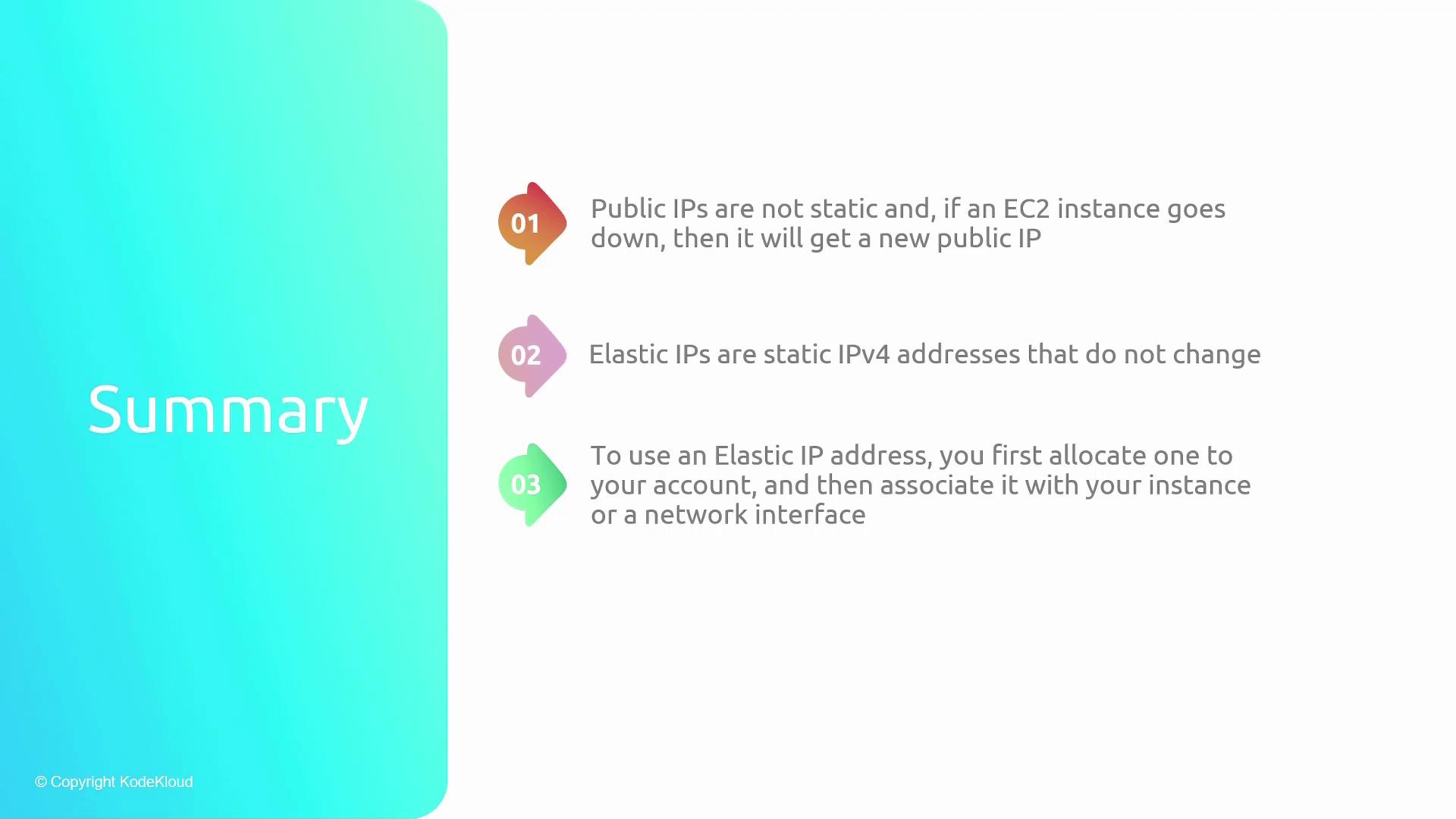
Elastic IP addresses are static IPv4 addresses allocated to your AWS account. Once allocated, the address is reserved exclusively for your use and cannot be allocated to others. You can then associate an Elastic IP with an EC2 instance so that it keeps the same IP address, regardless of reboots or host migration.Key Benefits
- Consistent Connectivity: End users always connect to the same IP, improving reliability.
- Flexibility in Maintenance: You can easily reassign the Elastic IP from one server to another during scheduled maintenance or unexpected server issues.
Pricing Structure
Elastic IPs assigned to a running instance incur no additional cost. However, additional considerations include:- Associating extra Elastic IPs with an instance.
- Reserving an Elastic IP without associating it.
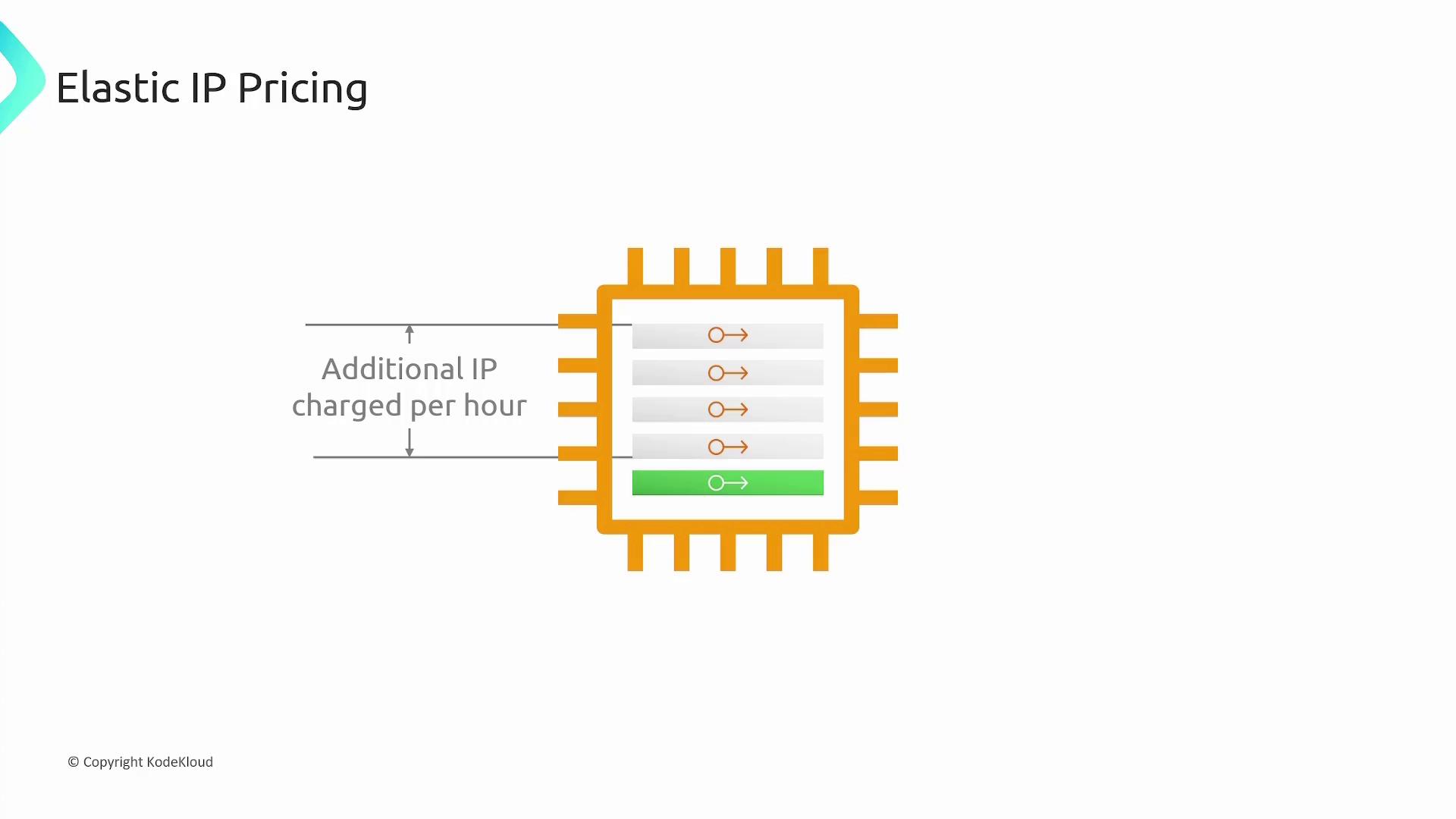
Ensure you manage and monitor your Elastic IP usage to avoid unexpected charges, especially for unused or extra reserved IPs.
Regional Specificity and IP Origins
Elastic IPs are tied to specific AWS regions and cannot be transferred across regions. They can be associated only with EC2 instances within the same region. Additionally, these IP addresses are sourced either from AWS’s pool of IPv4 addresses or from a custom pool you bring to your account. The infographic below reinforces these points: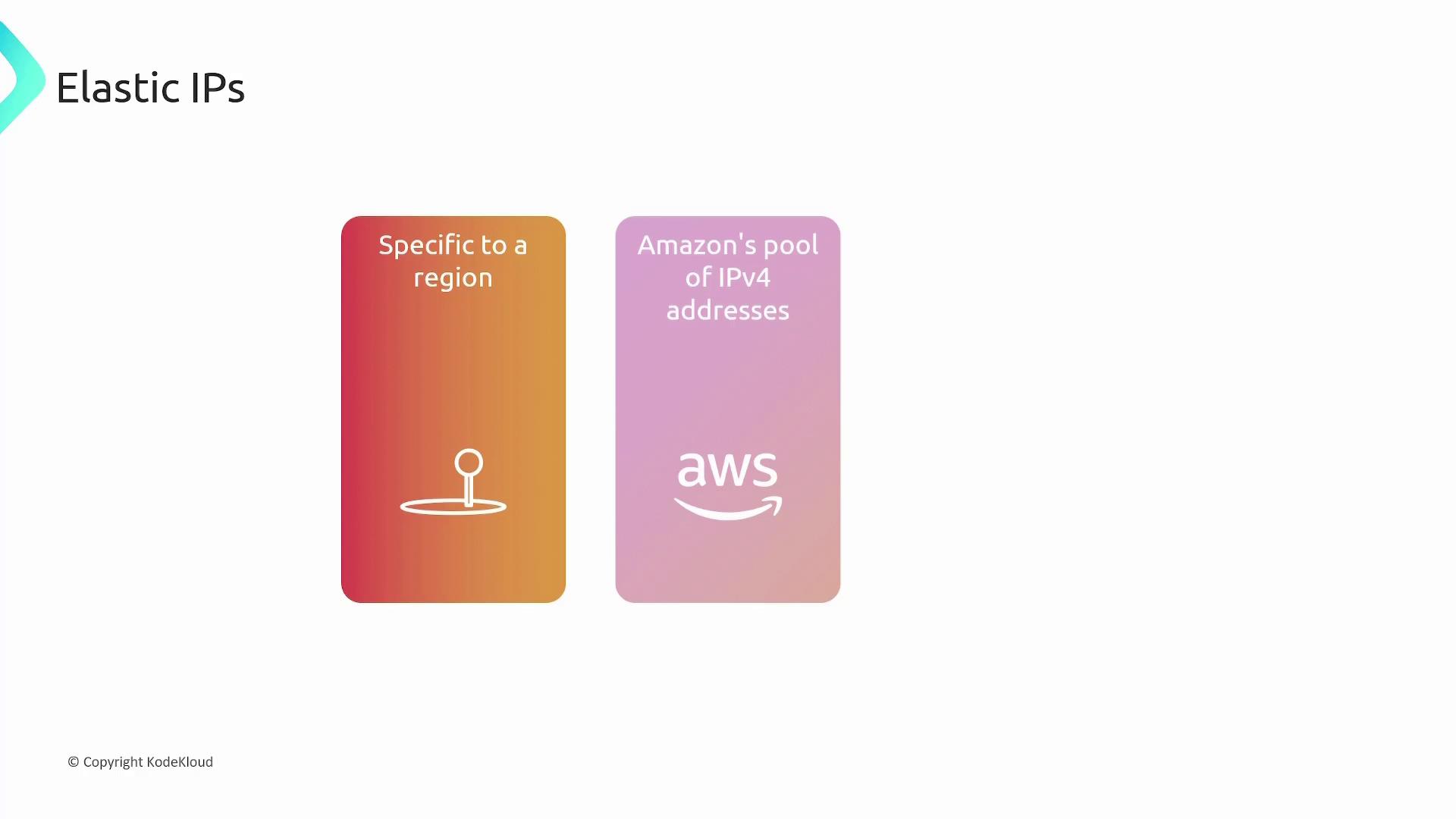
How to Use an Elastic IP
To take advantage of Elastic IPs:- Allocate an Elastic IP to your AWS account.
- Associate the allocated IP with your EC2 instance or network interface.