

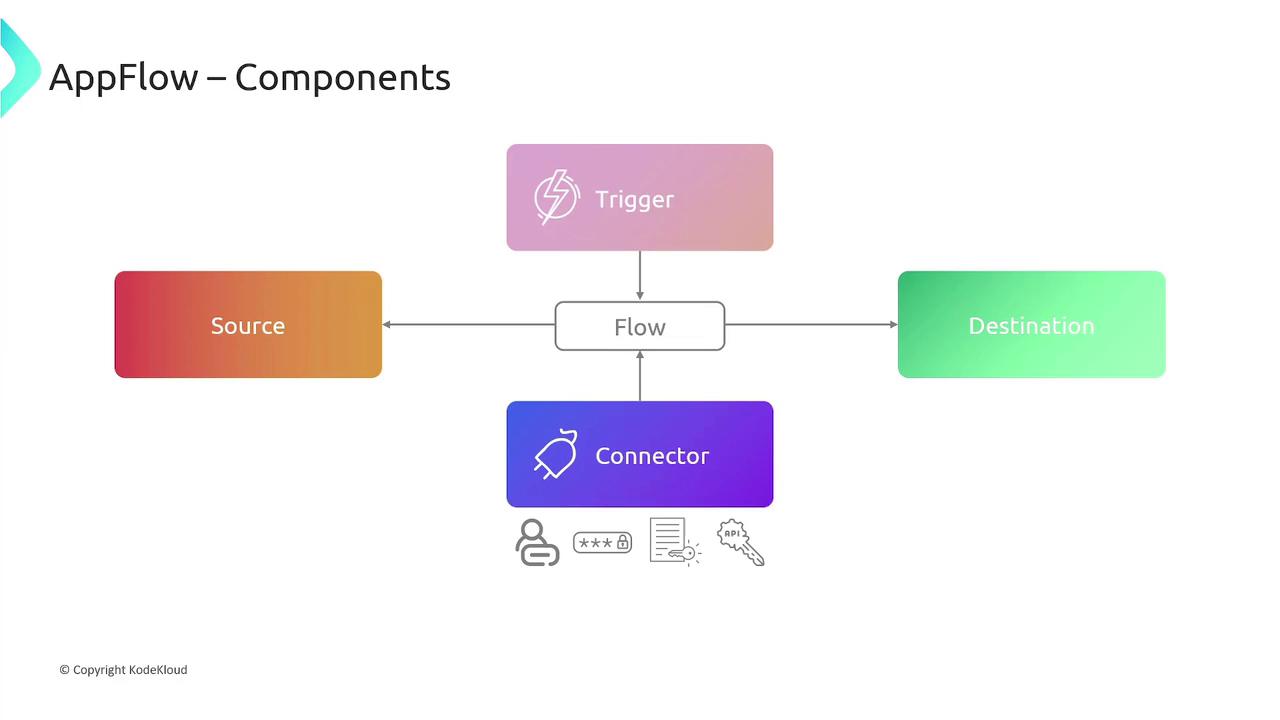
Components of Amazon AppFlow
The key components of AppFlow include:-
Connectors
Connectors establish secure connections between source and destination applications. They securely store configuration parameters, credentials, API keys, and other sensitive information required for communication. -
Flows
A flow defines the data transfer process between a source and a destination. You can map source fields to destination fields and apply filtering criteria to extract only the relevant records. -
Triggers
Triggers specify when a flow should run. AppFlow supports three trigger types:- Run on demand: Initiated manually by the user.
- Run on an event: Automatically triggered by an event from a SaaS application.
- Run on a schedule: Configured to execute on a recurring basis (for example, monthly, weekly, or yearly).
Features and Benefits
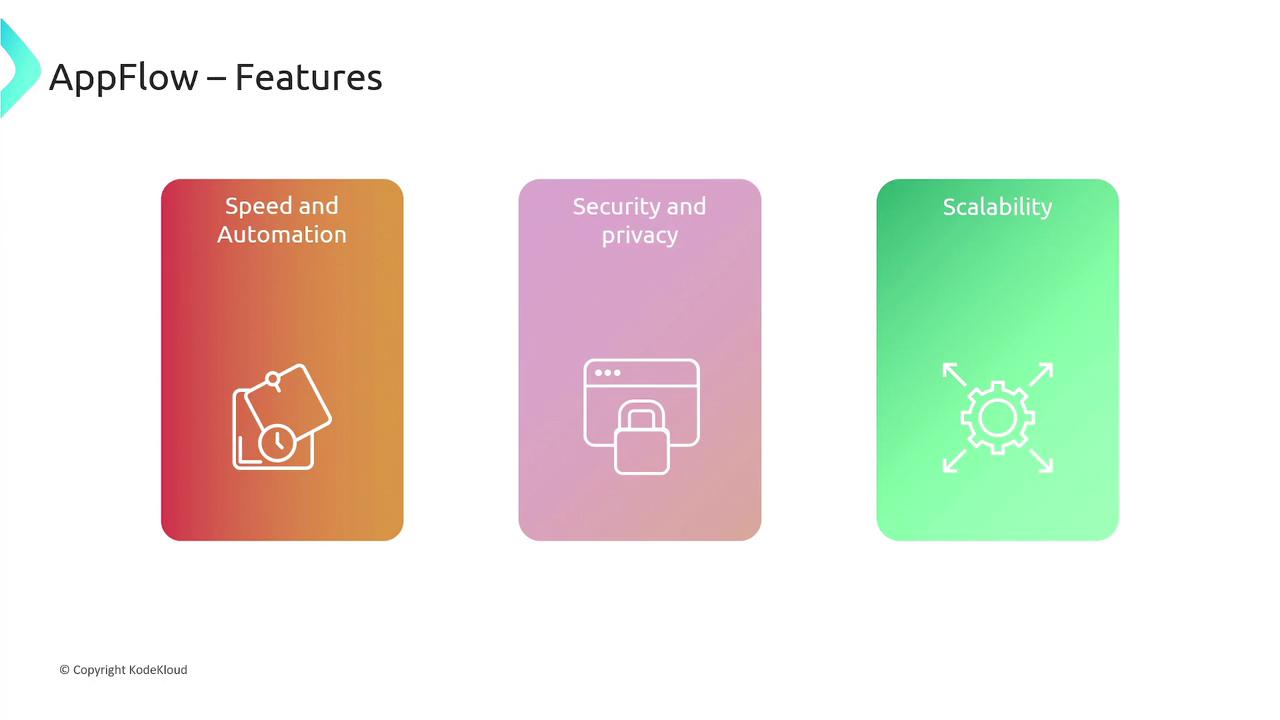
Amazon AppFlow offers numerous advantages, ensuring a robust and efficient data integration solution:-
Speed and Automation:
AppFlow enables rapid integration within minutes—eliminating the need for custom code development. With built-in support for data pagination, error logging, network management, and auto-retries, it minimizes manual intervention and accelerates deployment. -
Data Quality Management:
Data integrity is maintained through built-in mechanisms for data masking, mapping, merging, filtering, and validation, ensuring high-quality data flow between systems. -
Security and Privacy:
All data transferred via AppFlow is encrypted both in transit and at rest. You can choose between AWS-managed keys or bring your own encryption keys. Additionally, AppFlow enforces fine-grained permissions using existing identity and access management policies, and when integrated with AWS PrivateLink, it ensures data security by avoiding public internet exposure. -
Scalability:
Designed to automatically scale, AppFlow handles large volumes of data effortlessly. It can process millions of records within a single flow while AWS manages the underlying infrastructure seamlessly.
For more information on AWS security best practices, refer to the AWS Security Documentation.
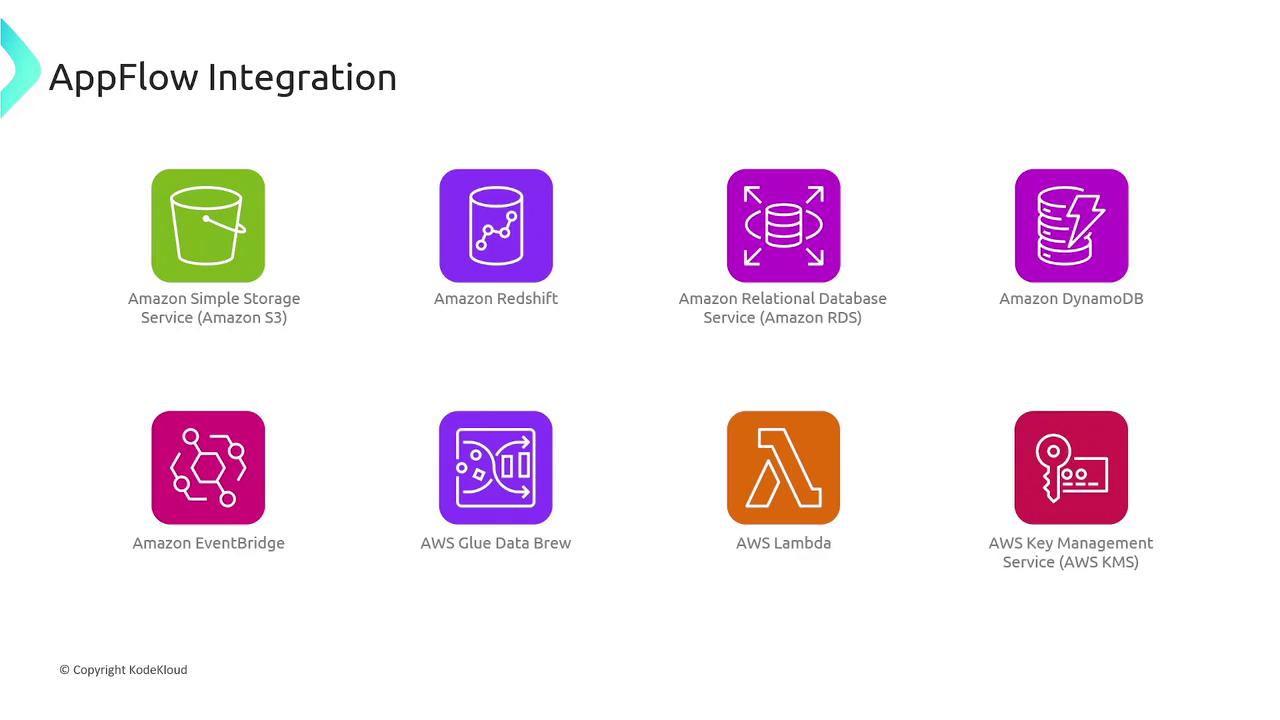
AWS Service Integration
Amazon AppFlow integrates with a wide range of AWS services, including:- Amazon S3
- Amazon Redshift
- Amazon RDS
- Amazon DynamoDB
- Amazon EventBridge
- AWS Glue DataBrew
- AWS Lambda
- AWS KMS
Real-World Use Cases
Amazon AppFlow is a powerful solution for a variety of data integration scenarios:-
Salesforce to Amazon Redshift:
Configure a flow that triggers on new Salesforce records, processes the data—for example, calculating sales potential—and transfers the updated records to an Amazon Redshift table. -
Analyzing Slack Conversations:
Set up a scheduled flow to extract conversation data from a Slack channel and transfer it to destinations like Amazon Redshift, Snowflake, or Amazon S3 for in-depth analysis. -
Zendesk Ticket Integration:
Create a manually triggered flow to transfer Zendesk ticket data, filtered by common case numbers, to storage and analysis destinations such as Amazon Redshift, Snowflake, or Amazon S3. -
Aggregating Data Across Multiple Applications:
Develop a scheduled flow that aggregates data from multiple sources such as Salesforce, Marketo, ServiceNow, and Zendesk, enabling the transfer of up to 100 gigabytes per flow to Amazon S3 with minimal latency.
For additional integration patterns and best practices, check out the Amazon AppFlow Documentation.