
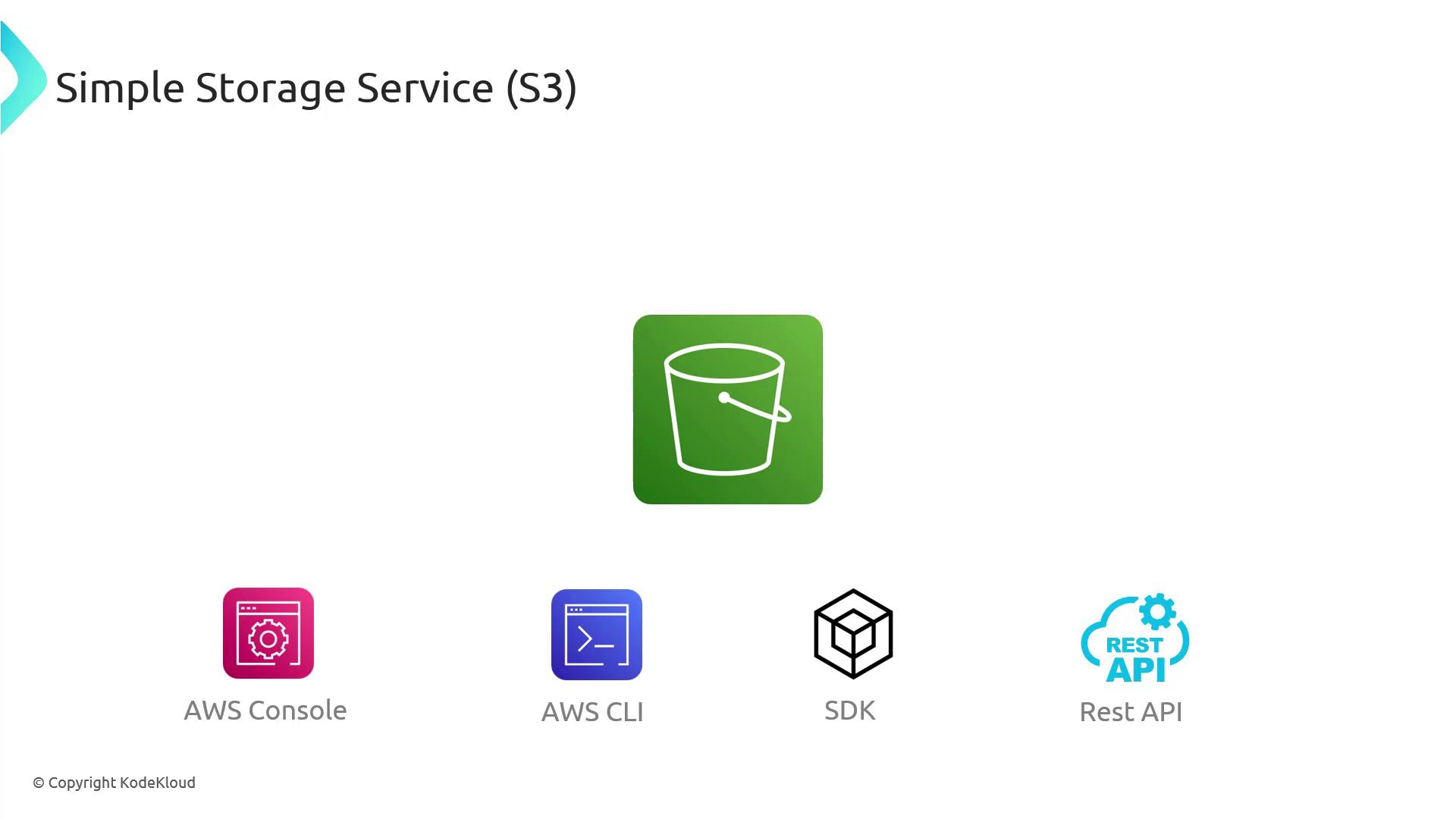

Common Use Cases for S3
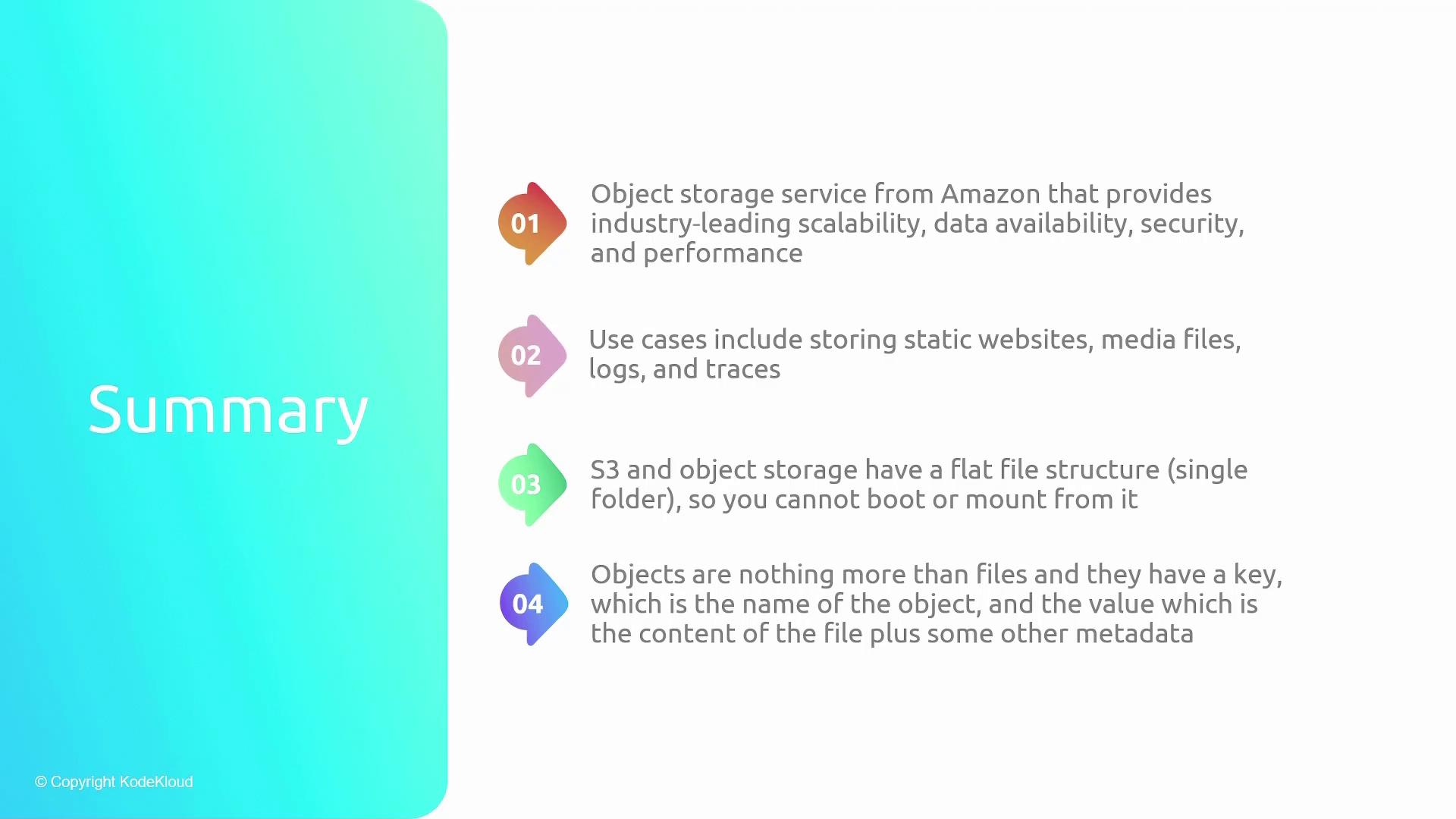
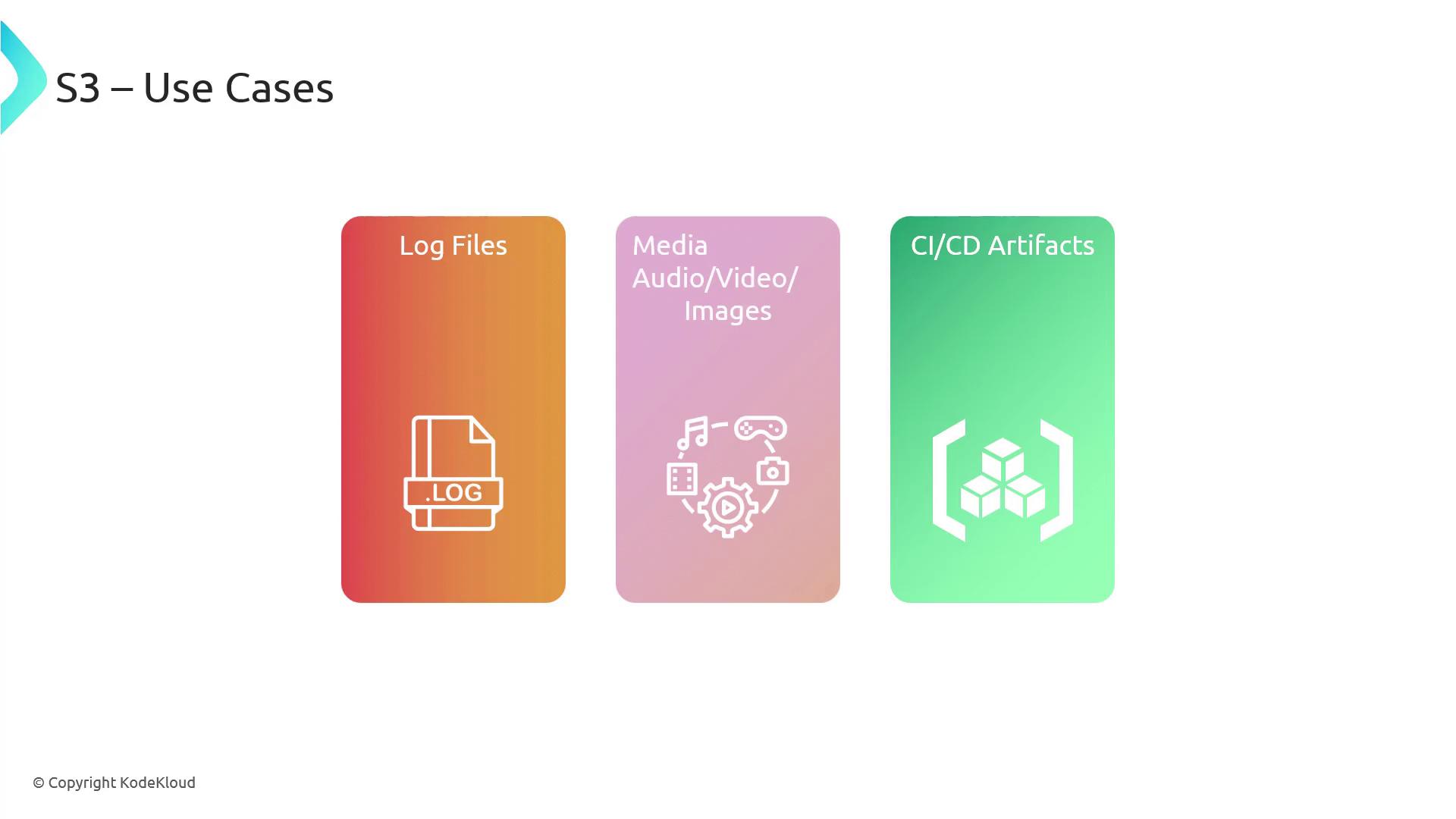
S3 is ideal for storing:- Application log files
- Media assets such as images, videos, and audio files
- Artifacts generated from CI/CD pipelines
S3’s versatility makes it suitable for a broad range of deployment architectures beyond the typical use cases mentioned above.
S3 in a Web Application Deployment
Consider a traditional web application hosting scenario where a web server stores HTML, CSS, JavaScript, and media files. For media-intensive sites such as YouTube or Netflix, storing all assets on the same server can become inefficient and costly. A common deployment strategy with S3 involves:- Hosting HTML, CSS, and JavaScript files on the web server.
- Storing media files (videos, images, audio) in an S3 bucket.
- Embedding URLs in the HTML that point directly to media stored in S3.
- Offloading media requests to S3, which ensures efficient, scalable, and cost-effective delivery of large data volumes.

Key Terminology and Concepts
Buckets
Buckets are the containers in S3 where objects (files) are stored. Think of a bucket as a folder that groups related files. You can create multiple buckets to organize data by application, use case, or data type (e.g., one for logs and another for media).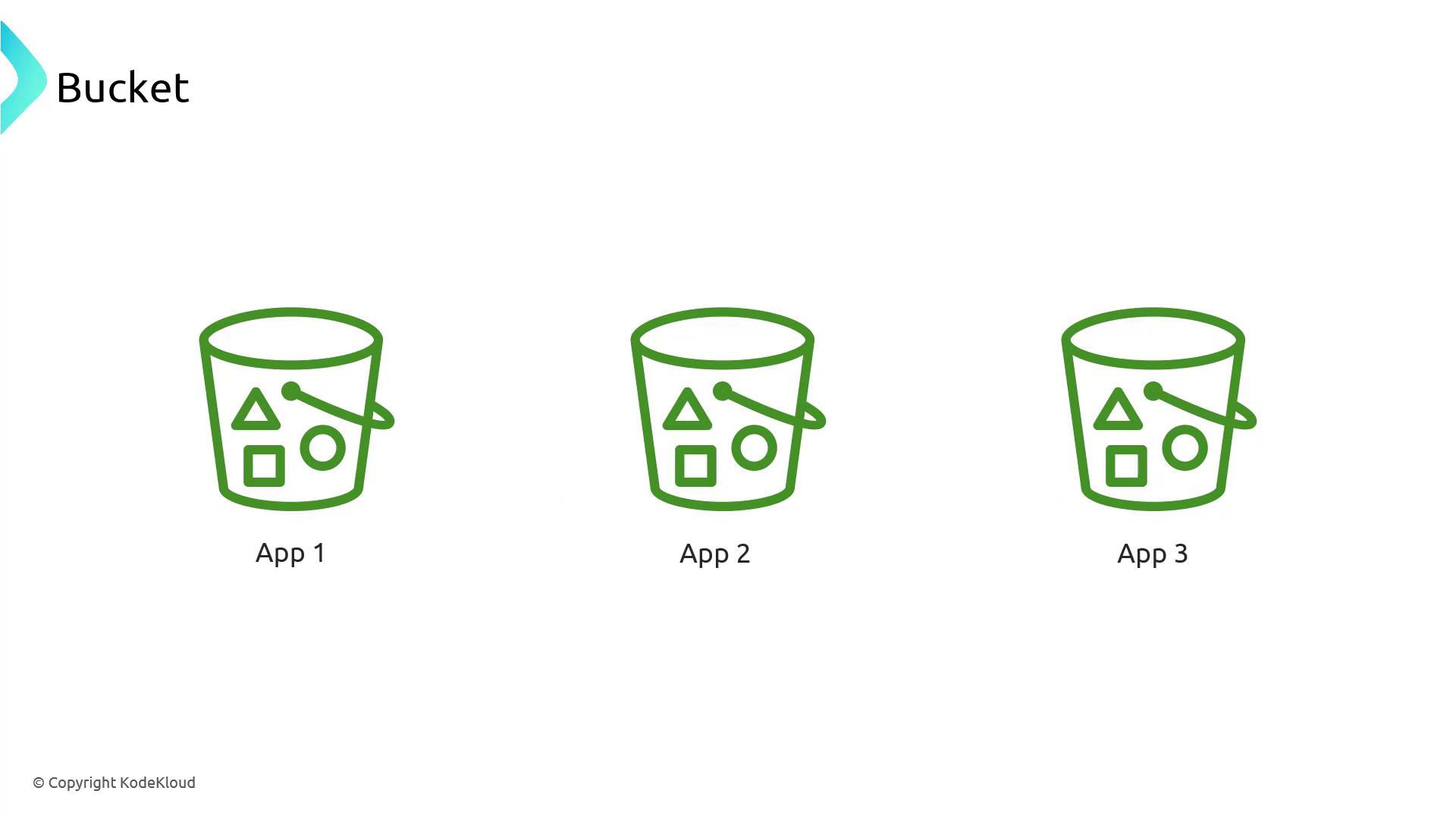
Objects
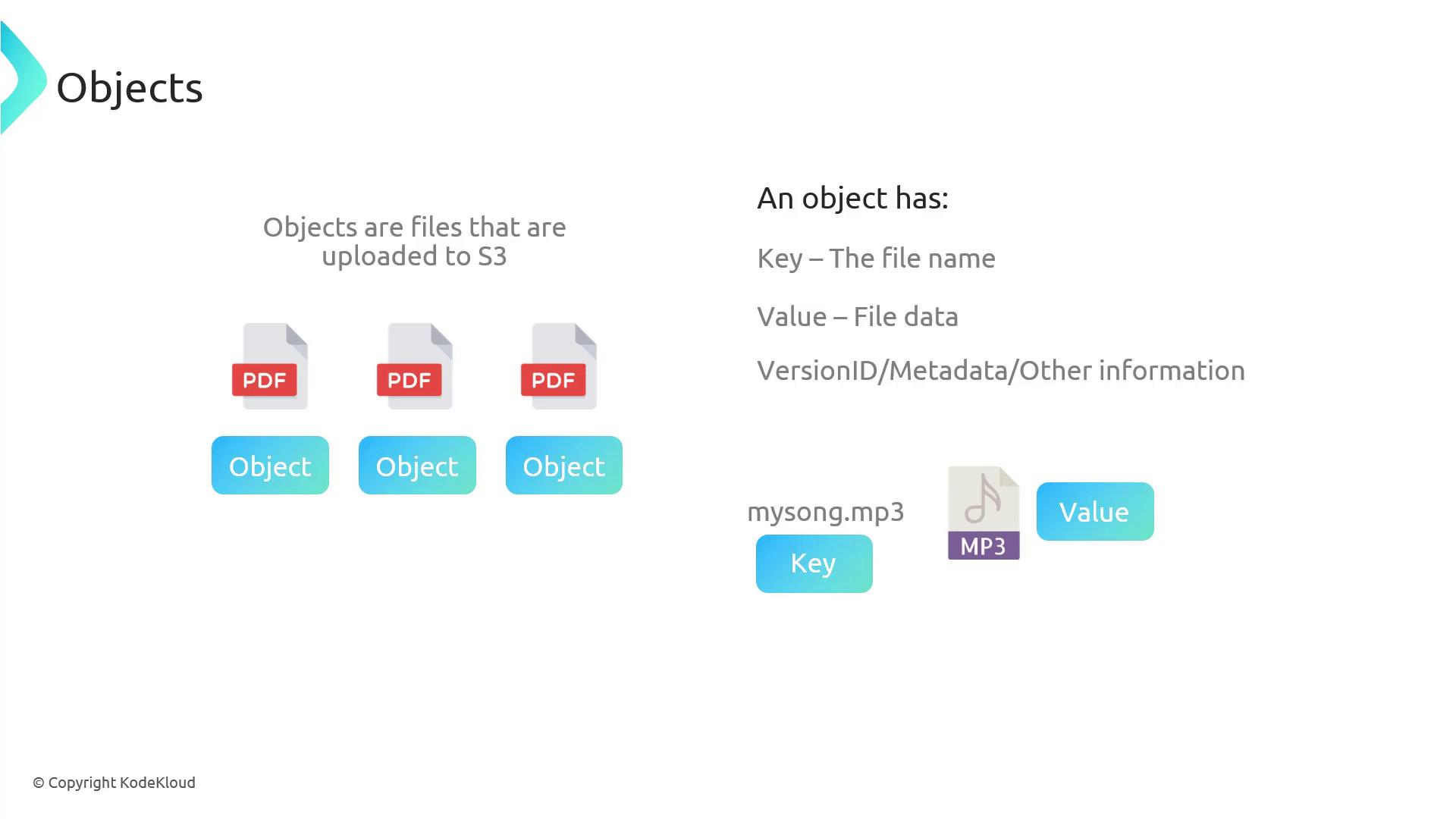
An object in S3 consists of the file data and its metadata. Each object includes:- A key: a unique name for the file.
- A value: the actual data of the file.
- Additional properties such as version ID and metadata (if versioning is enabled).
Flat File Structure
S3 utilizes a flat file structure, meaning there is no inherent concept of nested directories. While the AWS console may visually display folder-like groupings using prefixes, the underlying storage remains flat. For example, uploading files with keys like “music/song_one”, “music/song_two”, and “music/song_three” creates the illusion of a “music” folder.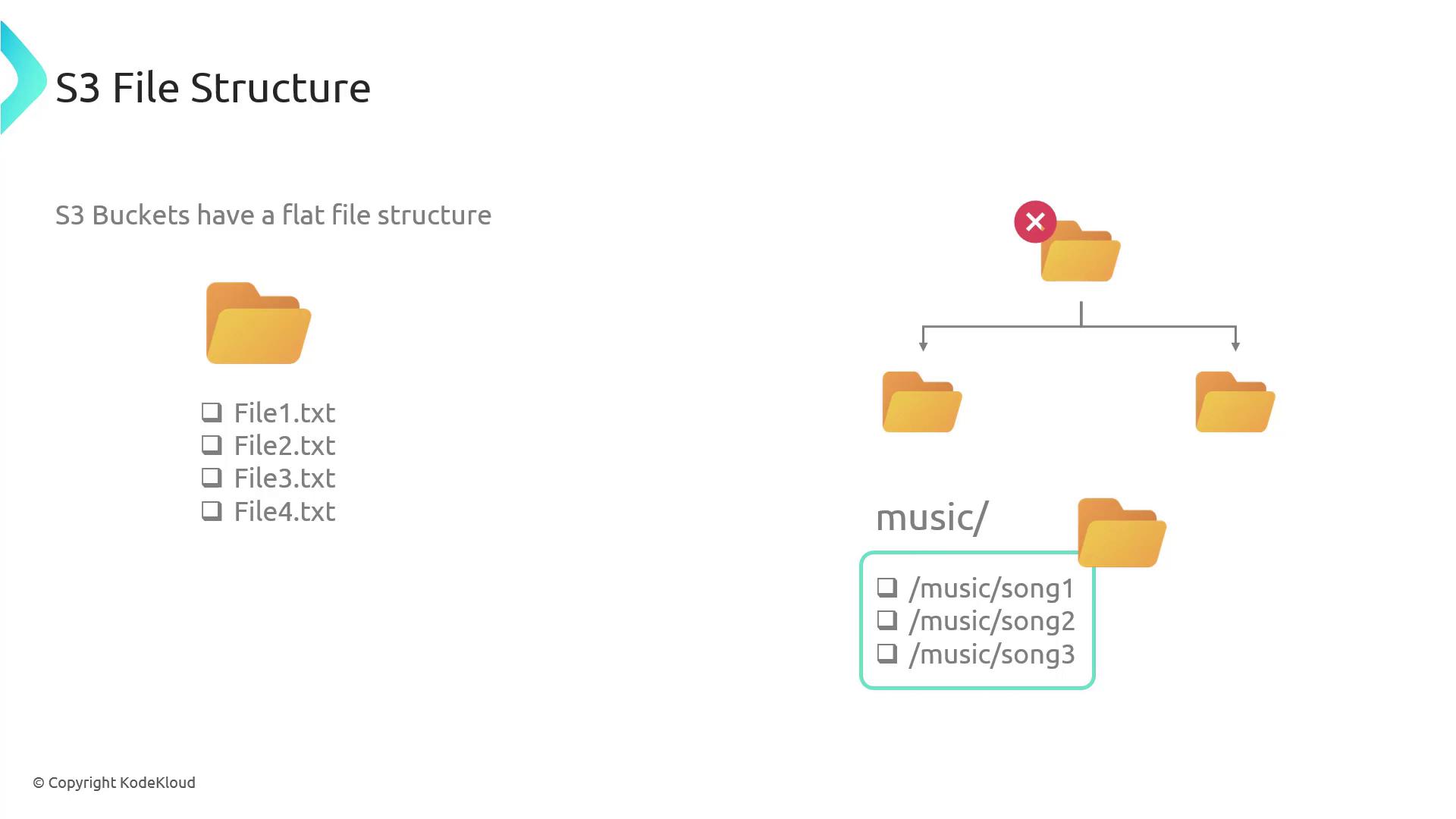
Data Durability and Availability
When you upload a file to S3, AWS replicates it across multiple servers and availability zones. This replication ensures high durability and availability, protecting your data even if a server or entire availability zone fails.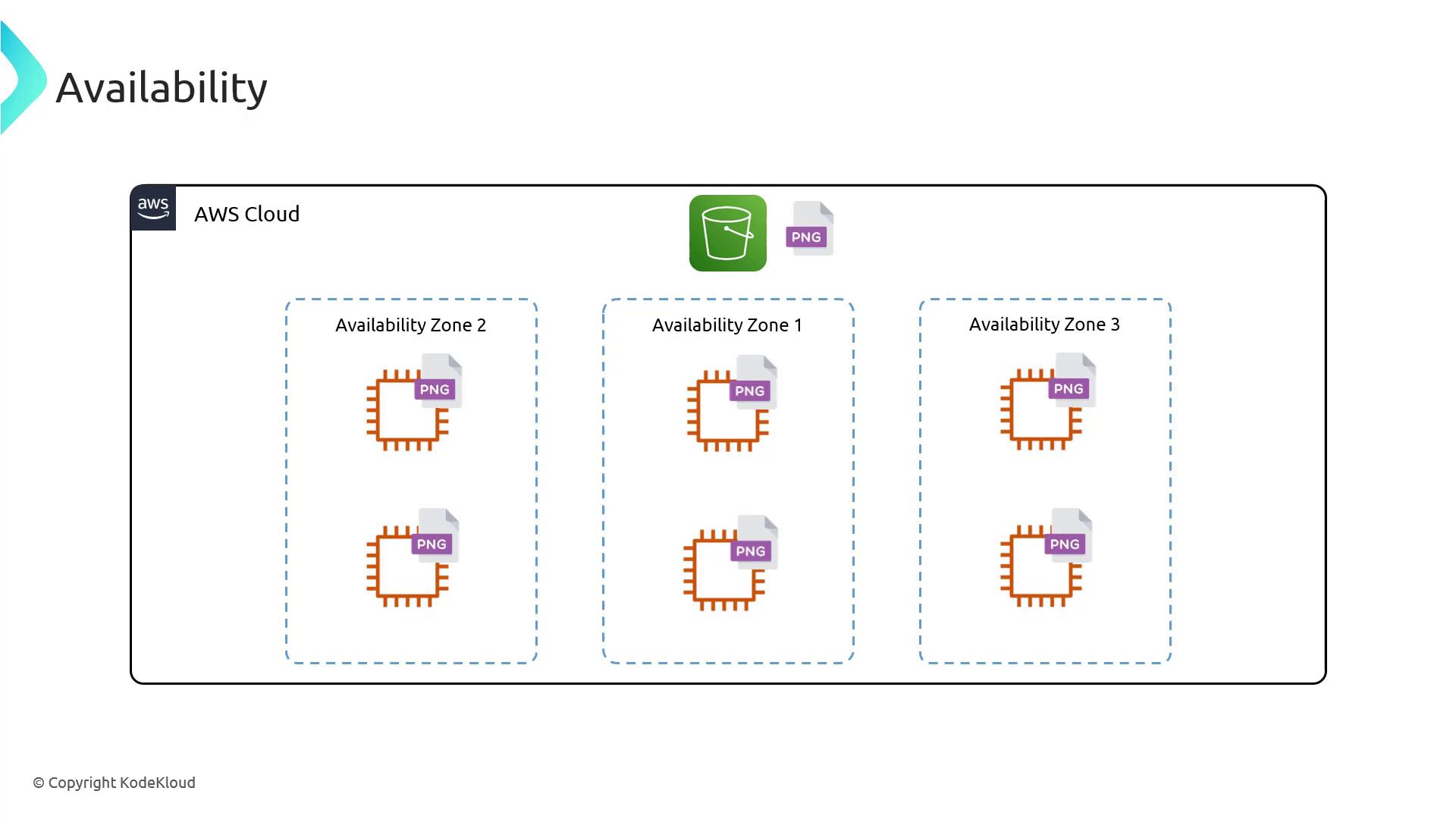
Unique Bucket Names
Each S3 bucket must have a globally unique name across all AWS accounts. This name is part of the bucket’s URL. If the chosen name is already in use, you must select a different one.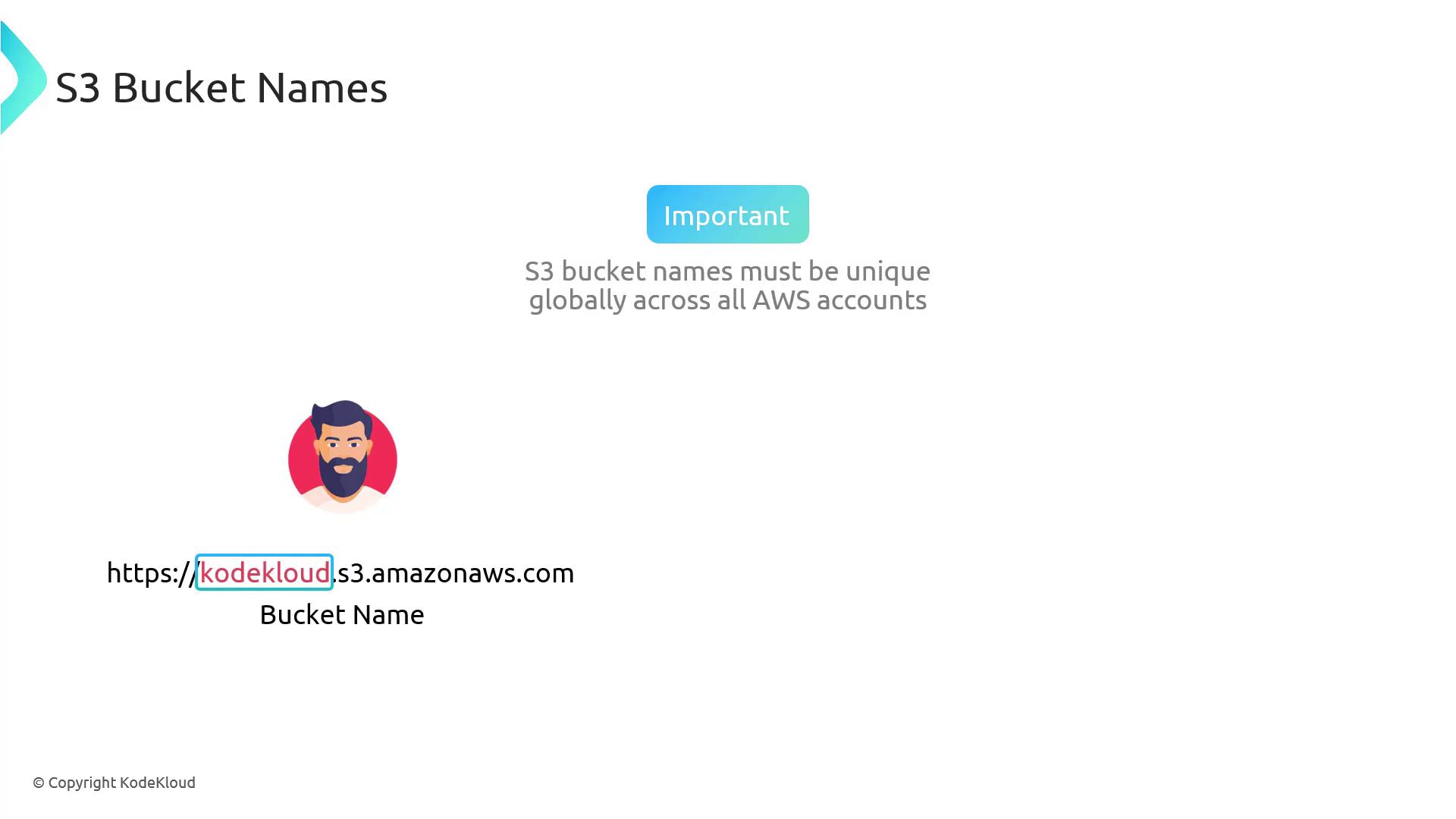
S3 Restrictions
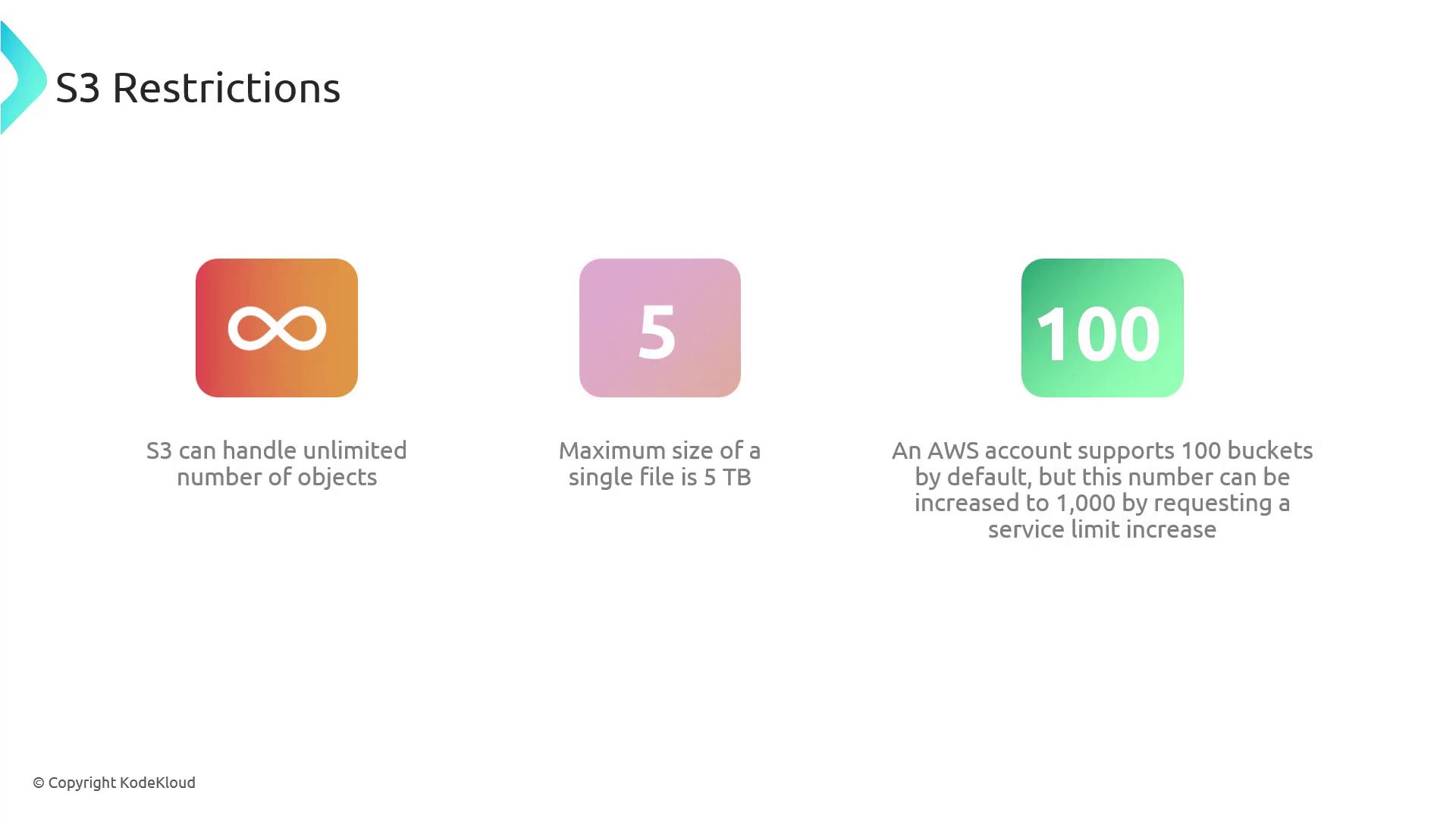
When using S3, keep the following restrictions in mind:- S3 can store an unlimited number of objects.
- The maximum size for a single object is 5 terabytes.
- By default, each AWS account can create up to 100 buckets. This limit can be increased up to 1,000 by requesting a service limit increase.
Always ensure that your bucket names are unique and comply with AWS naming conventions to avoid conflicts during deployment.
Conclusion
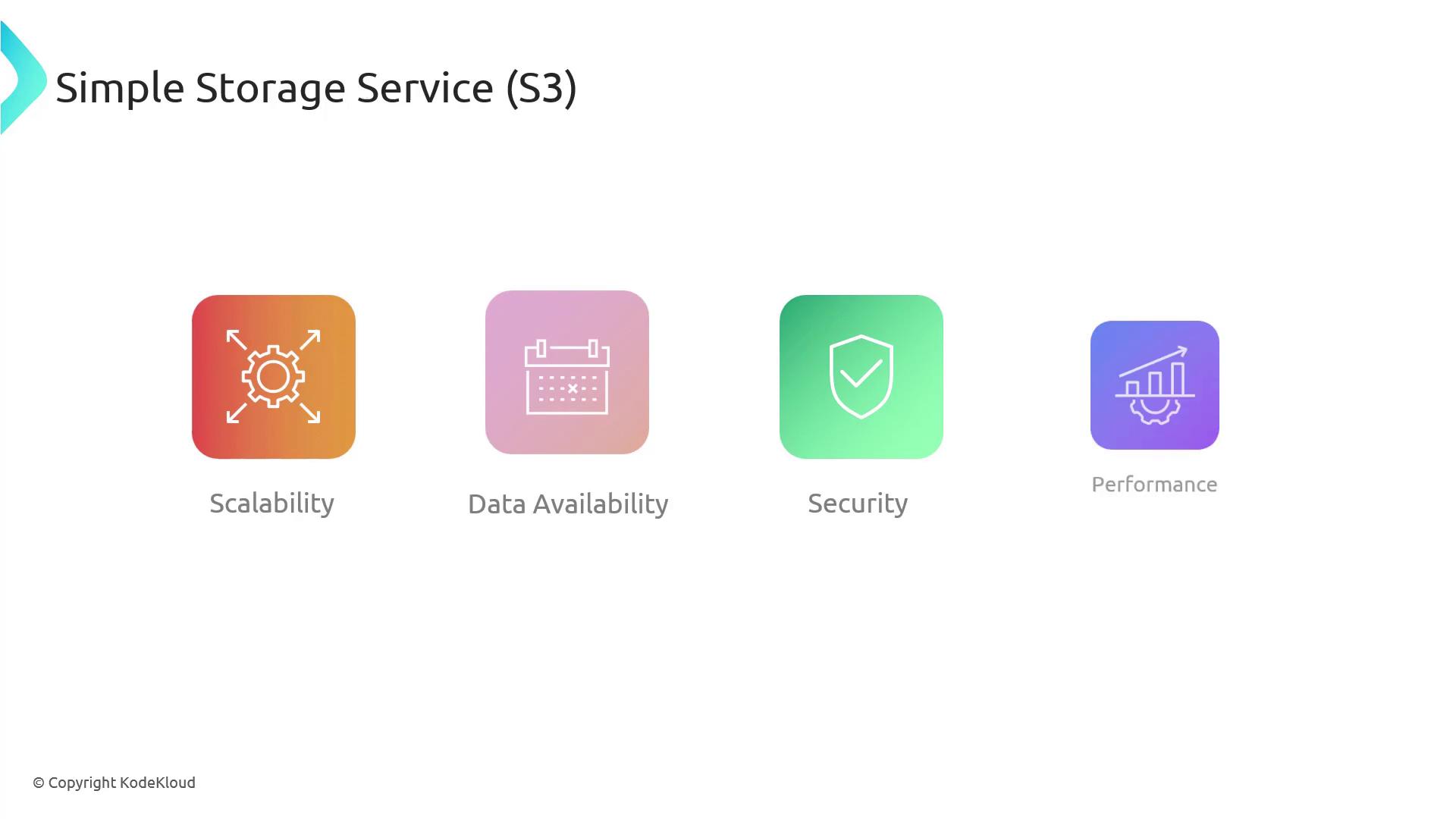
S3 offers unmatched scalability, data availability, security, and performance as an object storage service. Its design is ideal for use cases such as storing media files, log files, CI/CD artifacts, and hosting static websites. Remember, S3 employs a flat file structure where files are stored as objects with keys, values, and optional metadata rather than through traditional directories.