How AWS Compute Optimizer Works
AWS Compute Optimizer performs resource analysis in three key steps:-
Resource Analysis
It begins by evaluating the utilization and performance of your compute resources. By analyzing multiple metrics and usage patterns, the service identifies whether resources are over-provisioned, under-provisioned, or already optimized. -
Recommendations
Based on the analysis, Compute Optimizer provides tailored recommendations. For example, it might suggest resizing an Amazon EC2 instance or adjusting other configurations to better align with your workload requirements—helping you eliminate unnecessary costs and enhance overall performance. -
Implementation
After reviewing the recommendations, you can make the necessary adjustments to your compute resources. This may involve transitioning to a more cost-effective instance type or modifying resource configurations to optimally support your applications.
AWS Compute Optimizer not only identifies inefficiencies in your compute resources but also provides actionable insights, empowering you to optimize performance and reduce costs.
Benefits of AWS Compute Optimizer
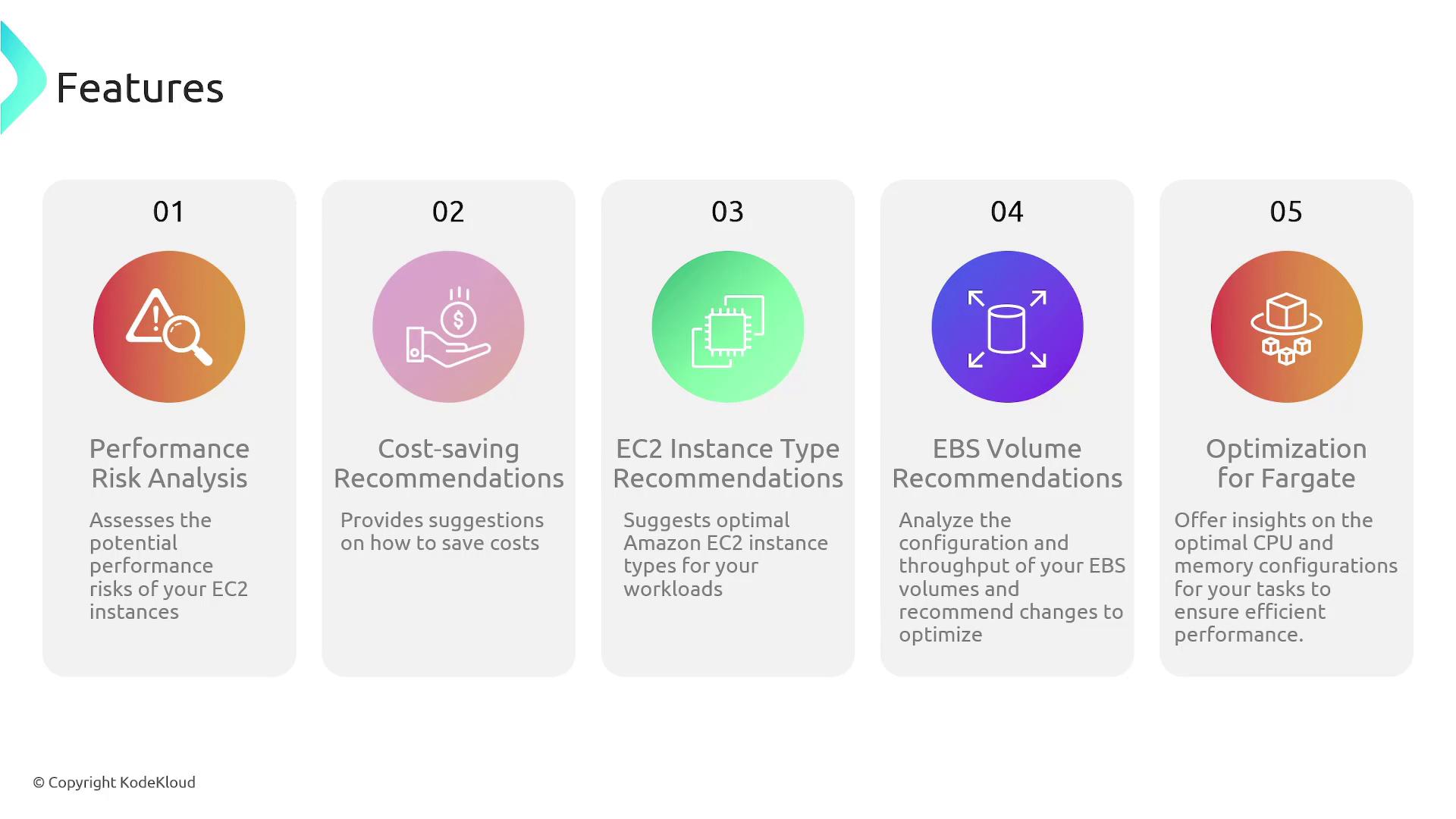
The primary advantages of using AWS Compute Optimizer include:- Performance Risk Analysis: Identifies under-provisioned Amazon EC2 instances and suggests larger instance sizes when needed.
- Cost-Saving Recommendations: Offers guidance on selecting smaller, more cost-effective EC2 instances when current resources are oversized relative to workload demands.
- Tailored Instance Recommendations: Provides optimal instance type suggestions that match your specific application requirements.
- EBS Optimization: Analyzes EBS volume configurations and throughput to suggest potential improvements.
- Fargate Task Analysis: Delivers insights on CPU and memory configurations for AWS ECS tasks running on Fargate, ensuring efficient performance.
Cloud Optimization Features
The image below illustrates the five key features associated with cloud optimization using AWS Compute Optimizer: