What is the IAM Policy Simulator?
The IAM Policy Simulator is a testing tool that simulates policy modifications to show you the resulting permissions. When you update a policy that applies to AWS resources, the simulator displays the exact access rights granted—without making any actual live calls to AWS.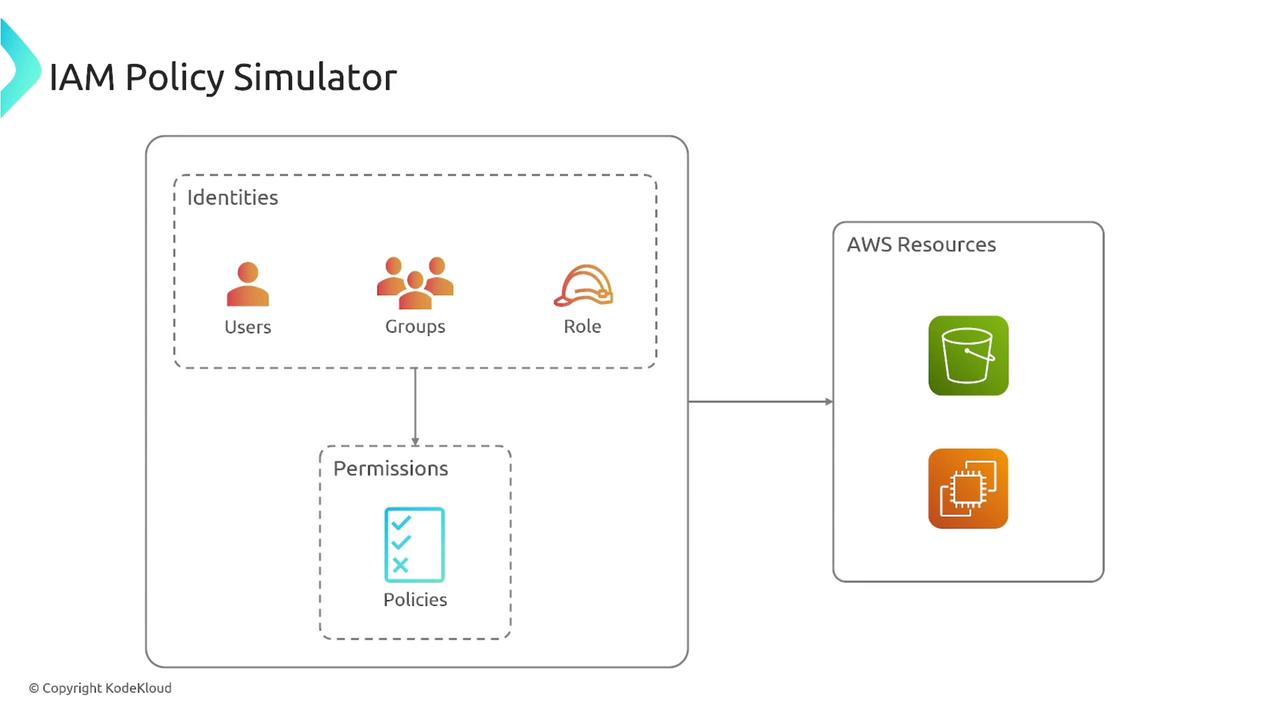
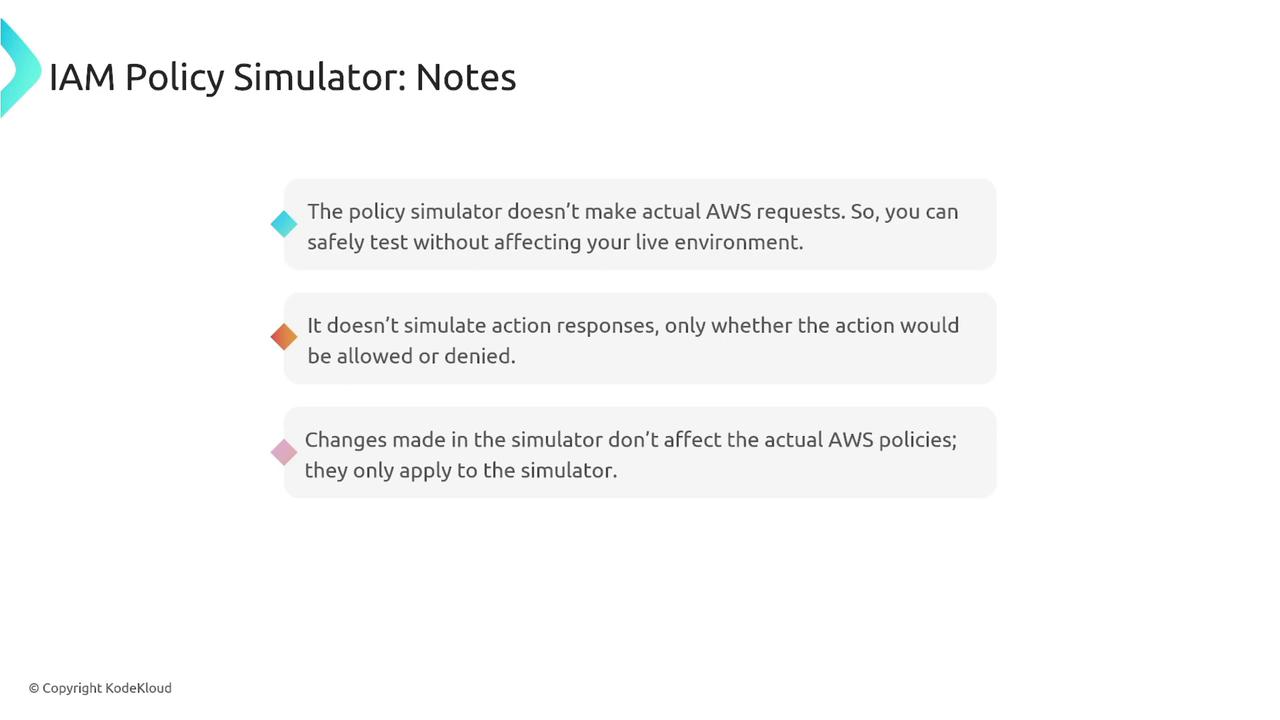
The IAM Policy Simulator does not perform live AWS requests. It simulates the evaluation of policies, meaning that any changes made in the simulator will not impact your actual AWS configurations.
Important: Service Control Policies (SCPs) with conditions can only simulate allow or deny outcomes without fully mimicking condition restrictions.
Key Features of the IAM Policy Simulator
The simulator evaluates multiple identity-based policies, permission boundaries, and resource-based policy effects. It also analyzes the impact of SCPs during permission evaluation. The tool allows you to test specific services, actions, resources, and context keys (such as IP address or date) to accurately model a variety of conditions.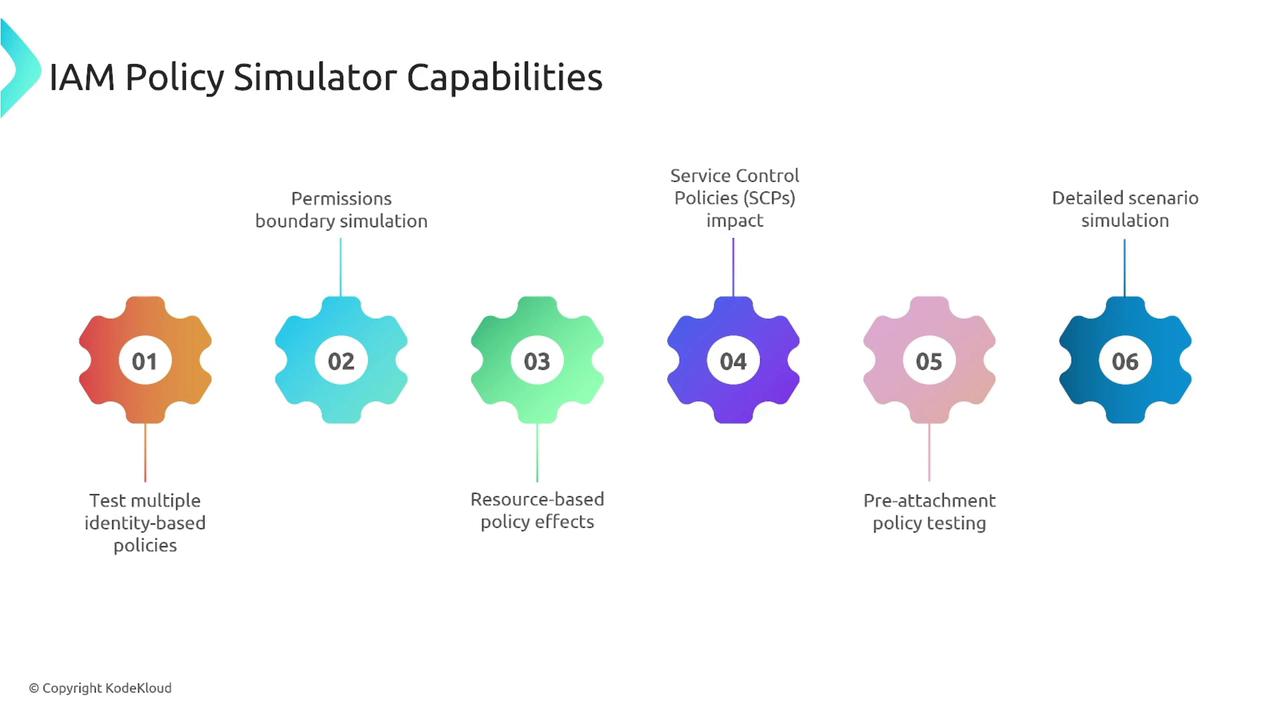
How to Use the IAM Policy Simulator
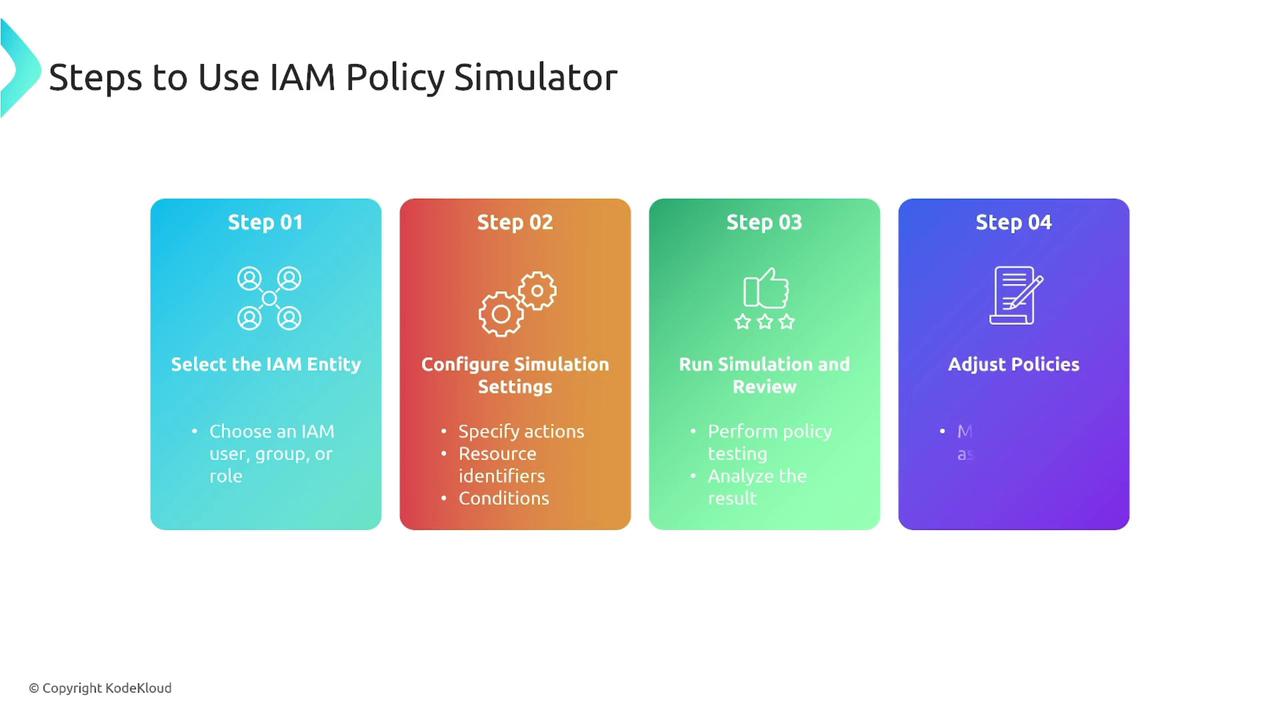
Follow these steps to quickly evaluate your IAM policies using the simulator:- Select an IAM Entity: Choose the user, group, or role you want to test.
- Configure Simulation Settings: Specify the actions, resources, and conditions (IAM-level conditions, not SCP-level) to be evaluated.
- Run the Simulation: Execute the simulation to review the access permissions.
- Review and Adjust: Analyze the results and update your policies as needed.
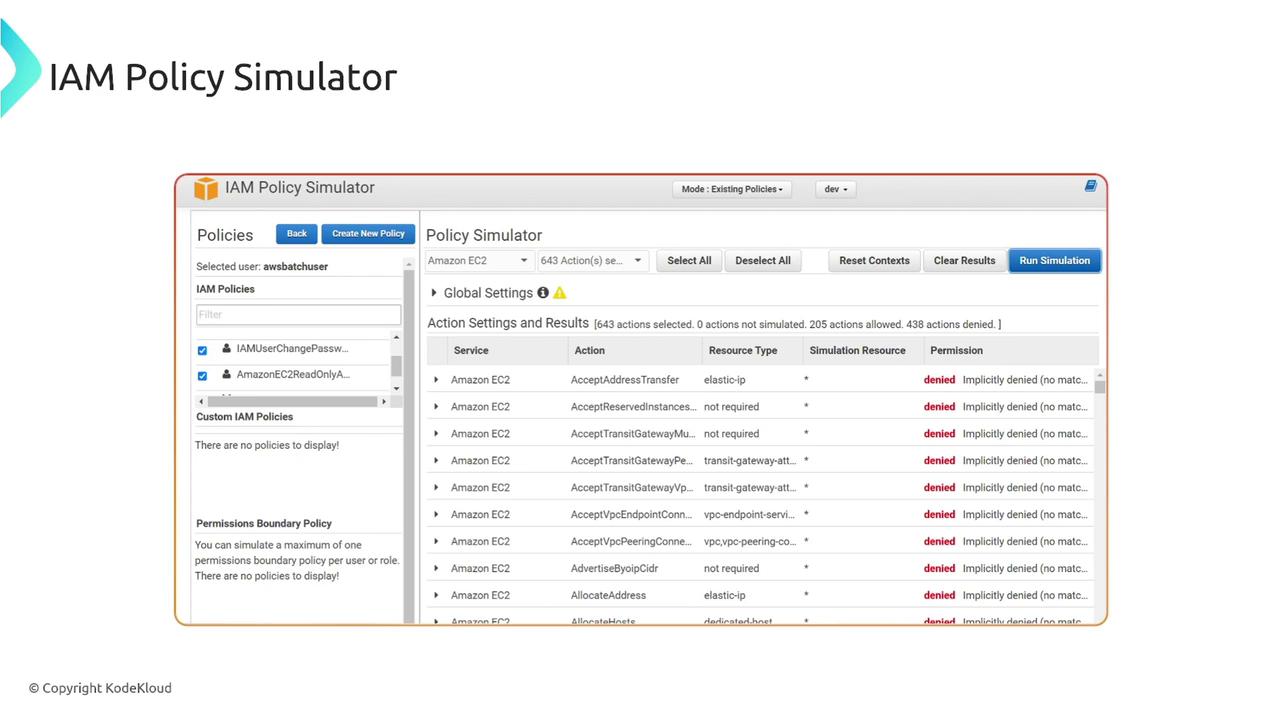
To use the IAM Policy Simulator, go to policysim.aws.amazon.com and sign in with your AWS console credentials. The interface will display the selected user’s active policies and their corresponding access permissions.
Benefits of Using the IAM Policy Simulator
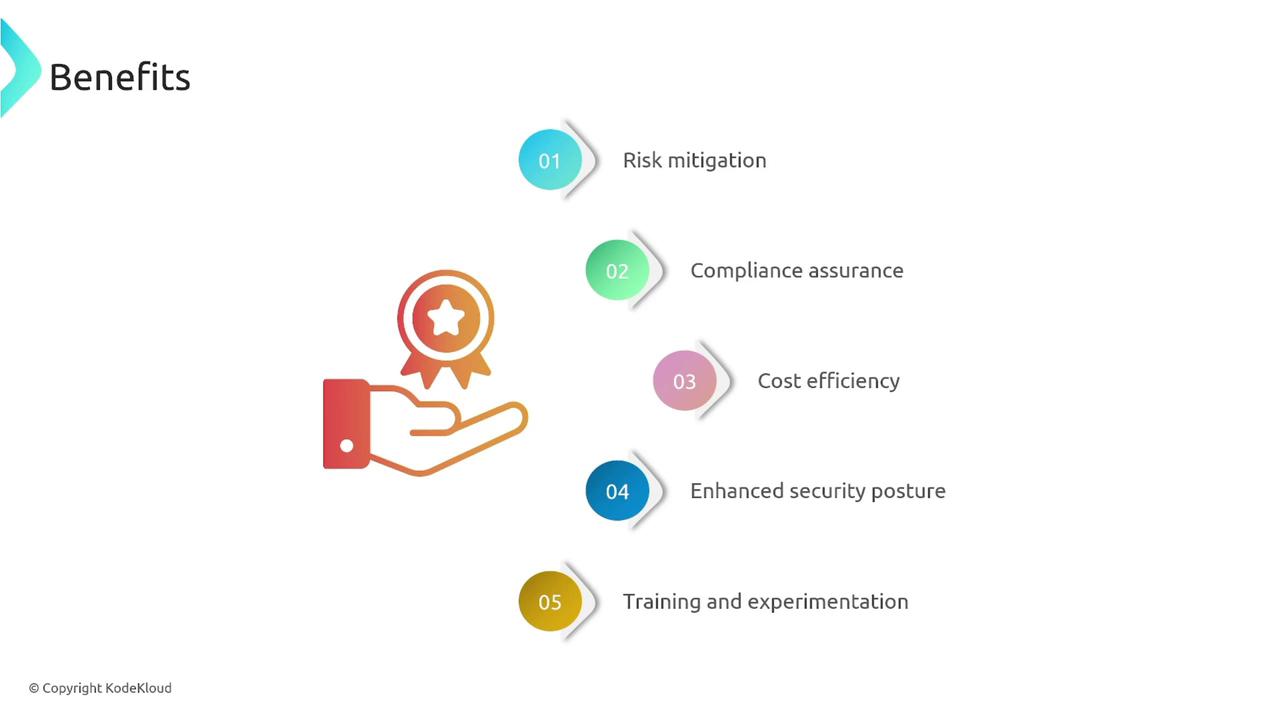
Using the IAM Policy Simulator offers multiple advantages:| Benefit | Description |
|---|---|
| Risk Mitigation | Validate policy changes without affecting your live environment, reducing potential risks. |
| Compliance Assurance | Ensure that permissions conform to your organization’s security standards. |
| Cost Efficiency | Avoid unintended operational costs by testing policies before deployment. |
| Enhanced Security Posture | Strengthen your security by identifying and correcting unintended permissions. |
| Training and Experimentation | Utilize a safe environment for experimenting and learning about IAM policies. |