

Creating the Dashboard
Begin by navigating to the CloudWatch service and clicking on “Dashboards.” Here you will see a list of existing dashboards: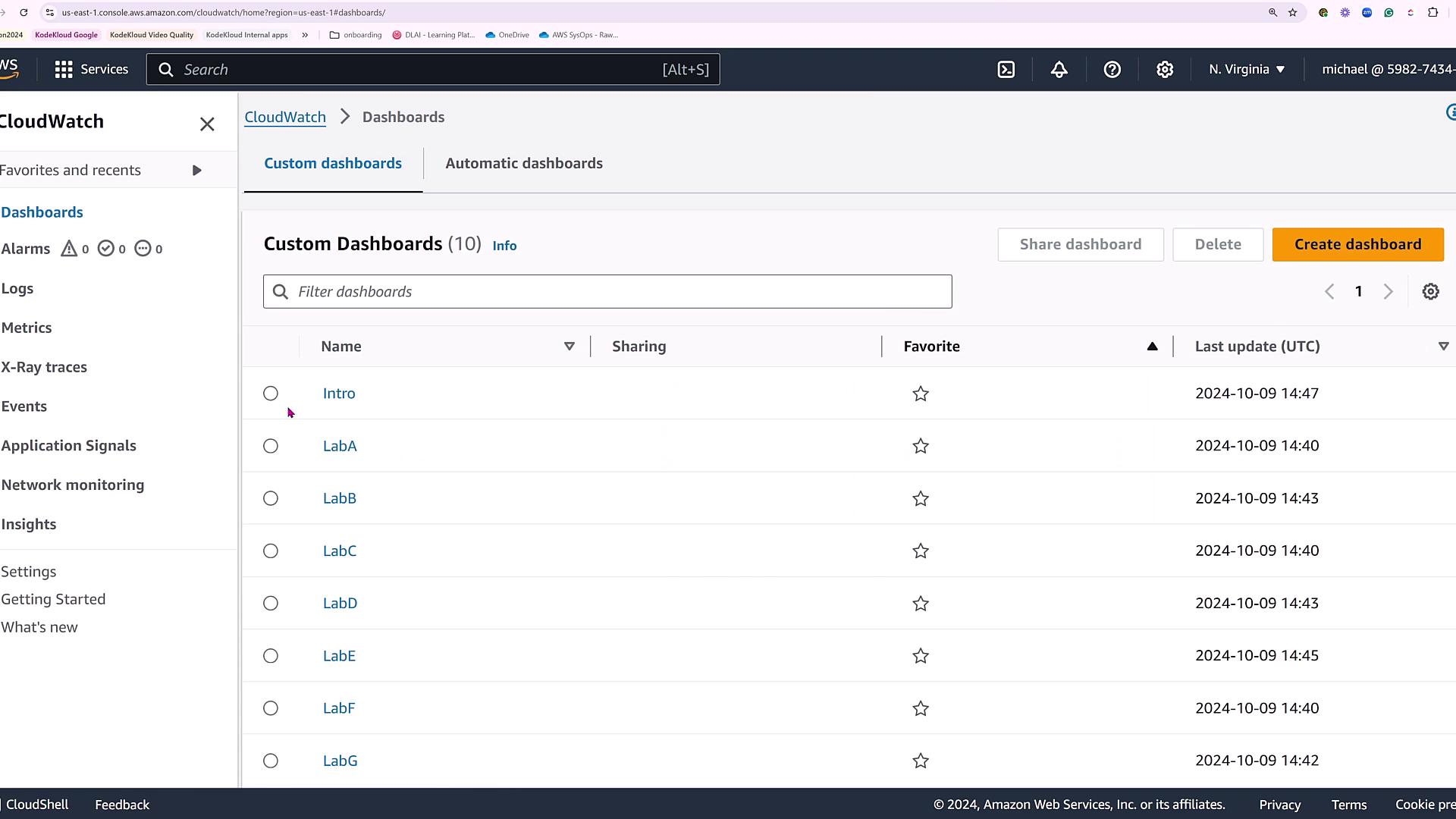
Choosing the Data Source
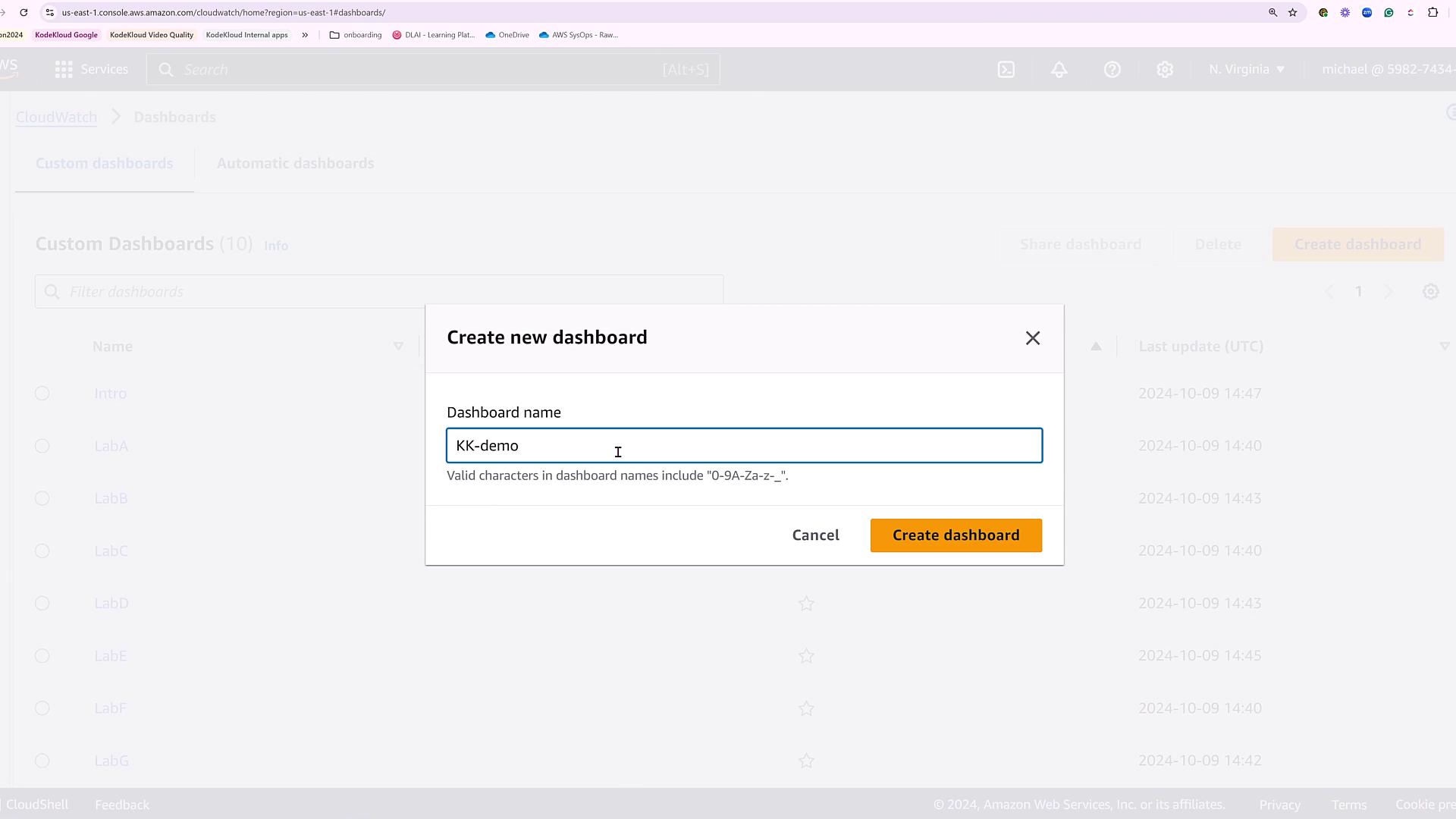
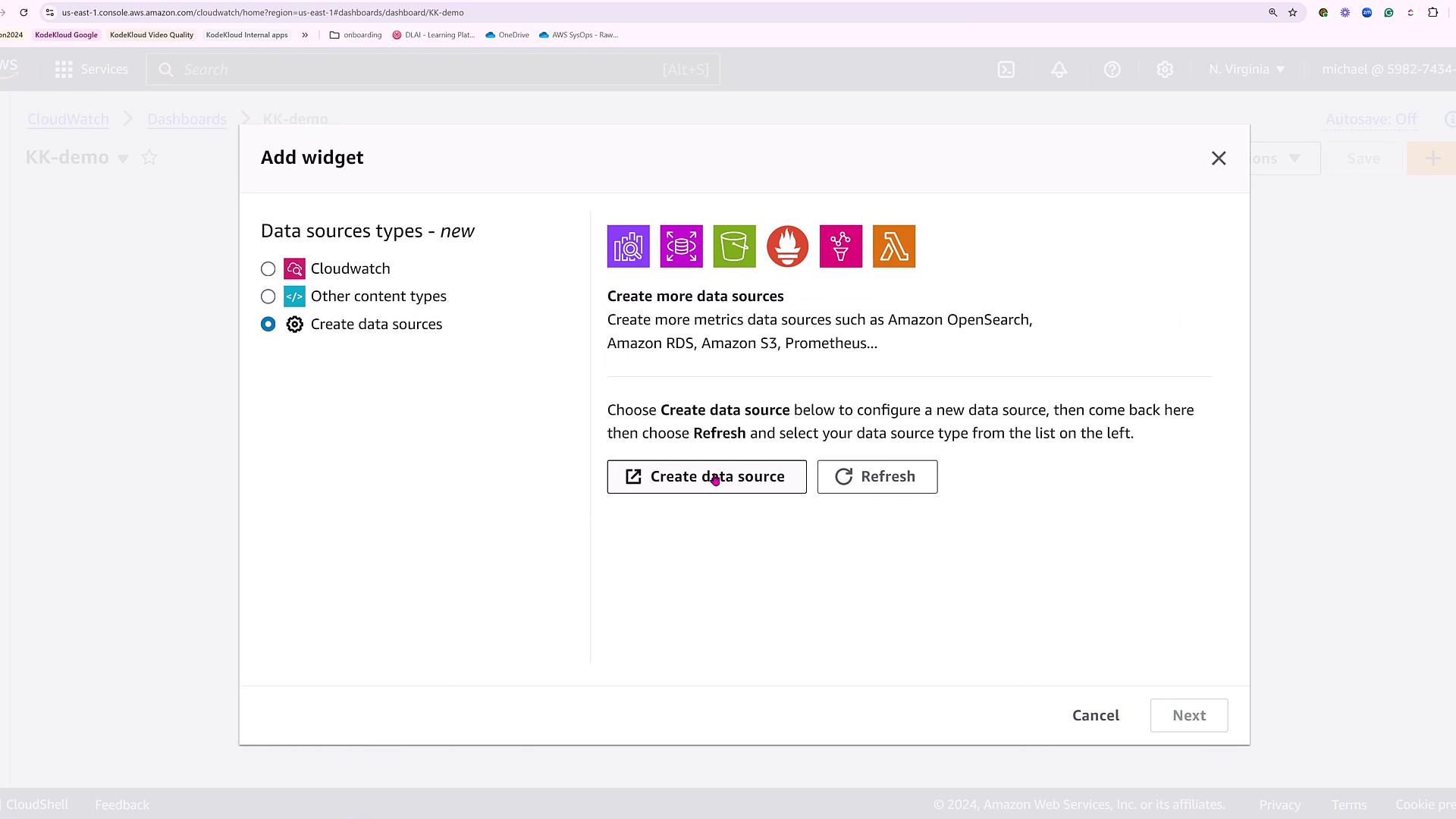
After specifying your dashboard name, you will be presented with several data source options. In addition to CloudWatch, you can link other data sources such as Lambda, Prometheus, and more. For this demo, we will continue to use CloudWatch as our primary data source: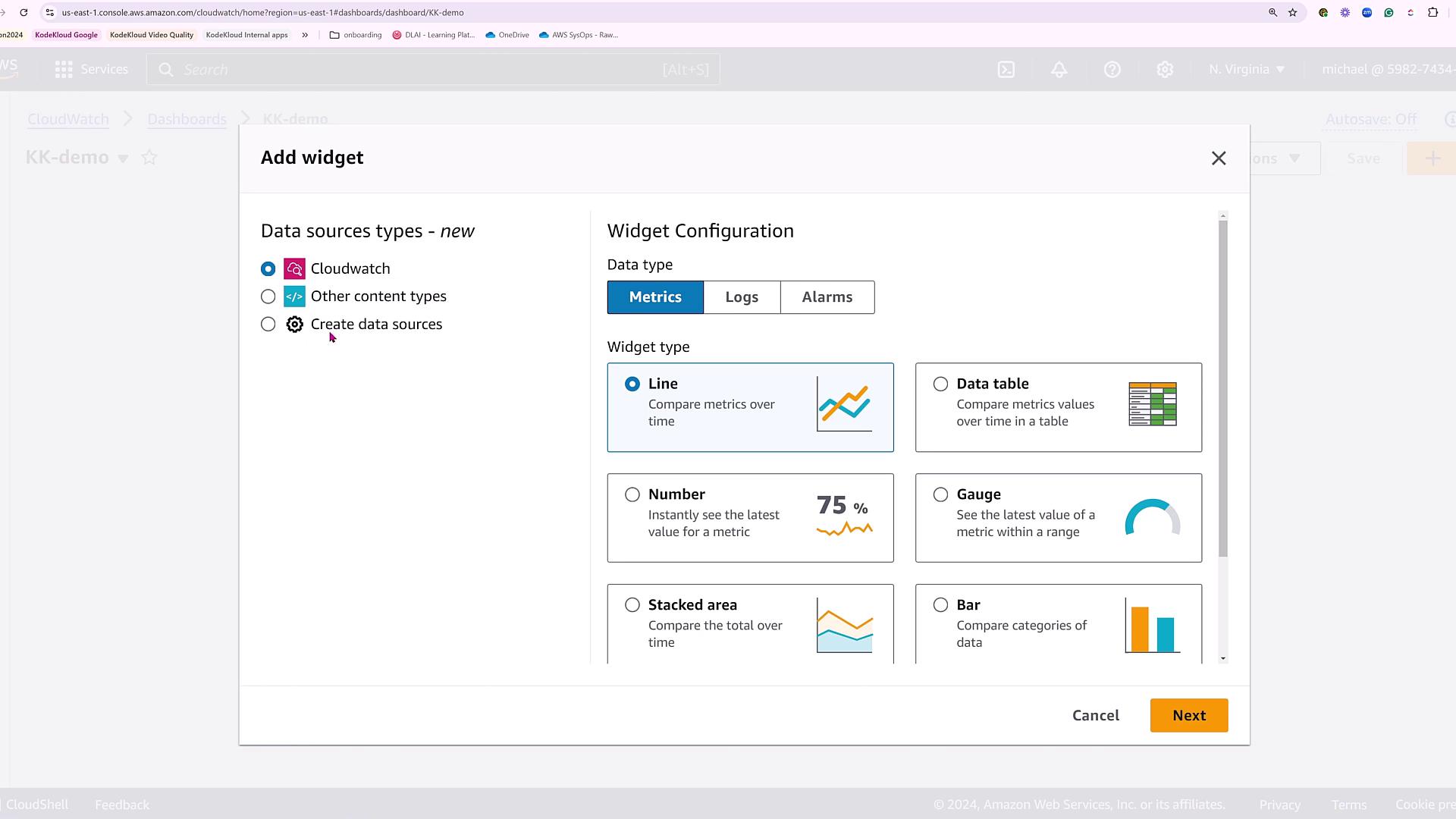
Configuring Alarms
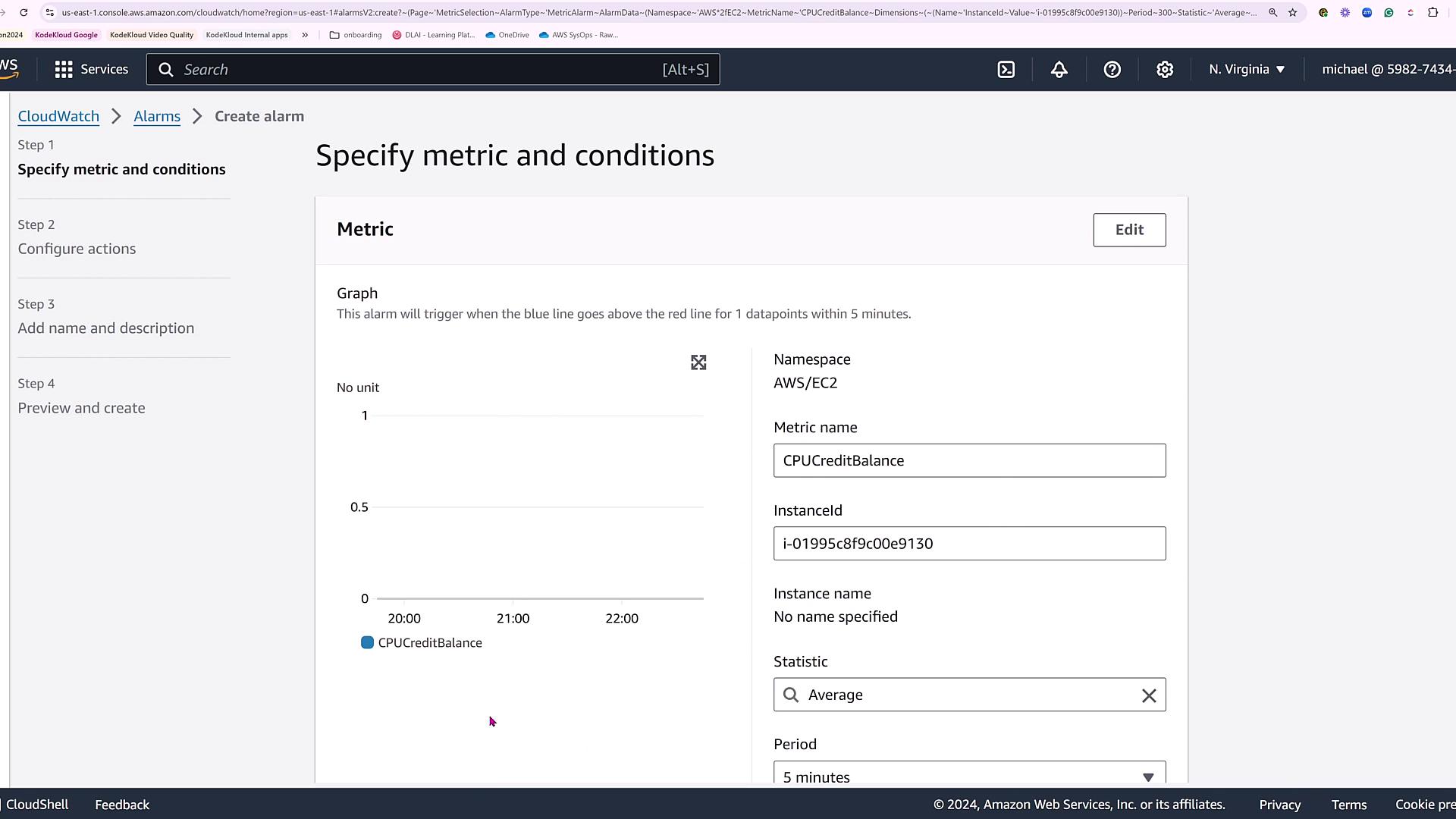
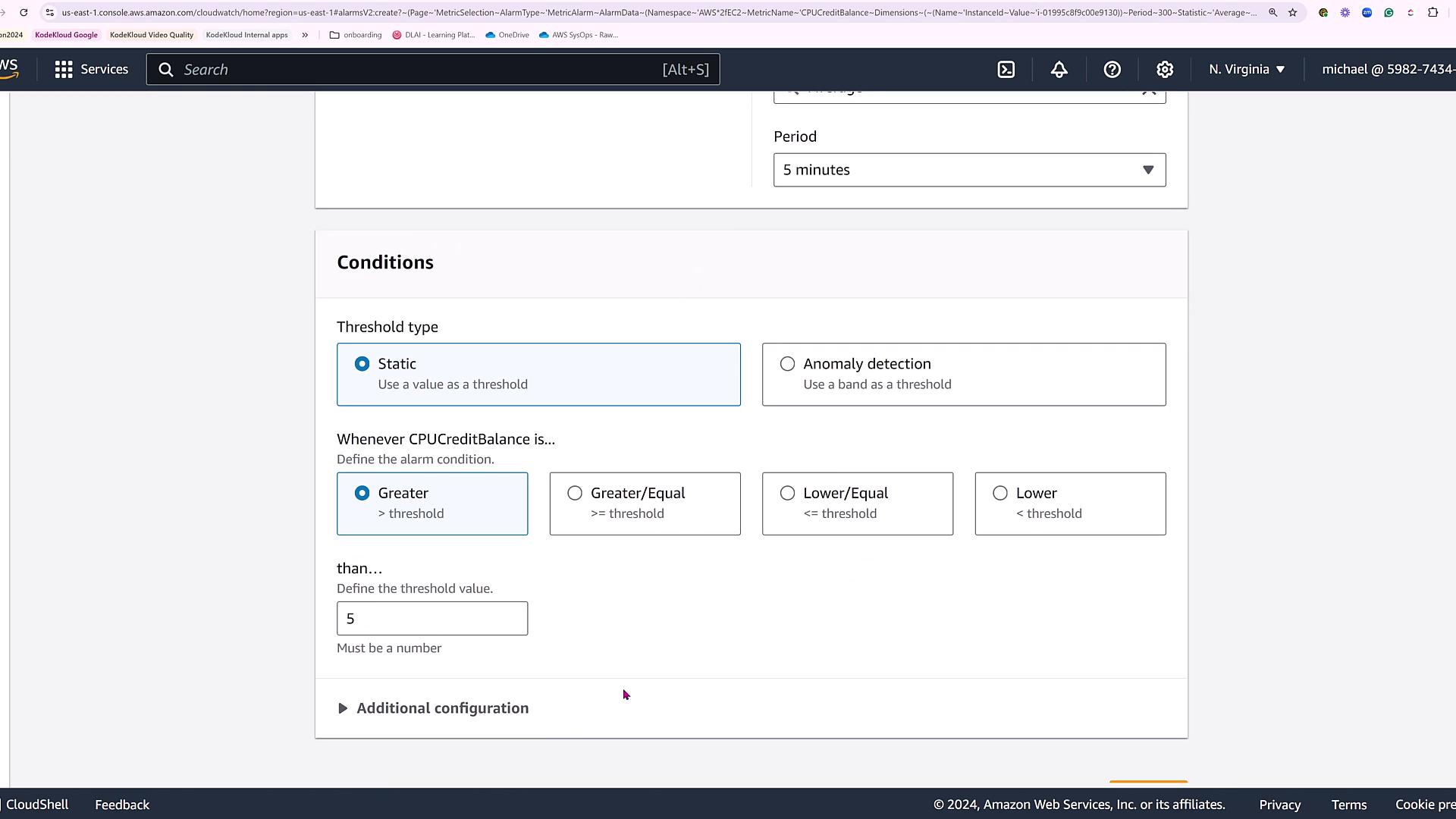
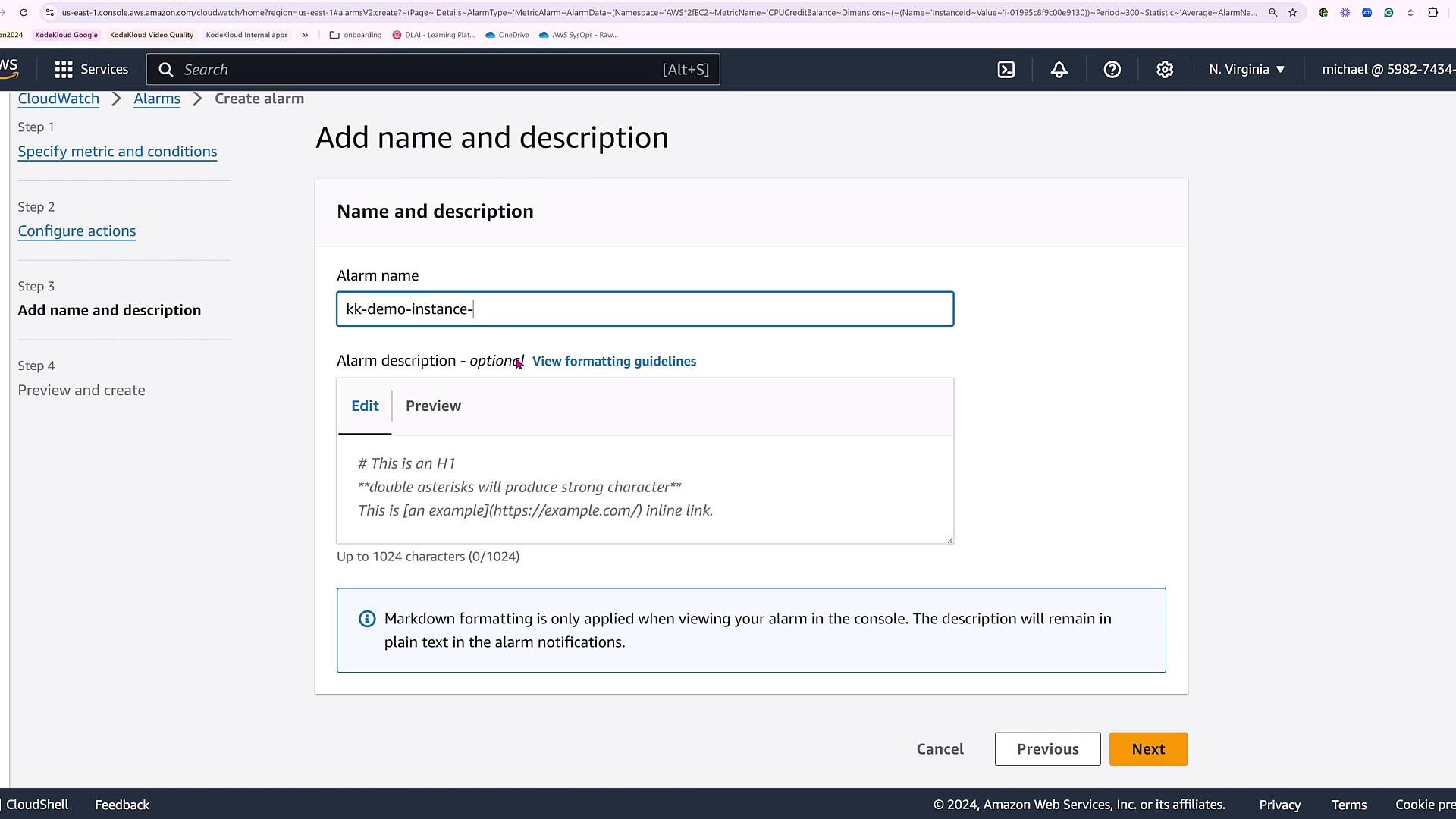
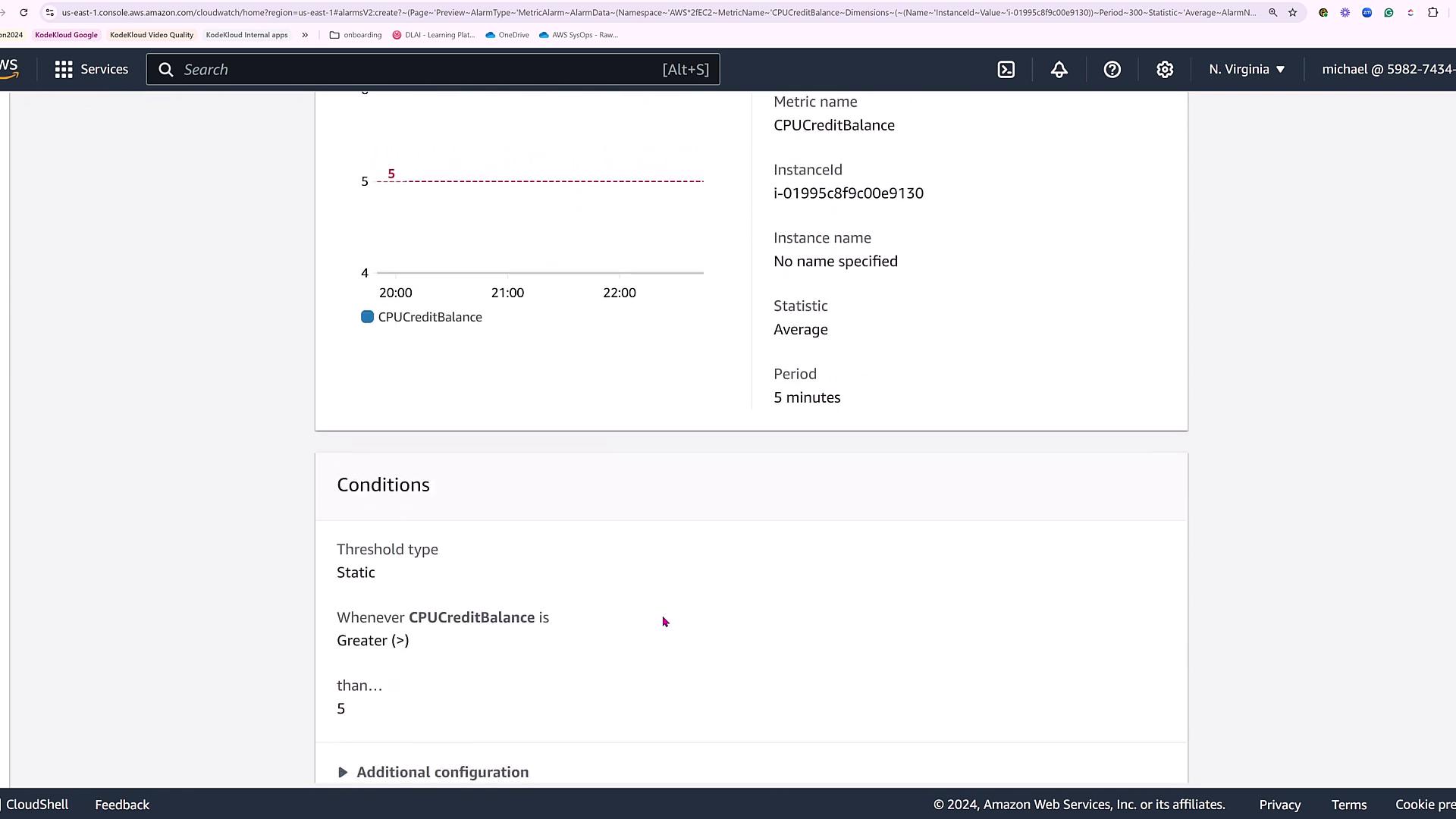
Let’s configure an alarm to monitor resource health via an alarm status widget. Although no alarms exist by default, you can easily create one based on a single metric. For instance, if you are monitoring EC2 instances, you might want to trigger an alarm when an instance’s CPU credit balance exceeds a specified threshold—a crucial factor for T-series instances.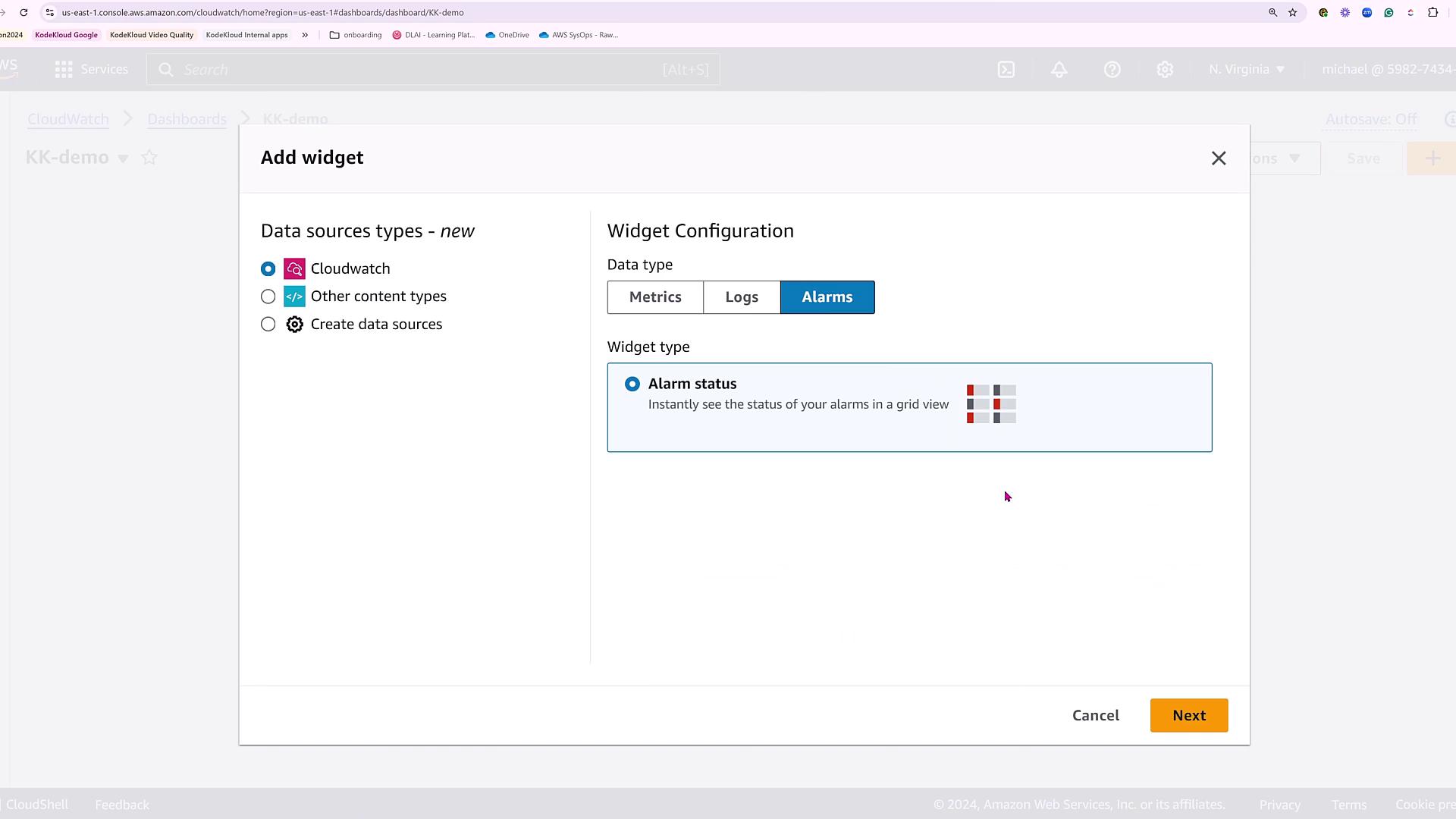
Adding Widgets to the Dashboard
Return to your demo dashboard to start adding widgets. First, include an alarm status widget and select the alarm you just created to display its status.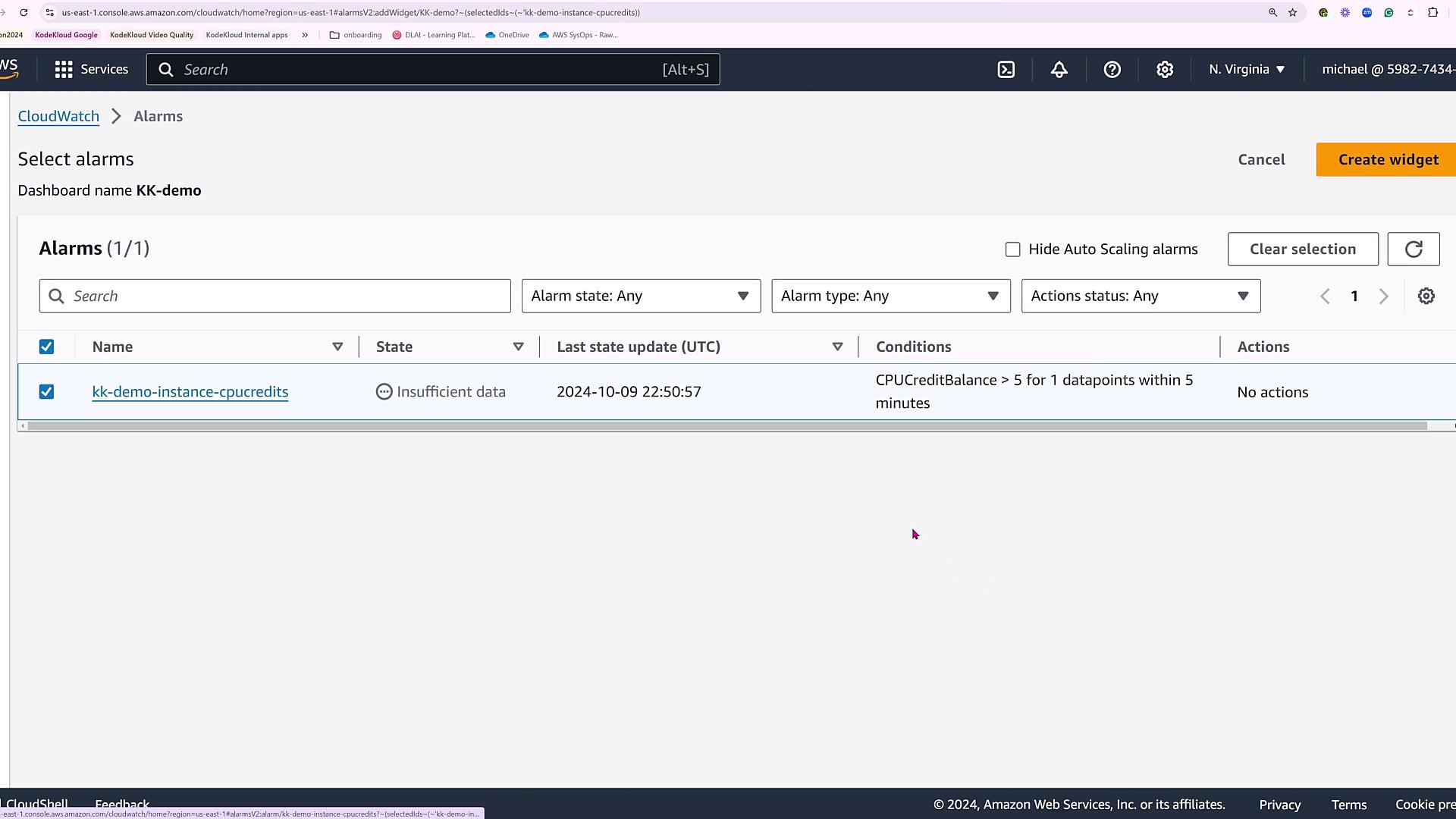
Viewing Logs
To facilitate log analysis, you can add a logs table widget. In this demonstration, we utilize CloudTrail logs to capture operational events. Run the following CloudWatch Logs Insights query to list relevant fields, sort the entries by timestamp (in descending order), and limit the output to 10,000 entries:Initially, while the query executes and data is collated, the logs widget may not appear immediately. Once the process completes, the widget will display streaming log entries from your chosen log group.
Final Dashboard Overview
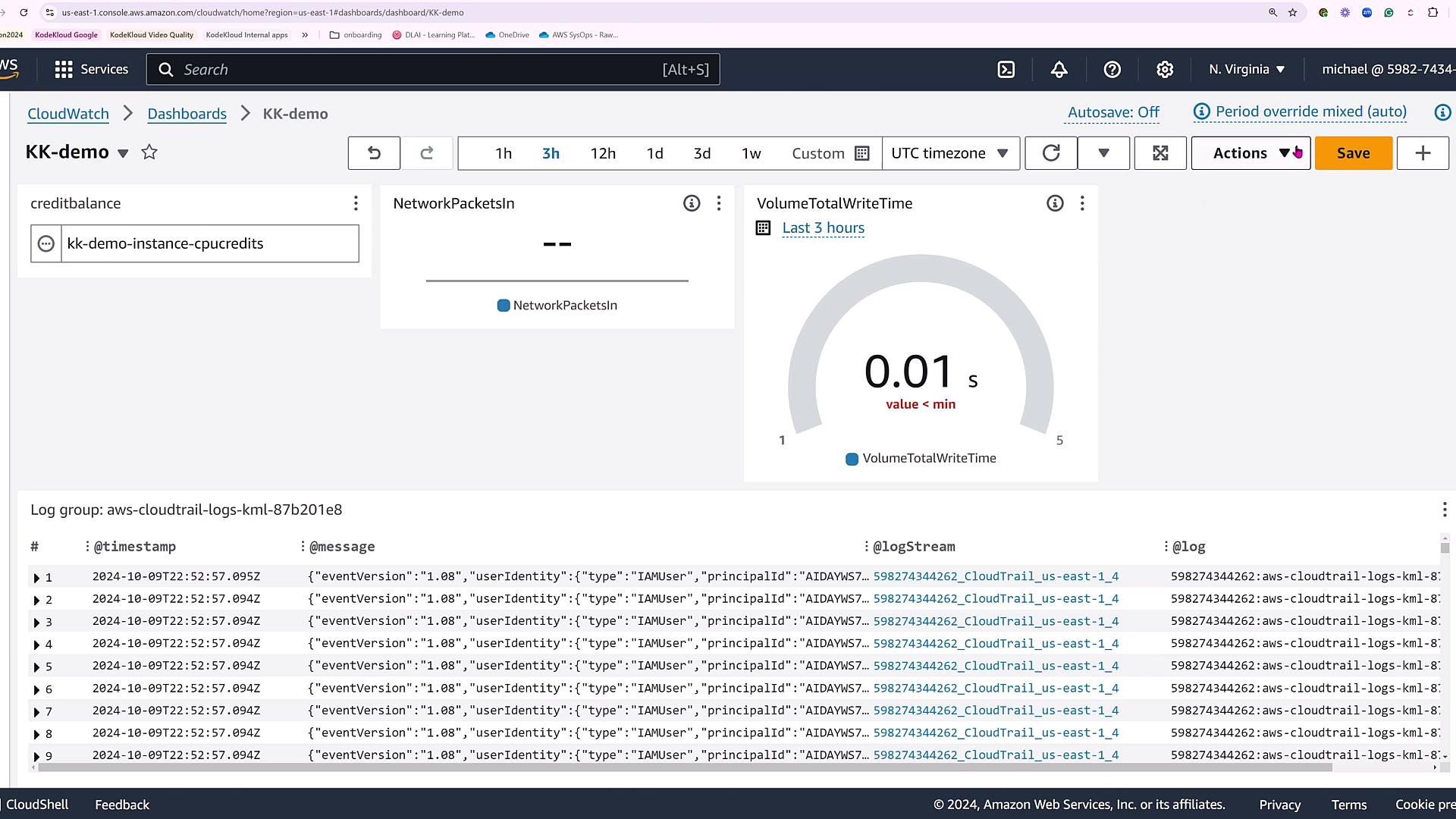
At this stage, your CloudWatch dashboard aggregates multiple widgets, providing a comprehensive view of your system’s performance:- Alarm status widget for monitoring CPU credit balance.
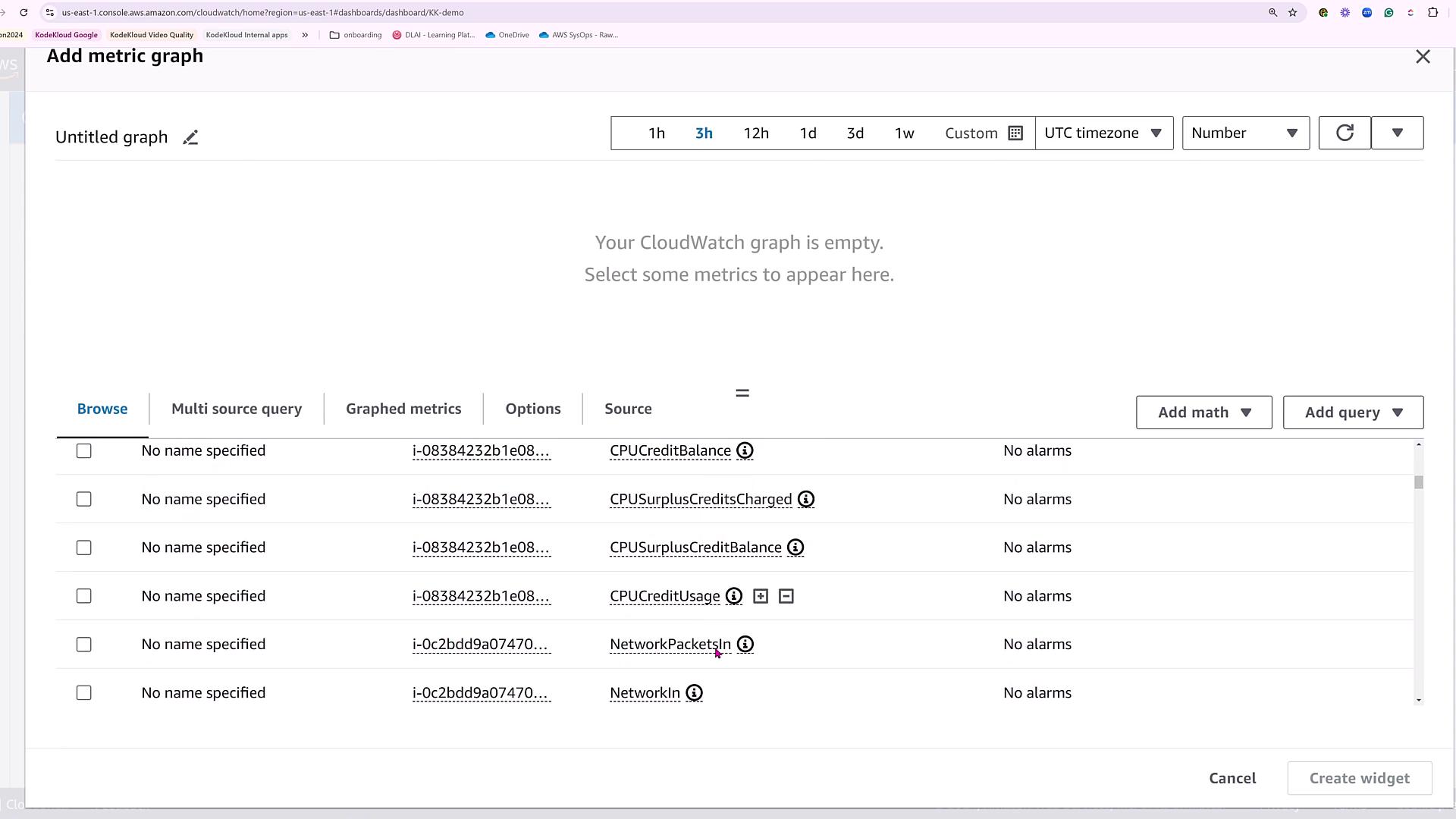
- A numeric widget displaying key metrics (e.g., network packets).
- A gauge widget tracking EBS volume write time.
- A logs table widget showcasing CloudTrail events.
Conclusion
This simple dashboard demonstration highlights several key aspects:- Integration of multiple data sources into a unified CloudWatch dashboard.
- A variety of widget types available for displaying metrics, logs, and alarms.
- A practical example of setting up a static alarm for monitoring CPU credits.
Remember, CloudWatch dashboards allow you to link data from various tools, providing comprehensive insights into your AWS environment. Explore the wide range of widget options to tailor your dashboard to your specific monitoring needs.