

Navigating to CloudWatch Logs
Once you have logged into the AWS Management Console, navigate to the CloudWatch service. CloudWatch is comprised of multiple subservices—including logs, metrics, and X-Ray traces—making it a central tool for monitoring your AWS resources. To specifically access log data:- Click on Logs in the sidebar.
- Note that logs are organized by log groups, which you either specify when writing logs or are automatically assigned by the system.
Before using live tailing, Log Insights, or similar features, ensure you are accessing the appropriate log group that holds the desired logs.
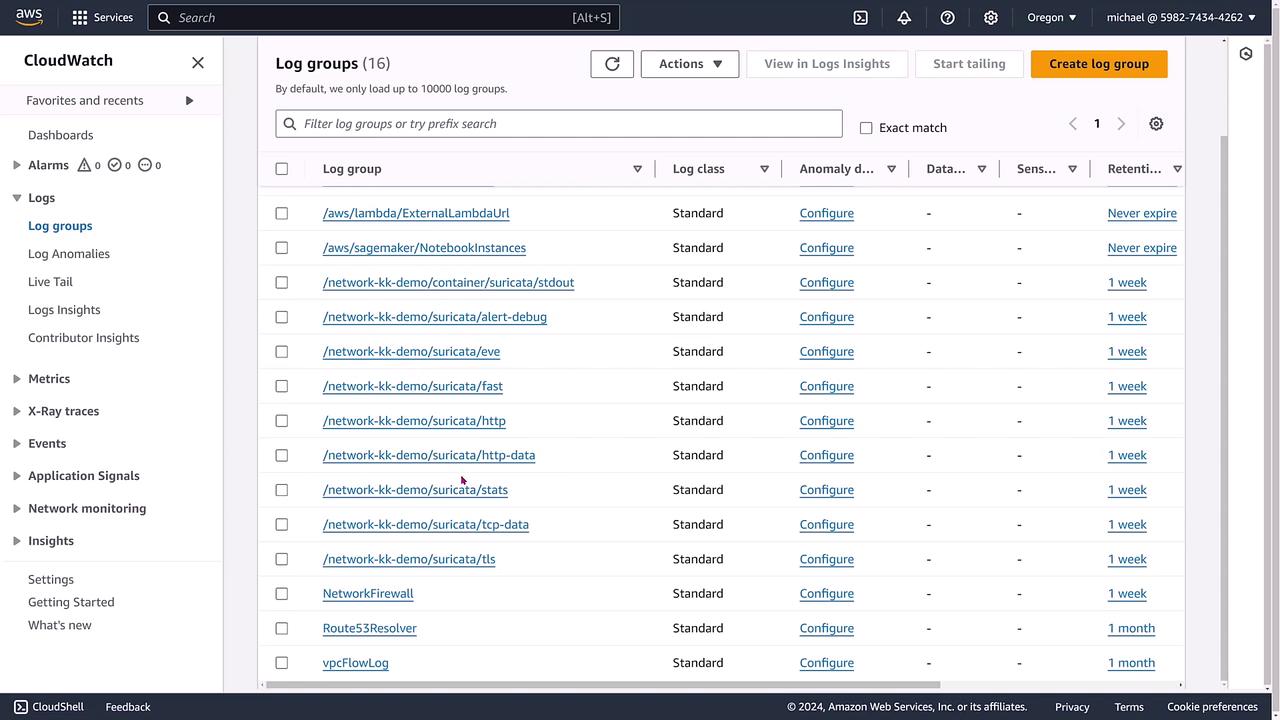
Understanding Log Groups and Streams
In the log groups view, you will see all active log groups associated with your AWS account. This includes log groups for services such as Lambda, SageMaker, Network Firewall, and Route 53 Resolver. In this demonstration, we focus on VPC flow logs—a premier resource for analyzing network traffic. When you click on the VPC flow logs group, you are presented with a detailed view where you can:- Start tailing logs live.
- View logs using Log Insights.
- Run custom queries.
- Create metric filters.

Exploring Log Streams
Each log stream name typically represents an Elastic Network Interface (ENI), which serves as a virtual network card linked to your AWS resources. By clicking the caret next to a log stream, you can expand it to view:- Timestamps.
- Specific ENI details.
- Network packet flow information.
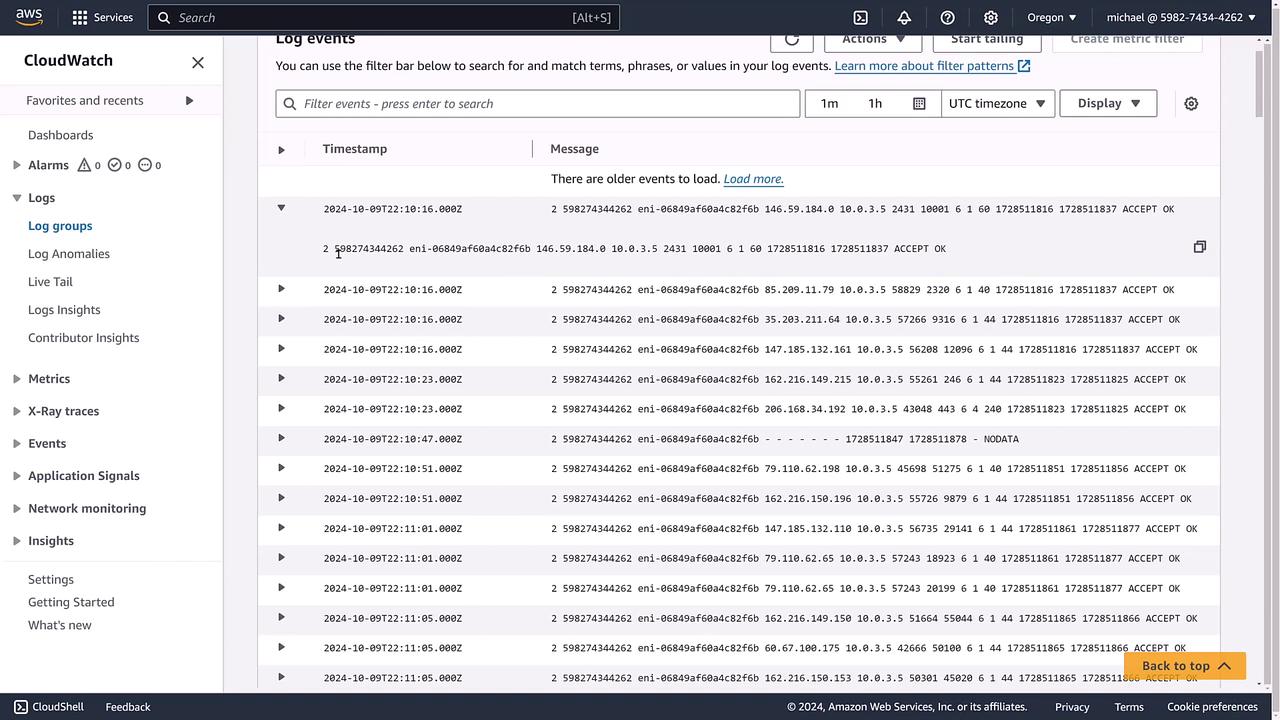
Example: Log Events from a SageMaker Notebook
Next, consider an example using a SageMaker notebook instance. This log group may contain historical logs from sessions where Jupyter was active. The log stream in such cases contains system-generated logs indicating warnings and errors. For example, you might see an entry noting that a notebook cell is missing an ID field—information that is crucial for troubleshooting. Below is an image showing the log events for a Jupyter notebook instance, complete with timestamps and messages: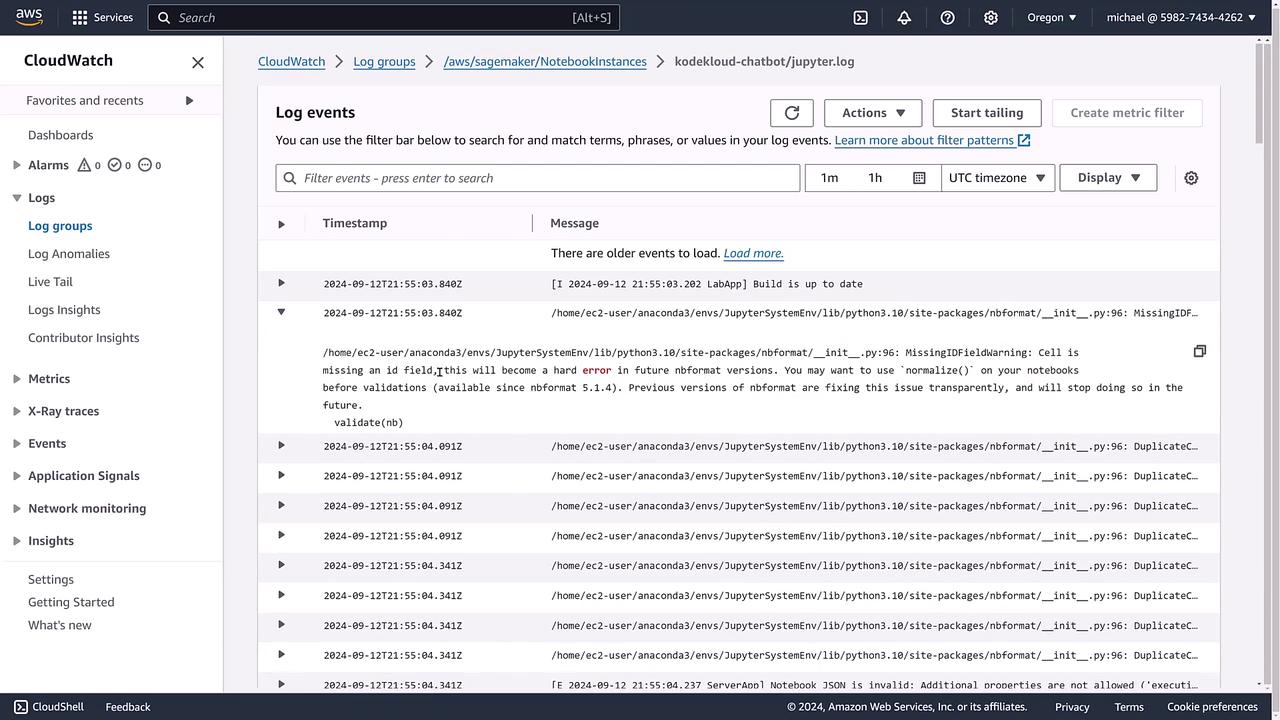
Summary
CloudWatch Logs organizes log data into log groups and log streams. Whether you are analyzing VPC flow logs or SageMaker notebook logs, you have access to powerful tools including:- Live tailing.
- Log Insights.
- Metric filters.
- Exporting logs to S3 (if needed).