Overview
GitHub Actions lets you host your own runners for custom build environments. Whether you’re removing a runner at the repository, organization, or enterprise level, this guide walks you through:- Removing a runner via the GitHub UI
- Cleaning up the runner machine
- Temporarily disabling a runner
Removal Methods at a Glance
| Method | Scope | Description |
|---|---|---|
| UI Removal | Repository, Organization, Enterprise | Permanently deletes the runner from GitHub. |
| CLI Cleanup | Runner VM | Unregisters the runner and removes local configuration. |
| Temporary Disable | Runner VM | Marks the runner offline without full uninstall. |
1. Removing a Runner via GitHub UI
- In your repository, go to Settings > Actions > Runners.
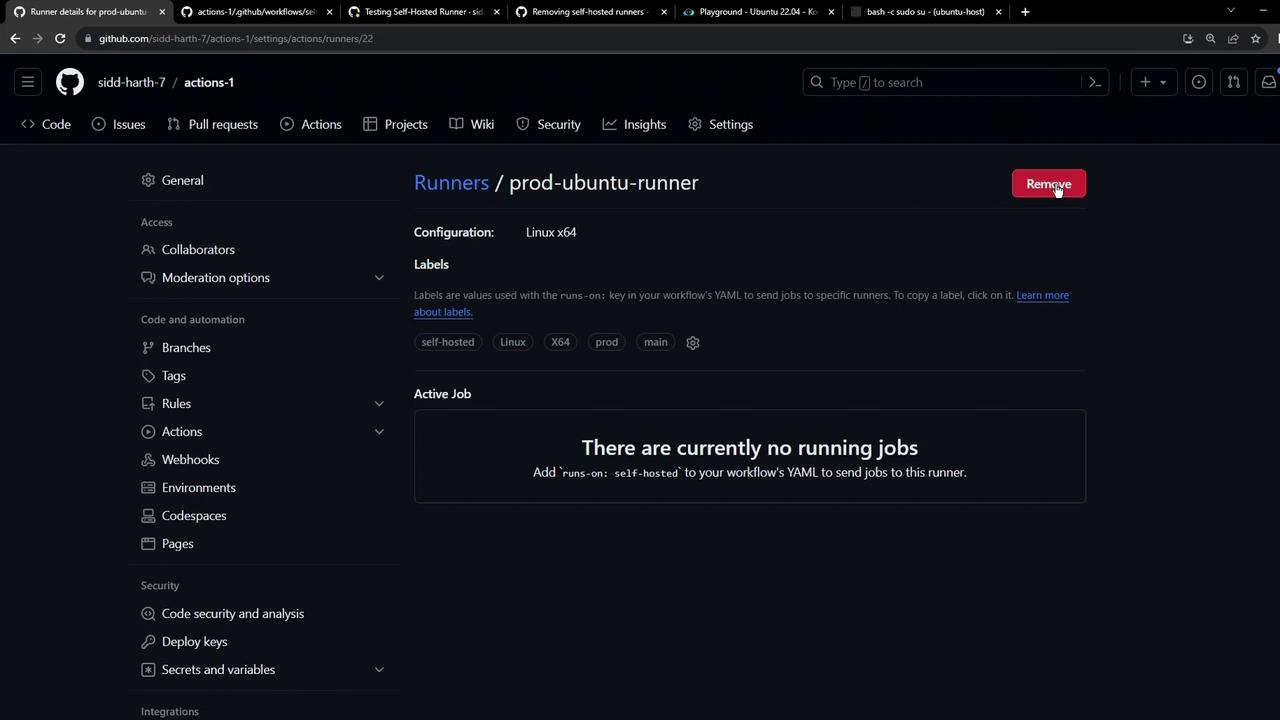
- Locate the runner and click Remove.
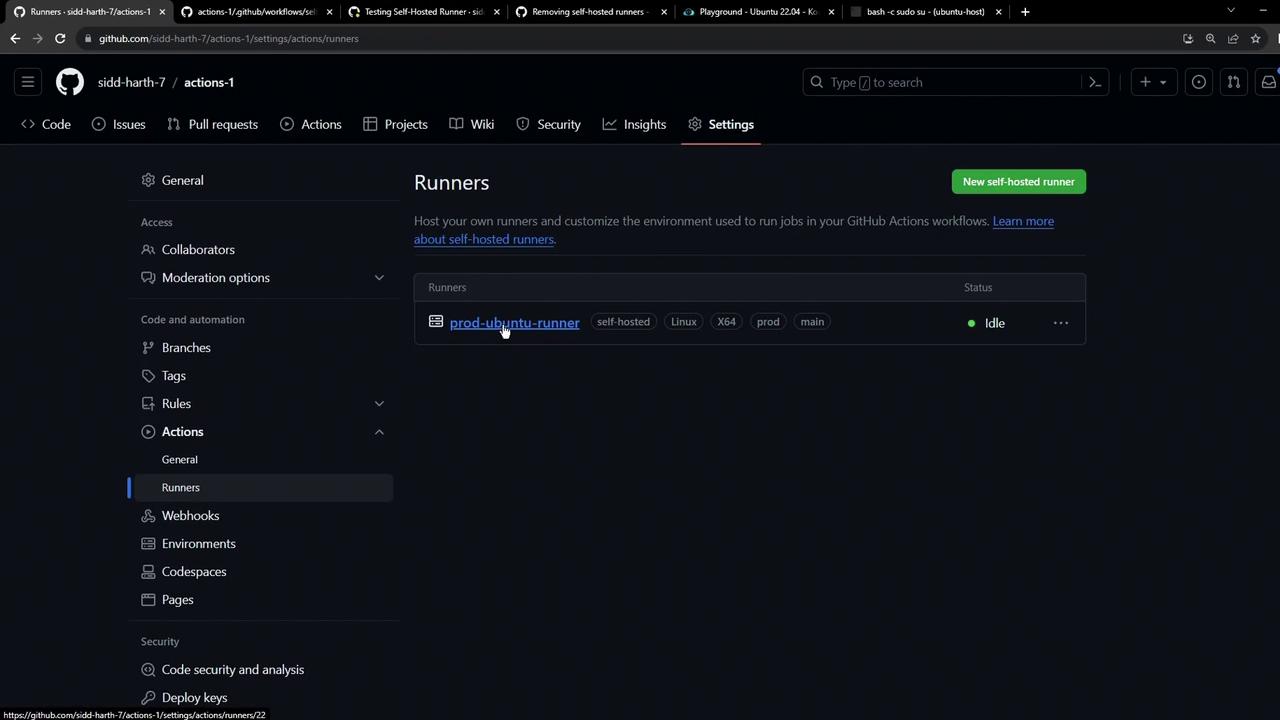
Removing a runner is permanent. If MFA is enabled, you’ll be prompted for a code to confirm deletion.
- Navigate to Settings > Actions > Runners in your org/enterprise dashboard.
- Select the runner you wish to uninstall and click Remove.
2. Cleaning Up the Runner Machine
Once removed from GitHub, unregister the runner on the VM:YOUR_RUNNER_TOKEN with the token from your initial configuration. This command:
- Unregisters the runner from GitHub
- Deletes local configuration files
If you see permission errors, retry with elevated privileges (e.g.,
sudo on Linux).3. Temporarily Disabling a Runner
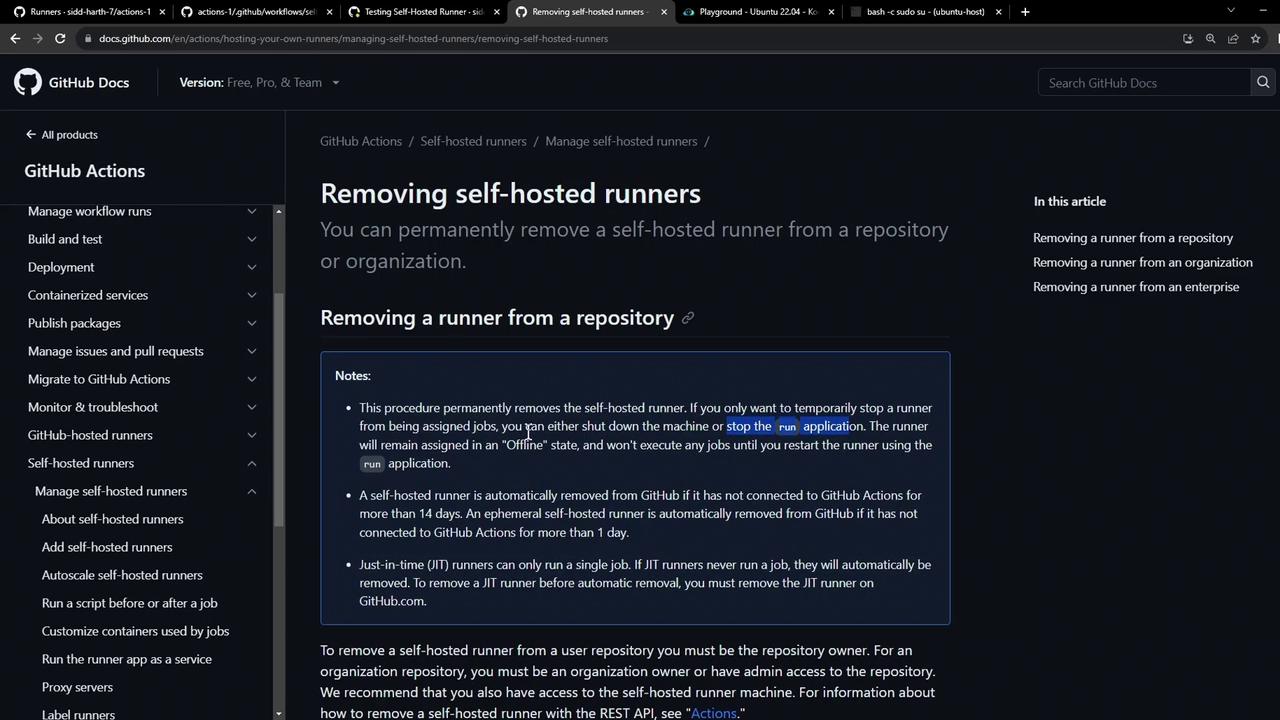
To pause job execution without full removal:- Shut down the VM or stop the runner service/script.
- The runner will show as offline and won’t accept new jobs.