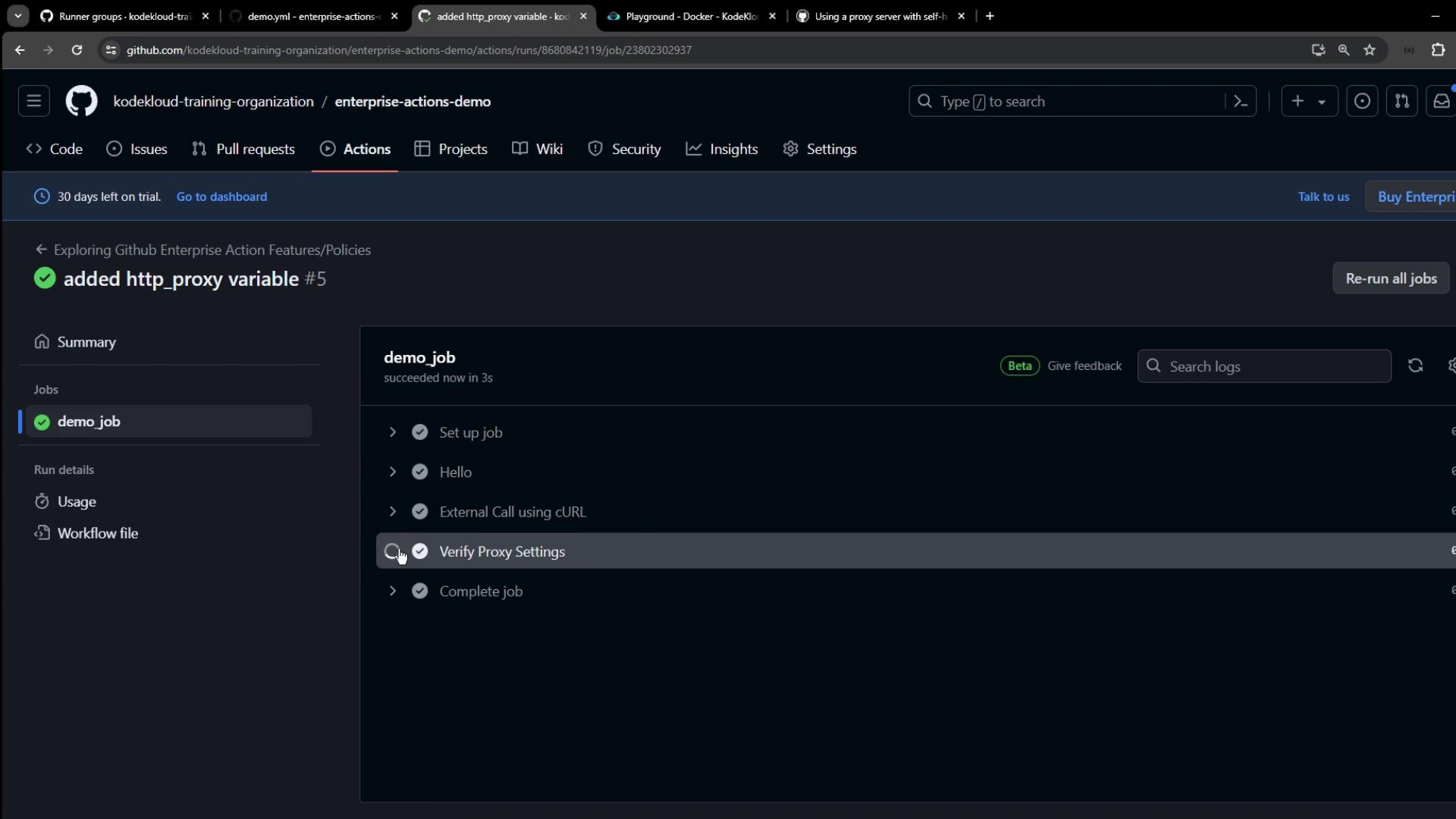
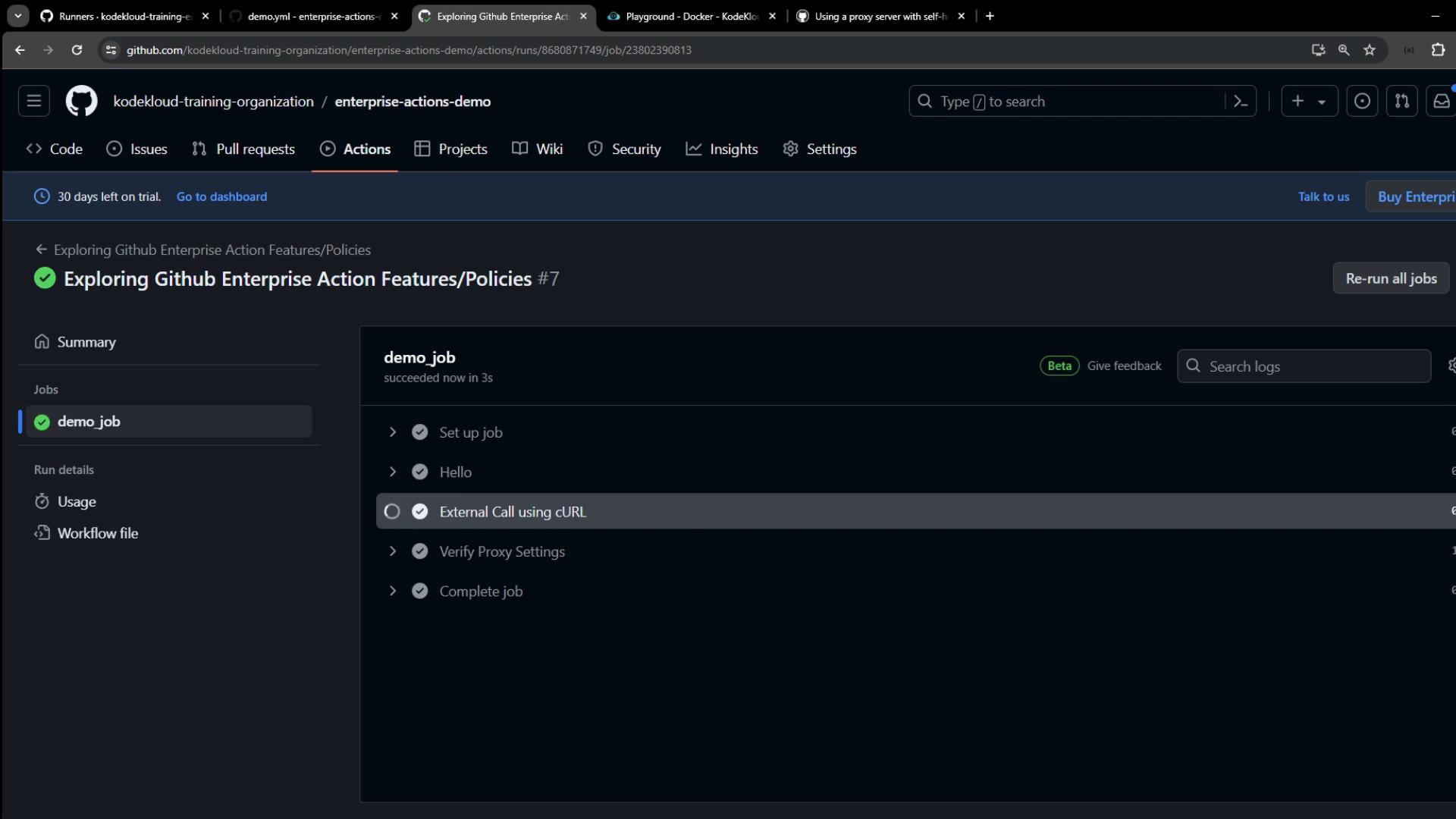
This guide explains how to configure self-hosted GitHub Actions runners to use HTTP/HTTPS proxies for enhanced security and access.
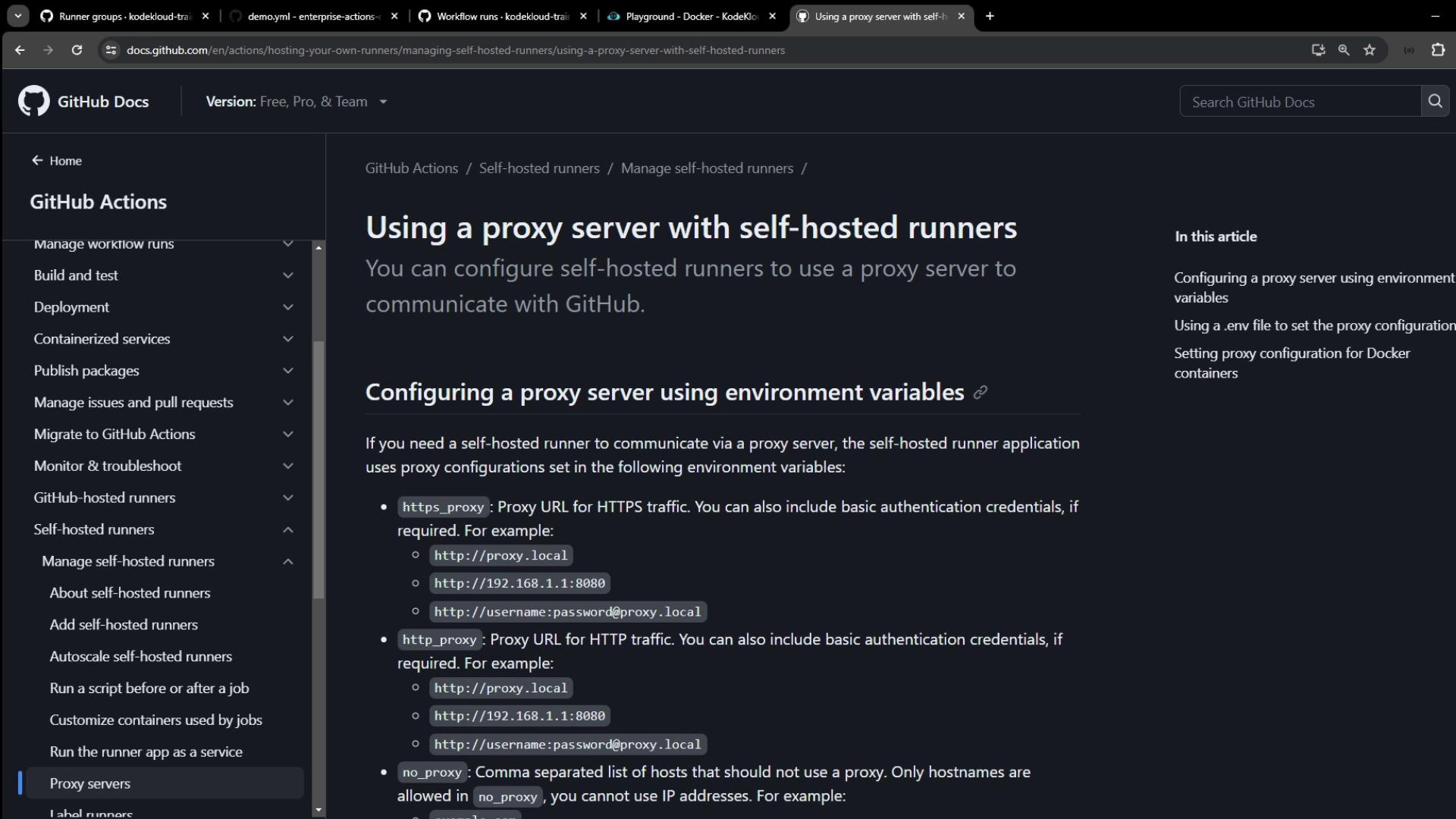
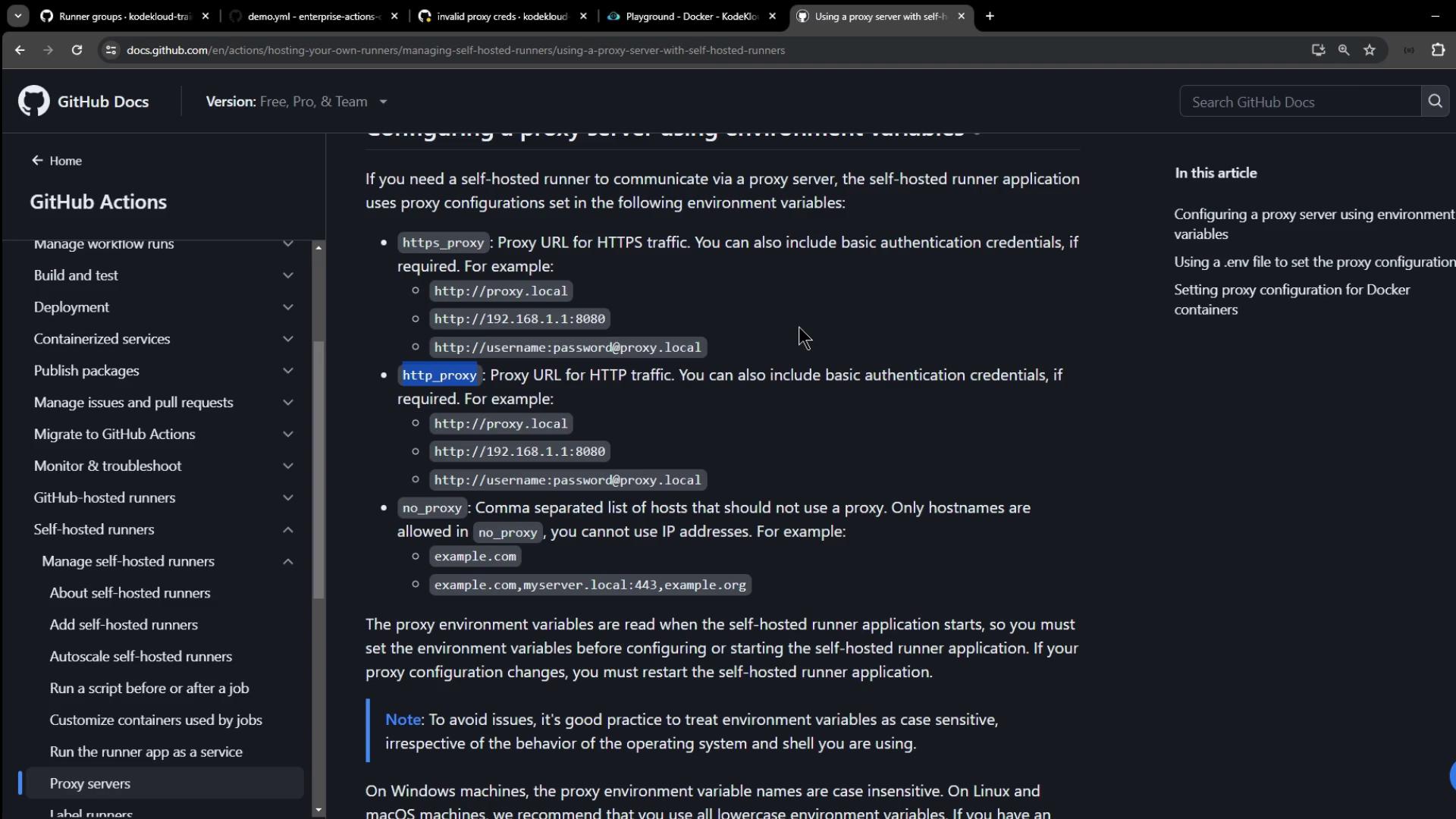
In this guide, you’ll learn how to route your self-hosted GitHub Actions runner traffic through an HTTP/HTTPS proxy. A proxy server acts as an intermediary, forwarding requests between your runner and the Internet for improved security, privacy, or access to geo-restricted endpoints.
For workflows that launch Docker containers, configure Docker’s proxy settings separately.
For example, create or edit /etc/systemd/system/docker.service.d/http-proxy.conf:
On your VM or bare-metal host, export the proxy variables before launching the runner service:
Copy
Ask AI
export HTTPS_PROXY="http://user:password@localhost:3128"export HTTP_PROXY="http://user:password@localhost:3128"export NO_PROXY="example.com,myserver.local:443"systemctl status squid # Verify your Squid or other proxy service
Restart the runner service so it picks up the new environment:
Copy
Ask AI
# Example if using a systemd servicesystemctl restart actions.runner.your-repo.service
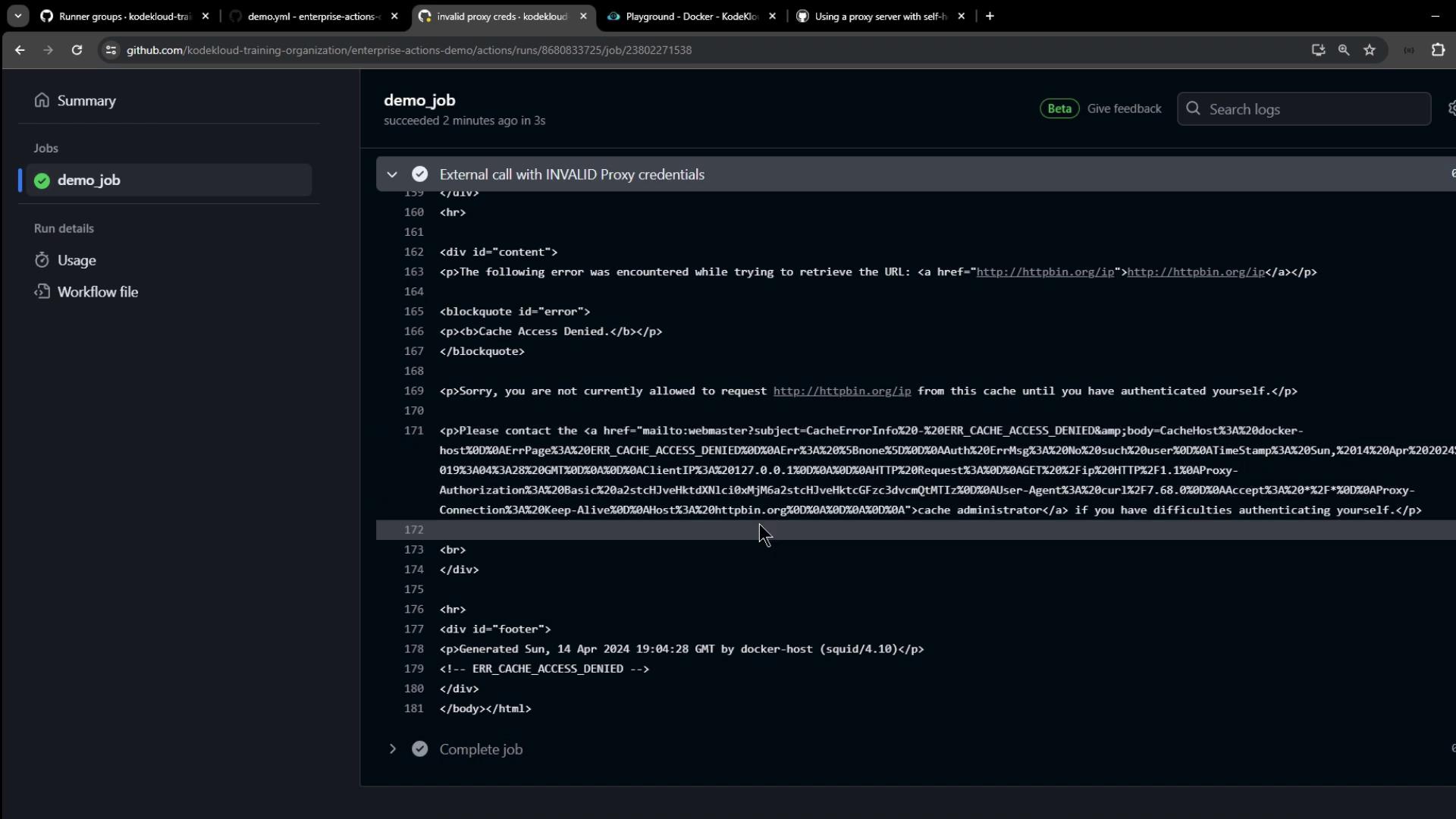
* Uses proxy env variable HTTP_PROXY = 'localhost:3128'* Connected to localhost (127.0.0.1) port 3128 (#0)> GET https://httpbin.org/ip HTTP/1.1> Proxy-Authorization: Basic e2VjaGF0ZXpzOnBhc3N3b3JkMQ==< HTTP/1.1 200 OK{"origin": "127.0.0.1, 35.188.139.128"}
The runner picks up the proxy variables automatically, authenticates with your proxy (e.g., Squid), and successfully forwards requests.Thank you for following this tutorial on setting up proxies for your self-hosted GitHub Actions runners! For more details, see the GitHub Actions documentation.