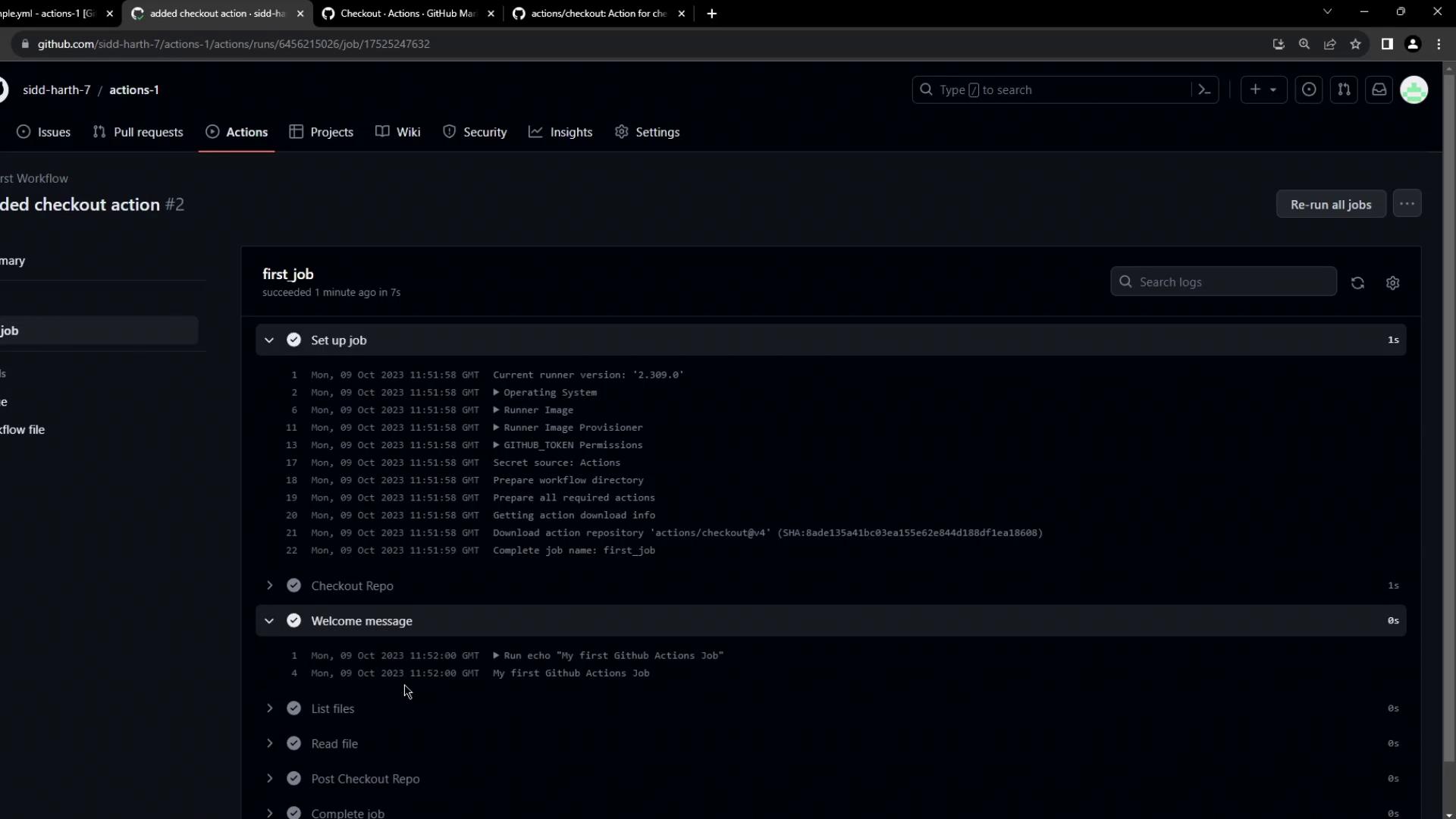
actions/checkout step into your GitHub Actions workflow so that the runner can retrieve your repository’s code. This is a fundamental building block for most CI/CD pipelines on GitHub Actions.
Initial Workflow
Begin with a simple workflow that triggers on every push and runs a few basic commands:- The workflow prints a message.
- It lists directory contents.
- It reads the
README.mdfile.
Finding the Checkout Action
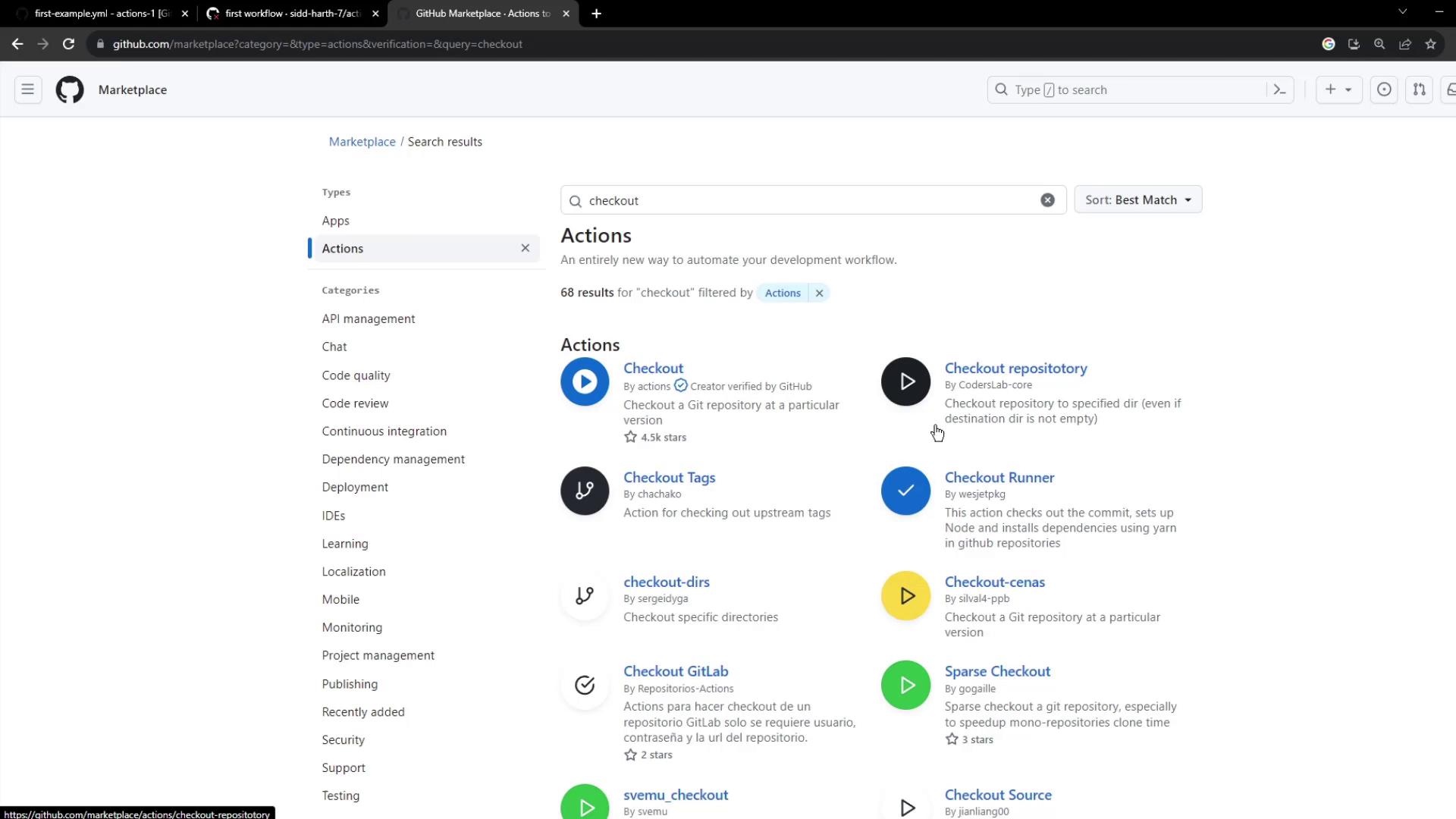
To add code checkout functionality:- Open the GitHub Marketplace and select Actions.
- Search for checkout.
- Locate the official actions/checkout maintained by GitHub (look for the verified badge).
- Click through to view its version history and usage details.

Using the Checkout Action
A minimal checkout step looks like this:| Input | Description | Default |
|---|---|---|
repository | The repo to checkout (owner/repo). | \${{ github.repository }} |
ref | Branch, tag, or SHA to checkout. | \${{ github.ref }} |
token | Token for authentication (PAT or GITHUB_TOKEN). | \${{ github.token }} |
ssh-key | SSH private key for SSH-based fetch. | none |
ssh-known-hosts | Additional SSH hosts (use ssh-keyscan to populate). | none |
If you need to access private repositories or submodules, set
token to a personal access token with appropriate scopes.Viewing the Action Source
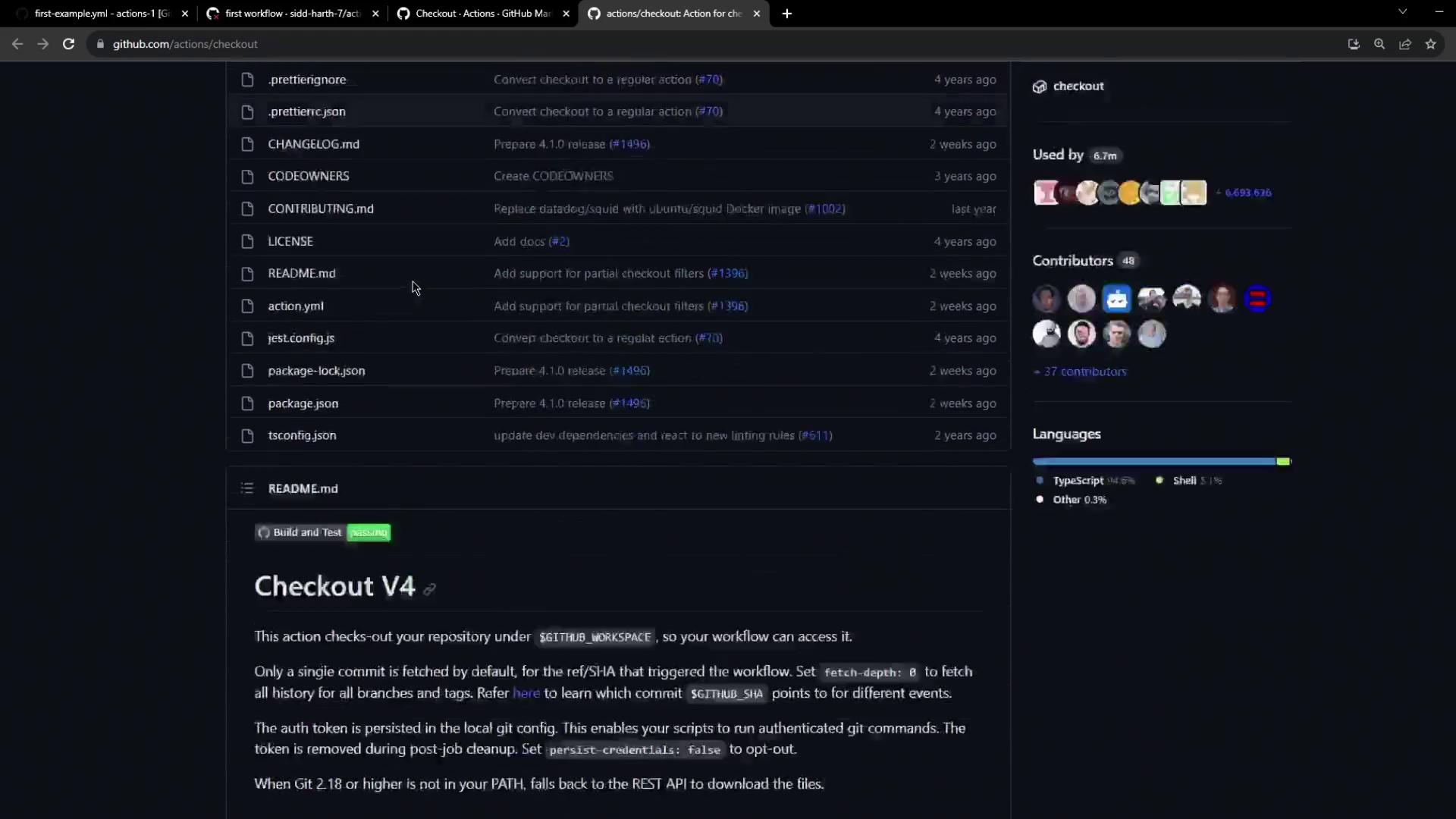
All code foractions/checkout is available on GitHub. You can inspect the v4 README for implementation details and examples:
Updating the Workflow
Insert the checkout step before anyrun commands to ensure your code is present on the runner:
Inspecting the Workflow Run
After pushing, navigate to the GitHub Actions tab to view your workflow run. You should see:- The Checkout repository step downloading your code.
- Logs and timestamps for each subsequent step.
- Options to download raw logs or archives for debugging.