This article explains how to implement GitHub Actions workflow commands within a step to enhance logging and manage environment variables.
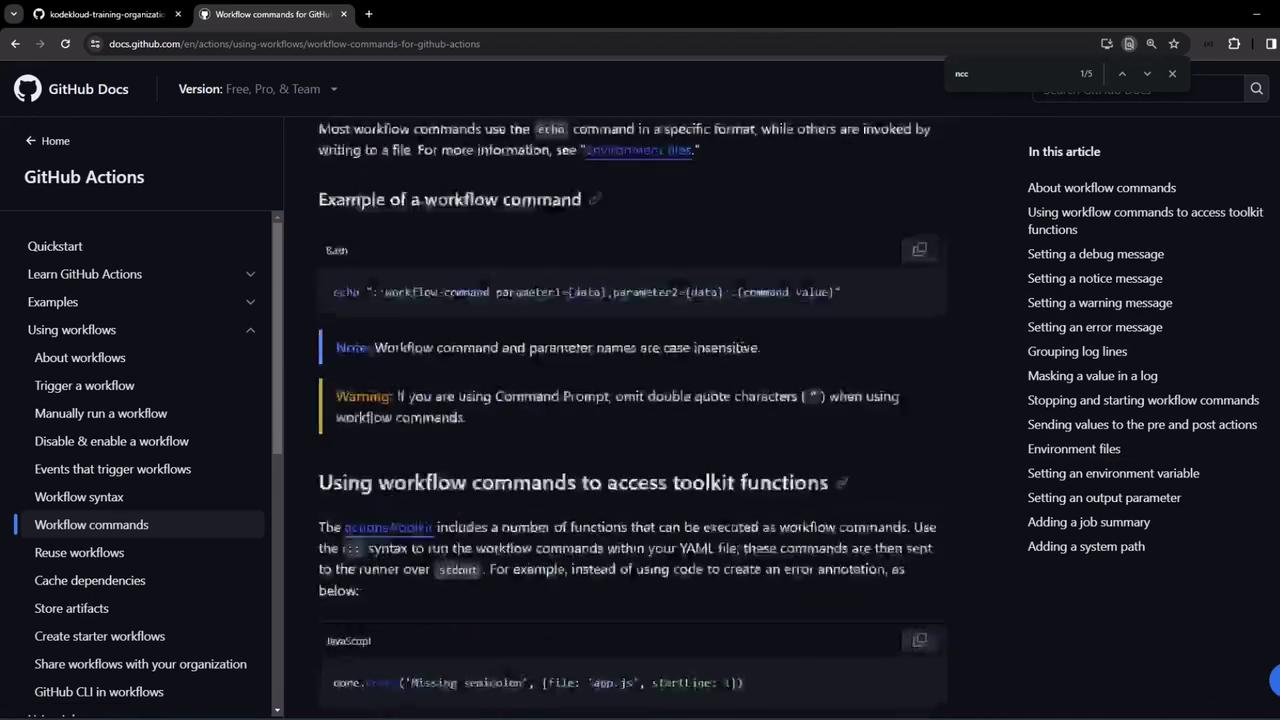
GitHub Actions workflow commands let you interact with the runner environment, annotate logs, set variables, mask secrets, and generate summaries by issuing specially formatted echo statements. These commands work in any workflow step, not just within the Actions Toolkit:
In this demo, we use a repository named ga-workflow-step-command-demo (under the KodeKloud training org). It contains a single workflow, Exploring Workflow Commands, which runs on ubuntu-latest and triggers on push (main branch) or via workflow_dispatch. Each step illustrates a different command:
Copy
Ask AI
name: Exploring Workflow Commandson: push: branches: [ main ] workflow_dispatch:jobs: commands_job: runs-on: ubuntu-latest steps: - name: Set environment variable run: echo "COMPANY_VAR=KodeKloud" >> $GITHUB_ENV - name: Use environment variable run: echo "Hello, $COMPANY_VAR!" - name: Group log lines run: | echo "::group::Custom Log Group" echo "This is line 1" echo "This is line 2" echo "::endgroup::" - name: Mask a value env: key: p@$Sw0Rd run: | echo "Unmasked key = $key" echo "::add-mask::$key" echo "Masked key = $key" - name: Create a warning message run: echo "::warning::This is a warning message." - name: Create an error annotation run: echo "::error file=index.js,line=1::Missing semicolon" - name: Set a debug message run: echo "::debug::This is a debug message." - name: Create a notice annotation run: echo "::notice file=src/index.js,line=42::Custom notice message" - name: Set an output value id: my_output run: echo "myOutput=007" >> "$GITHUB_OUTPUT" - name: Show the output value run: echo "My output value is ${{ steps.my_output.outputs.myOutput }}" - name: Job Summary run: | echo "### Awesome Job Summary :rocket:" >> $GITHUB_STEP_SUMMARY echo "## Used Workflow Commands" >> $GITHUB_STEP_SUMMARY echo "- Debug" >> $GITHUB_STEP_SUMMARY echo "- Mask" >> $GITHUB_STEP_SUMMARY echo "- Output" >> $GITHUB_STEP_SUMMARY echo "- Variable" >> $GITHUB_STEP_SUMMARY echo "- Annotations" >> $GITHUB_STEP_SUMMARY echo "- Groups" >> $GITHUB_STEP_SUMMARY echo "Secret Key from previous step: $key" >> $GITHUB_STEP_SUMMARY echo "Output from previous step: ${{ steps.my_output.outputs.myOutput }}" >> $GITHUB_STEP_SUMMARY echo "" >> $GITHUB_STEP_SUMMARY
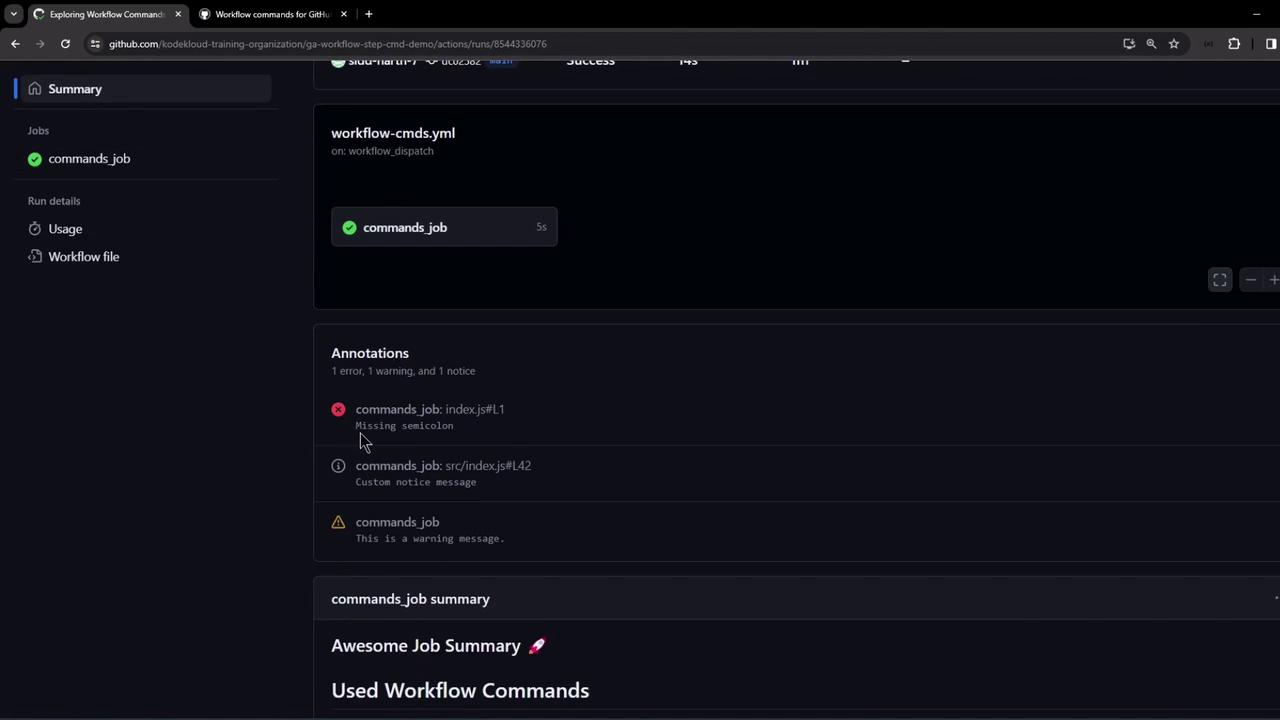
Trigger the Exploring Workflow Commands workflow manually or push to the main branch. Since it doesn’t call external services, it completes in seconds. After a successful run, you’ll see annotations for warnings, errors, and notices:
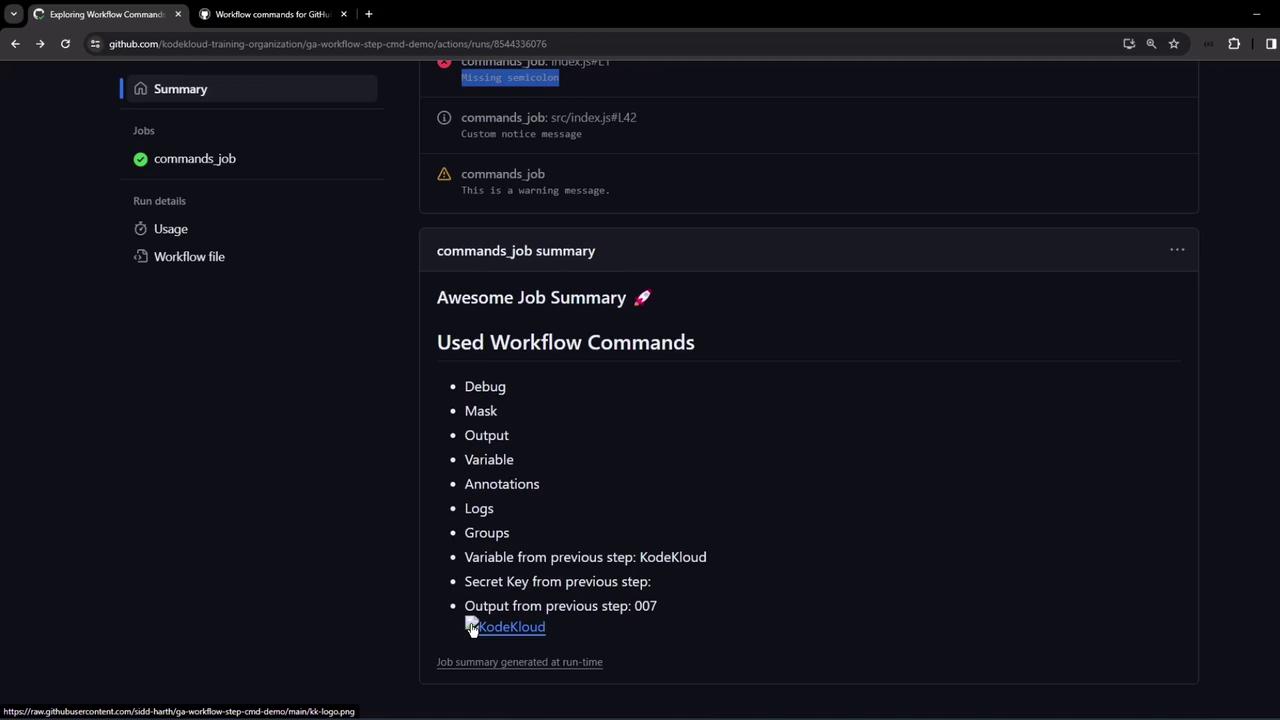
Clicking an annotation opens the specified file and line number. Below the annotations, you’ll find the custom job summary:
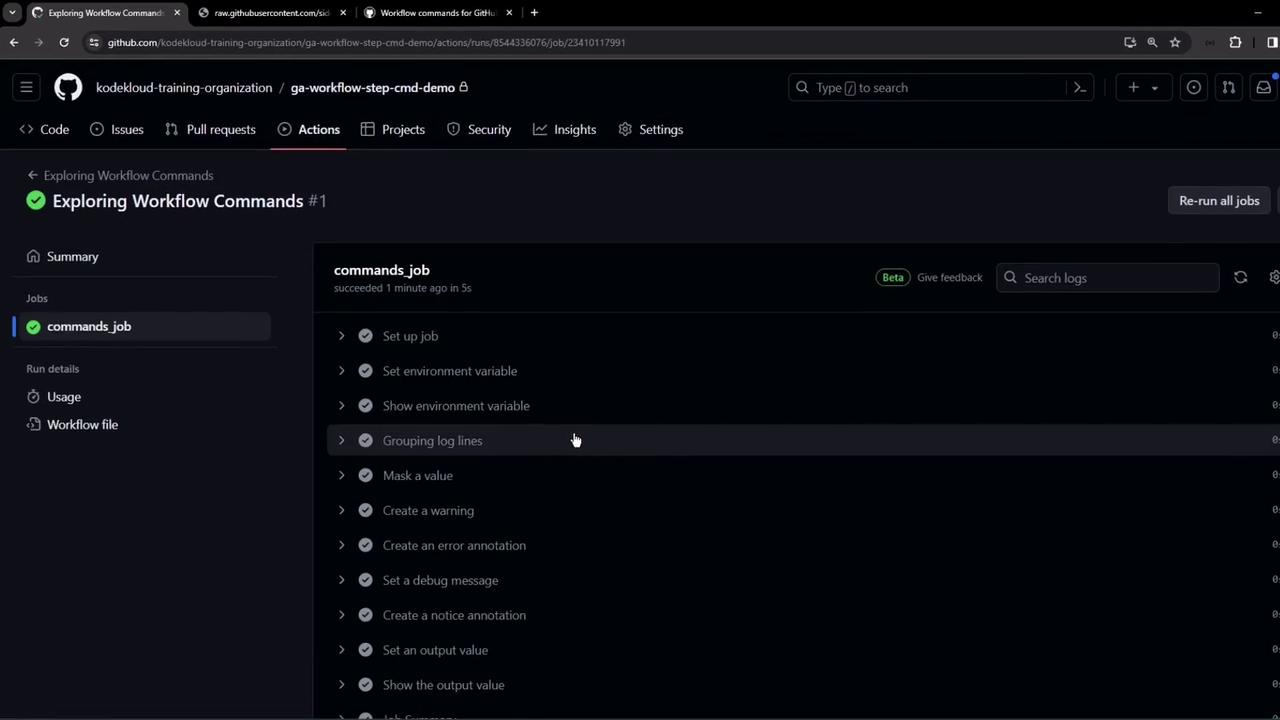
You can also inspect live logs to see each step:
Be cautious when masking secrets. Once added, they cannot be retrieved in plain text within the runner.
Combined, these workflow commands help you produce clear, well-structured logs and summaries in your CI/CD pipelines.