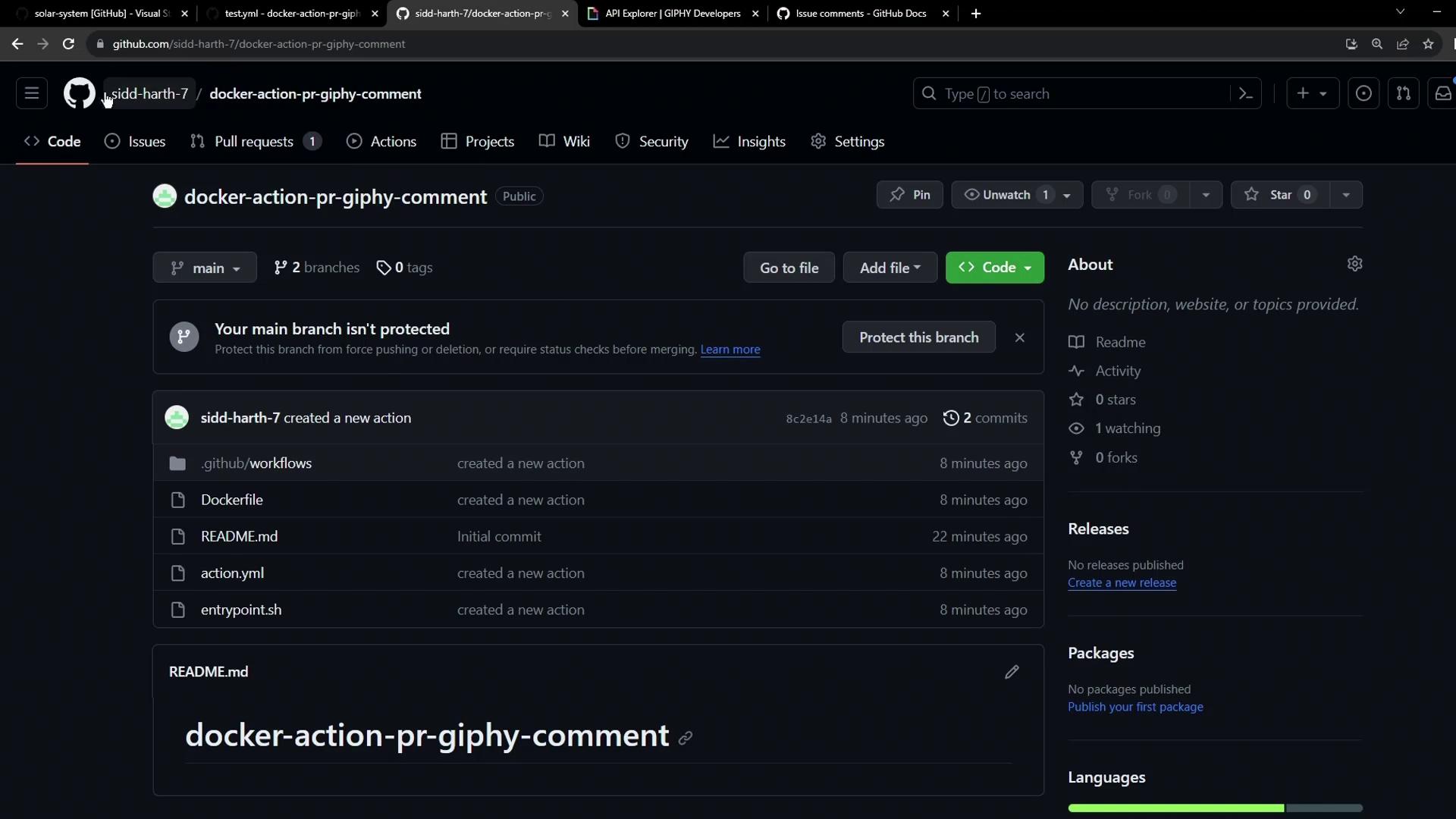
Learn how to integrate a reusable custom Docker container action across repositories. In this guide, we’ll invoke the docker-action-pr-giphy-comment action from the solar-system project to post a thank-you GIF on pull requests.
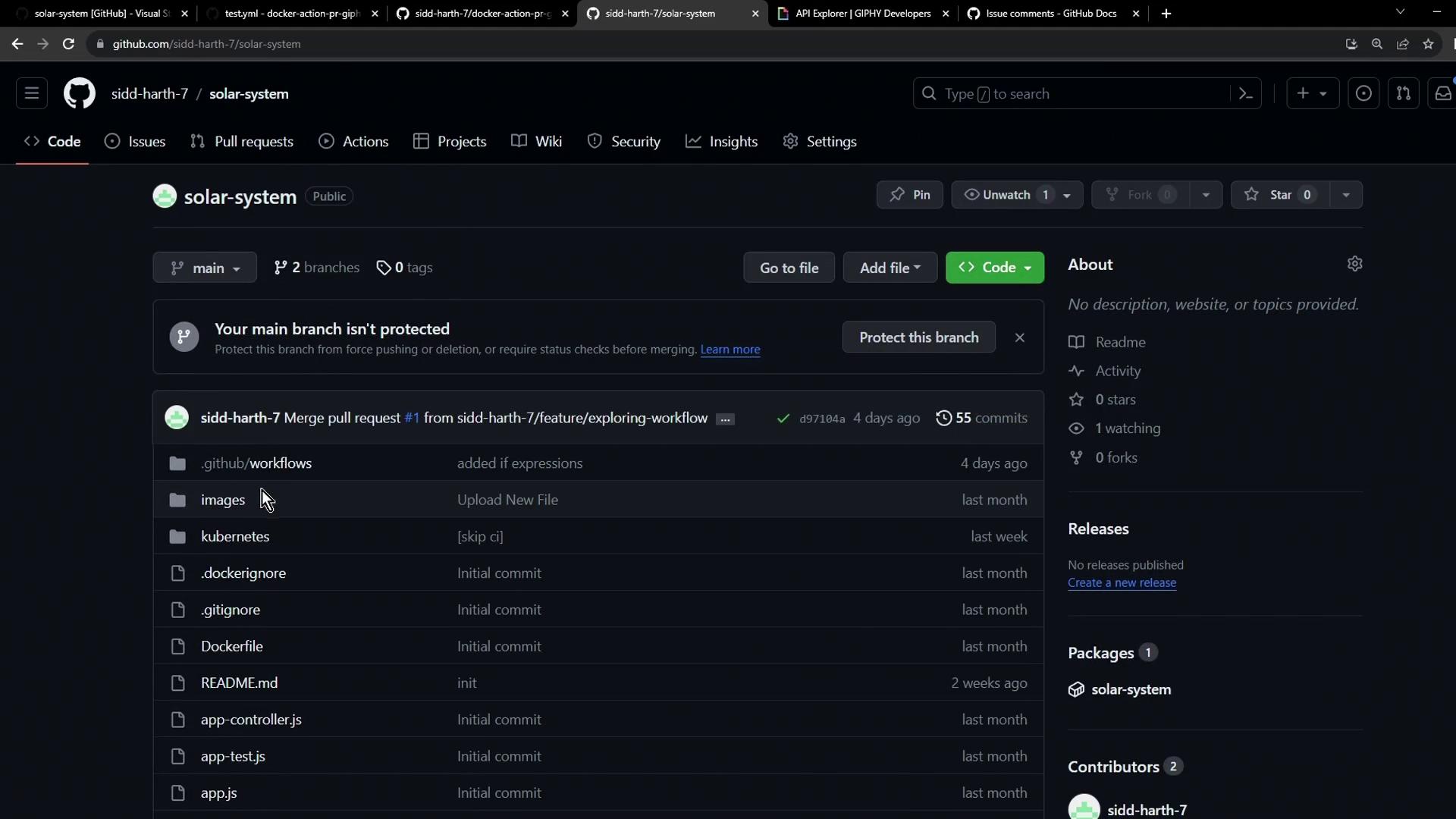
1. Open the Target Repository Navigate to your solar-system repository on GitHub:
2. Add the Giphy API Token Your custom action fetches GIFs using the Giphy API. To configure:
Get an API key from the Giphy Developer Portal .
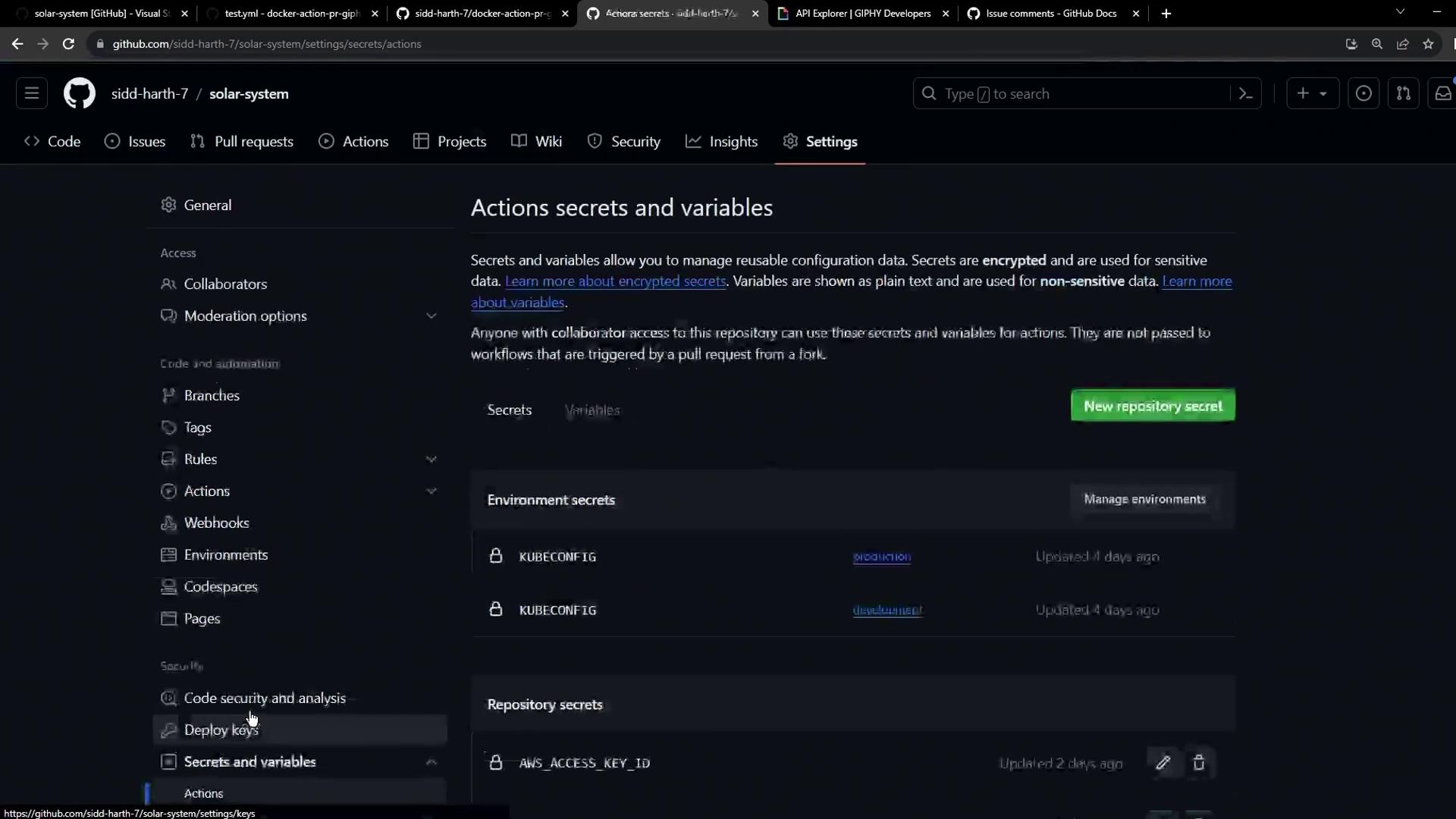
In your repo, go to Settings > Actions > Secrets and variables > Actions .
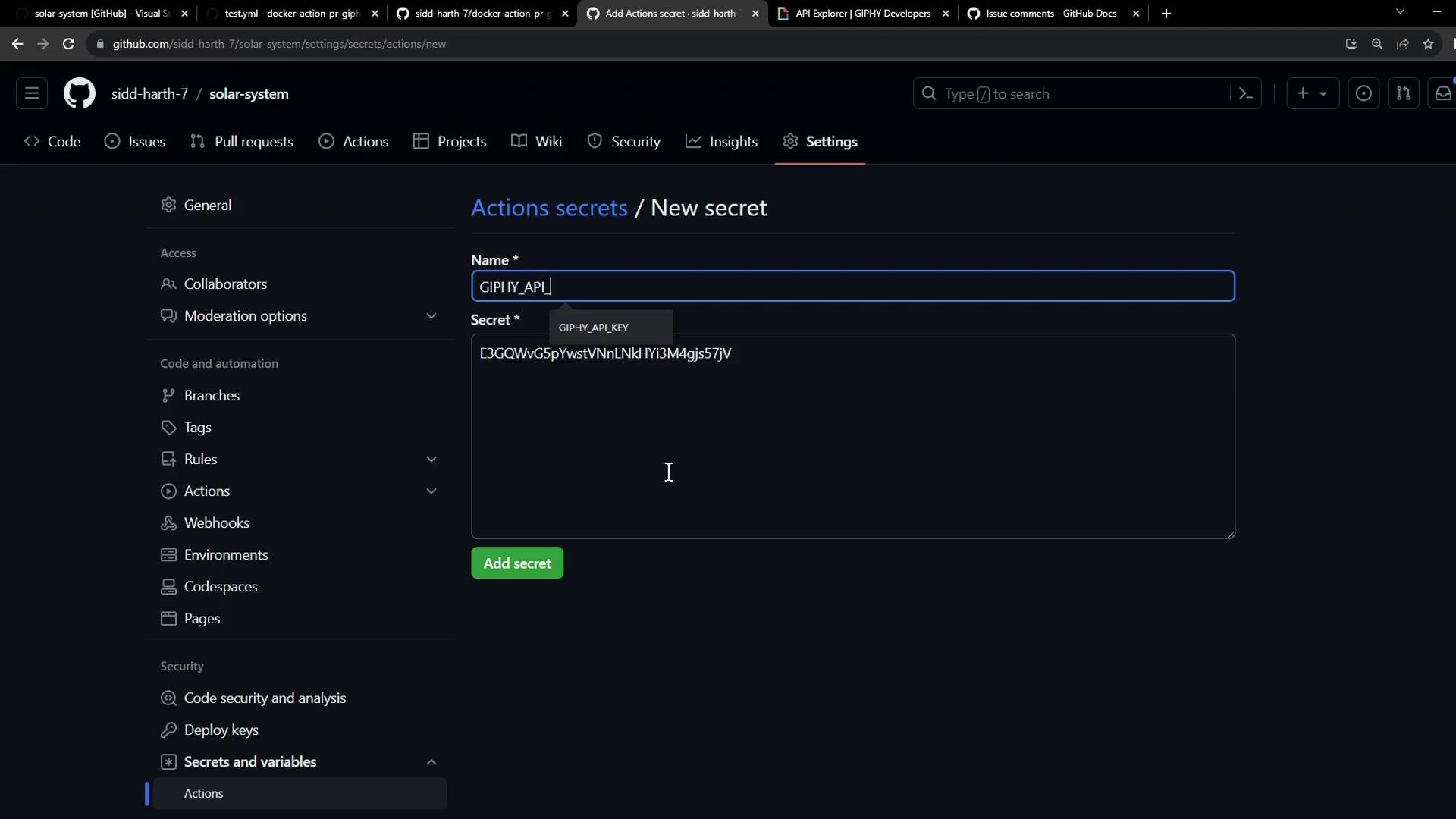
Click New repository secret .
Name it GIPHY_API and paste the API key.
Save.
Never expose your API keys in plain text. Always use GitHub Secrets for sensitive values.
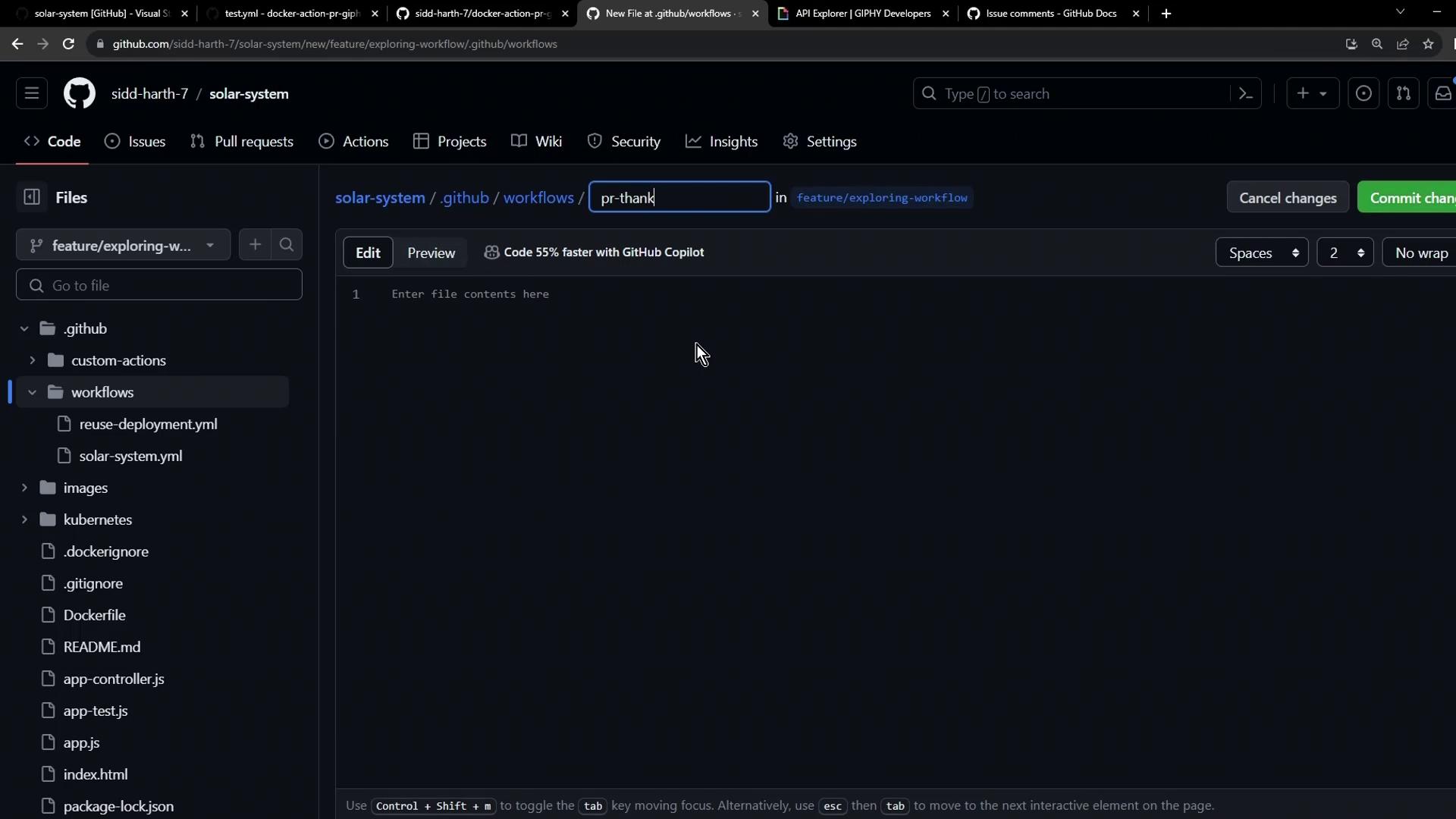
3. Create the Workflow File Checkout a branch (e.g., main or a feature branch) and add .github/workflows/pr-thank-you.yml:
Workflow Configuration # .github/workflows/pr-thank-you.yml name : PR Thank You Comment on : pull_request : types : [ opened ] jobs : pr-action : runs-on : ubuntu-latest permissions : issues : write pull-requests : write steps : - name : Post PR Comment with Giphy uses : siddharth-7/docker-action-pr-giphy-comment@main with : github-token : ${{ secrets.GITHUB_TOKEN }} giphy-api-key : ${{ secrets.GIPHY_API }}
Permissions Reference Permission Purpose issues: writePost comments on issues pull-requests: writeManage PR comments
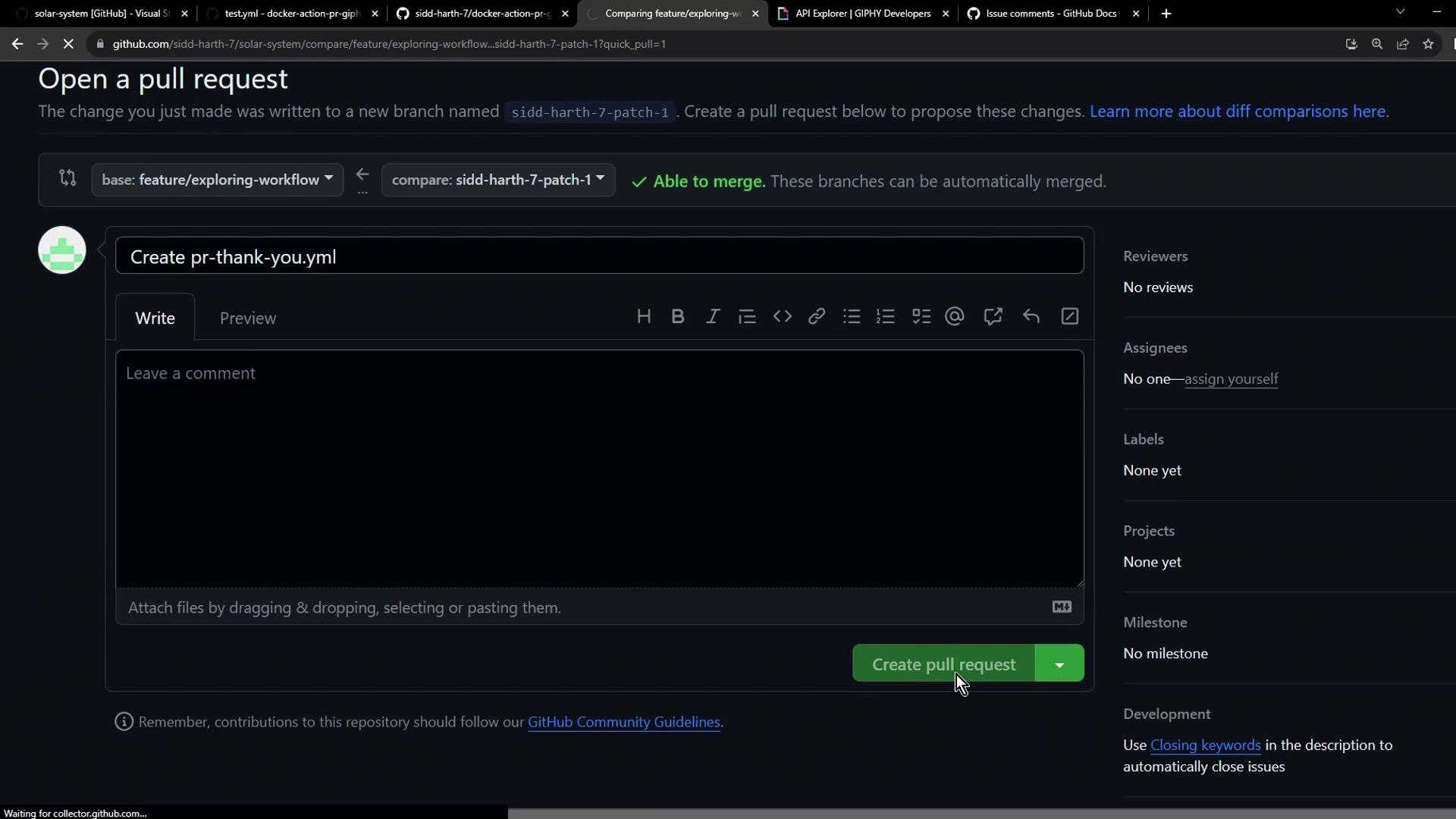
Commit and push your branch, then open a pull request:
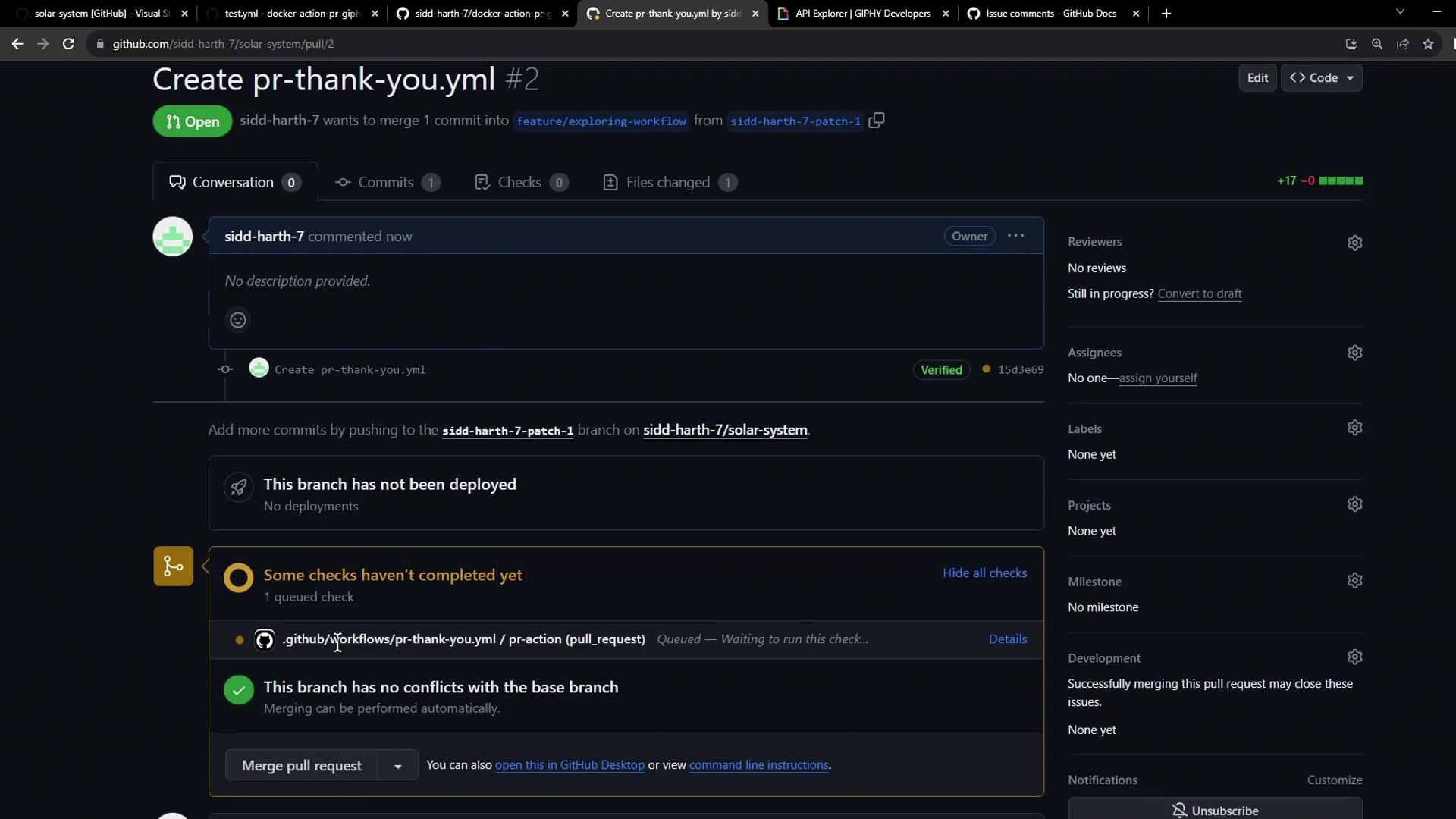
4. Observe the Workflow Run Once the PR is created, GitHub Actions will trigger the workflow automatically:
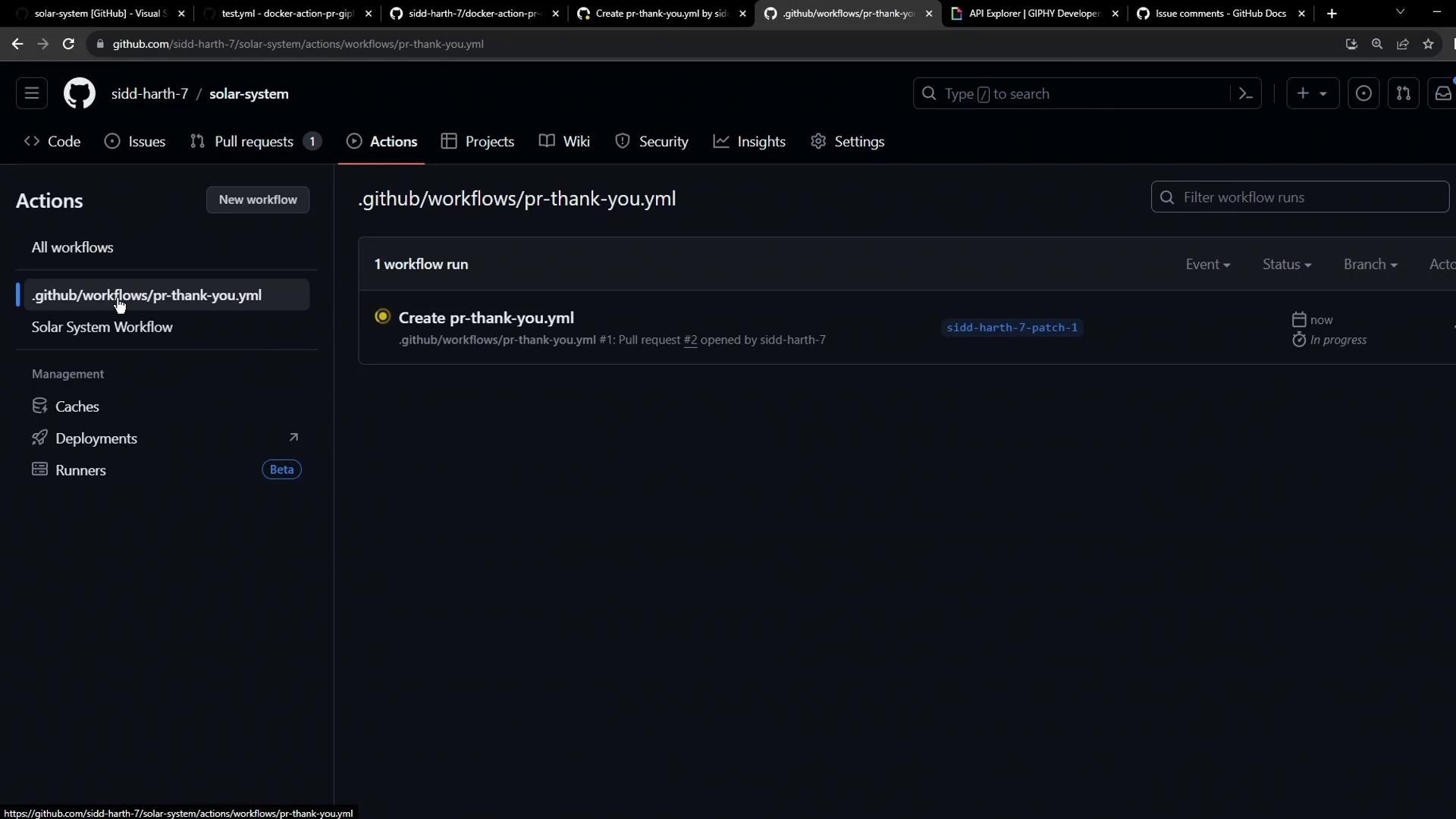
Monitor progress under the Actions tab:
After success, the action posts a thank-you GIF comment on the pull request.
5. Behind the Scenes: Docker Build Logs Each run of a container action rebuilds the Docker image. Example build output:
#1 [internal] load .dockerignore
#1 DONE 0.0s
#2 [internal] load build definition from Dockerfile
#2 DONE 0.0s
#3 [internal] load metadata for docker.io/library/alpine:3.10
#3 DONE 0.0s
#6 [1/4] FROM docker.io/library/alpine:3.10
#6 DONE 0.1s
#9 [4/4] RUN chmod +x /entrypoint.sh
#9 DONE 0.3s
And the execution command:
/usr/bin/docker run --name 2c046f464a14829b2e7791b519b_32bdb \ --label 461ce --workdir /github/workspace -m -1 \ --input_github_token= "INPUT_GITHUB_TOKEN" \ -e "GIPHY_API" -e "GITHUB_SHA"="GITHUB_SHA" \ -v "/var/run/docker.sock":"/var/run/docker.sock" \ --rm docker-action-pr-giphy-comment:main
Rebuilding the Docker image each run adds latency. For faster CI workflows, consider authoring a JavaScript action that executes without a container build. References