Learn to use if-expressions with steps context in GitHub Actions to archive test artifacts even when jobs fail.
In this guide, you’ll learn how to use if-expressions together with the steps context to ensure your test artifacts are always archived—even when a job fails. By assigning IDs to steps and leveraging status functions, you can control exactly when uploads occur, making debugging and reporting much easier.
Give your test step an id, then use if to check its outcome:
Copy
Ask AI
- name: Unit Testing id: nodejs-unit-testing run: npm test - name: Archive Test Results if: steps.nodejs-unit-testing.outcome == 'failure' || steps.nodejs-unit-testing.outcome == 'success' uses: actions/upload-artifact@v3 with: name: Mocha-Test-Result path: test-results.xml
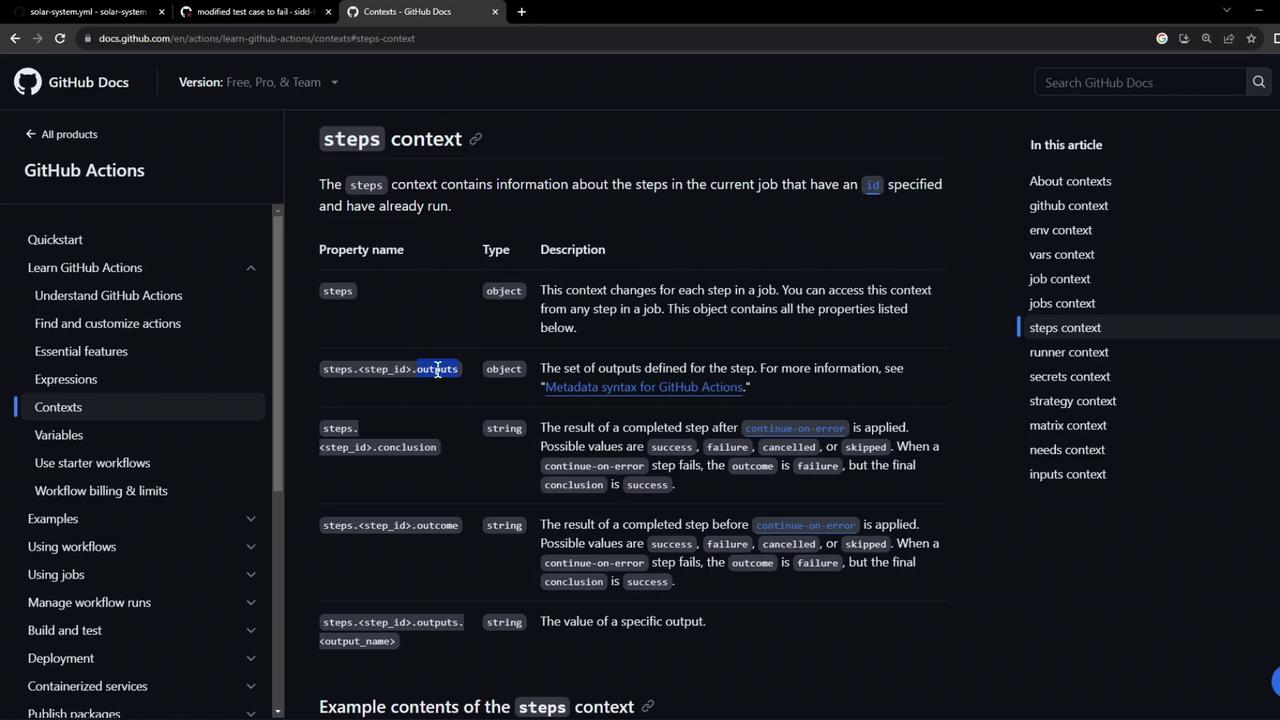
The steps context provides each step’s outcome property:
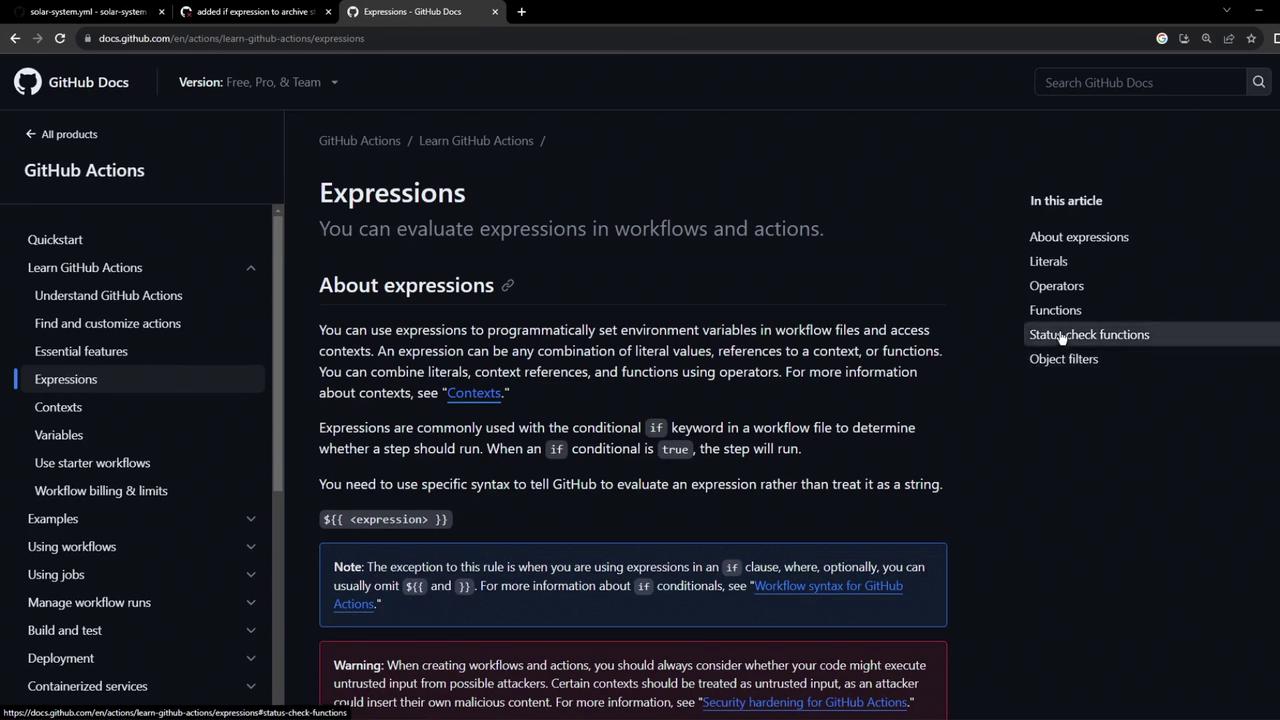
You can use comparison operators (==, !=, >, <) and functions in expressions to control step execution.
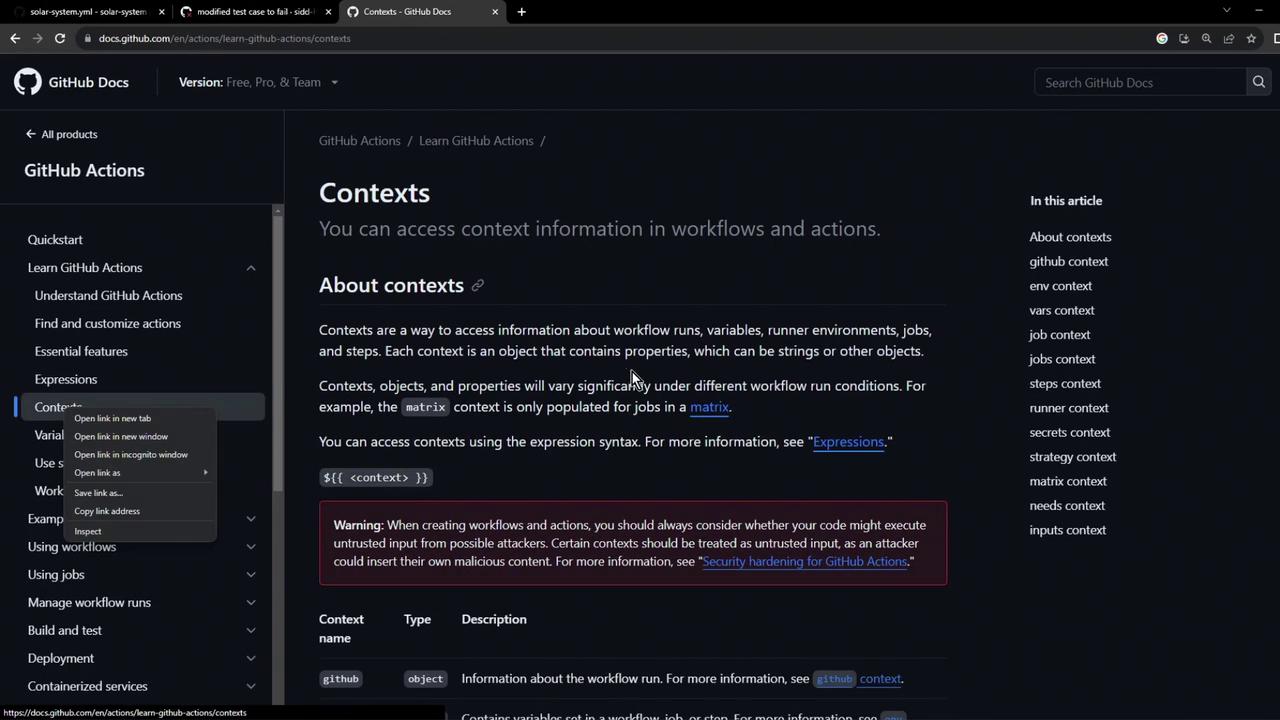
Here’s the official expressions reference:
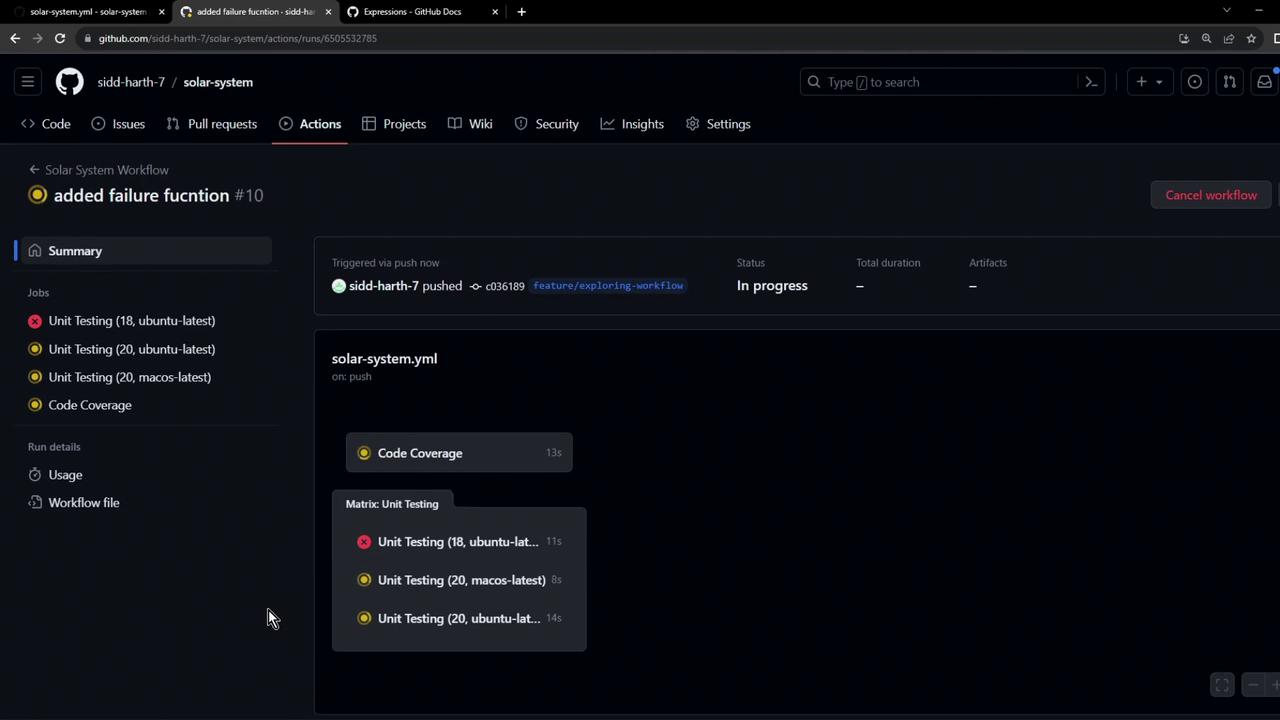
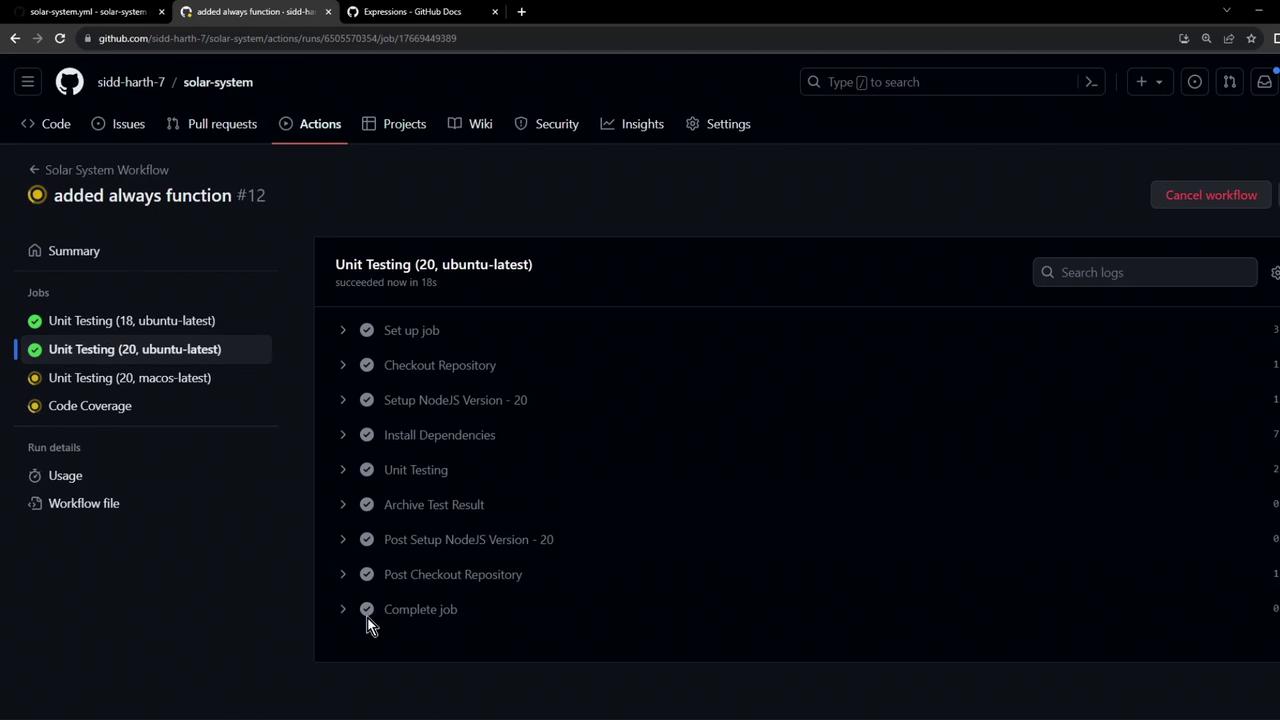
Rerun the workflow, and you’ll see the Archive step execute in all scenarios:
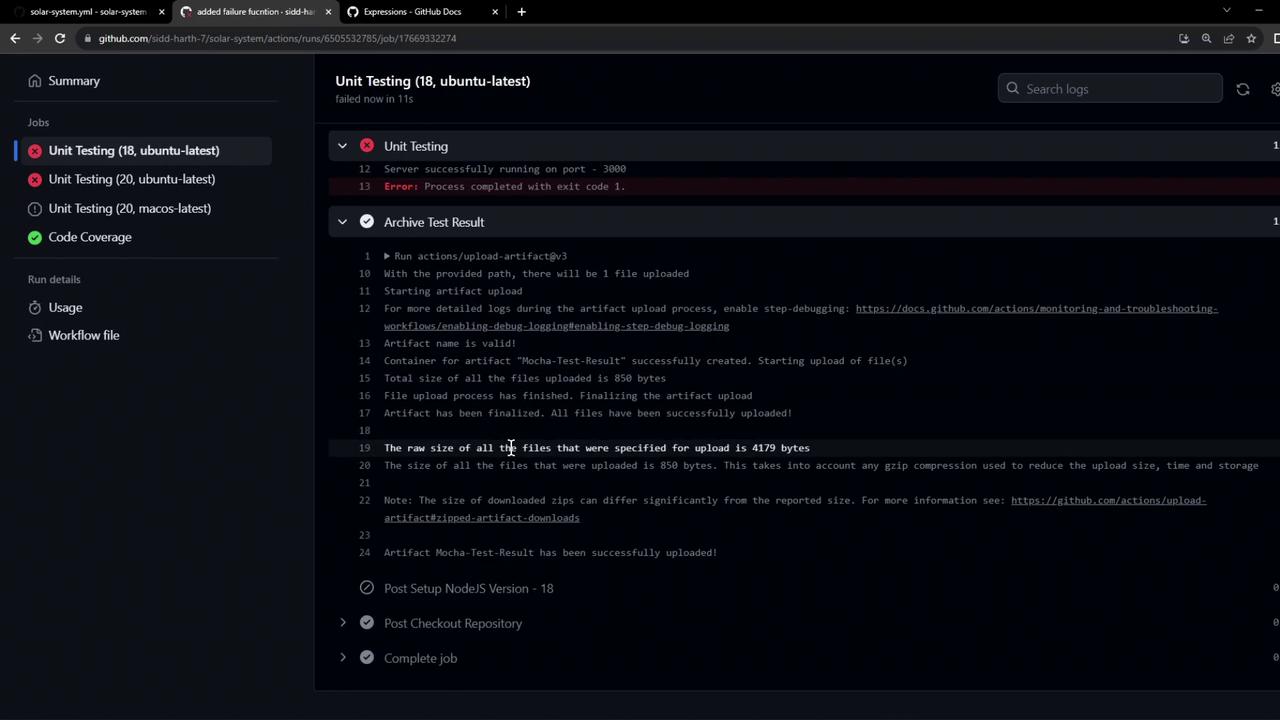
Inspecting the logs confirms the upload ran:
Copy
Ask AI
> Solar [email protected] test> mocha app-test.js --timeout 10000 --reporter mocha-junit-reporter --exitServer successfully running on port - 3000Error: Process completed with exit code 1.
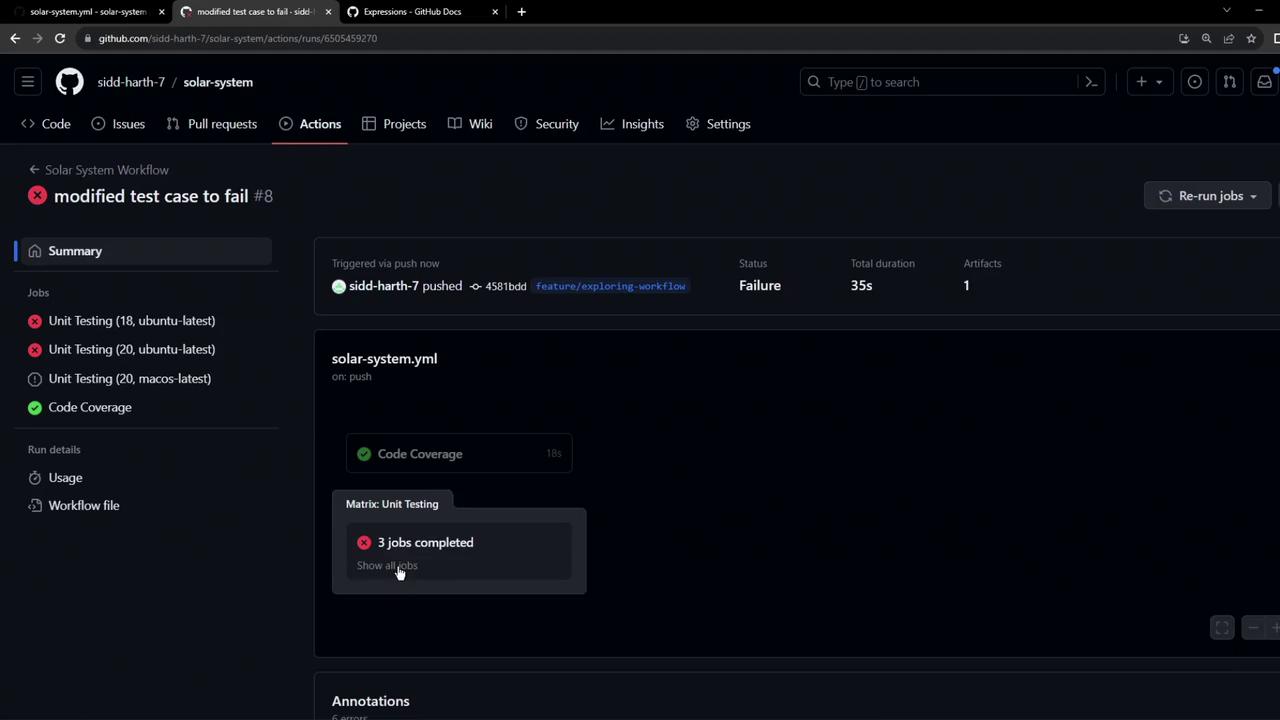
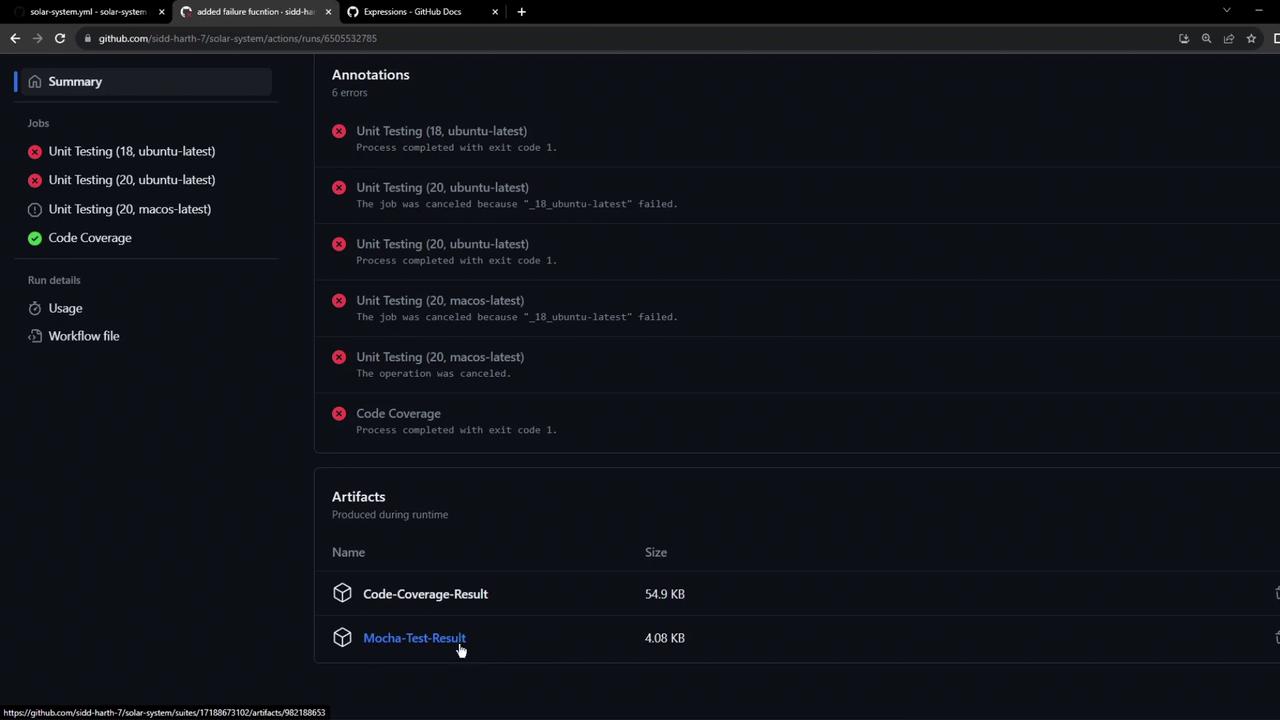
The workflow summary now lists the test-result artifact: