

Supported Events
GitHub Actions supports dozens of repository and organization events. For a full list, see the official GitHub Actions documentation.Common trigger events include
push, pull_request, schedule, registry_package, and workflow_dispatch. You can mix multiple events in a single workflow.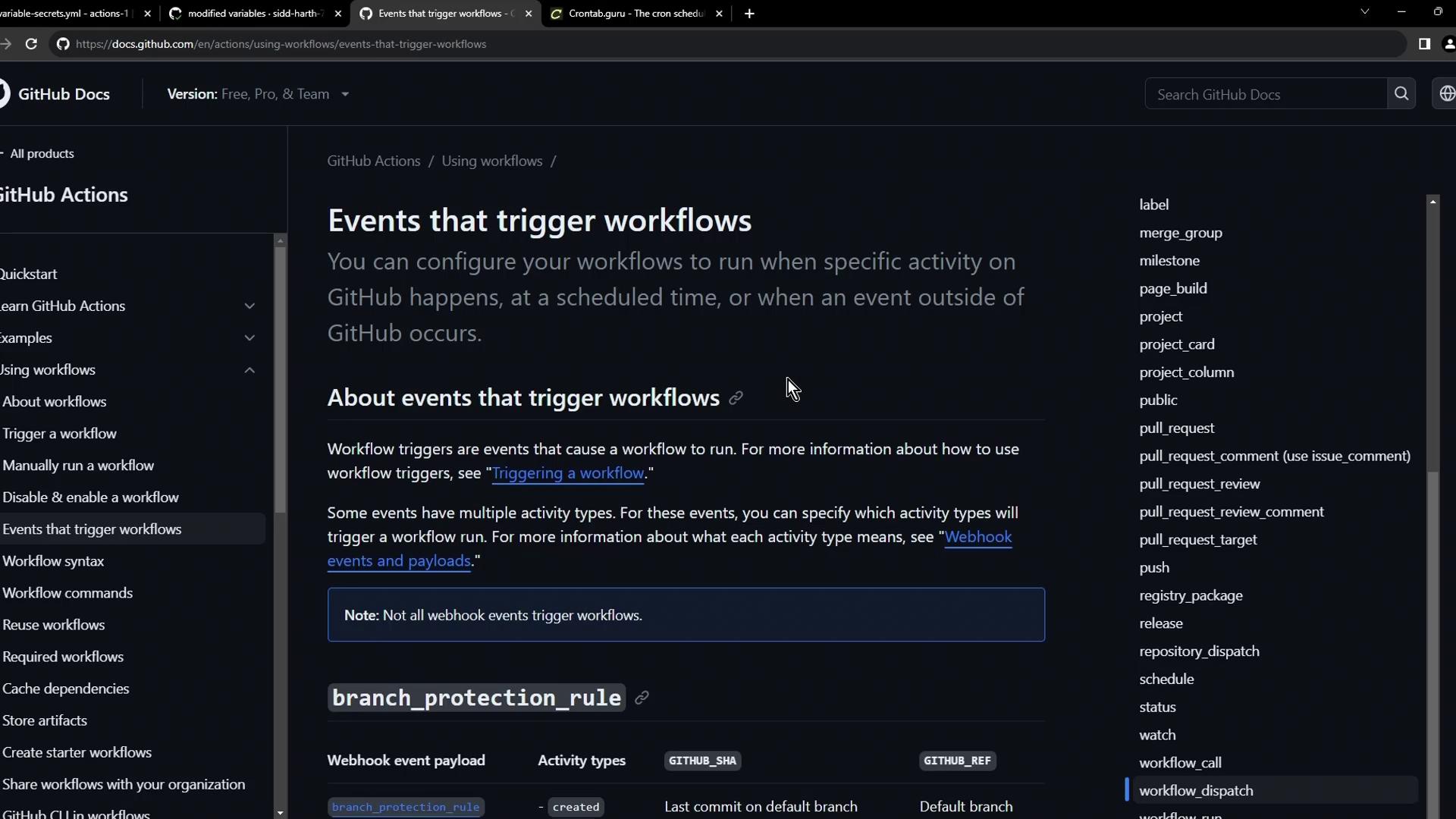
| Event Type | Description | Example Usage |
|---|---|---|
| push | Fires on git push to branches or tags | Trigger tests on new commits |
| pull_request | Runs when a PR is opened, edited, or merged | Validate code before merging |
| schedule | Cron-based schedules | Nightly builds or cleanup tasks |
| registry_package | Occurs on package publication in GitHub Registry | Post-publish validations or notifications |
| workflow_dispatch | Manual trigger via UI or API | Run ad-hoc jobs with custom inputs |
1. Push Event
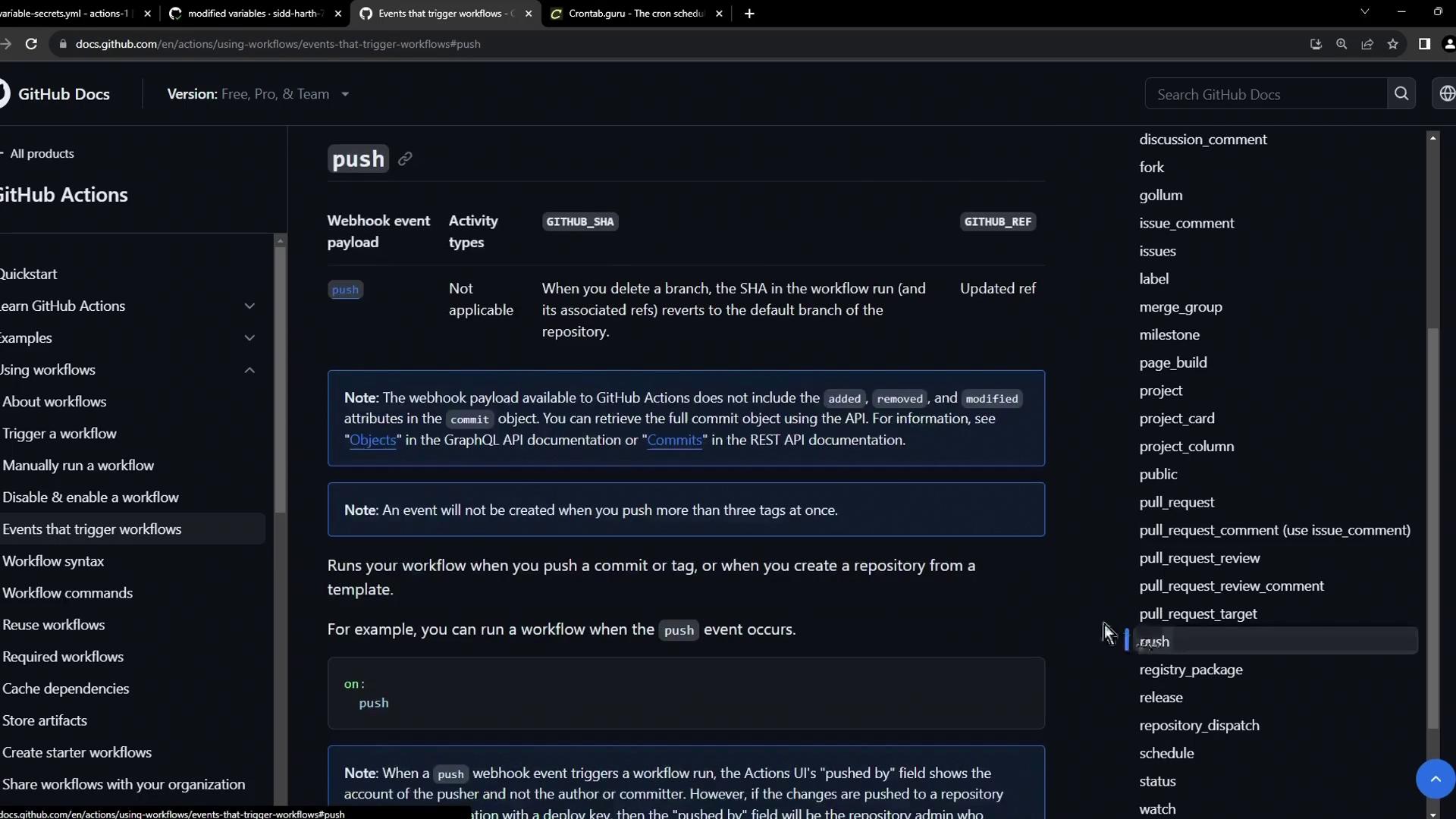
Thepush event is the most common trigger. Whenever you push commits to a branch or tag, the workflow kicks off.
2. Pull Request Event
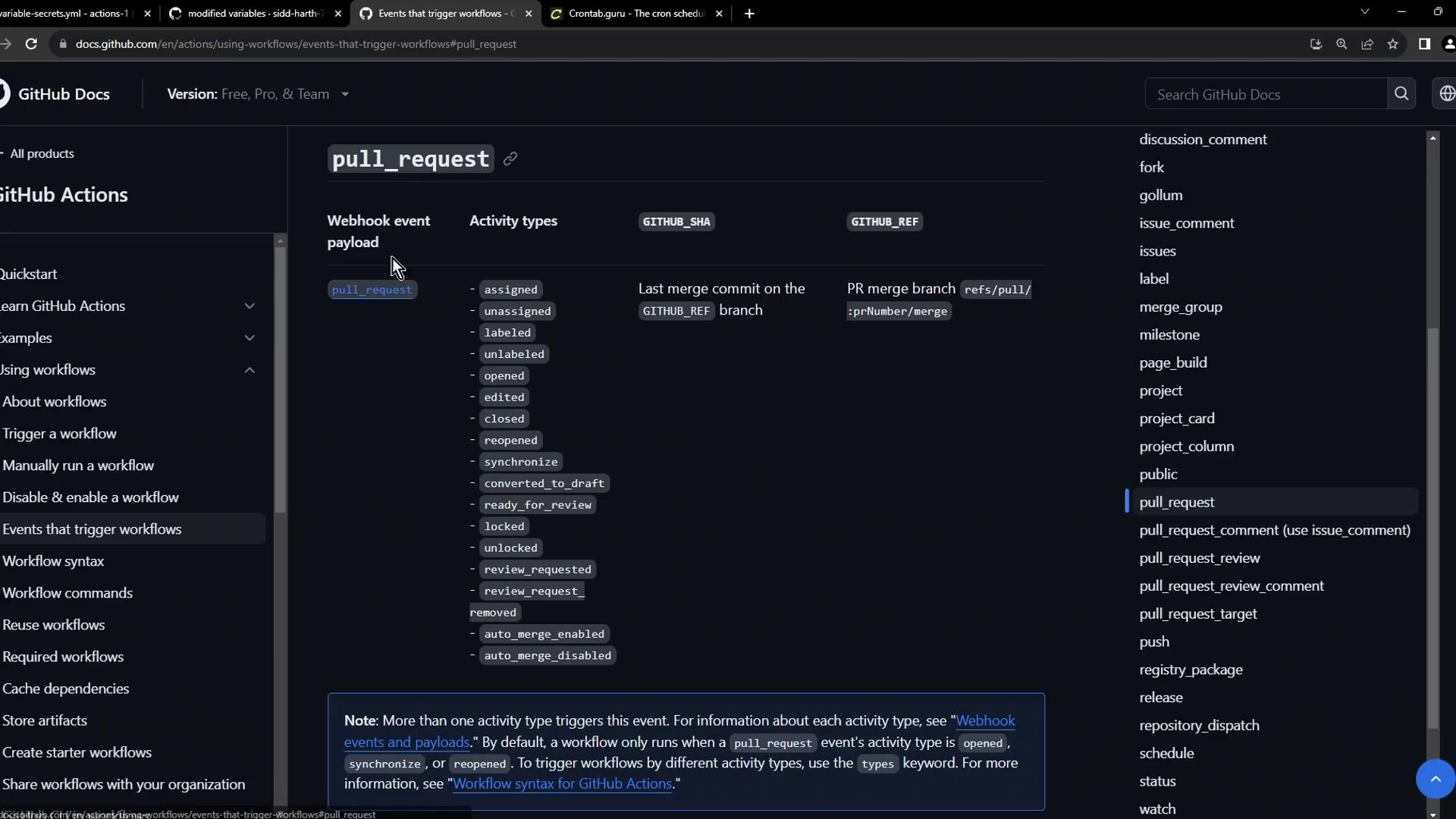
Usepull_request to run checks on PR activity. You can filter by action types like opened, edited, synchronize, and closed.
3. Registry Package Event
Trigger workflows when packages are published to GitHub’s package registry. This is ideal for post-publish tests or notifications.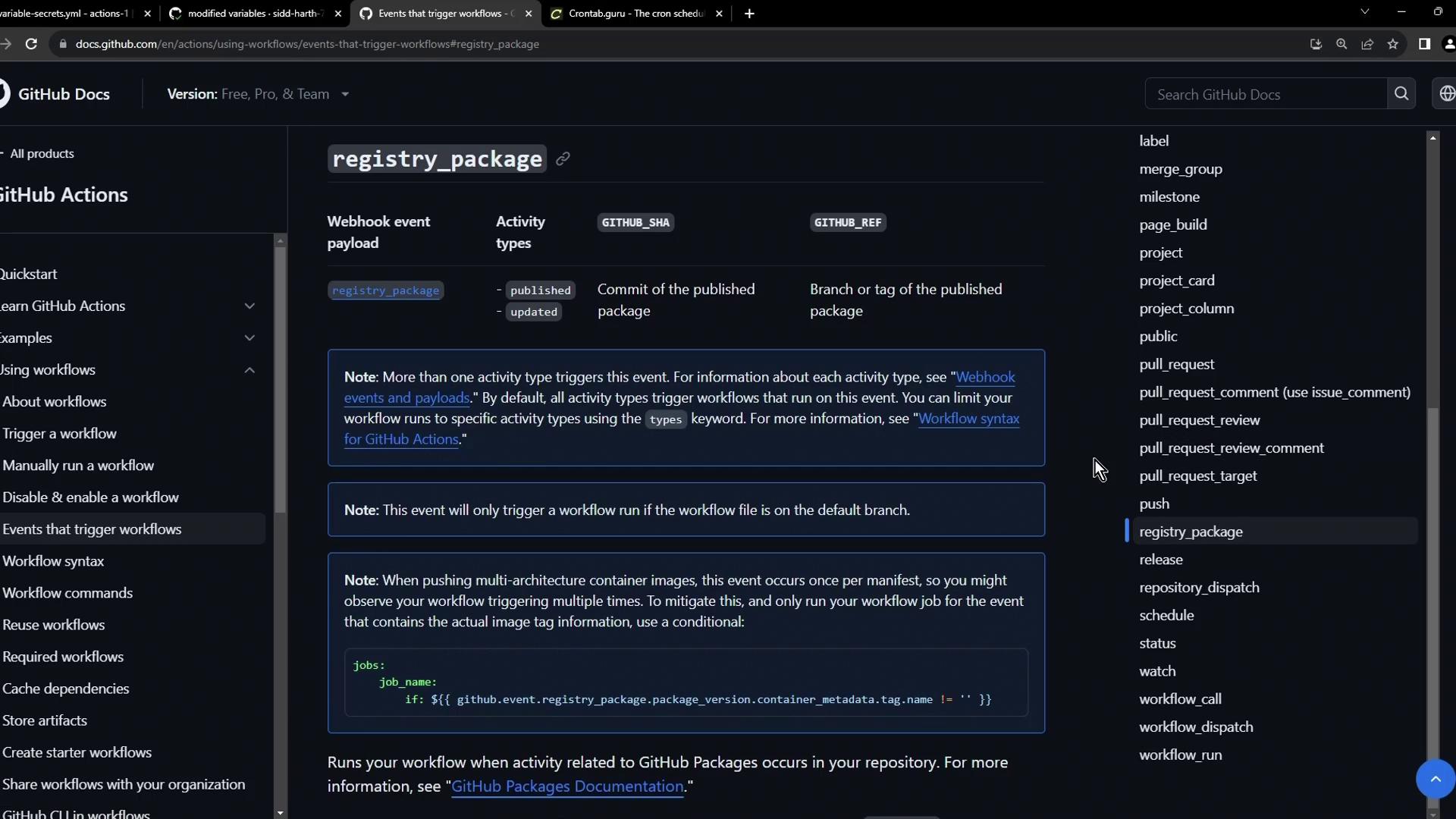
4. Scheduled Workflows with Cron
Define scheduled workflows using cron syntax under theschedule event. Cron schedules run independent of code changes.
Use Crontab Guru to build and validate cron expressions.
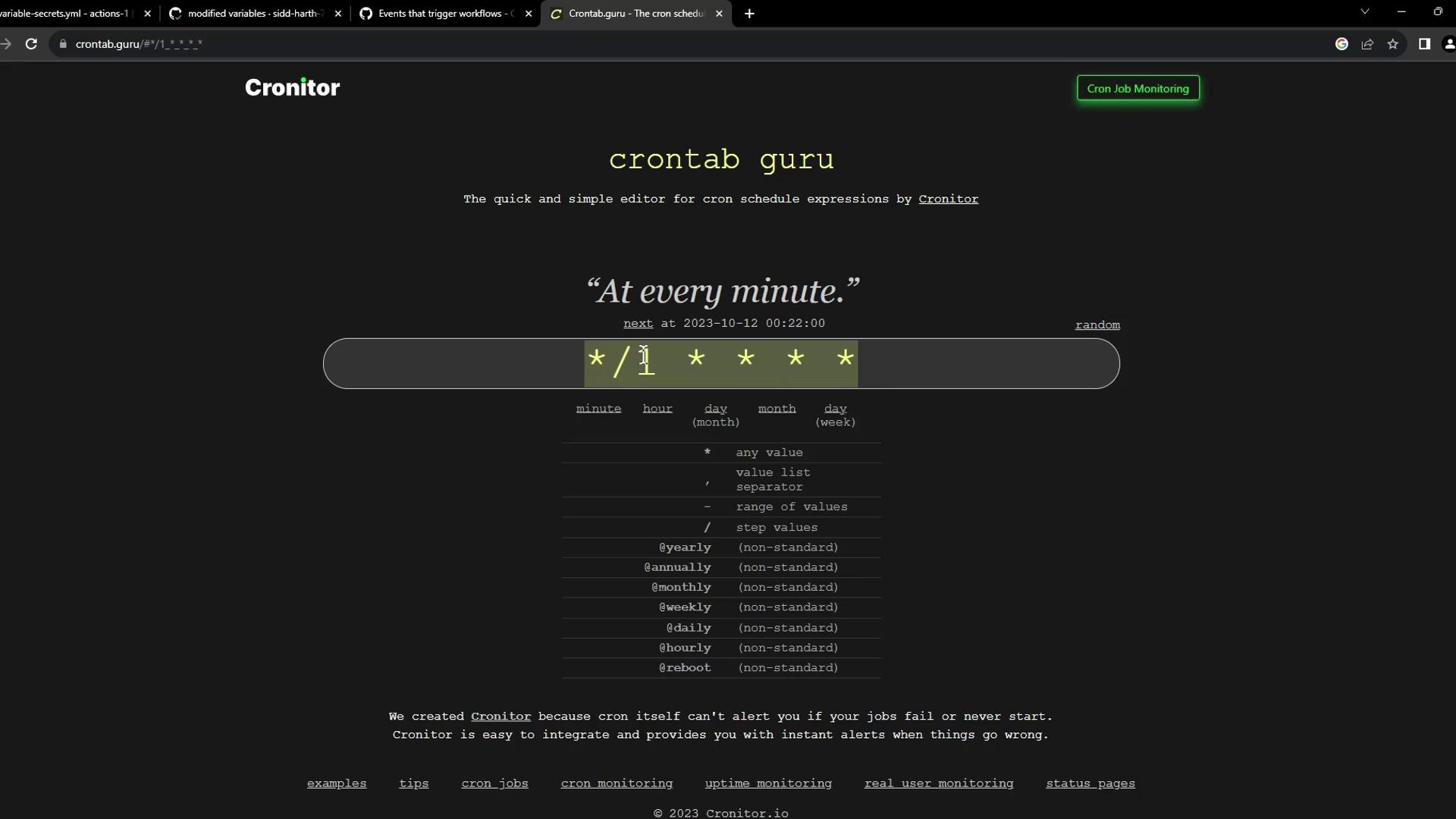
Example: Twice Daily at 05:30 & 17:30 UTC
Example: Specific Weekdays
Example: Every Minute Build & Publish
5. Manual Trigger with workflow_dispatch
Enable manual runs through the GitHub UI or API usingworkflow_dispatch. You can define inputs for custom parameters.
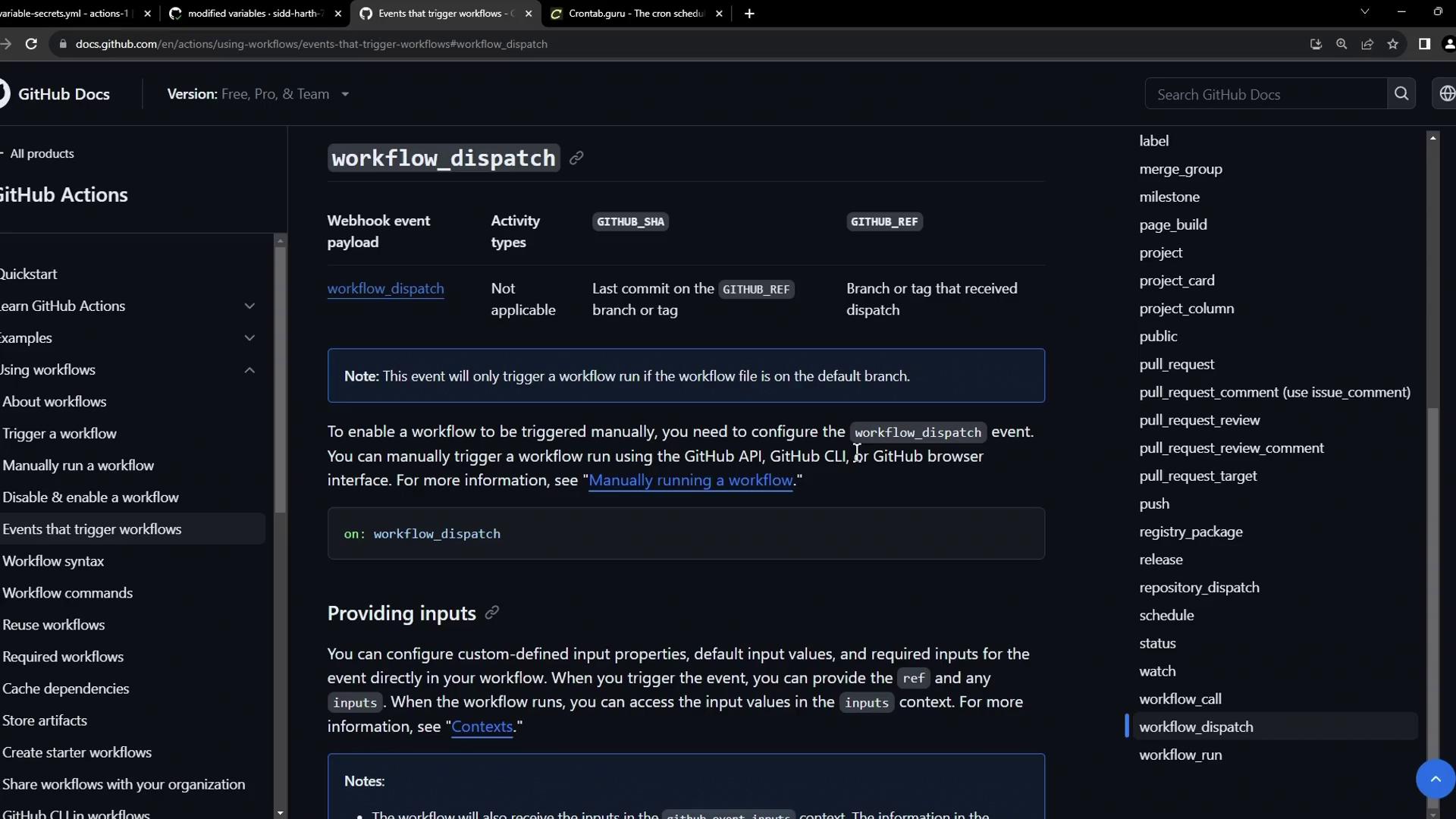
Minimal workflow_dispatch
Advanced Inputs Example
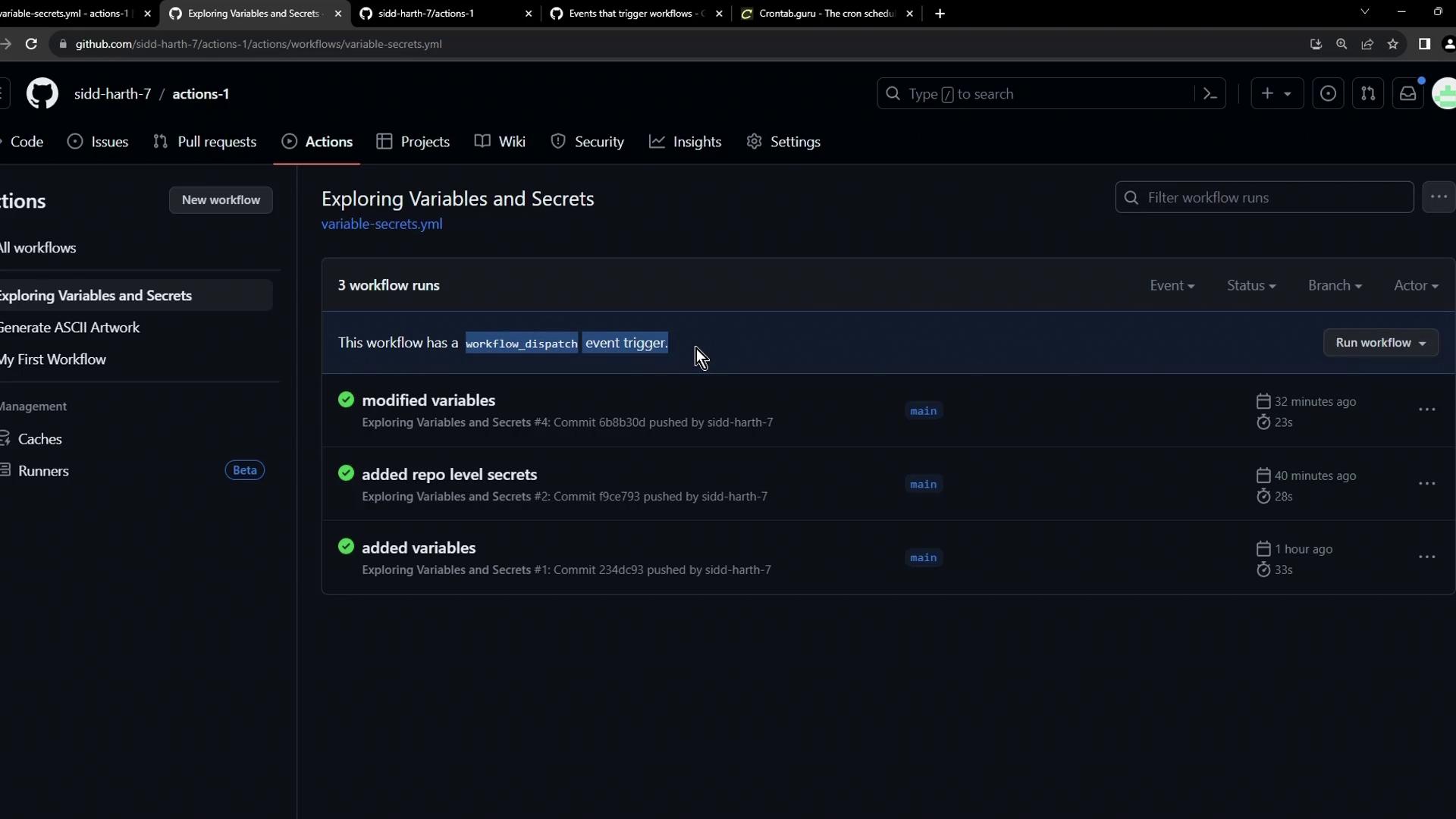
Summary
You now know how to:- Trigger workflows on repository events (
push,pull_request,registry_package, etc.). - Schedule cron jobs for periodic tasks.
- Manually dispatch workflows with custom inputs.