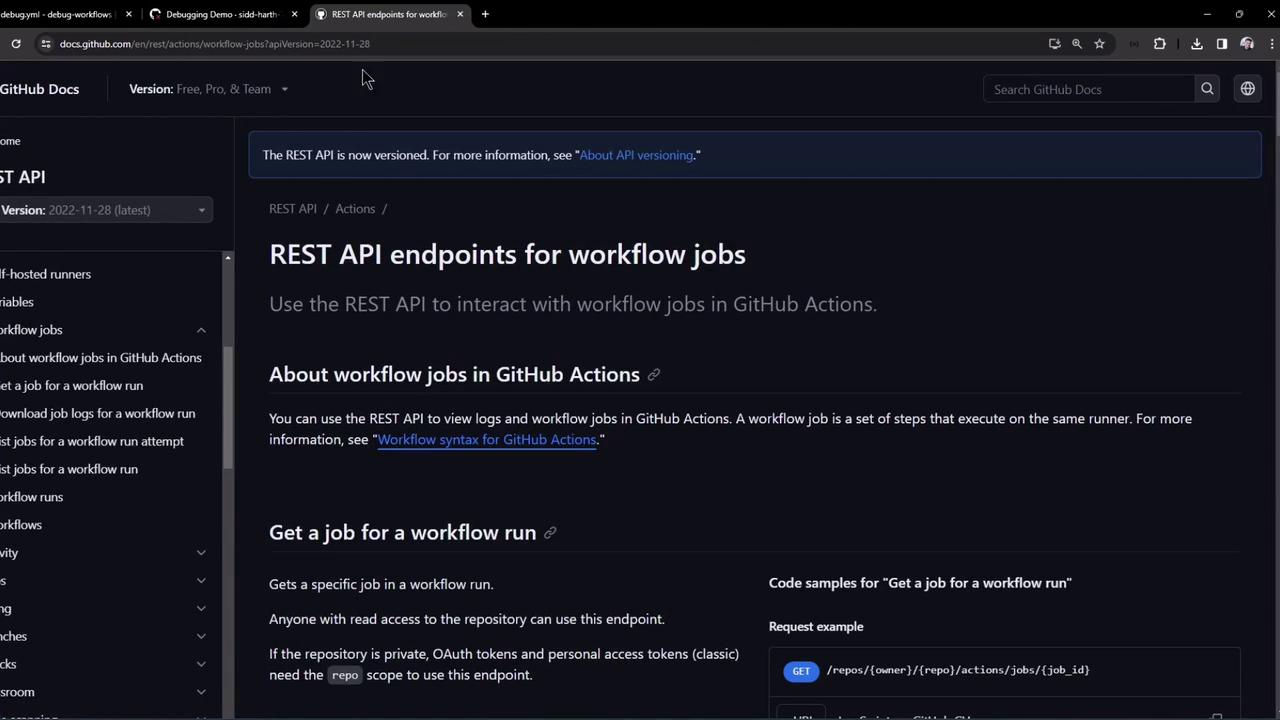
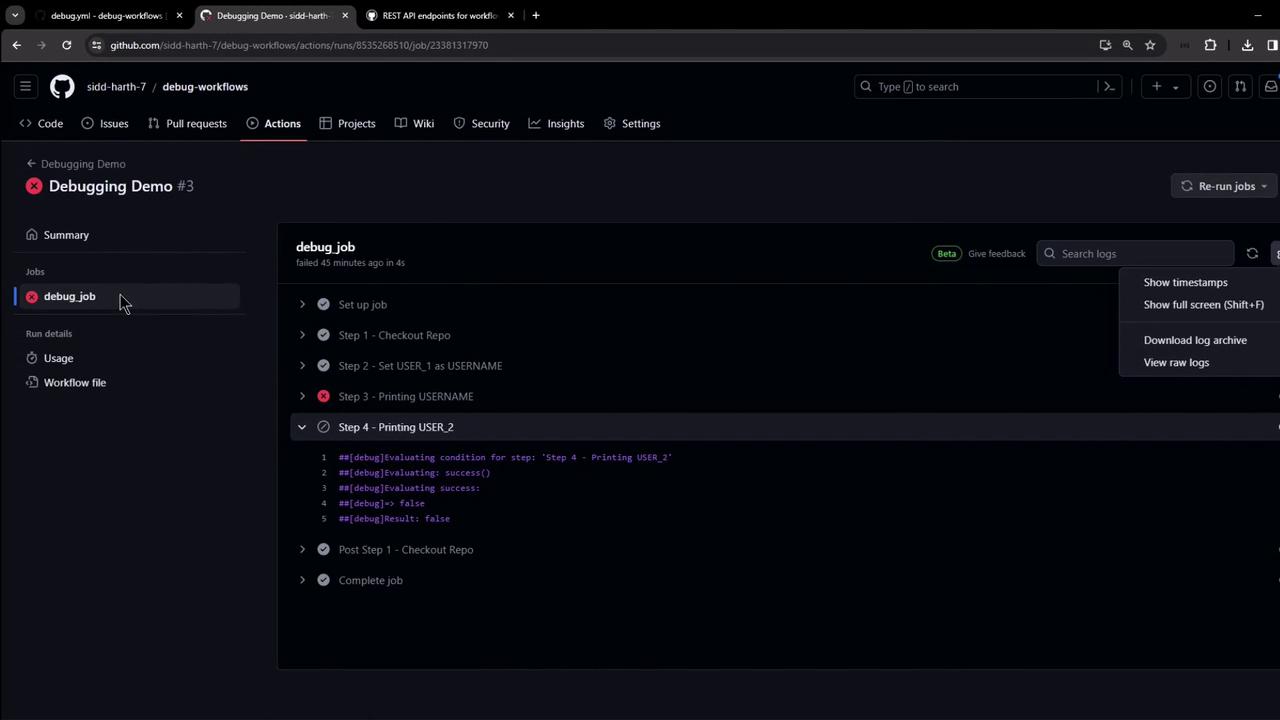
In this guide, you’ll learn how to automate the retrieval of GitHub Actions workflow logs and job metadata using GitHub’s REST API. While the GitHub Actions UI lets you download logs manually, the REST endpoints enable seamless integration in CI/CD pipelines, monitoring tools, and other automation workflows.
1. Fetch a Specific Job’s Details Use this endpoint to get metadata and step-level statuses for a particular job in a workflow run:
curl -L \
  -H "Accept: application/vnd.github+json" \
  -H "Authorization: Bearer <YOUR_TOKEN>" \
  -H "X-GitHub-Api-Version: 2022-11-28" \
  https://api.github.com/repos/OWNER/REPO/actions/jobs/JOB_ID
Replace OWNER, REPO, and JOB_ID with your repository owner, name, and the numeric job ID.
If you’re querying a public repository, you can omit the Authorization header.
Sample response excerpt:
{ "id" : 23381317970 , "run_id" : 8535268510 , "workflow_name" : "Debugging Demo" , "head_branch" : "main" , "status" : "completed" , "conclusion" : "failure" , "steps" : [ { "name" : "Set up job" , "status" : "completed" , "conclusion" : "success" , "number" : 1 }, { "name" : "Step 3 - Printing USERNAME" , "status" : "completed" , "conclusion" : "failure" , "number" : 4 }, { "name" : "Step 4 - Printing USER_2" , "status" : "completed" , "conclusion" : "skipped" , "number" : 5 } ] }
2. Download Raw Logs for a Single Job Once you know the JOB_ID, fetch its logs as a ZIP archive:
curl -L -k \
  -H "Accept: application/vnd.github+json" \
  -H "Authorization: Bearer <YOUR_TOKEN>" \
  -H "X-GitHub-Api-Version: 2022-11-28" \
  https://api.github.com/repos/OWNER/REPO/actions/jobs/JOB_ID/logs \
  -o job_logs.zip
-k skips SSL validation (only use in controlled environments).-o job_logs.zip writes the output to a file.
Unzip and inspect:
unzip job_logs.zip -d job_logs
ls job_logs
Each file or folder in job_logs corresponds to individual steps and runner logs.
Avoid using -k in production—always validate SSL certificates to secure your data in transit.
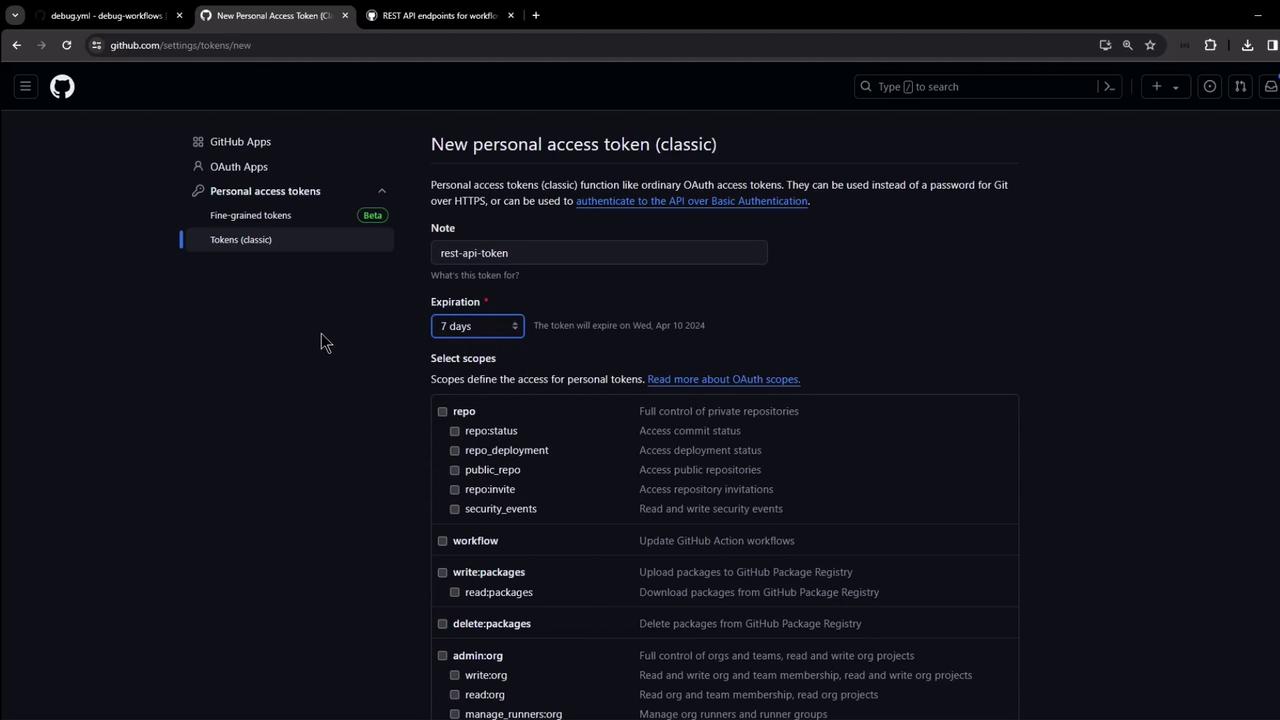
3. Generate a GitHub Personal Access Token For private repositories, set up a Personal Access Token (PAT) with the minimal scopes:
Navigate to Settings → Developer settings → Personal access tokens → Tokens (classic) .
Click Generate new token , add a descriptive note and expiration.
Select repo and workflow scopes.
Copy the token; use it as Authorization: Bearer <YOUR_TOKEN>.
4. Download Logs for an Entire Workflow Run To grab logs for every job in a workflow run, hit the run-level endpoint:
curl -L -k \
  -H "Accept: application/vnd.github+json" \
  -H "Authorization: Bearer <YOUR_TOKEN>" \
  -H "X-GitHub-Api-Version: 2022-11-28" \
  https://api.github.com/repos/OWNER/REPO/actions/runs/RUN_ID/logs \
  -o run_logs.zip
Replace RUN_ID with the numeric workflow run ID.
The ZIP contains logs for all jobs in the specified run.
After downloading:
unzip run_logs.zip -d workflow_run_logs
ls workflow_run_logs
Quick Reference: GitHub Actions Logs Endpoints Operation HTTP Method & Path Description Get job details GET /repos///actions/jobs/ Retrieves job metadata and step statuses Download single-job logs GET /repos///actions/jobs//logs Downloads a ZIP of logs for one job Download full run logs GET /repos///actions/runs//logs Downloads a ZIP of logs for all jobs in a run
Conclusion Automating the download and inspection of GitHub Actions logs with the REST API helps integrate build insights into custom dashboards, alerts, and other tools. Always follow best practices for token security and grant only the required scopes.
Links and References