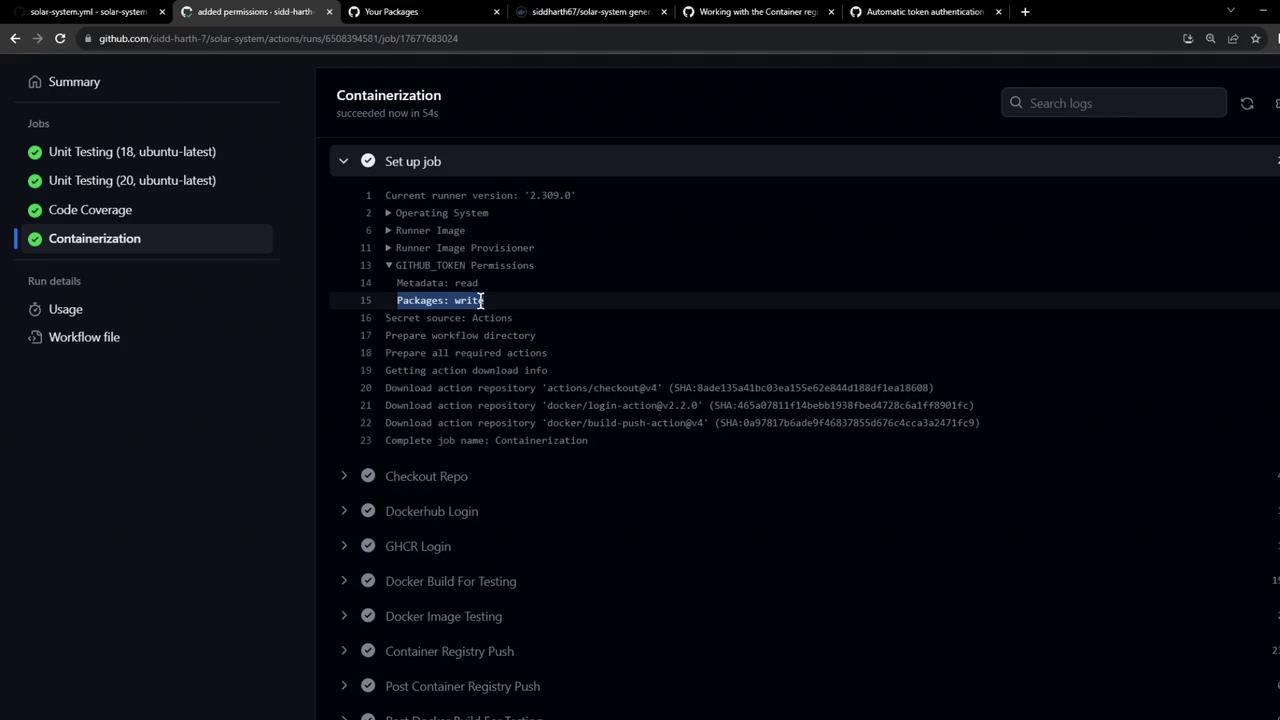
This article explains how to build and push Docker images to GitHub Container Registry using GitHub Actions.
Building a Docker image and pushing it to multiple registries—like Docker Hub, GitLab Container Registry, or GitHub Container Registry (GHCR)—is a common requirement for modern CI/CD pipelines. In this guide, we’ll focus on how to build and push an image to GHCR using GitHub Actions.
GitHub Container Registry (ghcr.io) is part of GitHub Packages. It allows you to store and manage both Docker and OCI images, either publicly or privately.
Key Features:
Feature
Description
Namespace
ghcr.io
Image Formats
Docker images, OCI artifacts
Visibility
Public or private
Integration
Tight integration with GitHub Actions and GitHub Packages API
Click Packages → Container registry in your repo sidebar to explore existing images:
FROM ghcr.io/${{ github.repository_owner }}/solar-system:${{ github.sha }}
Congratulations! You’ve successfully built, tested, and pushed Docker images to both Docker Hub and GitHub Container Registry in a single GitHub Actions workflow.