

Why Centralize Secret Management?
GitHub Actions secrets are easy to configure but can become a maintenance burden as your organization scales:| Storage Type | Versioning | Access Control | Maintenance Overhead |
|---|---|---|---|
| GitHub Repository | No | Per-repo / per-environment policies | Duplicate in each repo |
| HashiCorp Vault | Yes | Fine-grained, dynamic ACLs & tokens | Centralized, auditable |
- Automatic versioning and rotation
- Detailed audit logs
- Consistent policies across environments
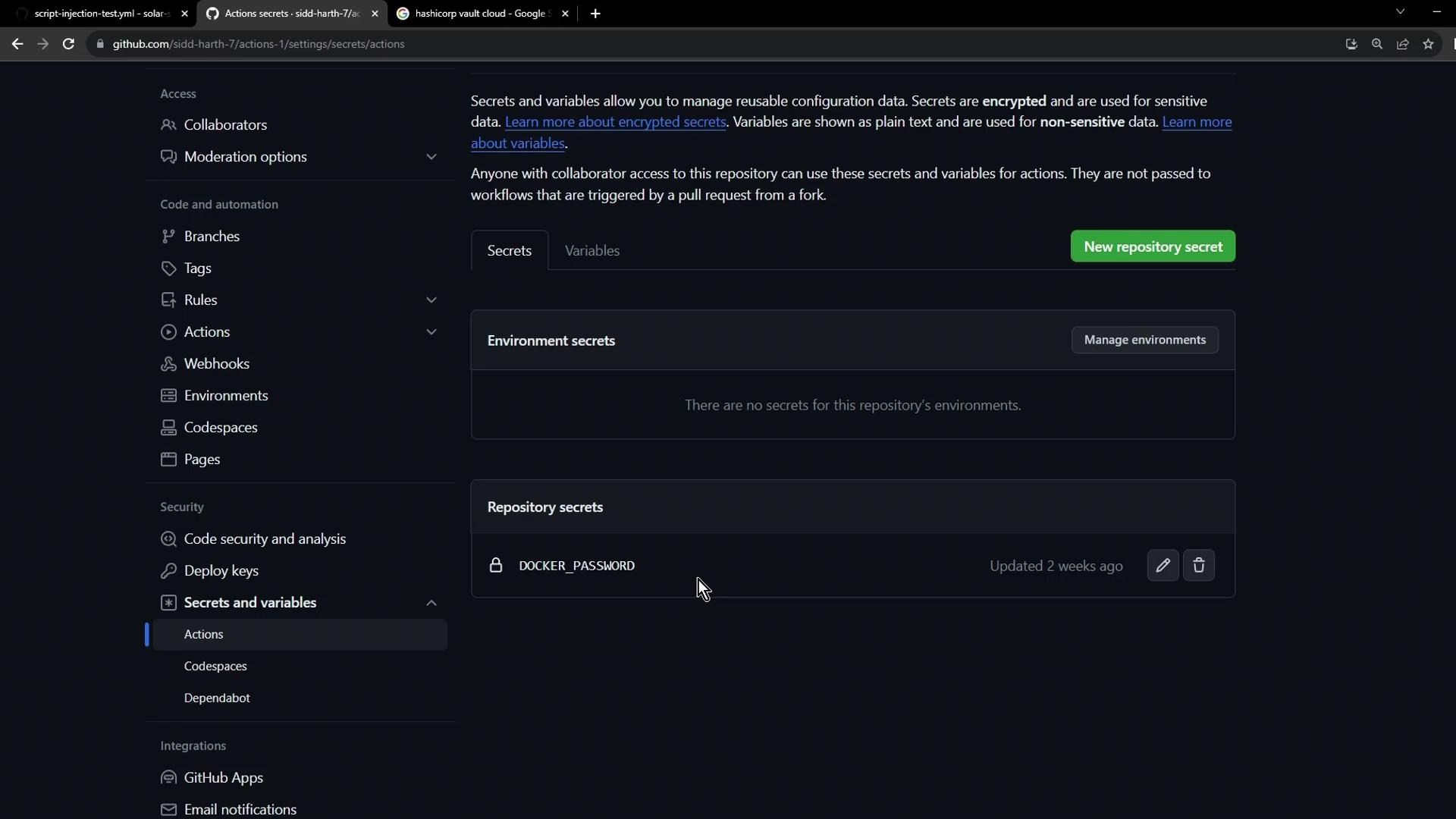
Defining a GitHub Actions Workflow
Create a workflow file under.github/workflows/vault-demo.yaml that manually triggers and checks for AWS_API_KEY:
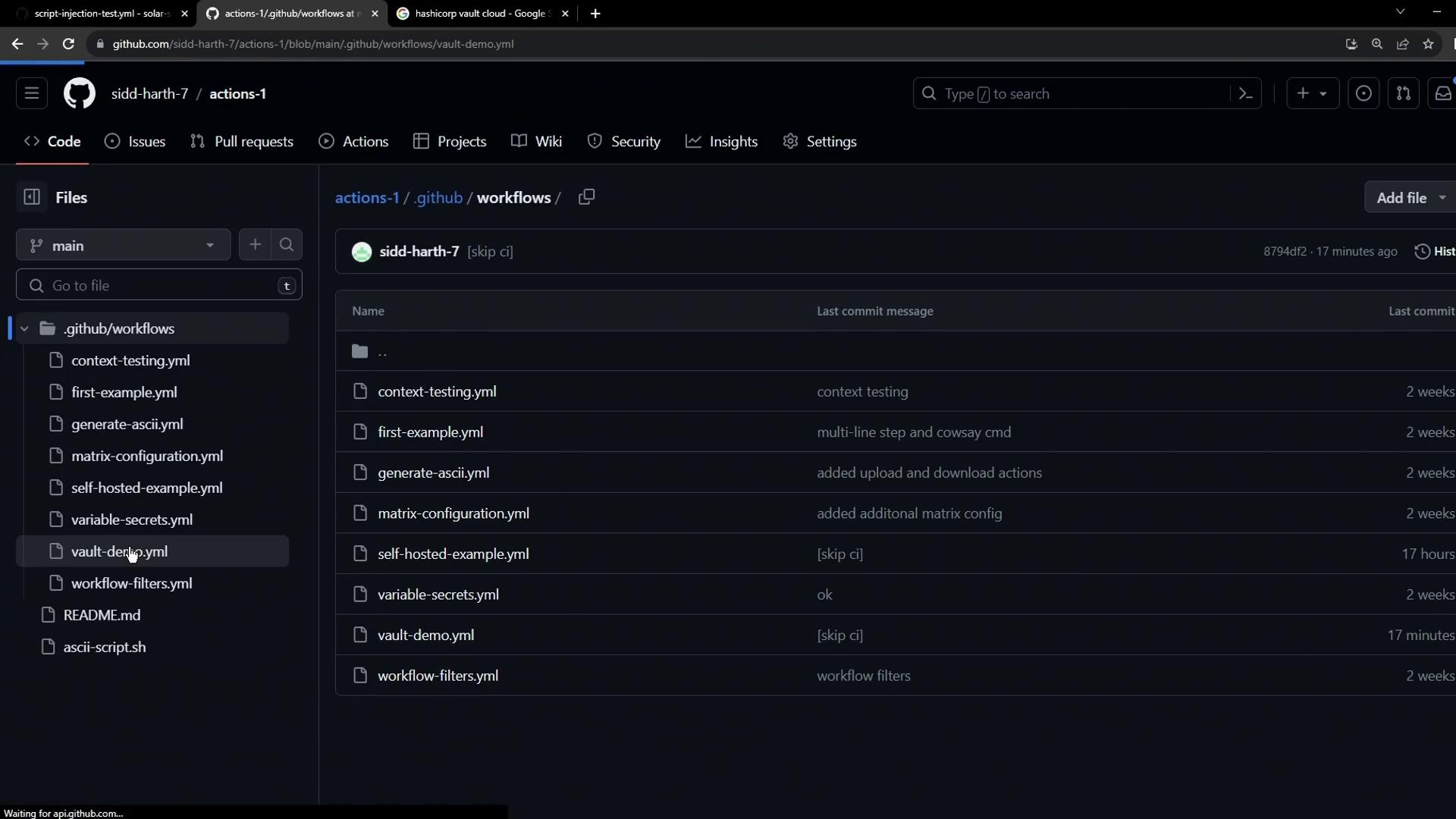
Ensure the workflow file is committed to the
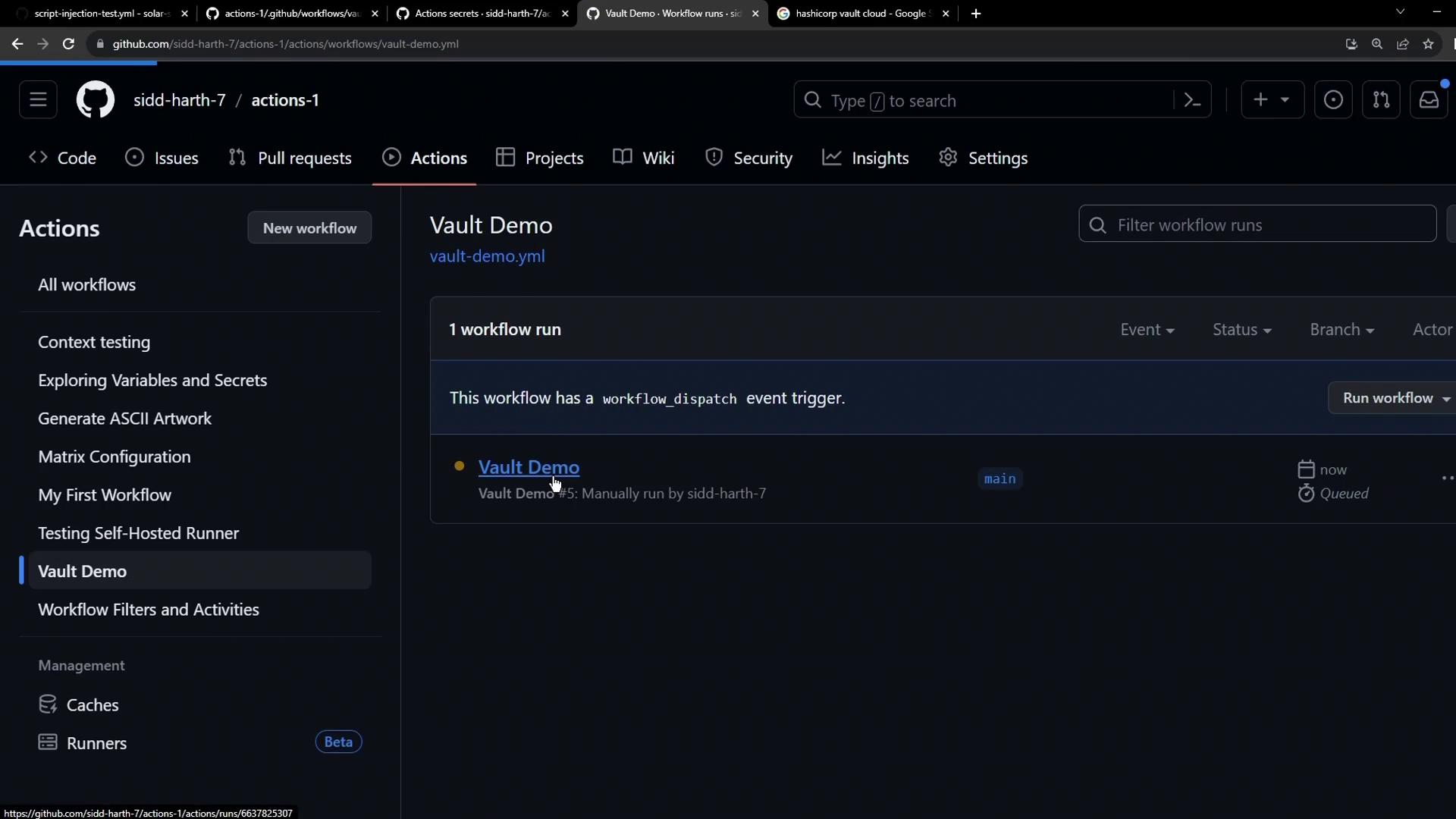
main branch (or your default branch) under .github/workflows.AWS_API_KEY is missing, the run fails:
Provisioning HashiCorp Vault on HCP
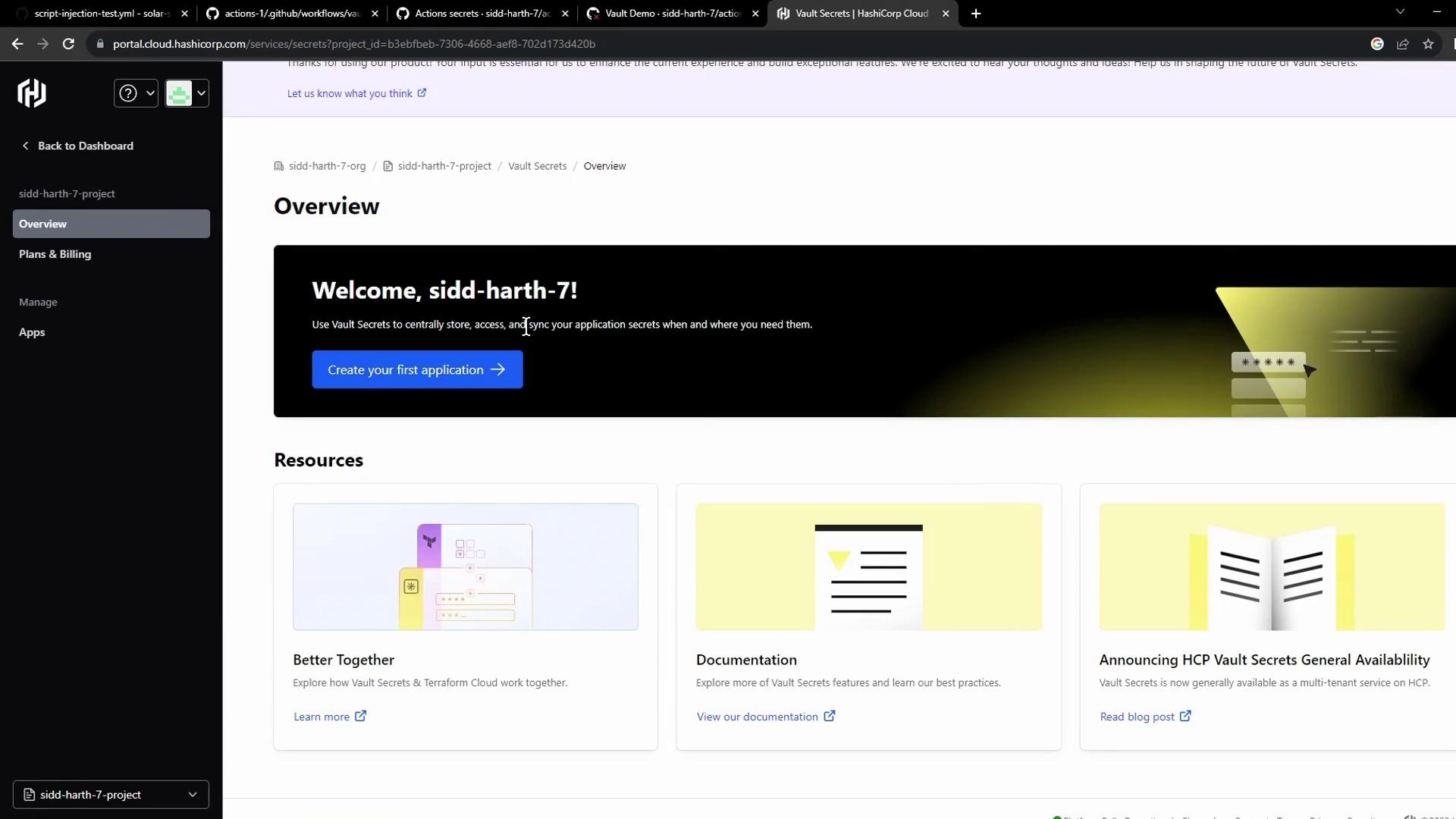
HashiCorp Vault Secrets on the HashiCorp Cloud Platform provides a fully managed service for centralized secret storage.- Sign in at the HashiCorp Vault website.
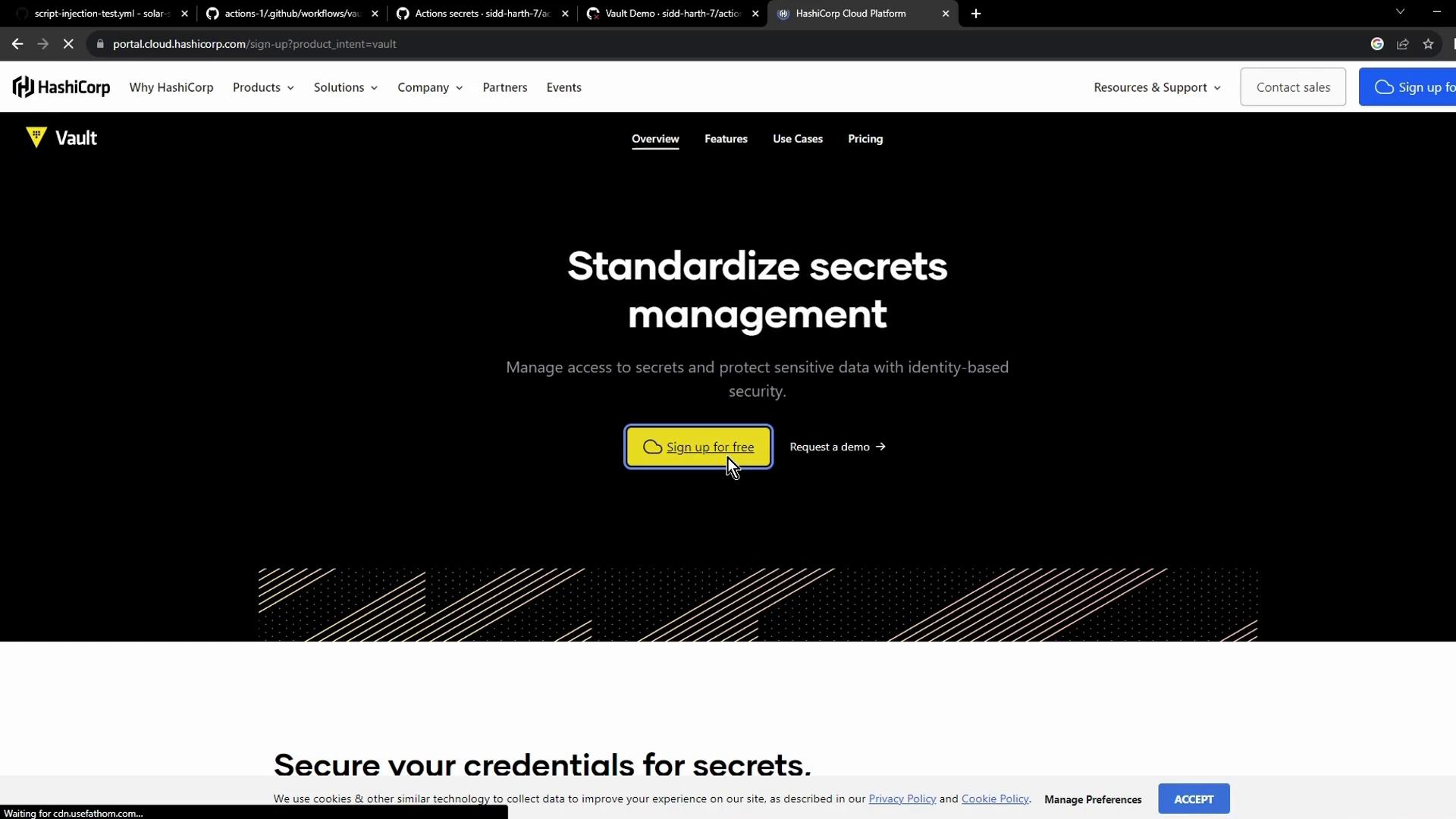
- From the HCP dashboard, select Vault Secrets:

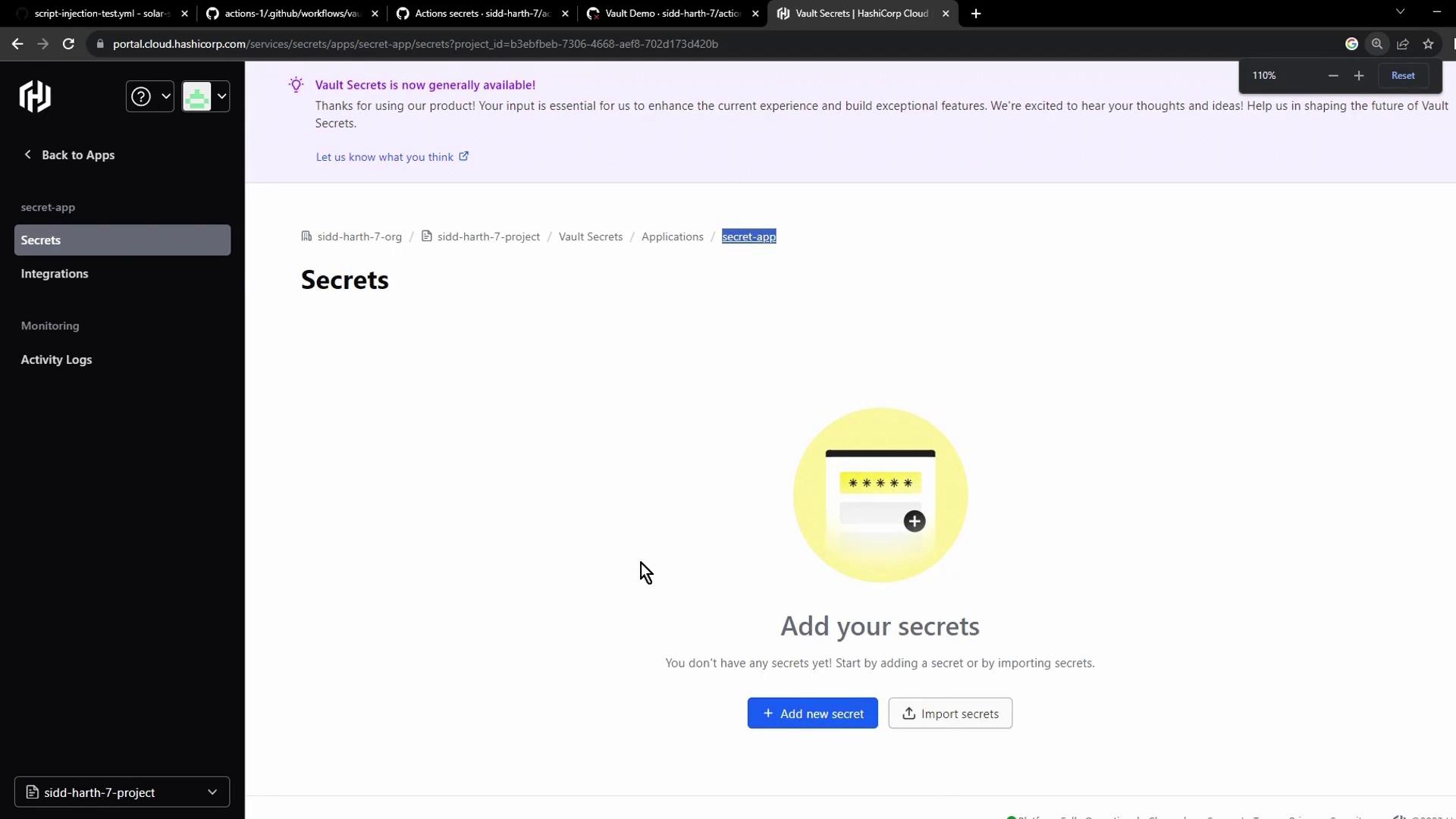
- Click Create application, name it (e.g., Secret App), then add the
AWS_API_KEYsecret:
- Use the Add secret button to insert your key/value pair:
New users may be eligible for free credits on HCP. Check the pricing page for details.
Integrating Vault with GitHub Actions
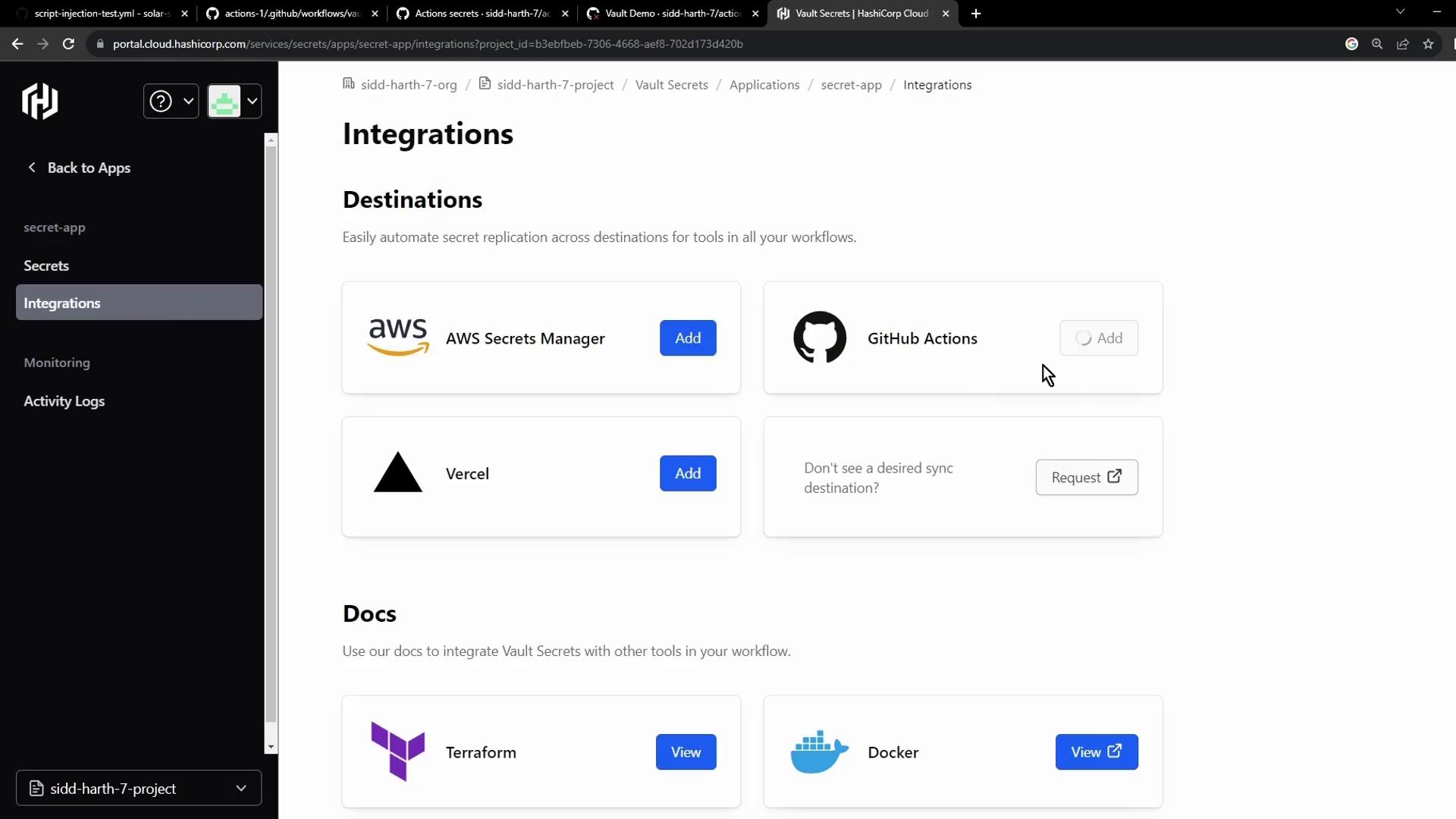
Enable automatic synchronization so GitHub Actions can retrieve secrets directly from Vault:- In the Vault console, select Integrations → GitHub Actions:
- Authorize access to your GitHub account and grant Vault permission to the target repository:
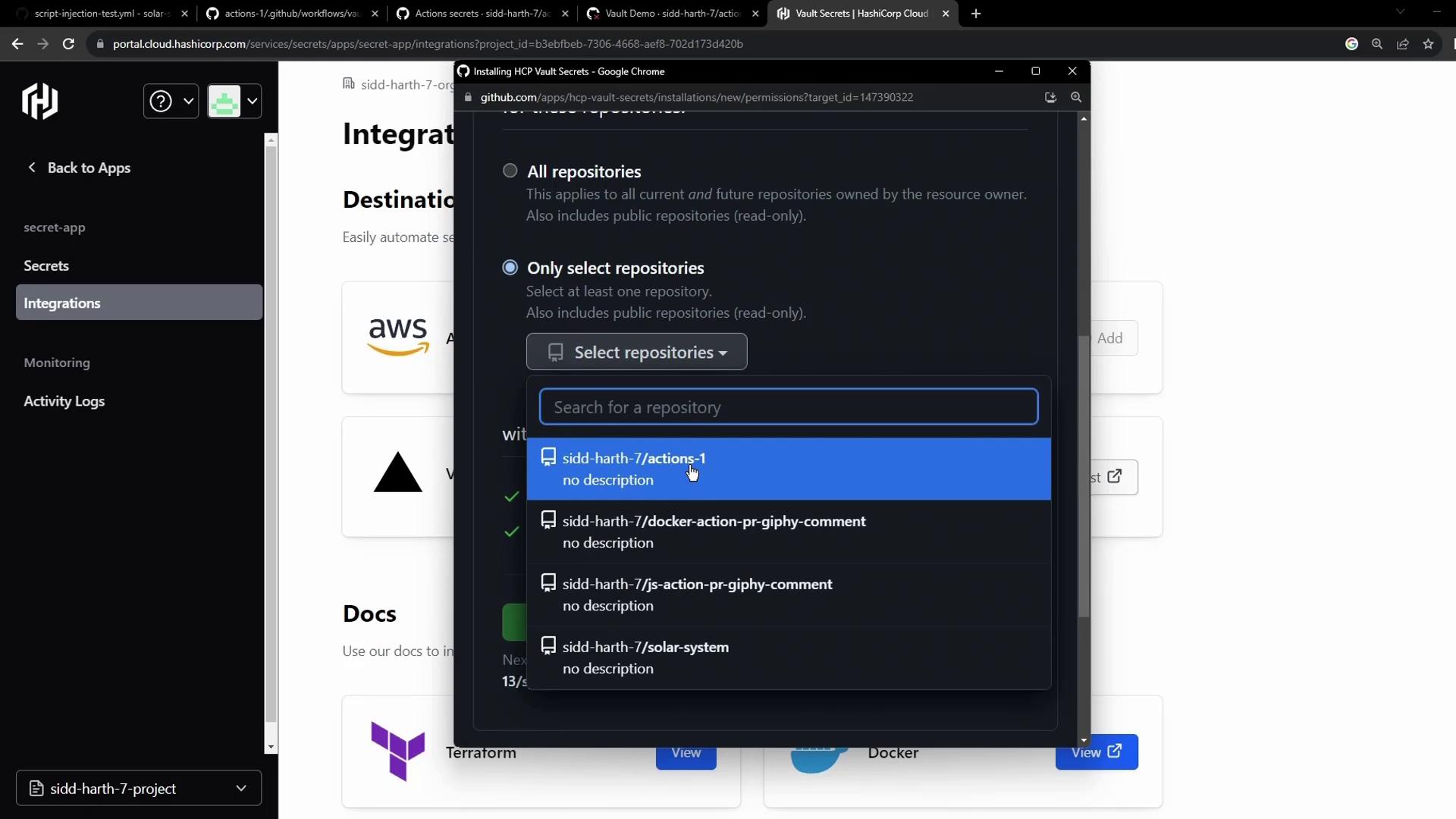
- Configure the sync destination and save:
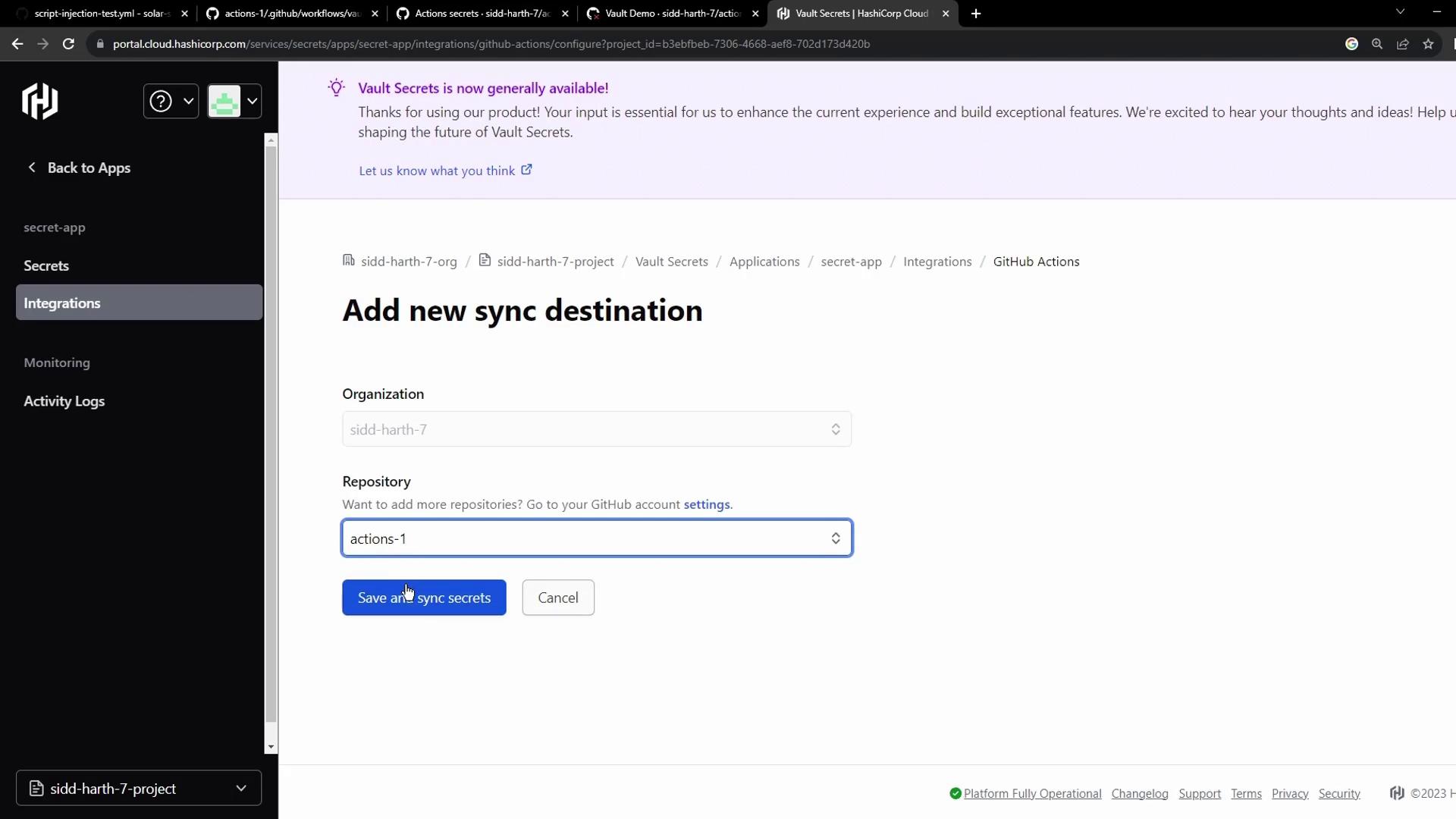
| Step | Description |
|---|---|
| Authorize GitHub | Grant Vault read access to selected repos |
| Select Repository | Choose the repo containing your workflow |
| Configure Sync | Map Vault path to GitHub secret name |
| Save & Sync | Trigger initial secret import |
Verifying the Workflow
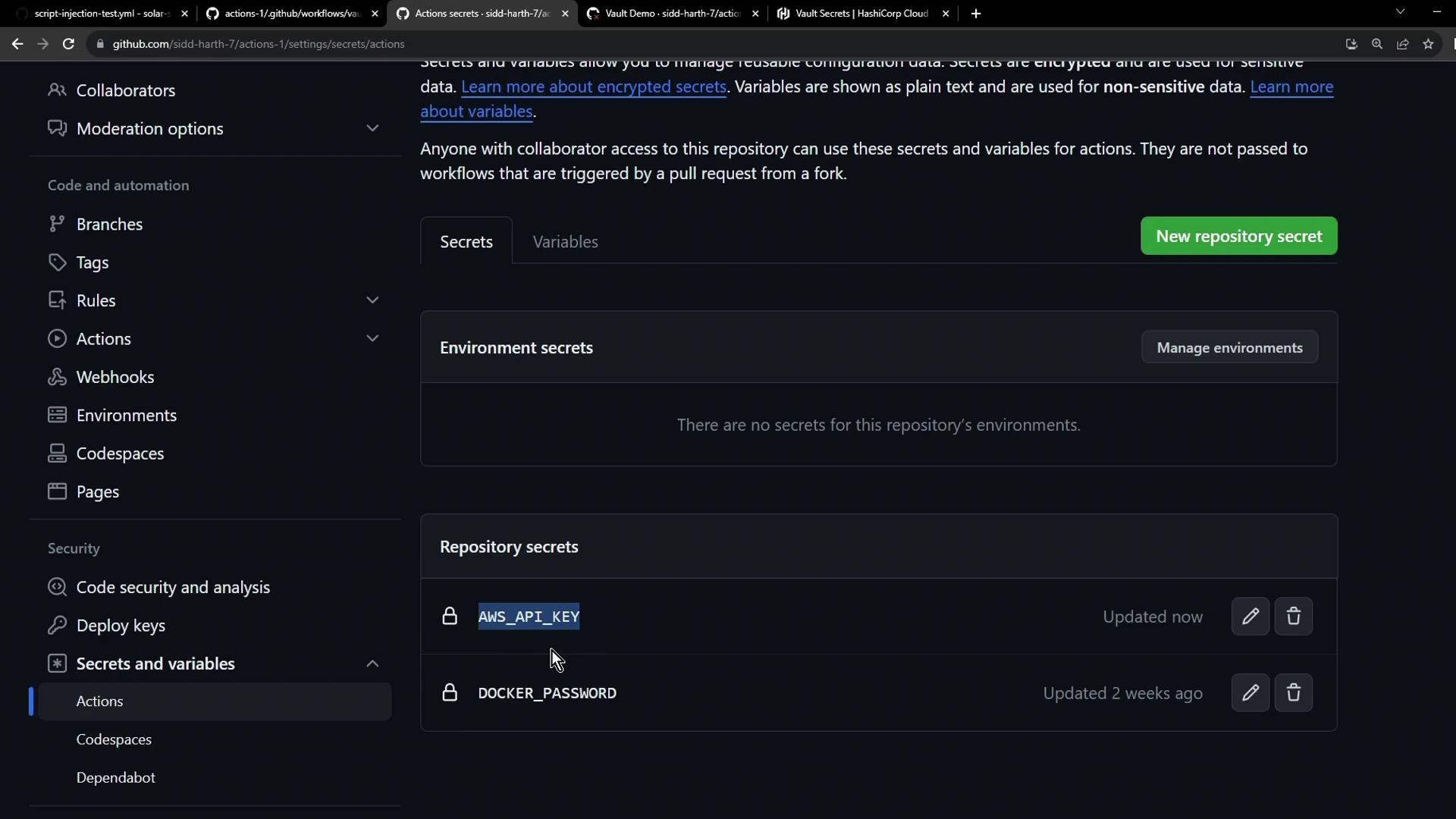
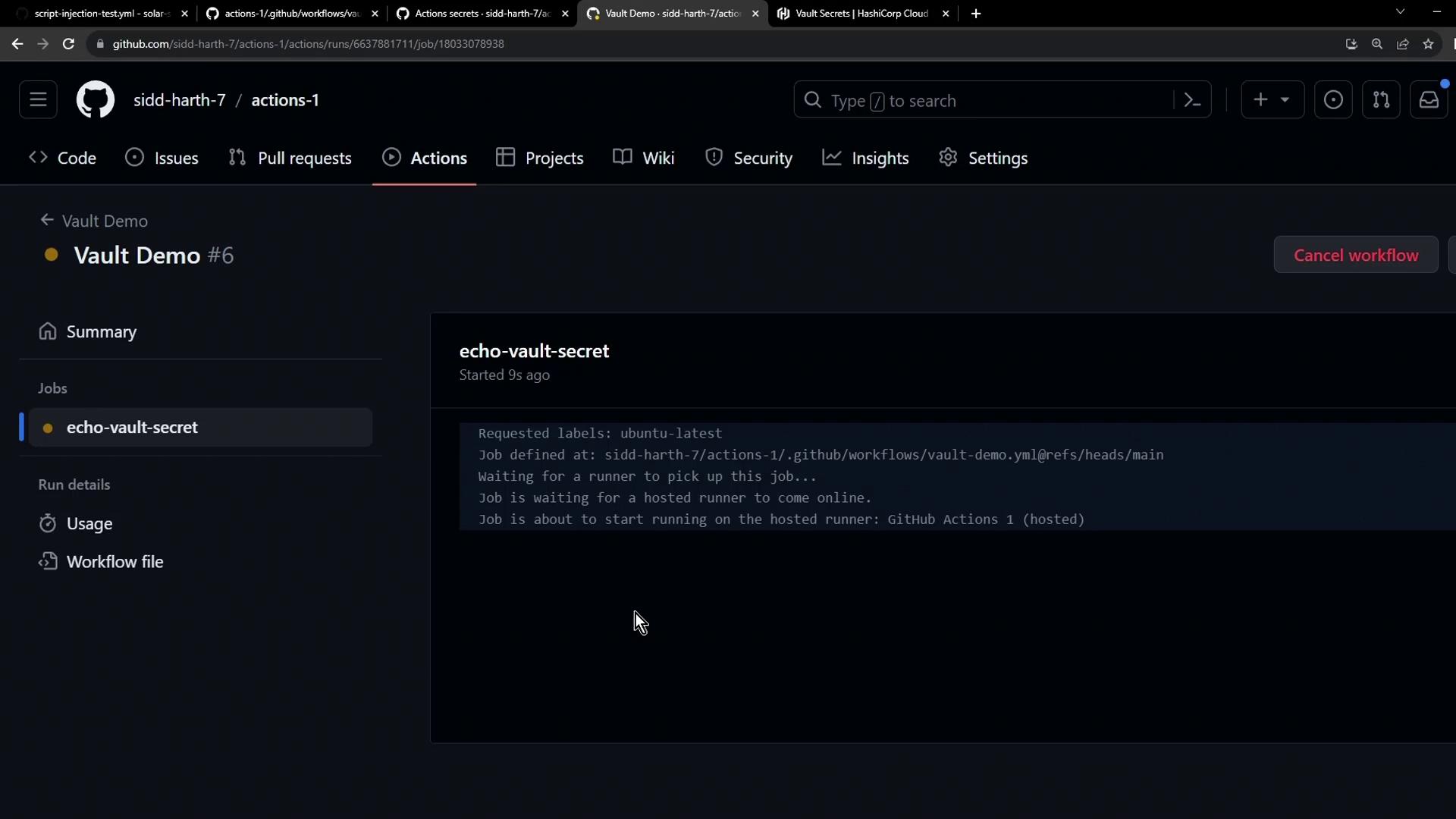
After syncing, revisit Settings → Secrets and variables → Actions to confirmAWS_API_KEY appears alongside other repository secrets:
Always verify that only the minimum required permissions are granted when authorizing integrations. Avoid exposing secrets in plaintext logs.