- Triggering on
pull_requestevents - Fetching a random GIF via the Giphy REST API
- Commenting on the pull request with the GitHub REST API
Table of Contents
- Giphy REST API
- GitHub REST API for Comments
- Creating the Repository
- Configuring GitHub Secrets
- Project Structure Overview
- Dockerfile Configuration
- Entrypoint Script
- Action Metadata (
action.yml) - Test Workflow Setup
- Opening a Pull Request
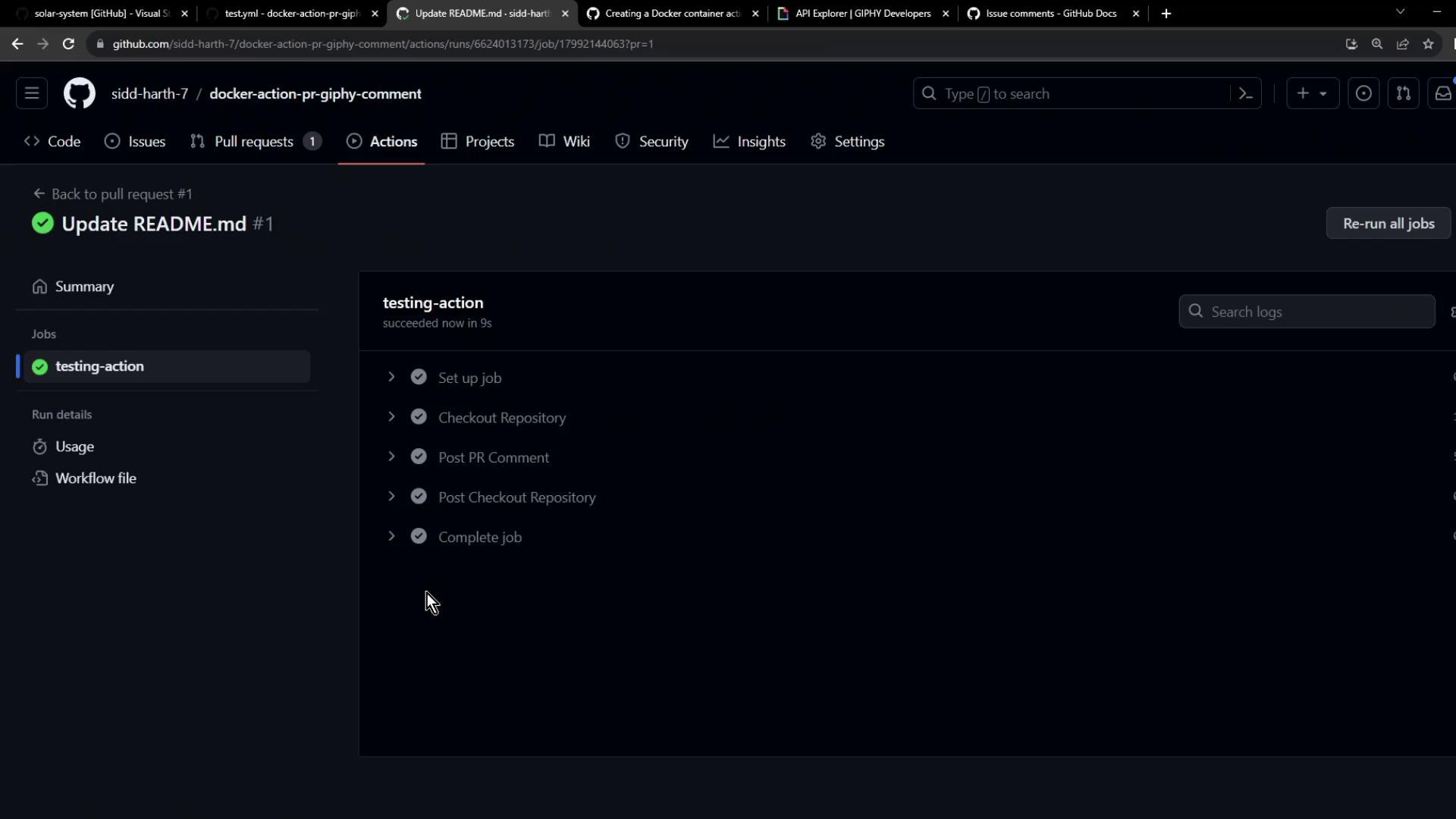
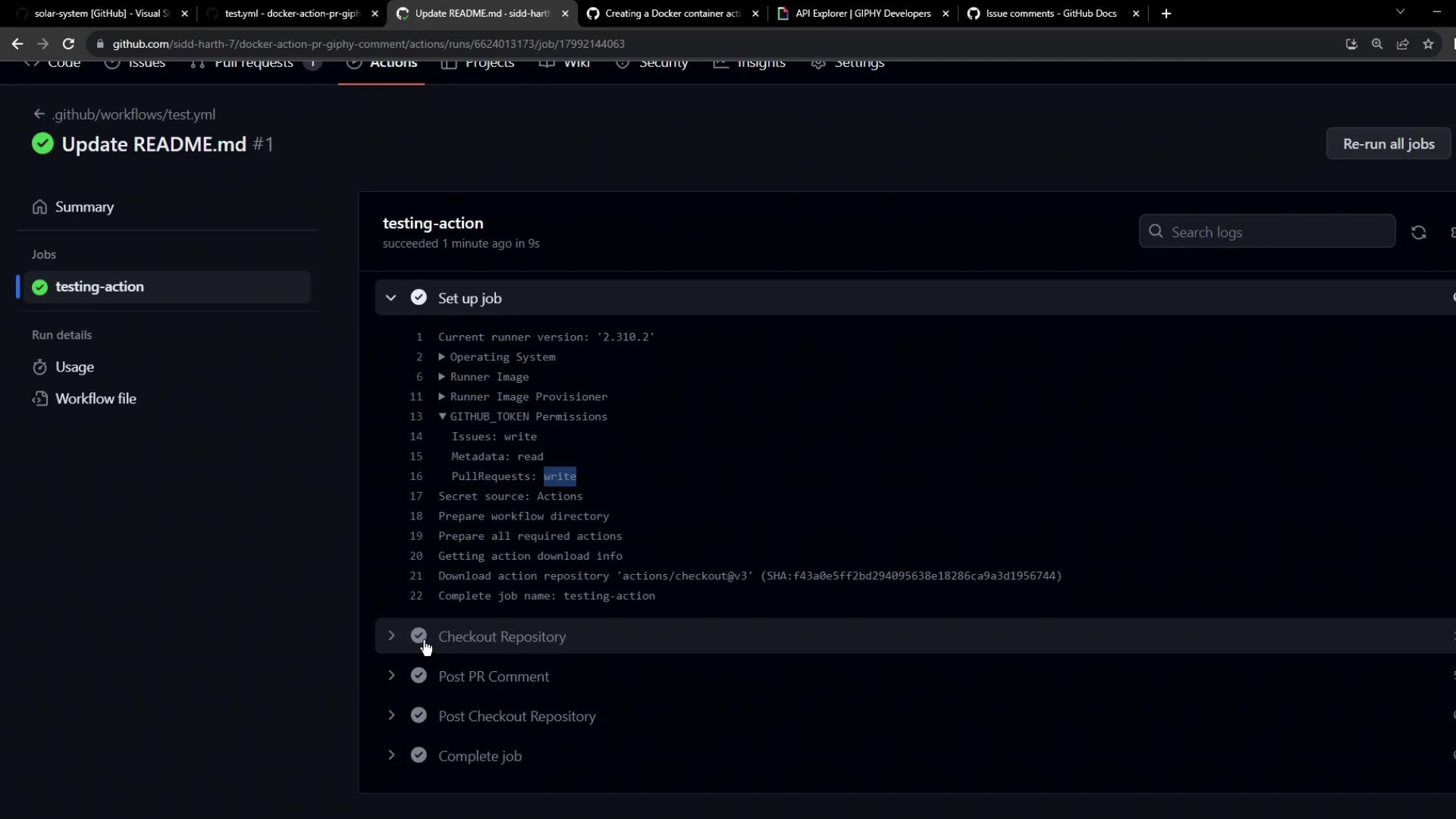
- Verifying the Workflow
- Reviewing the Bot Comment
- Links and References
1. Giphy REST API
Use the Giphy Random GIF endpoint to retrieve a random “thank you” GIF. Store your GIPHY API key in GitHub Secrets and reference it in the action:.data.images.downsized.url using jq.
2. GitHub REST API for Comments
To comment on a PR, call GitHub’s Create an issue comment endpoint. Issues and pull request comments use the same API.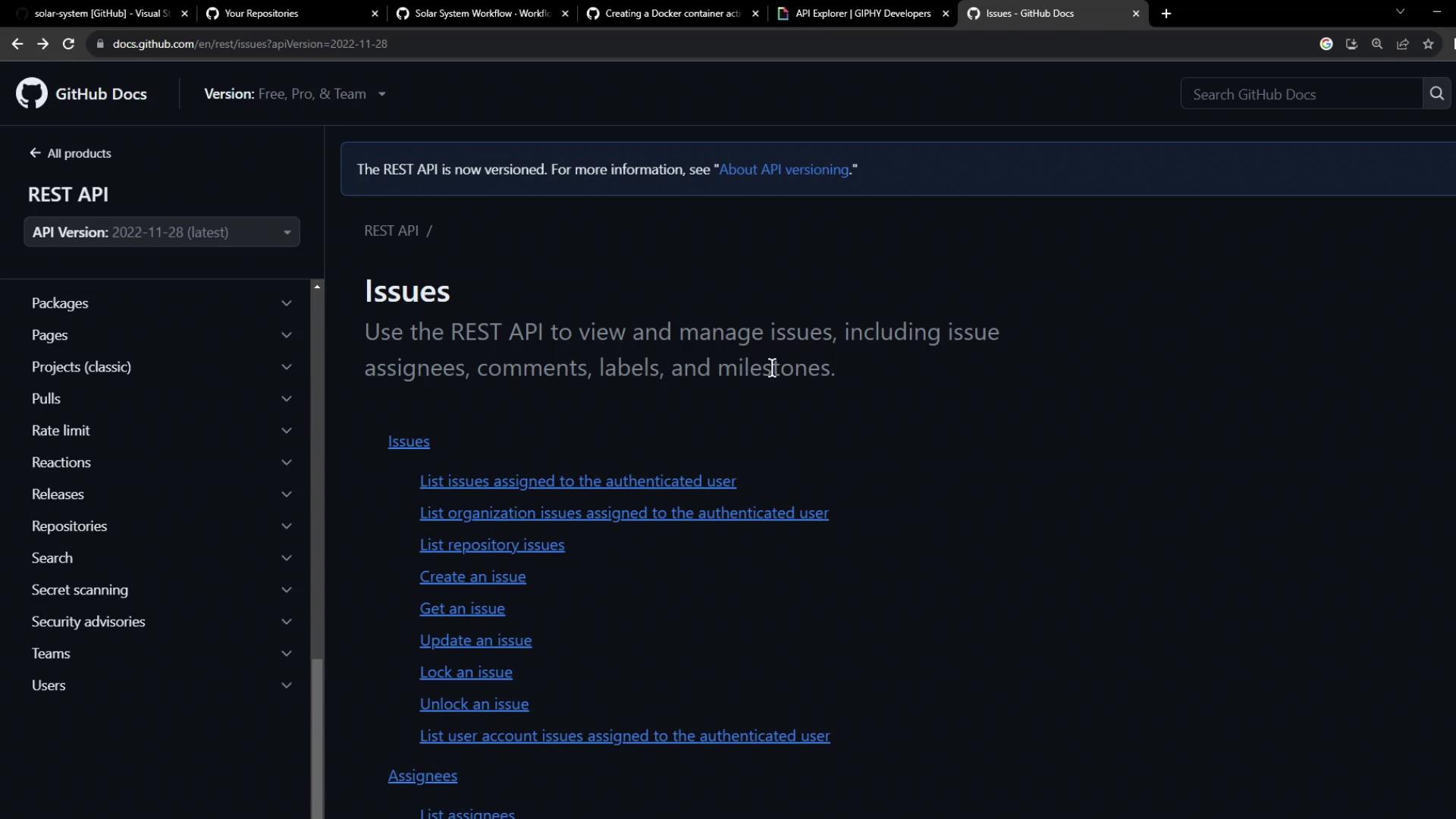
| HTTP Method | Endpoint | Purpose |
|---|---|---|
| POST | https://api.github.com/repos/{owner}/{repo}/issues/{issue_number}/comments | Create a PR comment |
curl command:
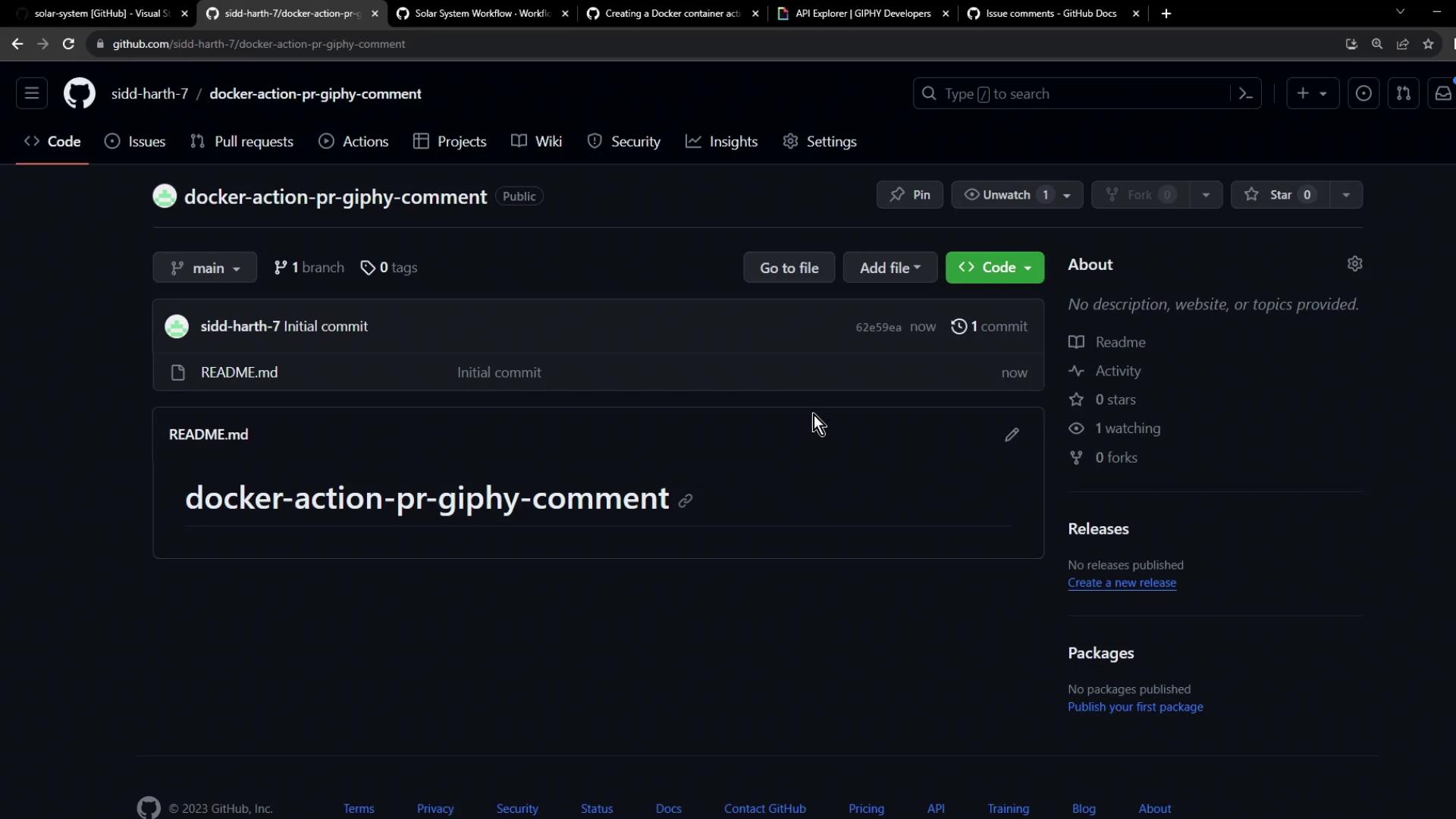
3. Creating the Repository
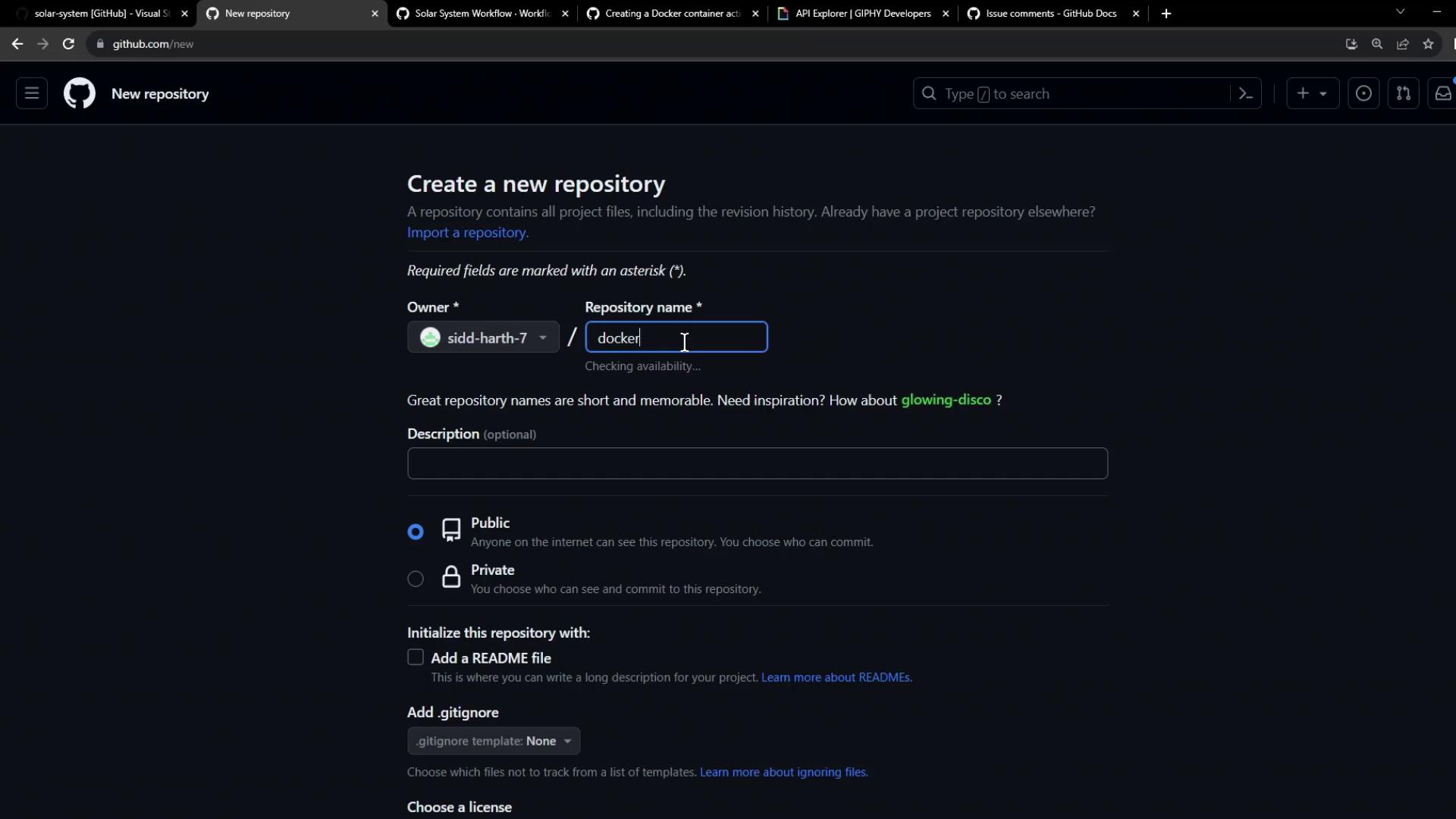
Initialize a new public repository nameddocker-action-pr-giphy-comment with a README.md:
4. Configuring GitHub Secrets
Store sensitive information under Settings > Secrets and variables > Actions: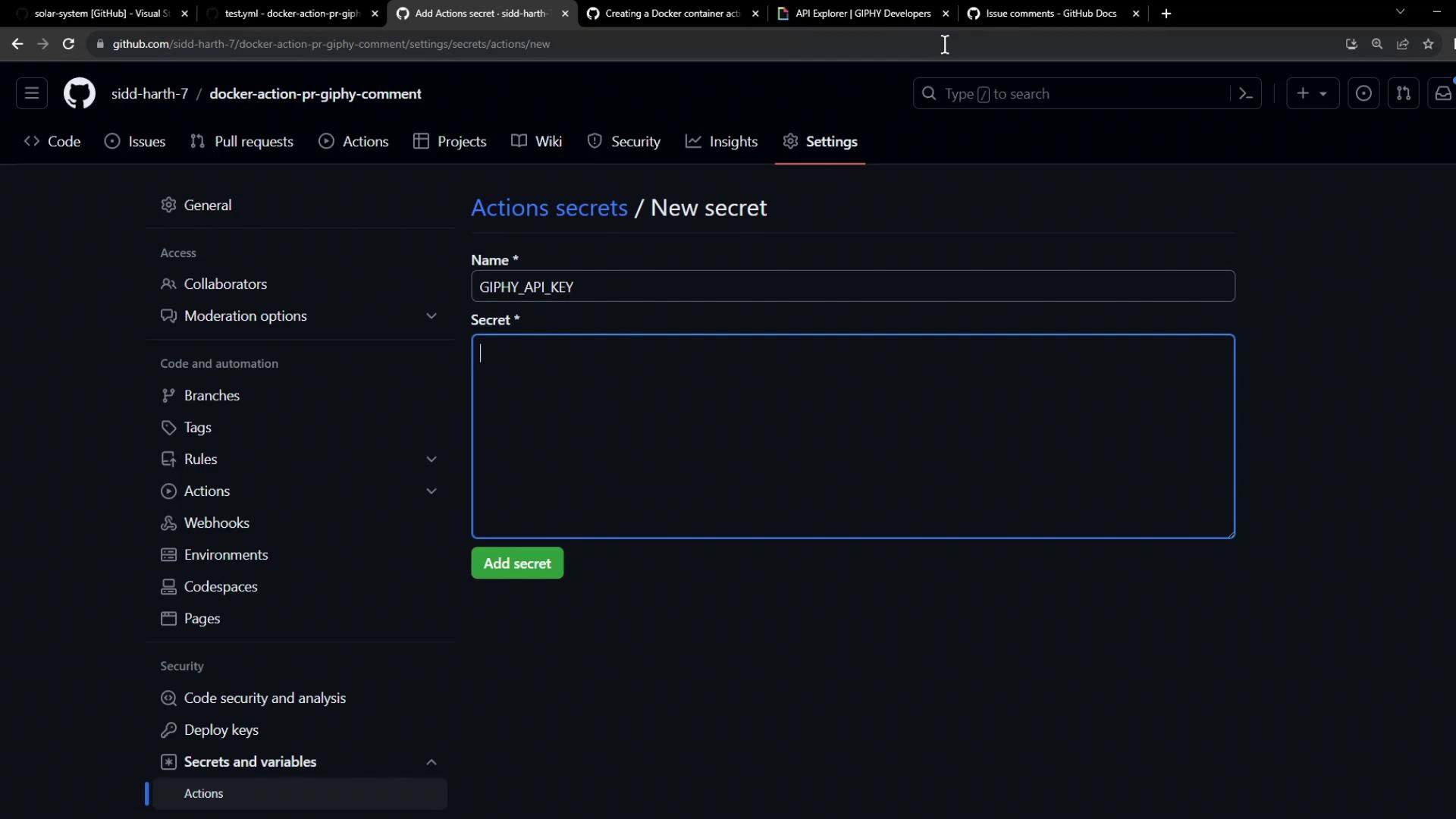
You will add:
GIPHY_API_KEYfor the Giphy API- Use the built-in
GITHUB_TOKENfor commenting on PRs
5. Project Structure Overview
Your repository should contain the following files: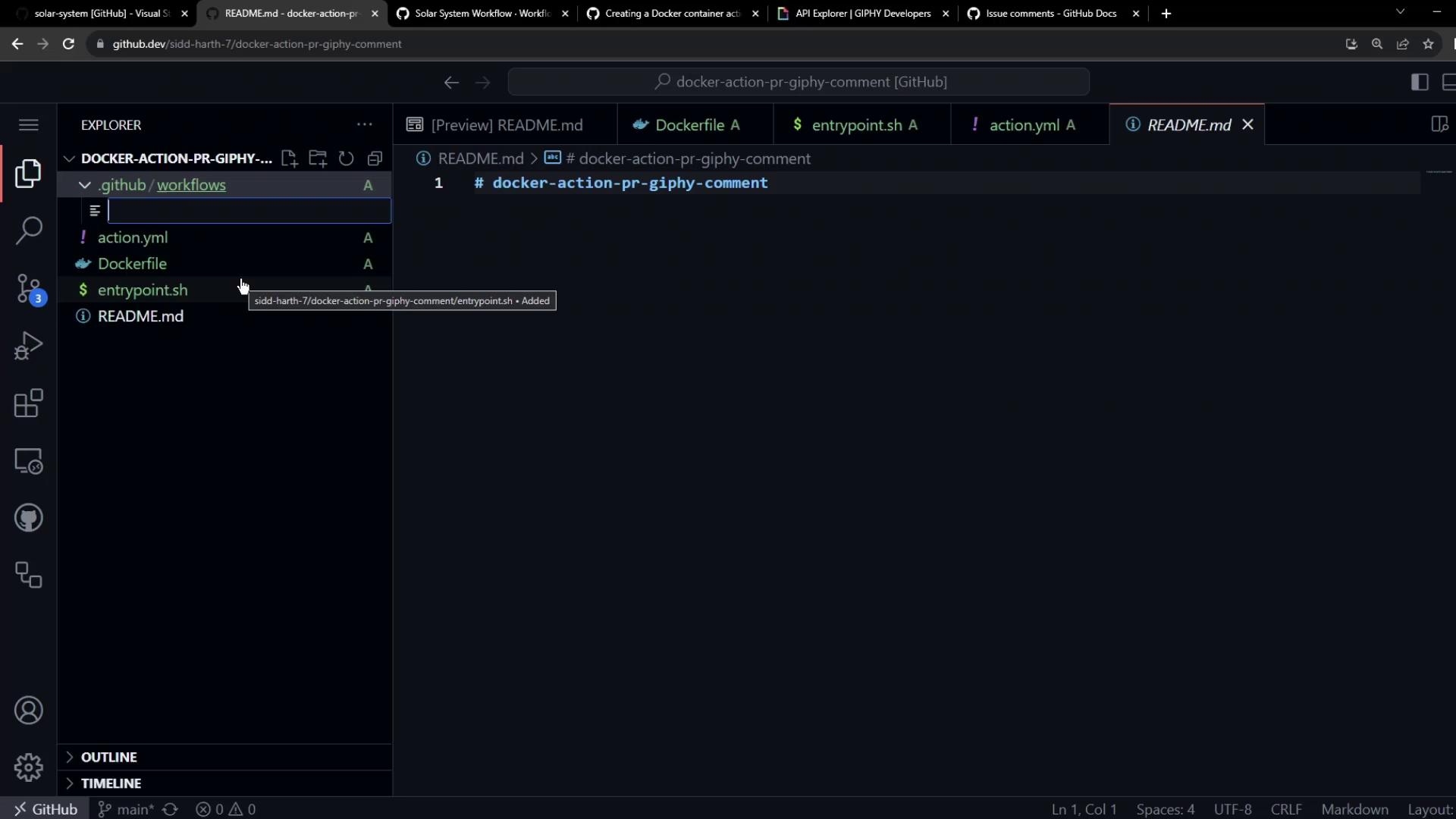
| File | Purpose |
|---|---|
Dockerfile | Defines the container environment |
entrypoint.sh | Handles the action logic |
action.yml | Action metadata and inputs |
.github/workflows/test.yml | Workflow to test the action on PRs |
6. Dockerfile Configuration
Create a lightweight container with required utilities:7. Entrypoint Script
Theentrypoint.sh script orchestrates:
- Reading the PR number from the GitHub event payload
- Fetching a random “thank you” GIF
- Parsing the GIF URL
- Posting a comment on the PR
8. Action Metadata (action.yml)
Define inputs and Docker run settings:
9. Test Workflow Setup
Configure.github/workflows/test.yml to trigger on PR opens:
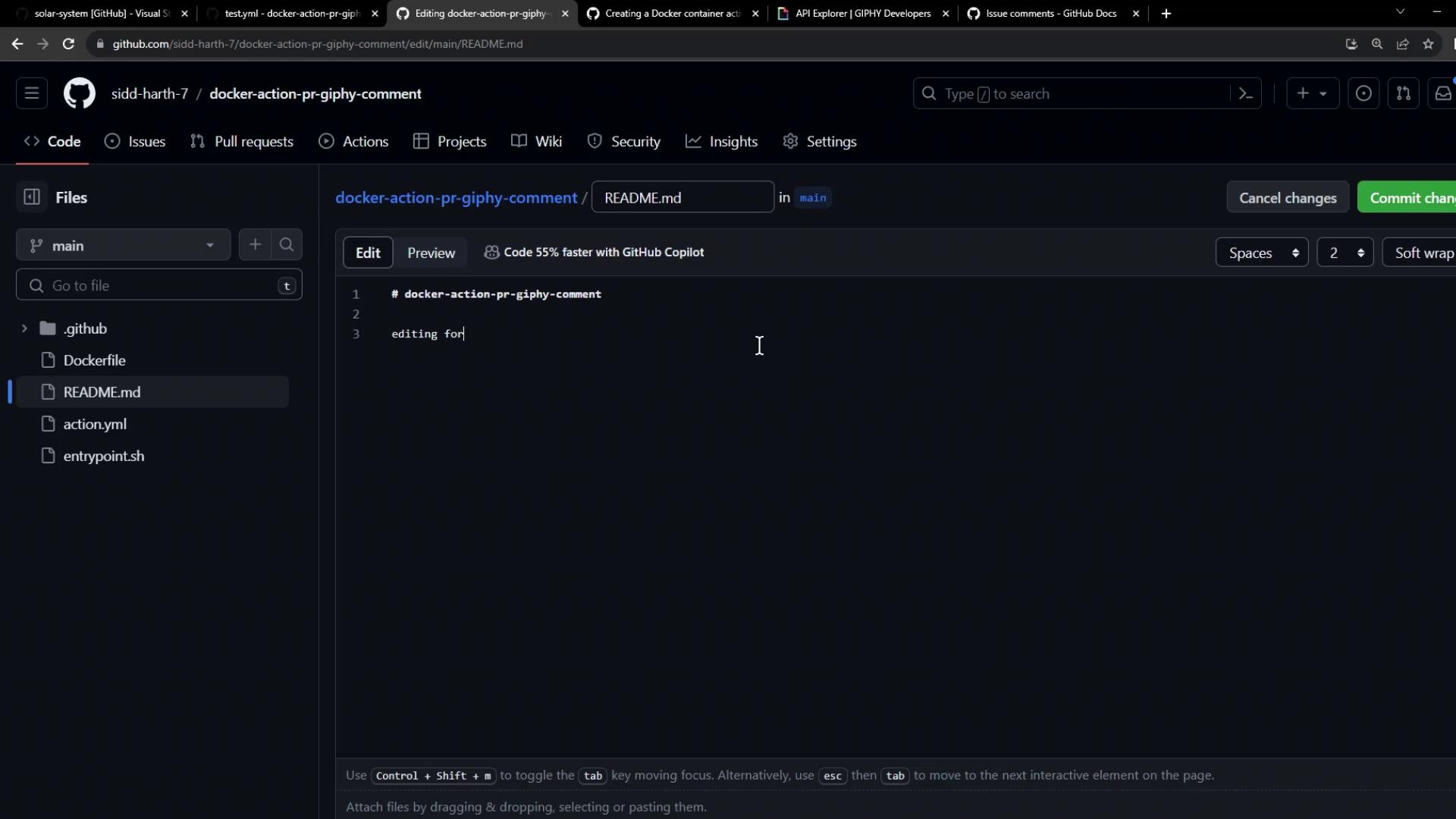
10. Opening a Pull Request
Make a small update (e.g., editREADME.md) in a feature branch to trigger the workflow:
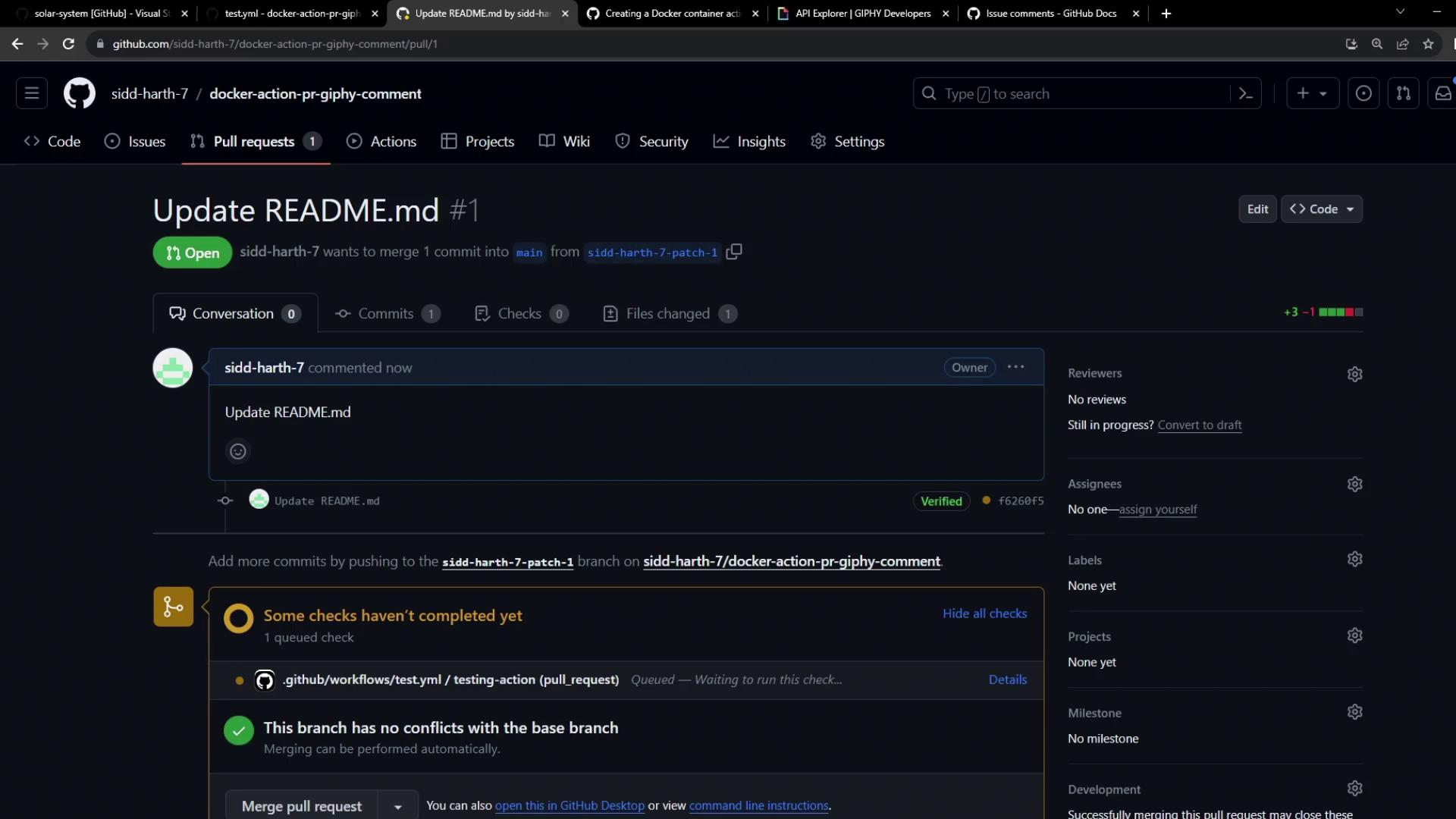
11. Verifying the Workflow
Monitor the Action run under Actions. A successful run indicates: