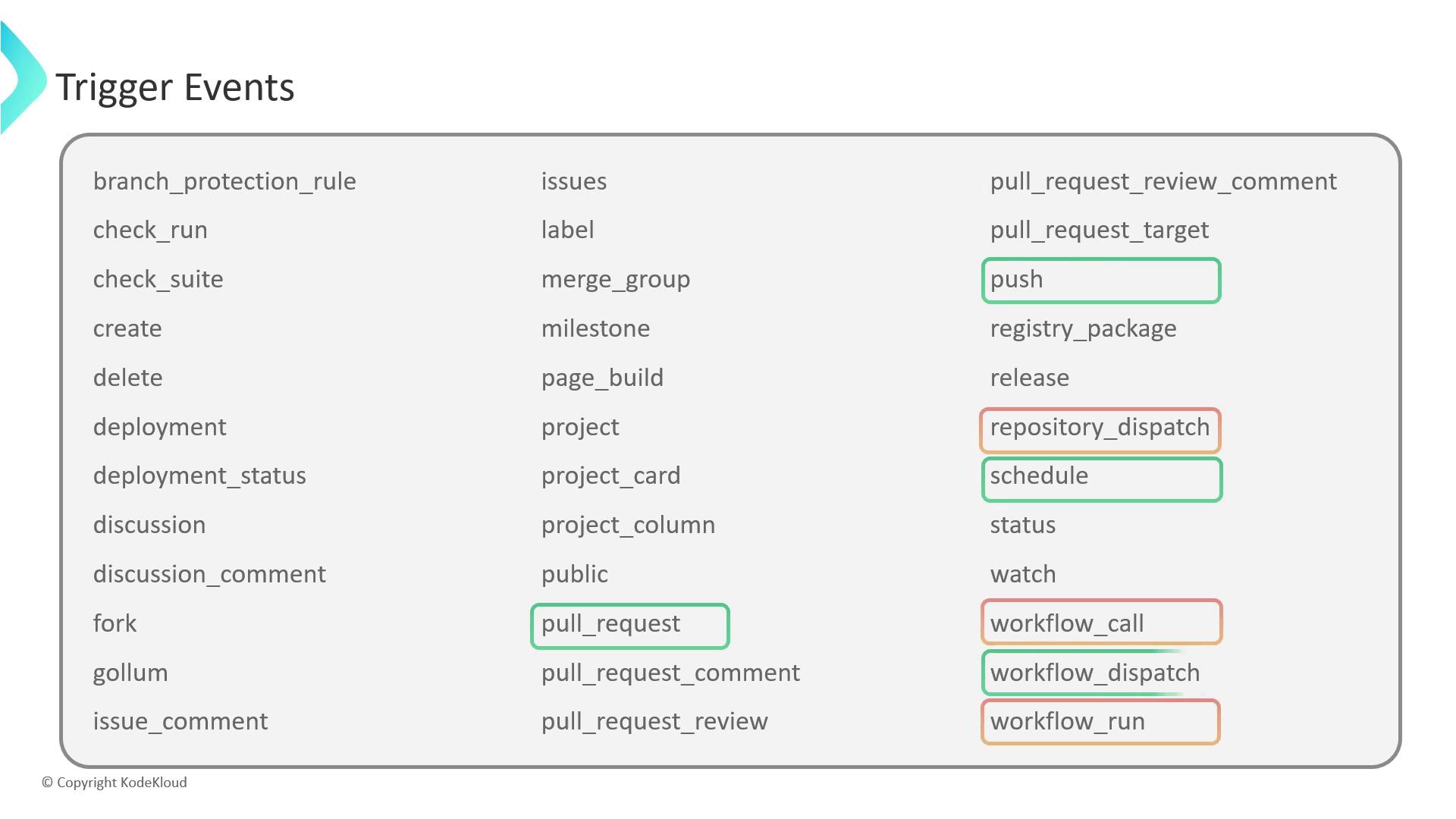
GitHub Actions can react to a wide range of webhook events. This guide covers four key triggers—workflow_dispatch, repository_dispatch, workflow_call, and workflow_run—to help you automate and chain your CI/CD pipelines efficiently.
Event Trigger Type Use Case workflow_dispatch Manual Run workflows on demand with custom inputs repository_dispatch HTTP POST Integrate external services via API calls workflow_call Workflow reuse Build modular, reusable pipelines workflow_run Workflow chaining Chain workflows based on completion status
1. workflow_dispatch The workflow_dispatch event enables manual, on-demand execution of workflows. You can define custom inputs to parameterize each run:
name : Manual Trigger Demo on : workflow_dispatch : inputs : message : description : "Custom message to echo" required : false type : string jobs : greet : runs-on : ubuntu-latest steps : - name : Echo input message run : echo "Message : ${{ github.event.inputs.message }}"
After pushing this file, go to the Actions tab, choose Manual Trigger Demo , click Run workflow , and provide a value for message.
If you omit required: true, the input becomes optional and can be left blank.
2. repository_dispatch Use repository_dispatch to fire workflows from external systems via an HTTP POST:
name : External API Trigger on : repository_dispatch : types : [ system_result ] jobs : report : runs-on : ubuntu-latest steps : - name : Display payload run : echo "Payload : ${{ github.event.client_payload.message }}"
Trigger it with:
curl -X POST \ -H "Accept: application/vnd.github+json" \ -H "Authorization: Bearer $GITHUB_TOKEN " \ https://api.github.com/repos/ < owne r > / < rep o > /dispatches \ -d '{ "event_type": "system_result", "client_payload": { "message": "Error: API Timeout" } }'
Ensure your GITHUB_TOKEN has repo scope; otherwise the API request will fail with a 403 error.
3. workflow_call The workflow_call event helps you define reusable workflows that other workflows can invoke. This promotes DRY principles across repositories:
name : Reusable Workflow on : workflow_call : inputs : message : description : "Text to echo" required : false type : string secrets : MY_SECRET : required : true jobs : echo-job : runs-on : ubuntu-latest steps : - name : Show inputs and secrets run : | echo "Msg: ${{ inputs.message }}" echo "Secret: ${{ secrets.MY_SECRET }}"
Invoke it from another workflow:
jobs : call-reusable : uses : owner/repo/.github/workflows/reusable.yml@main with : message : "Hello from parent" secrets : MY_SECRET : ${{ secrets.MY_SECRET }}
Reusable workflows accept with and secrets inputs, making them highly parameterized and secure.
4. workflow_run Chain workflows by listening to the completion of another workflow. For example, deploy only after a successful build:
Build Workflow name : BUILD_WORKFLOW_DEMO on : push : jobs : build : runs-on : ubuntu-latest steps : - run : echo "Build completed successfully"
Deployment Workflow name : DEPLOY_WORKFLOW_DEMO on : workflow_run : workflows : - BUILD_WORKFLOW_DEMO types : - completed jobs : on-success : if : ${{ github.event.workflow_run.conclusion == 'success' }} runs-on : ubuntu-latest steps : - run : echo "Starting deployment steps..." on-failure : if : ${{ github.event.workflow_run.conclusion == 'failure' }} runs-on : ubuntu-latest steps : - run : echo "Build failed; skipping deployment."
You can filter on types (completed, requested, in_progress) and branch logic using ${{ github.event.workflow_run.conclusion }}.
Links and References